

SkillForge
A Smart, Interactive Portfolio + Mini Games + Study Tools + Resume Viewer in One!
🚀 Web Project – SkillForge
📌 Theme: Open Innovation
Build whatever inspires you!
Frontend-only using pure HTML, CSS, and JavaScript.
No frameworks. No pressure. Just creativity and completion!
📁 Project Structure
📦 CreativeCorner
├── index.html         # Home page (Single file with all logic + external links)
├── about.html         # About Me page (inline CSS + JS + external links)
├── resume.html        # Resume / Portfolio page (inline CSS + JS + external links)
├── games.html         # Fun mini games (Tic Tac Toe, Number Guess)
├── study.html         # Study tools (To-Do List, Flashcards)
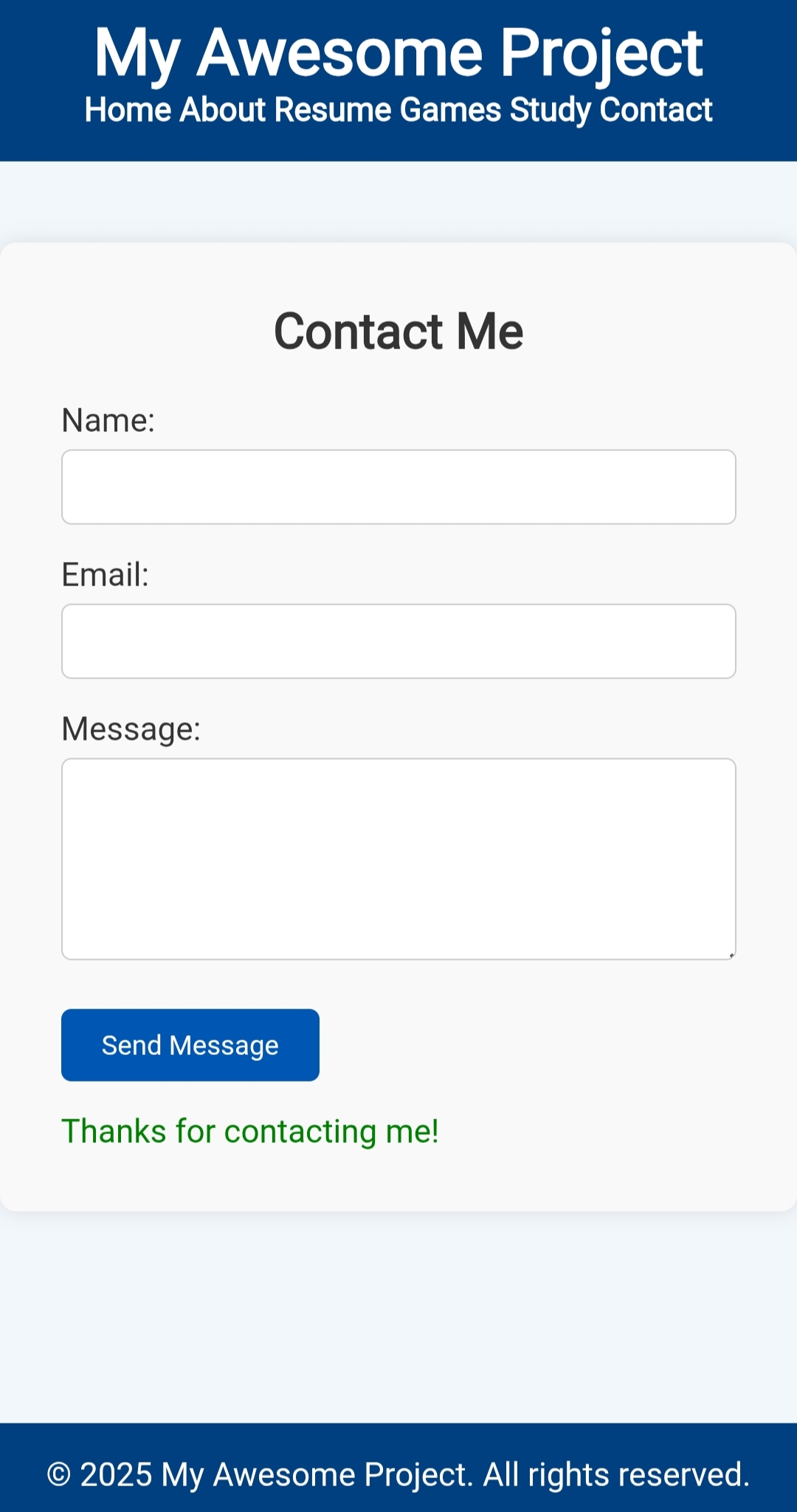
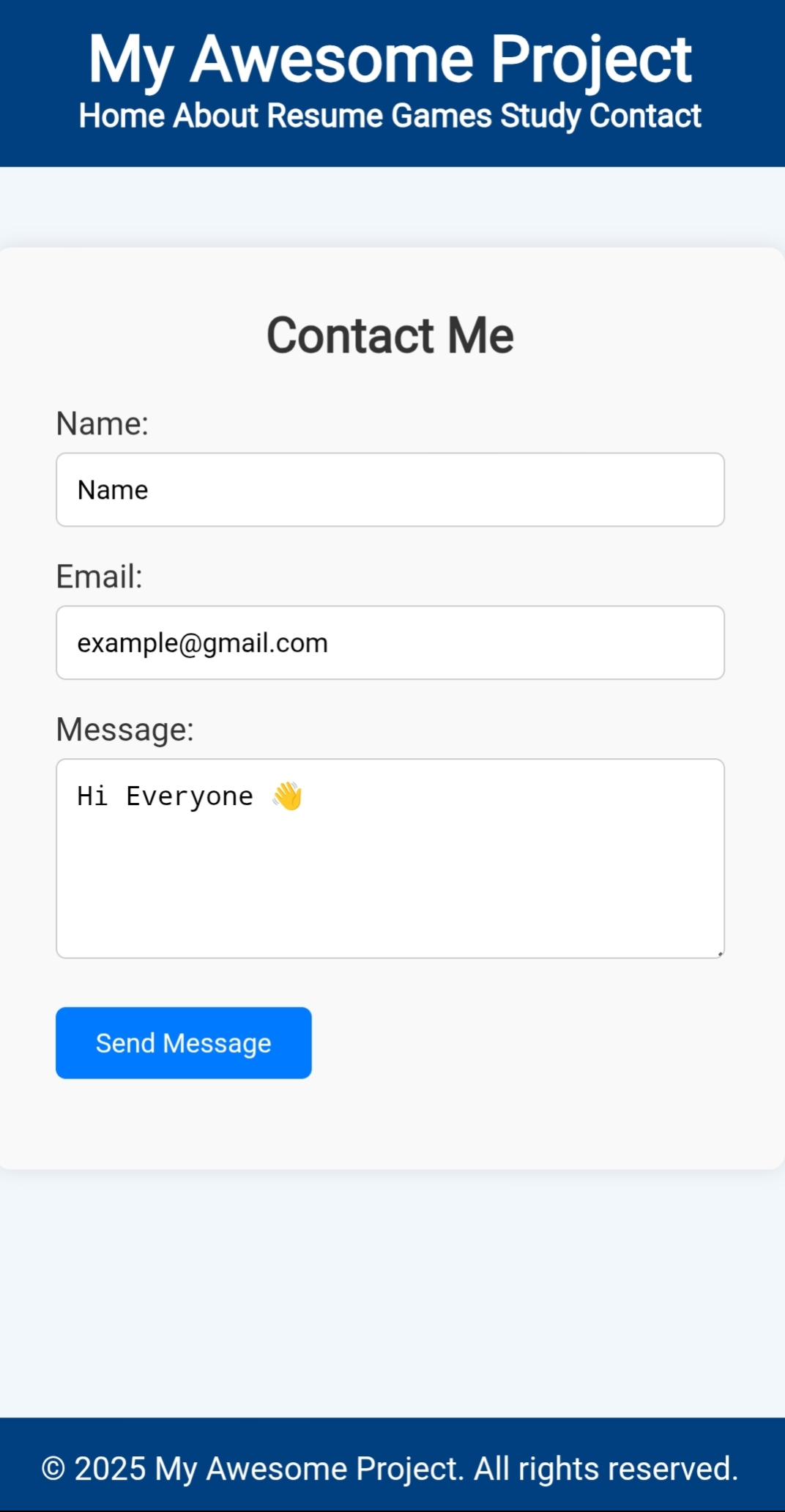
├── contact.html       # Contact form (UI only)
├── style.css          # Main external CSS (shared styles)
├── script.js          # Main external JS (shared logic)
└── README.md          # This file!


---

🌐 Live Demo (https://projectmahe.github.io/SkillForge/)

> You can host this project using GitHub Pages, Netlify, or Vercel.
Example with GitHub Pages:


1. Push your project to a public GitHub repository.


2. Go to Settings > Pages.


3. Select your branch (e.g. main) and set the folder to /root.


4. Your website will be live at:


https://projectmahe.github.io/SkillForge/


---

🧠 Features per Page

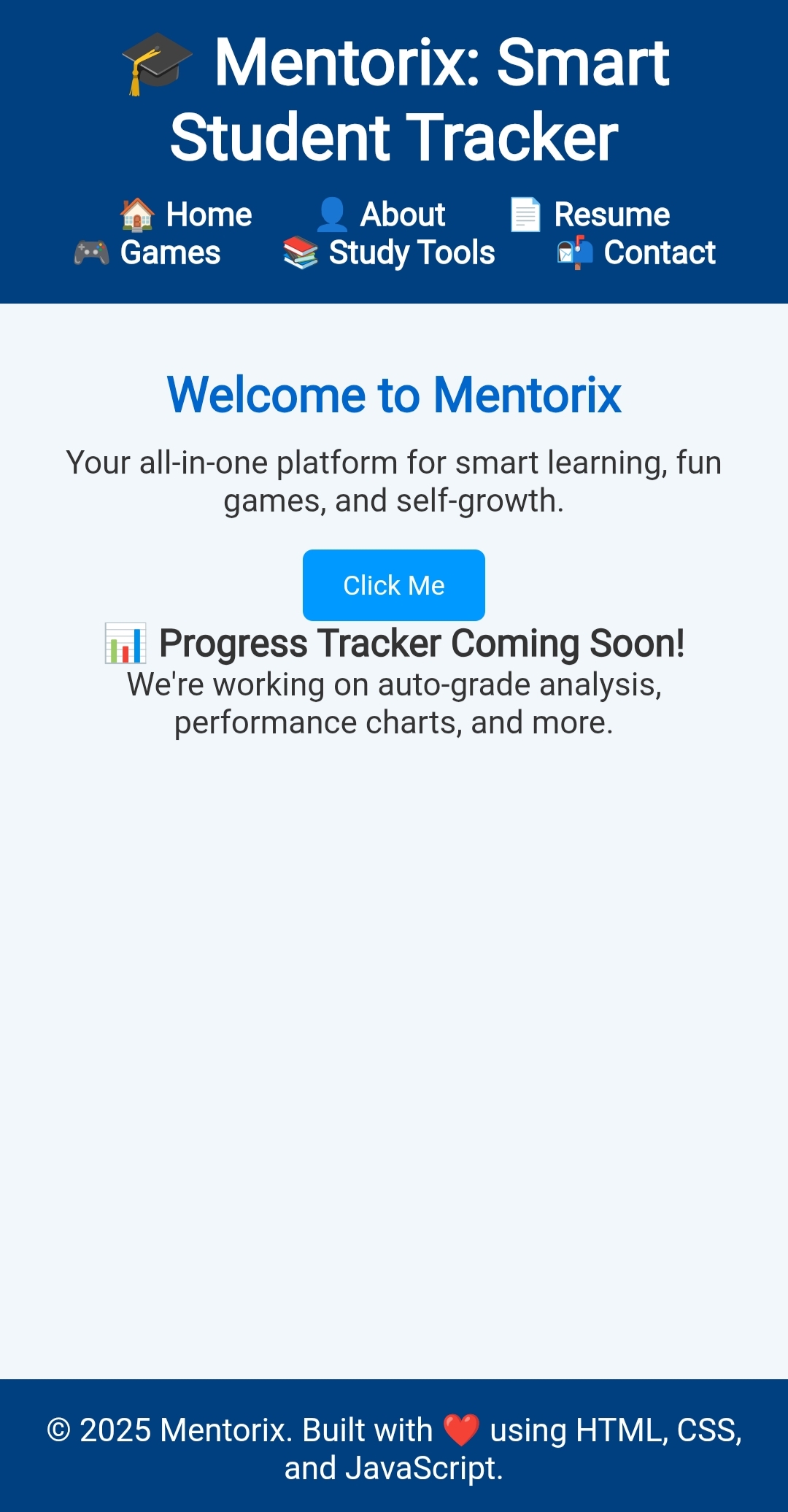
✅ index.html

Simple welcome homepage

Navigation links to all other pages

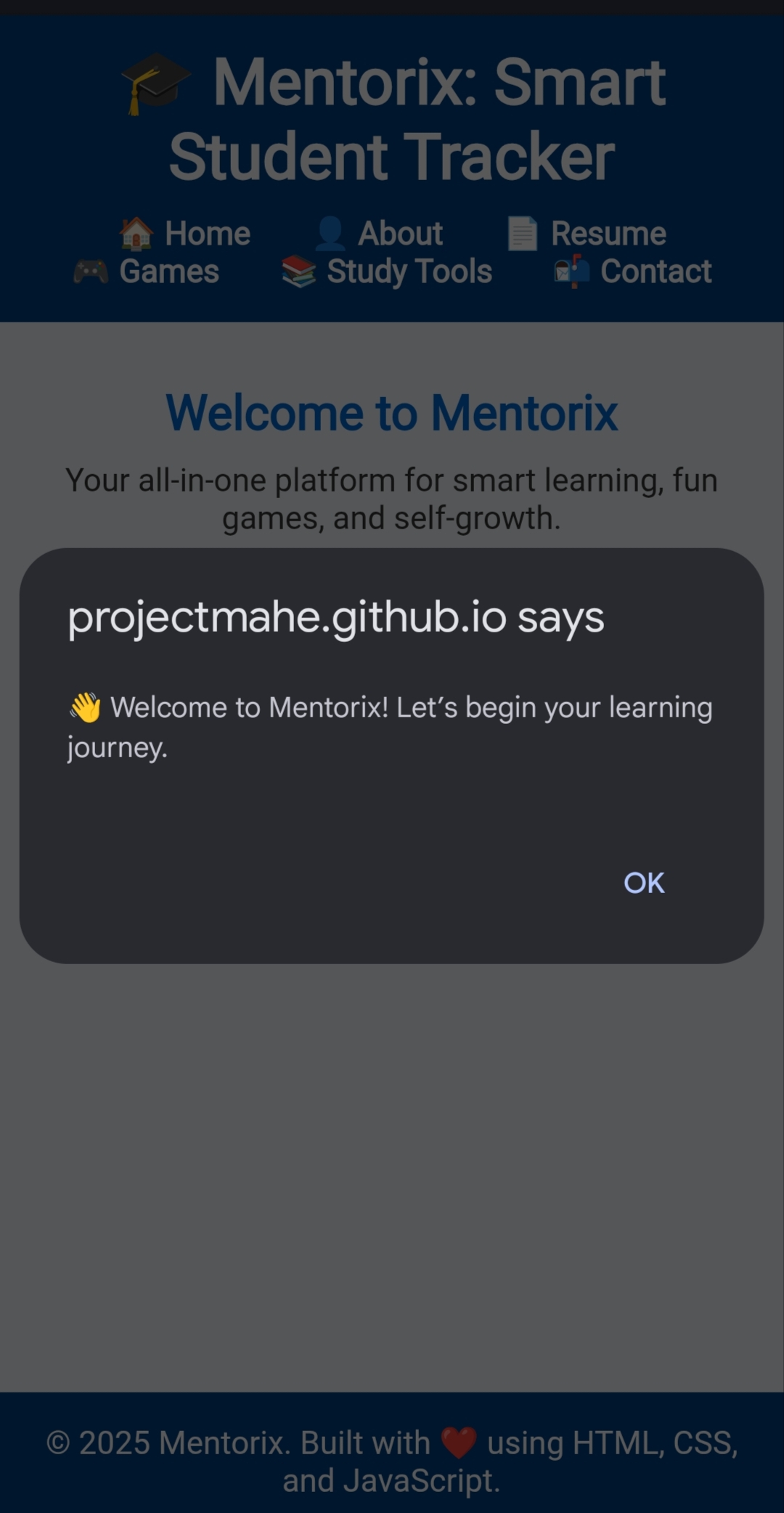
Inline CSS & JS for dynamic greeting

External style.css & script.js support


👤 about.html

Personal introduction and photo

Timeline or brief journey

Linked to resume and contact


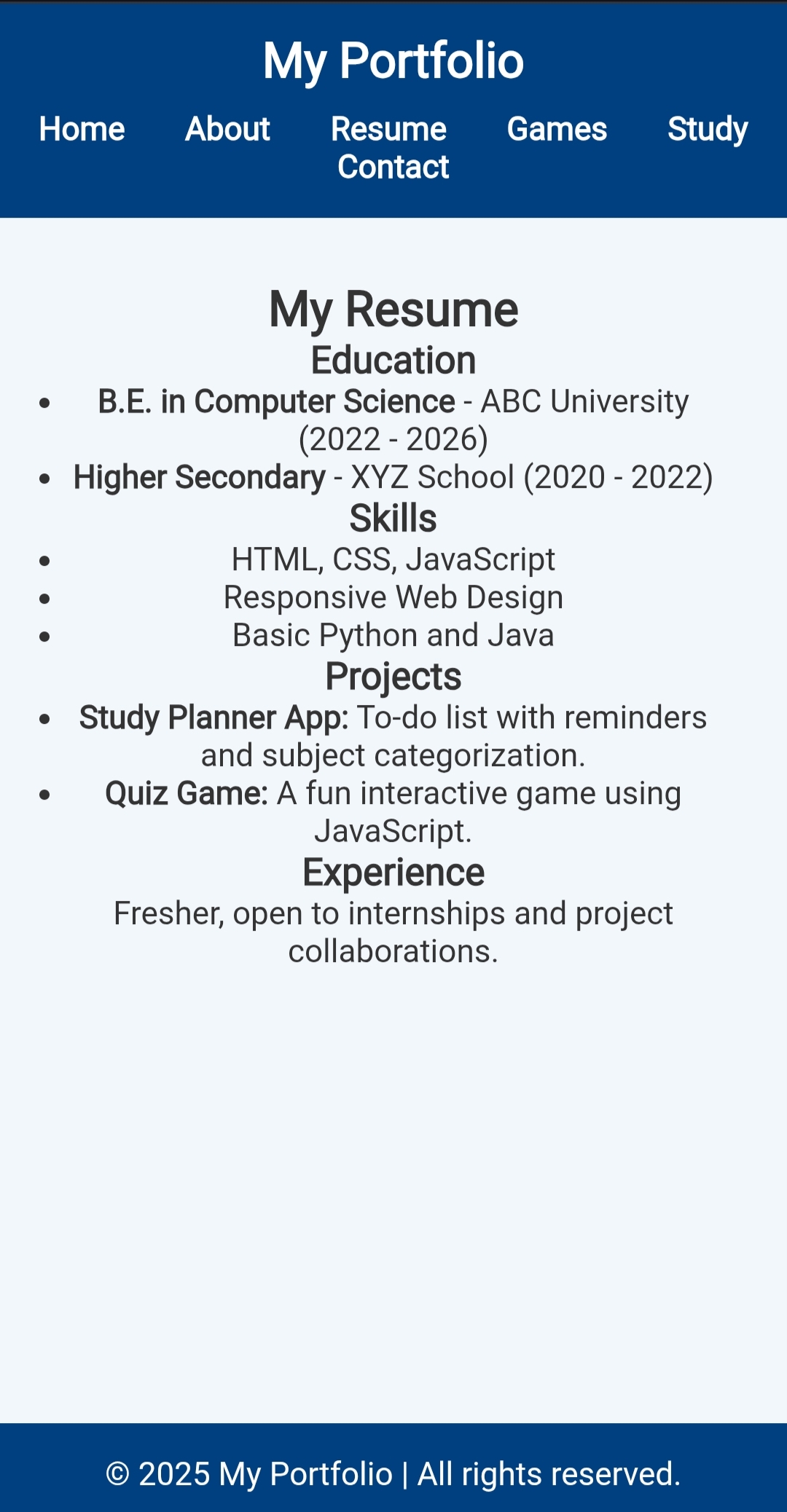
📄 resume.html

Skills, projects, and education

Downloadable resume button

Creative layout using flexbox/grid


🎮 games.html

Playable Tic Tac Toe

Mini Number Guess game

Interactive logic with clean UI


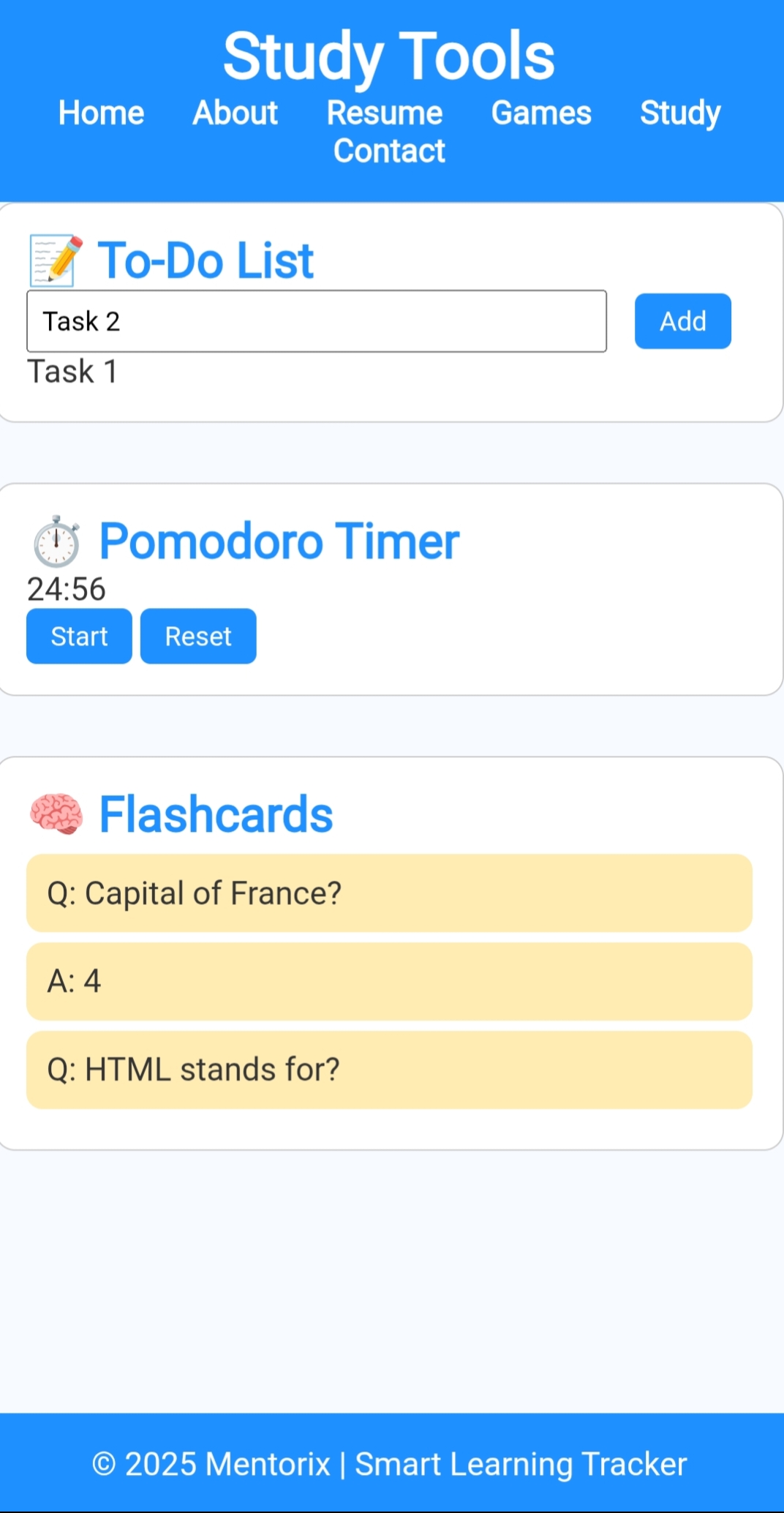
📚 study.html

To-Do list with add/remove items

Flashcards with show/hide

Study Timer (bonus!)


📬 contact.html

UI-only contact form (name, email, message)

Styled inputs and button

JS form validation (basic)


---

💡 Technologies Used

✅ HTML5 – Semantic elements, forms, links, buttons

🎨 CSS3 – Flexbox, Grid, Transitions, Custom Styles

💻 JavaScript – DOM Manipulation, Event Handling


> ⚠️ No frameworks, no libraries. Just pure frontend code.


---

🛠 How to Run Locally

1. Clone the repository

git clone https://github.com/your-username/CreativeCorner.git
cd CreativeCorner


2. Open in browser

Open index.html in any modern browser (Chrome, Firefox, Edge).

Navigate through links to access all pages.


---

📦 Deployment Options

🔹 GitHub Pages

Free & easy for static websites

Just push and enable GitHub Pages


🔹 Netlify

1. Visit https://netlify.com


2. Drag and drop your folder or link GitHub


3. Auto-deploy on every push


🔹 Vercel

Ideal for frontend devs

Connect GitHub and deploy in seconds


---

🏁 Final Tips

Use consistent headers and footers across all pages

Reuse styles in style.css

All JS utilities like form validation, game logic go in script.js

Pages should be responsive for basic mobile support


---

📃 License

This project is open for learning and innovation under the MIT License.


---

🙌 Acknowledgments

Built with ❤️ for the Open Innovation Hackathon


Log in or sign up for Devpost to join the conversation.