SkillForge
Build the work. Keep the proof.
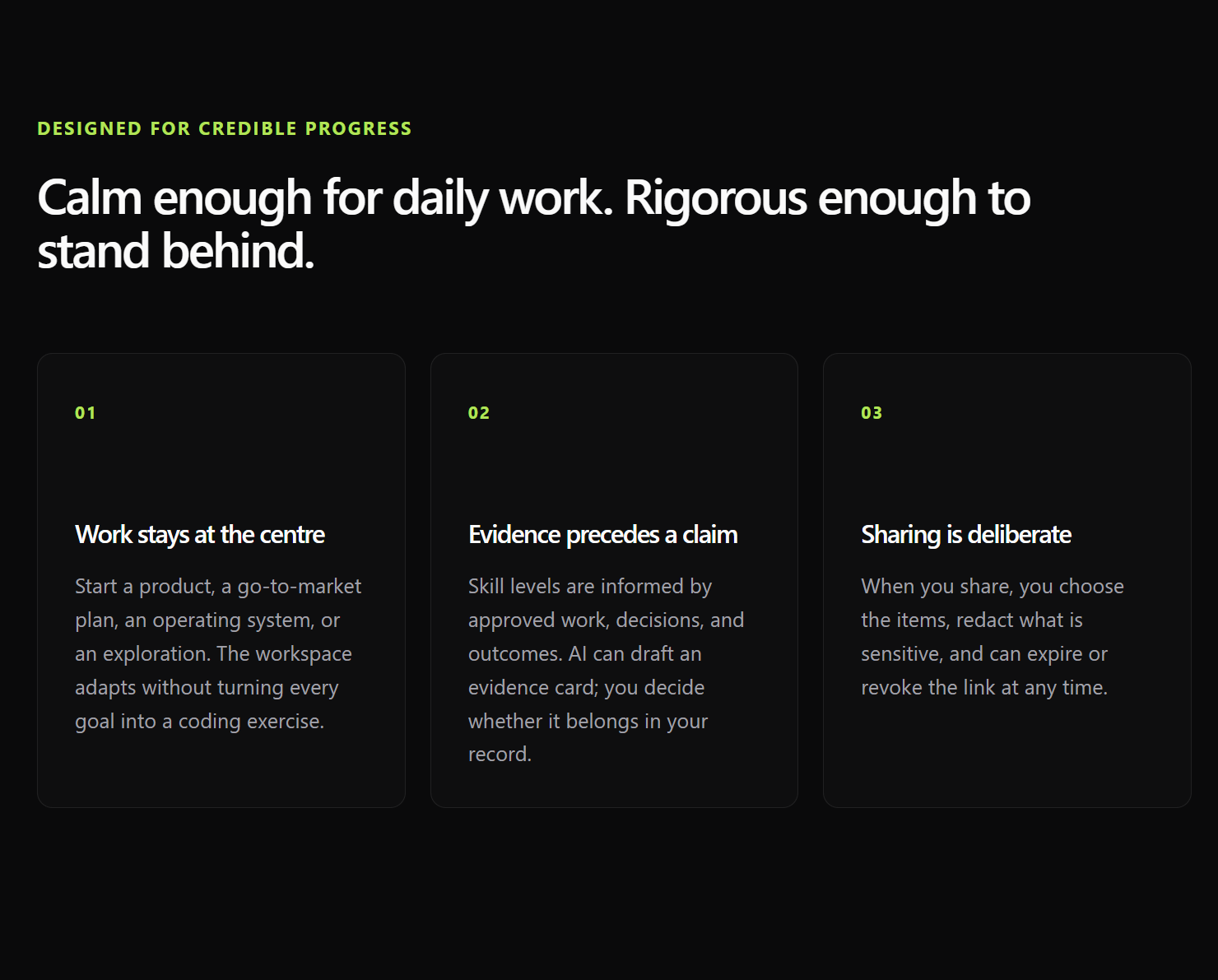
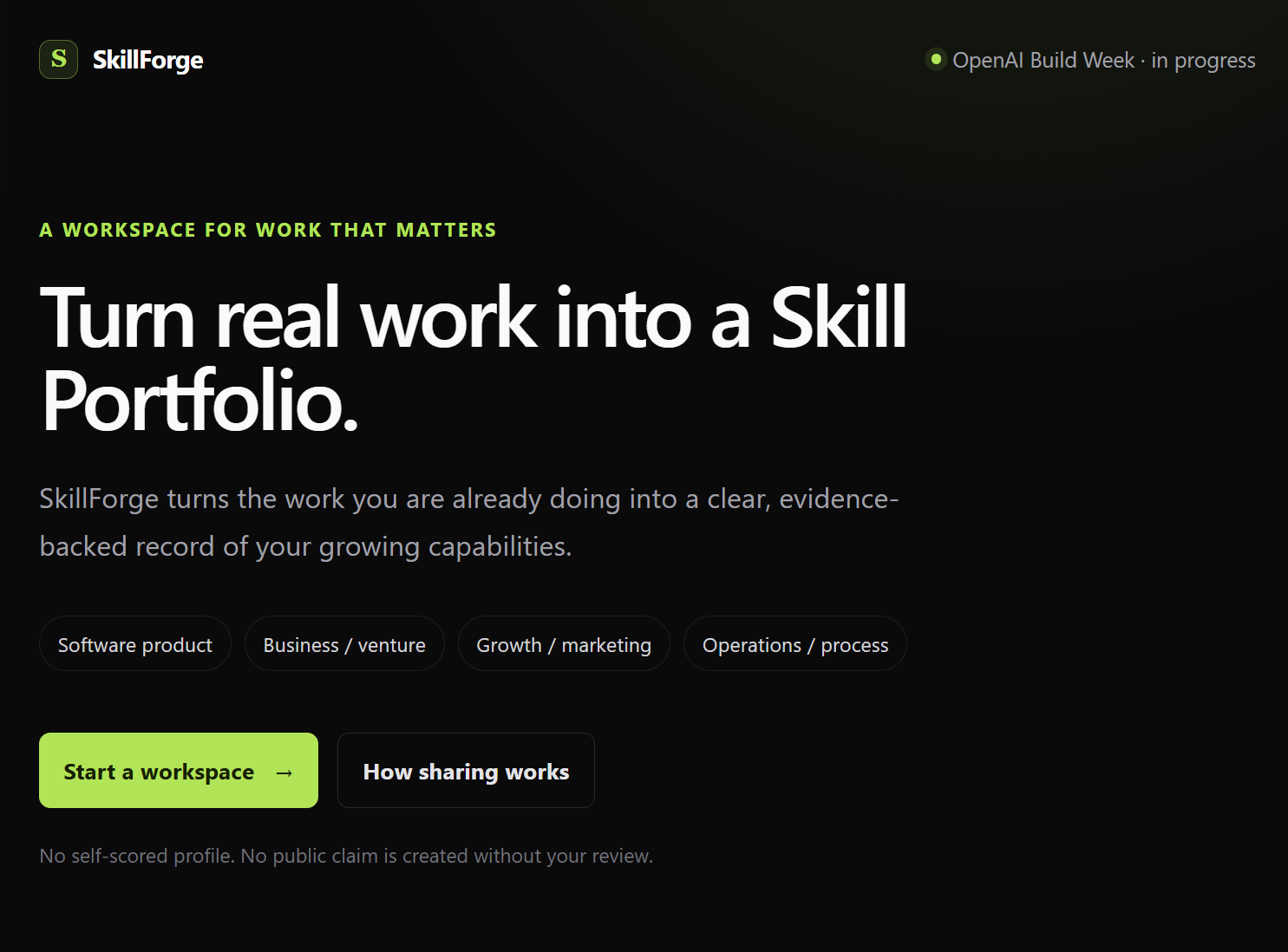
SkillForge is an OpenAI Build Week project for people building software products, businesses, marketing systems, and operational processes. It turns active work into a living Skill Portfolio: Projects hold the context, AI Assist helps with the work, and user-authored inputs can create explainable, unverified skill signals.
The visible product language is Projects. Existing API, database, and migration names still use Build/Build Brief while that internal vocabulary is retained for compatibility.
Live demo
- App: skillforge-myself01.vercel.app
- API readiness: skillforge-production-6dfe.up.railway.app/health
- Source: github.com/satvik1anand/skillforge
OpenAI Build Week: Codex and GPT-5.6
- Codex was used as the development collaborator: to refine the product and trust model, implement the Next.js/Express/Supabase MVP, debug the local integration, run validation, and keep the Build Week engineering log current.
- GPT-5.6 Luna is integrated as the preferred server-side AI Assist provider through the OpenAI Responses API. It receives only bounded active-Project context and returns a structured response that is validated before SkillForge can persist a conservative, unverified skill signal.
- The assistant preserves a provider fallback path for a reliable local MVP. In this environment, the direct OpenAI test returned
insufficient_quota, so the tested model-backed fallback used OpenRouter; a deterministic response remains available if neither provider can serve a request. This does not change the product rule that an AI signal is never verification or proof.
What is working in this MVP
- Email/password Supabase Auth, with optional Google/GitHub identity sign-in when configured.
- Owner-scoped Project creation and persistence through the Express API.
- A dedicated Project AI Assist conversation with bounded project context and persisted messages.
- Automatically inferred, source-linked unverified skill signals from eligible user-authored Project inputs.
- A reviewable evidence workflow and a visible Skill Portfolio summary.
- Server-side provider fallback: OpenAI first, then OpenRouter with an open-weight model when configured, then a deterministic local response.
Not yet a public-portfolio product: proof linking, source validation, independent verification, and public share links remain future work. A portfolio signal is never a credential by itself.
Fast local start
Prerequisites: Node.js 22+, npm, and a Supabase project for the full signed-in demo.
If local environment files are already configured, one command starts both services:
npm install; npm run dev
For a fresh clone, create local-only environment files first:
Copy-Item client/.env.example client/.env.local
Copy-Item server/.env.example server/.env
npm install
npm run dev
Then open:
- App: http://localhost:3000
- API readiness: http://127.0.0.1:4000/health
npm run dev starts the Next.js client and Express API together. The landing page and health endpoint can start without third-party credentials, but authentication, Projects, evidence, and AI Assist need the Supabase setup below.
Required local environment variables
Use the committed templates as the source of truth. Do not commit either local environment file.
| File | Variables | Notes |
|---|---|---|
client/.env.local |
NEXT_PUBLIC_API_URL, NEXT_PUBLIC_SUPABASE_URL, NEXT_PUBLIC_SUPABASE_PUBLISHABLE_KEY |
Browser-visible configuration for Supabase Auth and the API only. NEXT_PUBLIC_SUPABASE_ANON_KEY is a legacy compatibility alternative. |
server/.env |
NODE_ENV, PORT, FRONTEND_URL, SUPABASE_URL, SUPABASE_SECRET_KEY |
Required for the complete local persistence/auth path. FRONTEND_ADDITIONAL_ORIGINS can add specific, exact extra app origins; do not use a broad deployment-host wildcard. Do not set SUPABASE_SECRET_KEY and legacy SUPABASE_SERVICE_ROLE_KEY together. |
server/.env (optional) |
SUPABASE_JWKS_URL |
Usually leave unset; the server derives it from SUPABASE_URL. |
server/.env (optional) |
OPENAI_API_KEY |
Preferred server-only model provider. Never place it in a NEXT_PUBLIC_* variable or the client environment file. |
server/.env (optional) |
OPENROUTER_API_KEY, OPENROUTER_MODEL |
Server-only open-weight fallback after OpenAI. OPENROUTER_MODEL is optional and selects the fallback model when supplied. |
For local development, set FRONTEND_URL=http://localhost:3000 and NEXT_PUBLIC_API_URL=http://localhost:4000. The Supabase Auth Site URL and redirect allow list should include:
http://localhost:3000
http://localhost:3000/auth/callback
See client/.env.example, server/.env.example, and the hosted Supabase guide for the surrounding dashboard steps.
Supabase migrations
Use a fresh, designated Supabase project for the demo. The ordered files in supabase/migrations are the database source of truth; run all of them in timestamp order. Do not run the legacy supabase/schema.sql beside these migrations.
After authenticating the Supabase CLI and confirming the target project reference, review before writing:
supabase login
supabase link --project-ref your-project-ref
supabase db push --dry-run
supabase db push
The final command changes the remote database. Stop if the dry run names an unexpected project or tables. For a project with existing data, create a reviewed migration plan instead of mixing it with this fresh-schema history.
Honest 90-second demo path
This is the intended judge/demo flow once Supabase is configured. It does not require a public share link.
- Open
/signupor/login, then enter the workspace. - Create a Project by answering “What have you built?” with a real product, business, campaign, or process outcome.
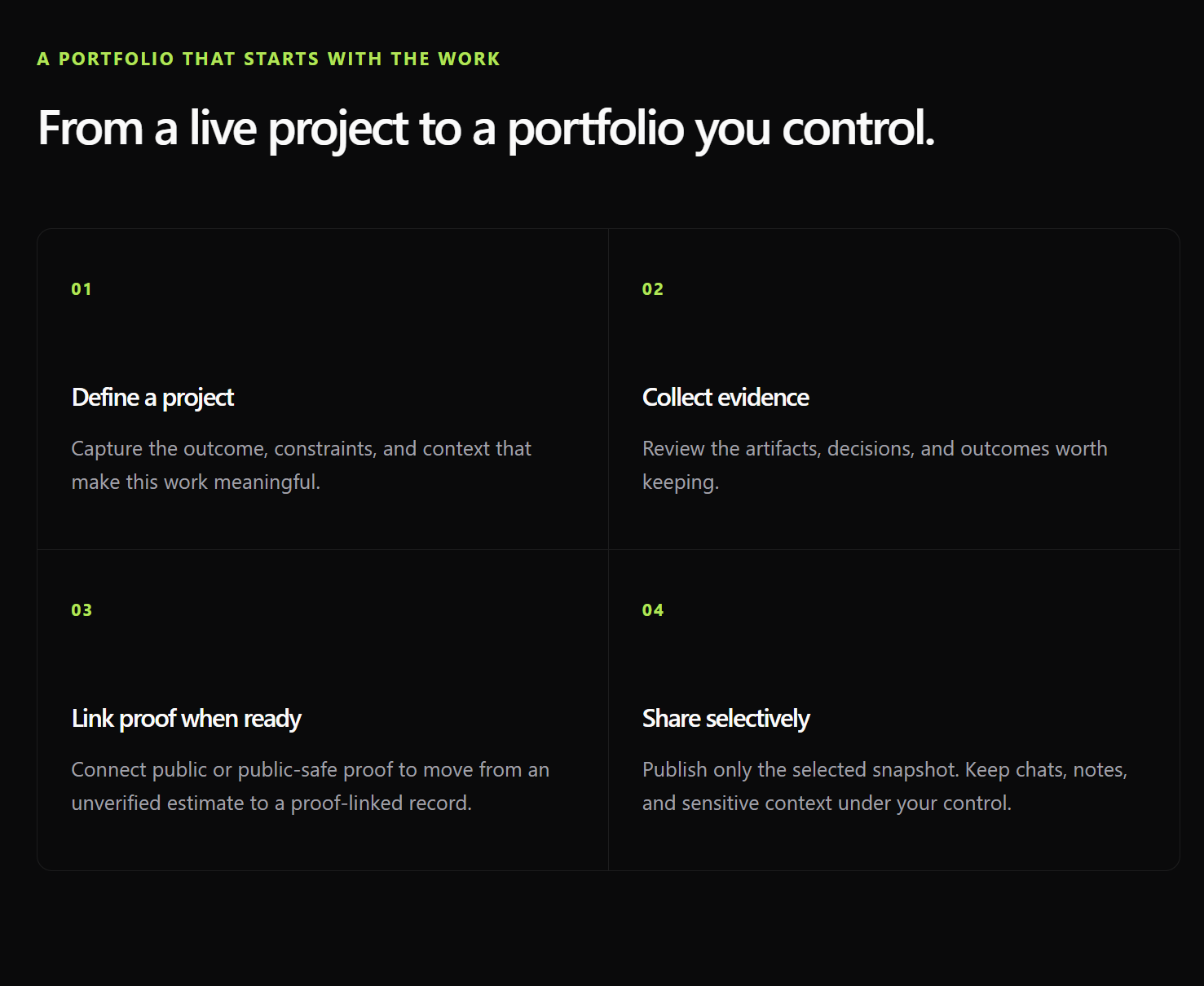
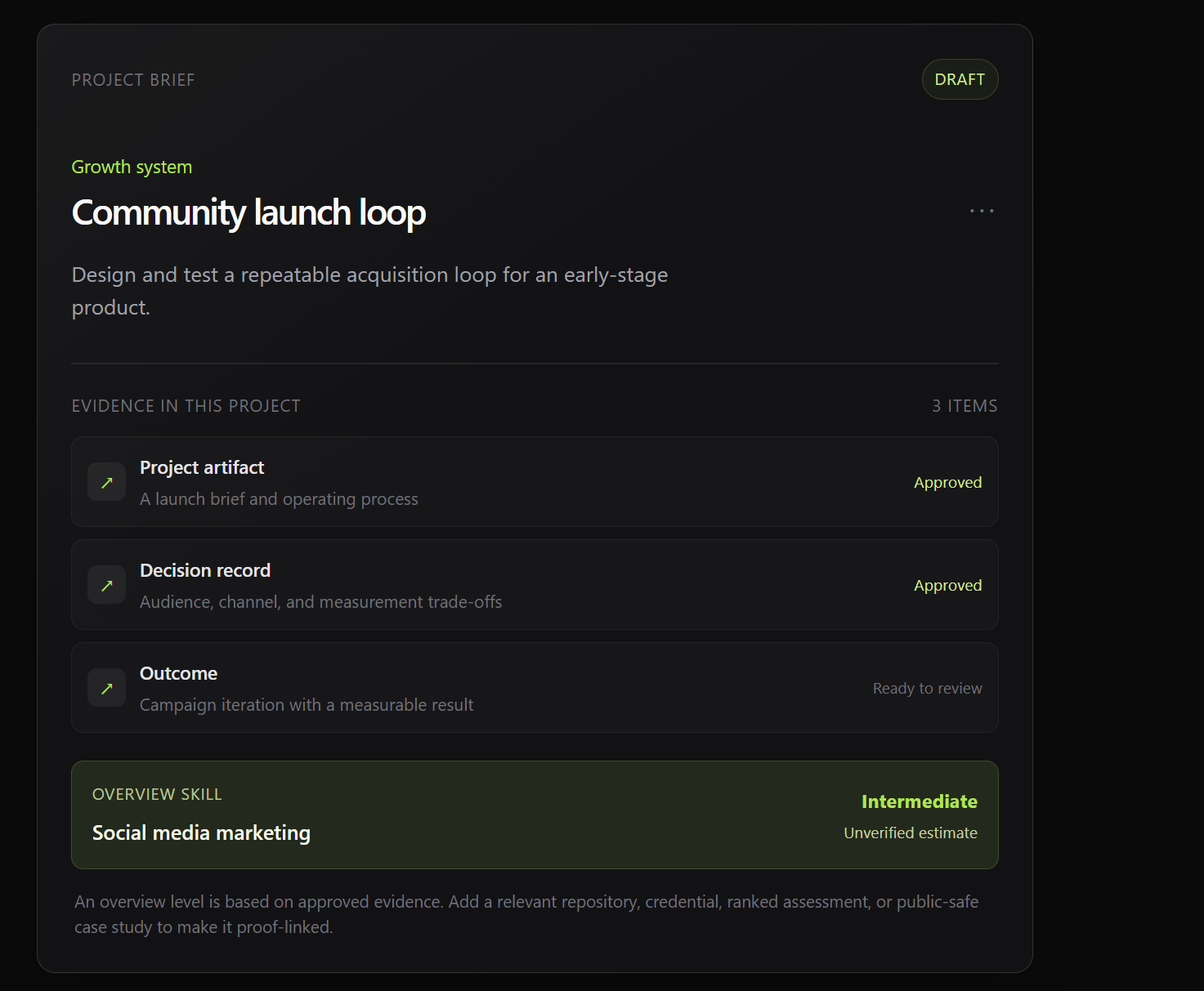
- Open the Project card. Its overview shows the captured context and early unverified skill signals derived from that Project context.
- Switch to AI Assist and ask a substantive, project-specific question. The answer uses the active Project context; the user-authored question may add or refine an unverified skill signal with provenance.
- Add or review a concrete decision, artifact, or result as evidence. Evidence is retained separately: saving it does not silently verify or upgrade a skill.
- Return to the workspace or Portfolio surface to show how Projects and their signals collect into the Skill Portfolio.
When presenting, say “unverified signal” or “starting estimate,” never “verified skill.” The current Portfolio is an in-product work view; public proof linking and shareable public pages are not yet in the MVP.
AI provider keys and credits
Hackathon credits make a direct OpenAI demo possible, but credits do not configure the app by themselves. AI Assist follows this provider order:
OpenAI -> OpenRouter open-weight model -> deterministic fallback
- For the preferred path, create an OpenAI API key in the account that owns the credits and put it only in
server/.envasOPENAI_API_KEY. - To enable the secondary path, add
OPENROUTER_API_KEYand, if needed,OPENROUTER_MODELonly inserver/.env. - Restart
npm run dev. The readiness endpoint can confirm configuration without exposing a key; it cannot prove that a provider account, quota, or selected model is currently available.
With an OpenAI key, AI Assist attempts the server-side OpenAI provider first. If that provider is unavailable, out of quota, or unconfigured, a configured OpenRouter provider is the next option; otherwise SkillForge uses the deterministic fallback so the Project flow remains testable. The server applies bounded Project context, structured output validation, and a fallback on provider failure.
OpenRouter free-model availability, model availability, and rate limits are variable. Treat it as a best-effort demo fallback, not a guaranteed free production capacity. On 2026-07-22, one bounded synthetic request succeeded through the configured openrouter/free route after the OpenAI provider fell back because of quota; validate the chosen account and model again before a live demo.
Architecture
Next.js client
  Project workspace, Skill Portfolio, Supabase Auth
             │ authenticated JWT
             ▼
Express API
  authorization, owner checks, Project context, AI Assist, inference policy
             │ server-only Supabase key / server-only provider keys
             ▼
Supabase + AI providers
  Postgres/Auth/Storage     OpenAI -> OpenRouter -> deterministic fallback
The client uses Supabase only for authentication. Application data goes through Express, which verifies the JWT, scopes every query to the owner, and keeps Supabase, OpenAI, and OpenRouter secrets on the server.
Privacy and inference limits
- Projects, conversations, evidence, and skill estimates are private by default at the data and authorization layer, even when the UI does not repeat a privacy badge.
- Only eligible user-authored Project inputs can contribute skill signals. Assistant prompts and answers do not count as evidence of the user’s ability.
- Automatic signals remain unverified, source-linked, inspectable, and reversible. They never silently become proof-linked, source-validated, independently verified, or public.
- Evidence review and skill inference are separate paths. A saved evidence card does not automatically change a skill level.
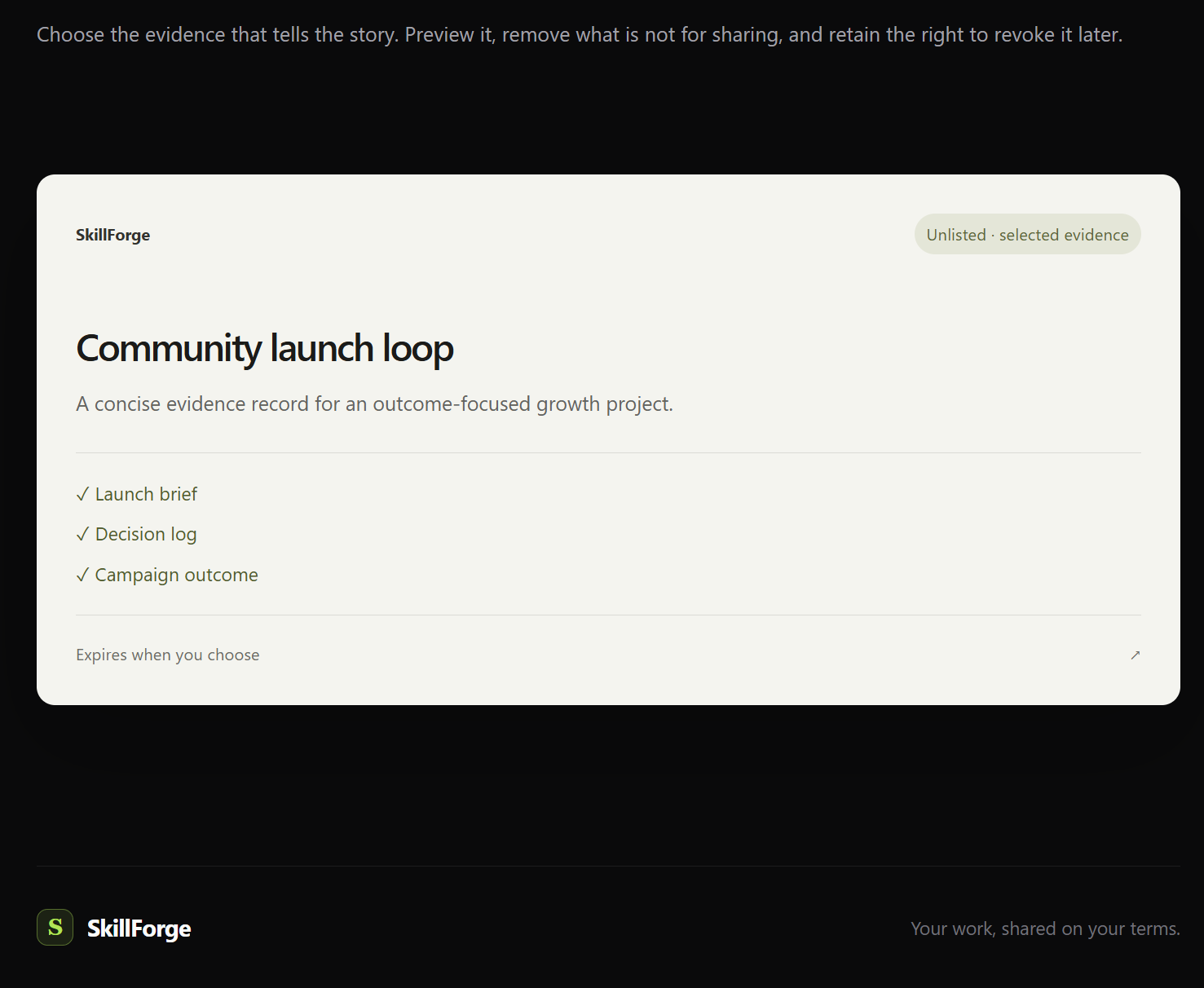
- Public sharing must be an explicit, selected, redacted future export; it must never expose chats, internal notes, or unselected evidence.
- The browser never receives a Supabase server secret, OpenAI key, or OpenRouter key, and it has no direct application-table access.
Verify the build
Run these from the repository root:
npm run typecheck
npm run lint
npm test
npm run build
Invoke-WebRequest http://127.0.0.1:4000/health
For a deeper local check, sign in with two separate test accounts and confirm one cannot read, update, or infer from the other account’s Project. The API intentionally returns a generic missing/not-owned response rather than leaking record existence.
Repository layout
client/                 Next.js Project workspace and Supabase Auth
server/                 Express API, authorization, AI Assist, inference policy
supabase/migrations/    Ordered database source of truth
docs/                   Product contract, roadmap, setup, and Build Week journal
Further reading
- Build Week log — collaboration record, milestones, validation, and blockers.
- Product specification — Project, AI Assist, Skill Portfolio, and trust contract.
- Implementation roadmap — current delivery sequence and scope.
- Hosted Supabase setup — fresh-project, Auth, migration, and OAuth handoff.
- Supabase migration guide — BFF-only authorization and migration boundary.
Built With
- codex

Log in or sign up for Devpost to join the conversation.