-
-
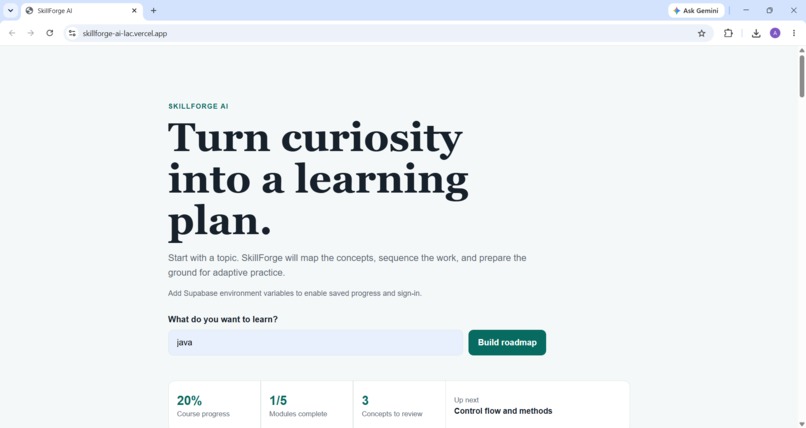
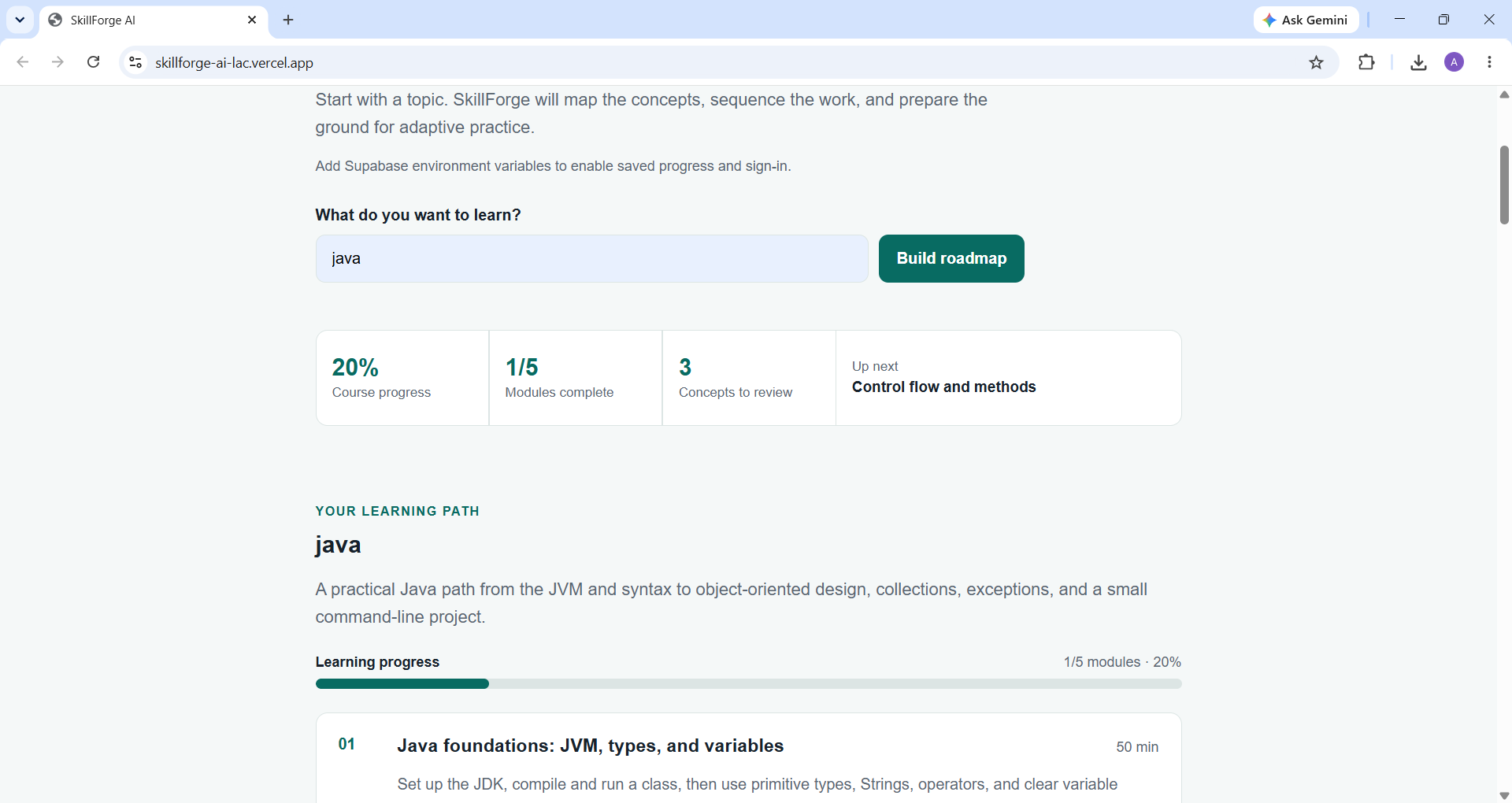
loaded front-page
-
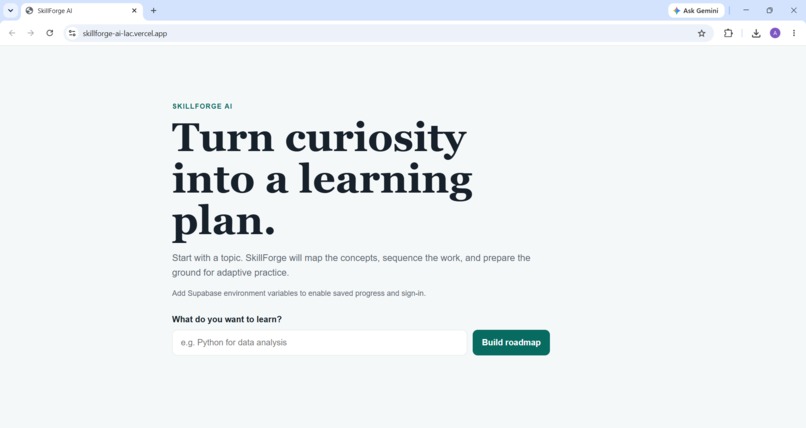
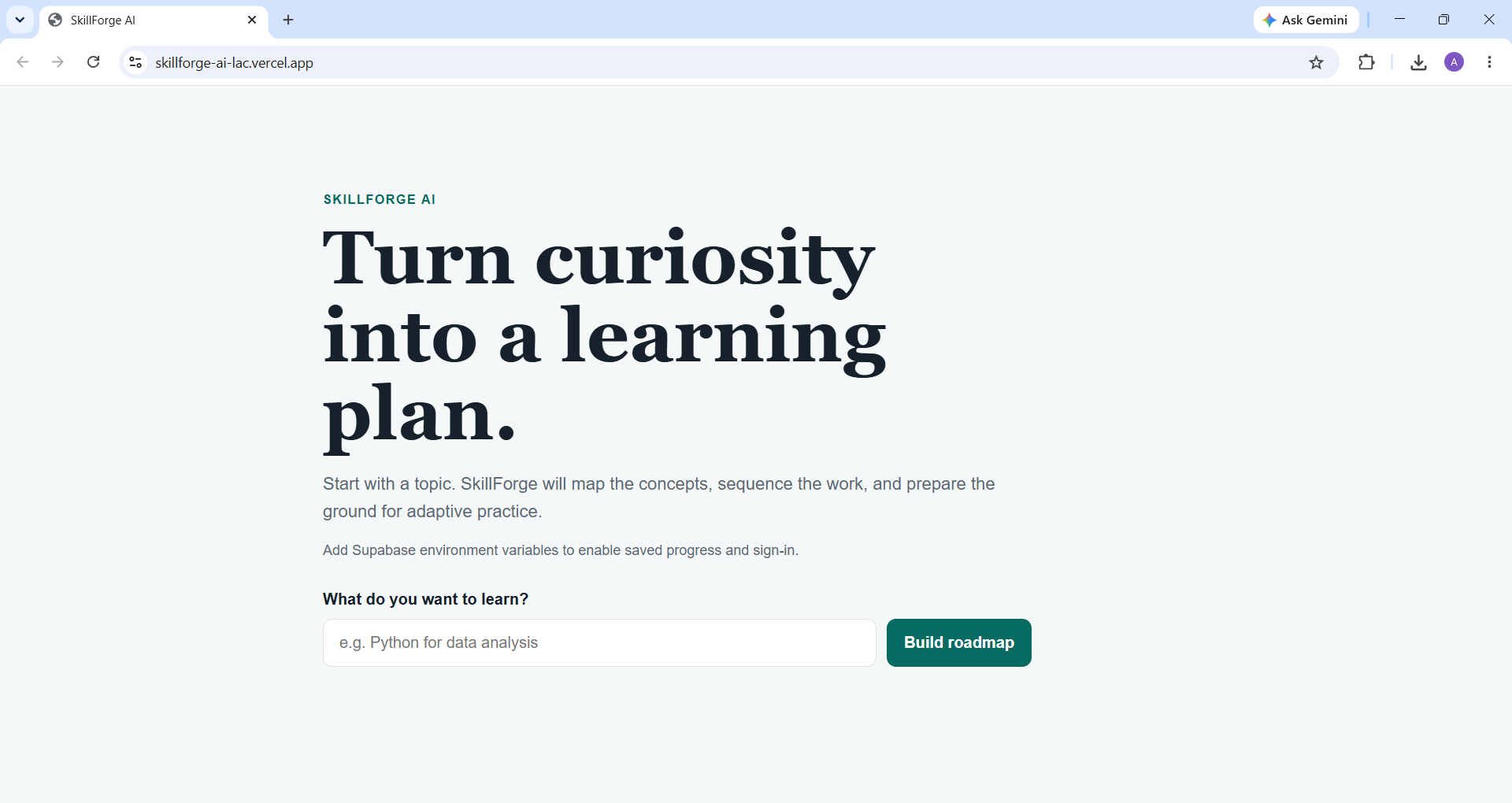
front-page
-
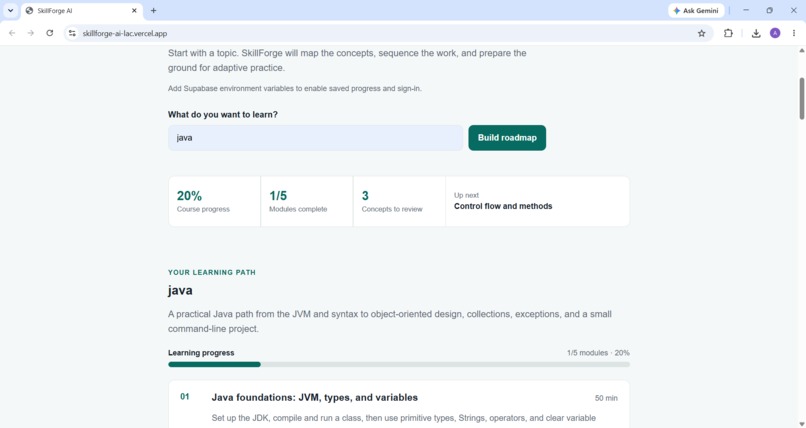
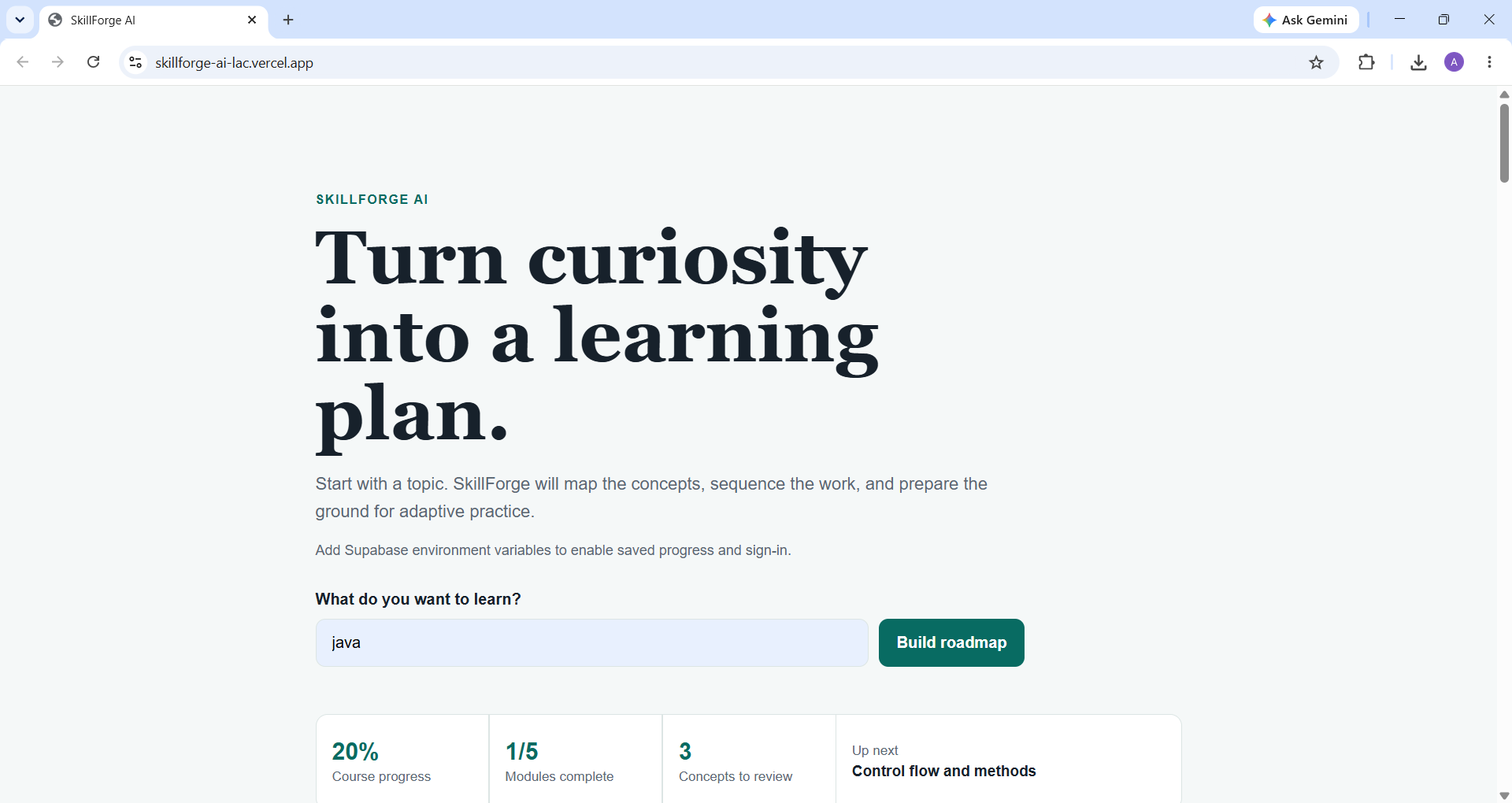
dashboard
-
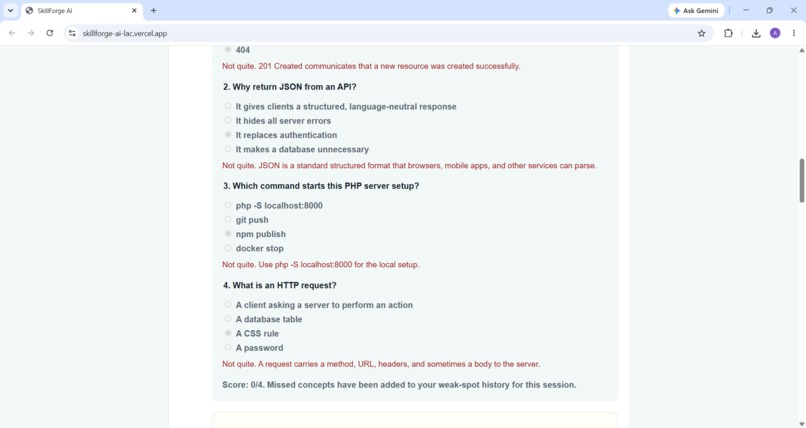
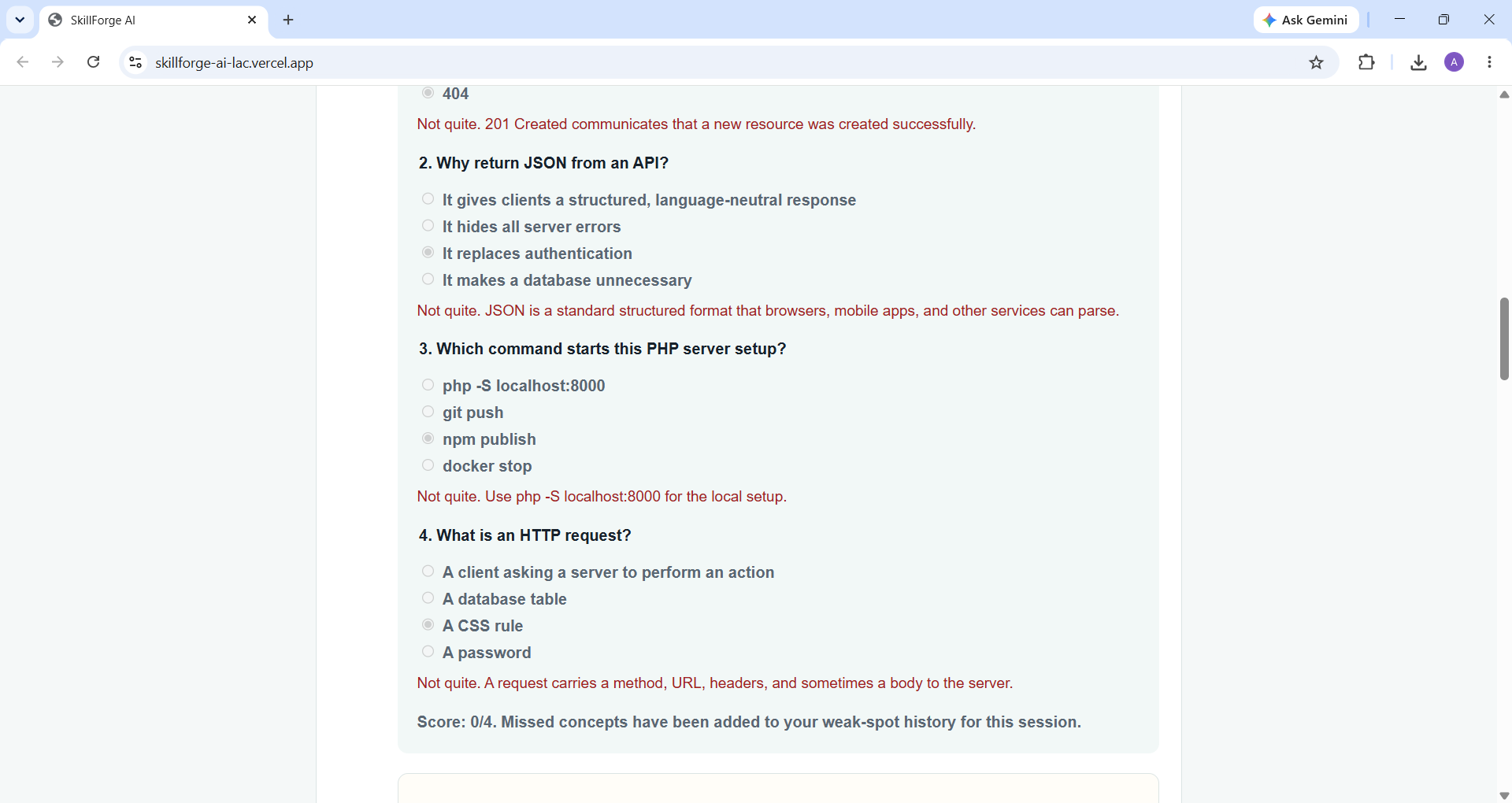
quick-answer check
-
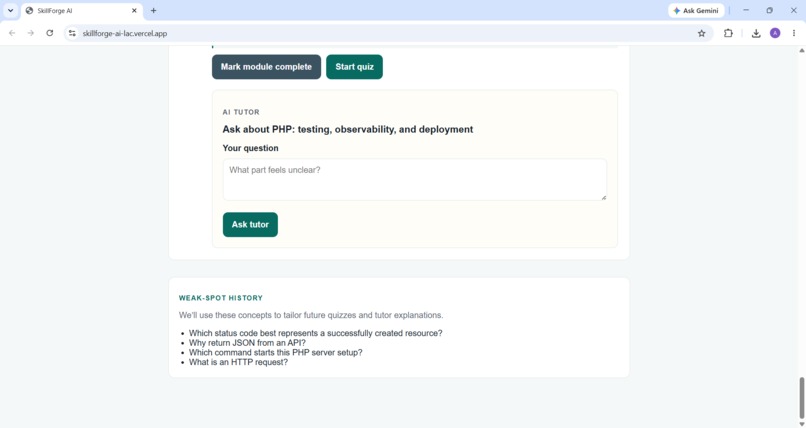
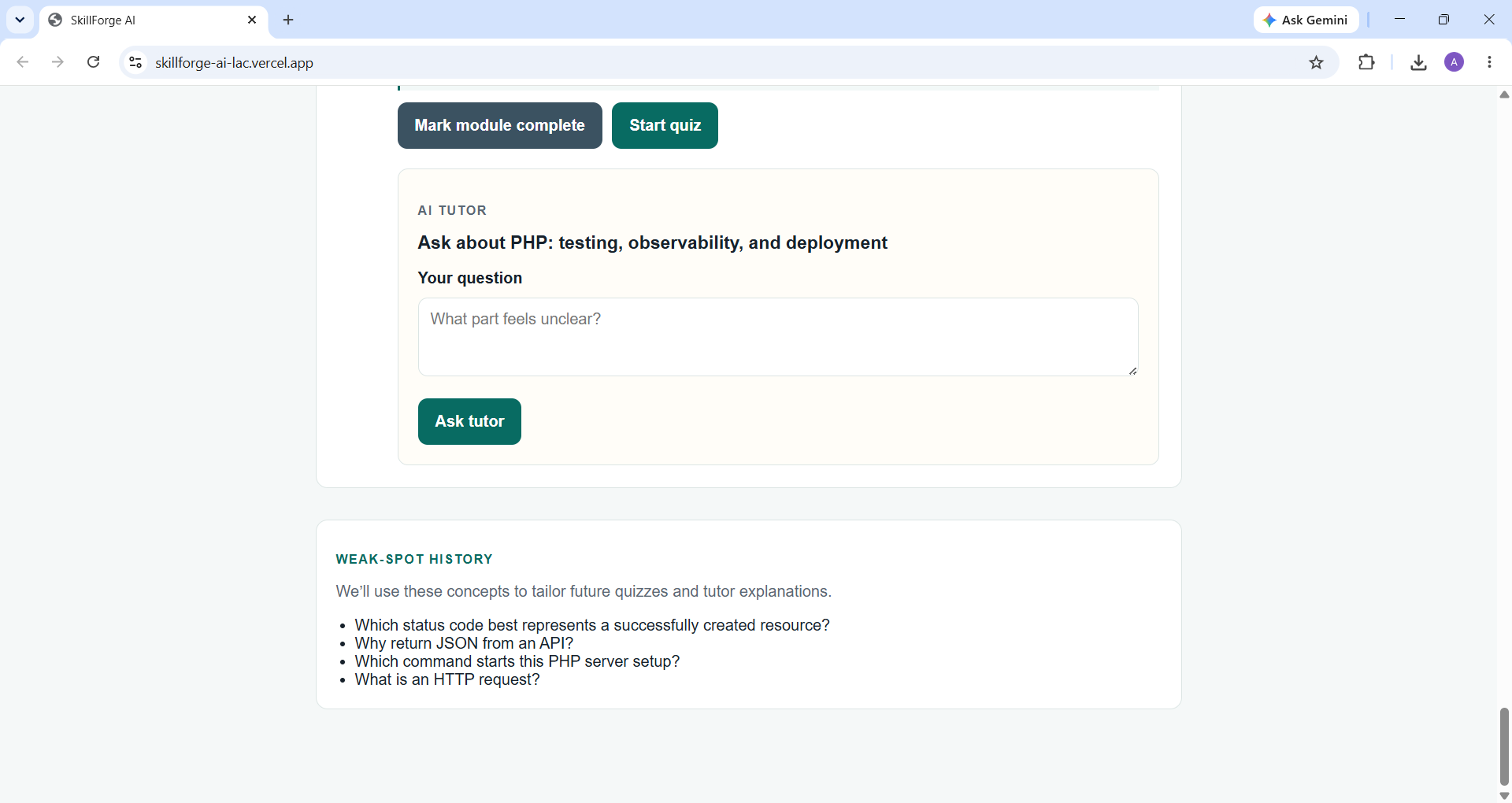
weak-spots
-
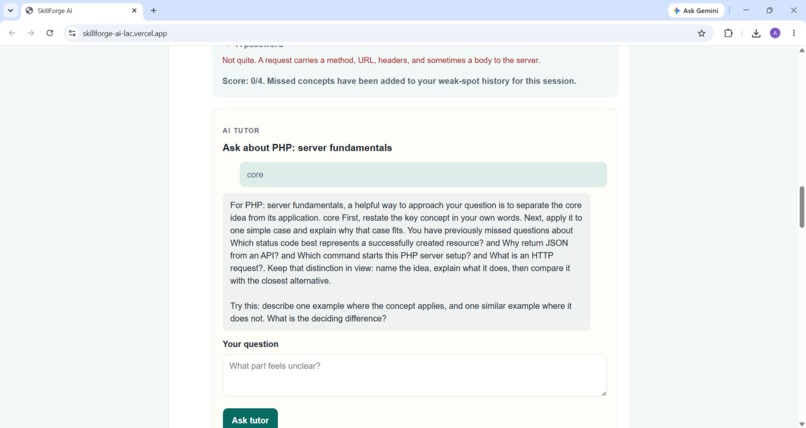
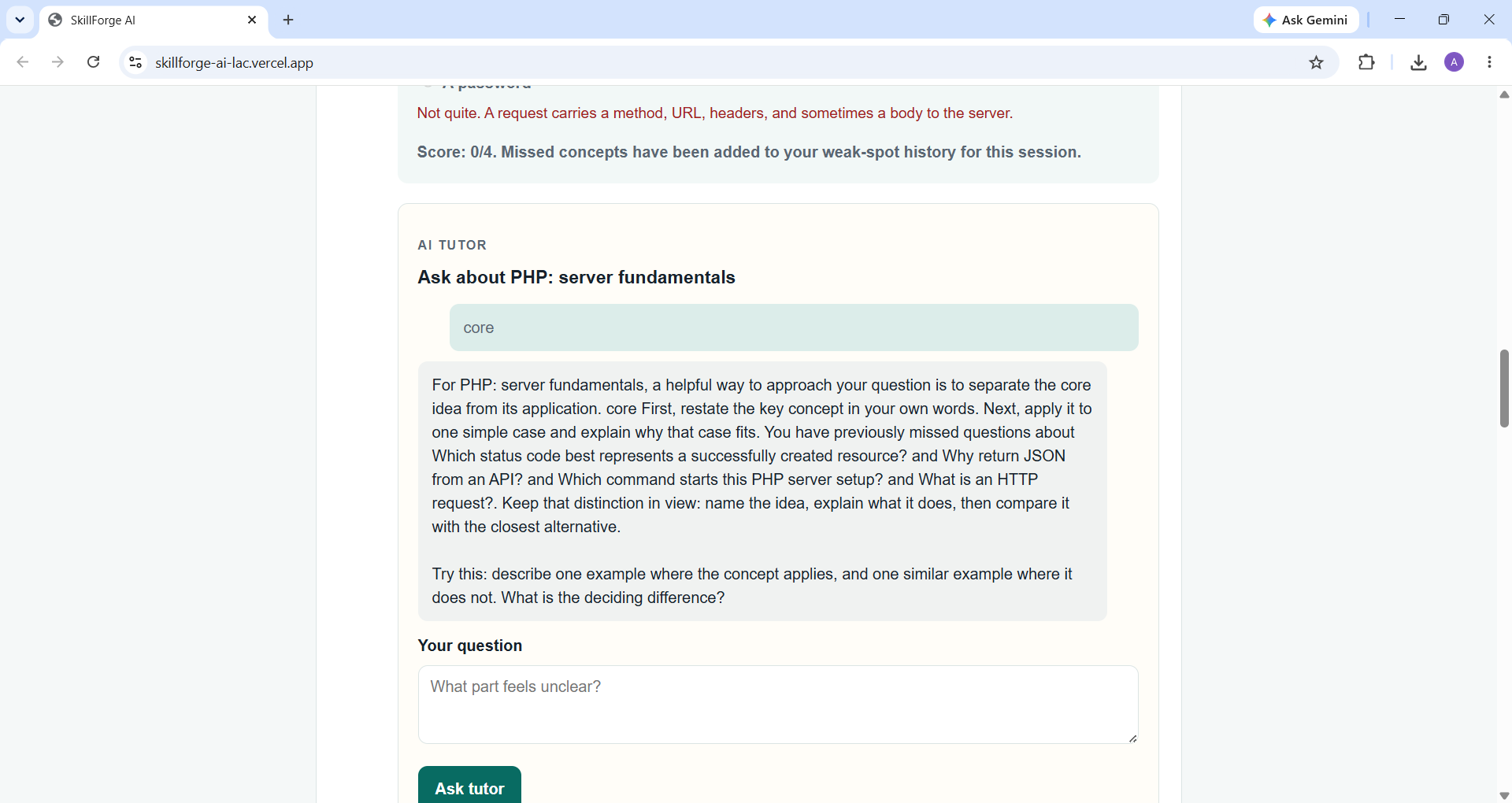
AI-Tutor
Inspiration
Since a lot of resources are available I wanted something that gives you the roadmap, quiz, weakspots to later work on.
What it does
It takes in a language programming) say C then it generates a roadmap with dashboard, weakspot, quiz and an AI tutor.
How we built it
SkillForge is powered by Next.js (App Router) and TypeScript. The application directly accesses GPT-5.6 through the OpenAI Responses API following a strict JSON-schema output system with the guarantee that all created roadmaps and quizzes would be correctly formatted for immediate presentation without the need for evaluation. There are three separate calls to GPT-5.6 that ensure the overall process: one call generates educational roadmaps, second one produces diagnostic quizzes that are aligned with learning goals of a certain module, and a third call enables the AI chat with the tutor selecting content from the module and the learner’s quiz history of weak points. In case of failure of one of the API calls (due to rate limit or network problems, for example), the application will utilize the mechanism of creating realistic sample data without negative influence on the demo experience and application started with Vercel. The whole project was developed with the help of Codex (GPT-5.6 Terra) that was used starting from the stage of development of the base Next.js structure and API routes and components and finishing with the debugging process.
Challenges we ran into
The greatest difficulty involved encountering a series of environmental configuration errors that disguised themselves as different types of errors. An OpenAI quota error appeared to be a software problem in the beginning. After resolving this error, a long-outdated build cache caused a fixed file to show as being malfunctioning. Later, it turned out that an unnecessary "#" sign left in .env.local in the process of debugging deactivated the API key without producing any error message. It needed special diagnostics to identify it. There was also a case when an AI coding assistant, when asked to check the API configurations, began working on developing a Supabase authentication and persistence layer. The circumstances were difficult because, at that moment, there was no existing git history, and a proper state of the project could have been lost. Therefore, we had to make a stop, apply versioning correctly, and conduct regression testing before taking further steps.
Accomplishments that we're proud of
A full-cycle roadmap -> quiz -> weak spot -> AI tutor process that allows for visual tracking of progress (dashboard displaying the percentage of completed lessons and concepts) instantly updated when quizzes are done. The app is designed to degrade gracefully to mock data under any API error, making the app demonstrable even when account credits run out.
What we learned
The most significant thing I learned is that the reason for "it's not working" is never one thing; in my case, an API quota issue, a build cache gone bad, and even just a lone "#" character in the env file all caused the same error. I've also learned the importance of being concise with what I ask from an AI code-writing assistant. In this case, asking it to "check the API config" led me to unexpectedly have an authentication and database layer created in the middle of development. The difference between this and a simple fix was being concise and having version control.
What's next for SkillForge
The persistence is scaffolded but disabled for this submission – there is an already built Supabase schema, auth system, and storage – so adding credentials would allow roadmaps, quizzes, and weak spots to be persistent between sessions.
Built With
- codexs
- gpt-5.6
- next.js
- openai-api
- typescript

Log in or sign up for Devpost to join the conversation.