Inspiration
Many students in low-resource communities lack access to structured digital skills training. Despite having smartphones or basic computers, they often don’t know how to use digital tools effectively for learning, productivity, or future employment. We were inspired by the growing digital divide and the need for a simple, accessible platform that helps students build essential digital skills without requiring expensive devices or constant internet access.
SkillBridge was created to bridge this gap and empower students with practical digital knowledge they can use immediately.
What it does
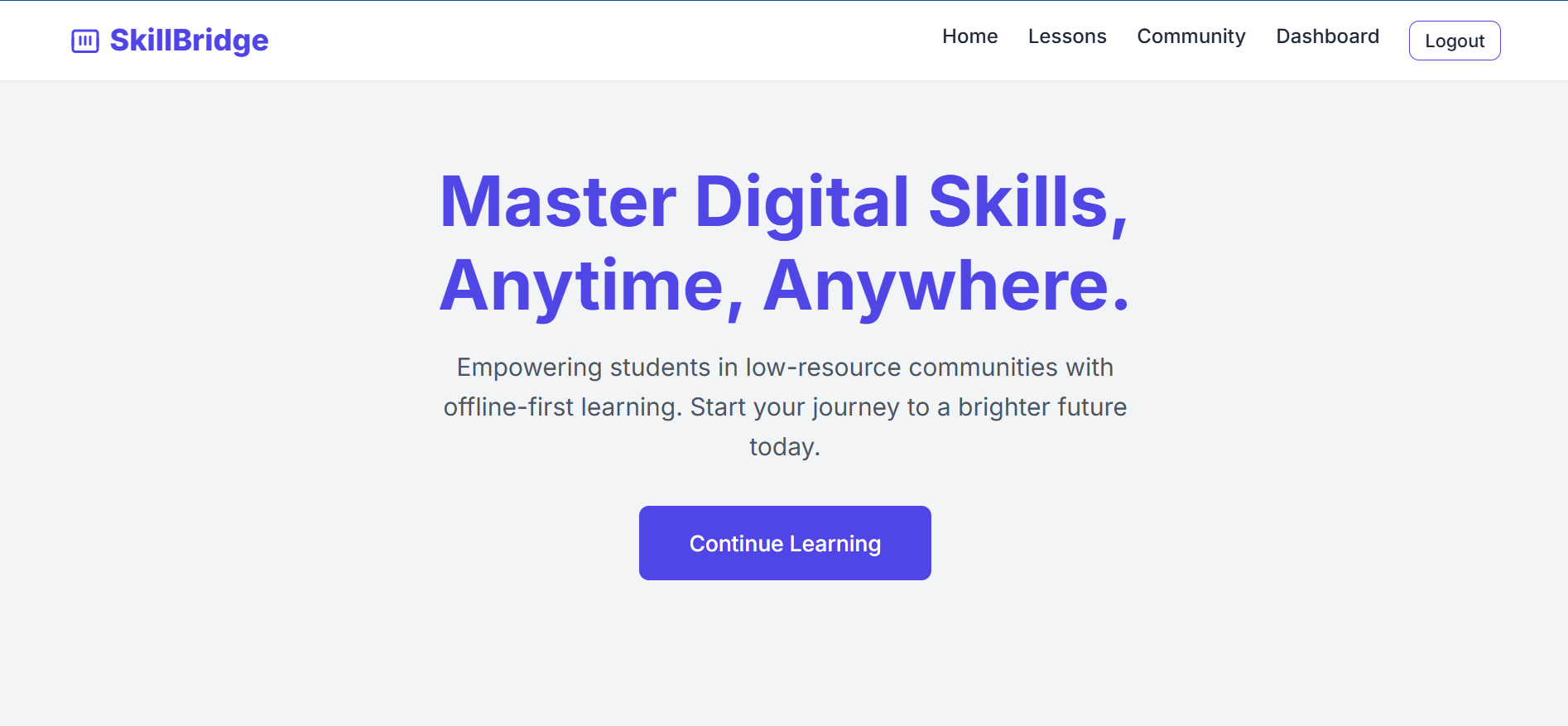
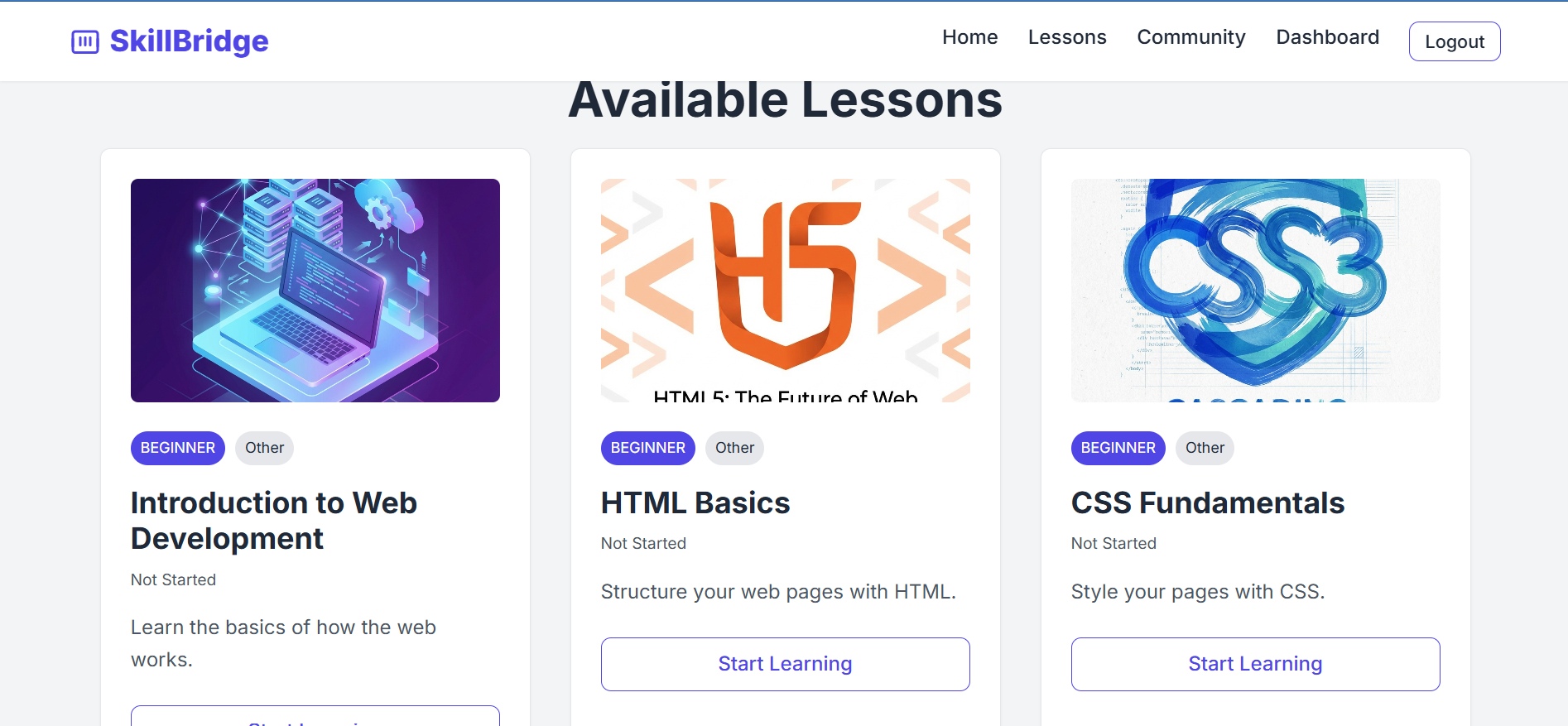
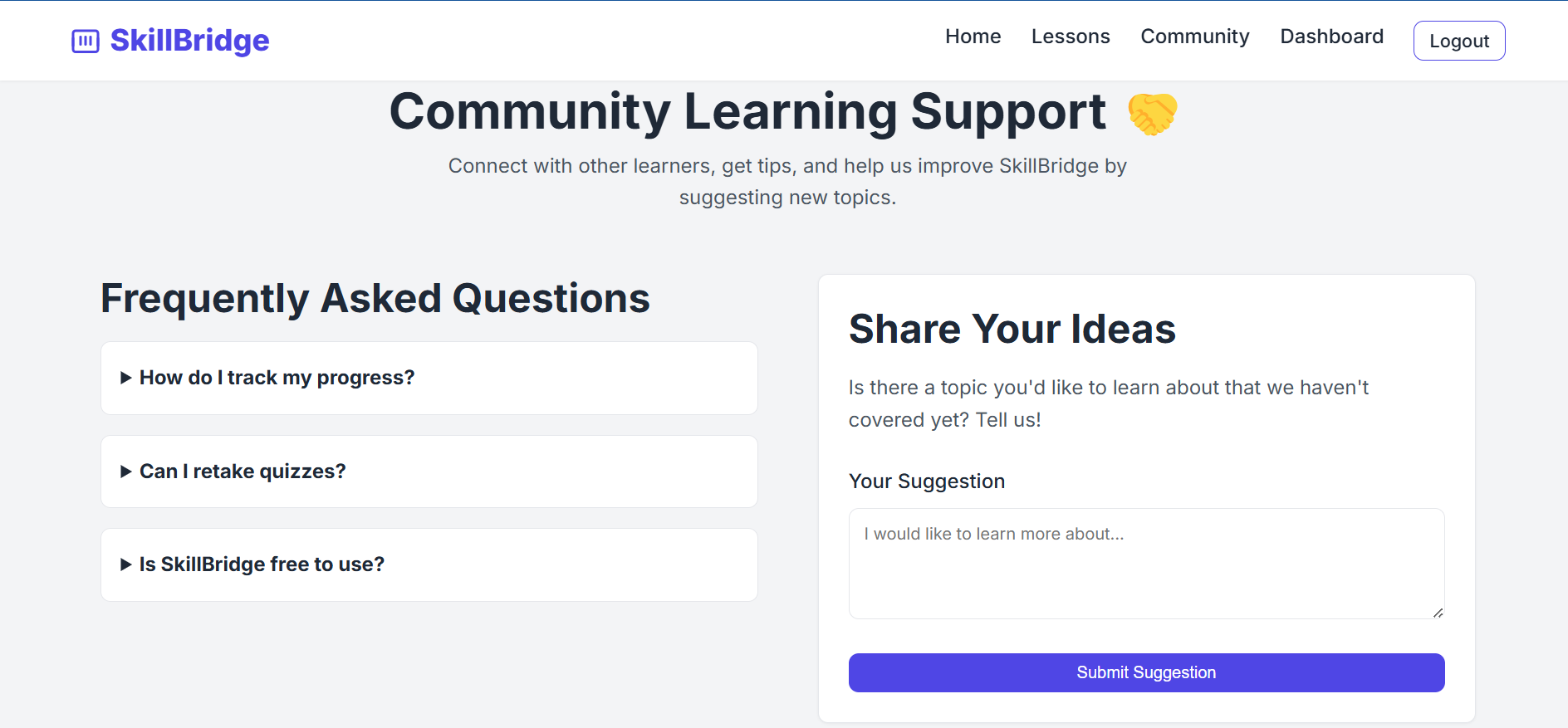
SkillBridge is a community-focused digital learning platform that provides students with access to essential digital literacy lessons and interactive quizzes.
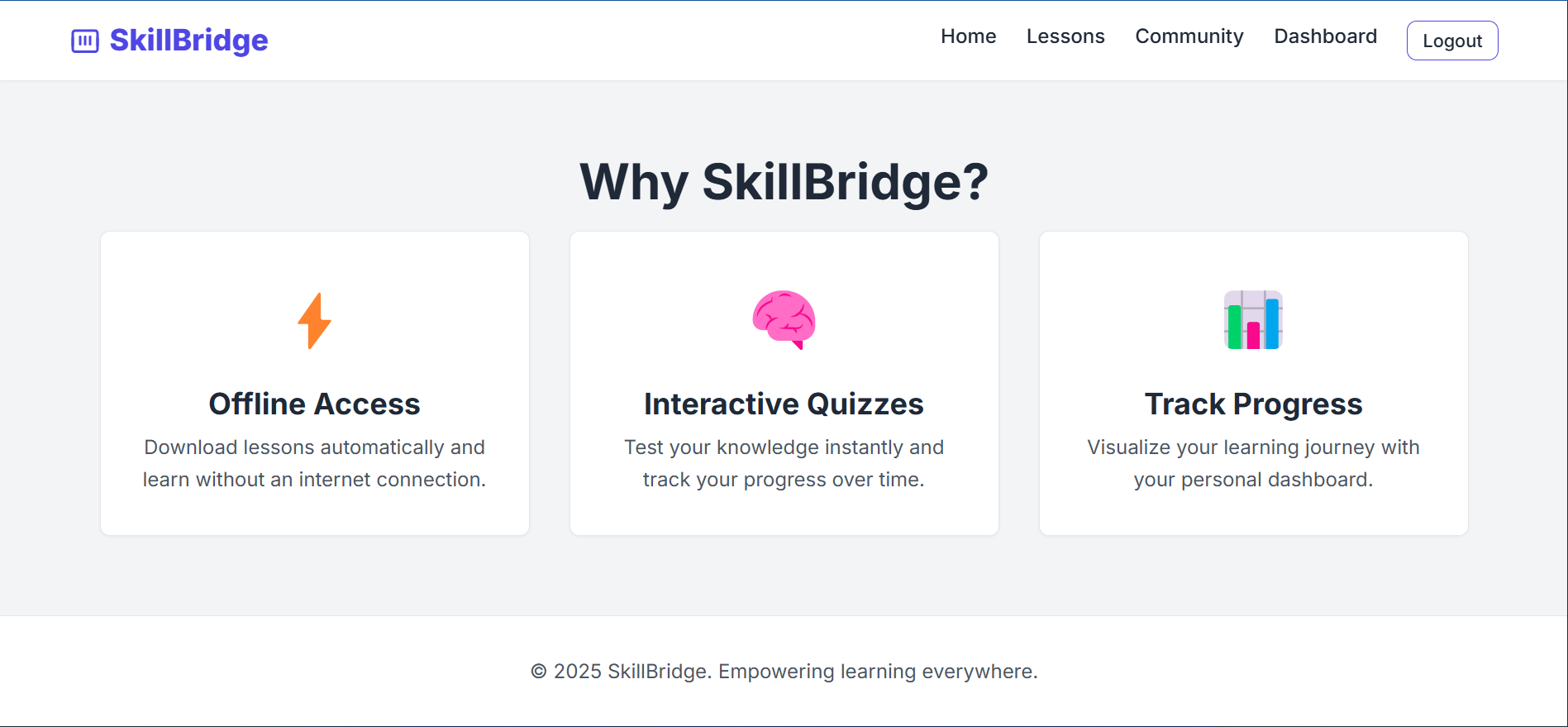
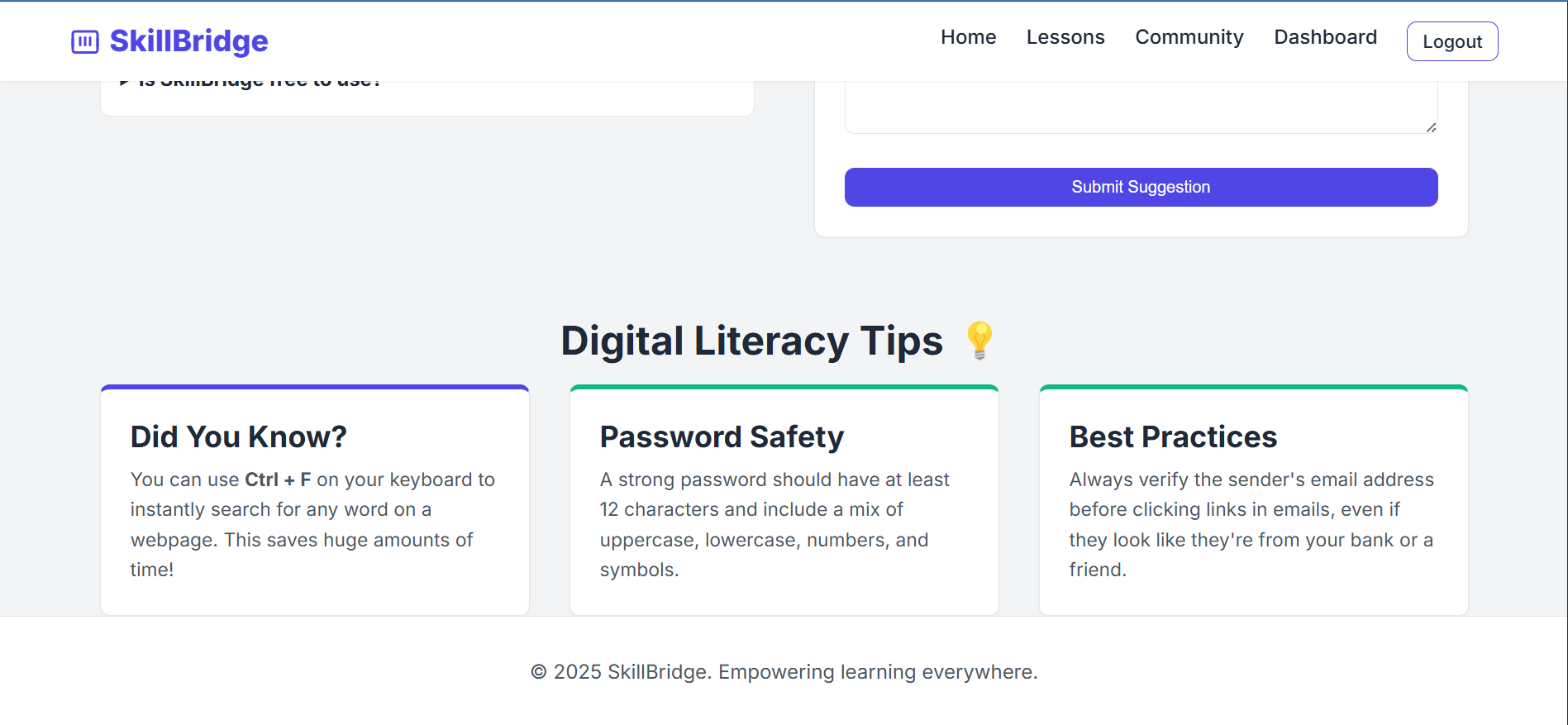
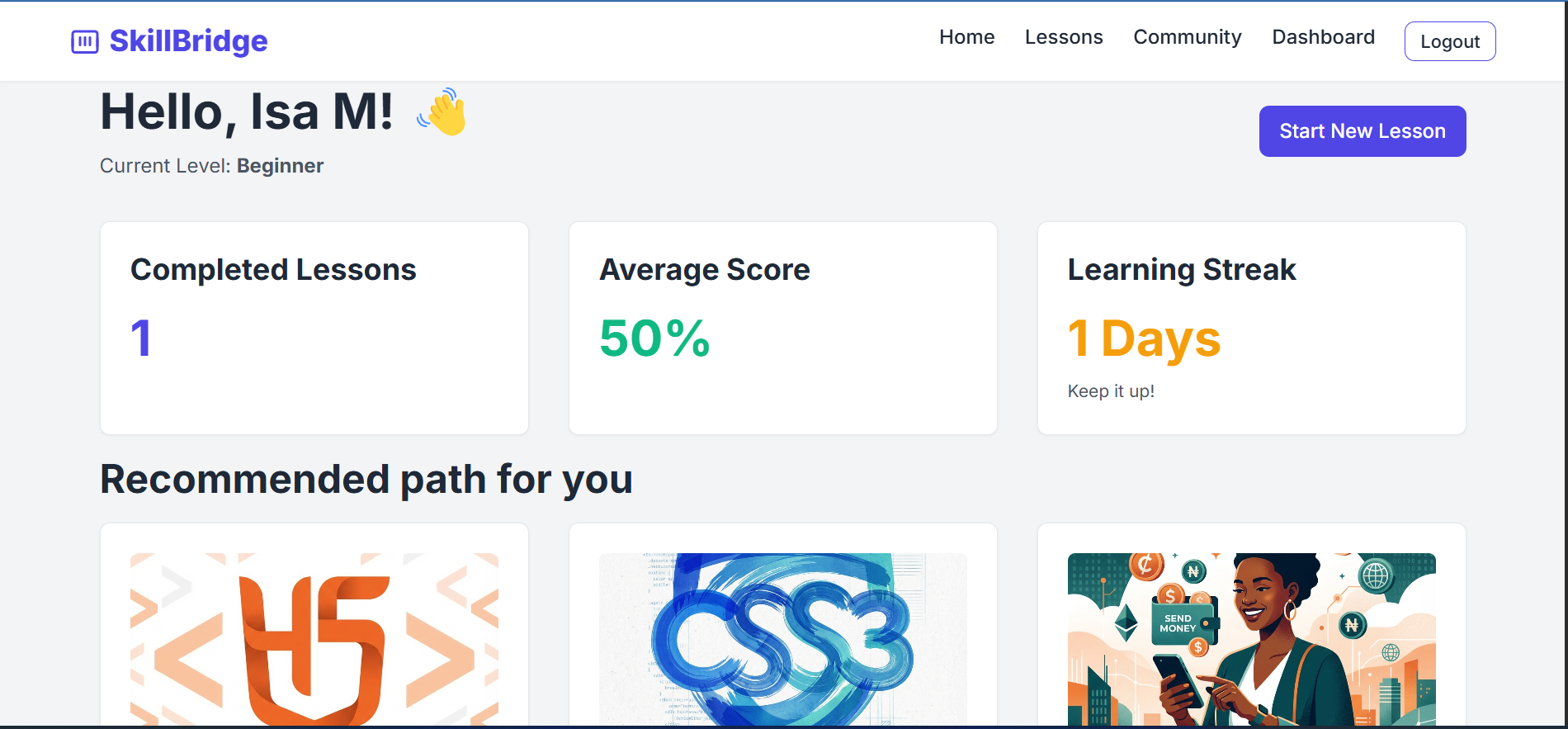
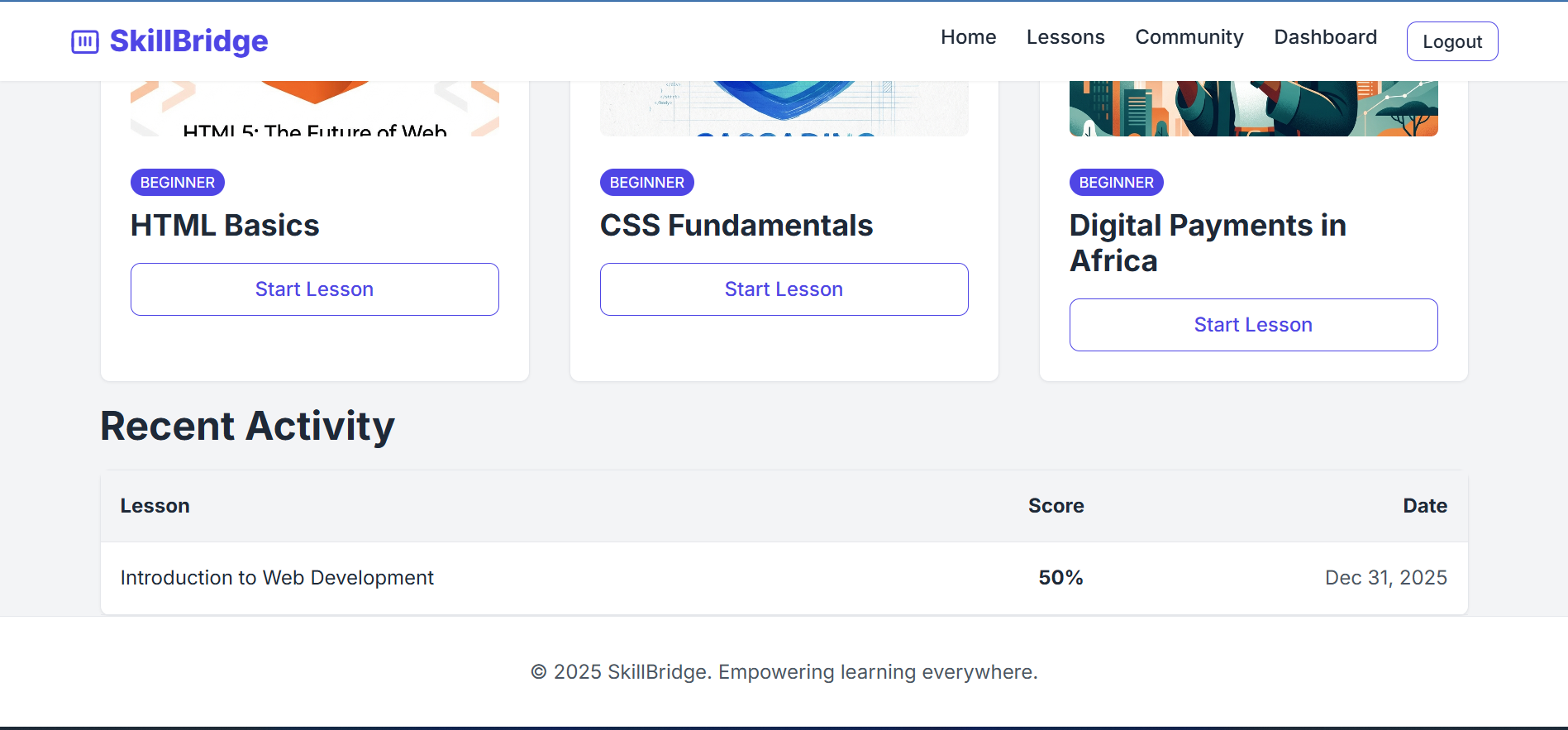
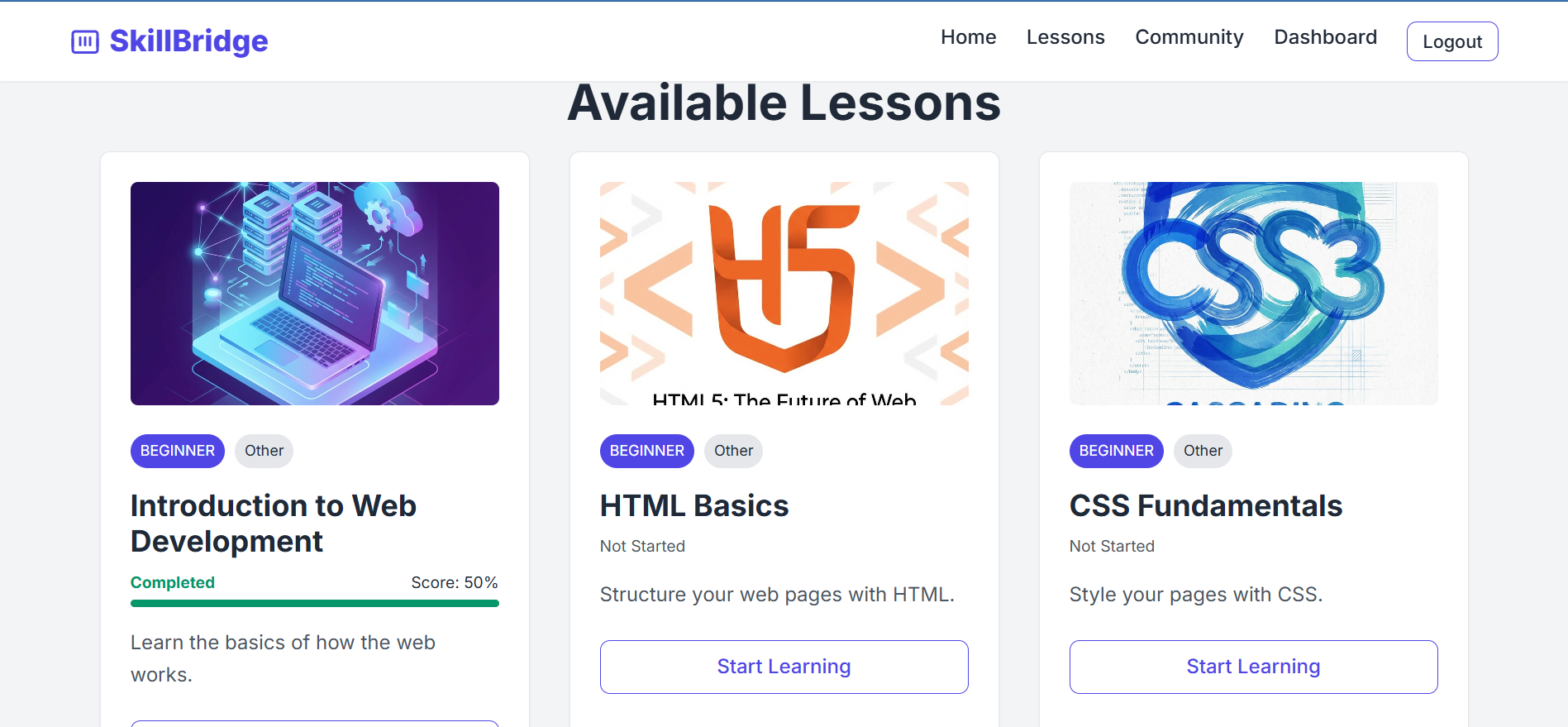
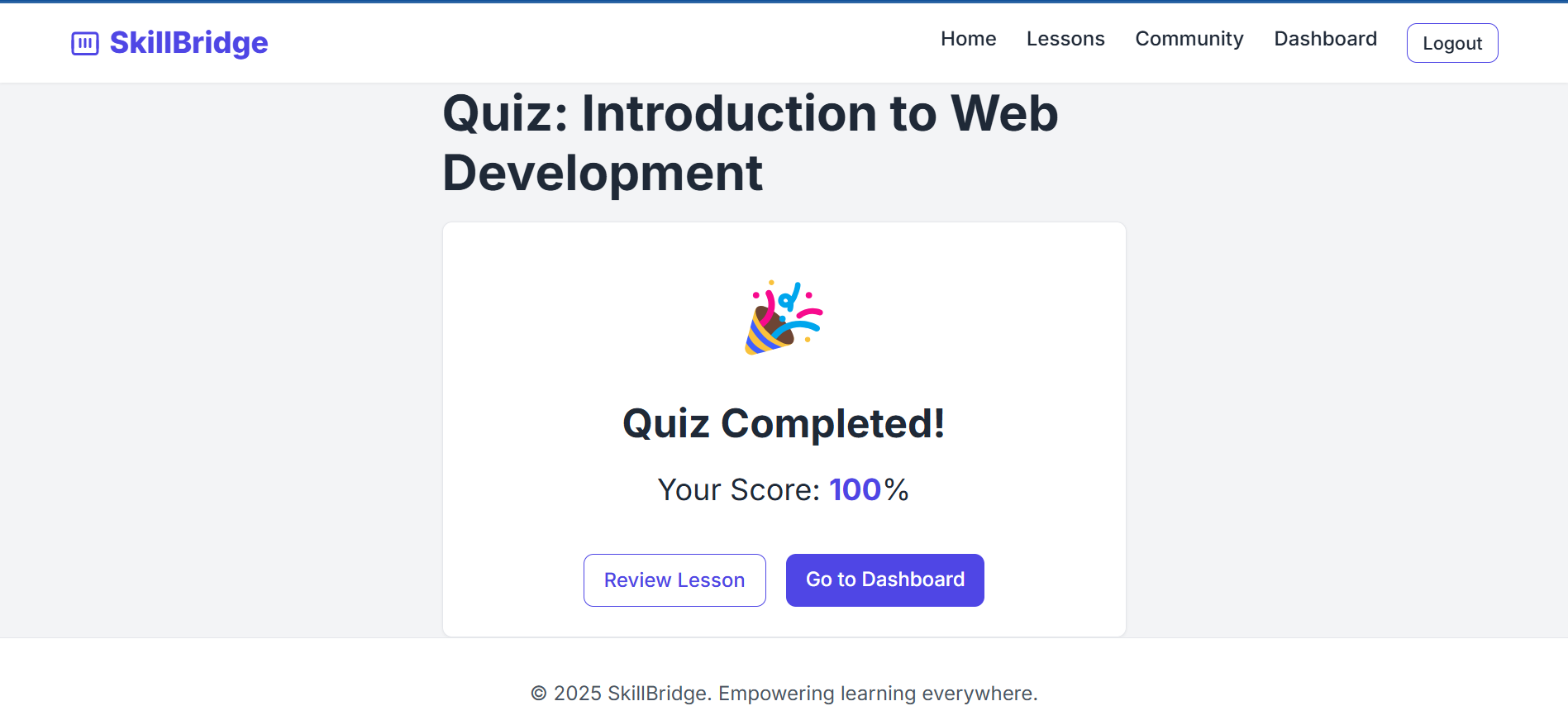
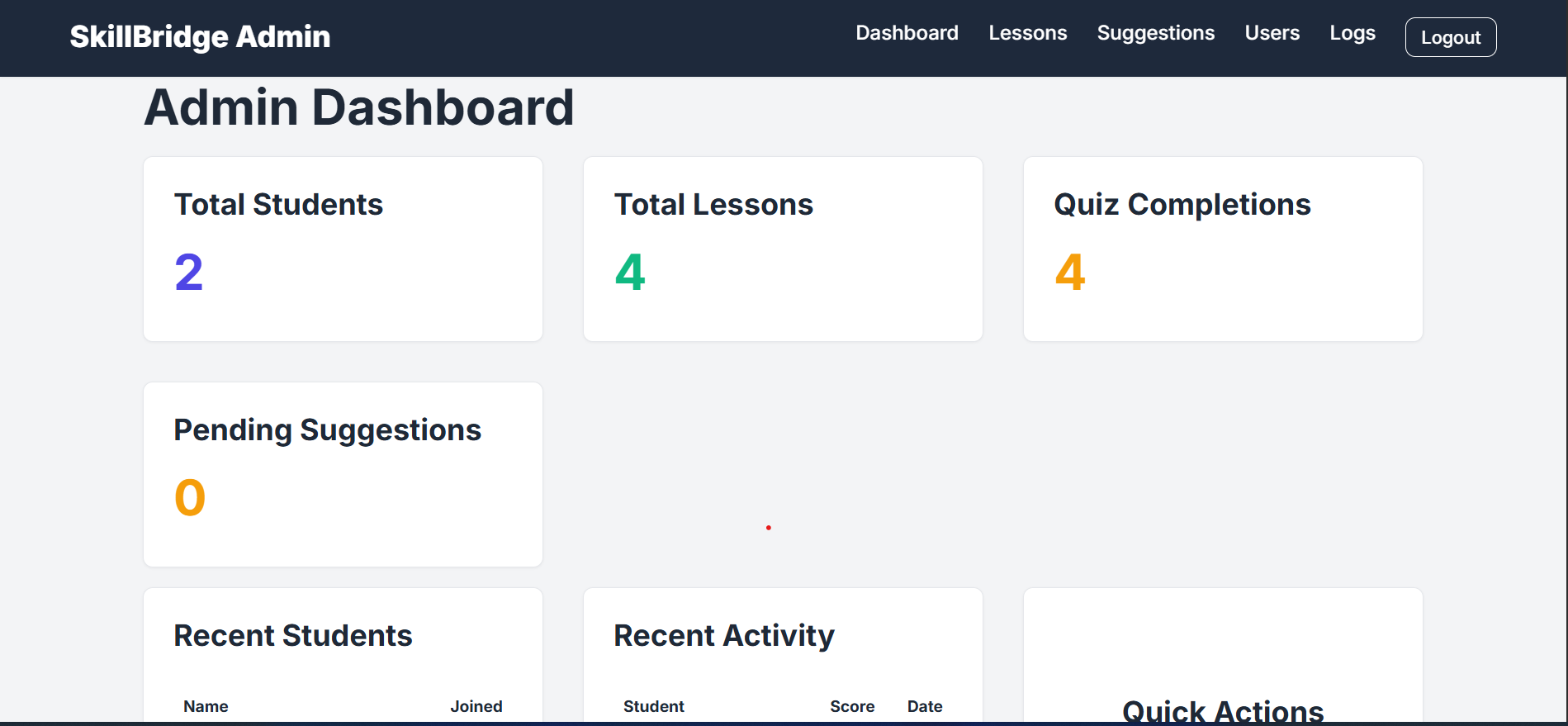
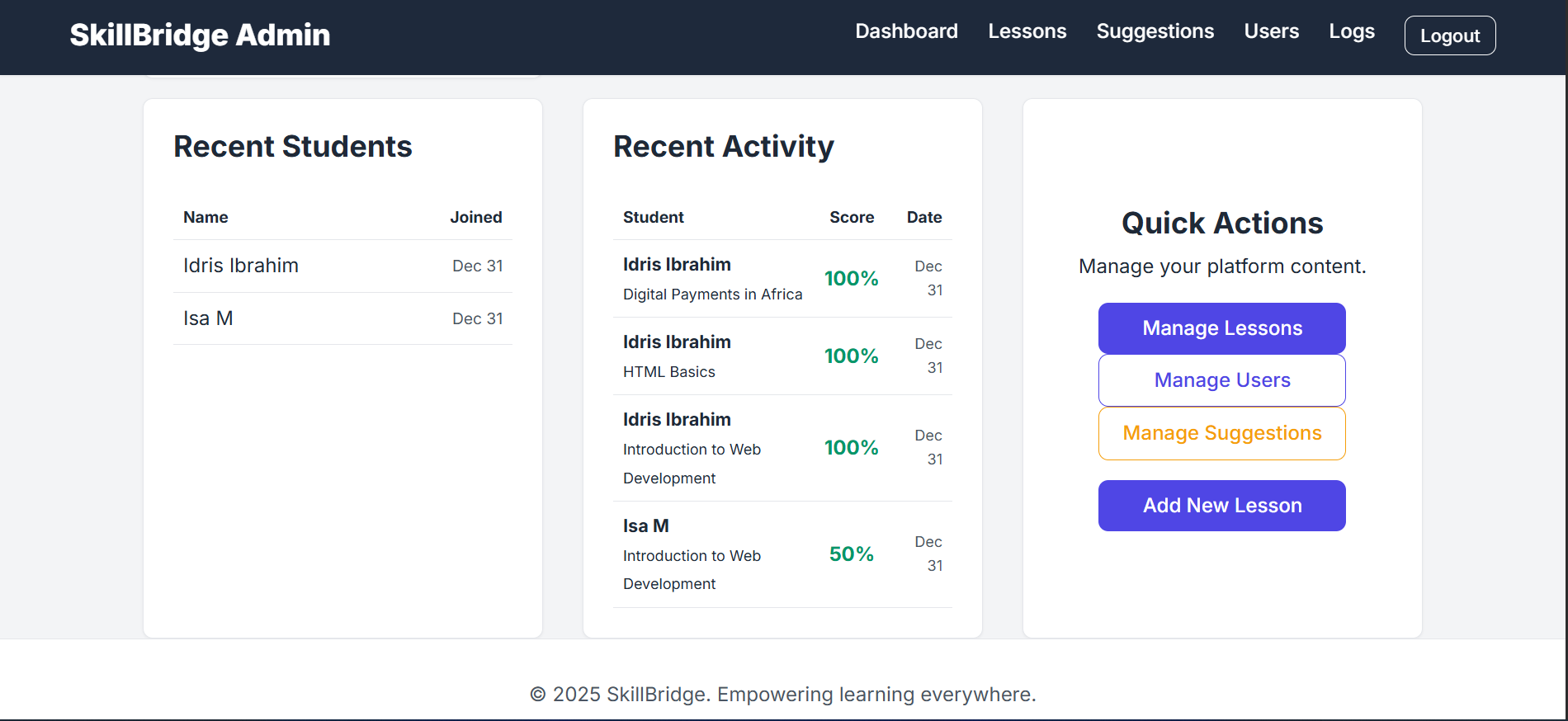
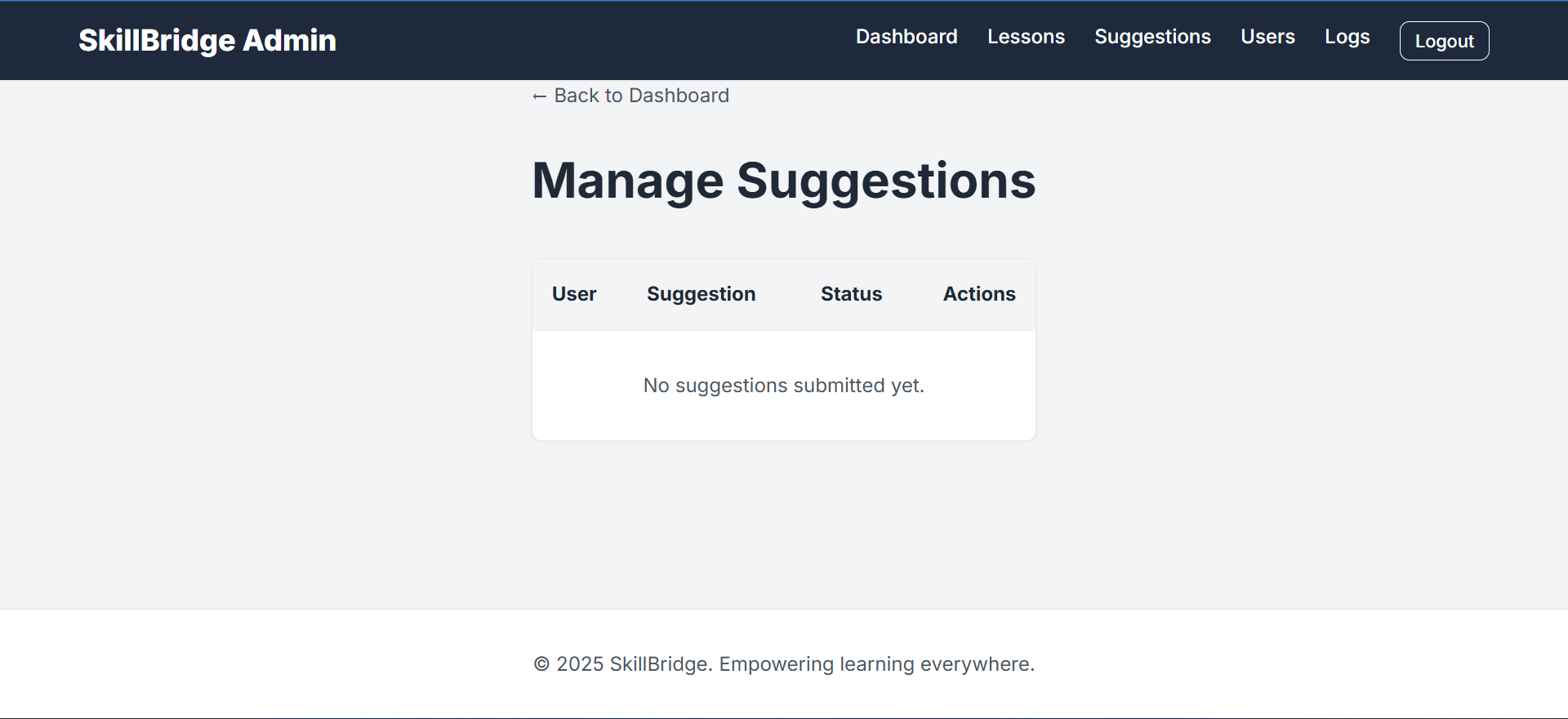
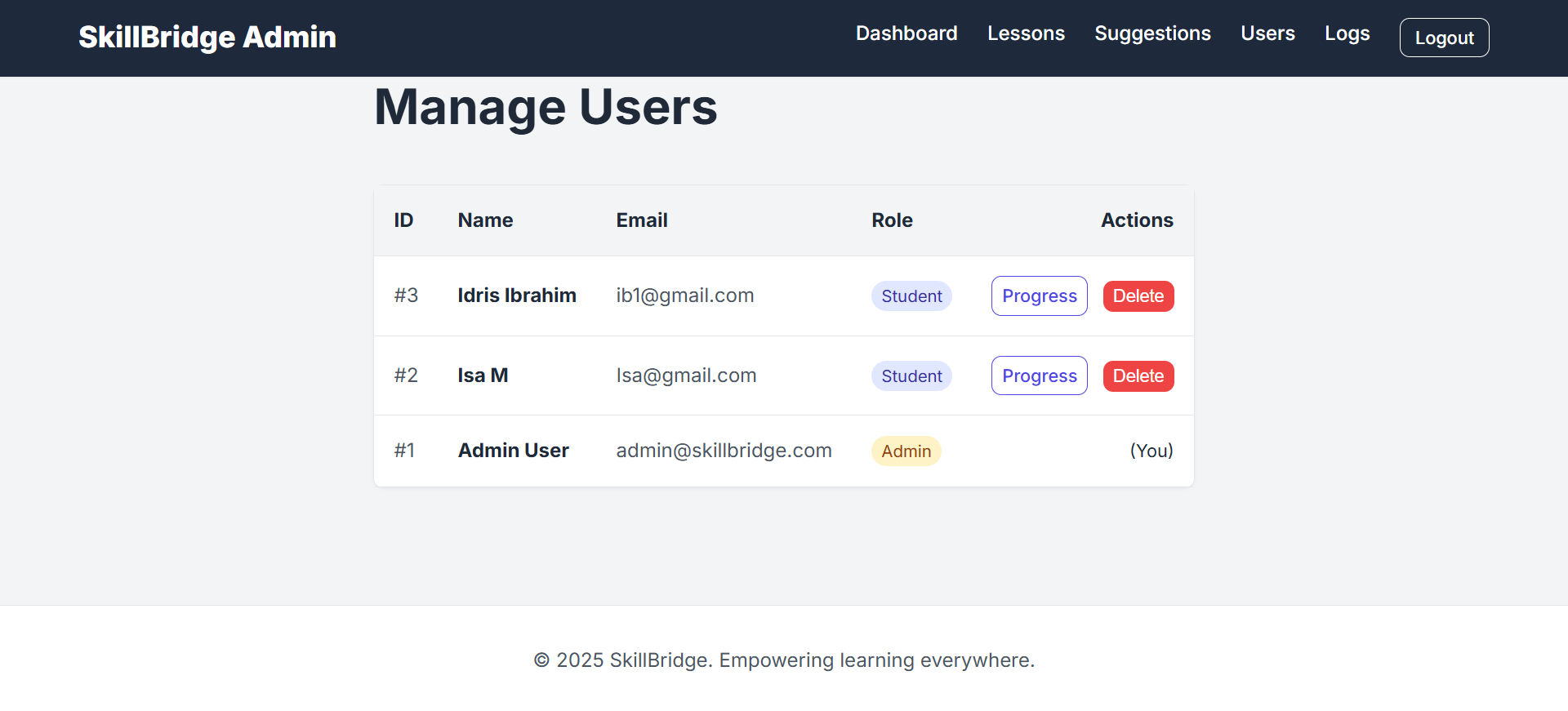
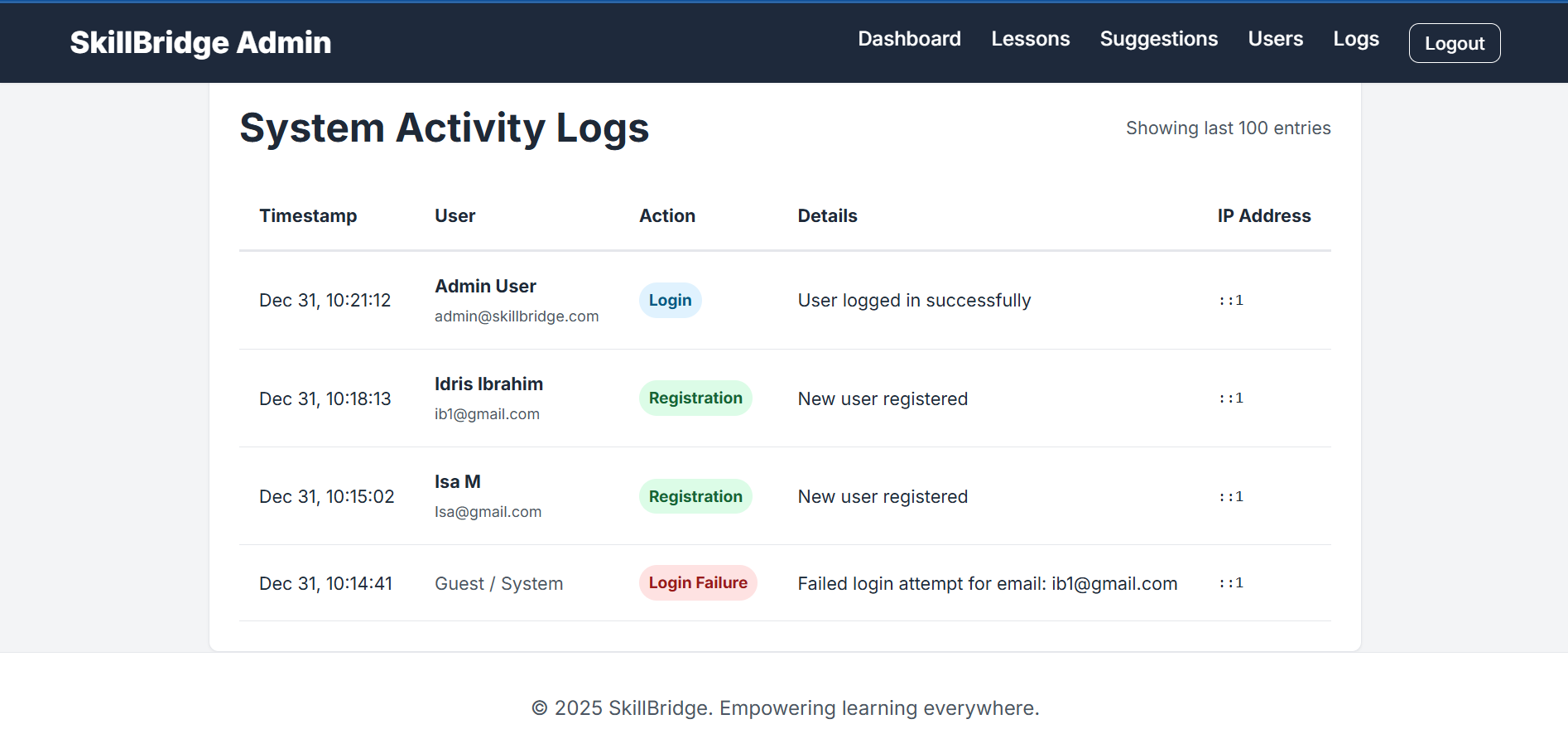
Users can: Register and log in to the platform Access structured digital skill lessons Take quizzes to test their understanding Track their learning progress on a personal dashboard Learn even in low-connectivity environments through offline-friendly content The platform is designed to be simple, mobile-friendly, and usable by students with little or no technical background.
How I built it
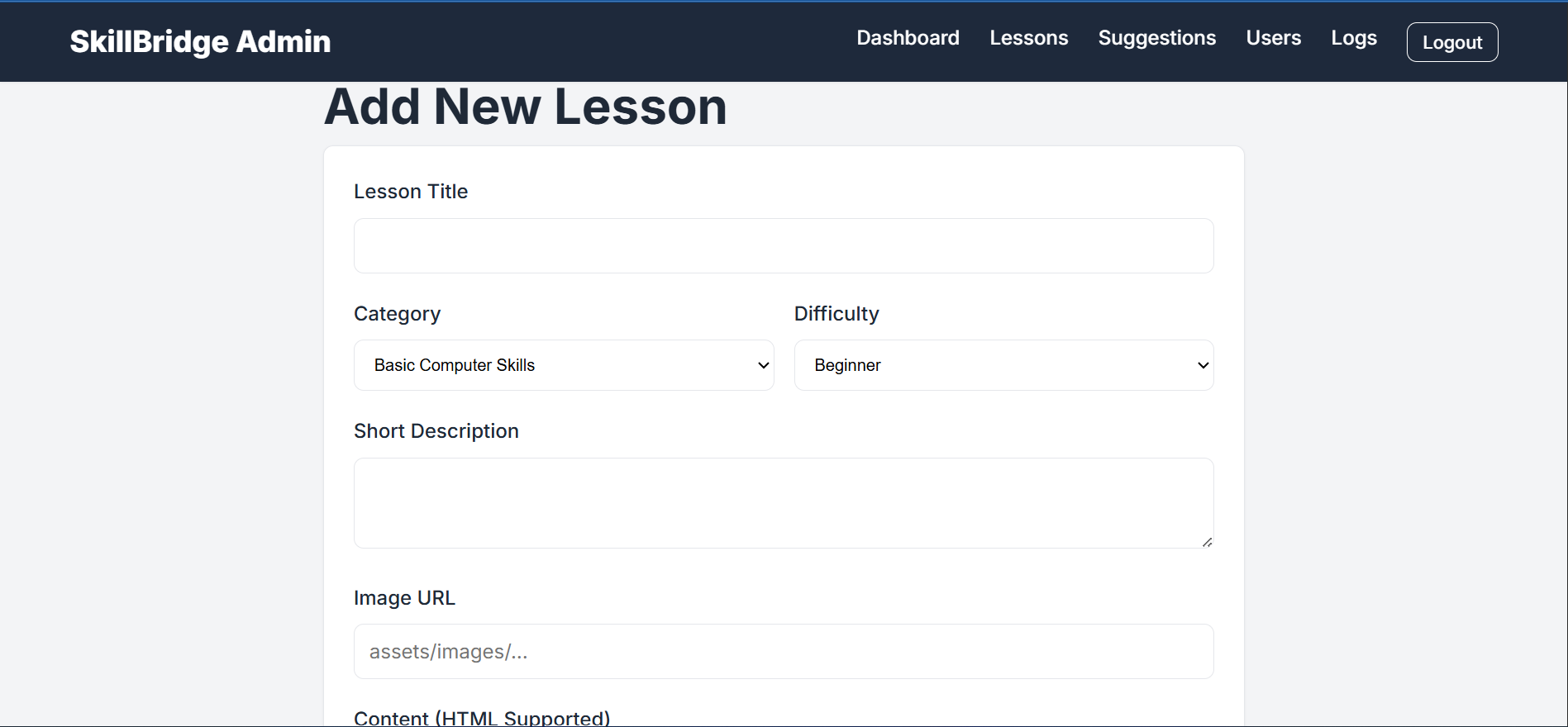
SkillBridge was built using a full-stack web development approach: Frontend: HTML, CSS, and JavaScript for a responsive and user-friendly interface Backend: PHP for server-side logic and user authentication Database: MySQL for storing users, lessons, quizzes, and progress data
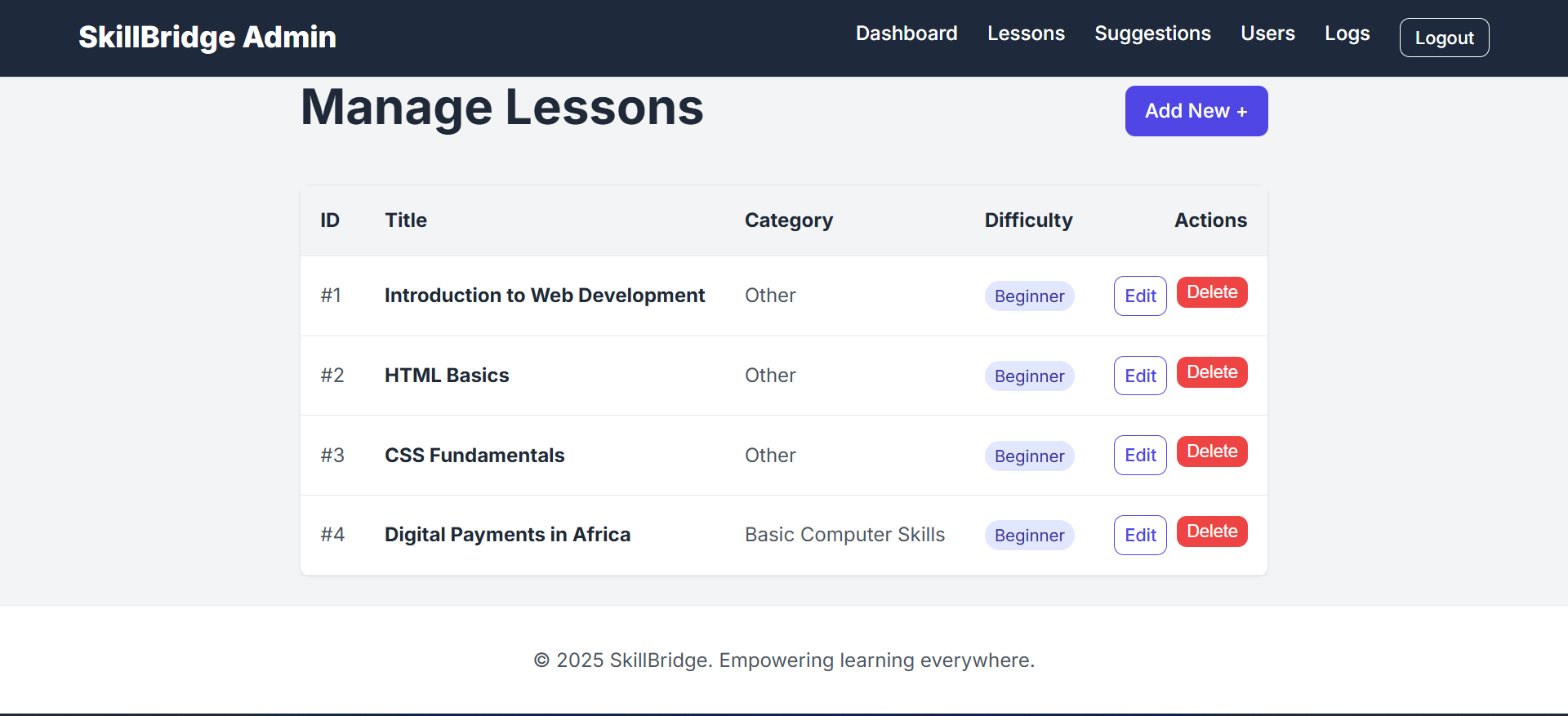
The system is modular, allowing lessons and quizzes to be easily added or updated. Special attention was given to low-data usage and accessibility to ensure it works well in resource-constrained environments.
Challenges I ran into
Designing the platform to be simple yet functional for non-technical users Balancing features with hackathon time constraints Ensuring the system remained usable on low-end devices and slow internet connections Structuring lesson content in a way that is engaging without relying heavily on videos or large media files These challenges helped shape SkillBridge into a focused and practical solution.
Accomplishments that I'm proud of
Building a fully functional learning platform within the hackathon timeframe Creating an offline-friendly, mobile-first experience Successfully integrating lessons, quizzes, and progress tracking Delivering a solution that addresses a real community need with clear social impact
What I learned
The importance of simplicity when building for community impact How to design systems for low-resource environments Better structuring of full-stack applications for scalability Translating real-world problems into practical technical solutions
What's next for SkillBridge
Add support for multiple local languages Introduce teacher and mentor accounts Expand lesson content to cover more digital and career-ready skills Deploy SkillBridge in schools and community learning centers Explore a lightweight mobile app version for wider reach


Log in or sign up for Devpost to join the conversation.