Inspiration
As a self-taught developer, I often saw beginners confused about which skills to learn, which courses to take, and how to reach their career goals. I wanted to build something that simplifies this journey without the need for logins, accounts, or complex onboarding — just direct, personalized guidance. That’s how SkillBridge was born.
What it does
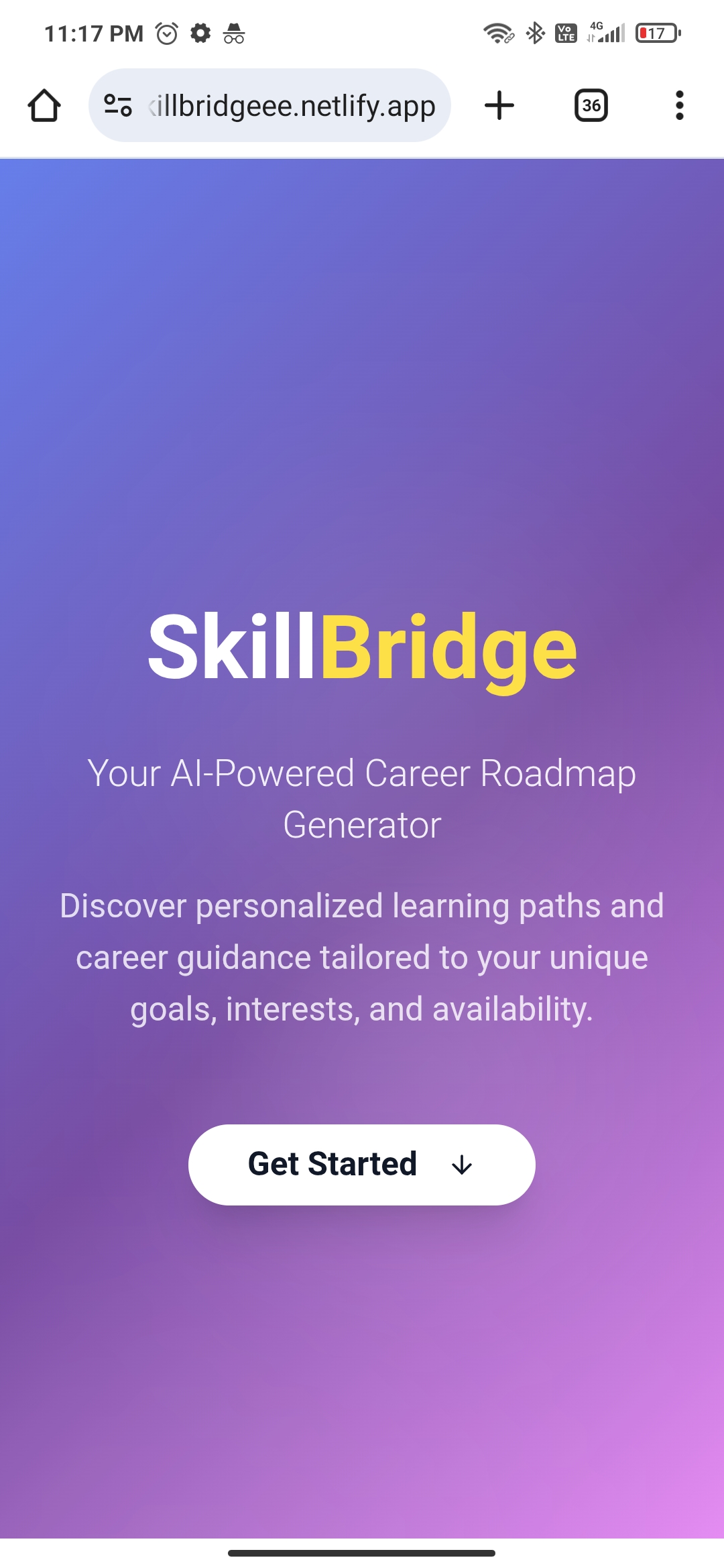
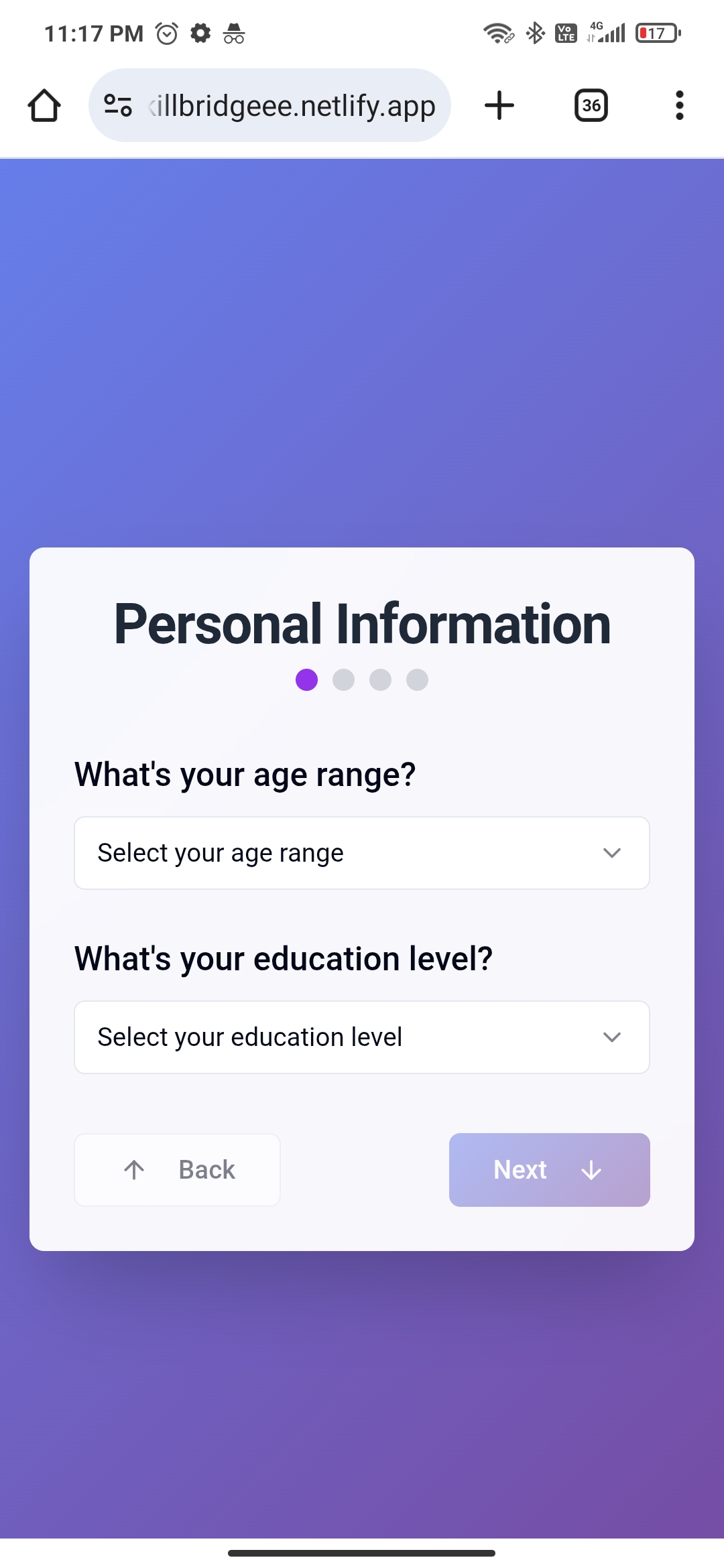
SkillBridge is a 100% frontend-only AI-powered tool that generates a personalized career + learning roadmap based on the user’s age, education level, interests, time availability, and goals. No backend, no signup — just instant value.
It sends a dynamic prompt to the DeepSeek LLM via OpenRouter API, asking for a clean markdown-formatted roadmap. This is then rendered beautifully in the browser, saved in localStorage, and can be regenerated, downloaded as a PDF, or shared.
How I built it
- Frontend: HTML, CSS (Tailwind), and JavaScript
- AI Integration: OpenRouter API with DeepSeek model
- Markdown Rendering: Using a lightweight JS markdown parser
- Storage: localStorage to save user roadmap
- PDF Export: Using jsPDF
- Fully responsive, smooth transitions, and production-ready polish — all without a single line of backend code.
Challenges I ran into
- Crafting the perfect prompt to get clean and useful markdown from DeepSeek.
- Rendering markdown with consistent styles across devices.
- Managing everything purely on the client side without exposing the API key or breaking security.
- Keeping the UI snappy and smooth while handling large AI responses.
Accomplishments that I m proud of
- A fully functional AI product with zero backend — works offline once the roadmap is saved.
- Clean, professional UI and UX with smooth performance.
- Instant value delivery — users get their roadmap in seconds.
- Built from scratch with minimal tools and full control over every element.
What I learned
- How to design and manage multi-step forms efficiently.
- Prompt engineering for optimal AI responses.
- Handling markdown rendering and PDF export purely on the frontend.
- The power of building tools that don’t depend on user authentication or databases.
What's next for SkillBridge
- Adding drag-and-drop roadmap editing features.
- Letting users rate or give feedback on the roadmap quality.
- More AI models and roadmap types (startup roadmap, freelancer roadmap, etc.).
- PWA version so users can install SkillBridge like an app.
Built With
- css
- deepseekllm
- html
- jspdf
- localstorage
- netlify
- openrouter
- react
- tailwind
- typescript
- uicomponentsandicons
- vite

Log in or sign up for Devpost to join the conversation.