🌱 SkillBloom
Don't just list your skills. Grow them.
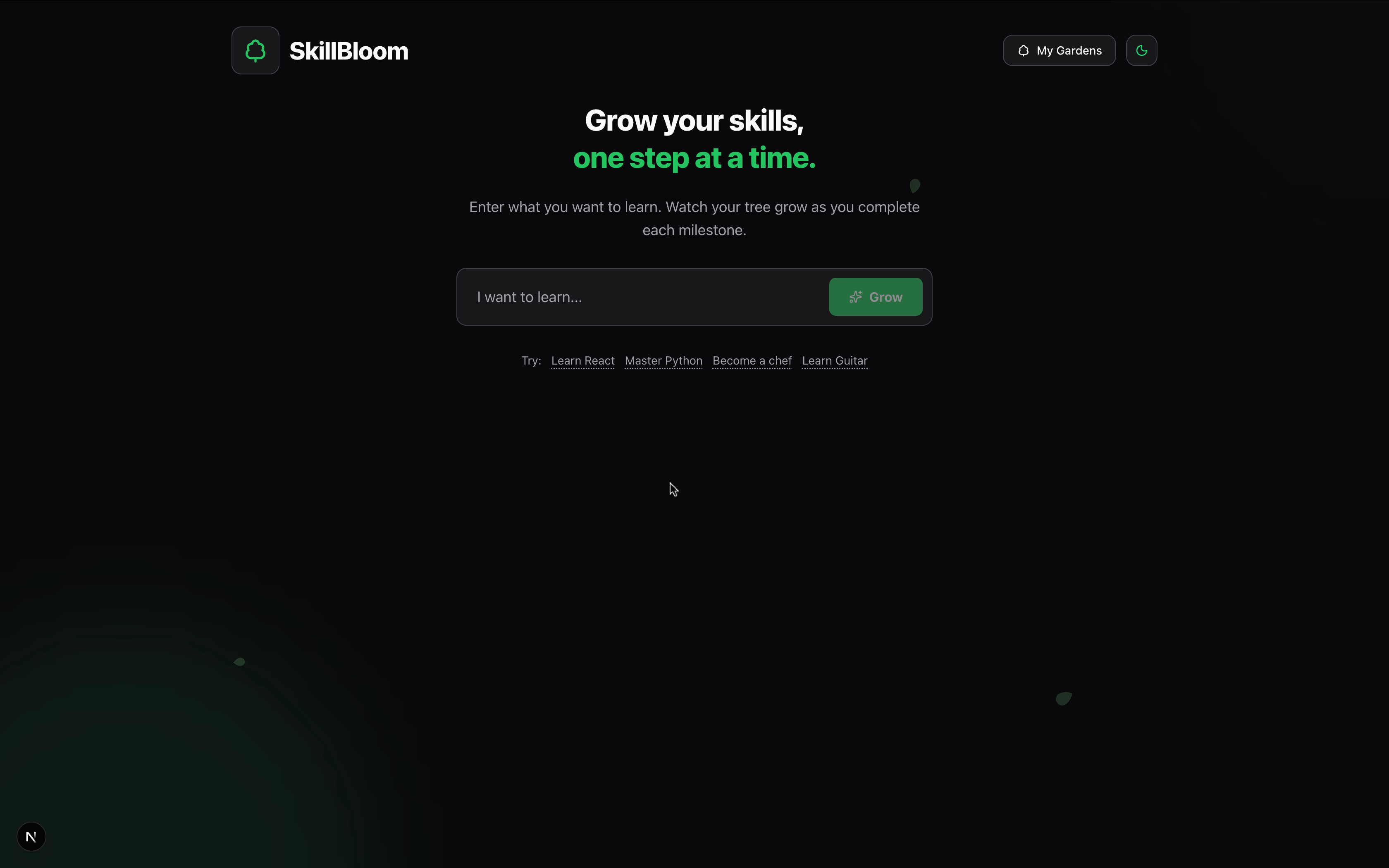
Learning is an organic process, but we track it with stagnant, lifeless checkboxes. SkillBloom reimagines self-improvement by turning your learning roadmap into a living digital garden.
💡 The Inspiration
We realized that the dopamine hit of "checking a box" is fleeting. We wanted to make progress feel tangible and permanent.
We asked: What if learning Python actually looked like growing a tree?
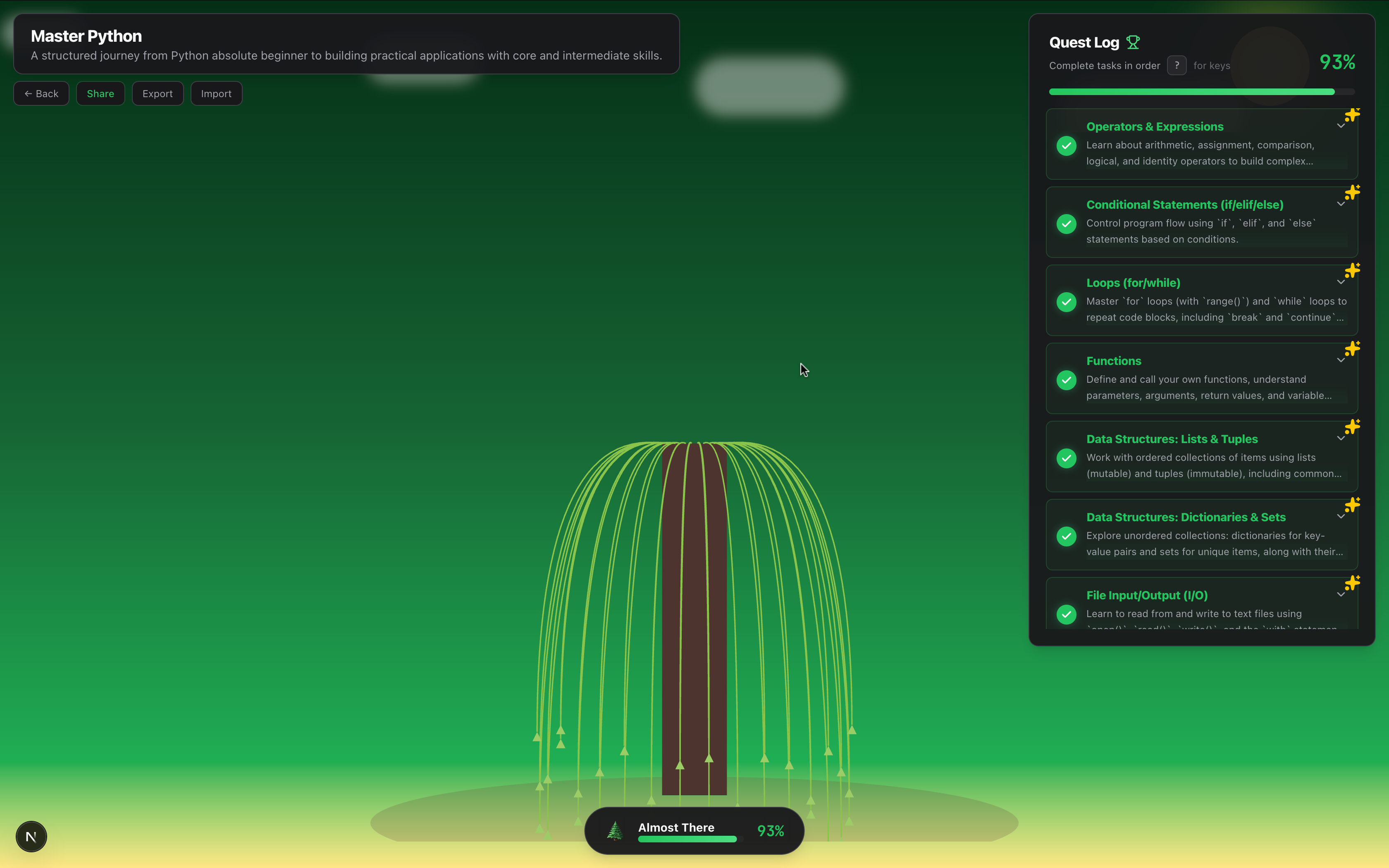
SkillBloom gamifies the grind. It takes the abstract concept of "growth" and makes it literal. Every lesson learned adds a leaf; every milestone mastered grows a branch. You aren't just completing a task list—you are nurturing a life form.
🚀 What It Does
SkillBloom is an AI-powered growth engine for your brain.
1. 🧠 AI-Curated Curriculums
Powered by Google Gemini 2.5 Flash, simply type any skill—"Quantum Computing," "Sourdough Baking," "Rust Programming"—and SkillBloom generates a structured, step-by-step roadmap instantly.
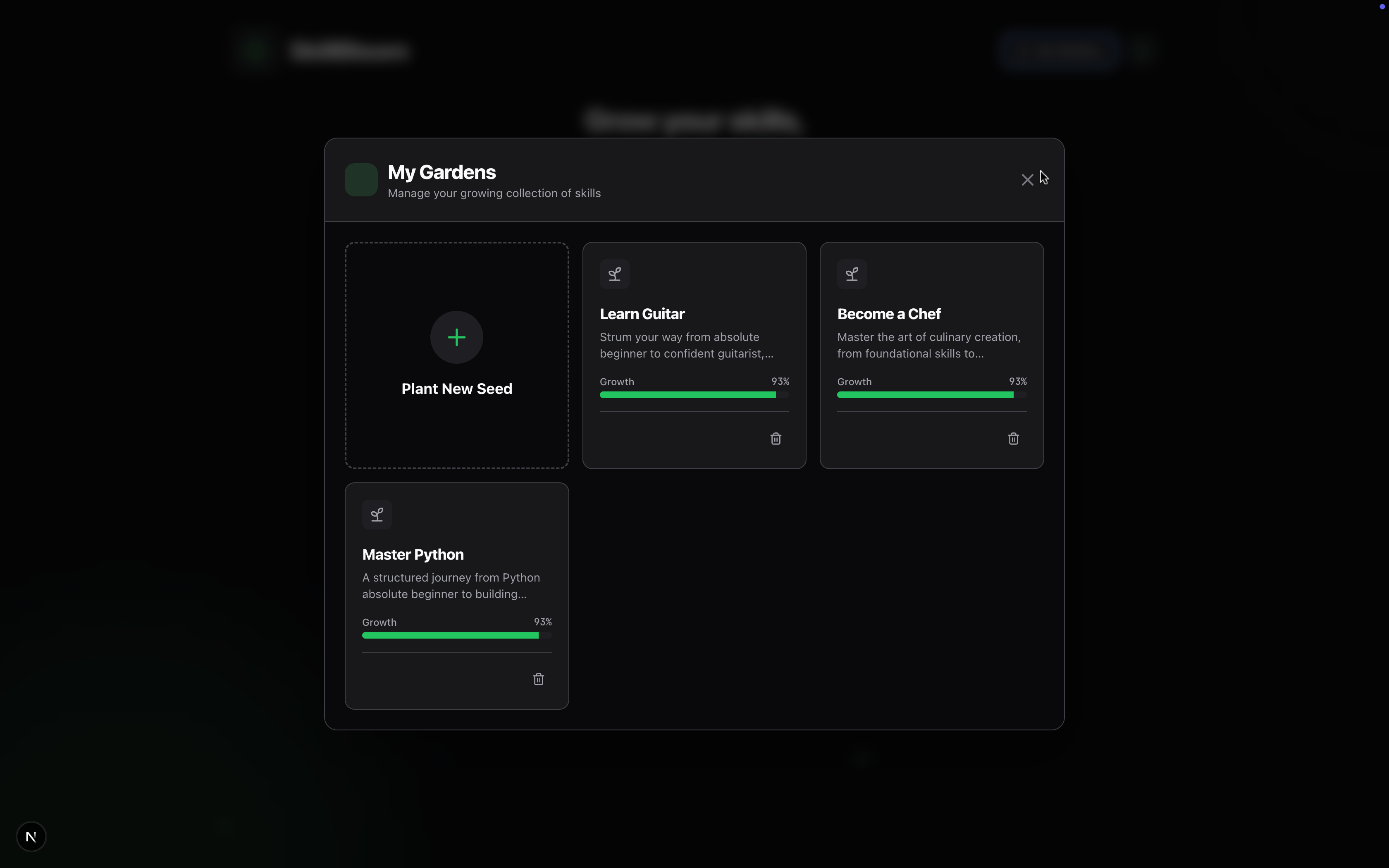
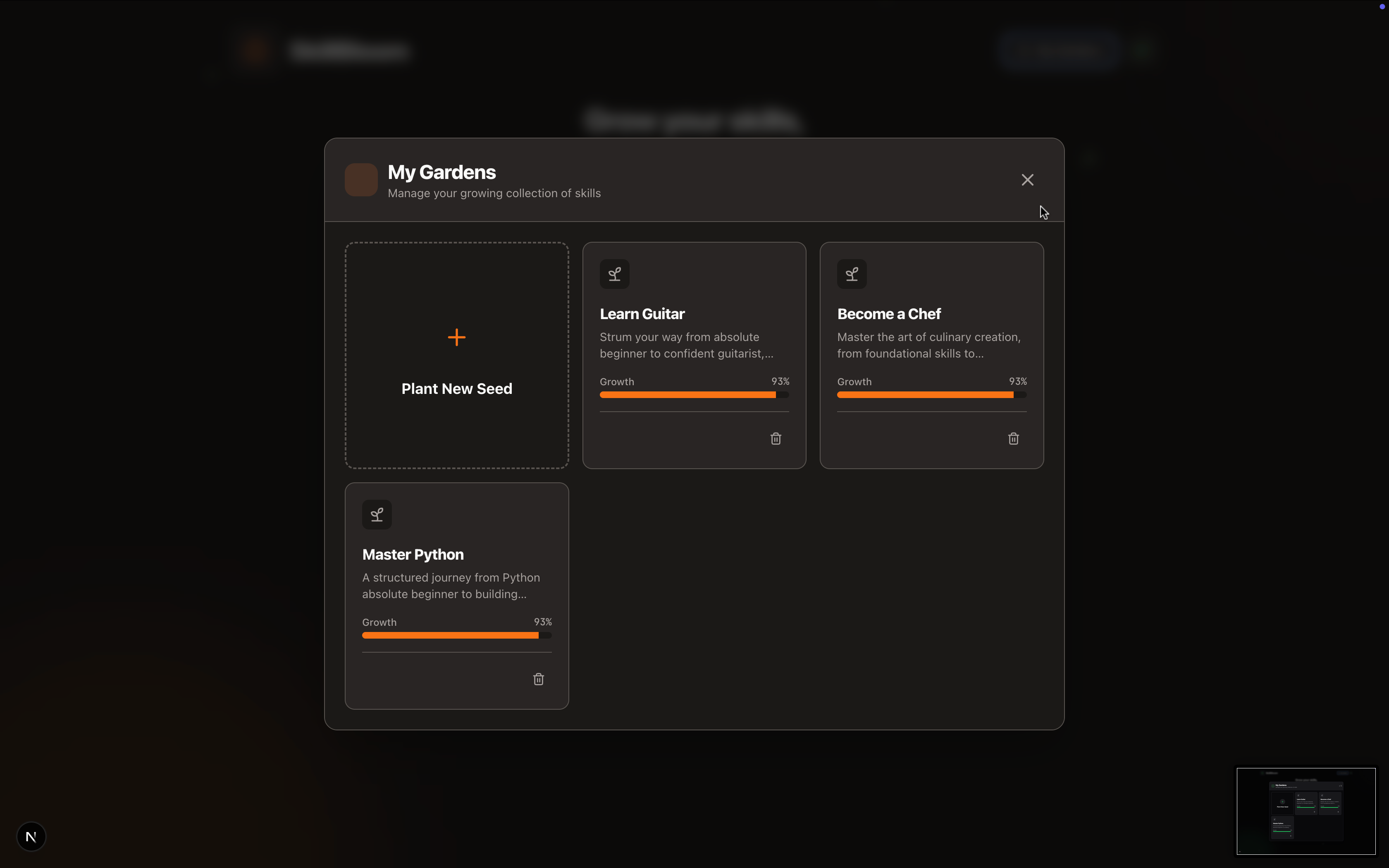
2. 🏡 The Garden Manager (New!)
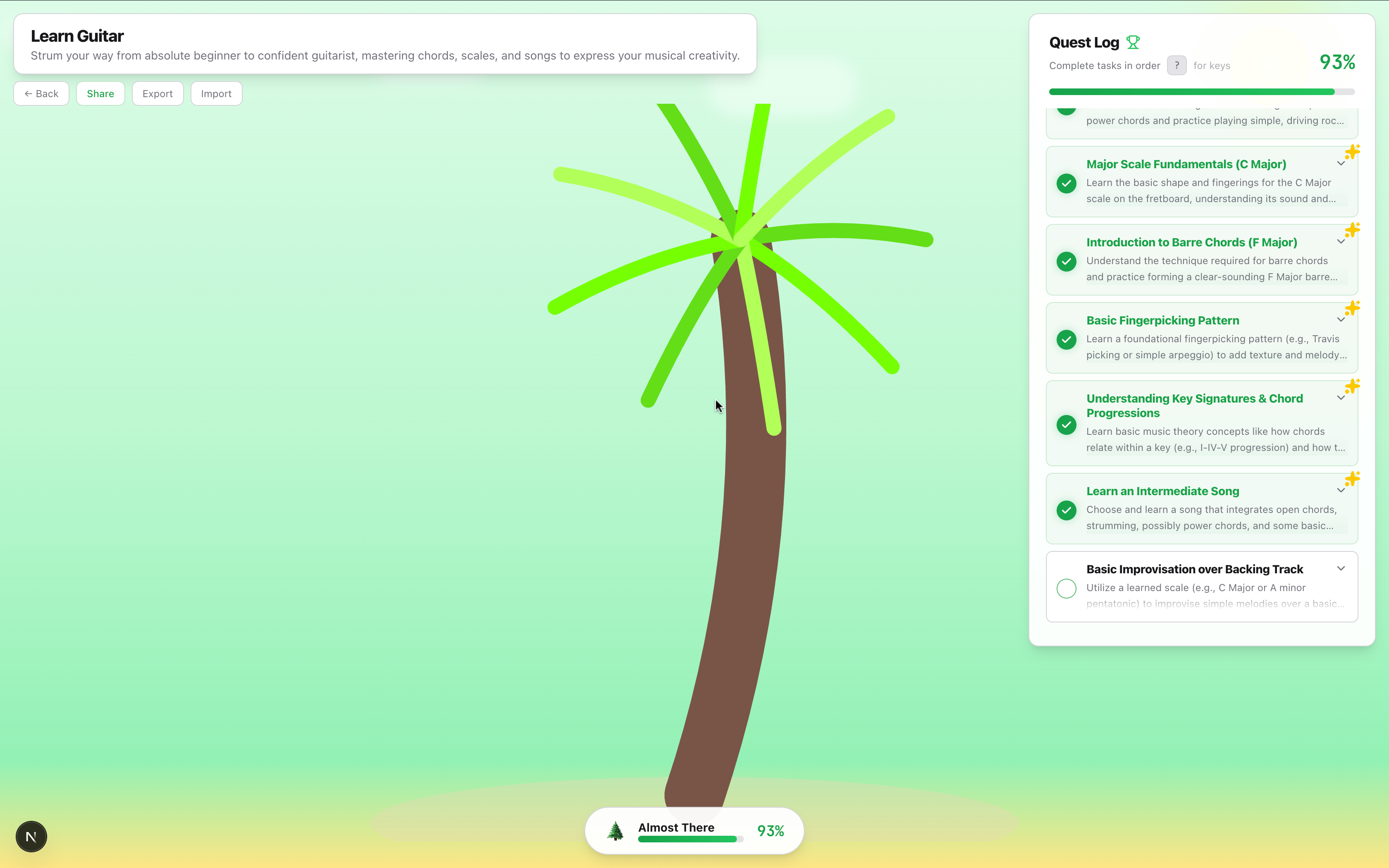
Why stop at one skill? The new Garden Manager lets you cultivate multiple trees simultaneously. Switch between your "React.js Oak" and your "French Cooking Palm" seamlessly, tracking progress across your entire knowledge forest.
3. ⌨️ Vim Mode for Power Users (New!)
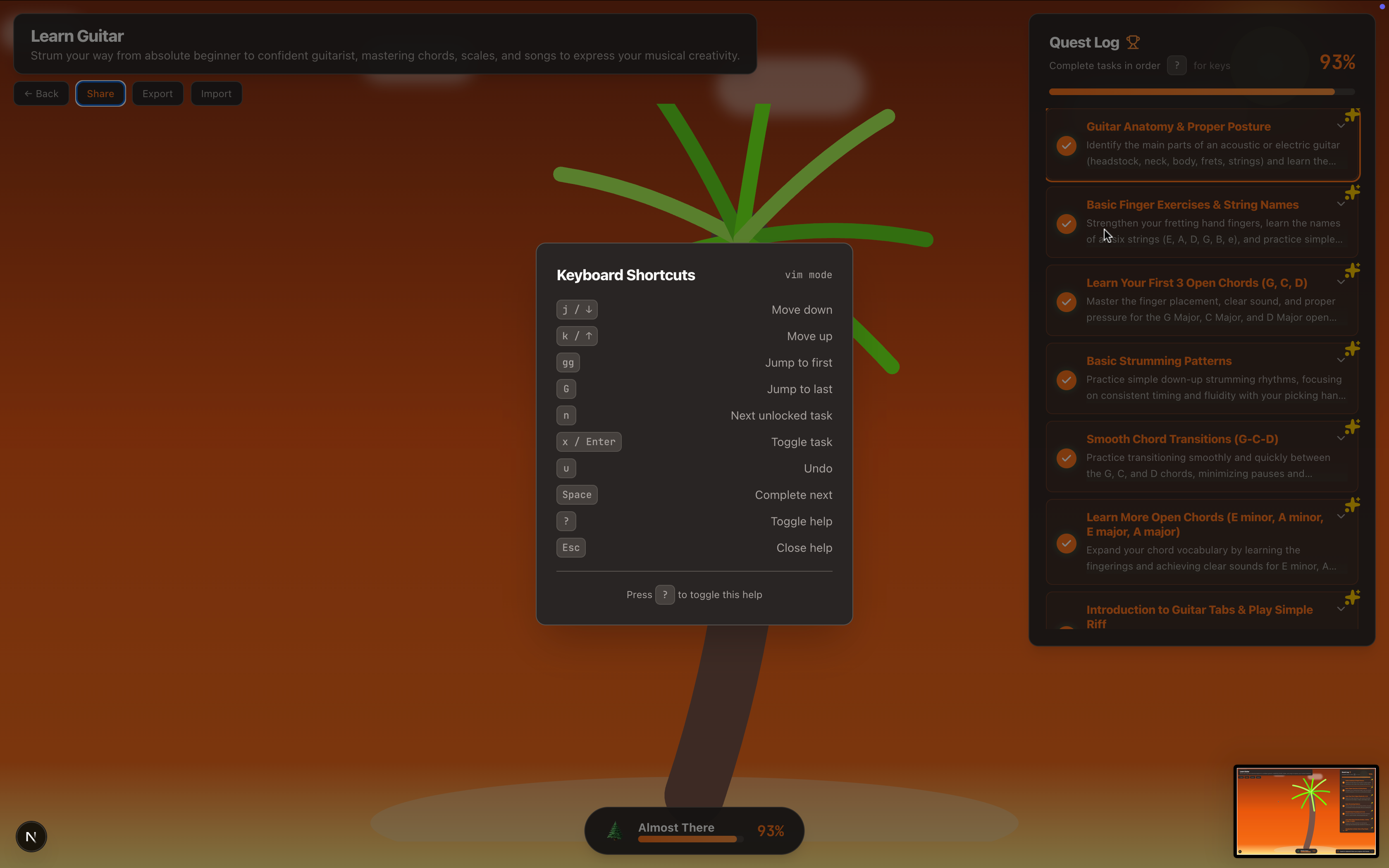
We built this for developers. Toggle Vim Mode to navigate your learning tree without ever touching a mouse:
j/k: Navigate tasksx: Mark completeu: Undo?: View keybindings
4. 🌳 Dynamic Visualization
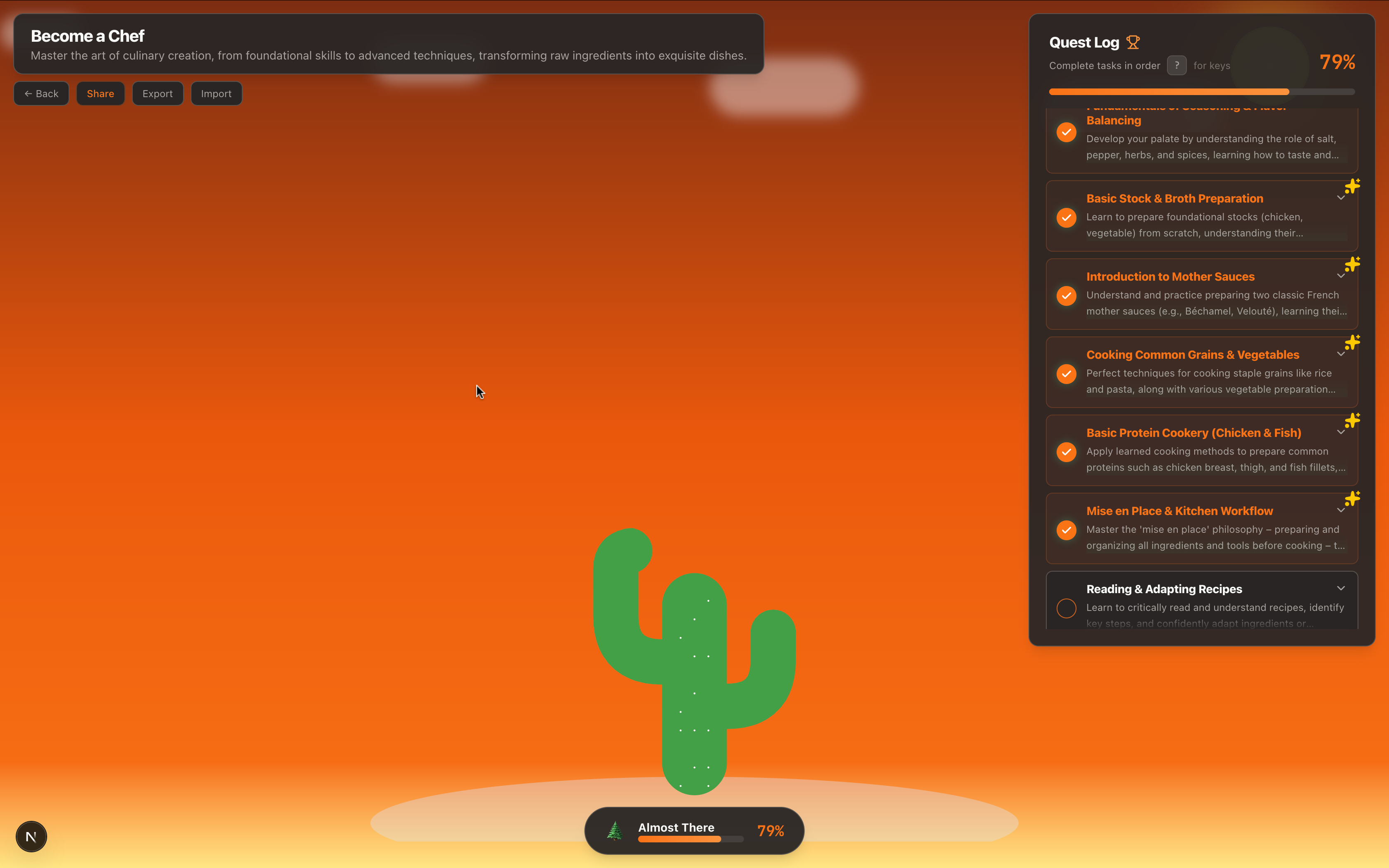
Your tree isn't a static image. It is procedurally generated in real-time.
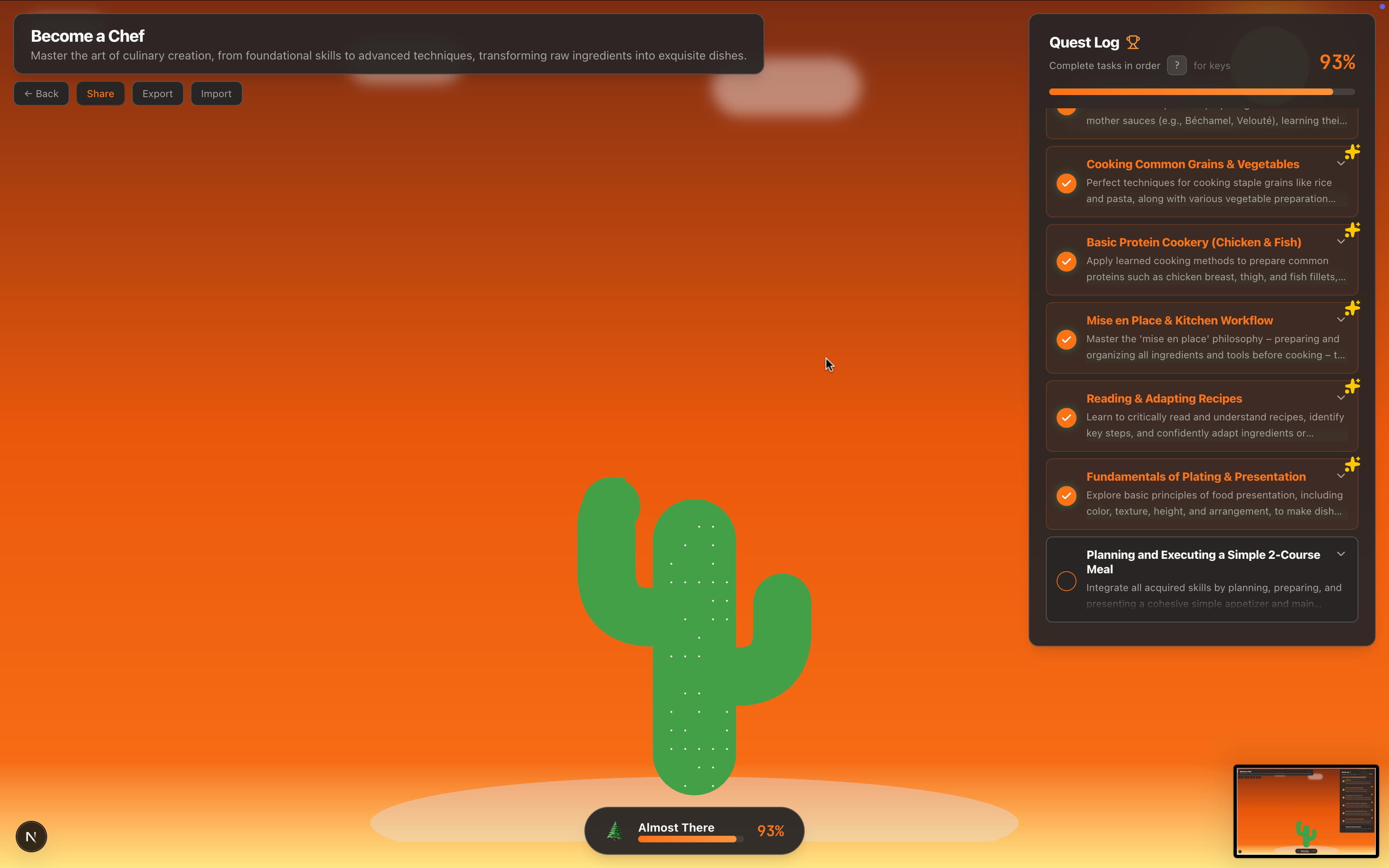
- The "Vibe" System: Learning Linux grows a Pine tree; Meditation grows a Bamboo stalk; Design grows a Tropical Palm.
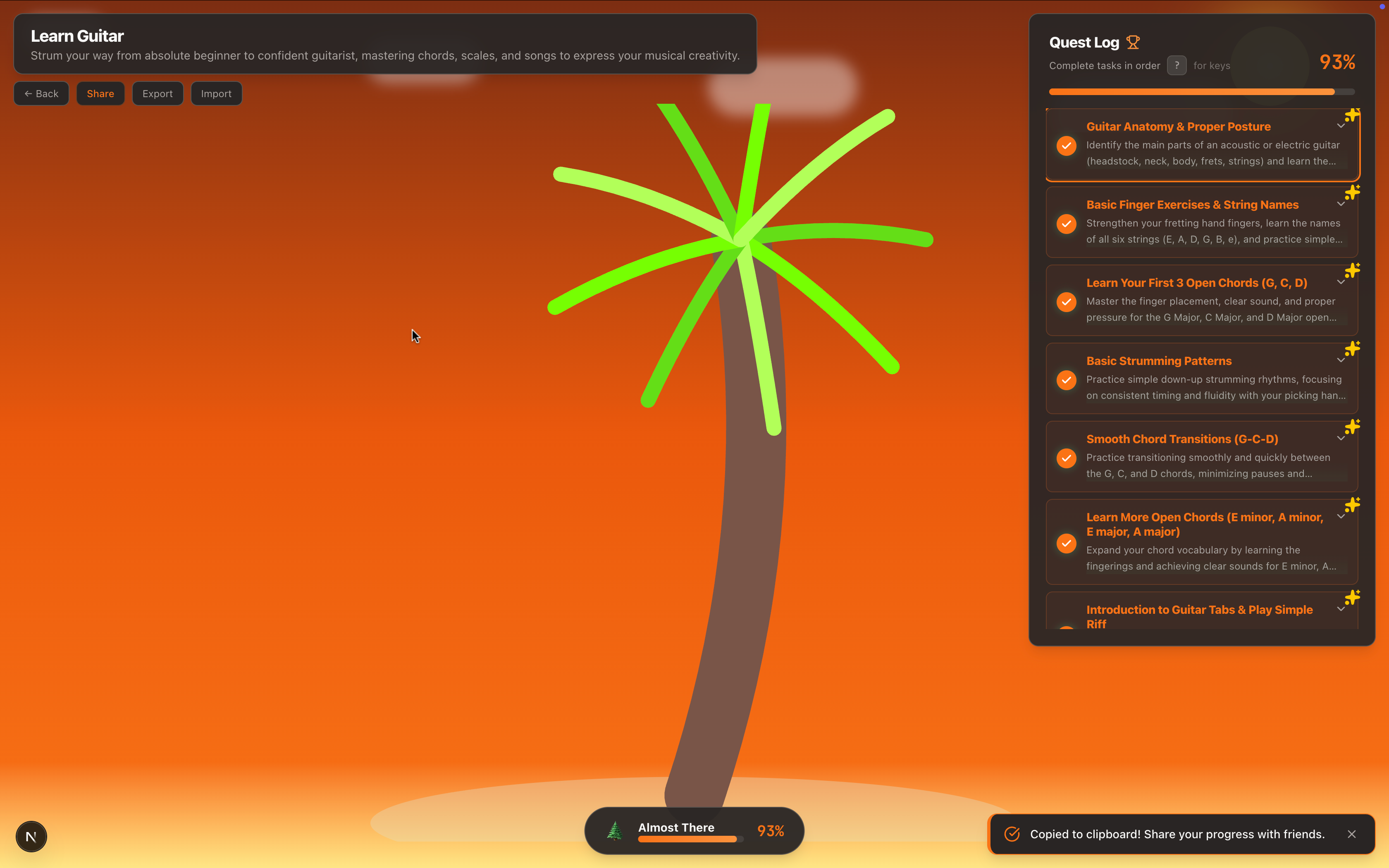
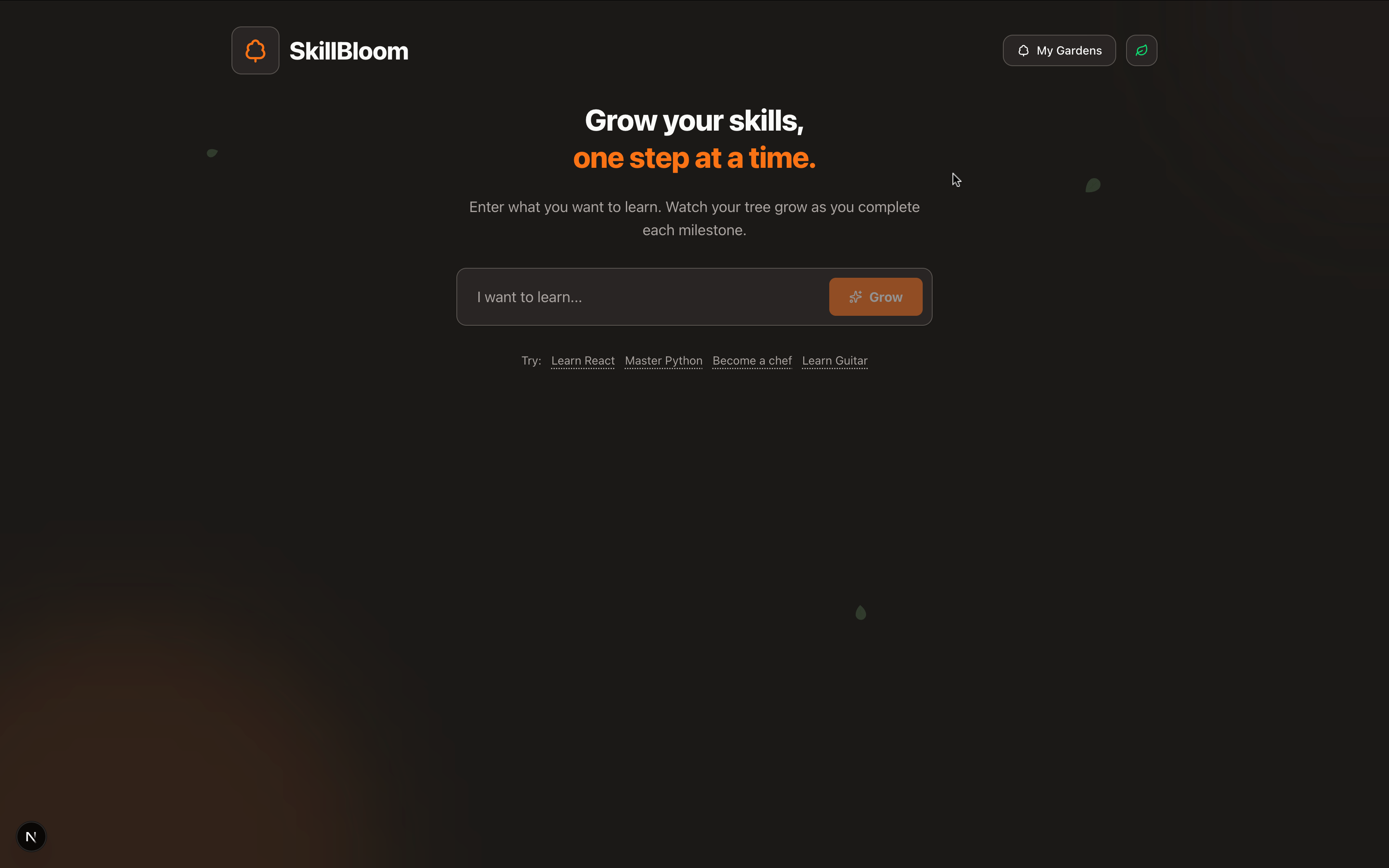
- Seasonal Themes: Toggle between Light, Dark, and Autumn modes to match your environment.
5. 💾 Data Portability
Your data belongs to you.
- Export/Import: Download your garden as a JSON file to back it up or move it between devices.
- Share Progress: One-click copy your tree's status to share your growth streak with friends.
🛠️ Under the Hood
We utilized the absolute latest bleeding-edge stack to ensure performance matches the aesthetics:
- Framework: Next.js 15 (App Router) & React 19
- Styling: Tailwind CSS 4 for zero-runtime styling overhead.
- AI: Google Gemini 2.5 Flash via the Vercel AI SDK for sub-second roadmap generation.
- Animation: Framer Motion for complex SVG path morphing.
- State: LocalStorage + Custom Hooks for robust client-side persistence.
🧗 Challenges We Conquered
🎲 Deterministic "Organic" Randomness
We faced a classic hydration mismatch: Math.random() caused the server-rendered tree to look different from the client-rendered one.
Solution: We implemented a custom seeded random number generator based on the task index. This ensures that while every tree looks organic and unique, it renders mathematically identically on every device, every time.
⚡ The "Vim" State Machine
Implementing Vim-style navigation in a web UI was tricky. We had to build a custom hook (useVimNavigation) that intercepts keyboard events, manages focus state, and handles "undo" history stacks without conflicting with native browser shortcuts.
🏆 Proudest Accomplishments
- The "Juice": We obsessed over the micro-interactions. The satisfying pop sound when a task is done, the way leaves gently float in the background, and the shimmering progress bars make the app feel "premium."
- Zero-Latency Feel: By optimizing the Gemini prompts and using optimistic UI updates, the app feels instant.
- The Vibe Engine: We love that the app "understands" the context of your skill. It feels magical when you type "Desert Survival" and it correctly gives you a Cactus.
🔮 What's Next?
- Social Forest: A public profile where friends can visit your garden and see your trees growing side-by-side.
- Watering Mechanics: A "streak" system where trees need daily "watering" (activity) or they begin to droop.
- IDE Extension: A VS Code extension to check off learning tasks directly from your code editor.
Built With
- framer-motion
- generative-art
- google-gemini
- next.js
- react
- tailwind-css
- typescript


Log in or sign up for Devpost to join the conversation.