-
-
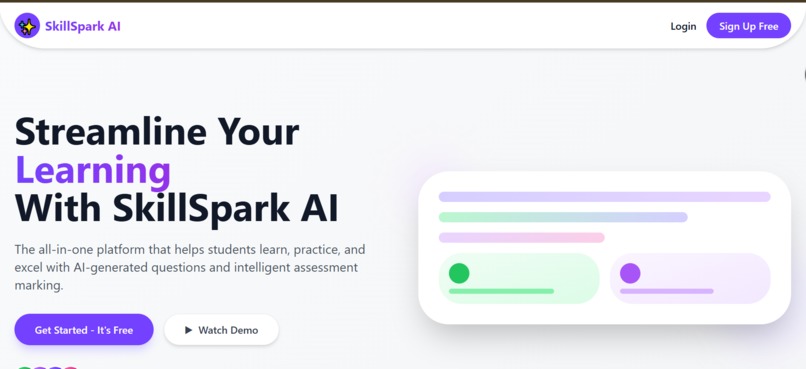
Landing-page
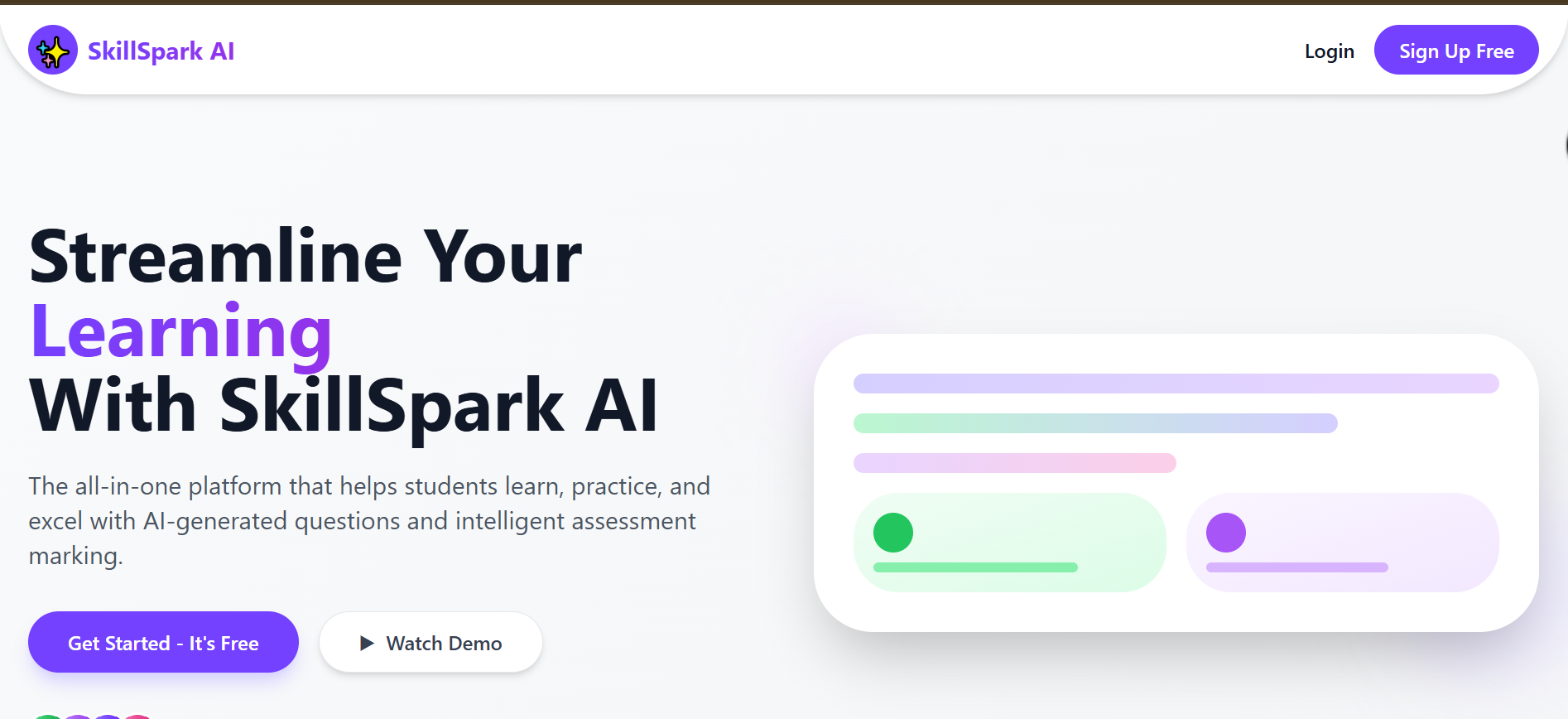
Inspiration
Simplify self-study – with a clean, paper-style UI that feels familiar but adds smart features.
What it does
SkillSpark AI is a voice-powered study tool that generates smart MCQs, gives hints, tracks progress, and ensures privacy—all in a sleek paper-style interface.
How we built it
We built SkillSpark AI using:
Next.js 14 – for a fast, scalable frontend framework.
TailwindCSS – to design a clean, responsive, paper-style UI.
Google’s Gemini API – to generate intelligent MCQs and explanations.
ElevenLabs – for real-time voice synthesis and a natural AI assistant experience.
Local Storage – to save user data privately without using a backend.
Challenges we ran into
Challenges we faced:
🔄 API Callback Errors: Handling async calls with Gemini sometimes caused delays and broken responses. We fixed this by refining error handling and adding loading states.
🎨 Color Scheme Confusion: Struggled to find a palette that balanced clarity with aesthetics. After testing multiple themes, we settled on a minimal, paper-style look for focus and usability.
Accomplishments that we're proud of
We successfully integrated Gemini AI and ElevenLabs to deliver real-time voice assistance and intelligent MCQs. We designed a clean, user-friendly interface using Next.js 14 and TailwindCSS. We implemented full local storage support to ensure privacy without a backend. We created a smooth, interactive, and personalized learning experience with smart hints and performance tracking.
What we learned
We learned how to integrate multiple AI APIs like Gemini and ElevenLabs into a single seamless platform. We gained experience in handling asynchronous API calls and debugging callback errors. We understood the importance of UI/UX in educational tools and how color schemes affect user focus. We deepened our skills in Next.js 14, TailwindCSS, and local storage for building fast, private web apps.
What's next for Skill Spark AI
We plan to add more subjects and difficulty levels for broader academic coverage. We aim to introduce progress analytics with charts and insights to help students track growth. We’re exploring offline support and mobile optimization for on-the-go learning. We also plan to integrate voice input so users can ask questions by speaking, not just clicking. Eventually, we hope to build a community feature for peer-to-peer learning and collaboration.
Built With
- api
- eleven-labs
- gemini
- next-js
- tailwind
- typescript


Log in or sign up for Devpost to join the conversation.