-
-

The app icon
-
-

-


Inspiration
I looked around to see if any skewing app was available, which was only Skew Images. I though "hm, I could add another level to this. Instead of having to do a whole process that involves a bunch of clicking so you can skew your page, I'll just make it super convenient with an app."
What it does
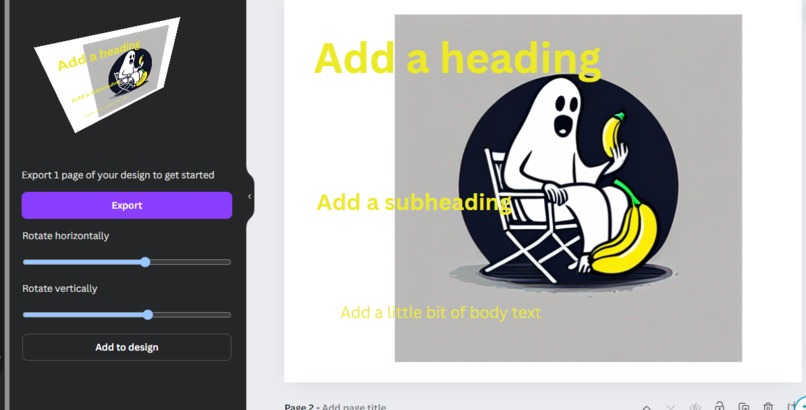
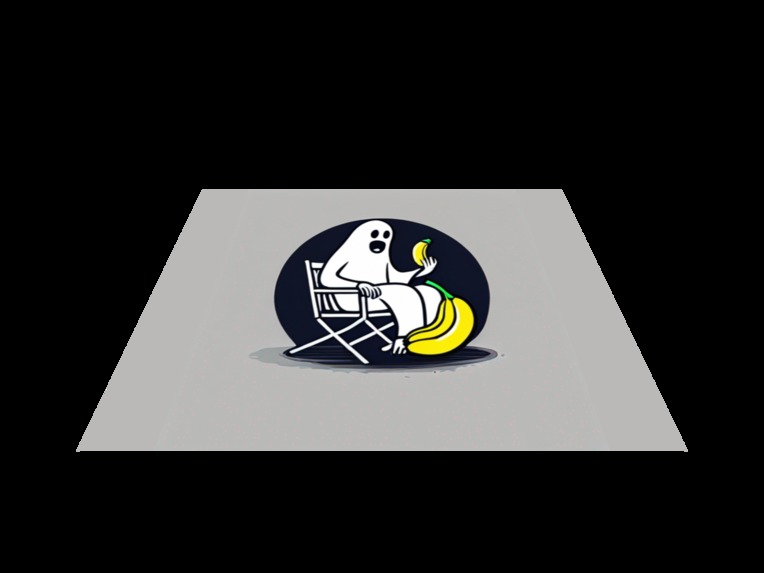
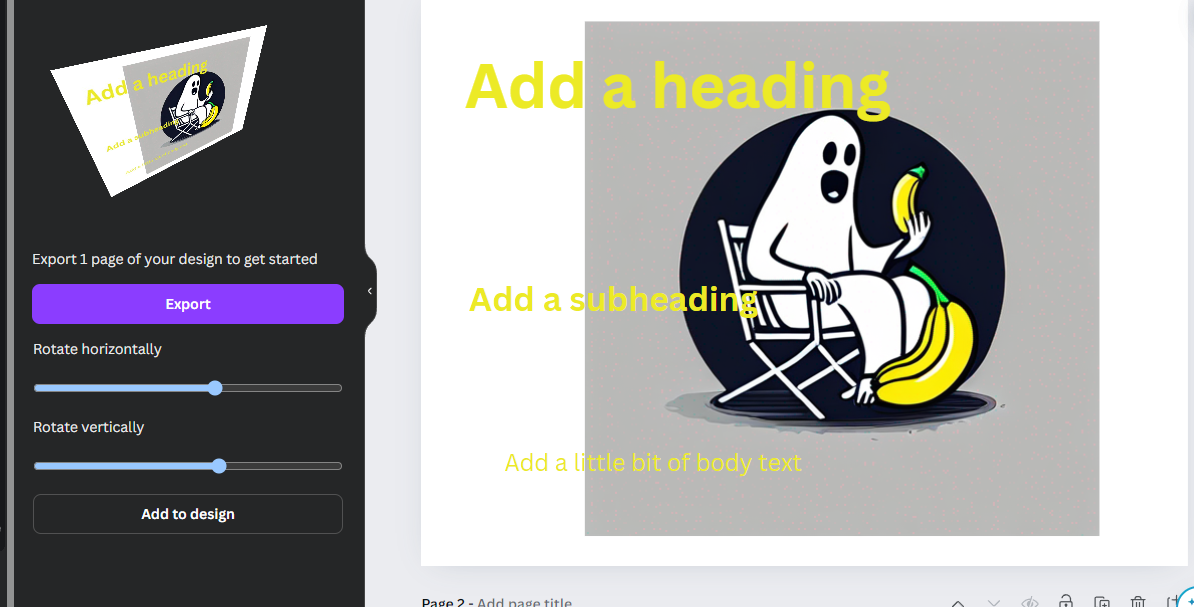
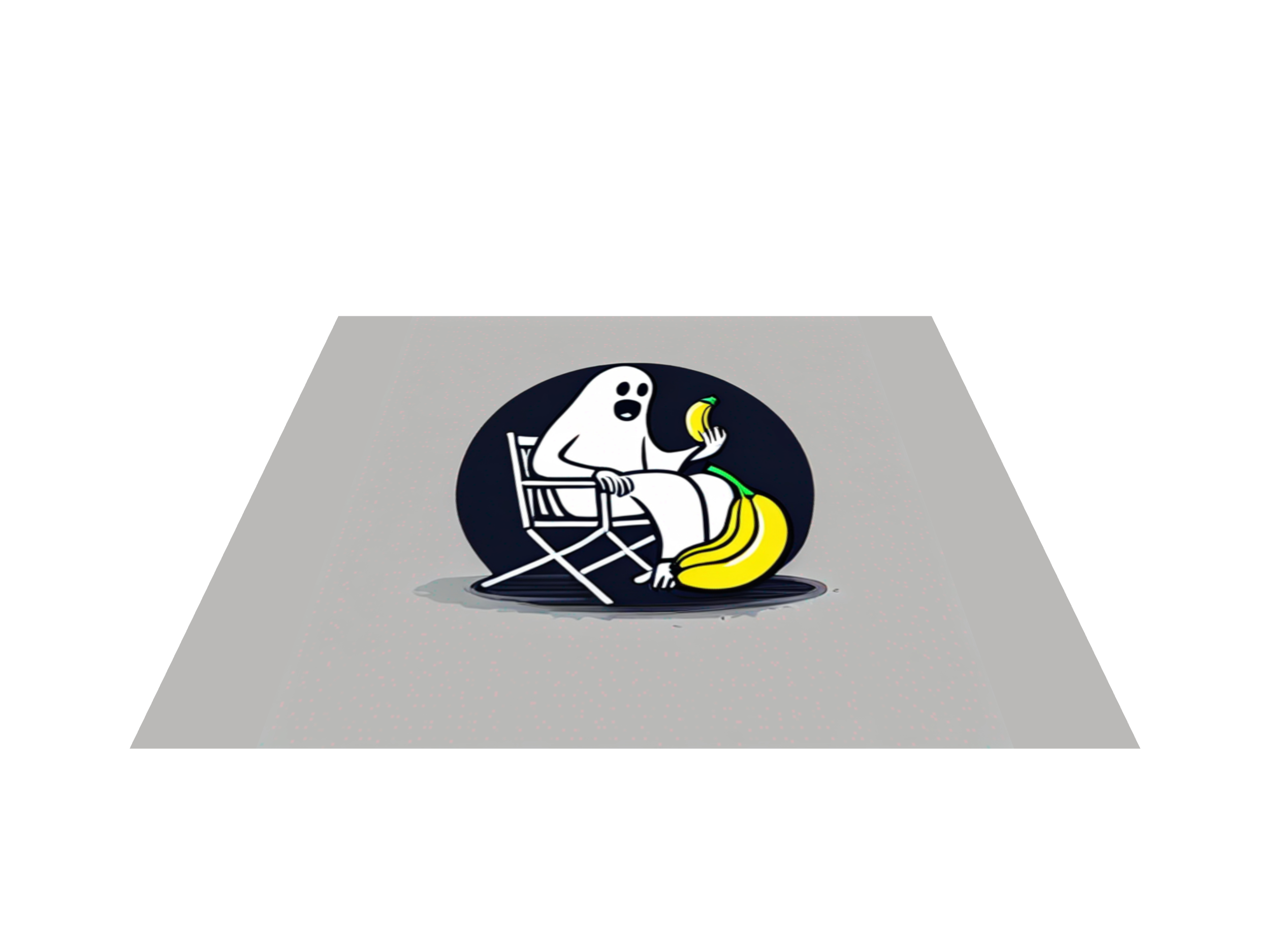
So with Skew Image, you can only upload a file image and skew that but not easily with page designs. With Skew Pages, you can easily pick a page and skew it.
How we built it
I used Three.js on a canvas HTML tag so we can 3D rotate it however we want. So at first, we use Canva's requestExport() to upload the page we want. We use the resulting URL to create an image and then paste that on a plane within Three.js.
Challenges we ran into
It was challenging figuring out what the Canva SDK had to offer and how I was supposed to integrate Three.js smoothly with the page design. I encountered a lot of scope problems but I was able to figure everything out in the end.
Accomplishments that we're proud of
I was not familiar with: React, Canva SDK before this, so I'm so proud I was able to figure something out! I've submitted this app so it's in the process of being published on the platform. This would be my first time publishing on a popular platform. Exciting! :))
What we learned
I learned how to use Three.js, React, and the Canva SDK. I learned about hooks and such. I learned that it's very challenging to create something without knowing how the coding ecosystem works. Without knowing the architecture or ecosystem, there's no guarantee that your method would work. So even though your plan might sound good, it might not be and you'd have to start from the beginning again to figure a different method to incorporate what you want.
What's next for Skew Page
The next step is to actually get this published :)), it passed the functional review and is currently being revised in the design process. I'm glad I joined this hackathon!

Log in or sign up for Devpost to join the conversation.