Inspiration:
Research moves at the speed of data collection, and that’s slow. Recruiting participants, running trials and cleaning results can take months before a single hypothesis gets tested. Researchers often don’t know which factors matter most until they’ve already spent the time and money to find out.
We wanted a way to explore those questions first. We started with a simple one: why do some people mix up their left and right? In a balanced population, errors spread evenly around the middle. But real populations aren’t balanced. Age, viewing perspective and complex instructions all push some groups toward more or fewer mistakes, and those groups skew the overall picture. SKEW lets you see that skew happen.
What it does:
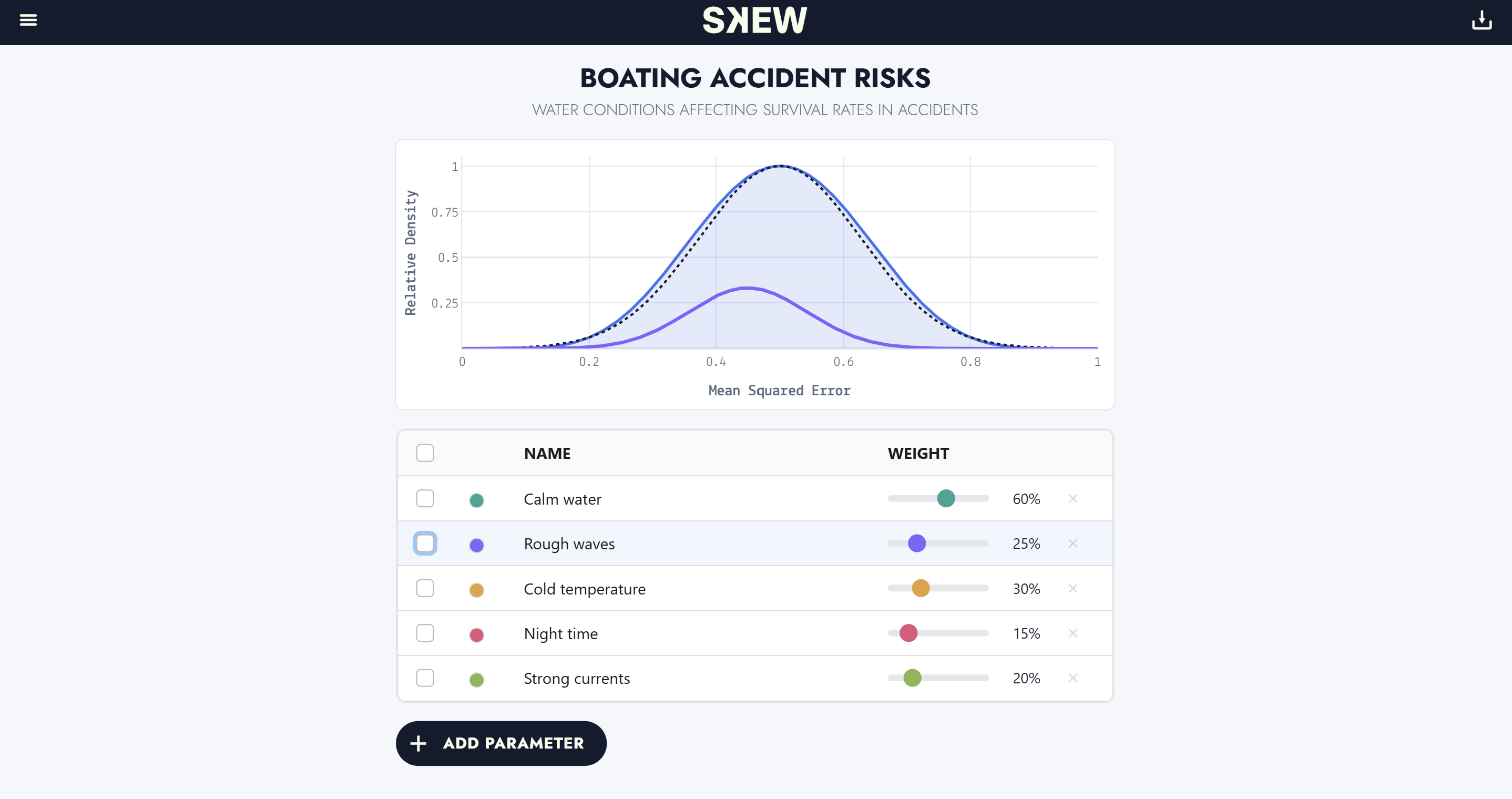
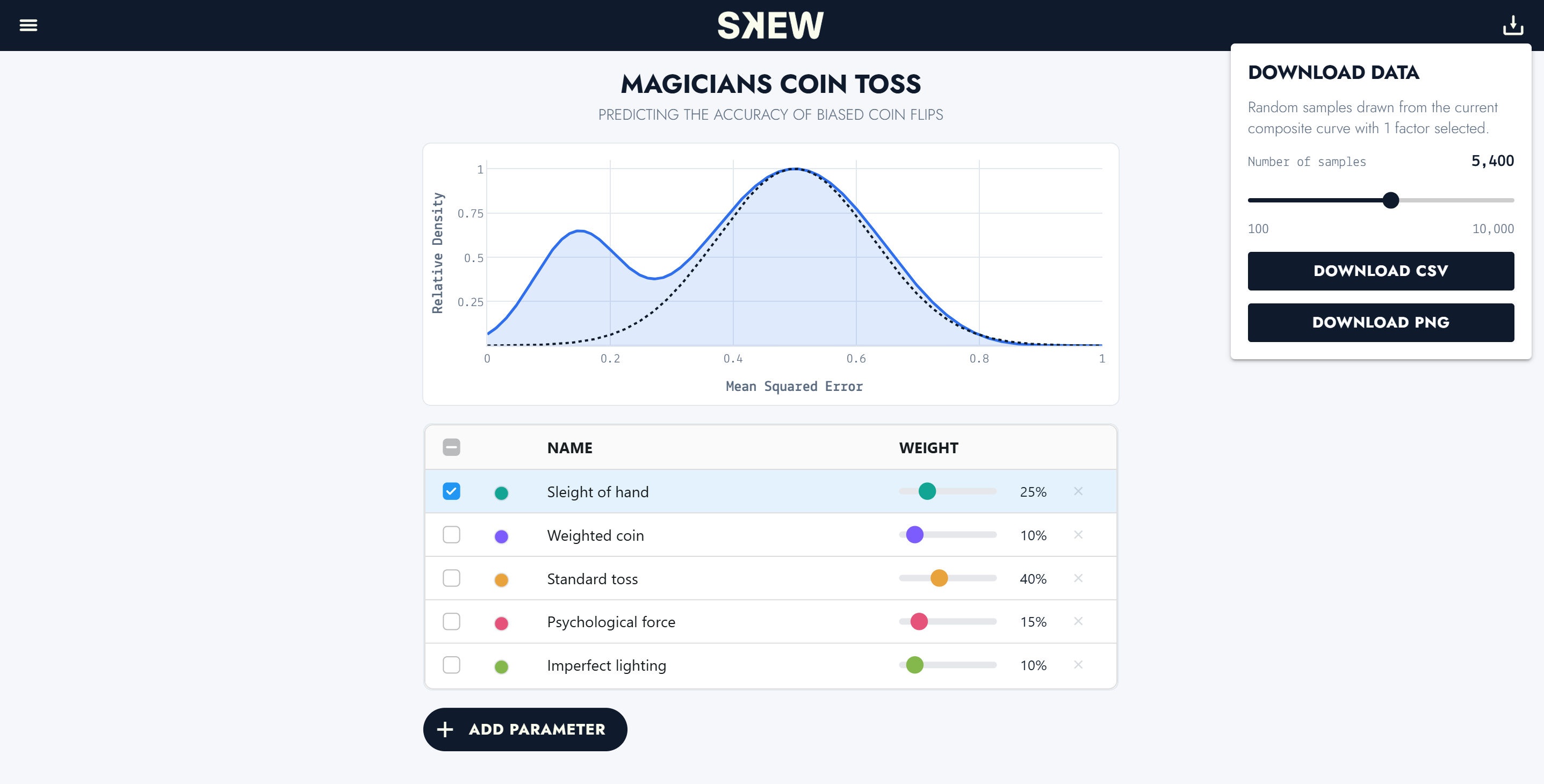
SKEW starts from an unbiased baseline, a normal distribution, and lets you layer in factors that could affect the outcome. Each factor has a weight: the share of the population it represents. As you check factors and adjust their weights, the composite curve shifts away from the baseline, showing which factors reshape the results and by how much.
You can also describe a new scenario in plain language. SKEW uses Gemini to suggest the relevant factors, each with an estimated error rate and population share, and builds a new project from them. Every model can be exported as a CSV.
How we built it:
Python + NiceGUI for the app, Plotly for the graphs and AG Grid for the factor table NumPy for the distributions: each factor is a smoothed curve of error rates Gemini API, reached through a Cloudflare Worker so the API key never touches our code NiceGUI for smooth curve animations and the weight sliders
Each factor’s curve is normalized to area 1, so a weight means a share of people, not a share of curve height. The composite blends the baseline with the checked factors If the weights add up to more than 1 (overlapping groups), they’re rescaled to sum to 1. The result is then scaled so its peak is 1 for display.
The sliders snap to each factor’s default weigh. While you drag, the factor’s own line moves live, and the composite updates once when you let go.
Challenges we ran into:
- hosting on cloudflare - instead of calling an API key directly, we hosted it on cloudflare to keep secrets hidden
- Moving targets - retired Gemini models and slow responses broke our AI connection more than once.
- Getting the math right - our first weighting mixed curves by peak height, which quietly made wide curves count for more people than narrow ones. Normalizing by area fixed it.
- Smooth interaction - Plotly redraws the whole figure on every update, so we wrote our own browser-side animations to keep curves from snapping.
What we learned:
- How to model bias as a weighted mixture of distributions, and why population share matters as much as how strong a bias is
- How to call AI services securely through a proxy


Log in or sign up for Devpost to join the conversation.