Inspiration
Sketucate began as a simple question: what if the first spark of an idea — a scribble, a word, an emoji — could instantly become a tiny learning journey? Most learning tools start after you already know what you want. I wanted something that works earlier in the creative cycle, right at the “I have an idea but it’s still forming” phase. The inspiration came from the messy way people brainstorm: notebooks full of sketches, random emojis dropped in Notes, hurried text ideas. Sketucate turns those loose fragments into structured, trackable learning moments — like a sketchbook that teaches back.
What it does
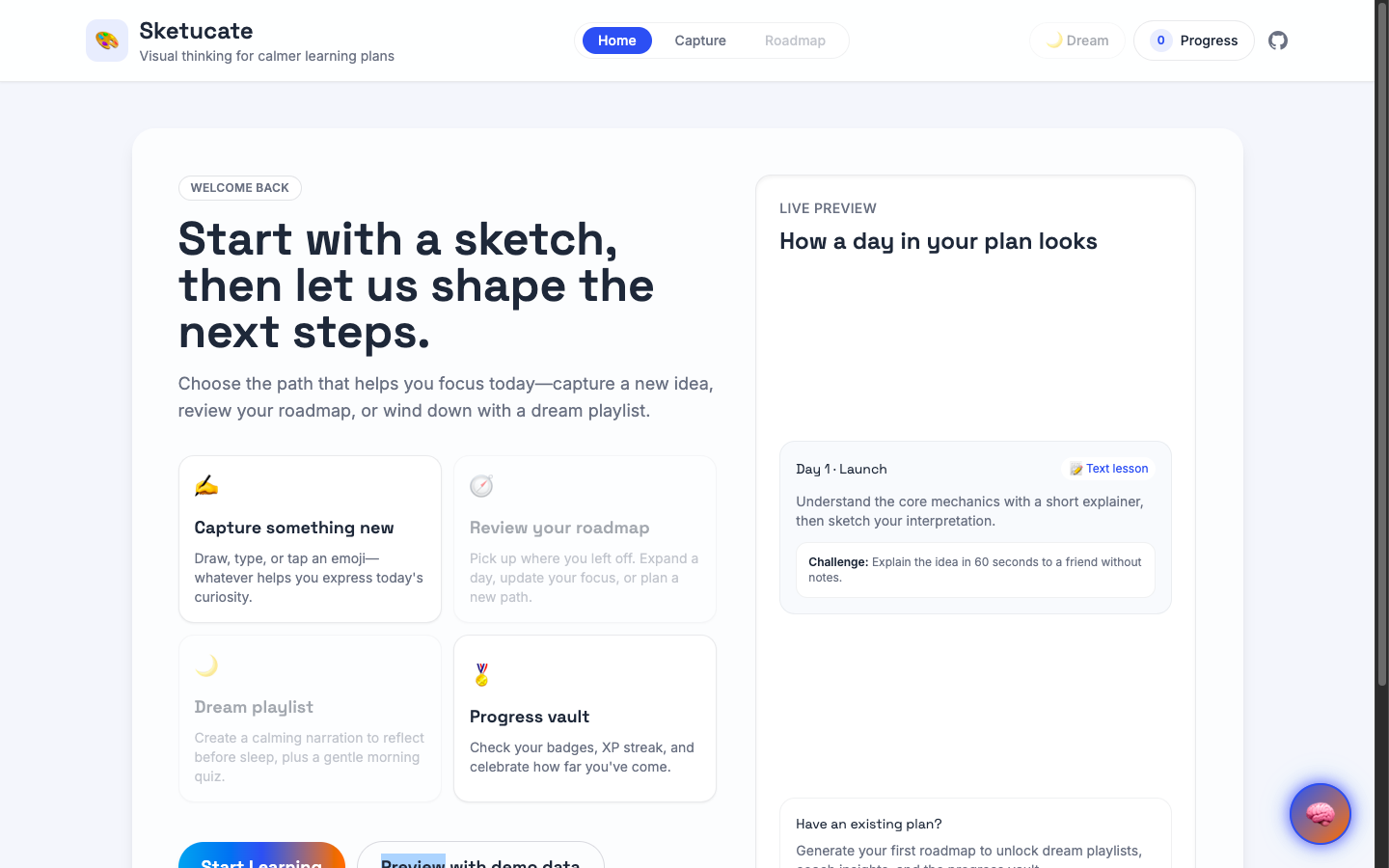
Sketucate is a micro-learning and idea-sketching studio. In one place, users can: • Capture an idea — by typing, sketching, or even dropping an emoji. • Normalize it — the app classifies the intent behind the sketch/text and converts it into a clear concept. • Auto-generate a practice plan — each concept becomes a tiny daily learning card with XP, a goal, and coach-style insights. • Earn badges + track progress — through a lightweight XP system and a “Progress Vault” that shows growth over time. • Manage their creative space — delete a single intent, reset progress, or start a fresh sketching phase. It’s built to feel playful and low-pressure, but still structured enough to help you learn through expression, not just consumption.
How we built it
Sketucate is a client-side React + TypeScript app built with Vite, with all persistence handled through a typed localStorage adapter for predictable state. Architecture overview: • hooks/ — custom logic (useConcept, usePlan, useBadges, useCoach) for transforming user input into concepts, plans, and insights. • modules/ — domain logic like concept normalization, plan generation, badge progression, and persistent storage. • components/ — visual building blocks: CanvasBoard, Timeline, DayCard, ProgressVault, BadgeList, etc. • App.tsx — composes hooks + UI into a single-page studio experience. The typed storage module acts as the “source of truth,” so every feature — capture, delete, reset, XP, badges — behaves consistently.
Challenges we ran into
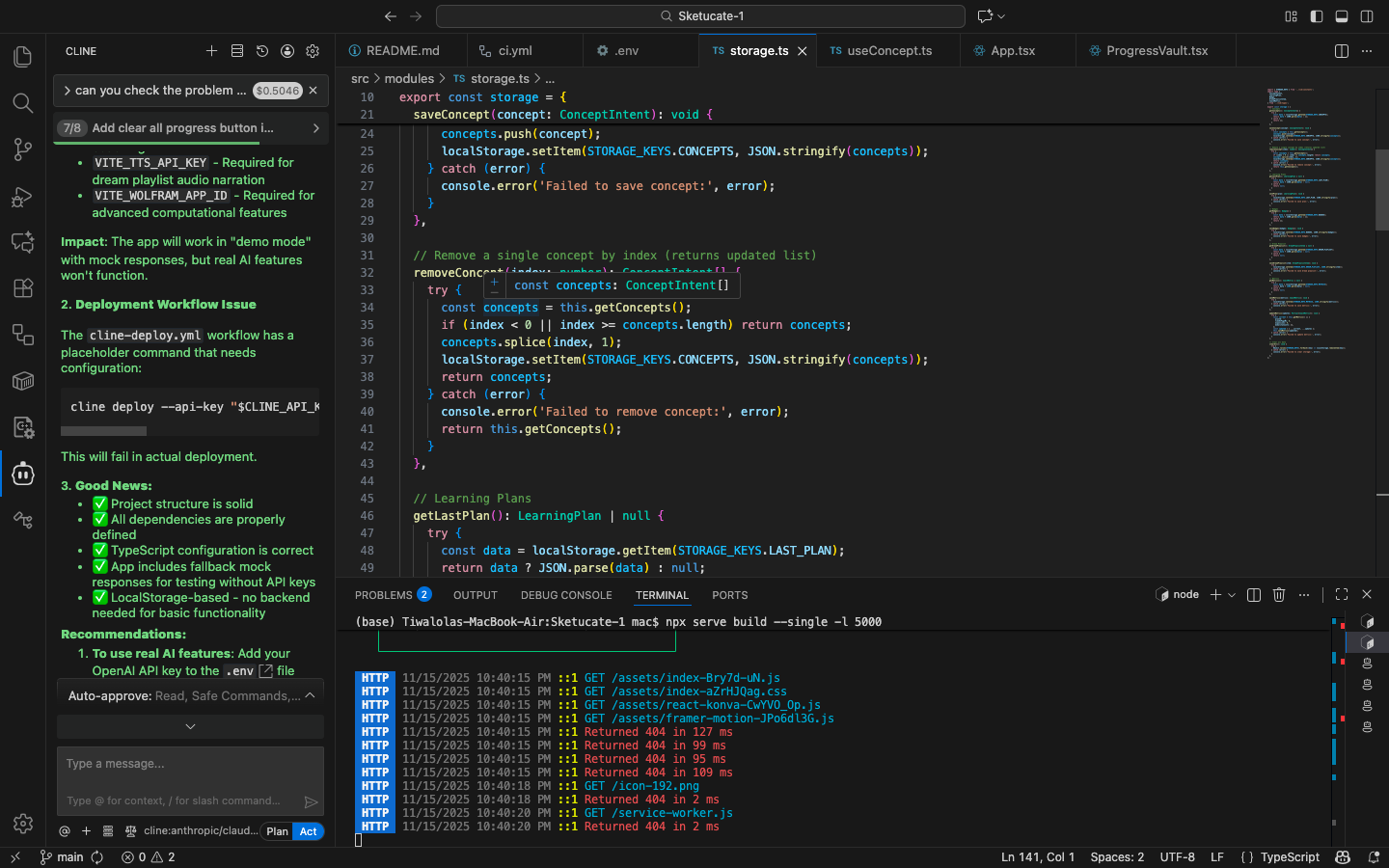
One of the biggest surprises was how fast the complexity grows once you mix sketch input, text input, XP logic, and persistent state. A few key hurdles: • Naming collisions — especially multiple clearAll exports — required consolidating storage and action entry points. • Platform differences — macOS’s case-insensitive file system masked casing errors that broke the Netlify/Linux build. Fixing import paths and normalizing folder names restored deployability. • Destructive actions — adding single-intent deletion and full-reset behavior without corrupting state across hooks required careful sequencing. • UX clarity — destructive actions need confirmation, undo, and feedback. Designing that in a minimalist app took iteration.
Accomplishments that we're proud of
• Turning a chaotic brainstorming behavior (sketches, emojis, scraps of text) into a structured micro-learning system. • Creating a full XP + badge engine entirely client-side with a tiny footprint. • Designing a playful interface that feels more like a creative studio than a productivity tool. • Making the app resilient: consistent storage, recoverable actions, fault-tolerant flows, and smooth deploys. • Shipping something that feels polished, even though the inputs can be messy or incomplete.
What we learned
• The smallest interactions — deleting an intent, earning a badge, resetting progress — shape how “safe” an app feels. • Case-sensitivity bugs disappear on macOS but absolutely do not forgive you in production builds. • Keeping logic modular (hooks + modules) makes experimental features easier to test. • Users love feedback loops: XP bars, badges, coach insights. Even tiny ones boost engagement. • Normalizing unstructured input (text, emoji, sketch intention) into meaningful “concepts” is more psychological than technical — humans think in fragments, not neatly labeled categories.
What's next for Sketucate
The long-term vision is to transform Sketucate into a full creative-learning ecosystem. Upcoming ideas include: • AI-powered sketch understanding — let users draw a symbol and get concept tags automatically. • Generative “concept scenes” — turn ideas into visual story cards that amplify learning. • Smart learning loops — the app observes which plans you complete and adapts difficulty/XP over time. • Community vaults — share concept decks and learning streaks. • Cross-device sync — portable progress and sketches. • Creative modes — doodle mode, emoji-only mode, concept-map mode. Sketucate’s mission is to make early-stage ideas worth something — not just stored, but shaped into learning experiences.
Built With
- cline
- copilot
- css
- framermotion
- gitbook
- github
- javascript
- llmclient
- localstorage
- netlify
- node.js
- npm
- react
- tailwindcss
- typescript
- vite


Log in or sign up for Devpost to join the conversation.