-
-
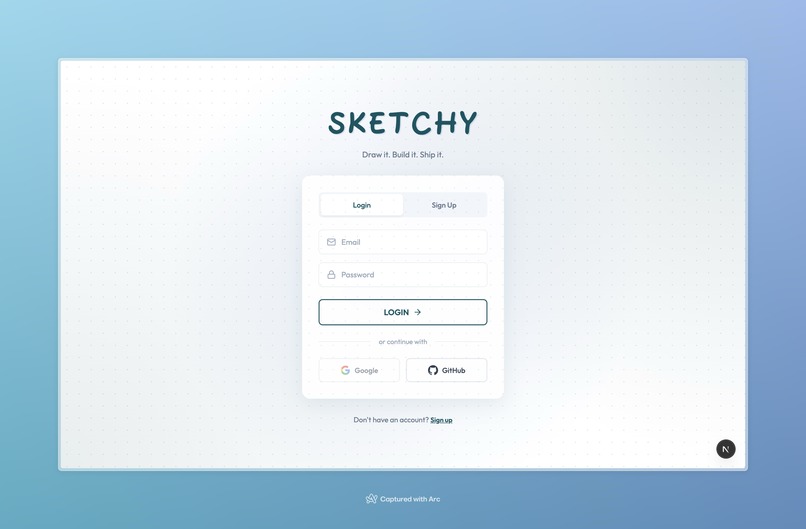
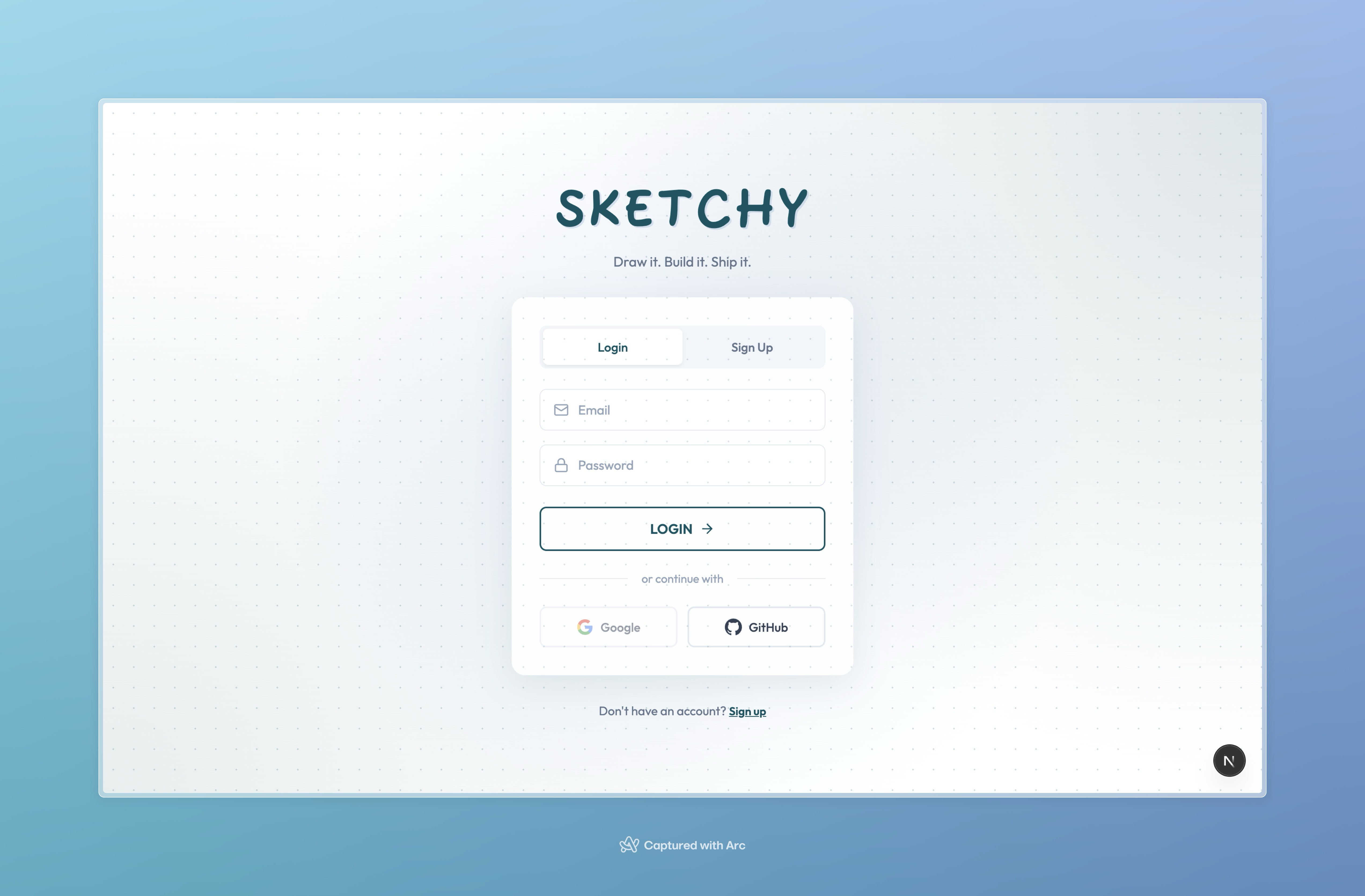
Log In Page
-
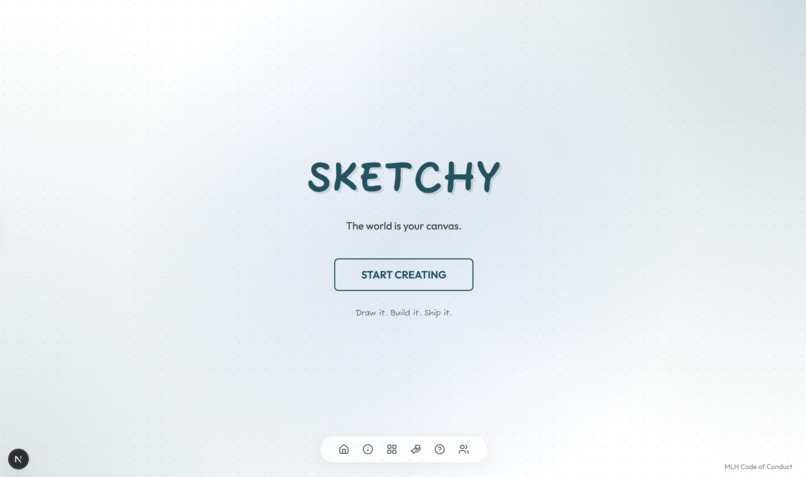
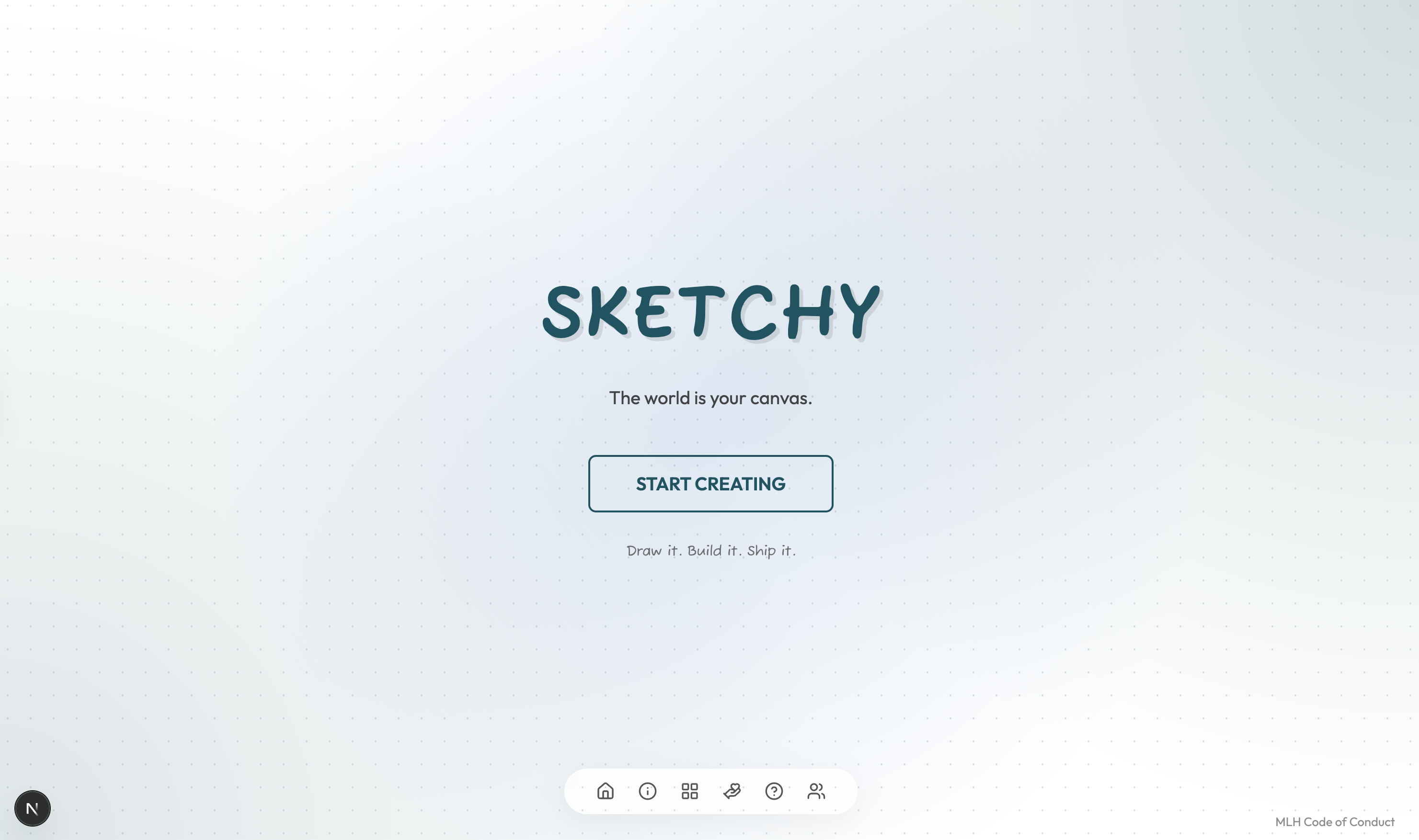
Landing Page
-
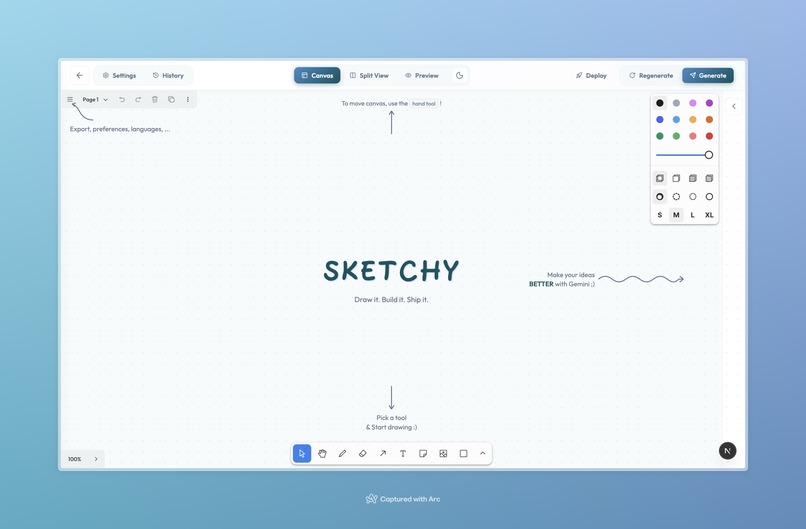
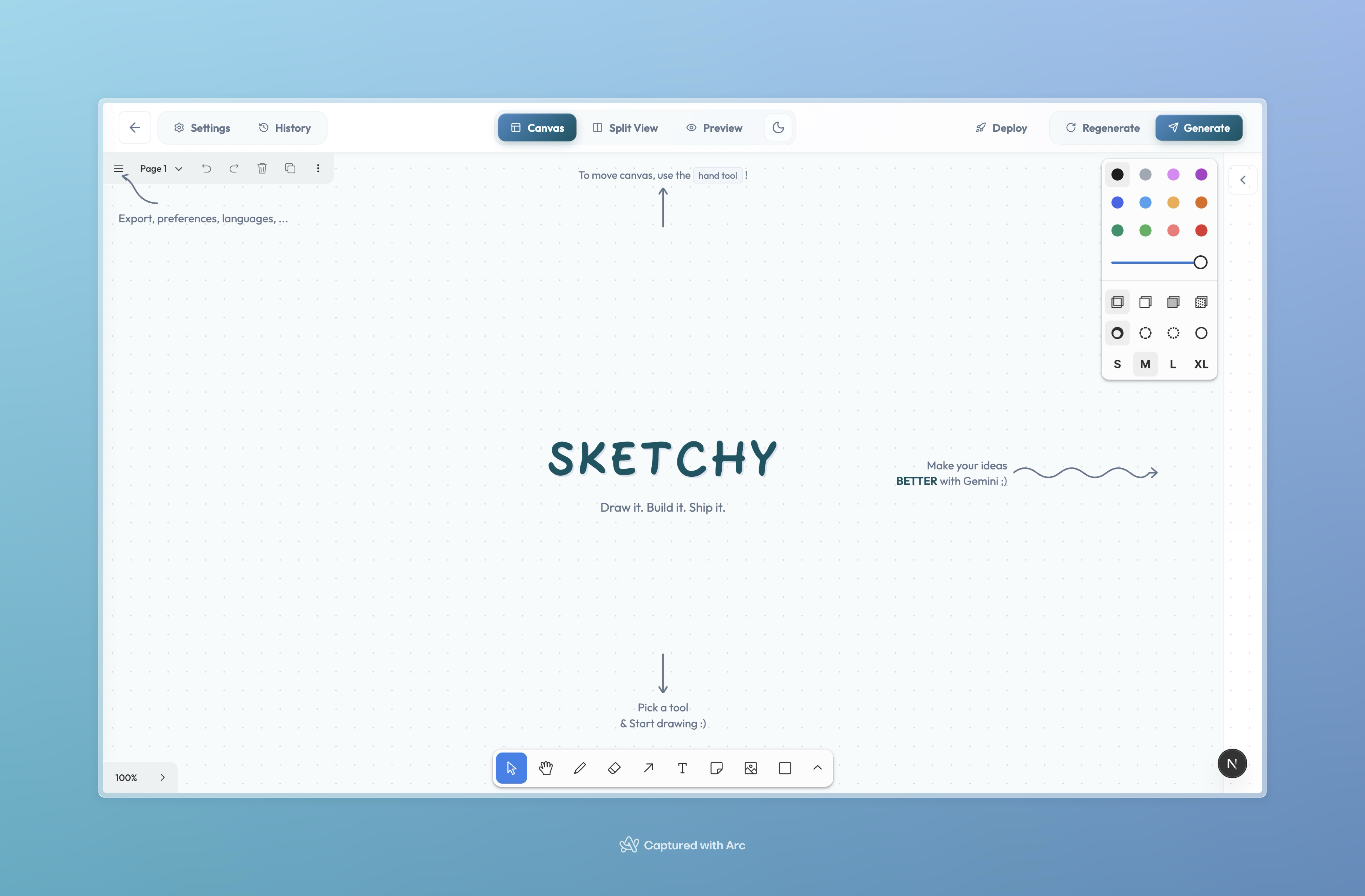
Canvas
-
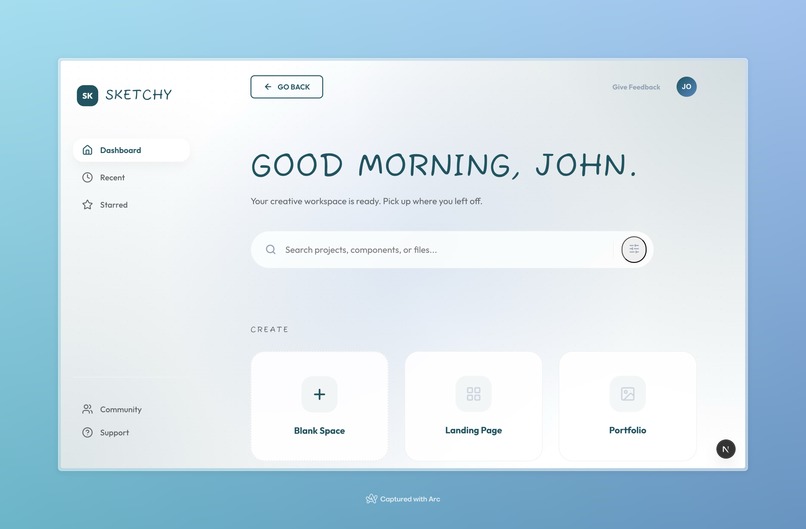
Dashboard (Recent Projects/Websites)
-
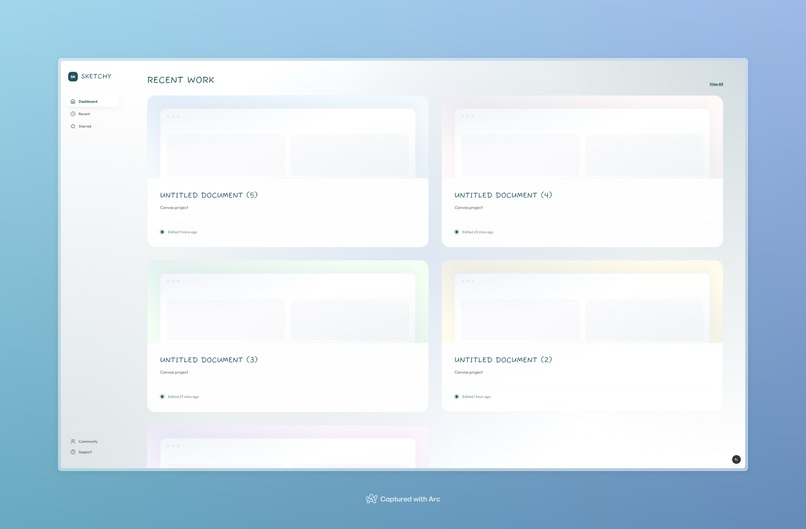
Recent Project Gallery
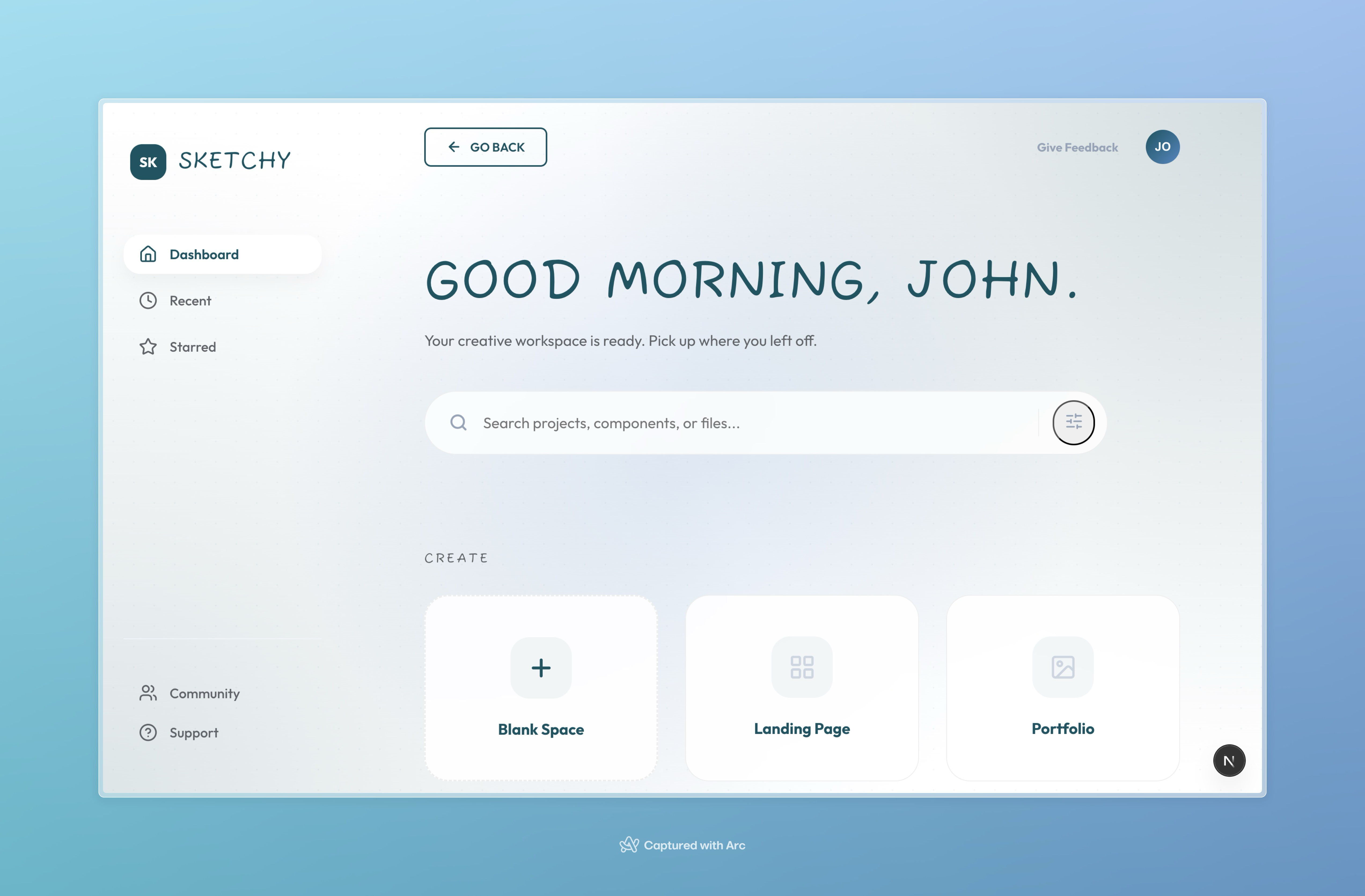
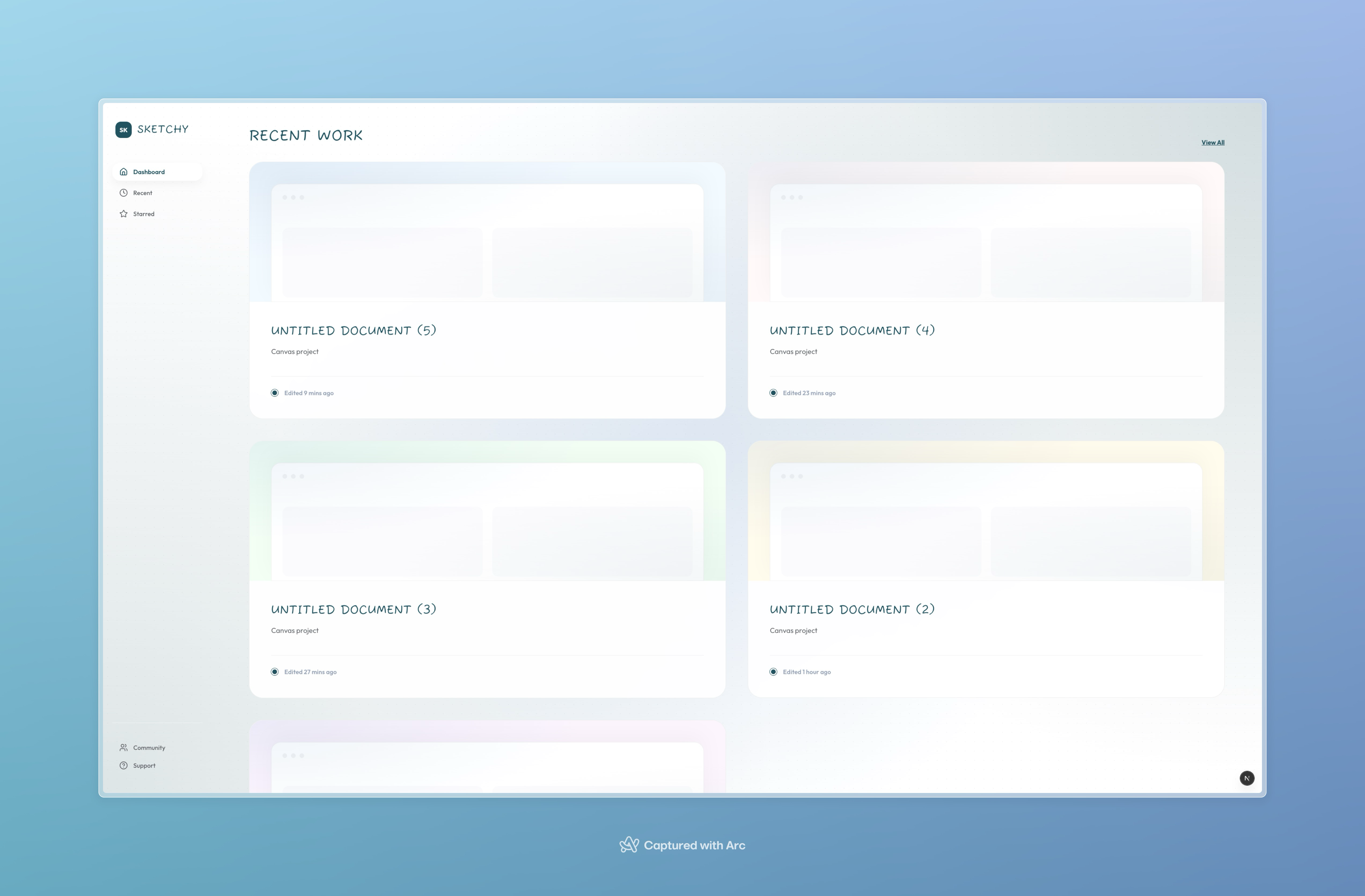
Inspiration
We've all been there, you have a brilliant UI idea in your head, but by the time you translate it into code, something gets lost. Traditional design-to-code workflows are fragmented: sketch in Figma, export assets, manually write HTML/CSS/Javascript, iterate endlessly. Even LLM's currently struggle with understanding true user intention.
What if you could just draw your idea and instantly get a deployable website thats pushed to Github? Sketchy is the go-to for product designers and/or regular individuals, providing the fastest path from imagination to implementation from a pencil stroke.
What it does
Sketchy is an AI-powered wireframe-to-code platform that transforms rough sketches into clean, responsive HTML/CSS. Users draw their UI ideas on an infinite canvas using intuitive drawing tools, then click "Generate" to let Google Gemini AI analyze the wireframe and produce functional code. The split-view interface lets you see your drawing and live preview side-by-side, enabling real-time iteration. Need to make changes? Just draw erase on the canvas to delete elements or sketch new components: Sketchy regenerates the code seamlessly. When you're done, export everything as a ready-to-deploy ZIP file or directly deploy it onto Vercel and have a Github repo!
How we built it
Frontend: React + Next.js 16 with TypeScript for a blazing-fast, type-safe experience Canvas: tldraw library for the infinite whiteboard with drawing tools AI: Google Gemini API to analyze sketches and generate semantic HTML/CSS Database: MongoDB Atlas with Mongoose for user authentication and project persistence Styling: CSS Modules with custom design system featuring the Outfit font and a signature teal color palette. State Management: Zustand for lightweight, reactive state Export: JSZip for packaging generated code into downloadable bundles
Github, Vercel API for instant drawing -> website deployment :)
Challenges we ran into
Canvas-to-AI communication: Converting freeform drawings into a format Gemini could understand required careful SVG serialization and prompt engineering to get consistent, high-quality code output.
Real-time preview synchronization: Keeping the live preview in sync with generated code while managing different view modes (canvas/split/preview) without janky transitions was tricky.
Onboarding UX: Making the canvas approachable for first-time users without cluttering the minimal interface: we solved this with contextual hints and squiggly arrows that disappear on first interaction.
Dark mode consistency: Ensuring every element (tldraw canvas, custom UI, generated previews) respected the theme toggle required deep CSS customization.
Accomplishments that we're proud of
Draw-to-delete: Drawing an X over an element on the canvas intelligently removes it from the generated code: a natural, intuitive interaction. (Regenerative Function). Zero-friction onboarding: The welcome overlay with playful arrows guides users without tutorials Beautiful UI: A polished, glassmorphic design with smooth animations that feels premium, not like a hackathon prototype Full export pipeline: Users can go from sketch to downloadable, production-ready code in under a minute
REALLY PROUD of understanding Vercel API and Github API for instant drawing -> website deployment (huge shoutout to the DeltaHacks mentors who suggested the idea).
What we learned
MongoDB Atlas + Next.js API routes = rapid backend: We went from zero to full user auth and project persistence in hours, not days.
Canvas State Management is Tricky Tldraw uses localStorage for persistence, which caused unexpected issues when switching between projects. We learned that using React's key prop to force component remounts and sanitizing data before storage prevents state bleeding between sessions.
Version Control for Creative Tools Building a version history system taught us that creative tools need non-destructive workflows. Letting users preview before restoring provides a safety net that encourages experimentation.
UX for Non-Technical Users The biggest lesson was designing for people who don't code. Every feature—from the drawing canvas to the style presets to the one-click export—had to feel intuitive. We learned that reducing friction is more important than adding features.
What's next for Sketchy
Optimizing AI MODELS and Gemini API Prompt for better website generation and getting more API credits to be able to use Nanobanana Pro :)
To scale this, need to make website generation involve source code for different animations (i.e. reactbits.dev animations that make websites POP)
Built With
- bcryptjs
- css
- gemini
- geminiapi
- jszip
- mongodb
- next.js
- react
- tldraw
- typescript


Log in or sign up for Devpost to join the conversation.