-
-
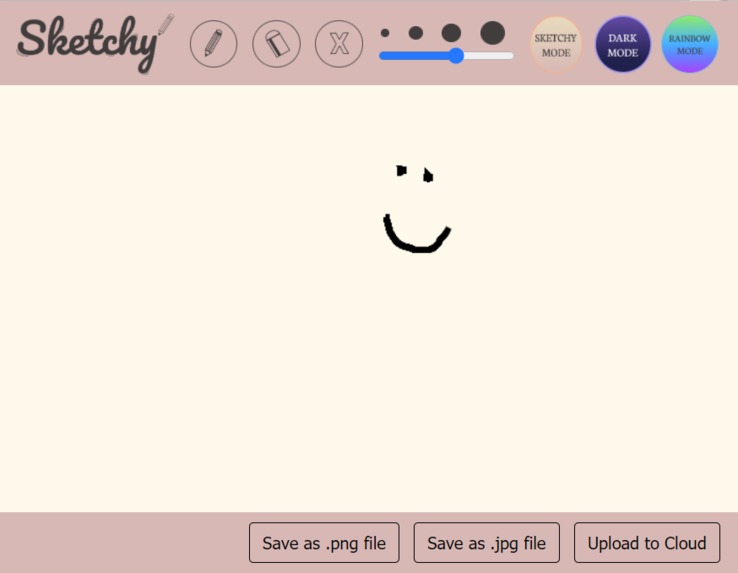
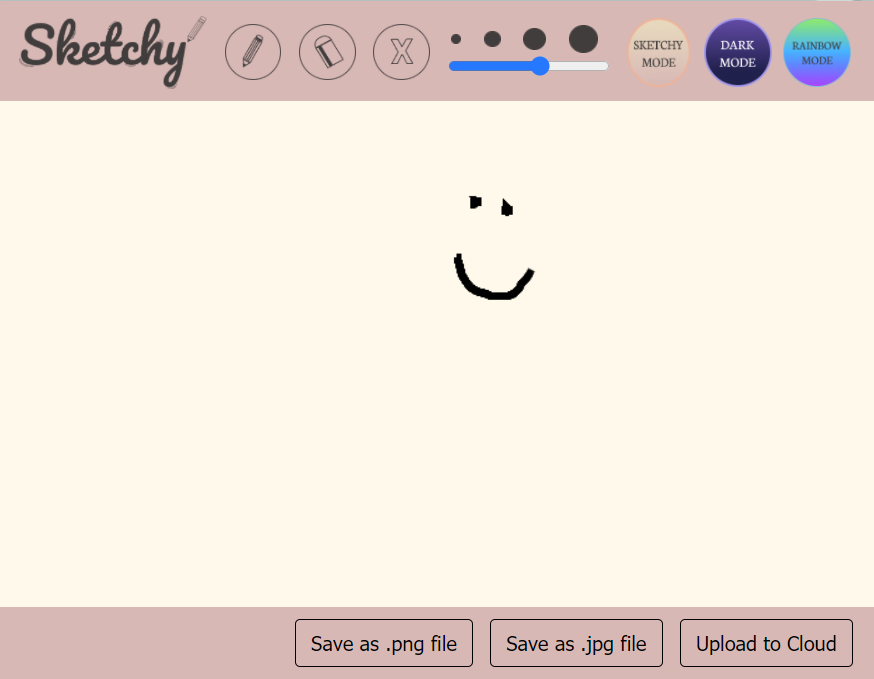
Regular Mode
-
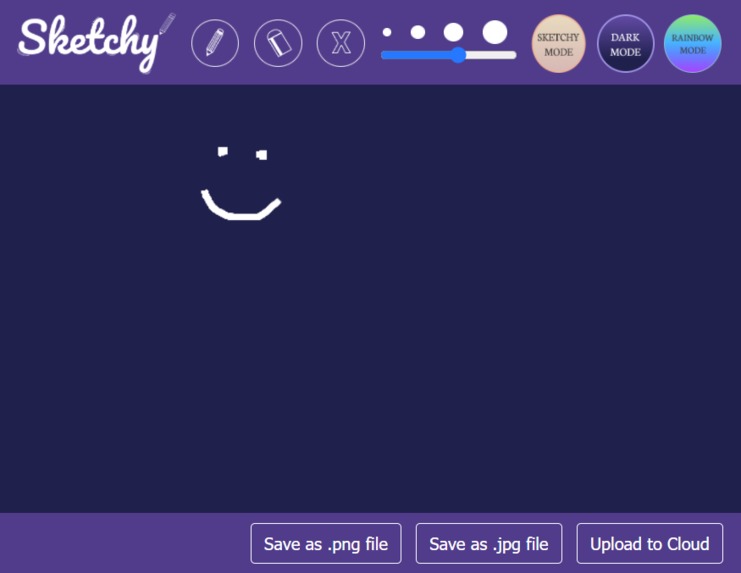
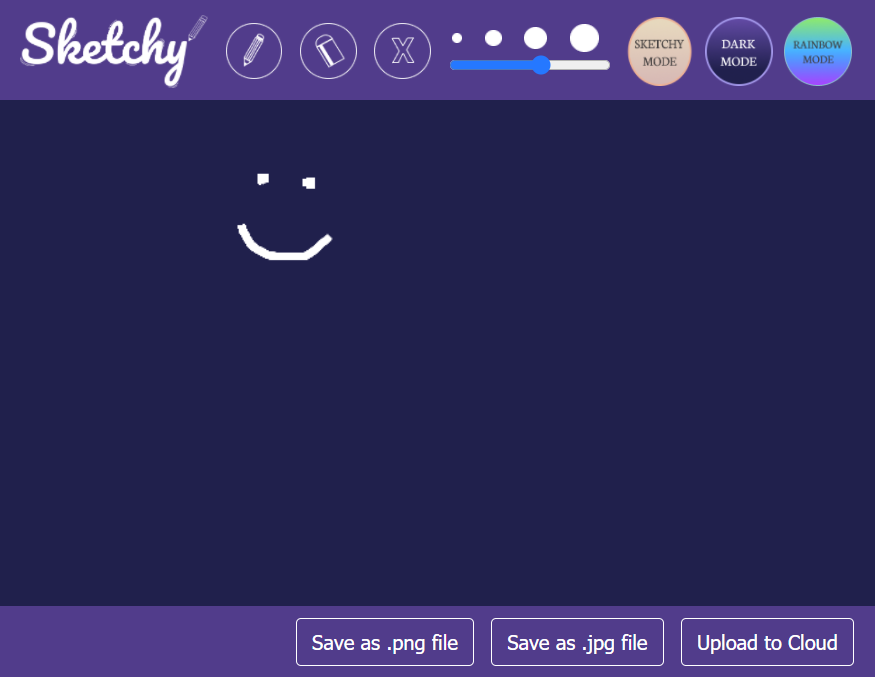
Dark Mode
-
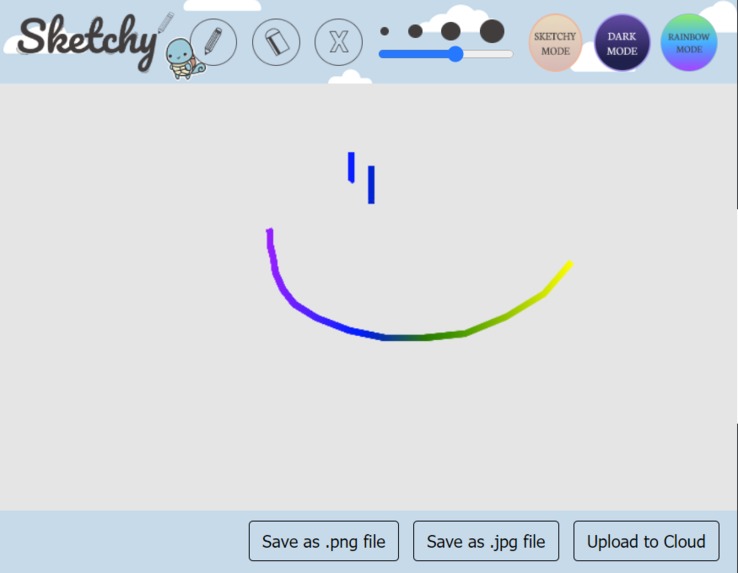
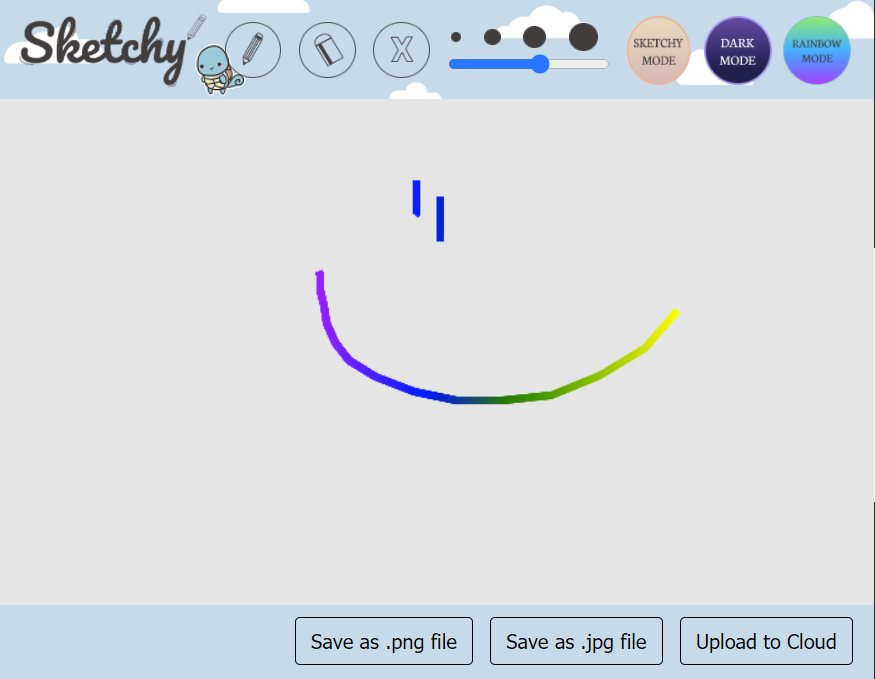
Rainbow Mode
-
Sketchy Icon
Inspiration
The four of us were brainstorming what could be elevated in our day-to-day and realized that as university students, with everything going on in our lives, we needed all the help we could to stay organized. We looked at similar applications, like sketchpad.io and notepad.io, and realized that we could make Sketchy do the same features, but even better.
What it does
Sketchy is a Google Chrome extension that allows users to quickly sketch down some drawings or notes. Users and use it for any momentary ideas and can even save their canvas onto their computer as a .png or .jpg file for future access. Sketchy features a blank canvas with a pen tool, an eraser tool, and a tool to clear the canvas - all accessible with just one click. The thickness of the pen can be adjusted with the slider on the navigation bar and the sketches can be saved locally onto your computer. The Chrome extension also features 3 different modes: Sketchy mode, Dark mode, and Rainbow mode.
How we built it
Sketchy is built using primarily HTML, CSS, and JavaScript. The user interface and logo were designed with Figma, HTML, CSS, and Bootstrap while the backend interactiveness was accomplished through JavaScript. The team also worked with a Canvas API, which provided the starting blocks for the overall sketchpad.
Challenges we ran into
- We had difficulty figuring out how to implement a sketch function for our application. This is the most integral part of our Chrome extension so overcoming this obstacle was one of our main goals. Although we only knew a few HTML DOM events (such as "mousedown", "mousemove", "touchdown", etc.). We were able to implement that knowledge to build small-scale functions that were then put together to accomplish a larger scale function to overcome this hurdle.
- There was a lot of time spent trying to figure out which API to use to link to Cloud storage or messaging systems. In the end, we decided to make the Sketchy application feasible and efficient to the best of our abilities, rather than forcing elements that may not be relatable.
- The majority of the team were not proficient in HTML, CSS, and JavaScript - as a result, everyone on the team had to do their part in learning the languages.
Accomplishments that we're proud of
A few days ago, none of us knew how to build a Google Chrome extension. This project has been incredible for all of us, in terms of learning to program, design, and implement our ideas.
What we learned
- Each of us went out of our comfort zones and experienced new technologies. Some who were stronger in back-end development took on front-end and even design tasks while others who are more familiar with front-end development and design took up some back-end coding. We all became close and gained trust in our capabilities that gave each of us the opportunity to pick up some Figma skills or coding in a new language like Javascript!
- We also learned more about teamwork and working in a team remotely. Since the pandemic, everything has been hosted on an online platform. Without the in-person experience of a hackathon for the first time (for some of us), it was a challenge to maintain strong communication at all times, adapt to different timezones, and keep each other motivated until the end!
What's next for Sketchy
The team sees a ton of potential in this application for future implementations, to make students' lives EVEN better and more efficient:
- Creating a transparent mode that will extend outside of the canvas and allow users to draw directly on their current tab
- Allow users to send their sketches via messaging and email platforms (e.g. Facebook Messenger, Gmail)
Built With
- bootstrap
- canvas-api
- chrome
- css
- figma
- html
- javascript


Log in or sign up for Devpost to join the conversation.