About the Project
Inspiration
We wanted to make a tool for creative work. The tool should work for people with any level of art skill. Art skill should not stop a person from creating.
We saw a problem in digital storytelling and classrooms. Many people have creative ideas, but traditional animation software has a steep learning curve and high financial costs. Many students and beginners find it hard to make their visual ideas real. We wanted to help these creators by building an innovative, accessible tool where anyone can learn and create at the same time.
What it does
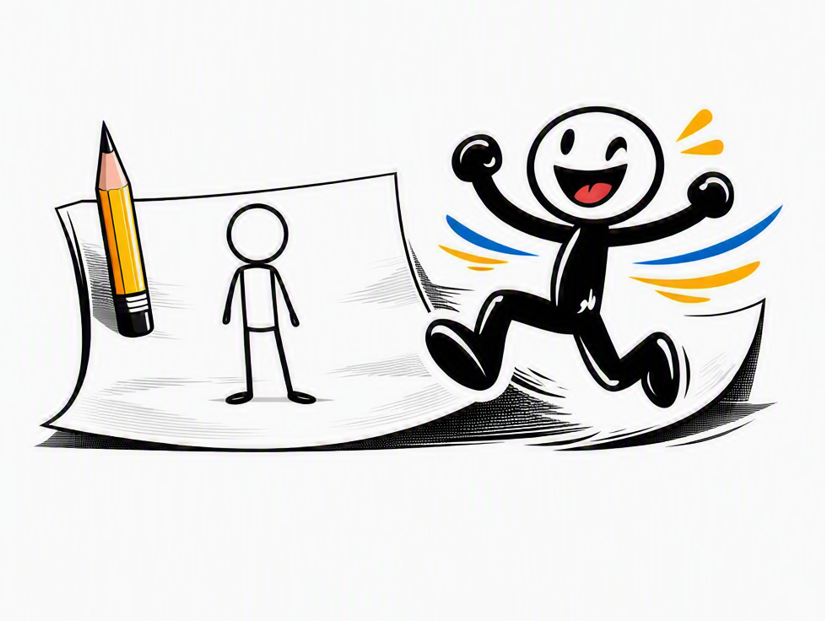
The app turns two hand-drawn sketches into one smooth, animated video clip.
The user draws a start image and an end image on a digital canvas. The app passes the user through an interactive "Board of Directors" powered by Google Gemini, which asks four targeted questions about the motion. The app uses the four answers to compile one hyper-detailed video prompt. The app sends the prompt to a video generation model to interpolate the missing frames. The video model makes a 5-second clip that smoothly moves from the start image to the end image.
The app strictly keeps the user's own hand-drawn art style. The app does not add 3D shading, realistic lighting, or photorealistic detail.
The app also links clips together into a full storyboard timeline. When a user adds a new clip, the app automatically sets its start image to the previous clip's end image. This makes a smooth, continuous chain of scenes. The user can drag and drop clips to change their order, redo specific scenes, or export the full sequence as an MP4 or GIF.
How we built it
Sketchime is a Next.js and React app written in TypeScript. It has no database and no user accounts. A few server routes send images to Google's Gemini and Veo APIs. Your drawings stay on your device.
We built the drawing canvas from scratch. Each stroke is a set of points, not a picture. This keeps every line sharp at any zoom level.
Clips share their keyframes. When you add a new clip, it points to the same end frame as the last clip. Edit that frame once, and both clips update. This keeps the chain of clips connected.
The best part of the app is the "board of directors." Four AI agents look at your drawing and ask you questions. One agent asks about timing. One asks about the camera. One asks about character motion. One asks about the background. Each agent asks its own questions and then gives one clear instruction.
We combine all four instructions into one prompt. The prompt goes to a video model. We use two different video models. One model can lock onto an exact end frame. The other model works from a text description instead.
We save your storyboards in the browser. We save your finished videos in a separate, larger storage space. This keeps your work safe if you reload the page.
Challenges we ran into
Building the keyframe interpolation logic to cleanly transform a raw 2D sketch from Frame A to Frame B without losing the user's original stroke style, line weight, or character proportions was a major challenge.
Additionally, setting up API keys, managing secure environment variables, and fine-tuning Gemini's system prompts to systematically extract exact motion dynamics from user input without overwhelming them required significant technical iteration.
Accomplishments that we're proud of
We are proud that we built a functional end-to-end prototype that allows a user to go from simple hand-drawn doodles to an AI-generated animated clip within one seamless application.
We created an intuitive, accessible workflow featuring onion-skinning where users draw their own starting and ending keyframes instead of needing existing images or advanced animation software.
Most importantly, we moved beyond basic image-to-image prompts by using Google Gemini to build a multi-agent decision support system that translates human creative choices into high-quality 2D motion.
What we learned
We learned how to leverage Google Gemini API multi-agent architectures to translate raw user intent into structured context prompts for generative video pipelines.
We also learned techniques for maintaining visual and structural continuity across multi-clip storyboard timelines, as well as how to manage web canvas state continuity and onion-skinning between frames.
What's next for sketchime
Building out a dedicated backend infrastructure to handle server-side video stitching with FFmpeg, adding AI-generated sound effects synced to clip motion parameters, and introducing expanded canvas drawing tools like pressure-sensitive brushes and vector layers.
Built With
- gemini
- nextjs
- react
- typescript


Log in or sign up for Devpost to join the conversation.