Inspiration
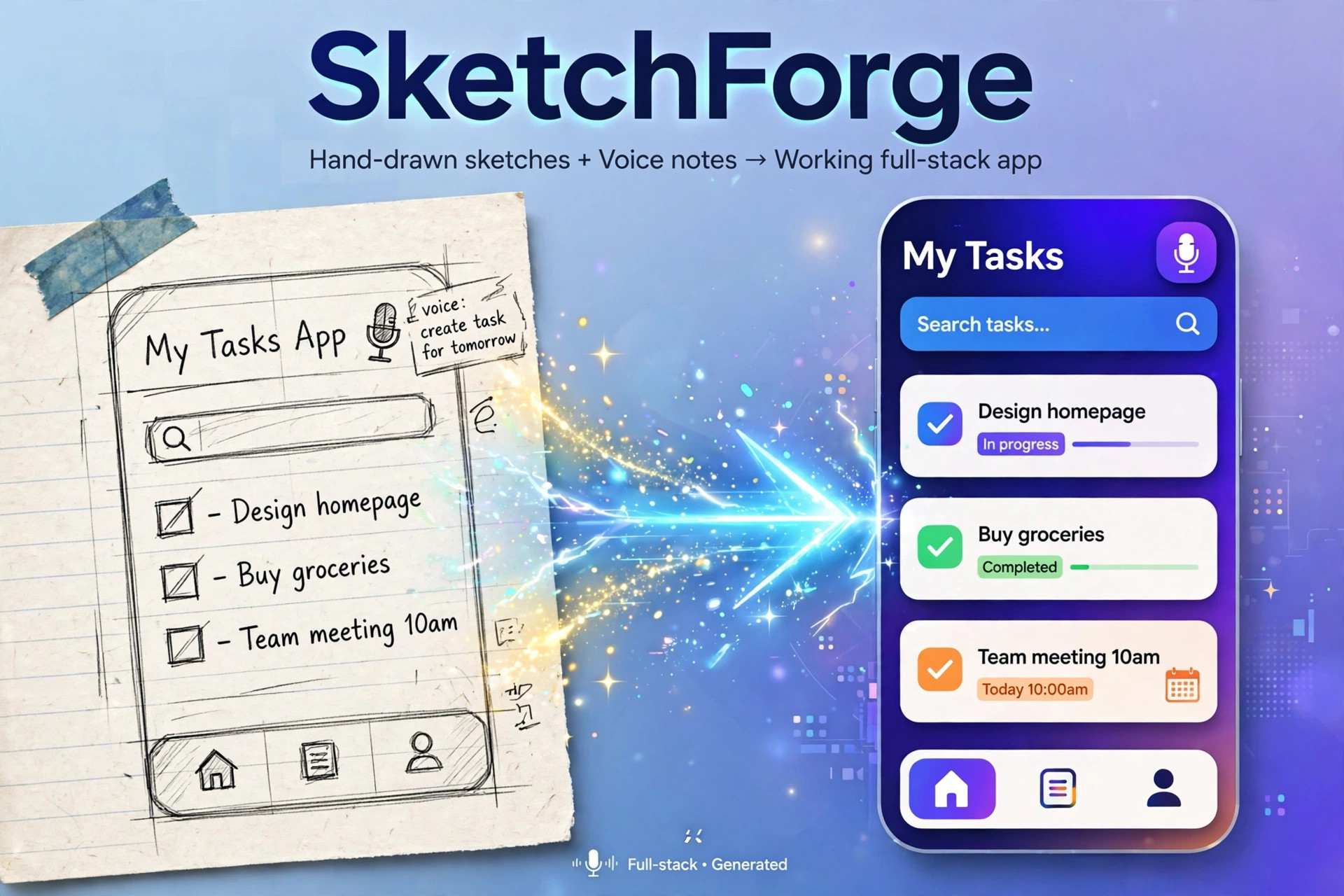
Great product ideas rarely start as a polished PRD. They start as a rough sketch on paper and a voice note recorded on the way home: "a task app, with a search bar here, and a reminder for tomorrow." Turning that into a working app usually takes days of design, setup, and boilerplate before anything is actually runnable. As an AI full-stack developer, I wanted a faster, more human way to prototype — one that starts from how people actually think, not from a blank code editor.
What it does
SketchForge turns a hand-drawn sketch and a voice note into a working full-stack app in minutes. Users draw screens on a canvas or upload a photo of a paper sketch, then record a short voice note explaining what the app should do. SketchForge reads both inputs, produces an editable spec, and builds a runnable prototype with a live preview. Users can then iterate by chatting — for example, "make the signup form add email verification" — instead of rewriting code by hand. The result can be exported to a GitHub repository.
How we built it
SketchForge is built with Next.js, TypeScript, React, and Tailwind CSS on the frontend, with a lightweight backend and database for prototypes, deployed for live preview. The project itself was built with Kiro, and Kiro's workflow is central to how it works:
- Specs: requirements, design, and tasks are generated first and shown to the user for editing before code generation.
- Steering: product, tech, and structure files keep the generated code consistent across the whole codebase.
- Hooks: automated formatting and checks run on save, so generated code stays clean.
- MCP: code generation is connected to GitHub and preview deployment, so "export" and "redeploy" are real actions, not mockups.
- The canvas uses the Canvas API, and voice input uses browser speech input, stitched together with the spec and code-generation pipeline — a Frankenstein combination of sketch recognition, voice understanding, and agentic coding.
Challenges we faced
The hardest part was ambiguity. A hand-drawn box could be a search bar, a card, or a button, and a voice note is rarely a complete spec. Generating code straight from those inputs produced plausible-looking but wrong apps. The fix was to put a human-readable spec in the middle: SketchForge shows its interpretation first, lets the user correct it, and only then generates code. Keeping generated frontend, backend, and data models consistent was the second challenge, which is why steering files and an editable task breakdown mattered more than a single clever prompt. Live preview deployment also took iteration to make redeploys fast and reliable.
Accomplishments that we're proud of
An end-to-end flow that actually works in a demo: sketch plus voice in, editable spec out, working app with live preview out, and chat-based iteration without hand-editing generated code. Keeping the spec visible makes the whole system explainable — users can see why the app was built the way it was, and fix the plan instead of fighting the code.
What we learned
AI coding works best when the plan is explicit. A good spec, a consistent project structure, and a tight feedback loop beat a longer prompt. We also learned that the input matters as much as the model: sketch plus voice captures intent that text alone often misses, especially for layout and flow.
What's next for SketchForge
Next steps are more starter templates, better sketch layout recognition, team workspaces, and one-click deployment to production hosting. The goal stays the same: make the distance from idea to working software as short as possible.
What it does
How we built it
Challenges we ran into
Accomplishments that we're proud of
What we learned
What's next for SketchForge
Built With
- canvas-api
- css
- github
- html
- kiro
- mcp
- next.js
- node.js
- postgresql
- react
- rest-api
- supabase
- tailwind-css
- typescript
- vercel
- web-speech-api
