-
-
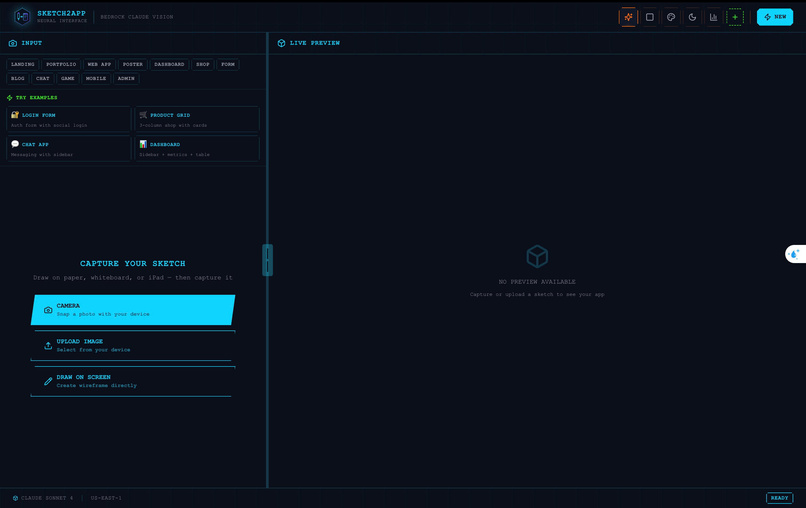
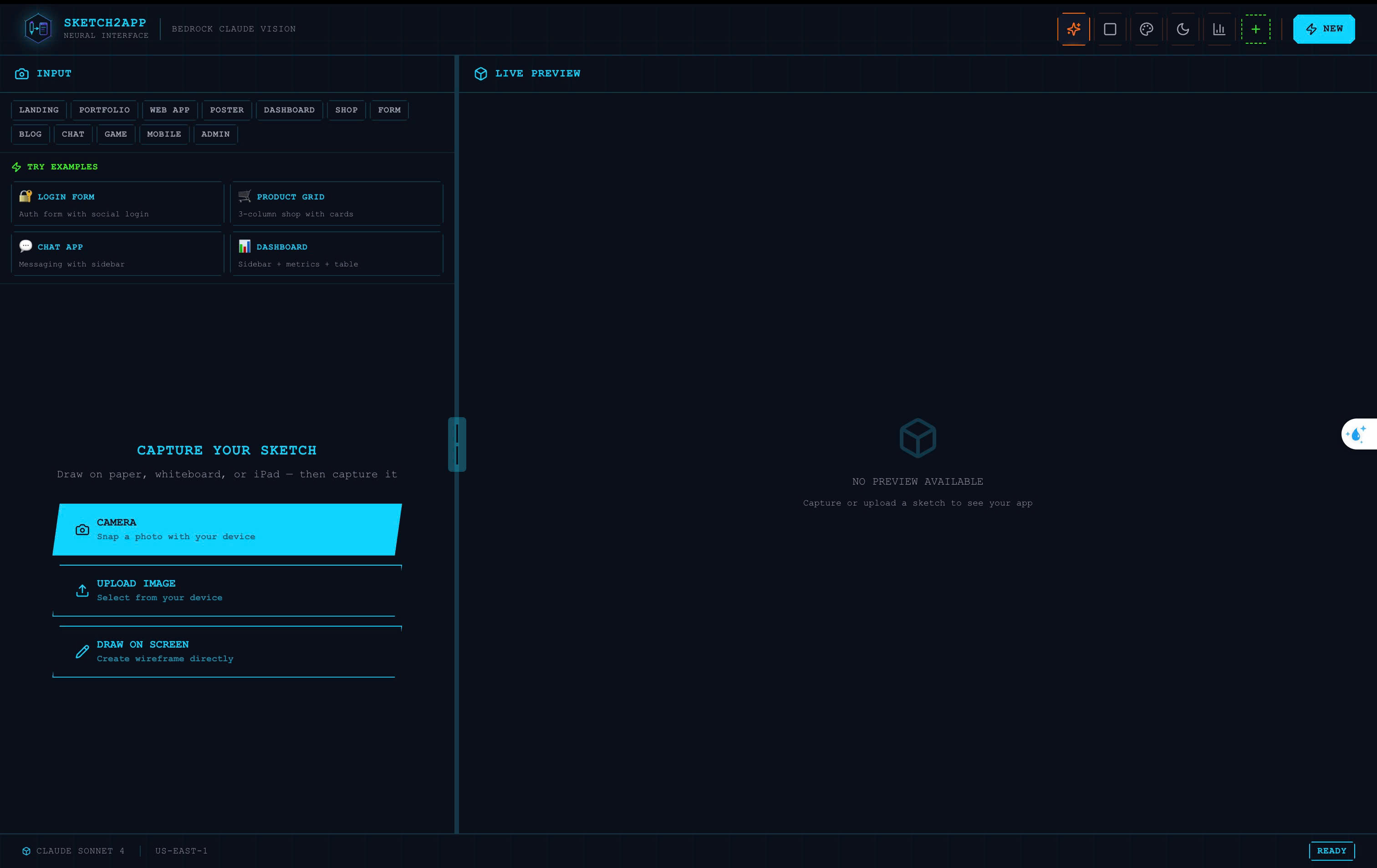
Landing page
-
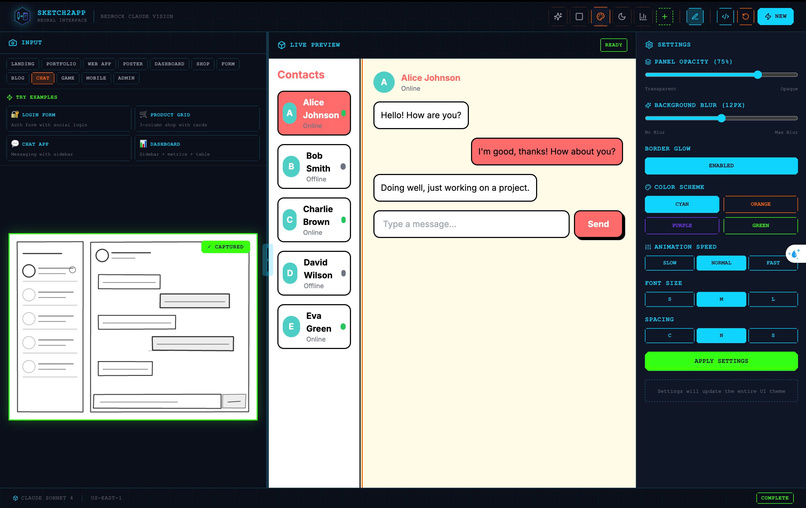
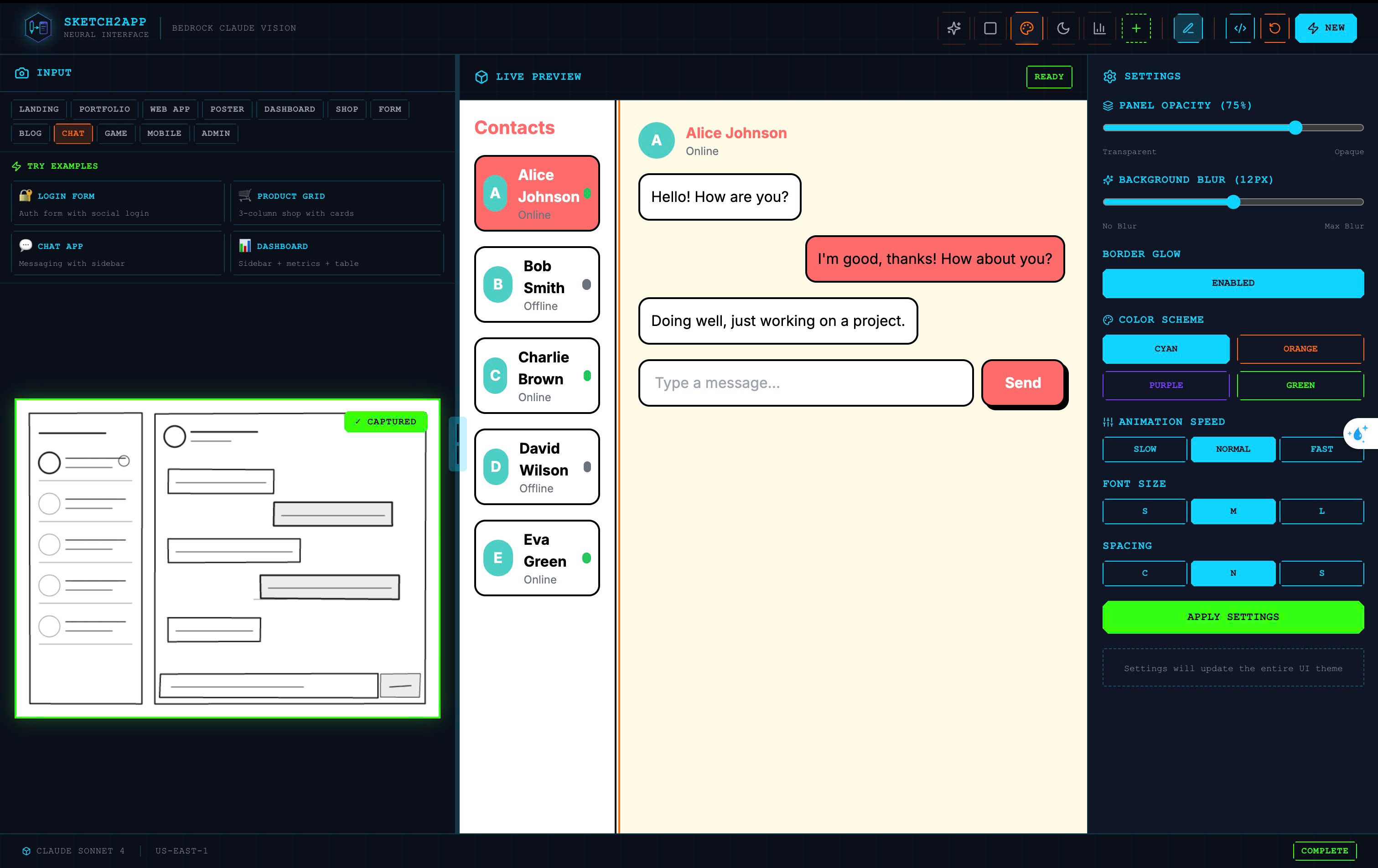
Generate a chat app with an editor that allows users to edit
-
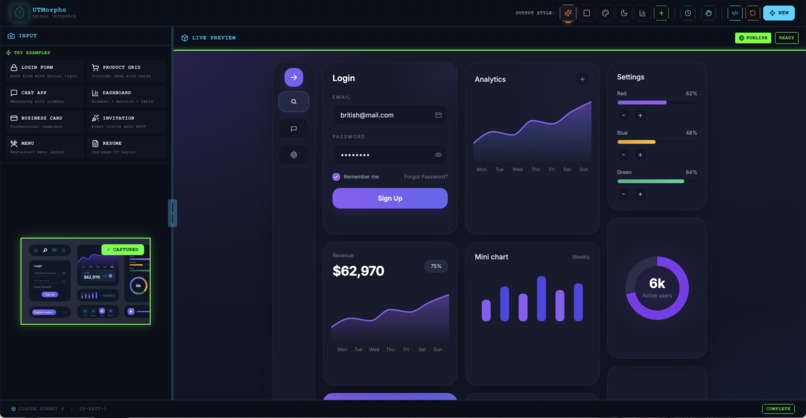
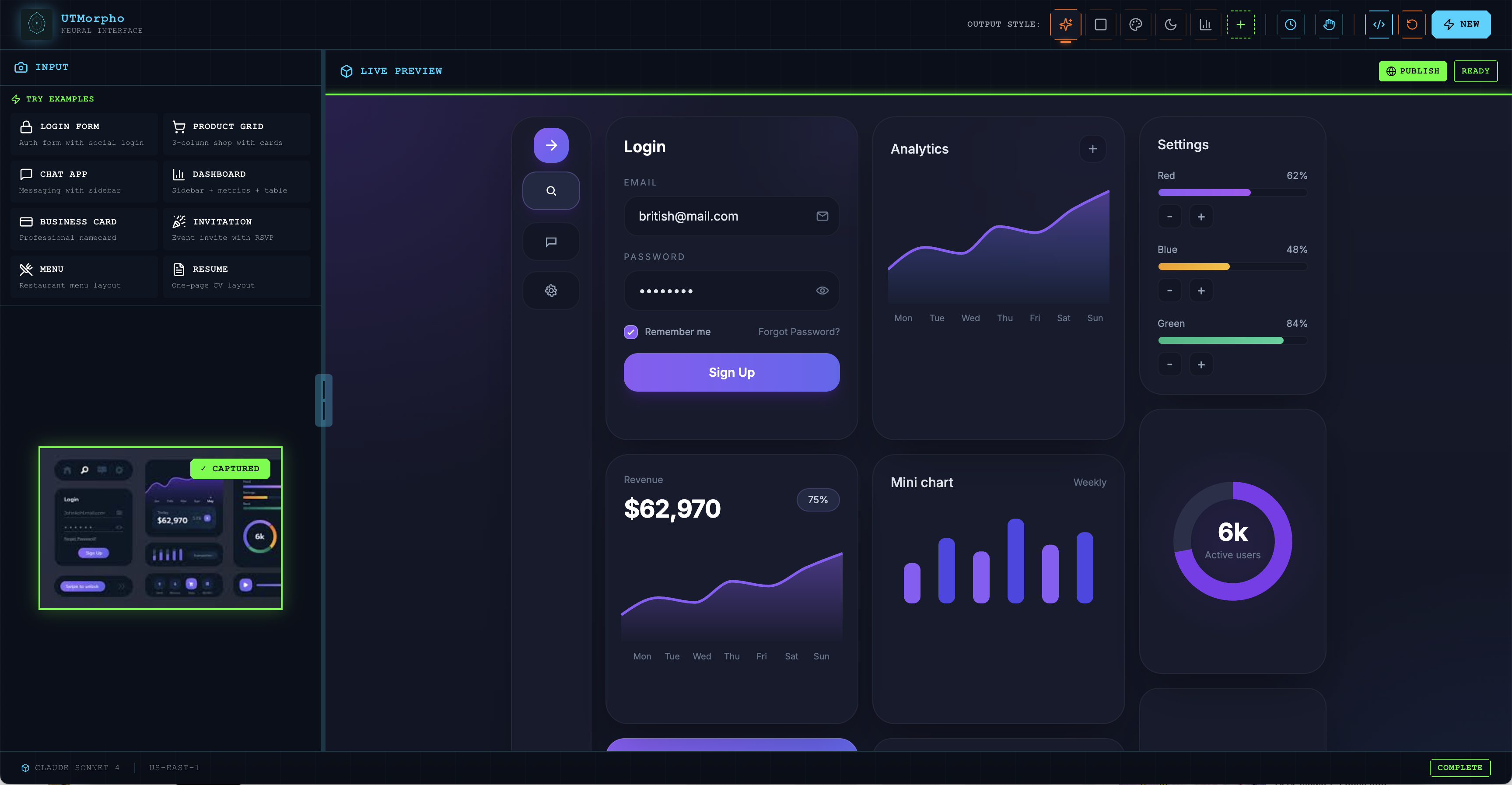
Generate a dashboard code from image upload
-
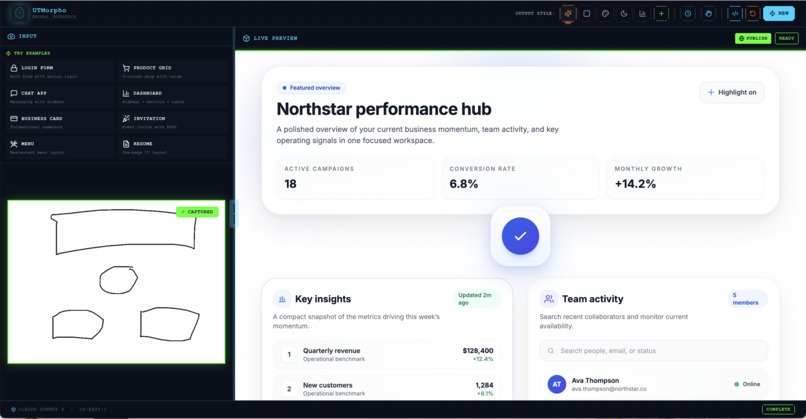
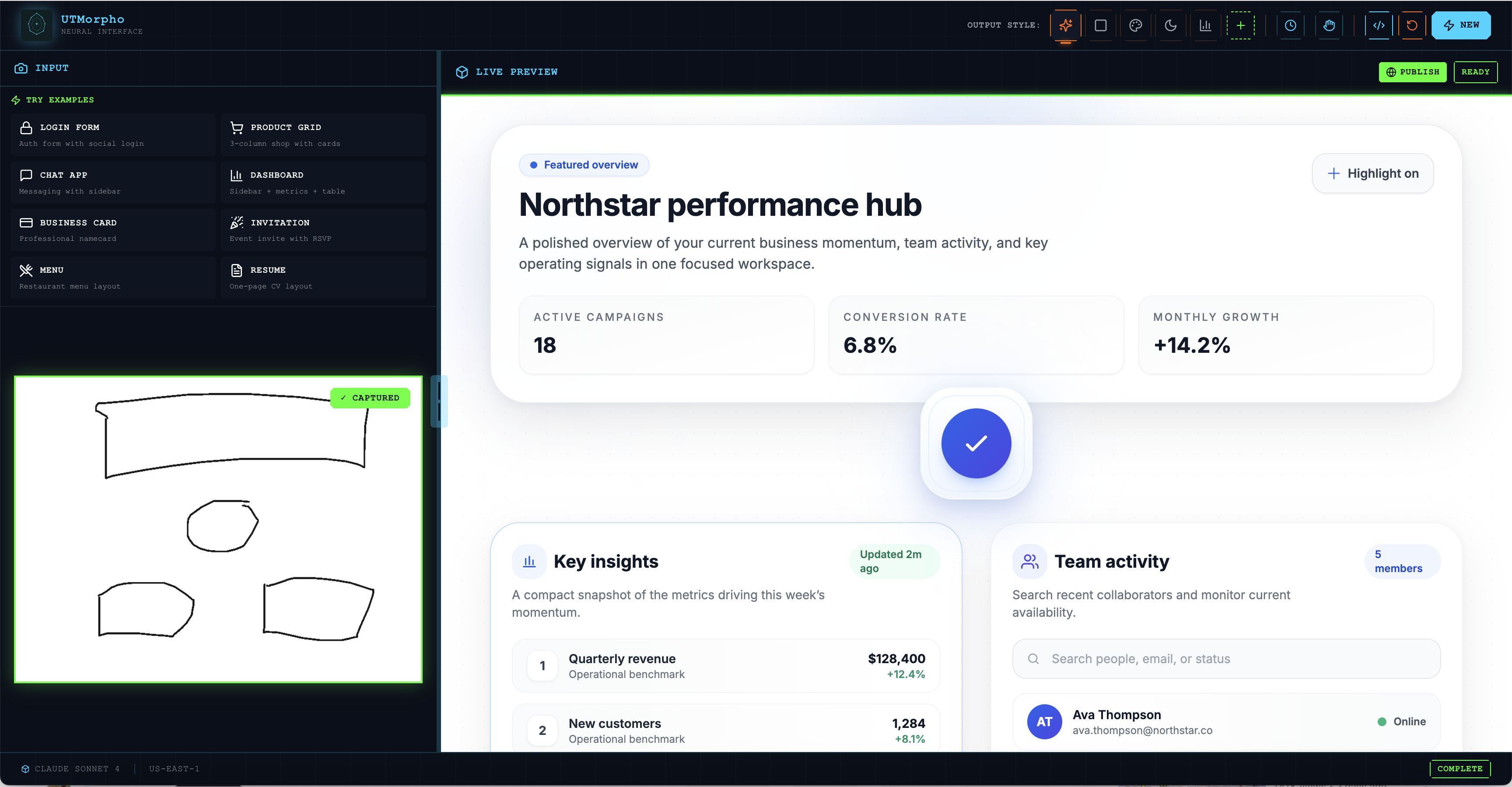
draw to website
Inspiration
Every great idea starts the same way — a sketch on paper.
A login screen. A dashboard. A flow drawn on a napkin at 2am. The kind of drawing that takes five minutes but captures everything. The feeling of something before it becomes something real.
Then comes the familiar silence.
The sketch sits on the desk. Days pass. By the time anyone looks at it again, the energy is gone. The idea didn't die because it was bad — it died because the distance between imagining something and seeing it work was just too far.
We talked to founders, designers, and students. Every single one had the same story. A sketch. A gap. A moment that passed.
We built Sketch2App because that gap shouldn't exist.
What It Does
Draw something. Anything.
Point your camera at it. Hit one button. And watch it come alive.
In seconds, Sketch2App turns your hand-drawn wireframe into a real, working application — not a screenshot, not a prototype that pretends. Something you can actually click, edit, and build on.
The magic doesn't stop at the first generation. See something you want to change? Click on it. Redraw a section. Or just type what's in your head — "make this more modern", "add a nav bar", "turn this into mobile".
Sketch2App understands both what you draw and what you say — and responds like a collaborator who never gets tired and never makes you wait two days.
From paper to product, in seconds.
How We Built It
We had 24 hours and one rule: if it slows the magic down, cut it.
Every decision served one moment — the moment someone points a camera at a sketch and watches a real app appear on screen. We wanted that moment to feel like a trick, not a tool.
The sketch image travels through API Gateway → Lambda → Amazon Bedrock, where Claude Sonnet 4 Vision reads the layout and generates clean React + Tailwind code in a single API call. That code returns to the browser where Sandpack renders it live — no build step, no deployment, just instant.
The newest feature — combining a sketch with a text prompt — came from watching people use it. They'd draw something, then immediately want to say more. Now they can. Draw and describe at the same time, and Sketch2App figures out exactly what you mean.
We also obsessed over failure modes — blurry photos, rough sketches, shaky hands. In a real demo, you don't get to redo the moment. So we built layer after layer of safety nets so the experience feels effortless even when the input isn't perfect.
Challenges We Ran Into
The hardest challenge had nothing to do with technology.
It was learning to see the product through a first-time user's eyes — no context, no patience, no tolerance for "it usually works." Every rough edge we'd learned to ignore was a wall for someone new.
On the technical side, getting Claude to return consistent, parseable JSON every single time took more iteration than anything else. The model would occasionally wrap the output in explanation text, produce invalid JSX, or go off-script entirely. We rewrote the prompt a dozen times until the output was surgical — and learned that a better prompt beats a bigger model, every time.
Lambda cold starts also nearly derailed our first demo rehearsal. Three seconds of silence at the worst possible moment. A pre-warming strategy fixed it — but only because we caught it early enough.
Accomplishments That We're Proud Of
We're proud that it actually feels like magic.
Not "impressive for a hackathon." Not "good considering the time constraint." Just — magic. You point a camera at a drawing on paper, and a working app appears. That moment lands every single time, with every single person who sees it.
We're also proud of the iteration loop — the ability to click any element, type a modification, and watch the app update in real time. It transforms Sketch2App from a one-shot generator into a genuine design collaborator.
And we're proud of shipping the sketch + prompt combined input — the feature that lets you draw and describe simultaneously. It's the most natural way to communicate an idea, and we got it working in 24 hours.
What We Learned
Constraints are a gift.
24 hours forces you to decide what actually matters. Every feature we cut made the core experience stronger. The best version of Sketch2App isn't the one with the most features — it's the one where that single moment, camera to working app, is so smooth that people forget to ask how it works.
We also learned that prompt engineering is the highest-leverage activity
in any AI product. The file prompts.py — just a few hundred lines of carefully
crafted instructions and few-shot examples — does more for reliability than any
infrastructure improvement we could have made.
And perhaps most importantly: the gap between "it works" and "it feels like magic" is enormous — and it lives entirely in the details.
What's Next for UTMorpho
The whiteboard has always been where the best ideas live. We want to give every idea on every whiteboard a way out.
- Direct export — generate once, push straight into your codebase, ready to ship
- Multiplayer sketching — multiple people, one whiteboard, one shared app materializing in real time as the team draws together
- Voice input — describe your idea out loud while your hand is still moving, letting UTMorpho triangulate all three signals at once
The dream is simple: no idea should ever die on a whiteboard again.
Built With
- amplify
- api
- bedrock
- claude
- css
- gateway
- lambda
- python
- react
- s3
- sam
- sandpack
- tailwind
- typescript
- vite


Log in or sign up for Devpost to join the conversation.