-
-
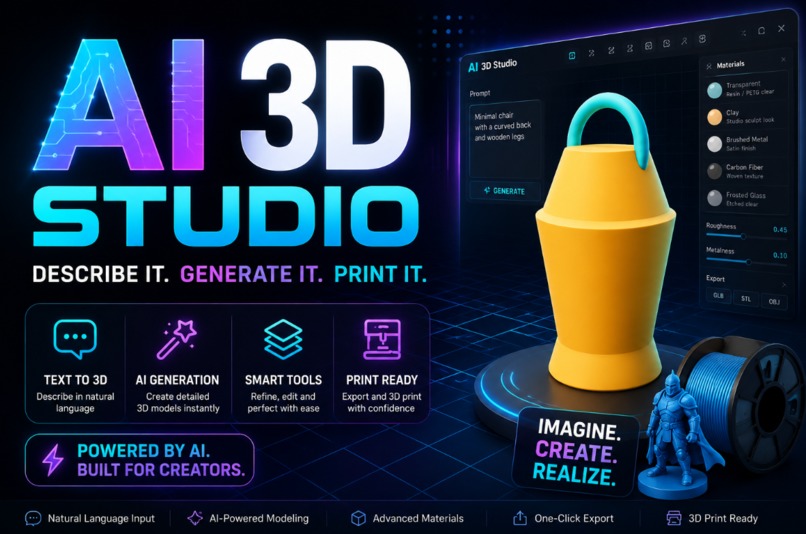
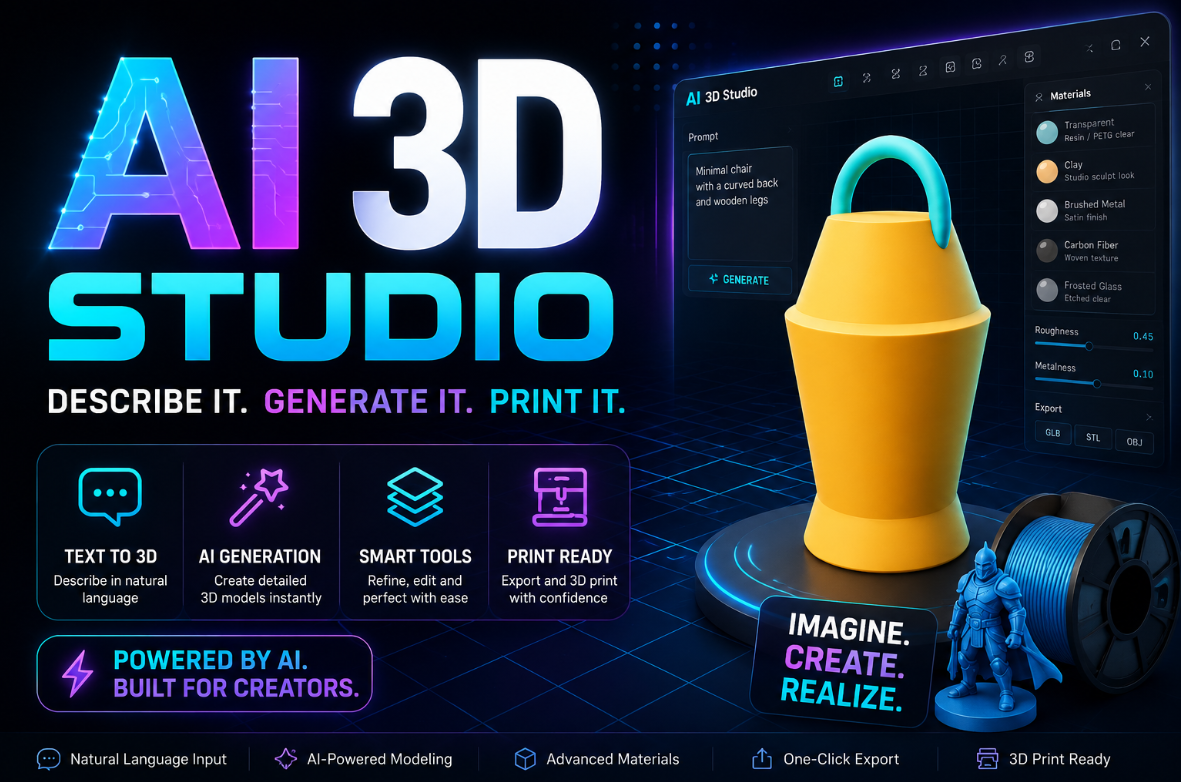
Poster
-
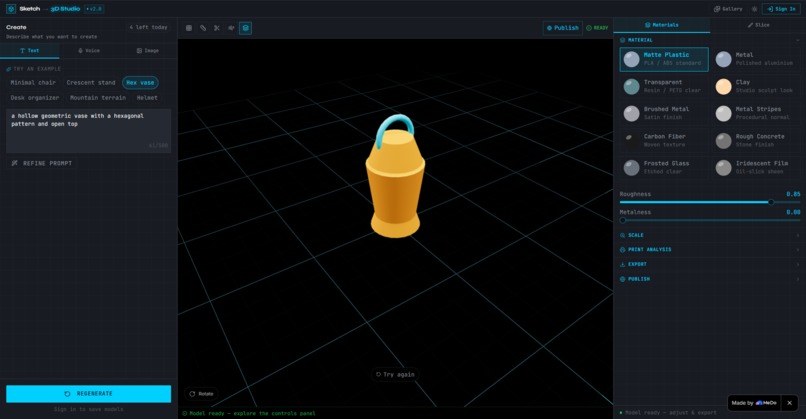
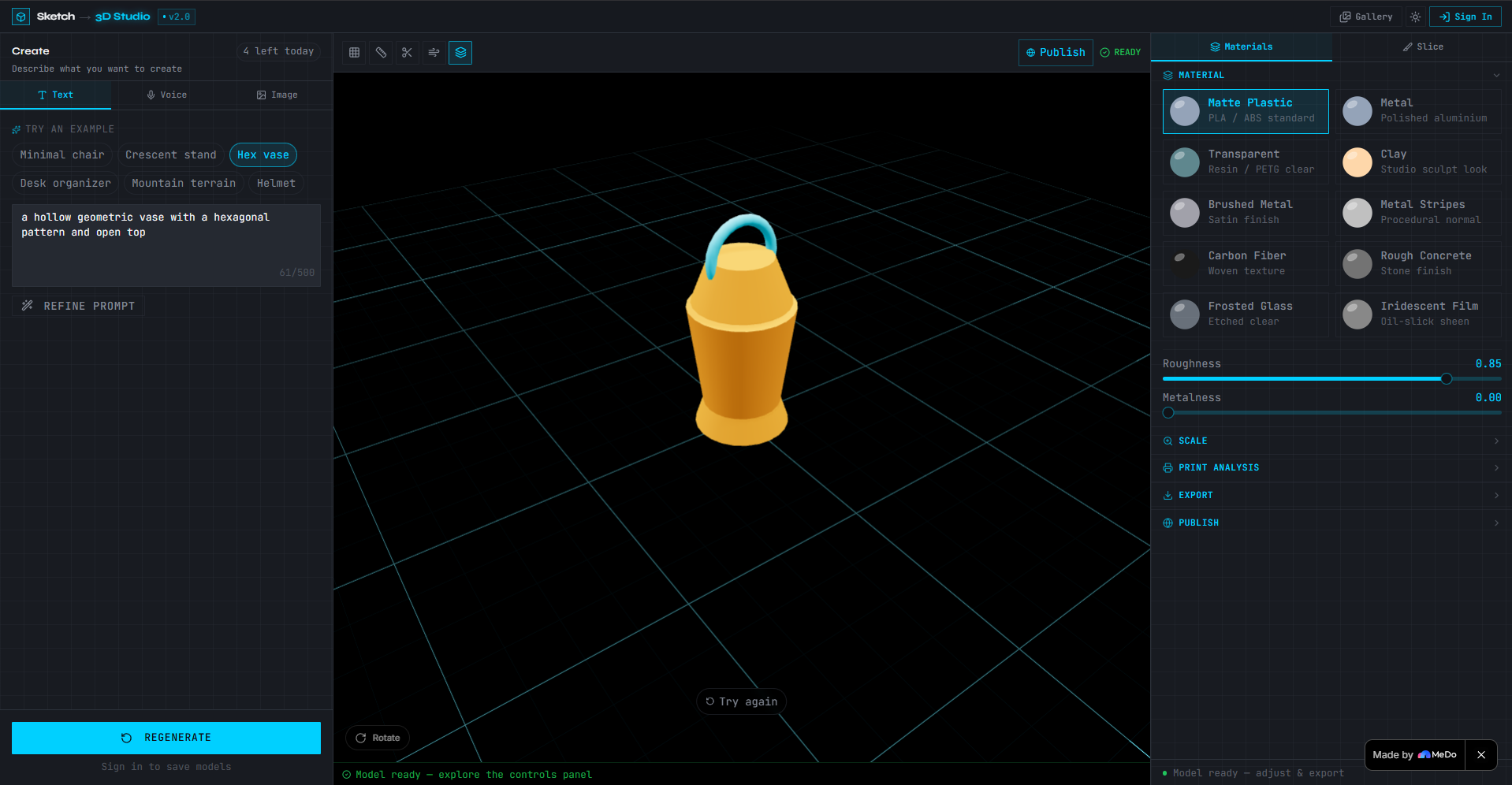
Sample Output
-
Log in
-
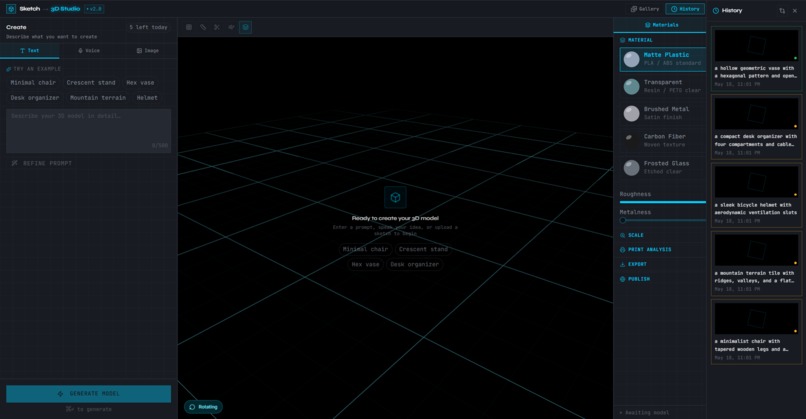
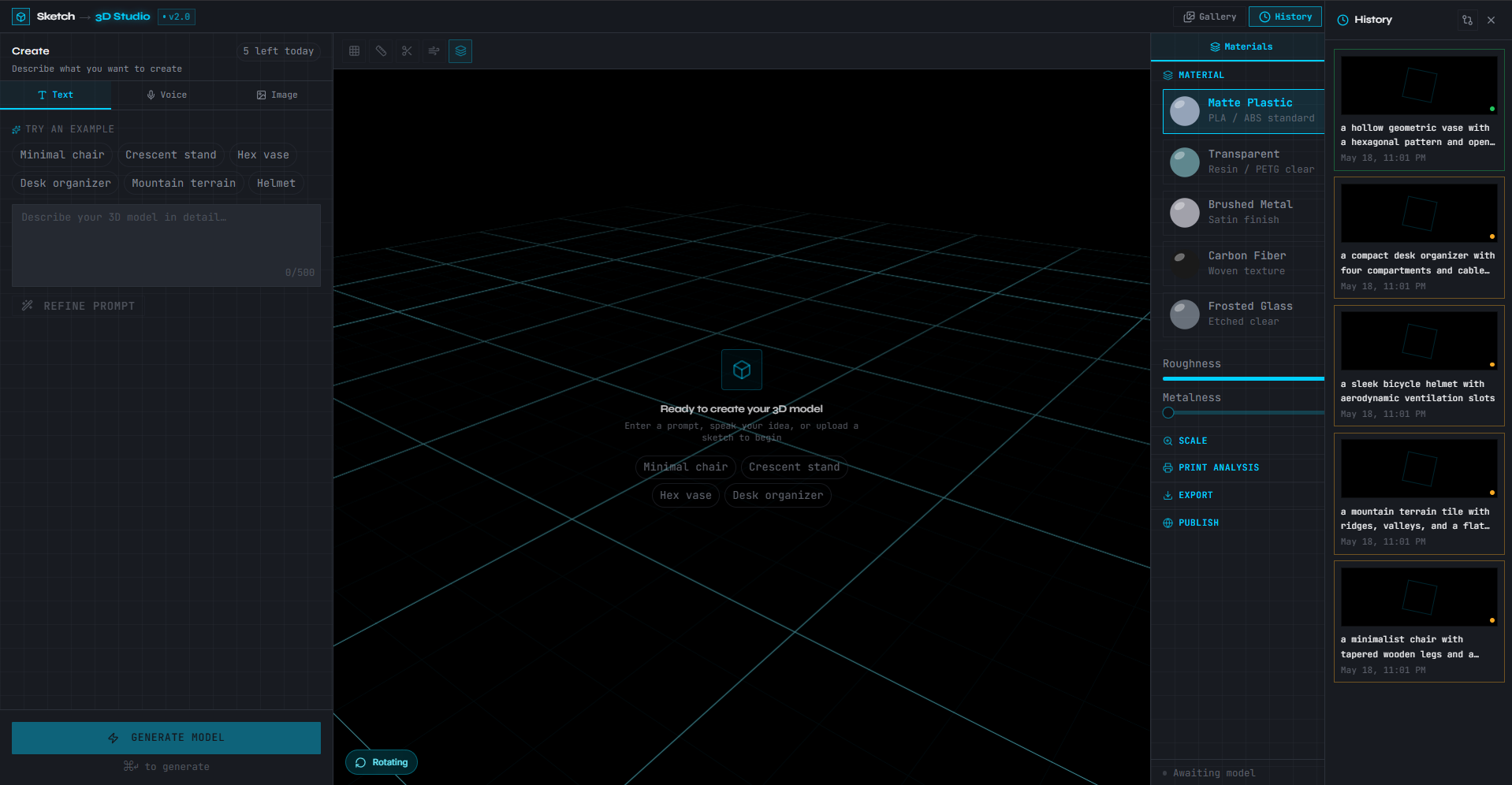
History
Sketch-to-3D Model Studio
What inspired us
I've always believed the gap between having an idea and holding it in your hands should be seconds, not days. Most 3D modeling tools demand years of CAD expertise before you can produce anything printable. I wanted to build something where a child with a rough sketch and a maker with a voice note could both walk away with a print-ready model — no tutorials, no learning curve.
What we learned
Prompt engineering matters more than the model. Routing raw user input through GPT-4o for geometry extraction before hitting Meshy AI made a dramatic difference in output quality. A vague "make a chair" becomes "a four-legged chair with tapered cylindrical legs, a flat square seat, and a low rectangular backrest, approximately 450mm tall" — and the mesh reflects it.
The loading experience is the product. Users forgave longer generation times when the viewport felt alive — a morphing wireframe sphere and a live generation log ("parsing geometry… building faces…") made waiting feel like watching something being built, not waiting for a spinner.
Three.js BufferGeometry is deeply inspectable. Vertex, face, and triangle counts are all computable client-side in a few lines — no external API needed for the topology HUD.
How we built it
The stack is React 19 + TypeScript + Vite + TailwindCSS 4 on the frontend, with React Three Fiber + Drei handling all 3D rendering. State lives in Zustand. The backend is Node.js + Express with a WebSocket layer that relays Meshy AI task progress in real time to the client. Everything persists in Supabase — Postgres for metadata, Storage for GLB mesh files.
The generation pipeline looks like this:
$$\text{User Input} \xrightarrow{\text{GPT-4o}} \text{Refined Prompt} \xrightarrow{\text{Meshy v4}} \text{GLB Mesh} \xrightarrow{\text{Three.js}} \text{Interactive Viewport}$$
Voice input transcribes via OpenAI Whisper, image input describes via GPT-4o vision — both feed the same downstream pipeline. Export runs through three-stdlib exporters with a repair pass before STL download.
Challenges we faced
Meshy task polling was the first real hurdle. Meshy's generation is async — you submit a job and poll for completion. Building a clean WebSocket relay that kept the UI in sync without hammering the API required careful backoff logic and state management.
The Cura-style slice view was harder than expected. Simulating shell, infill, and support color coding with a stepping clipping plane — without an actual slicer under the hood — required approximating layer structure from the mesh geometry alone. It's a visual approximation, not a true G-code preview, but it communicates print intent clearly.
Safari compatibility was a persistent friction point. OrbitControls' context menu behaviour, MediaRecorder support for voice, and WebGL 2.0 availability all behaved differently and required independent fallback handling so no single browser could break the whole experience.
Rate limiting without friction — enforcing a 5-generations-per-day free tier while keeping the UI feel generous rather than punitive took several iterations. The solution was a quiet usage bar in the header rather than hard walls, so users always knew where they stood.
Built With
- drei
- express.js
- fiber
- gpt-4o
- node.js
- openai
- shadcn/ui
- supabase
- tailwindcss
- three.js
- typescript
- vite
- websockets
- whisper
- zustand


Log in or sign up for Devpost to join the conversation.