-
-
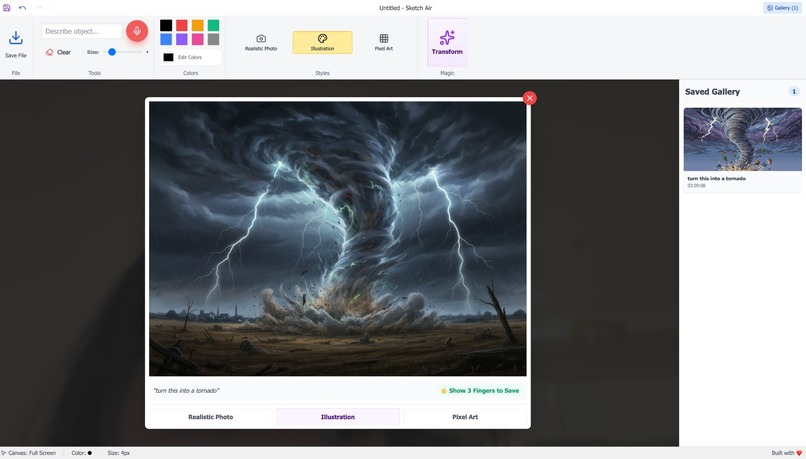
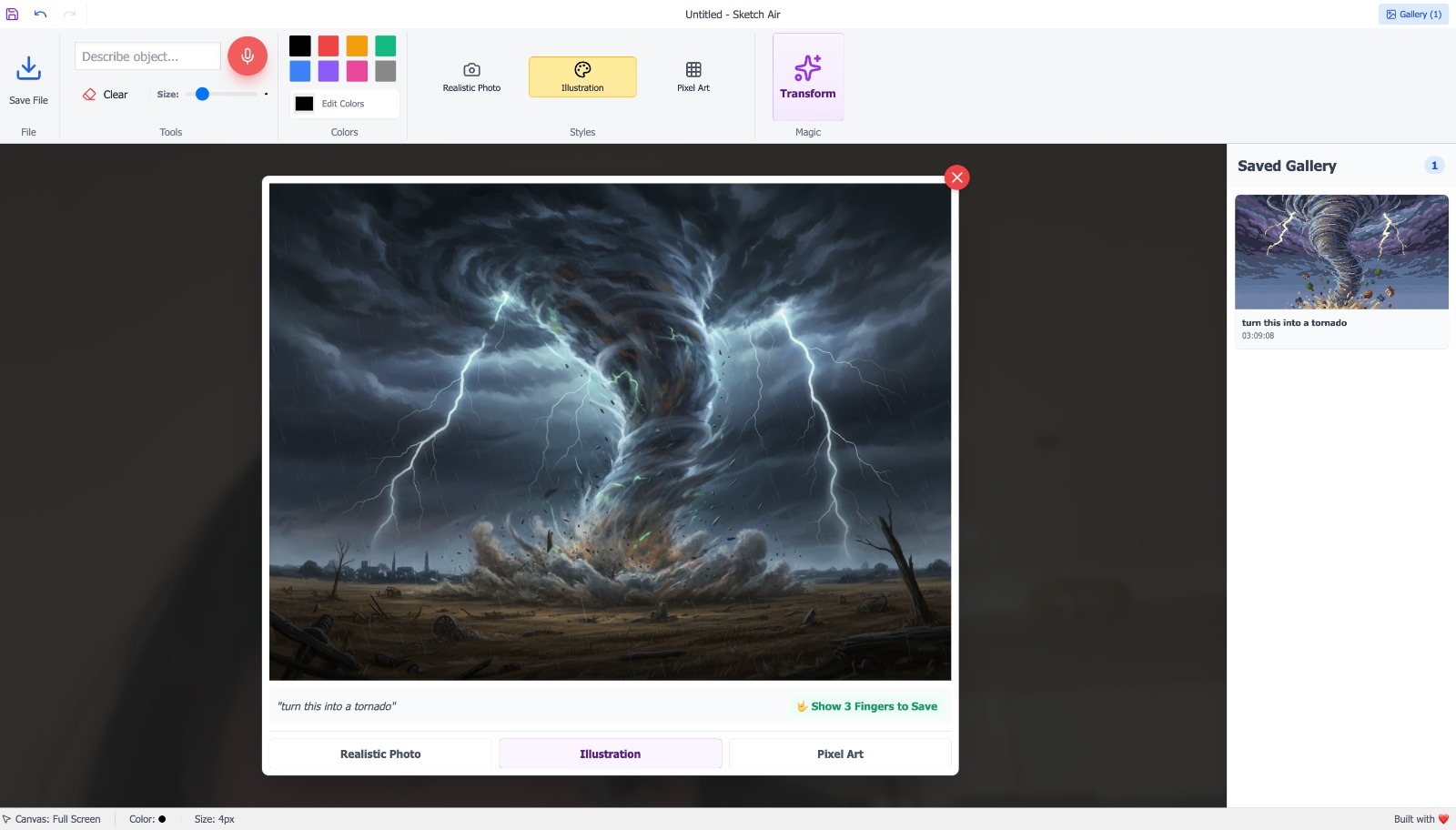
actual result preview
💡 Inspiration
We all grew up doodling on paper and wishing our drawings could “come alive.” With Sketch Air, we wanted to give kids that feeling for real, turning their quick sketches into something fun, polished, and worth sharing, without needing them to be “good at art.”
🎨 What it does
Sketch Air lets kids draw something simple, then instantly transform it into different styles like realistic photo, illustrations or pixel art. They can try multiple looks on the same doodle and see how their idea changes.
🛠️ How we built it
We created a simple and intuitive drawing interface where users can sketch in the air. The sketch is then sent to our backend, which uses generative AI to transform the artwork into different visual styles such as realistic illustrations or pixel art. We integrated Google APIs through Pipedream to interpret hand gestures as controls which allowing users to trigger actions simply by just moving their fingers.
🚧 Challenges we ran into
One of the first challenges was deciding on the right tech stack to support gesture tracking, real-time drawing, and AI image generation. We also had to ensure the AI didn’t “take over” the design: the final output needed to stay true to the child’s original drawing, so it still felt like their creation. On the design side, creating a user interface that was fun and intuitive for kids, yet clear and functional for adults, required a lot of testing and iteration.
🏆 Accomplishments that we're proud of
We built a complete workflow where kids can draw in the air and watch their sketch appear instantly on the screen. Using simple hand gestures, they can control the experience by saving their art, recording a voice prompt for the AI, or clearing the canvas all without needing complex buttons or menus.
Our generative AI keeps their imagination at the center of the final output, transforming the drawing while still preserving the child’s original shapes, ideas, and personality. We’re also proud of creating a clean, playful interface that’s fun for kids to explore and intuitive for adults to help guide.
📚 What we learned
We learned the importance of planning early — choosing the right tech stack, clearly defining the core problem, and focusing on features that truly matter. Without that clarity, it’s easy to get distracted by building “cool” add-ons that don’t actually help with our mission: helping kids reduce screen time by unleashing their creativity and turning simple doodles into meaningful art.
We also realized the value of designing with constraints. Tight guardrails around AI prompts ensure the output stays age-appropriate and supports each child’s imagination instead of overshadowing it. Through usability testing, we also discovered how differently kids interact which pushed us to simplify gestures, reduce clutter, and make every interaction feel natural, intuitive, and playful. Ultimately, the biggest lesson was that technology should enhance creativity — not replace it.
🚀 What's next for Sketch Air
Next, we want to lean deeper into video and storytelling. We plan to introduce one-tap animation actions (wave, jump, fly), simple templates that bring kids’ drawings to life, and improvements to image generation so the output feels truer to their original art. We’ll also expand available styles and themes and enable kids to connect multiple drawings into a mini storyboard. Finally, we want to make exports effortless — GIFs or short clips that parents can easily save and share.
Ultimately, the biggest lesson was that technology should enhance creativity — not replace it.
Built With
- google-gemini-for-image-generation
- mediapipe-for-hand-tracking
- react
- typescript
- vite
- web-speech-api-for-voice-input

Log in or sign up for Devpost to join the conversation.