-
-
Logo
-
Promo Snapshot
-
Demo
Inspiration
The web dev pipeline has too many stops. Design in Figma, screenshot it, describe it in Slack, argue about it in Jira, turn it into code into an IDE, deploy it, realize it's wrong, repeat.
What if design and code lived in the same room? What if instead of describing "make the button slightly more... you know... buttony", you could just draw on your actual website and let the code figure itself out?
So we said: screw it, let's make web development drawable.
What It Does
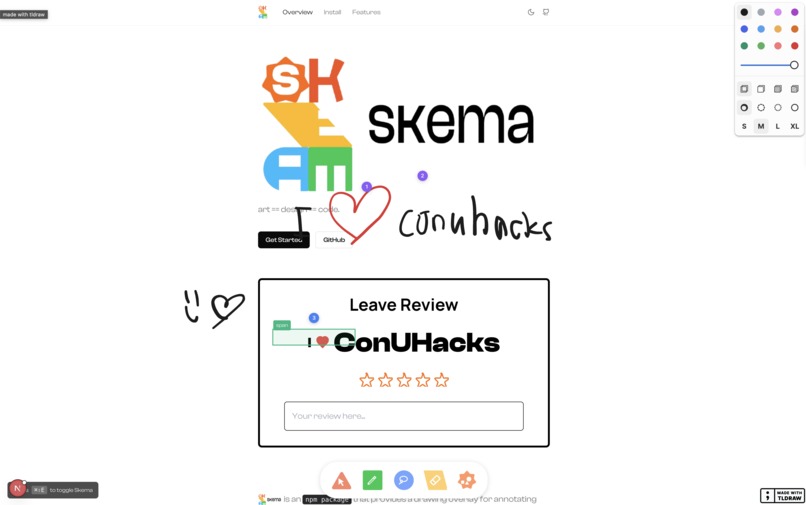
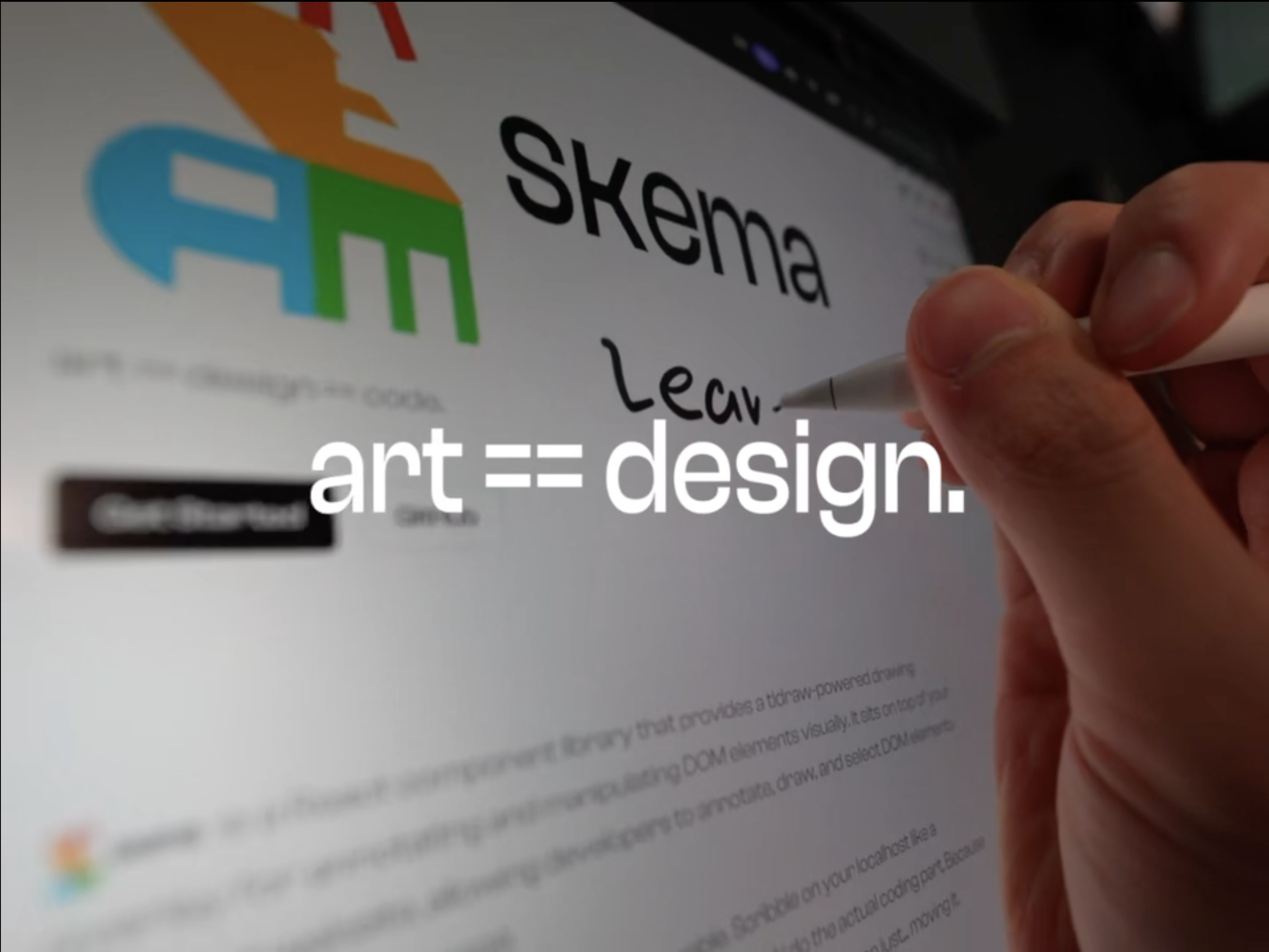
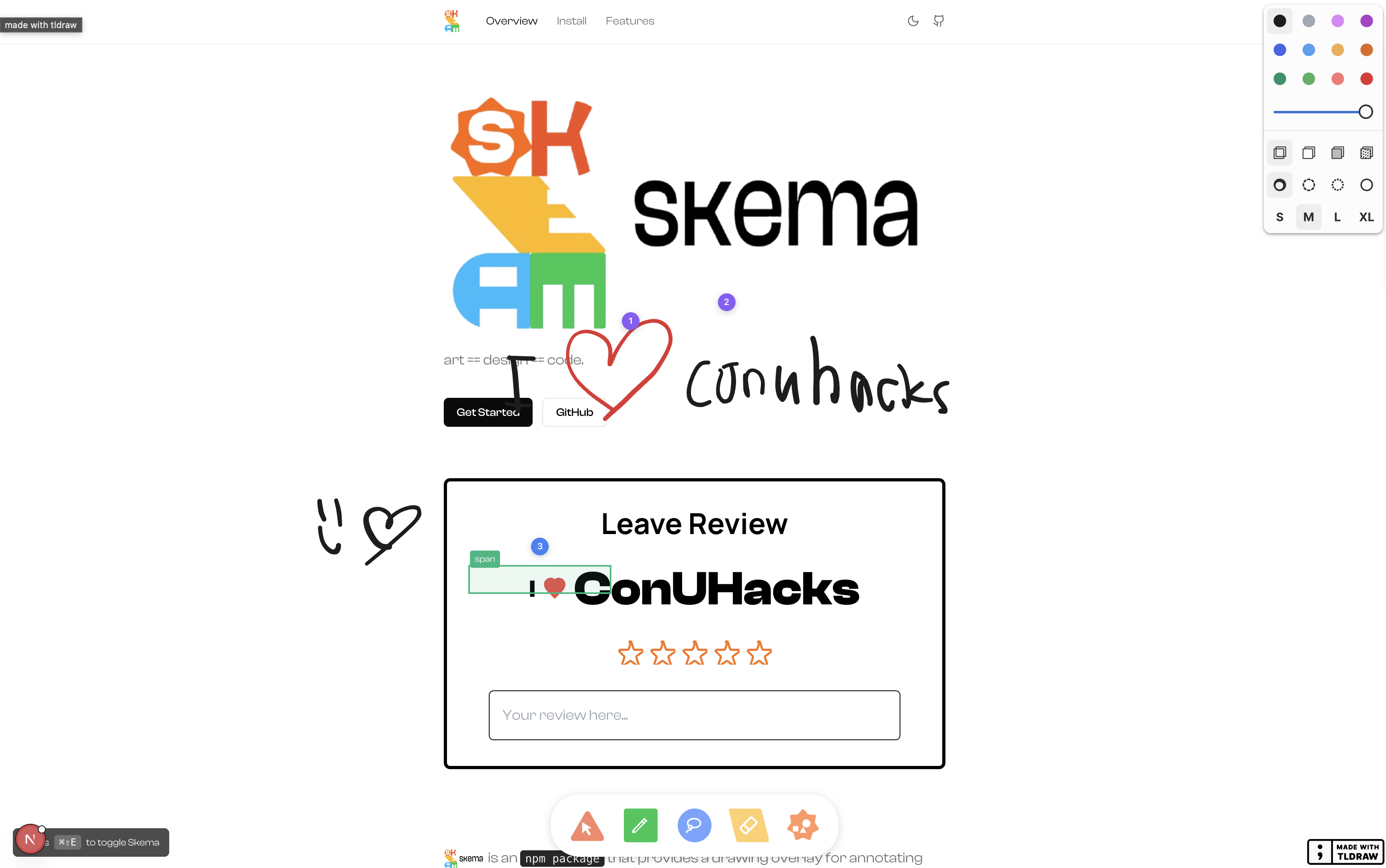
Skema is an actual npm package that transforms your localhost into an interactive whiteboard where you can:
- Draw New Components - Literally sketch a new card, a complex form, or a hero section and watch it manifest as React code instantly - styled to your codebase.
- Edit directly on your live website - Scribble circles, arrows, and passive-aggressive annotations on any element
- Point and click - Use the DOM Select tool to select elements and instantly generate changes.
- Lasso elements - Select multiple components in an organic-like swoop
- Let AI do the work - Export your artistic masterpiece as structured data that AI agents actually understand
Press ⌘⇧E, draw your heart out, hit submit, and watch as your attempt at a rectangular card becomes a fully styled, responsive component. Just point, draw, and ship.
How We Built It
- Next.js - Because we like our React with a side of server-side rendering
- tldraw - To doodle
- TypeScript - For when JavaScript isn't anxious enough
- Gemini API - Turns your stick figures into production code
- Bun - Life's too short to wait for
npm install
We built this as a monorepo with two packages:
skema-core- The main injectable React componentskema-example- A Next.js demo app where we dogfood our own creation
The architecture is built for speed: transparent overlay → tldraw engine → DOM context extraction → structured export → Gemini Vision pipeline → prod-ready code.
The Vision-to-Code Pipeline
- Visual Analysis: When you draw, we capture a base64 PNG of your sketch over a labeled grid. We pipe this into Gemini 2.5 Flash with a specialized system prompt that acts as a Front-End Engineer. It it interprets the intent of your hand-drawn wireframes, assuming accessibility needs, spacing, and typographic hierarchy.
- Context Injection: We don't just send the image. We crawl the DOM around your drawing area, extracting:
- Nearby Elements: What components are brothers/sisters to your drawing?
- Style Context: What CSS classes and Tailwind tokens are already in use?
- Grid References: Where exactly in 2D space are you drawing?
- Elevation vs. Transcription: If you draw a shaky rectangle with some scribbled text, Gemini doesn't render a shaky rectangle. It infers a modern UI card, applies the project's design tokens, and inserts the actual production code into your local file.
- Instant Integration: The generated code is a diff applied directly to your codebase using our CLI agent, immediately hot-reloaded for your viewing pleasure.
Gesture Recognition Engine
We built a custom gesture recognition system that runs in real-time as you draw, letting you scribble on the drawings to delete them (shoutout Goodnotes)
- Direction Change Analysis: We sample your stroke path and calculate the angle between consecutive segment vectors. Scribbles have a characteristic zig-zag pattern with >4 significant direction changes (90°+ reversals).
- Real-time Detection: The algorithm runs on every 5th pointer event during drawing, not just on pen-up. Once we detect a scribble gesture with high confidence, we highlight overlapping shapes for deletion before you even lift your pen.
Challenges
"Just add a drawing layer" they said. "It'll be easy" they said.
- Coordinate systems are a nightmare - Converting between tldraw coordinates, screen coordinates, and DOM coordinates gave us PTSD. Turns out every browser has opinions about what "x" and "y" mean.
- Making it non-invasive - We needed a 100% transparent overlay that doesn't steal clicks but also... does steal clicks when you want it to. Schrödinger's pointer events basically.
- DOM selection in React - Picking elements without breaking React's virtual DOM is like defusing a bomb where the wires keep re-rendering
- Export format design - Creating a JSON structure that's both human-readable and AI-parseable.
- Z-index wars - We set it to 99999. If your app has a higher z-index, that's on you lil bro.
Accomplishments
- Actually shipped an NPM package (
skema-core) instead of just tweeting about it - Made a CLI tool (
bunx skema init) that actual humans can use - Created an annotation system that AI agents don't hate
- Built docs that we ourselves can understand (the ultimate test)
- Made development fun again - drawing on websites is objectively more enjoyable than typing CSS
- Proved that "Cmd+Shift+E" is the perfect keyboard shortcut (fight us)
Most proud of: The realization that you don't need to be a 10x engineer to be productive. You just need better tools. And some crayons.
What We Learned
- Visual communication > textual communication for UI changes.
- Developer tools are fun - let's put the vibe in vibe-coding
- Monorepos are actually good - This was painful at the start but lowkey worth
- AI context is everything - The better your structured data, the better your AI output. Garbage in, garbage out (but with really impressive garbage)
- tldraw is incredible - seriously though
- Users want simple onboarding - People just wanna draw lol
What's Next
Short term (this weekend probably):
- Annotation history/undo - for when you draw something really dumb
- Team collaboration - real-time drawing with your coworkers on localhost (chaos mode enabled)
- More AI integrations - Claude, GPT, your local LLM that runs on a potato
Long term (when we're pretending to be serious):
- Plugin system for custom tools - let people build their own annotation madness
- Screenshot mode - auto-capture what you're annotating for better context
- Mobile support - drawing on localhost from your phone (cursed but necessary)
- VS Code extension - because why leave your editor?
- Production annotation mode - annotate your staging environment for better QA feedback loops
Dream feature: Voice annotations. Just yell at your screen: "THIS BUTTON SHOULD BE BLUE!" and let chaos ensue.
Try it: bun add schema-core
Check out our docs: https://useskema.vercel.app/
Because sometimes the best way to communicate code is to not write code at all.
Built With
- gemini
- next.js
- precognizer
- tldraw
- typescript


Log in or sign up for Devpost to join the conversation.