Skeleton Build - Your AI Coding Partner That Speaks Two Languages
🧠 Inspiration
Have you ever felt stuck between two choices when coding? You can either:
- Build something fun and creative that looks amazing, OR
- Build something serious and production-ready that actually works in real businesses
We wanted both. And we didn't want to choose.
That's why we created Skeleton Build - an AI development tool that understands when you want to dream big and when you need to get serious. Think of it like having a creative designer and a strict engineer in one tool, and you can switch between them instantly.
💡 What It Does
Skeleton Build is an AI that builds web applications for you. Just tell it what you want in plain English, and it creates a full working app.
But here's what makes it special - it has two personalities:
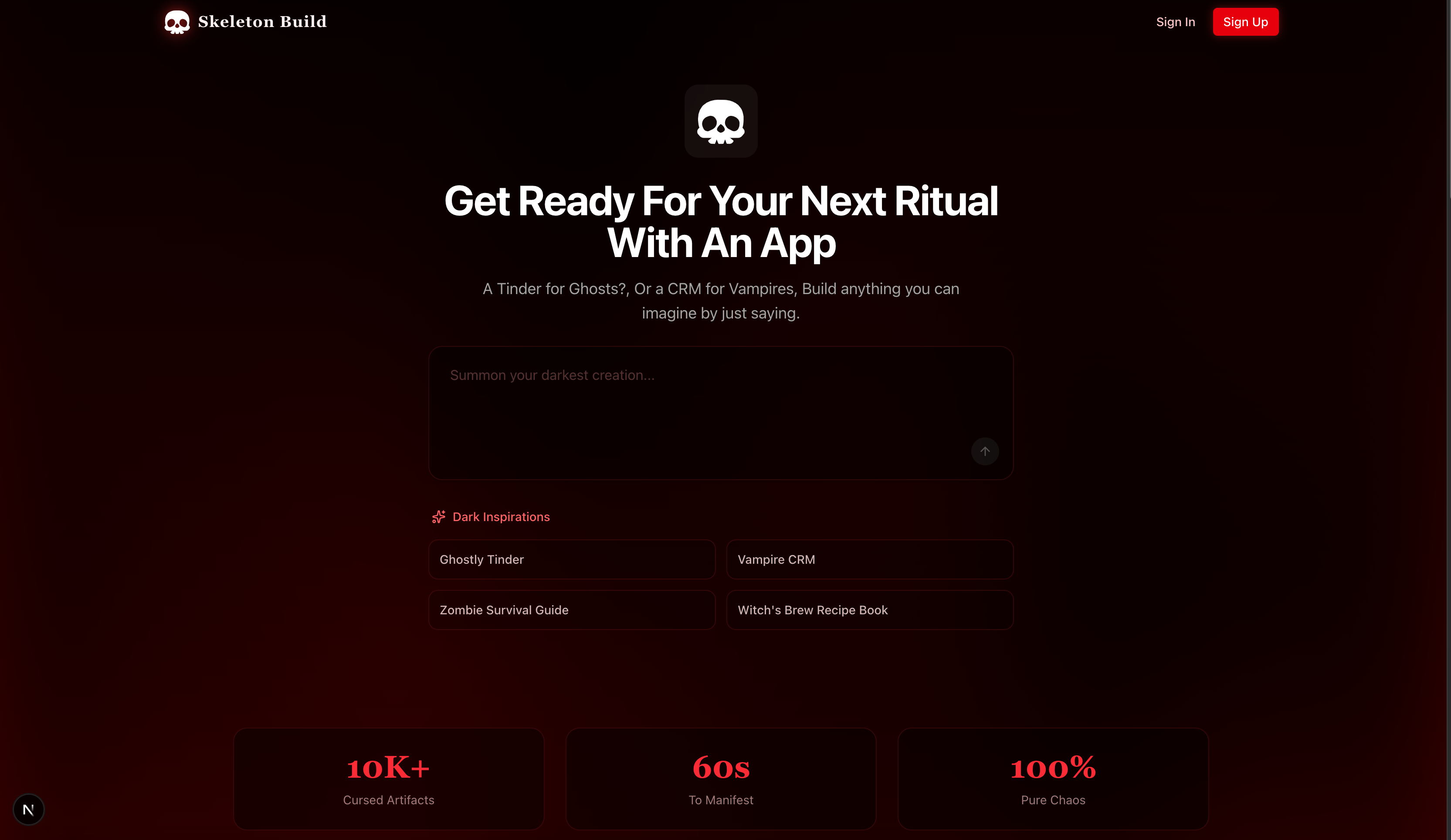
🎨 Chaos Mode
When you want to experiment and create something bold:
- Generates vibrant, eye-catching designs
- Tries new ideas quickly
- Perfect for prototypes and creative projects
- Thinks outside the box
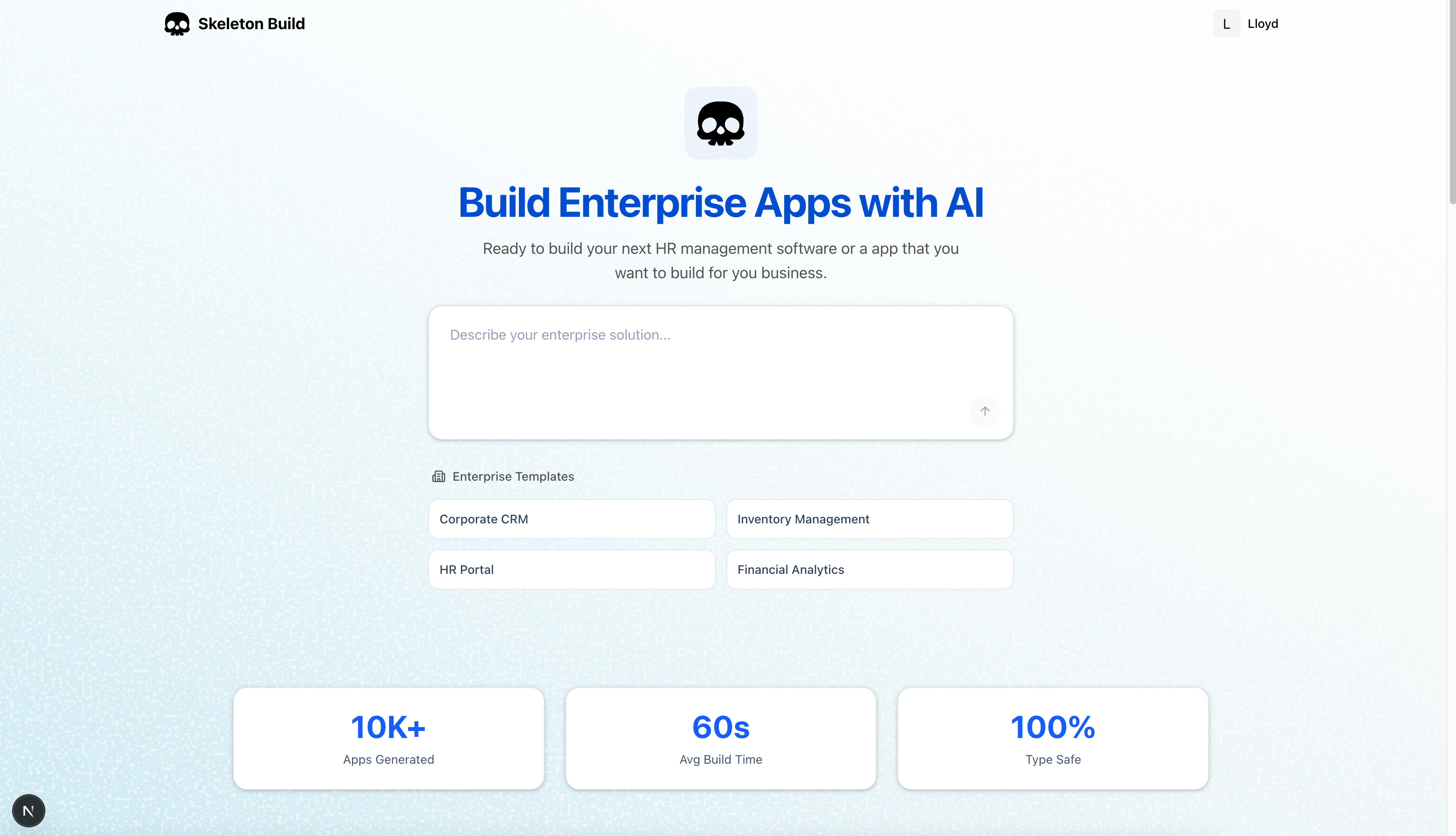
🏢 Order Mode
When you need professional, business-ready software:
- Creates clean, accessible interfaces
- Follows best practices and industry standards
- Type-safe and secure code
- Ready for real customers
🔄 Self-Replication (The Cool Part)
Every app you create with Skeleton Build comes with its own AI assistant. Your users can talk to this AI to modify their app, fix bugs, and add features - all without touching code. It's like giving every app you build its own personal developer.
The Magic Formula:
$$\text{Creativity} + \text{Structure} = \text{Productivity}^2$$
🛠️ How I Built It
I used these technologies to make it work:
- Next.js 15 - The main framework for the web app
- Tailwind CSS - For styling everything
- PostgreSQL - Database to store projects and user data
- Vercel AI SDK - Powers the AI conversations and tool calling
- Kiro - The AI brain that made this project happen
- E2B - Creates isolated containers for each generated app
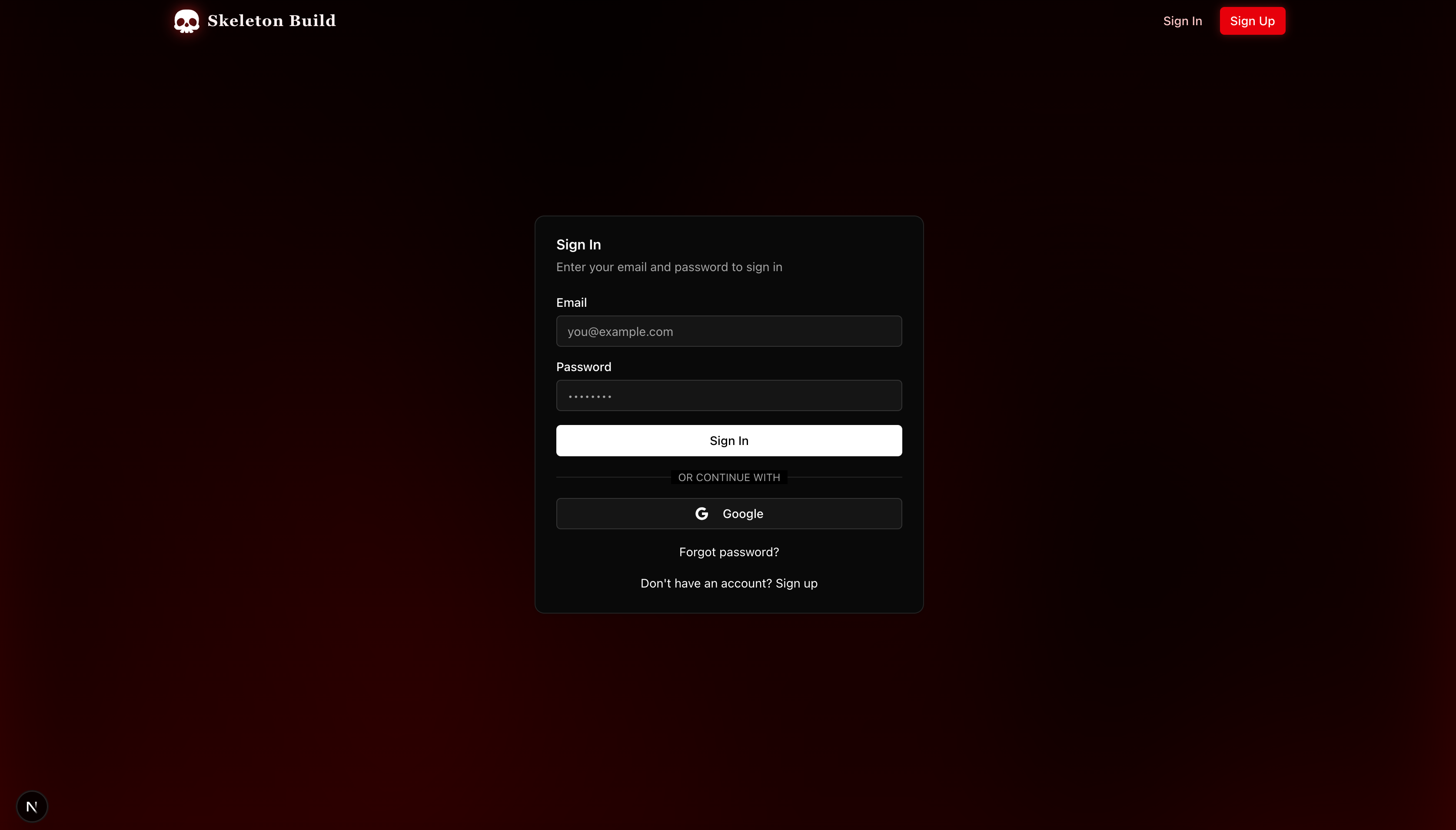
- Better Auth - Handles user accounts securely
- Stripe - Manages payments
- Inngest - Runs long background tasks (like building full apps)
How It All Works Together:
- User describes their idea → "I want a recipe sharing app"
- Skeleton Build's AI brain analyzes → Breaks it down into database models, features, and UI
- AI chooses the right tools → Creates files, writes code, fix errors you name it
- Mode switcher applies the style → Chaos Mode = colorful & bold and vibe code, Order Mode = professional & clean enterprise apps
- Generated app gets its own AI → Users can modify their app by chatting with it
📚 What I Learned
This project taught me so much:
AI is incredibly sensitive - Changing just a few words in a prompt can completely change the output. Getting the AI to understand the difference between "fun creative design" and "enterprise professional design" took many iterations.
Structured flexibility is powerful - By creating a spec-driven system (a blueprint that both modes follow), I could maintain consistency while still allowing wild creativity.
Security matters for AI tools - Using MCP servers to let Kiro control development flows safely was crucial. You can't just let an AI do anything - it needs guardrails.
Multi-tenant architecture is complex - Making sure each generated app is completely isolated from others while still sharing core features required careful planning (Thanks to E2E).
🚧 Challenges I Faced
Building this wasn't easy. Here are the biggest problems I solved:
1. AI Consistency Across Long Tasks
The hardest part was keeping Kiro focused during long tasks. Imagine asking someone to build a house, and halfway through they forget what the living room is for. I had to implement memory systems and context management so the AI remembers what it's doing even after generating thousands of lines of code.
2. Design vs. Accessibility Trade-offs
Sometimes Chaos Mode would create beautiful designs that were hard to use. I had to teach the AI that "creative" doesn't mean "confusing" and that accessibility always matters, even in experimental mode.
3. The Infinite Loop Problem
Since the app can generate apps that can generate apps... you can see where this is going. During testing, I accidentally created a recursive loop that burned through my API limits in minutes. I had to add hard limits and safeguards.
4. One Codebase, Two Personalities
Maintaining components that work for both Chaos and Order modes was like designing a car that's a sports car AND a truck at the same time. I solved this with a shared component library where themes, colors, and behaviors dynamically change based on the active mode.
🚀 What's Next
I see Skeleton Build becoming a tool that builders, startups, and individual creators use to:
- Generate complete SaaS products in minutes instead of months
- Deploy multiple applications without managing infrastructure
- Iterate on ideas faster than ever before
- Create fun applications
The big feature I'm working on next: Real-time collaborative building. Imagine two people working on the same app - one in Chaos Mode dreaming up features, the other in Order Mode stabilizing and deploying them. Building together in both modes simultaneously.
Try It Yourself
Skeleton Build proves that you don't have to choose between creativity and professionalism. You can have both, whenever you need them.
Built with ❤️ and a lot of AI conversations for the Kiro Hackathon
Built With
- ai-sdk
- better-auth
- e2b
- gemini
- inngest
- neon
- next
- postgresql
- stripe
- tailwind
- trpc
- typescript


Log in or sign up for Devpost to join the conversation.