-
-
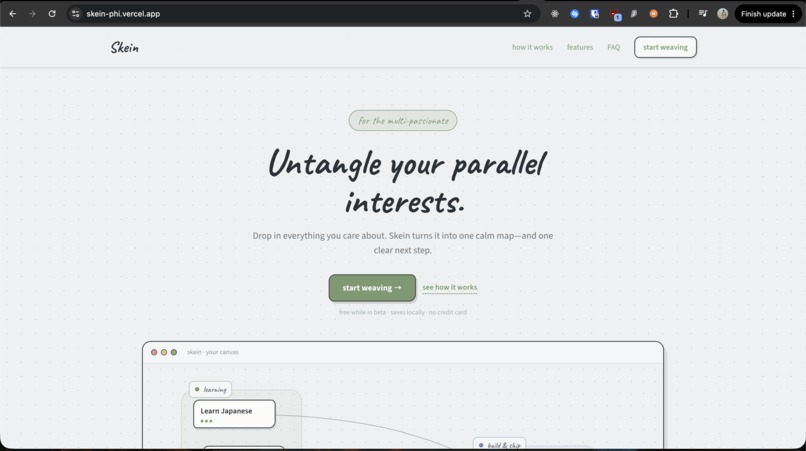
Landing page
-
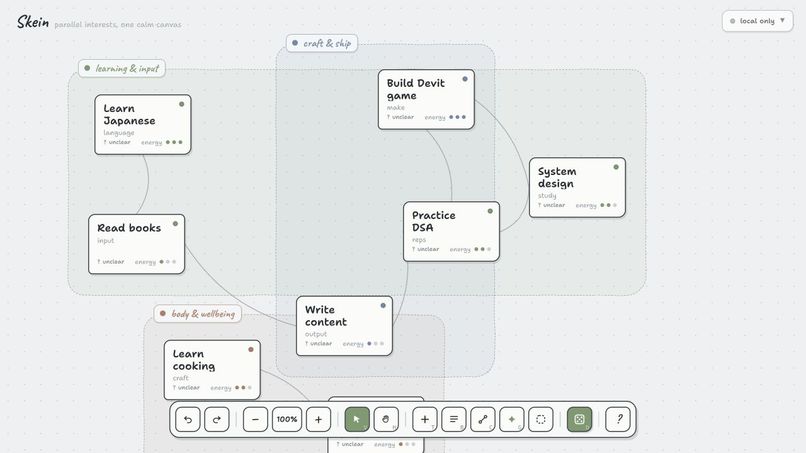
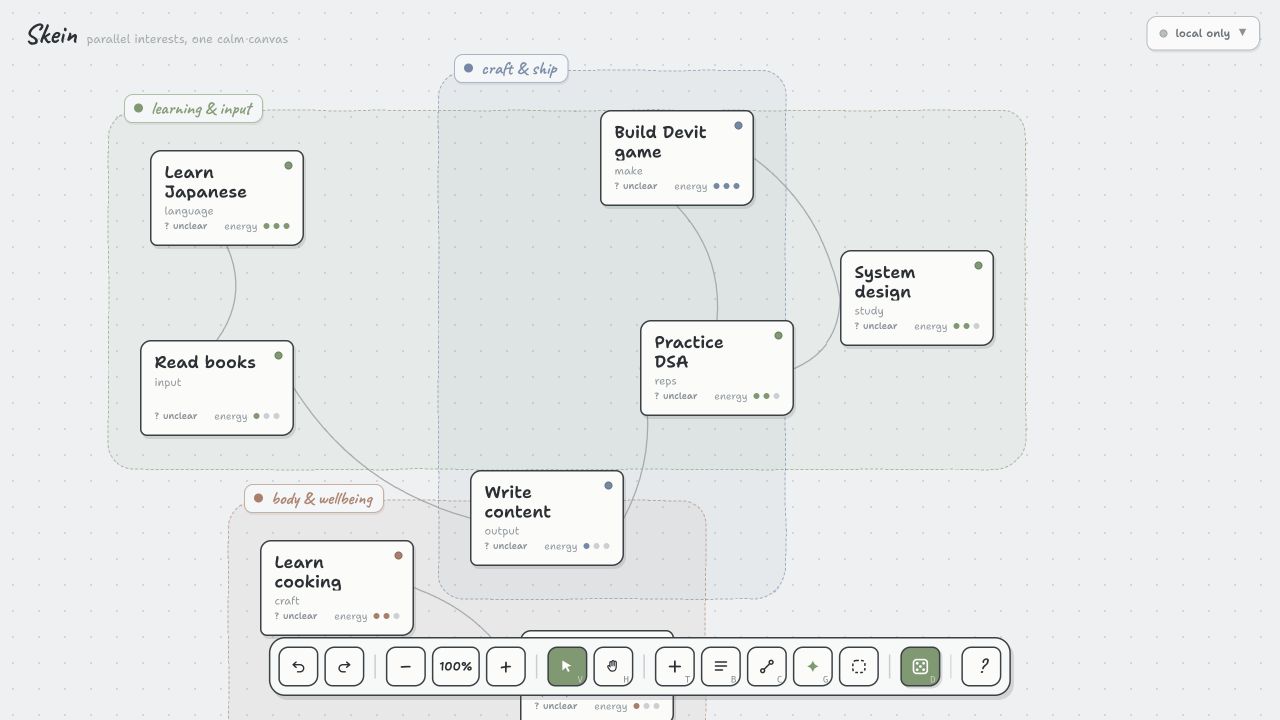
Homescreen
Inspiration
Skein came from two places: the science roadmaps in Dr. Stone and my own experience of feeling overwhelmed by everything I want to pursue.
In Dr. Stone, an outcome that initially seems impossible becomes achievable once it is mapped backward into dependencies and smaller steps. I wanted that same feeling for personal interests whether that means learning Japanese, building a product, writing online, or improving my health.
The problem was not a lack of ambition or ideas. It was having so many meaningful options that I often could not decide where to begin.
What it does
Skein turns scattered interests into one calm, connected canvas.
Users can brain-dump everything pulling at them, and Skein organizes those thoughts into related interests. Each interest can be explored without immediately forcing it into a rigid goal.
When a user wants to move forward, Skein helps them describe where they want to go, understand their current position, and create a living roadmap of achievable steps. When choosing still feels difficult, “decide for me” considers their interests, progress, time, energy, and mood to recommend one meaningful next move.
The complete flow is:
Capture → Connect → Choose → Begin
How we built it
I built Skein solo during OpenAI Build Week with Codex as a product, design, and engineering partner.
I began with the idea of a visual canvas for parallel interests. Through iteration, the idea became more focused: Skein should not simply organize everything—it should help someone move from paralysis to action.
Codex helped me question product decisions, simplify the experience, improve the landing page and walkthrough, and test the product across desktop and mobile.
GPT‑5.6 works quietly behind the interface. It helps untangle brain-dumps, recognize relationships between interests, turn distant directions into smaller steps, understand supporting materials, and suggest one manageable action. The goal was to make AI feel like part of the product rather than another chat window.
Challenges we ran into
The biggest challenge was designing an experience for overwhelmed users without making the product itself overwhelming.
Skein needs to support many interests, connections, roadmaps, notes, materials, and decisions. Exposing everything at once would recreate the same cognitive load the product is meant to reduce.
I repeatedly simplified the interface, shortened the language, moved advanced details behind progressive interactions, and created a walkthrough using the real product controls. Another challenge was balancing freedom with guidance: users should be able to explore without guilt, while still having a clear path toward action when they need it.
What we learned
I learned that clarity does not come from organizing every detail perfectly. It often comes from reducing the number of decisions someone must make in the present moment.
I also learned that AI is most helpful when it stays in the background and transforms ambiguity into something concrete. Users do not always need a long explanation they may simply need a better map and one manageable action.
Building Skein reinforced the importance of testing language and interaction design as carefully as the underlying functionality. A technically capable feature is not useful if an overwhelmed person cannot understand what to do next.
What's next for Skein
The next step is to release Skein as a public beta and learn whether it helps other multi-passionate people as much as it helps me.
I want to study which parts create lasting value, improve the quality of routes and recommendations, and make the experience even calmer on mobile. Over time, Skein could become a sustainable product through a freemium model, with the core local canvas remaining accessible and paid features supporting cloud sync, richer AI guidance, and advanced context materials.
Built With
- gpt5.6
- nextjs
- supabase
- tailwindcss

Log in or sign up for Devpost to join the conversation.