-
-
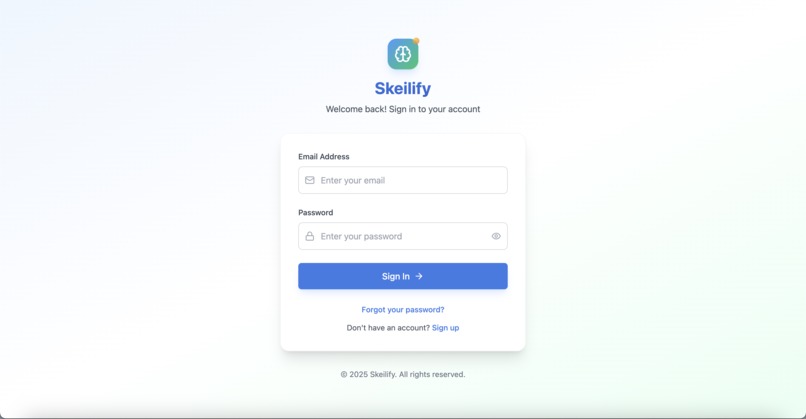
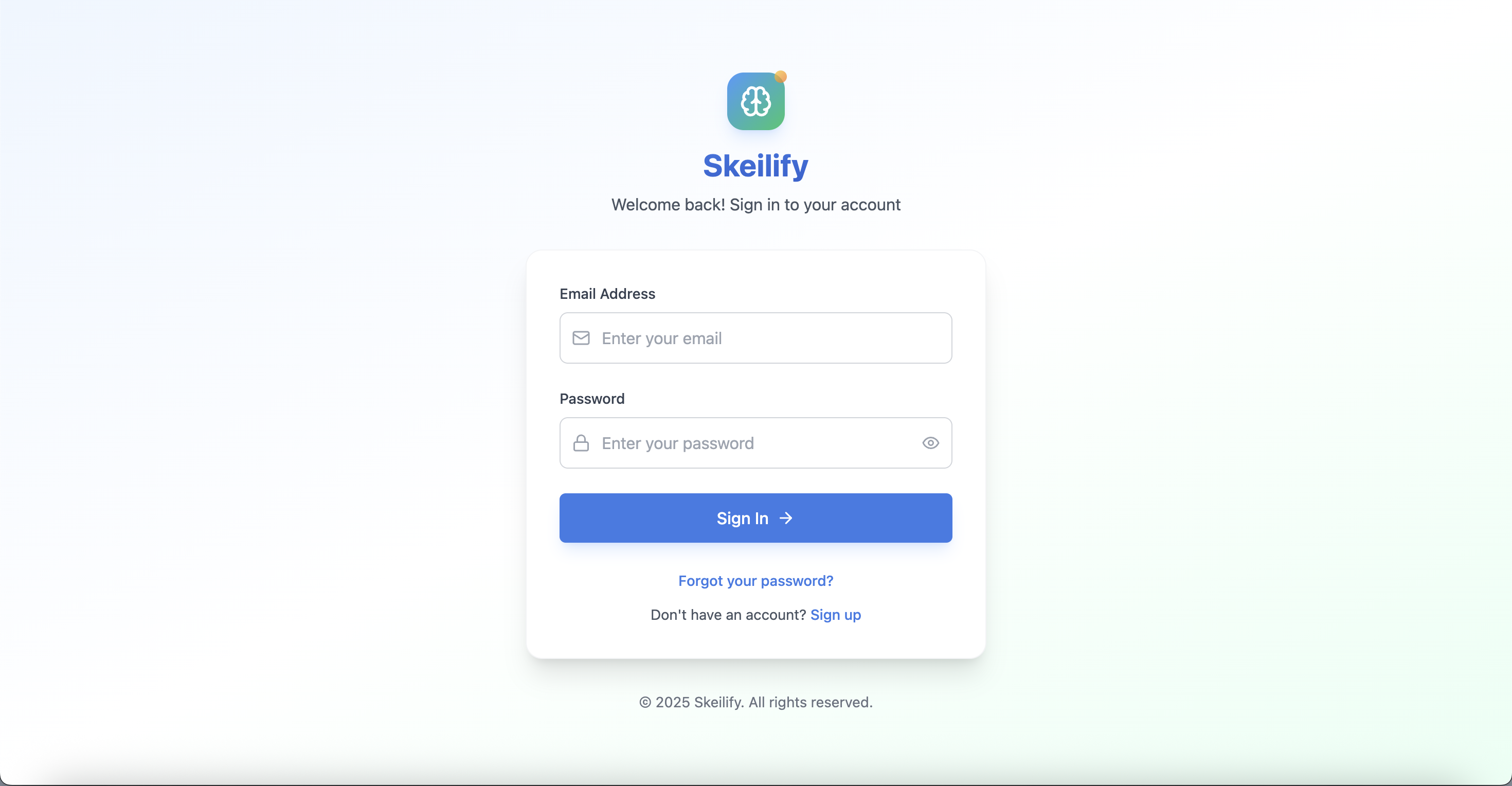
Login Page
-
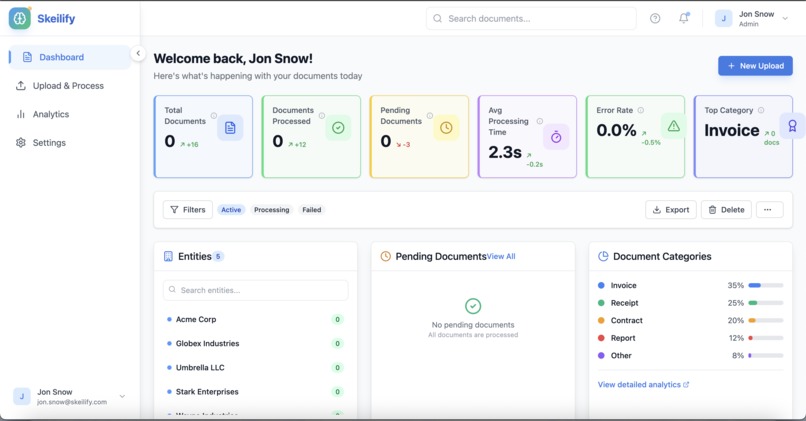
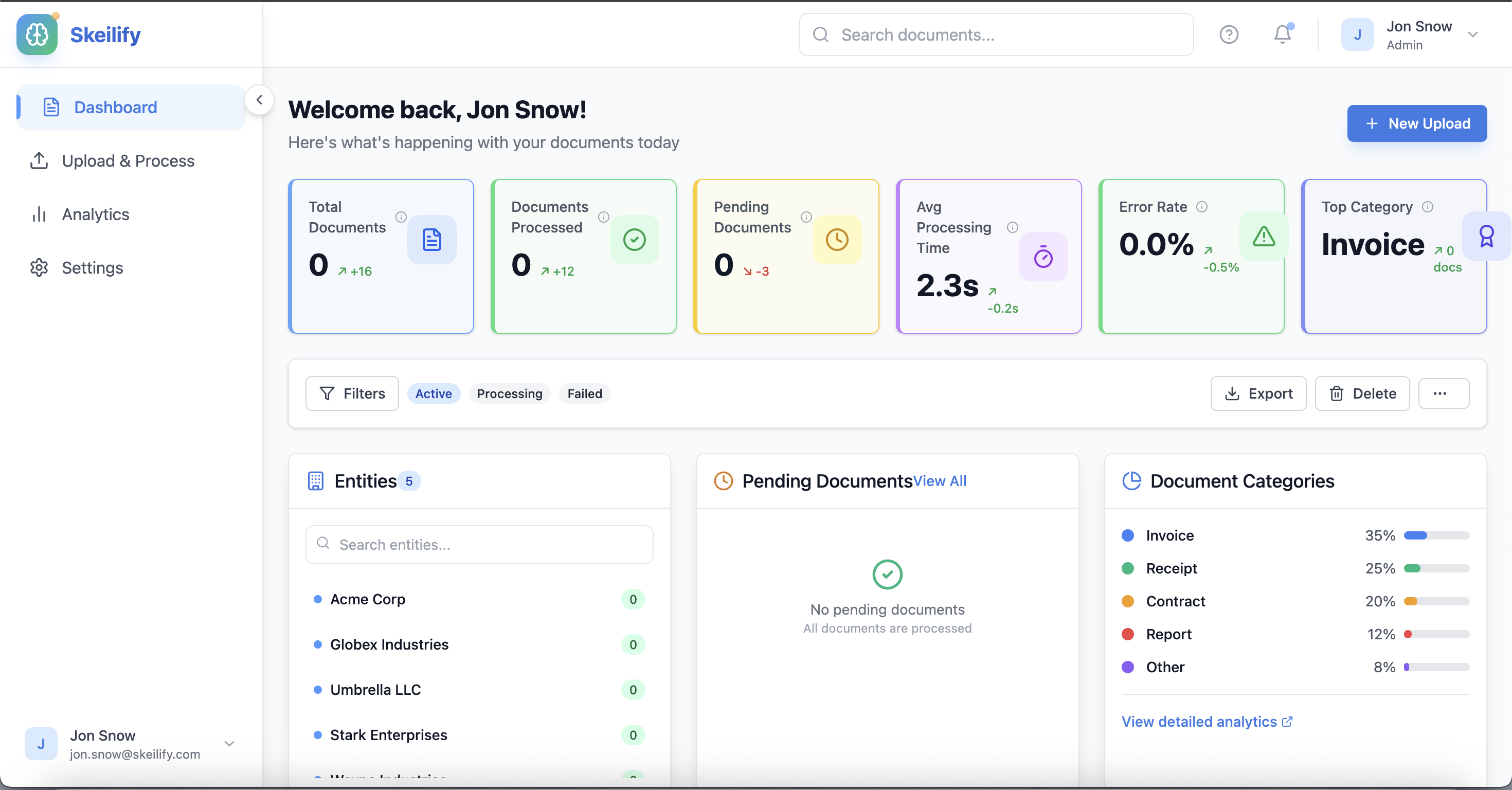
Dashboard
-
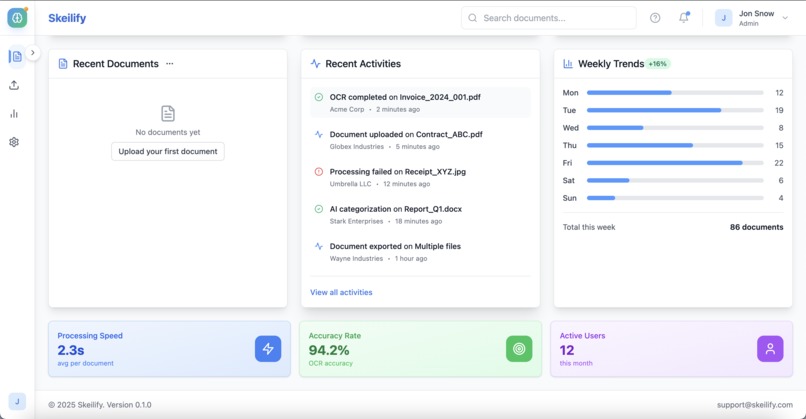
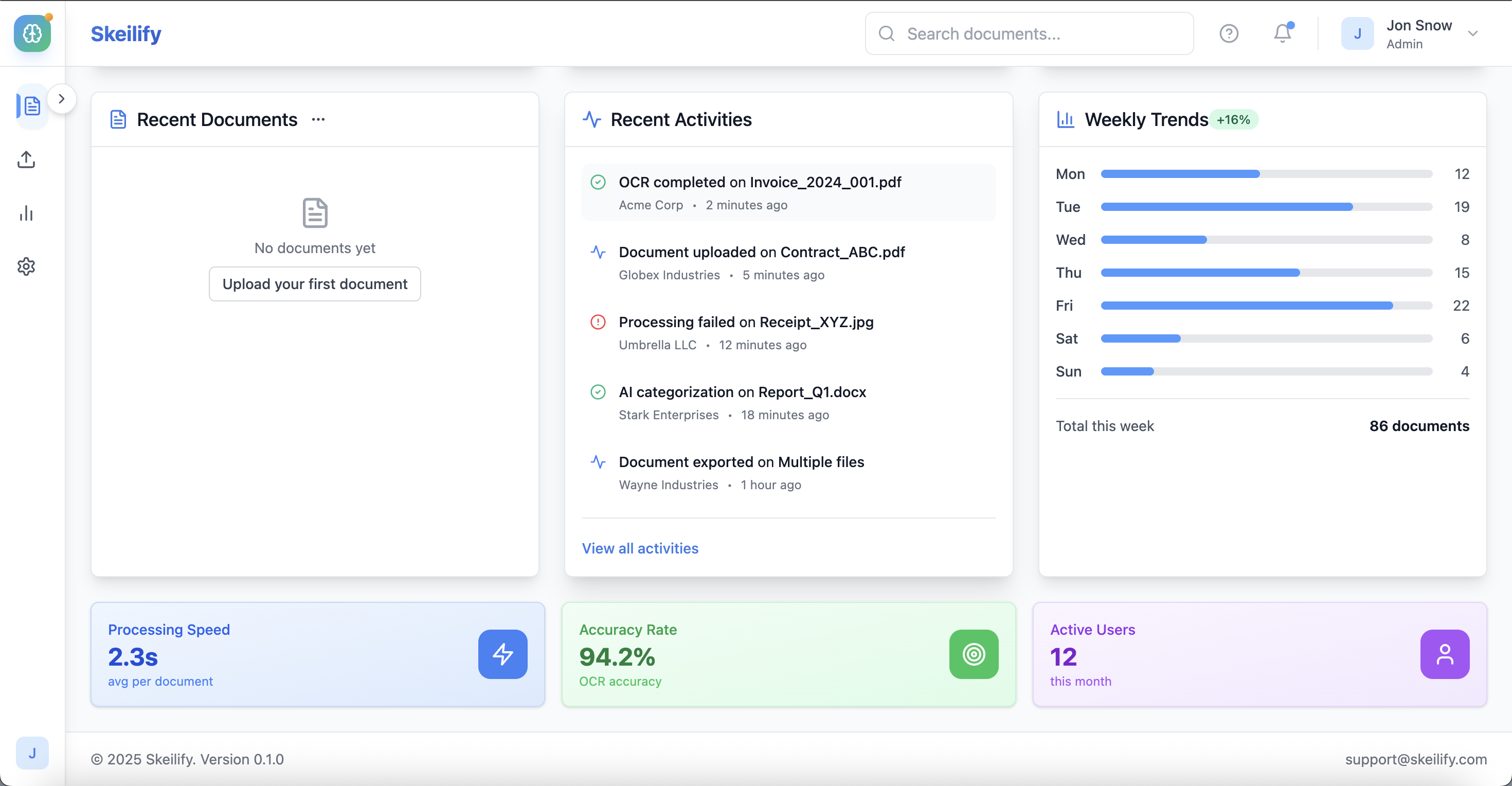
Dashboard
-
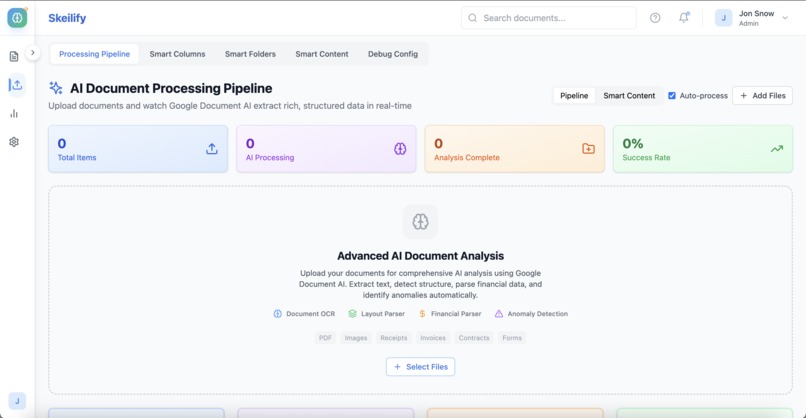
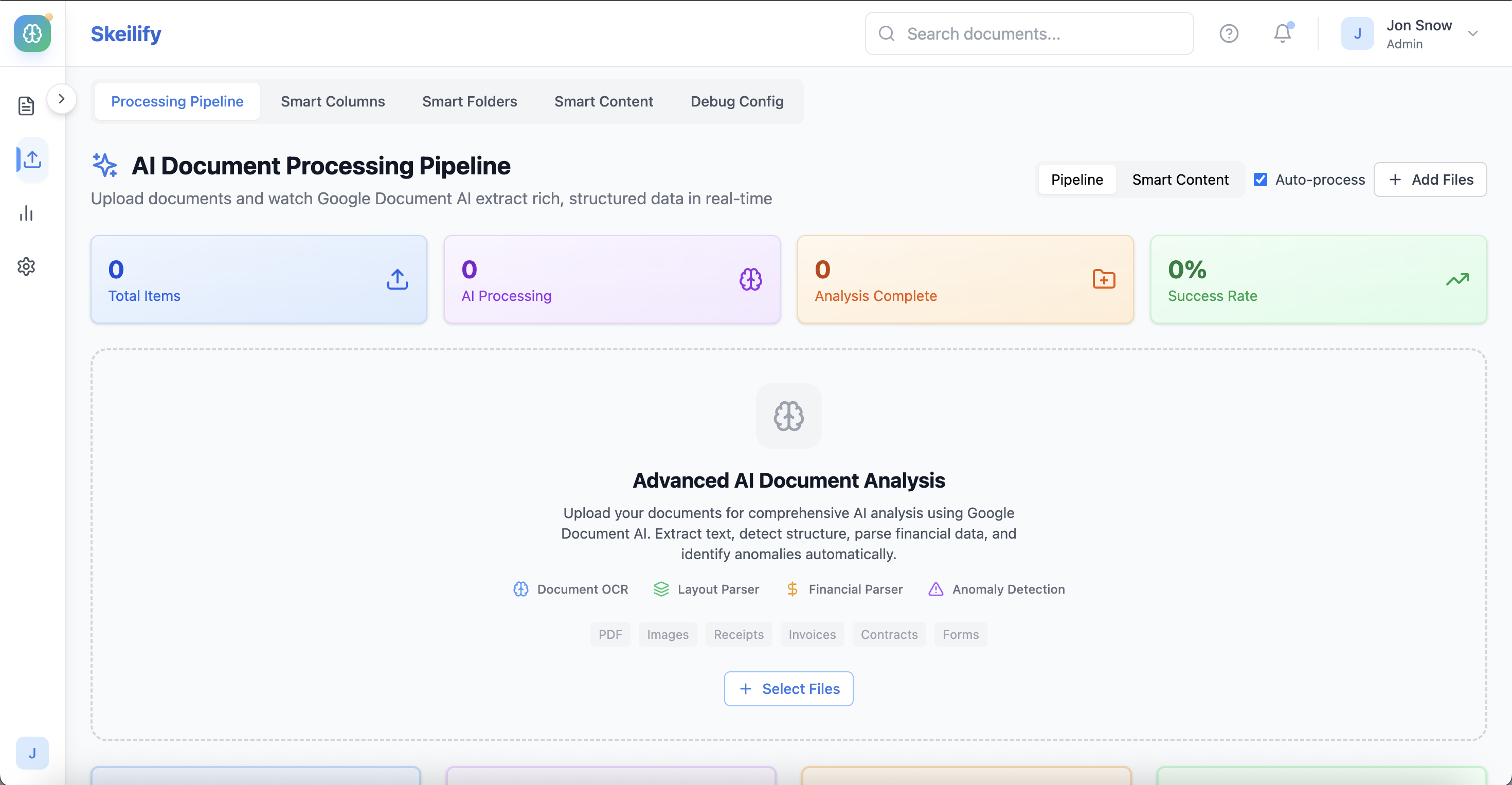
Upload Page
-
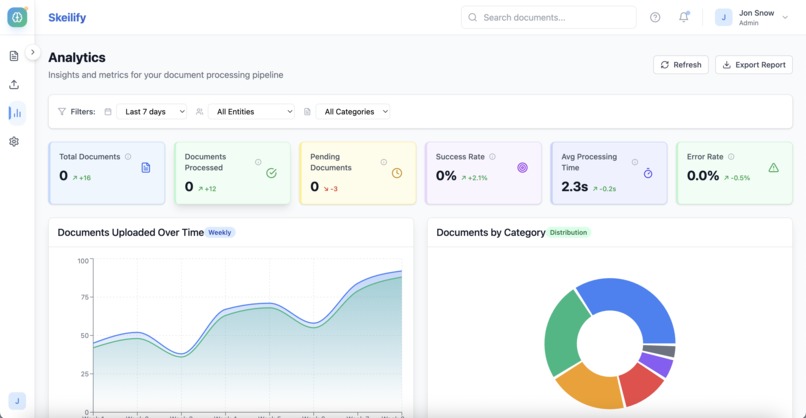
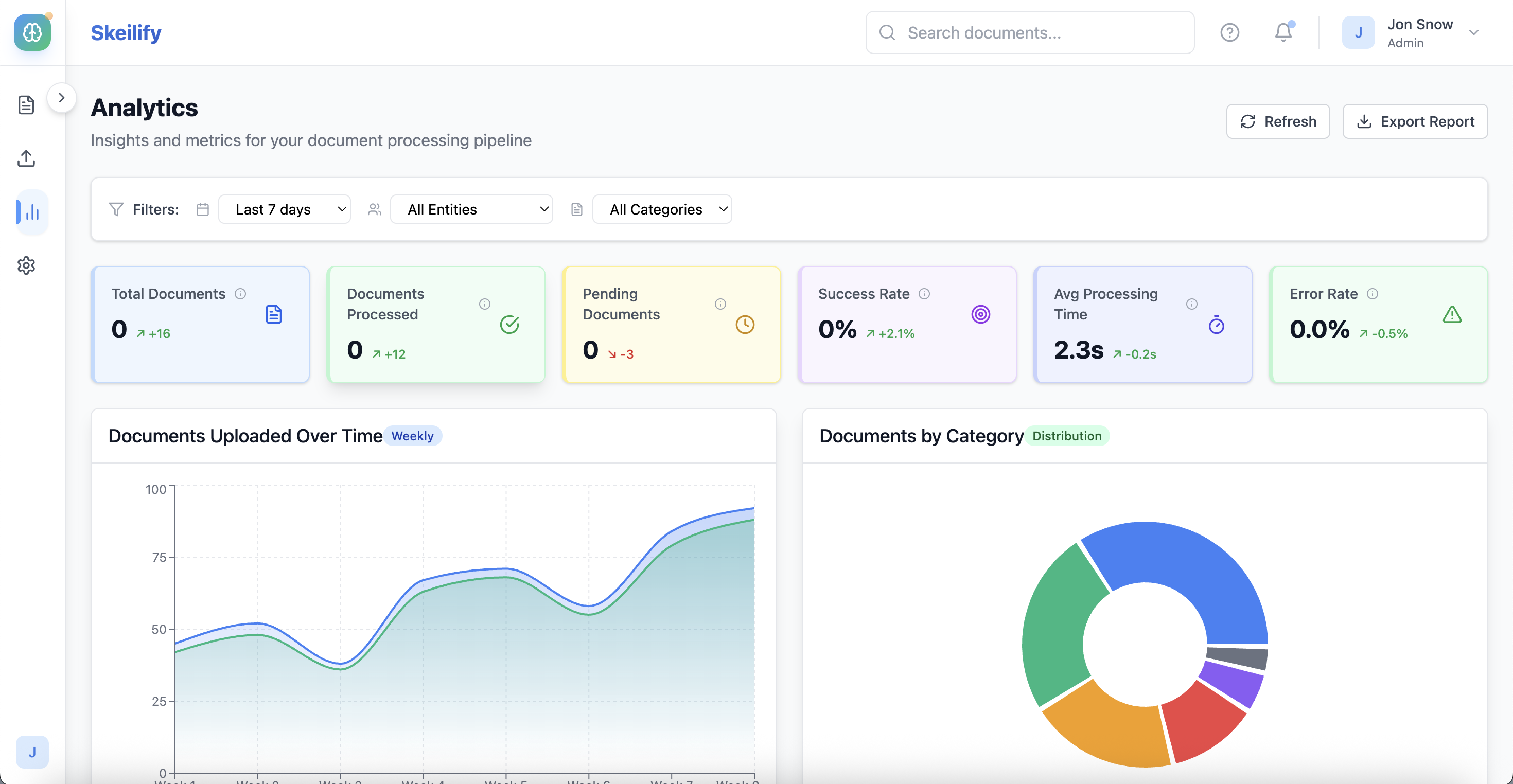
Analytics
-
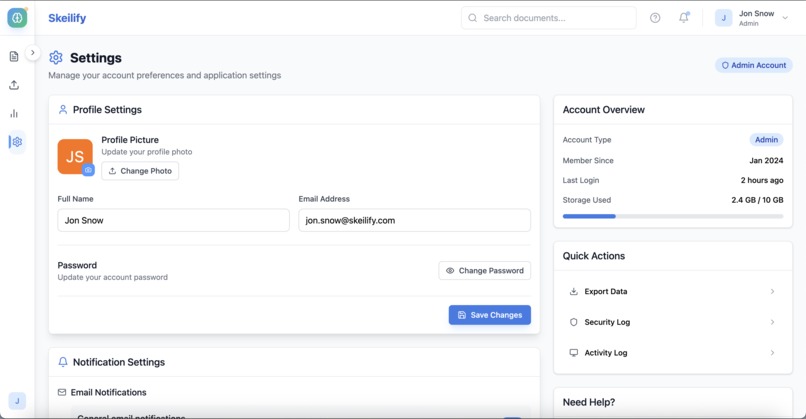
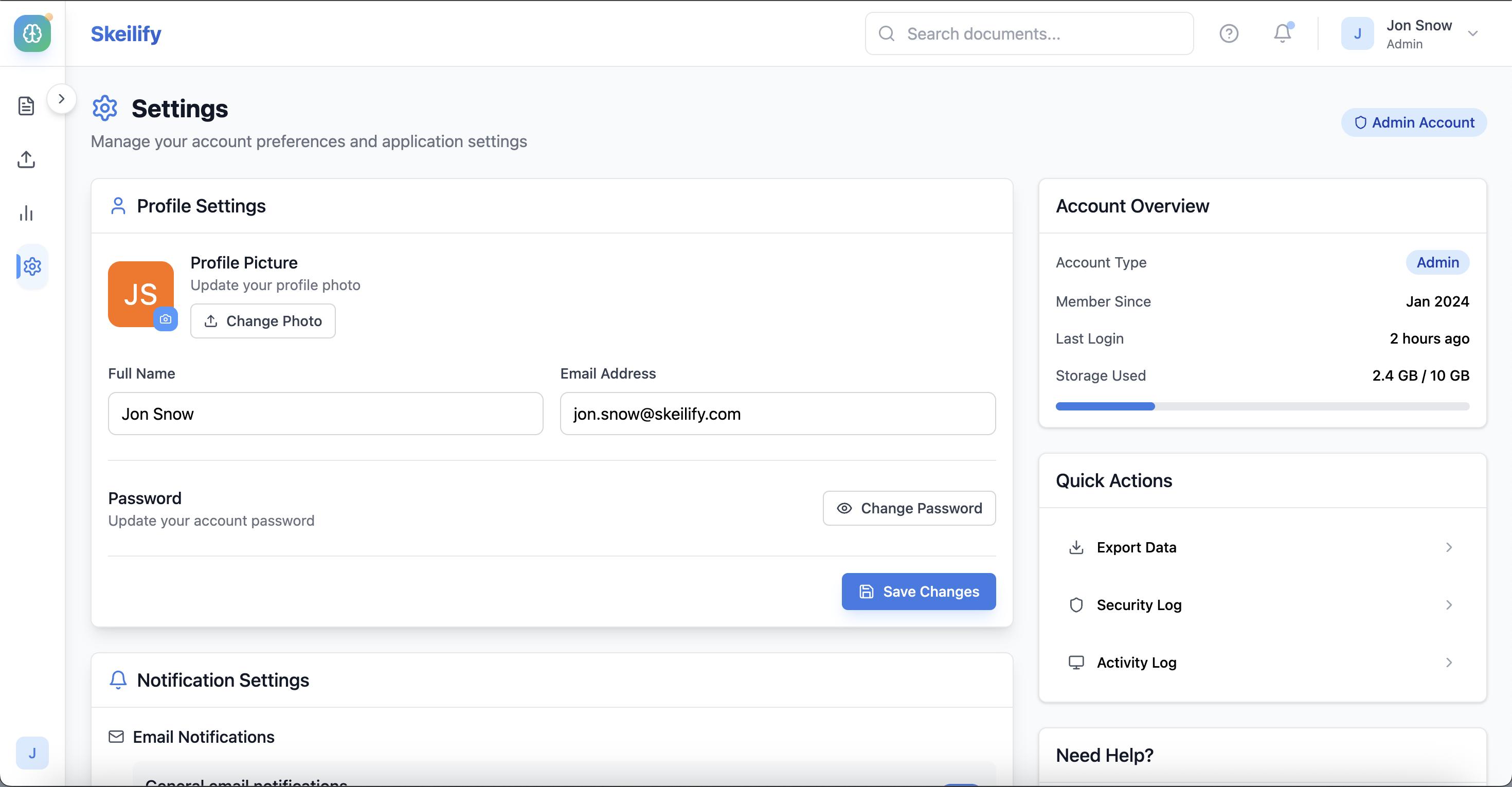
Profile/Settings
Inspiration
As someone who has worked with small businesses and seen firsthand how overwhelmed they are by paperwork, I wanted to solve a real problem: How do you help teams digitize years of unstructured documents—without turning it into a manual nightmare? Many businesses still store invoices, forms, receipts, and reports in filing cabinets or local drives, making it hard to track, search, or extract value from that data. Skeilify was born to change that.
What it does
Skeilify is an AI-powered document management app that automates the messy process of organizing paperwork. Users simply upload PDFs or images—Skeilify uses Google Document AI to:
- Extract text and understand document content
- Automatically classify documents (e.g. invoice, expense, form)
- Tag key fields like dates, vendors, totals
- Organize everything into a clean, column-based interface grouped by entity and type. All of this happens without any manual sorting. It’s designed for businesses with large backlogs of paper files who need to digitize fast and stay organized.
How we built it
I used:
- Bolt.new to build the front end and manage state
- Google Document AI for processing, classifying, and extracting structured data from uploaded files
- Supabase to store metadata, OCR text, tags, and file links
- A smart pipeline that:
- Sends uploaded documents to a general OCR processor
- Analyzes the extracted text to auto-guess the document type
- Re-processes the file through the right specialized processor
- Displays it in a column-based interface grouped by entity and document type
- The front end is intentionally clean and simple, with columns showing:
- Entity (e.g. vendor name, client)
- Document type (e.g. invoice, form)
- Extracted key data (e.g. amount, due date)
- All sorting and tagging happens automatically.
Challenges we ran into
- Getting Document AI authentication working in Supabase Edge Functions using signed JWTs.
- Parsing and normalizing output across processors that return different field structures.
- Making sure the UI remained minimal while still surfacing all the intelligence extracted.
- Working with multi-line private keys and base64 service account secrets in environments like Bolt.
- Still didn't accomplish the imagined flow of auto tagging and sorting
- Working alone on the project wasn't really the best approach, will get a more technical partner to assist in bringing the imagined idea to live (I believe just a few tweaks from an engineer would get us there)
Accomplishments that we're proud of
- Built an app that is almost fully funtional by transforming my ideas from just non-tangible to an actual POC using low code tool platform
- Successfully integrated Google Cloud Vision API & Google Document AI processors and switched between them when needed.
- Use prompts to design a clean, responsive UI that feels modern but remains functional.
- Turned what would typically be a heavy manual process with the contributions of a team to build a fully functional app into a quick prototype then live result.
- Learned how to work with service account auth, JWT signing, and edge deployment environments.
- Handled all the necessary integrations and configurations myself
What we learned
- How to integrate and orchestrate Google Document AI processors (OCR, invoice, expense, utility, form).
- How to generate and use JWTs for OAuth2-based service account authentication.
- How to design a UI that feels light but intelligently responds to incoming documents.
- How to transform complex outputs from ML models into usable metadata in real-time.
What's next for Skeilify - AI-powered document management app
While the backend is fully capable of extracting and classifying documents using Google Document AI, I wasn’t able to fully implement the automatic column-based UI display on the front end. That’s a key feature of Skeilify’s vision, and it’s my next priority. I plan to:
- Find a technical partner or freelance developer to help build the smart, real-time column display of uploaded documents.
- Integrate a clean UI that dynamically updates with tags, types, and key extracted fields as documents are uploaded.
- Add a paywall to the homepage once the core automatic-sorting feature is live, with gated access to premium features.
- Recruit pilot users (especially businesses with heavy document backlogs) to test the app in real workflows.
- Iterate based on real feedback, improving UI clarity, processing accuracy, and export features. The goal is to turn Skeilify into a fully usable AI-powered workspace—one that replaces manual sorting with effortless, intelligent organization.
Built With
- bolt
- github
- google-cloud
- google-document-ai
- jwt
- supabase


Log in or sign up for Devpost to join the conversation.