-
-
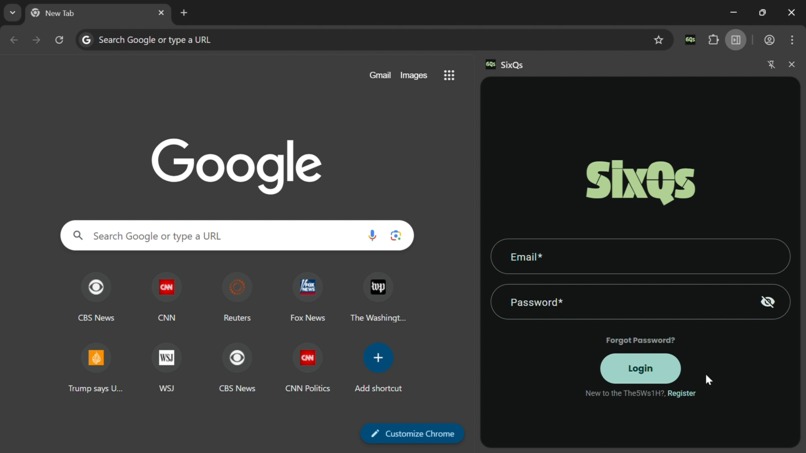
Login
-
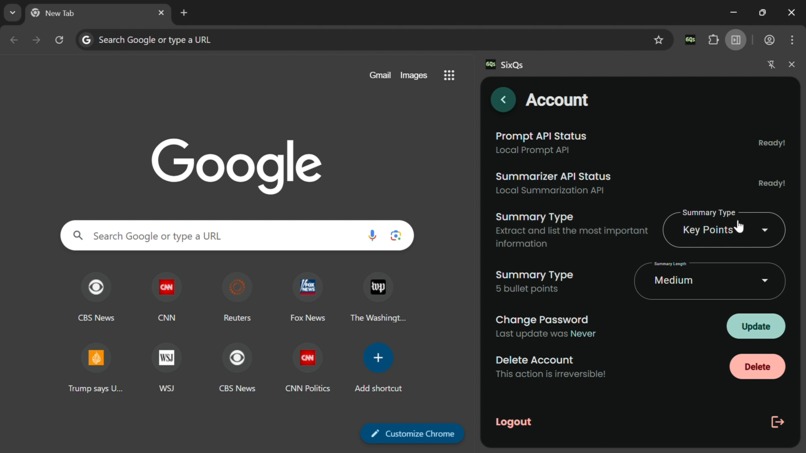
Settings
-
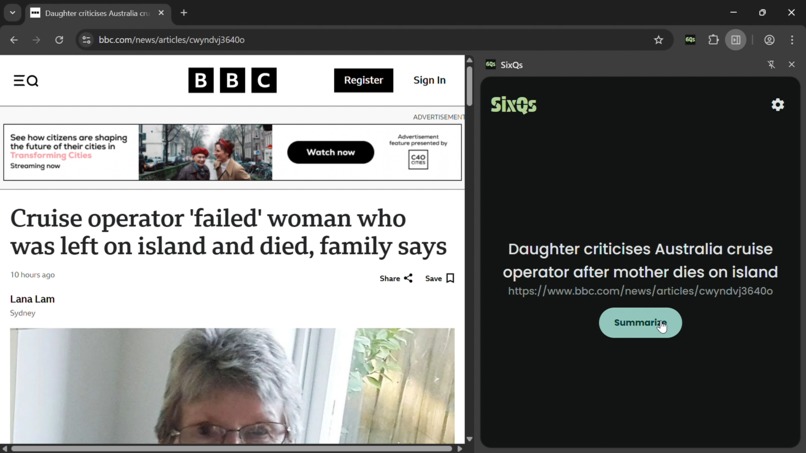
Article
-
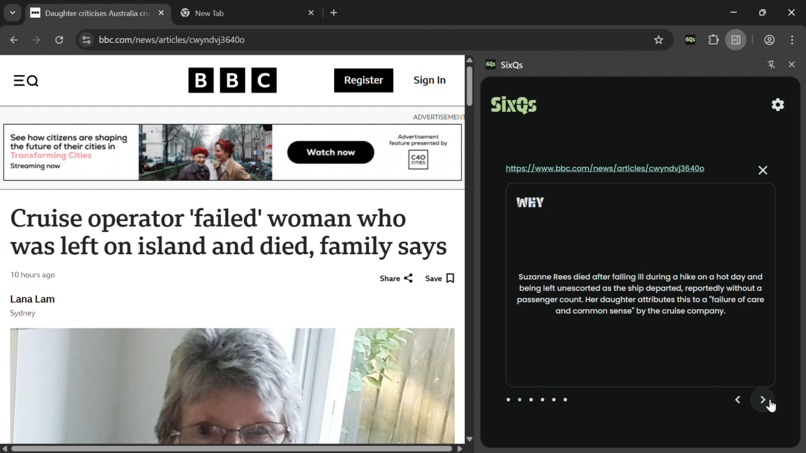
Summary
-
Details
Inspiration
News articles today are filled with unnecessary content that makes it hard to quickly understand what actually happened. Journalists use the 5Ws and 1H technique to structure their reporting, so we built SixQs to extract those core facts automatically. Readers shouldn't need to scroll through ads and filler text just to answer basic questions about a story.
What it does
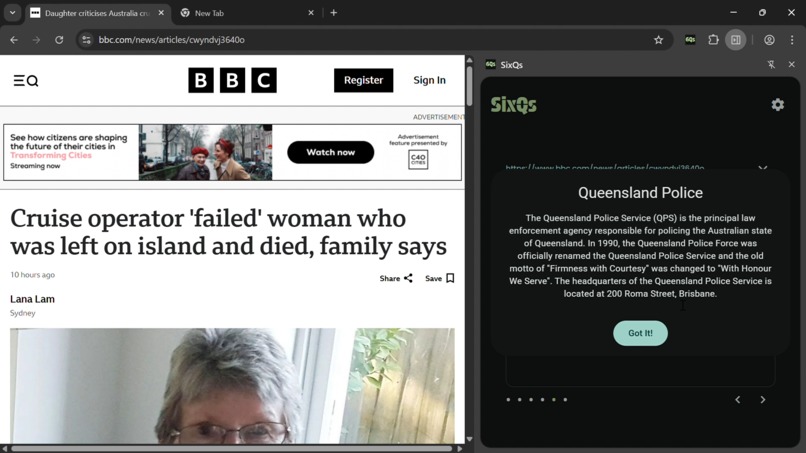
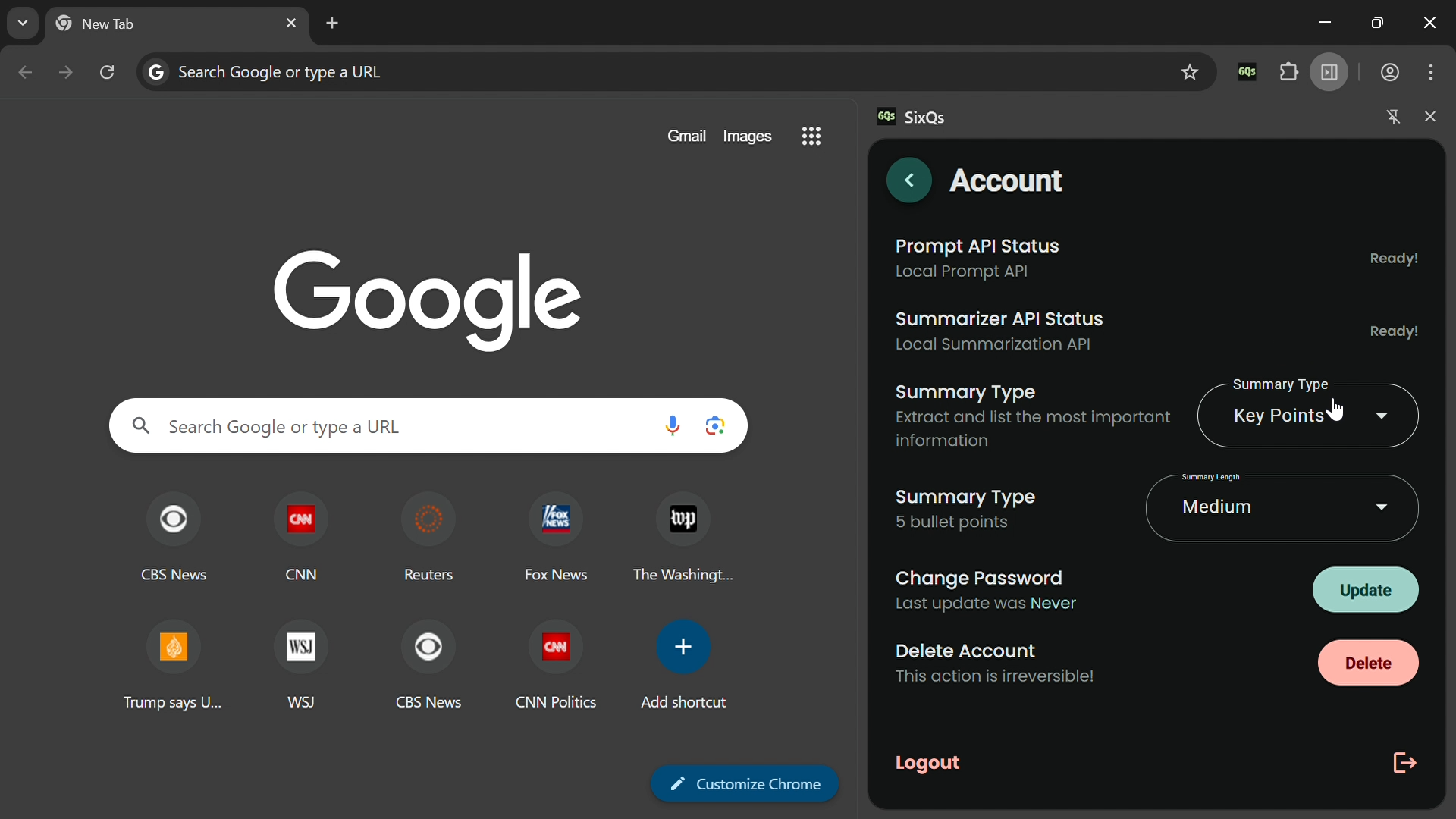
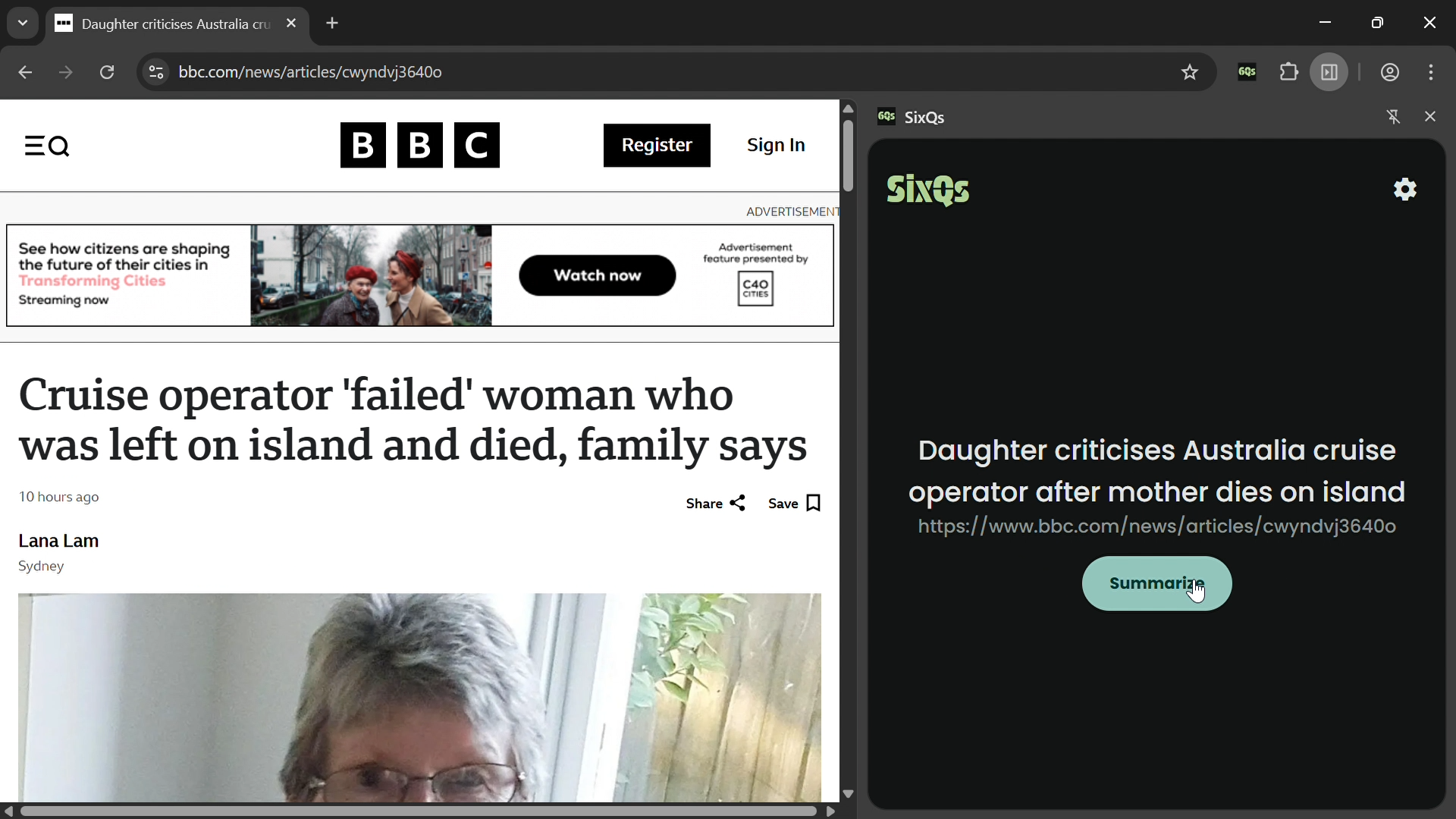
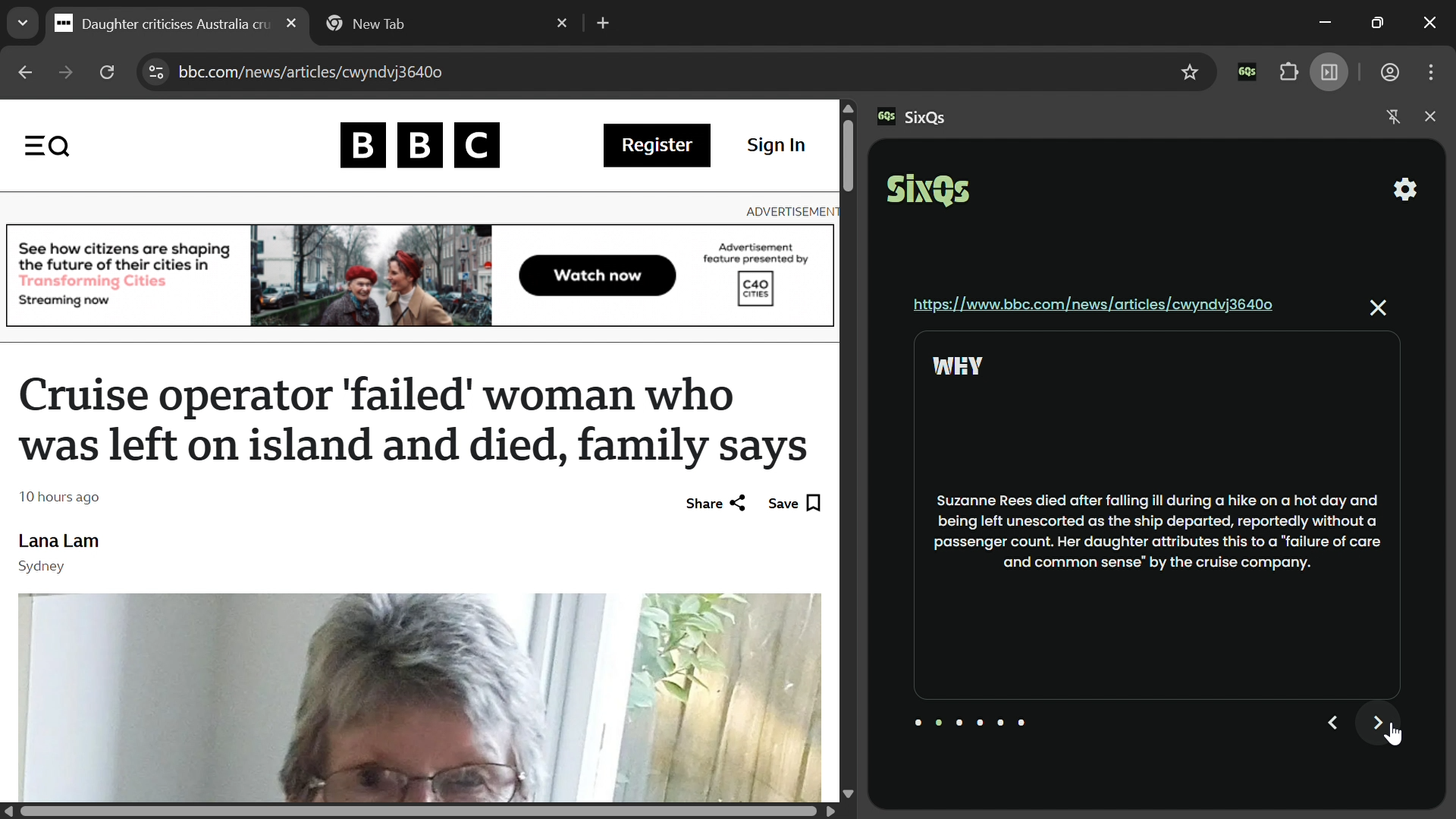
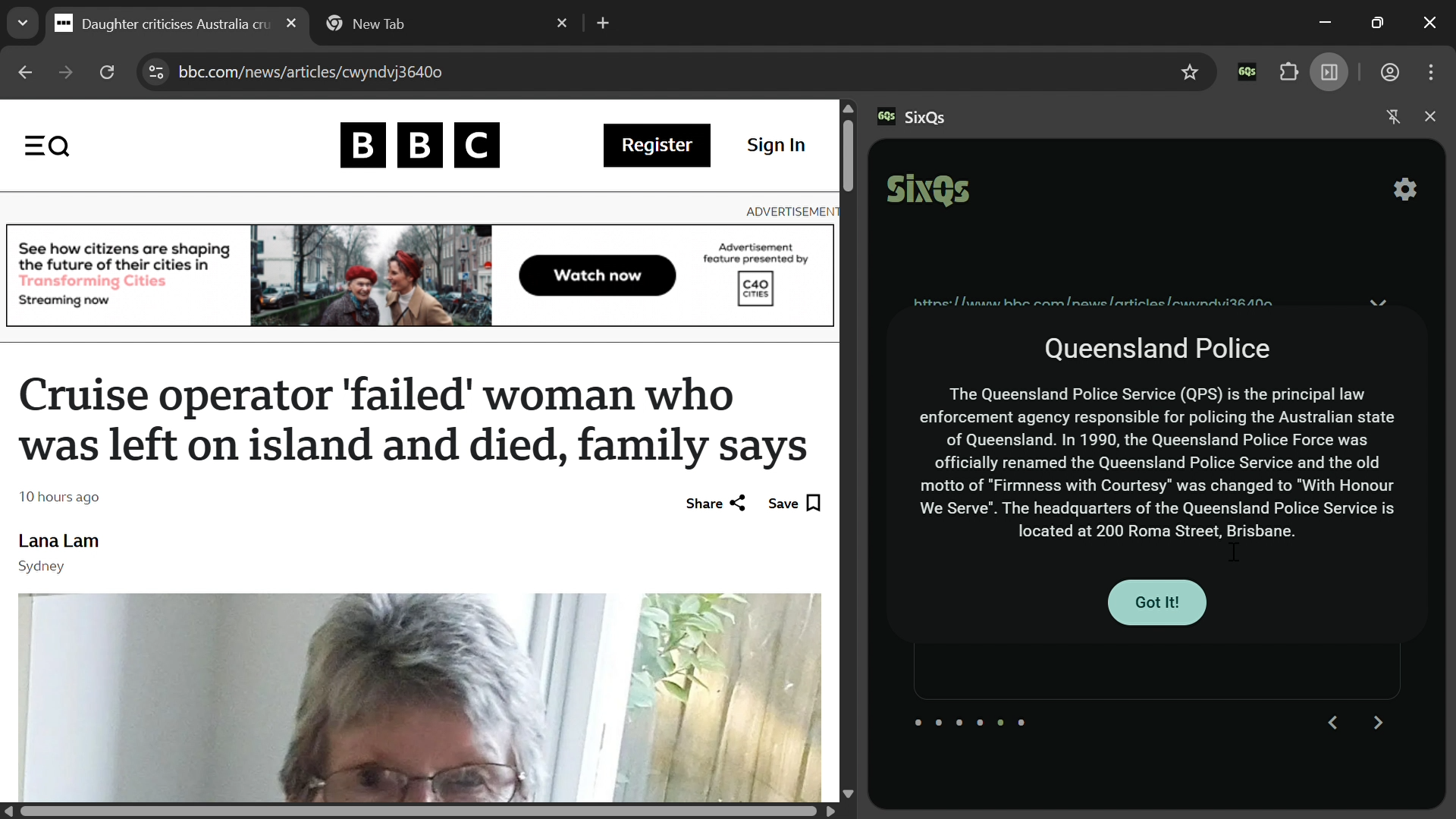
SixQs breaks down news articles into six simple questions: What happened? Who was involved? Where did it occur? When did it happen? Why did it happen? How did it happen? Each answer appears in its own card. When you see unfamiliar people or places, click them to view Wikipedia entries without leaving the summary. You can also get a traditional paragraph summary if you prefer that format. The extension lets you customize the summary style (key points, TLDR, or teaser) and length. Everything runs locally using Chrome's built-in AI, so it's fast and private.
How we built it
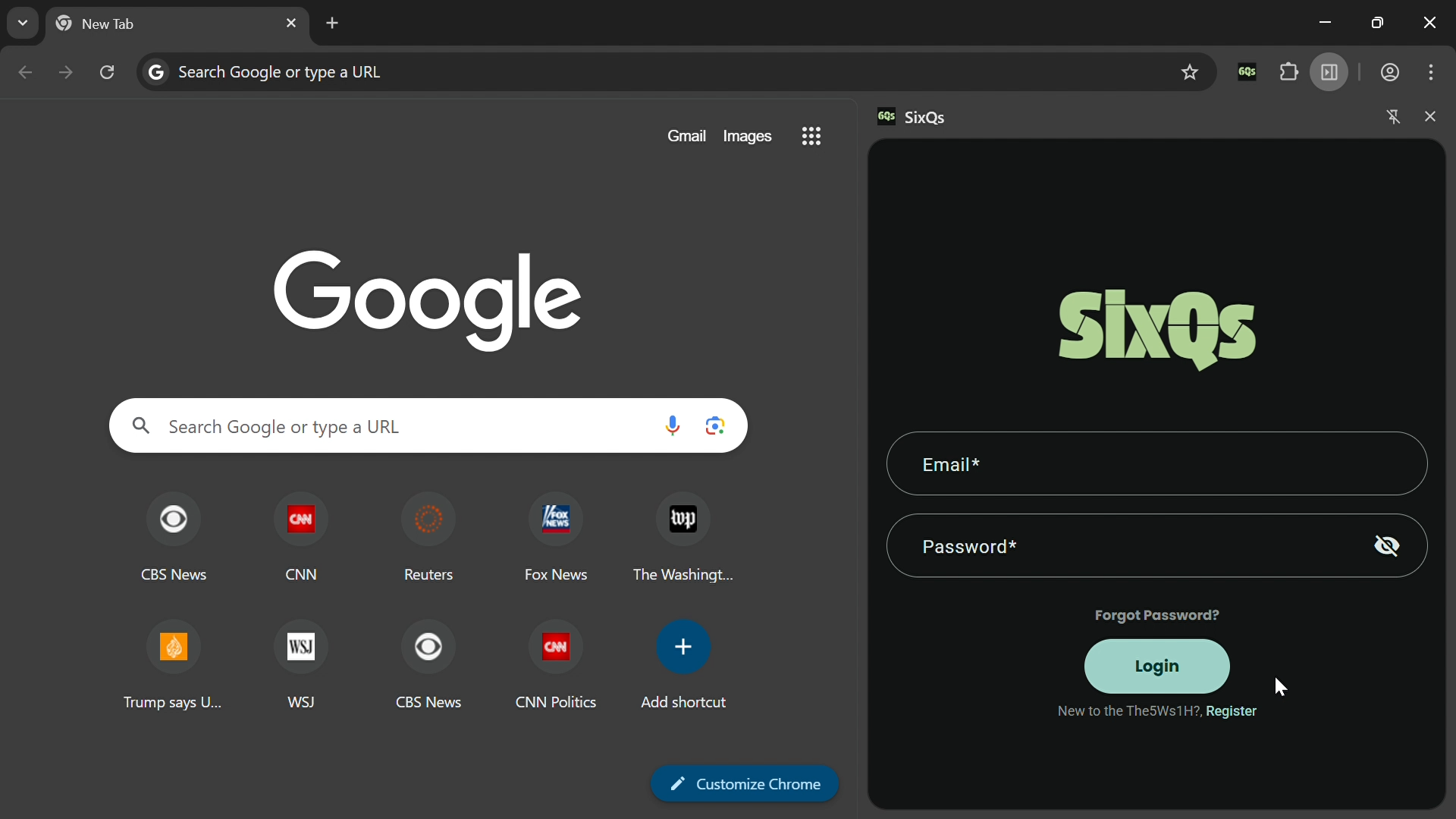
SixQs is a Chrome extension with an Angular-based side panel. We use Chrome's Prompt API to extract answers for each of the six questions and the Summarizer API for paragraph summaries. When users click on people or places, we fetch context from the Wikipedia API. Firebase handles authentication and stores user preferences in Firestore. For users without local AI capabilities, we fall back to the Gemini API.
What's next for SixQs - Chrome Extension
We want to add support for more languages and news sources beyond English-language sites. A history feature would let users save and revisit summaries. We're also exploring multi-article synthesis to compare how different outlets cover the same story. Voice output could help users consume news while commuting or multitasking.
NOTE: The extension is currently under review in the Chrome Web Store. If it hasn't been published yet, you can download the unpacked version and load it manually.
Built With
- angular.js
- chrome
- firebase
- firestore
- gemini
- gemini-nano

Log in or sign up for Devpost to join the conversation.