SiteSnap: The Self-Correcting Design Agent
💡 Inspiration
The inspiration for SiteSnap came from a specific pain point in the frontend workflow: the "Uncanny Valley" of AI code generation. We noticed that while LLMs are excellent at writing logic, they often fail at spatial reasoning. You upload a mockup, and the AI gives you code that functionally works but visually drifts—wrong padding, missing shadows, or mismatched fonts.
We wanted to build a tool that didn't just write code, but actually "looked" at it. We asked: Can we build an agent that runs its own code, sees the result, and fixes its own CSS mistakes?
⚙️ How We Built It
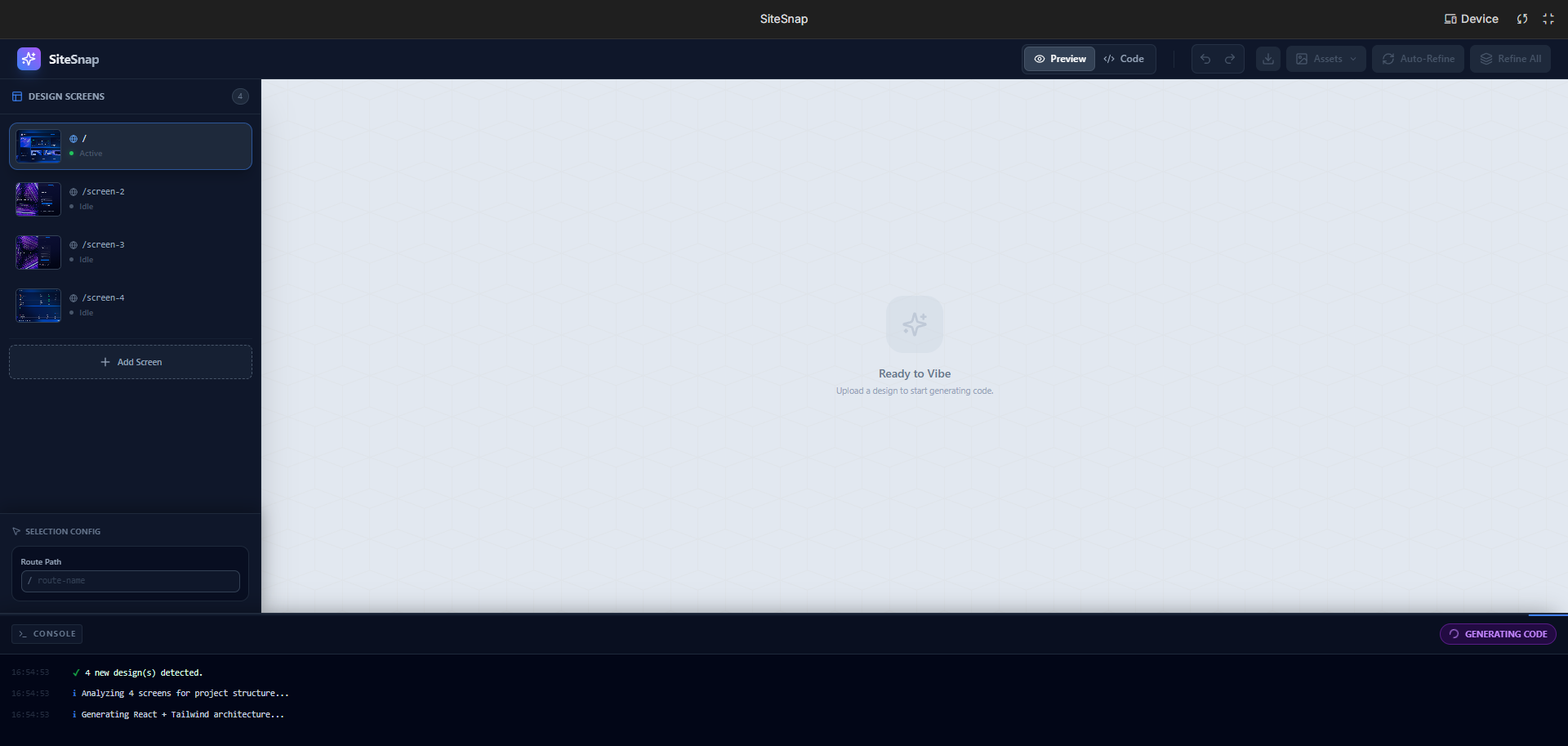
SiteSnap is a fully client-side React application that acts as an autonomous agent loop.
1. The Core Stack
- Frontend: React, Tailwind CSS, and Lucide React.
- AI Engine: We utilize gemini-3-pro-preview for its superior multimodal capabilities and large context window.
- Runtime: A custom-built in-browser bundler using
@babel/standalone.
2. The "Vibe Check" Loop
The heart of SiteSnap is the iterative refinement process we call the Vibe Check. Instead of a linear "Prompt $\rightarrow$ Code" flow, we implemented a feedback loop:
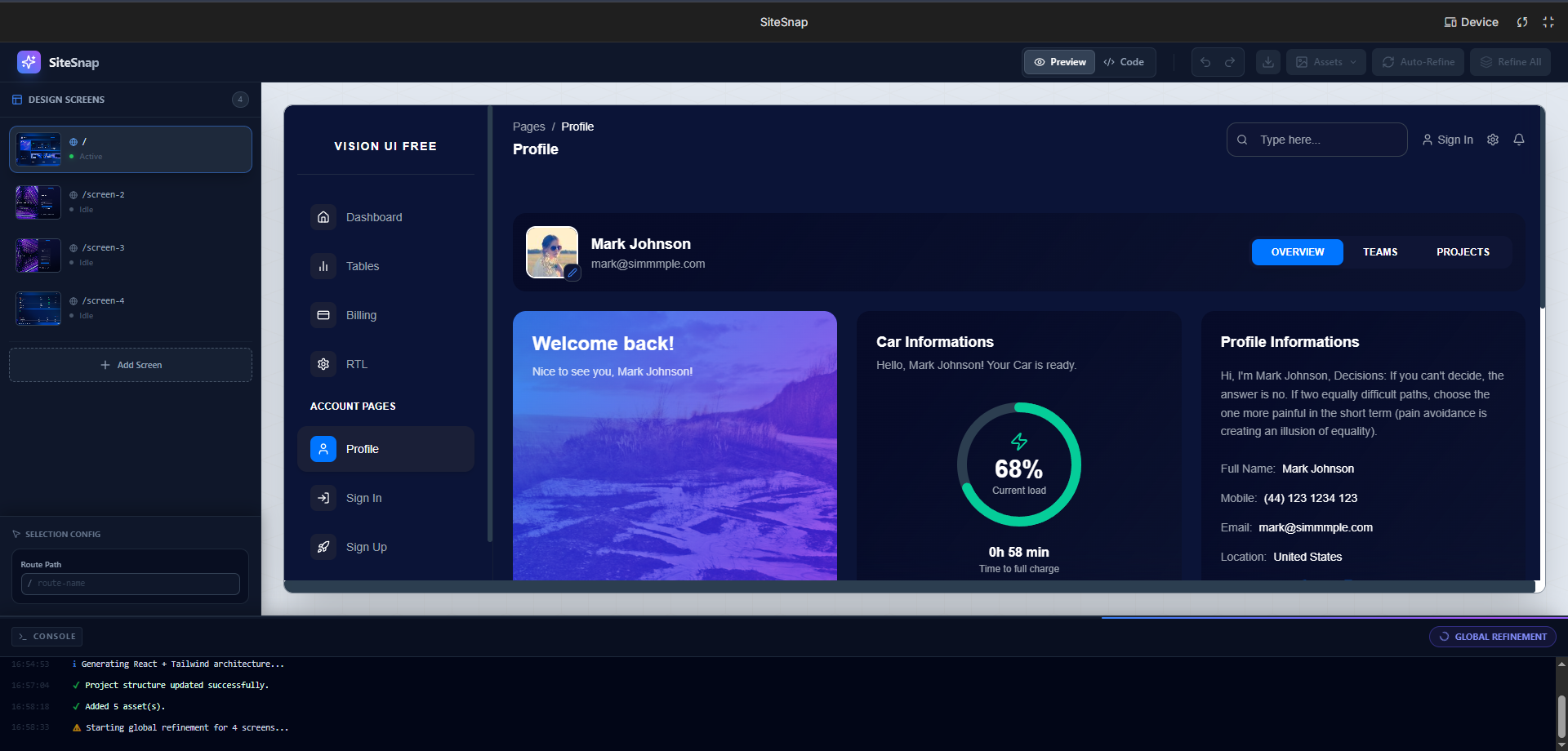
- Generation: Gemini analyzes the uploaded mockup and generates a multi-file React project structure (splitting
App.tsx,components/, etc.). - Live Rendering: We don't just display code; we compile it instantly in the browser. We built a virtual file system and a custom
require()shim that allows the generated React code to run inside a sandboxediframewithout a backend server. - Visual Diffing: The user can trigger a "Vibe Check." The agent re-analyzes the rendered output against the original design. We treat this as an optimization problem where we try to minimize the visual discrepancy function L:
The agent then self-corrects, outputting only the specific file patches needed to reduce L.
3. Bespoke Asset Generation
We noticed that placeholder images ruin the immersion of a generated prototype. We implemented a sub-agent using Gemini 2.5 Flash (gemini-2.5-flash-image) that parses the generated code, identifies <img src="placeholder"> tags, understands the context (e.g., "a modern tech office"), and generates bespoke assets on the fly to replace the placeholders.
🚧 Challenges We Faced
The "Import Hallucination" Problem
One of the hardest technical hurdles was ensuring the generated code didn't crash the runtime. LLMs frequently use icons (like <Rocket />) without importing them.
- Solution: We built an Auto-Healing Compiler. Before rendering, our engine statically analyzes the AST (Abstract Syntax Tree) of the generated code via Regex scanning. If it detects a usage of an icon that isn't imported, it automatically injects the correct
import { Icon } from 'lucide-react'statement.
The "Route" Collision
We discovered a persistent edge case where the model would confuse the Route component from react-router-dom with the Route icon from lucide-react, causing the app to crash.
- Solution: We had to implement strict system prompting to force the model to alias the icon (e.g.,
import { Route as RouteIcon }) to prevent namespace collisions.
Browser-Based Bundling
Running a multi-file React app with routing entirely in the browser is difficult. We had to write a custom module resolver that mimics Node.js's resolution logic (handling ./, ../, and index.tsx lookups) so that the AI could create complex directory structures that actually work in the preview window.
🧠 What We Learned
- Code is fragile; Vibe is resilient: We learned that "perfect code" is less important than "resilient code." By building the Auto-Healer, we made the agent significantly more robust to minor AI errors.
- Multimodality is a debugger: We found that giving the model the ability to "see" the rendered output (by feeding screenshots back into the context) improved CSS accuracy by an order of magnitude compared to text-only feedback.

Log in or sign up for Devpost to join the conversation.