-
-
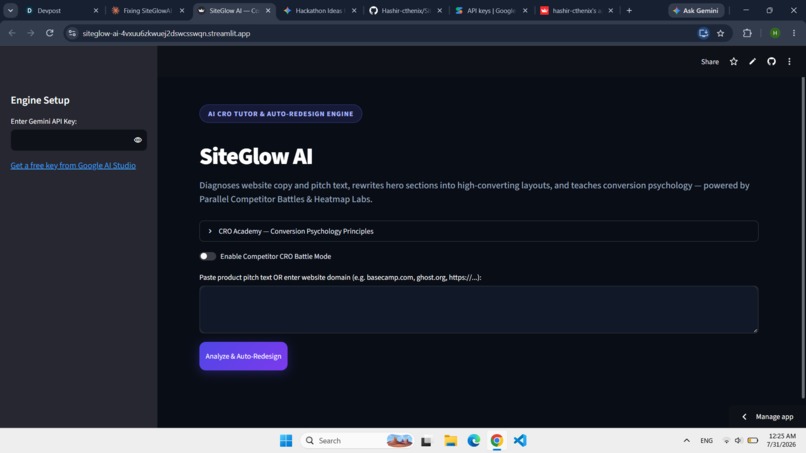
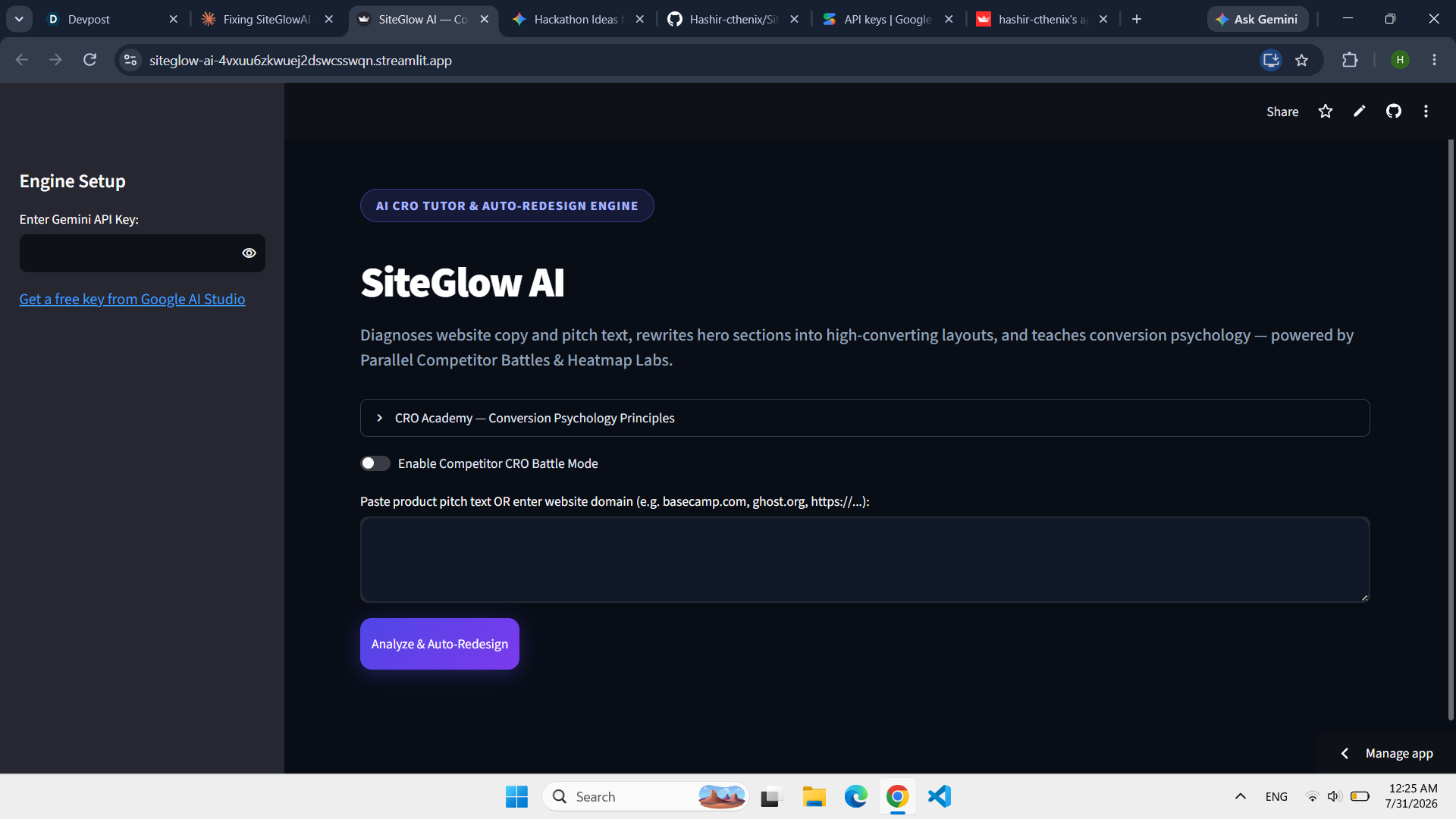
Homepage
-
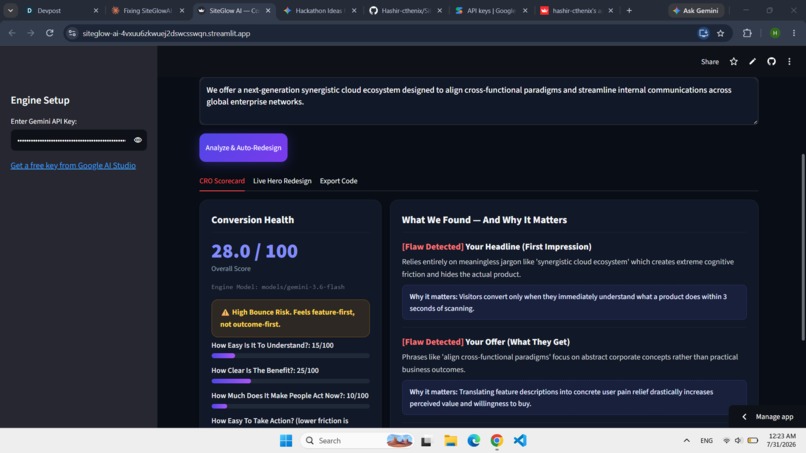
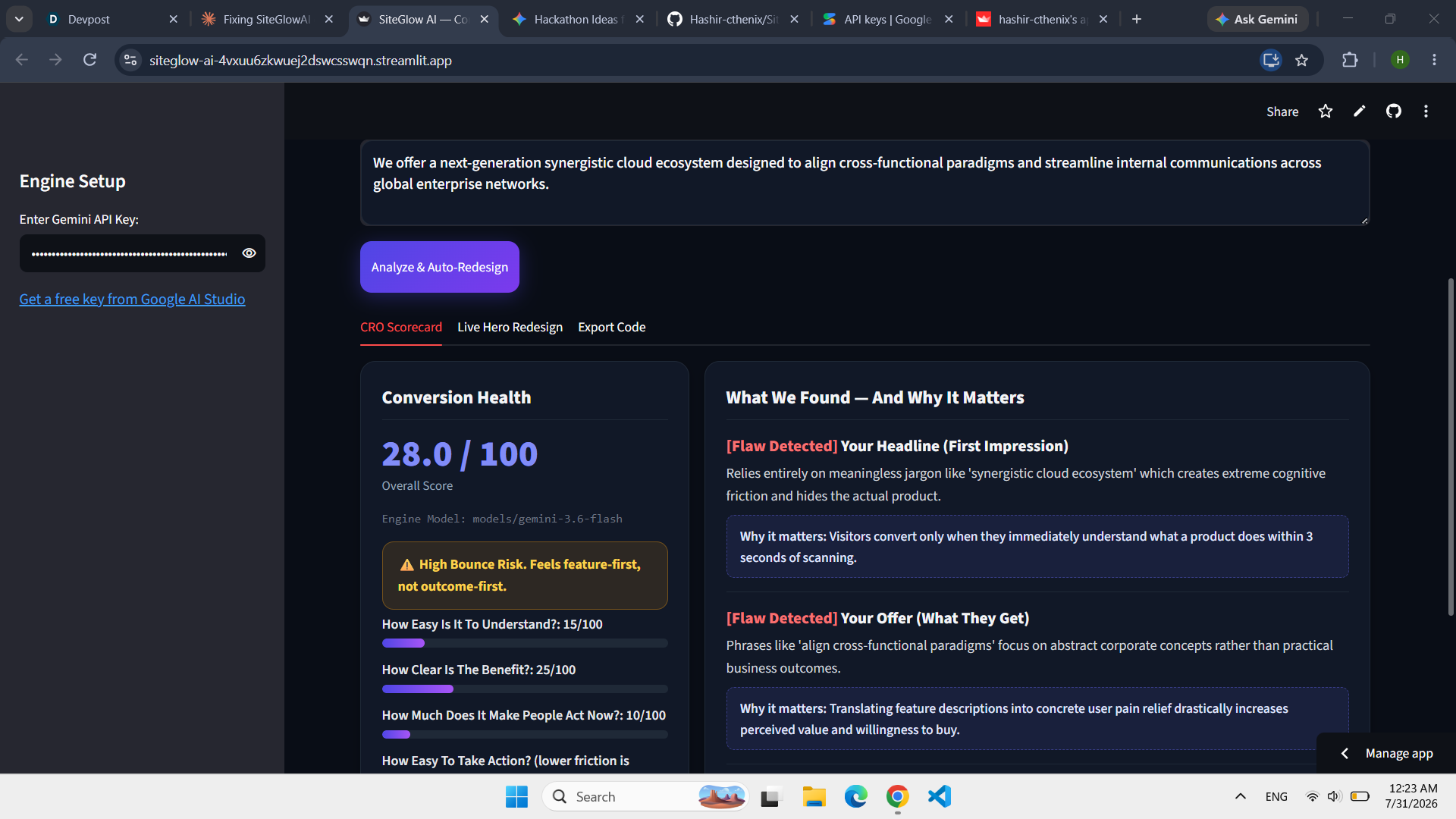
Scorecard results
-

Live hero redesign
-
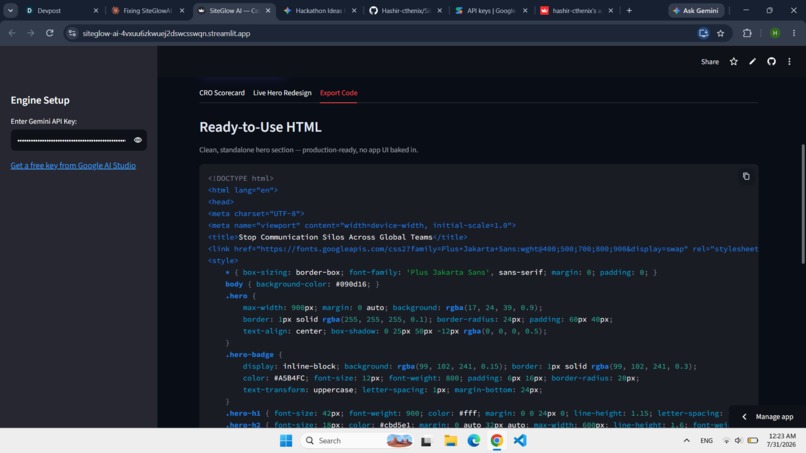
Export code ta
-

Heatmap


Inspiration
We kept hearing the same complaint from founders: "my landing page isn't converting" — but almost nobody could explain why. Hiring a CRO consultant is expensive, and most free advice online is just a generic checklist that ignores what your page actually says. We wanted to build something that reads your page the way a real conversion expert would, and actually explains its reasoning instead of just handing you a rewritten headline and walking away.
What it does
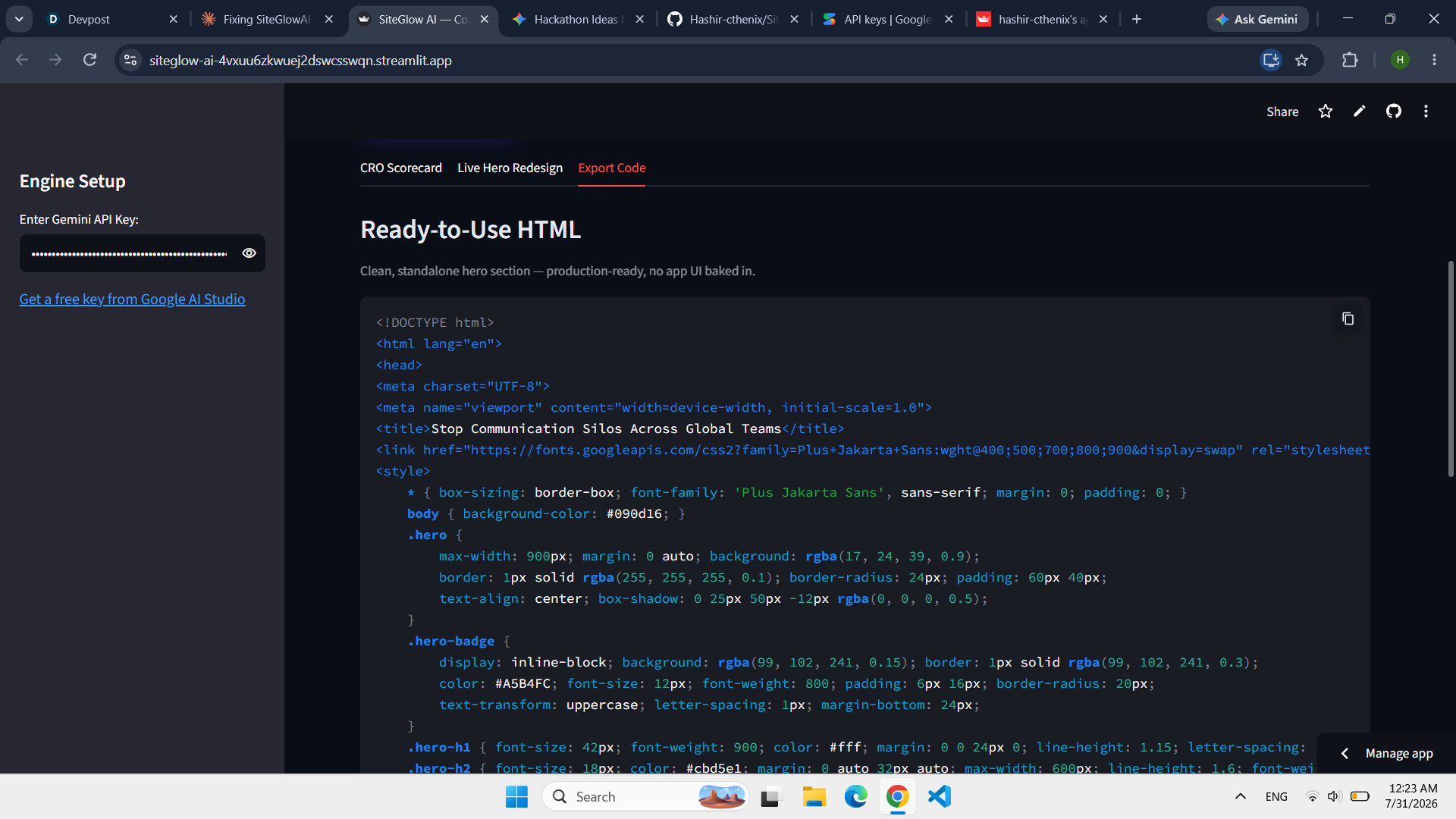
You paste in a URL or just raw pitch text. SiteGlow AI scores it on clarity, urgency, benefit framing, and friction, and tells you exactly what's wrong and why it hurts conversions. Then it rewrites your hero section — headline, sub headline, CTA, social proof — and shows an attention heatmap for the new version. You can also drop in a competitor's link and see both pages scored side by side. When you're happy with a redesign, you export it as clean HTML ready to paste into a real site.
How we built it
It's a Python and StreamLit app that sends your content to the Gemini API with a structured prompt, and gets back scores, rewritten copy, and an attention breakdown as JSON.
The heatmap isn't just for show. The model splits attention across four zones — headline, sub headline, CTA, and social proof — and those percentages have to add up to 100:
$$ h + s + c + p = 100 $$
A short, punchy headline paired with a weak CTA pulls attention toward the headline. A longer headline with a sharp, specific CTA balances things out more. The model reasons about the actual words it just wrote, not a fixed template. If it ever returns something that doesn't add up, we fall back to a quick heuristic based on the real generated text instead of just defaulting to a fixed split.
Challenges we ran into
Early on, the heatmap was hardcoded — headline and CTA always got the same split no matter what you typed in, which kind of defeated the point. We fixed that by folding the attention estimate into the same model call that writes the copy, so it's grounded in what was actually written.
We also had an export bug where downloading the code gave people the entire app widget — toolbar, buttons, and all — instead of just the hero section. Had to build a separate, clean export path for that.
And speed was a real problem. We were defaulting to a heavier model that "thinks" before responding, which made every analysis feel sluggish. Switching the priority to faster models first, with the heavier one as backup, fixed that without hurting output quality.
Accomplishments that we're proud of
Getting the heatmap to actually change based on what you type in, instead of being decoration, is the thing we're happiest with. We're also proud that the exported HTML is genuinely usable — not a demo of a demo, something you could paste into a real site today. And every score comes with a reason behind it, so the tool teaches you something instead of just judging your copy.
What we learned
"AI-powered" only means something if the model's output changes what you see, not just the words on the page. The second we moved the heatmap numbers into the model's own reasoning, the whole feature stopped feeling fake. We also learned that picking the right model is a UX decision — the smartest model isn't always the right one if your user is just staring at a loading spinner.
What's next for SiteGlow AI
We'd like to extend the analysis past the hero section into the rest of the page — pricing, FAQ, features — since that's often where people actually drop off. We also want to check our AI-estimated attention splits against real eye-tracking data to see how close we actually are. Down the line, one-click export into tools like WebFlow or Framer, and the ability to re-run the same URL over time to see if the score improves after changes.
Built With
- beautiful-soup
- css3
- git
- github
- google-gemini-api
- javascript
- json
- llms
- markdown
- natural-language-processing
- python
- regex
- requests
- rest-api
- session-state
- streamlit
- svg
- web-scraping

Log in or sign up for Devpost to join the conversation.