Inspiration
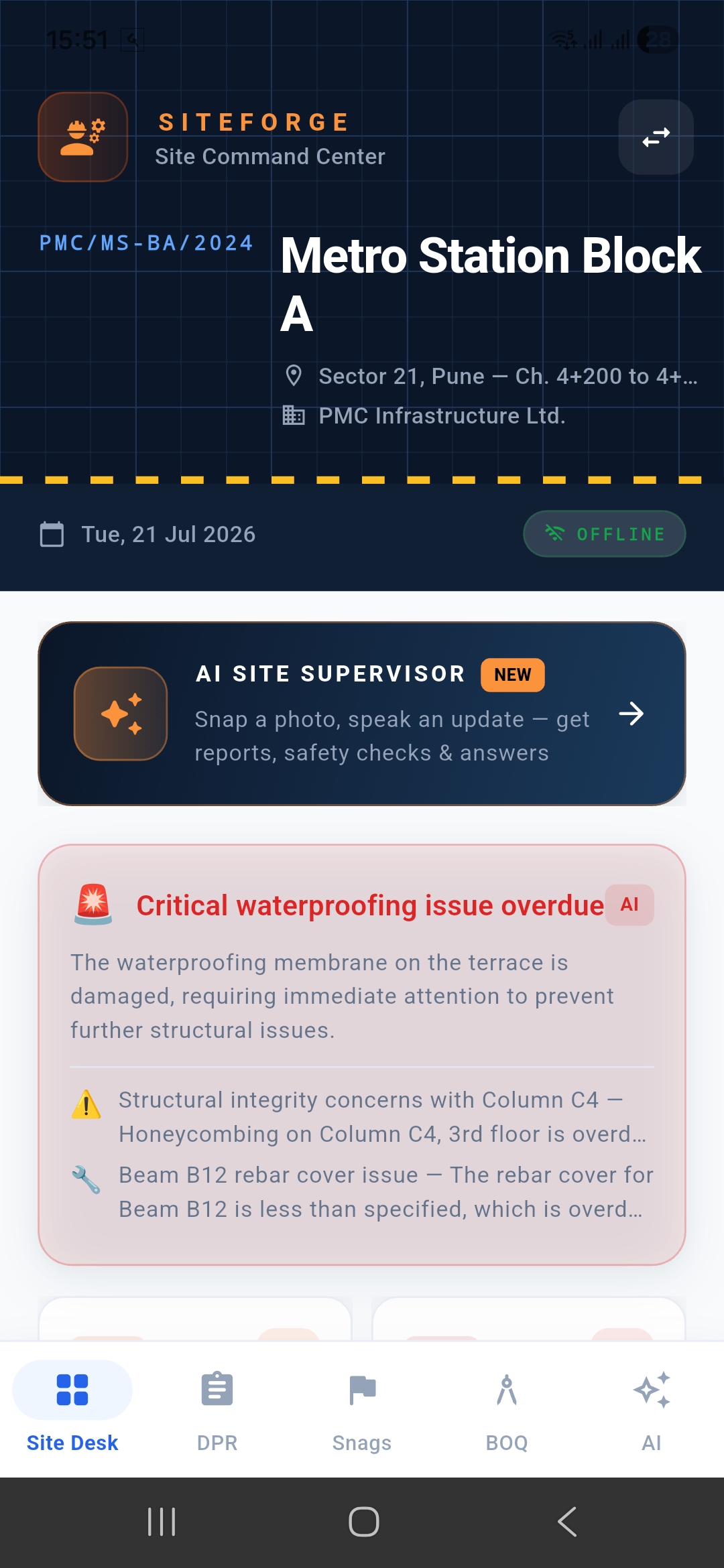
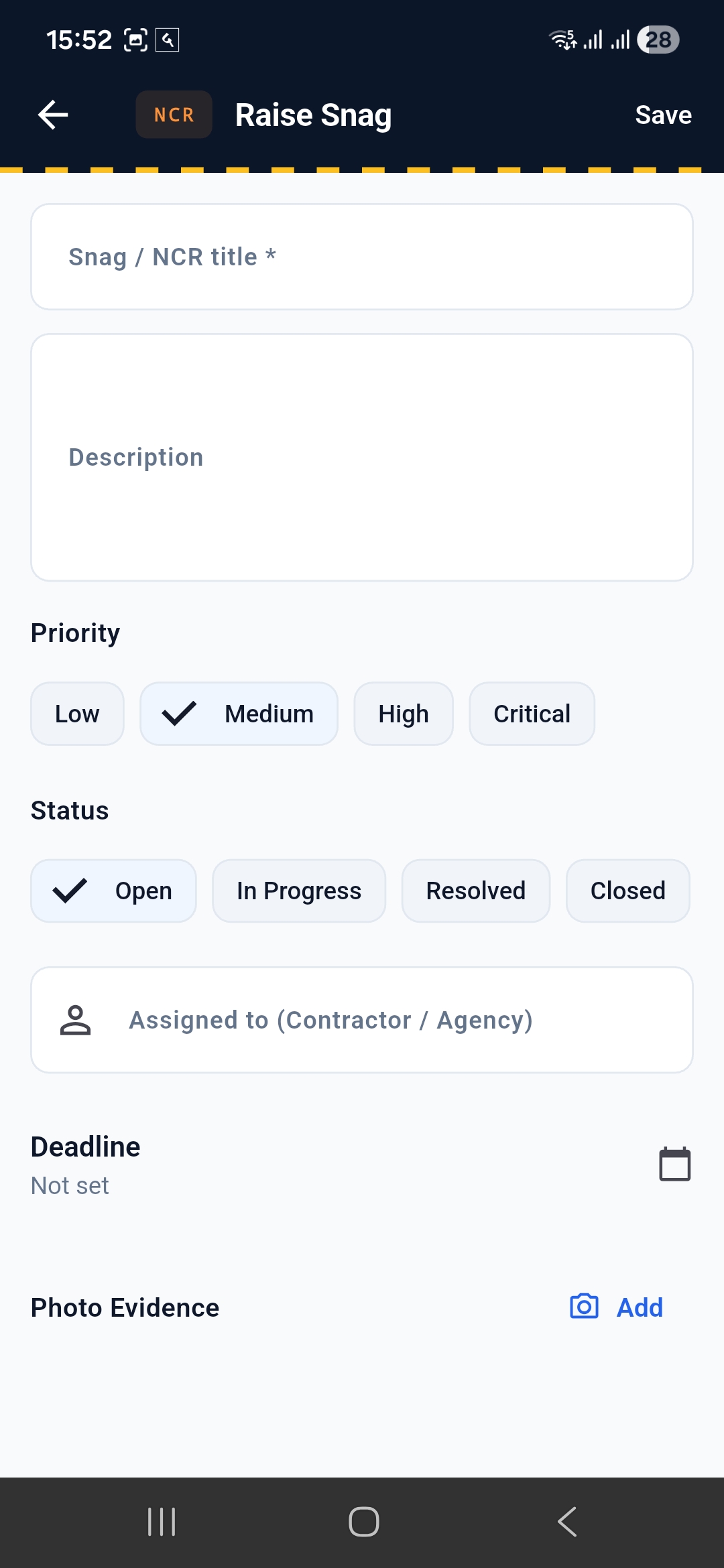
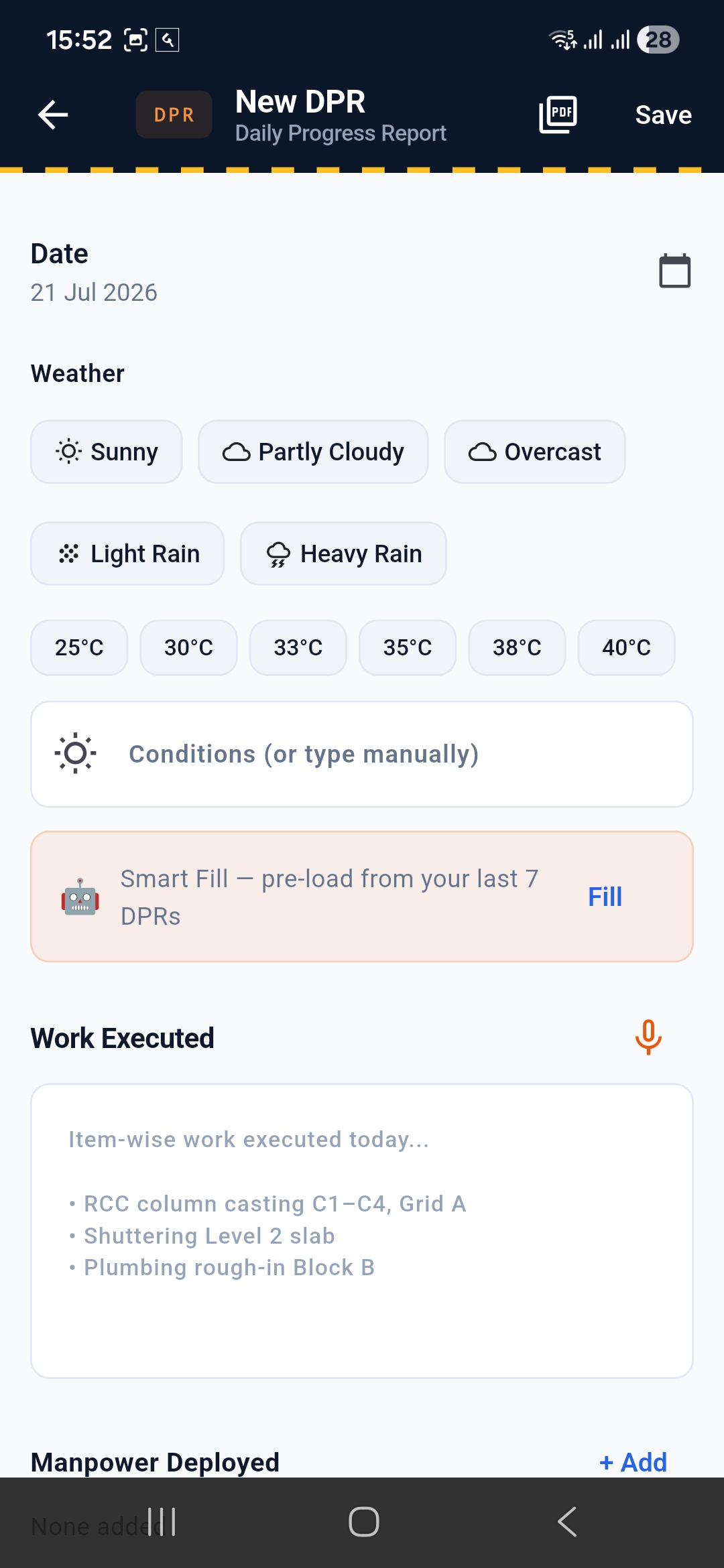
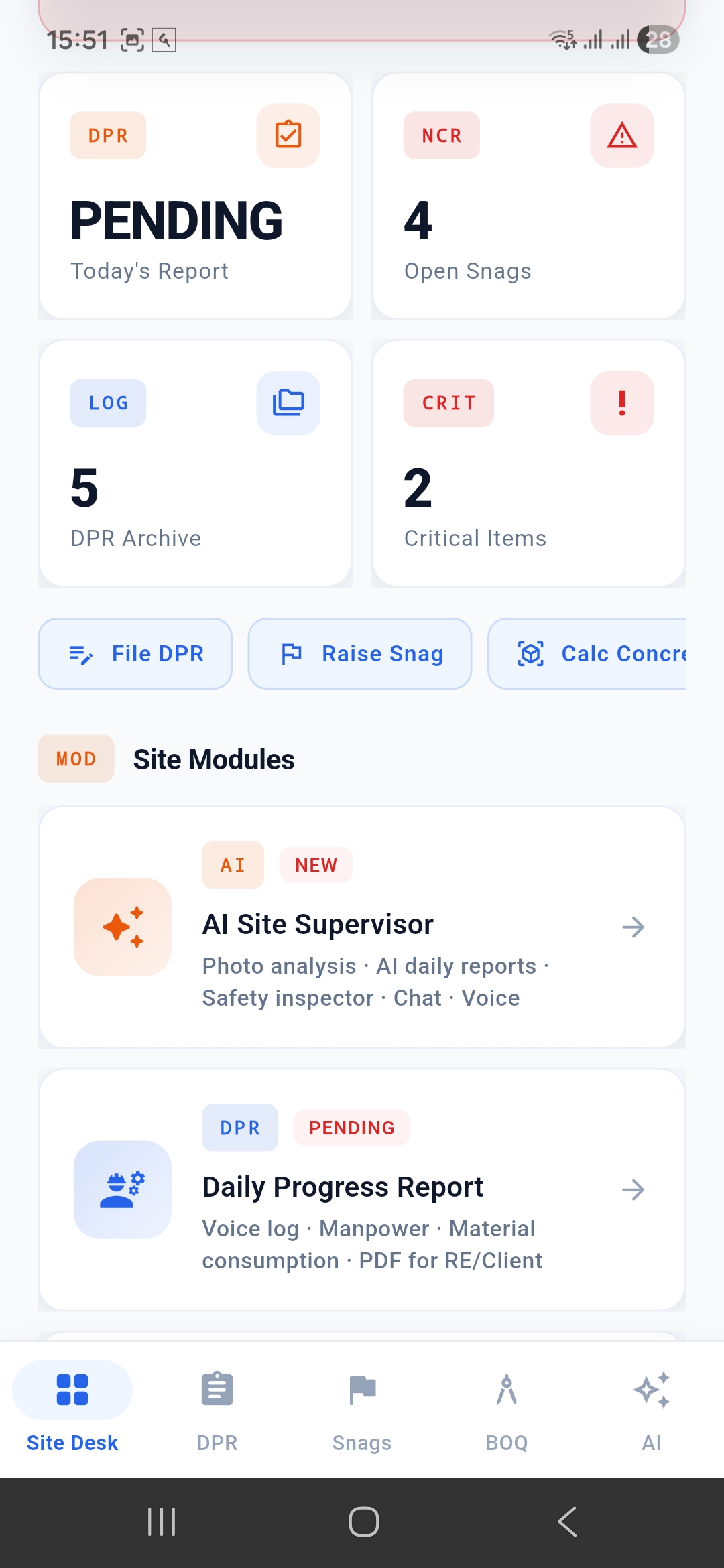
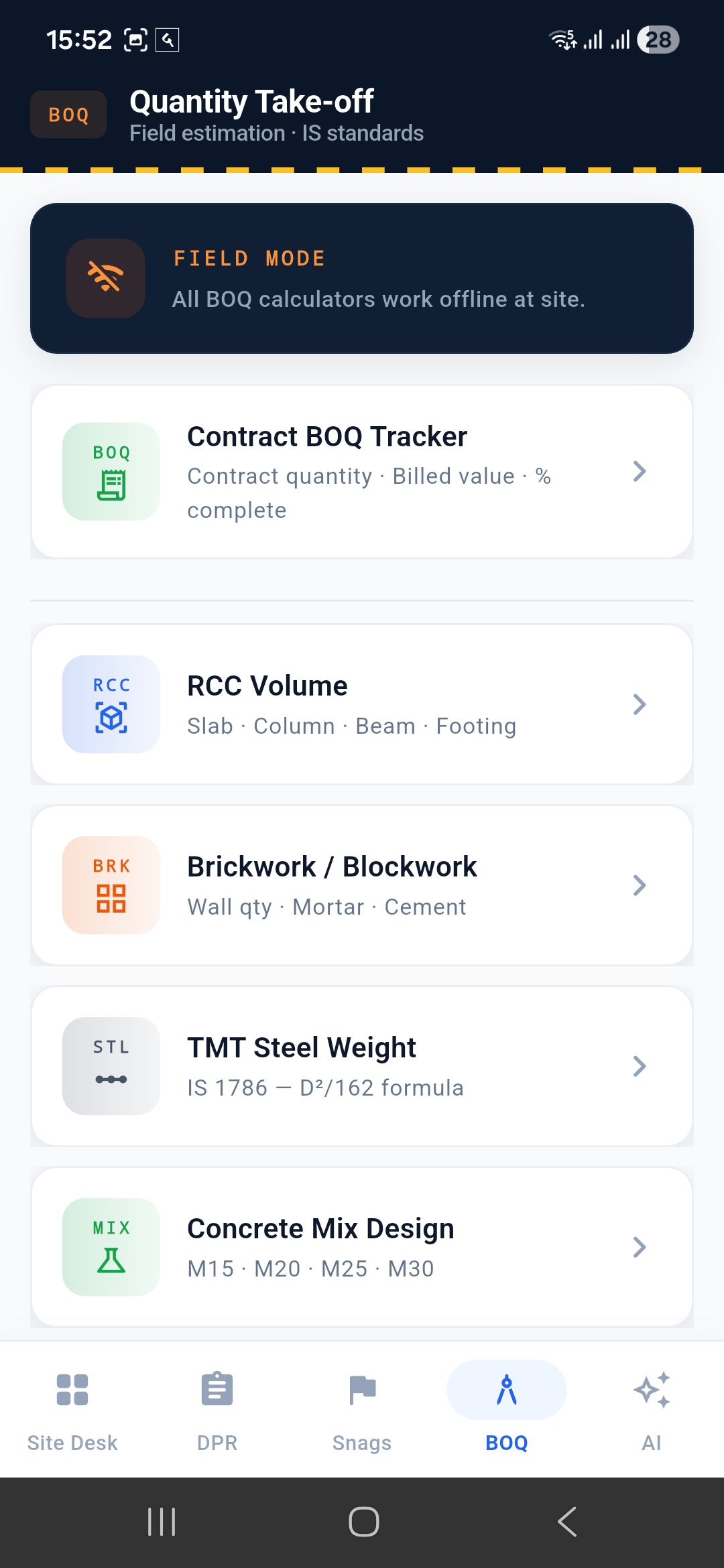
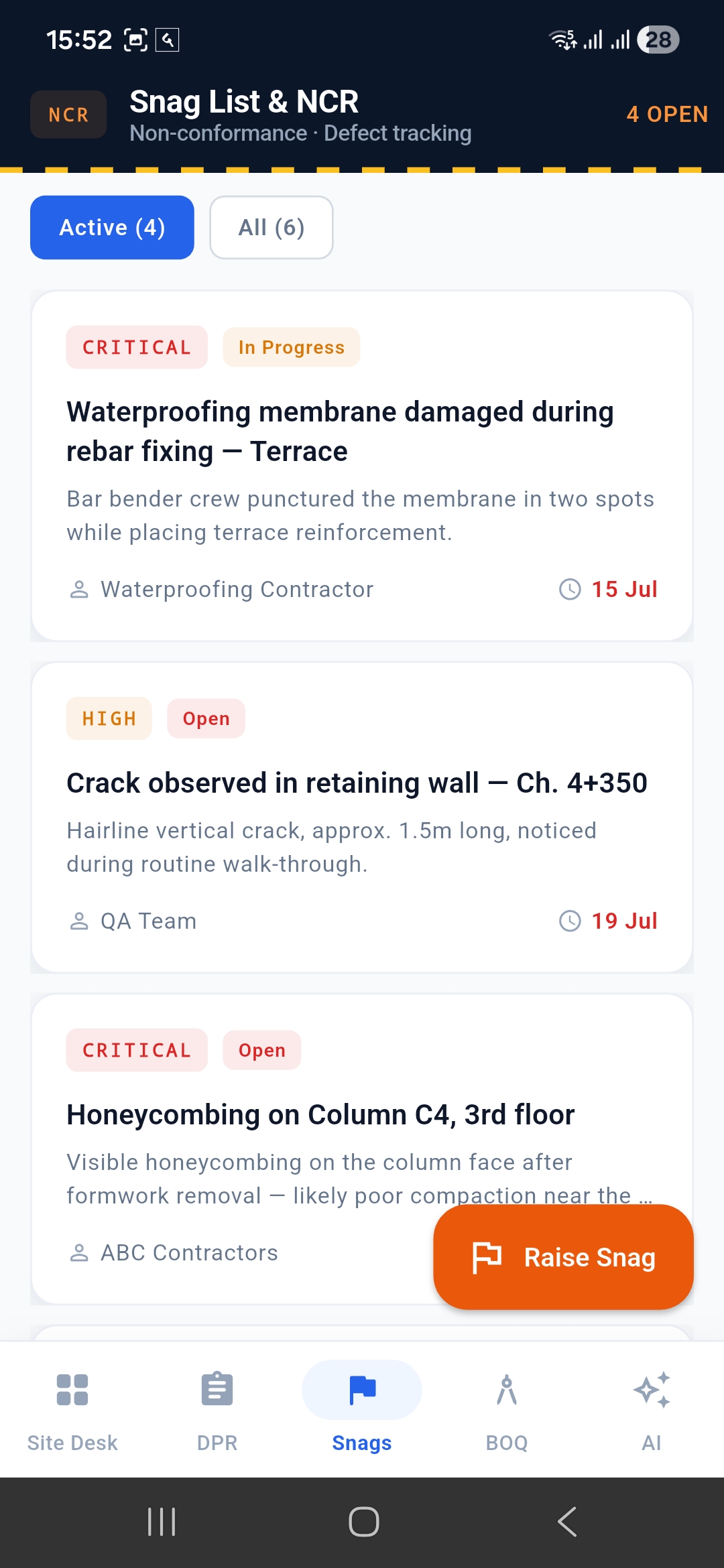
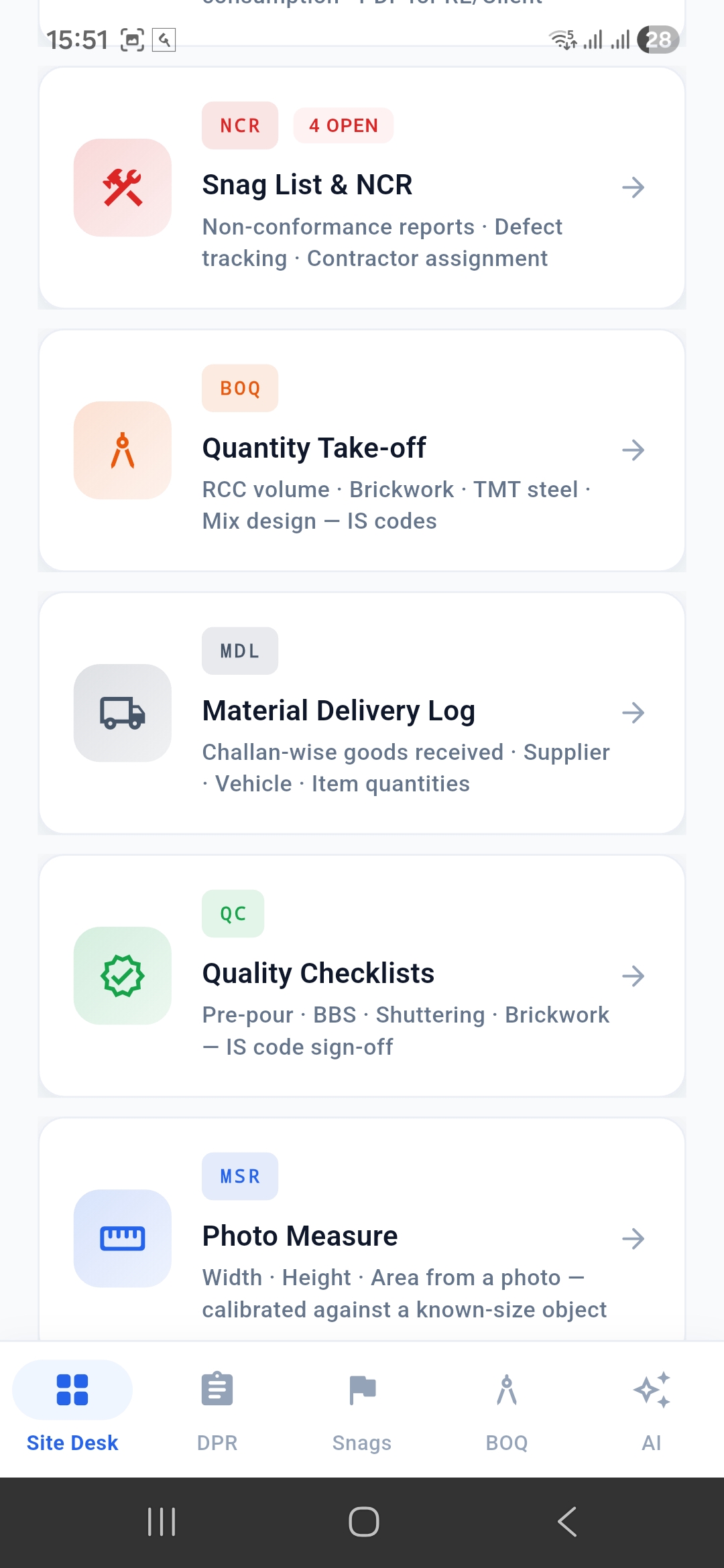
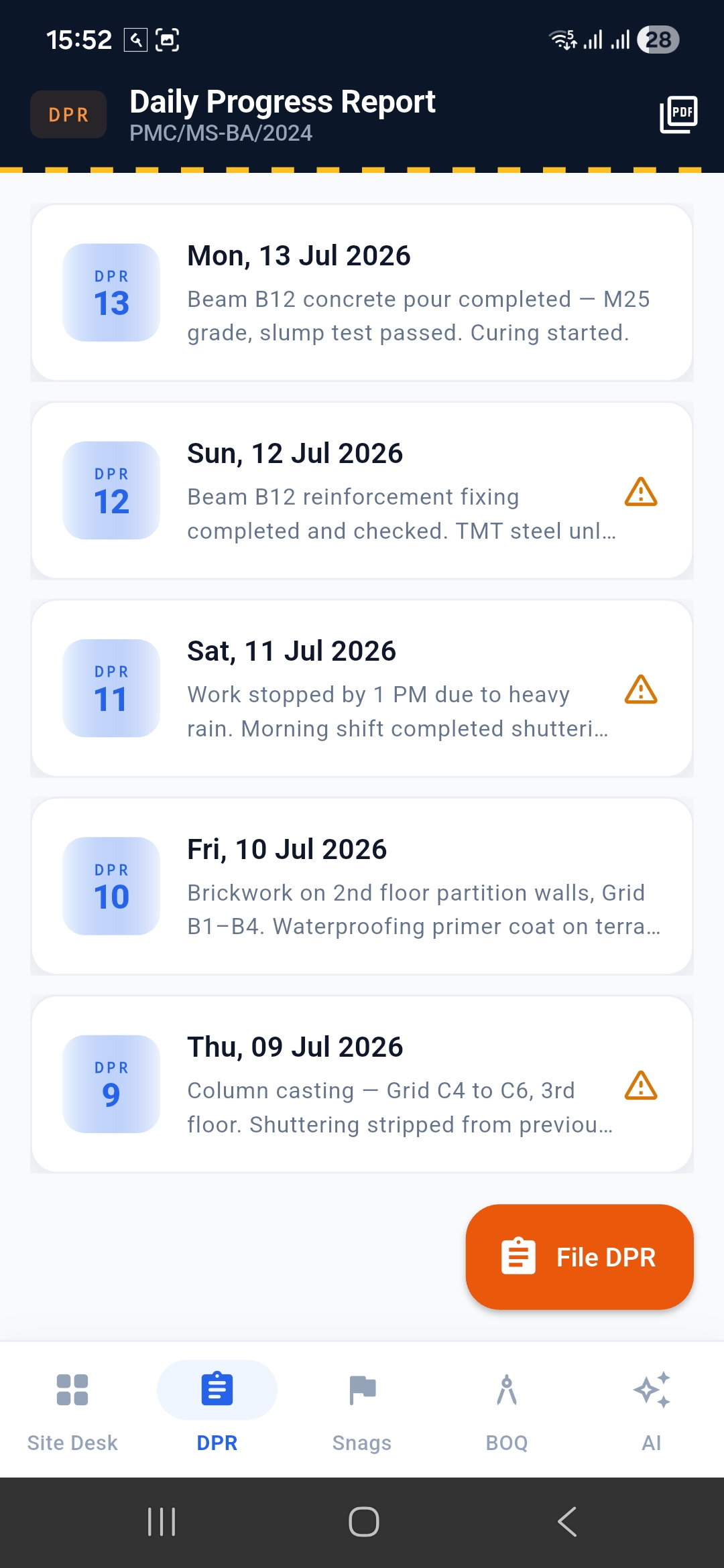
SiteForge started as a simple observation: civil site engineers lose 10-30 minutes a day to paperwork that has nothing to do with actually building anything — typing daily progress reports by hand, manually re-checking photos for hazards, cross-referencing IS code tolerances from memory. That workflow is usually WhatsApp notes + Excel + a Word template, stitched together after the fact. We already had SiteForge as a working, offline-first field tool for that exact workflow (DPR, snags, BOQ, deliveries, checklists). The question we wanted to answer: how much of the manual overhead could OpenAI's vision and language capabilities genuinely remove — not as an AI gimmick bolted onto a demo, but built into a tool that already has real daily-use workflows underneath it?
What it does
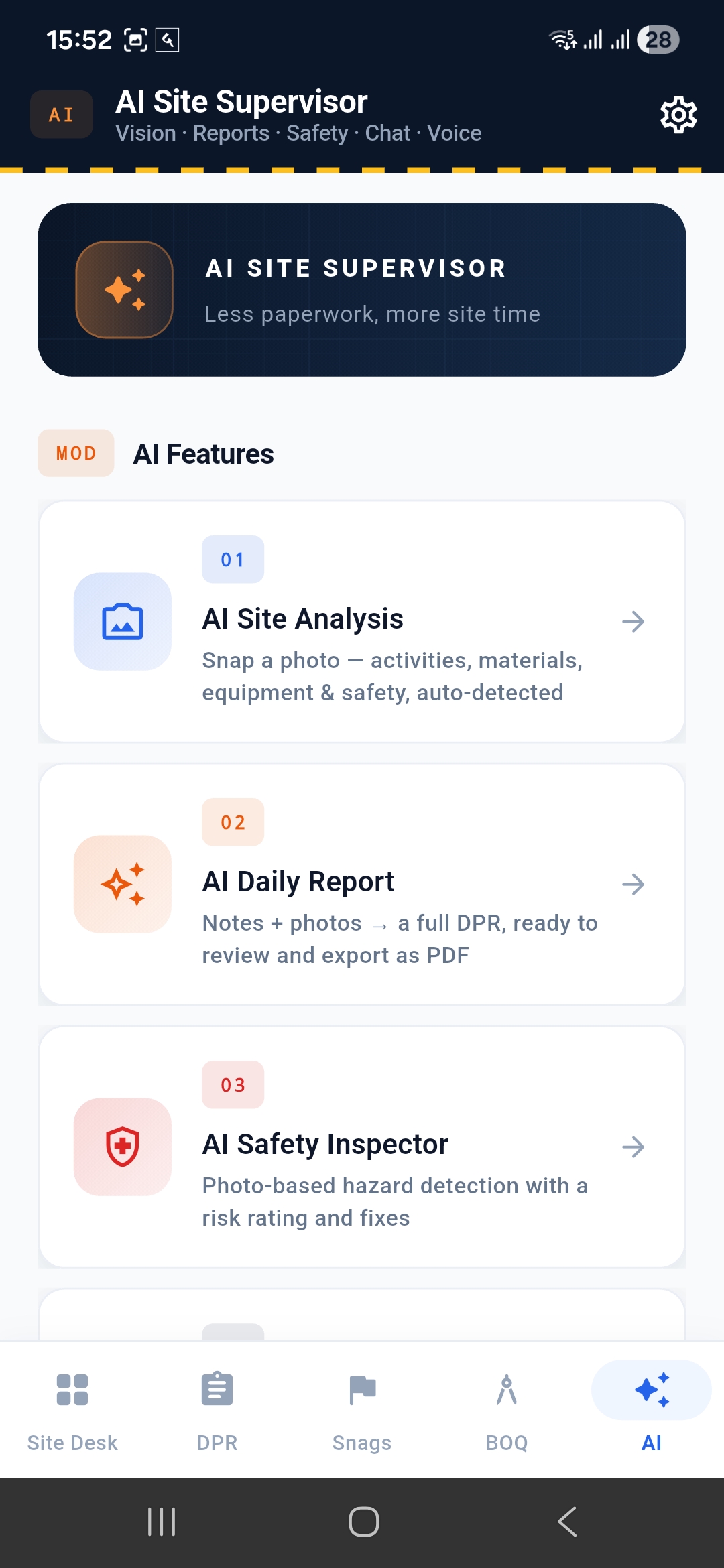
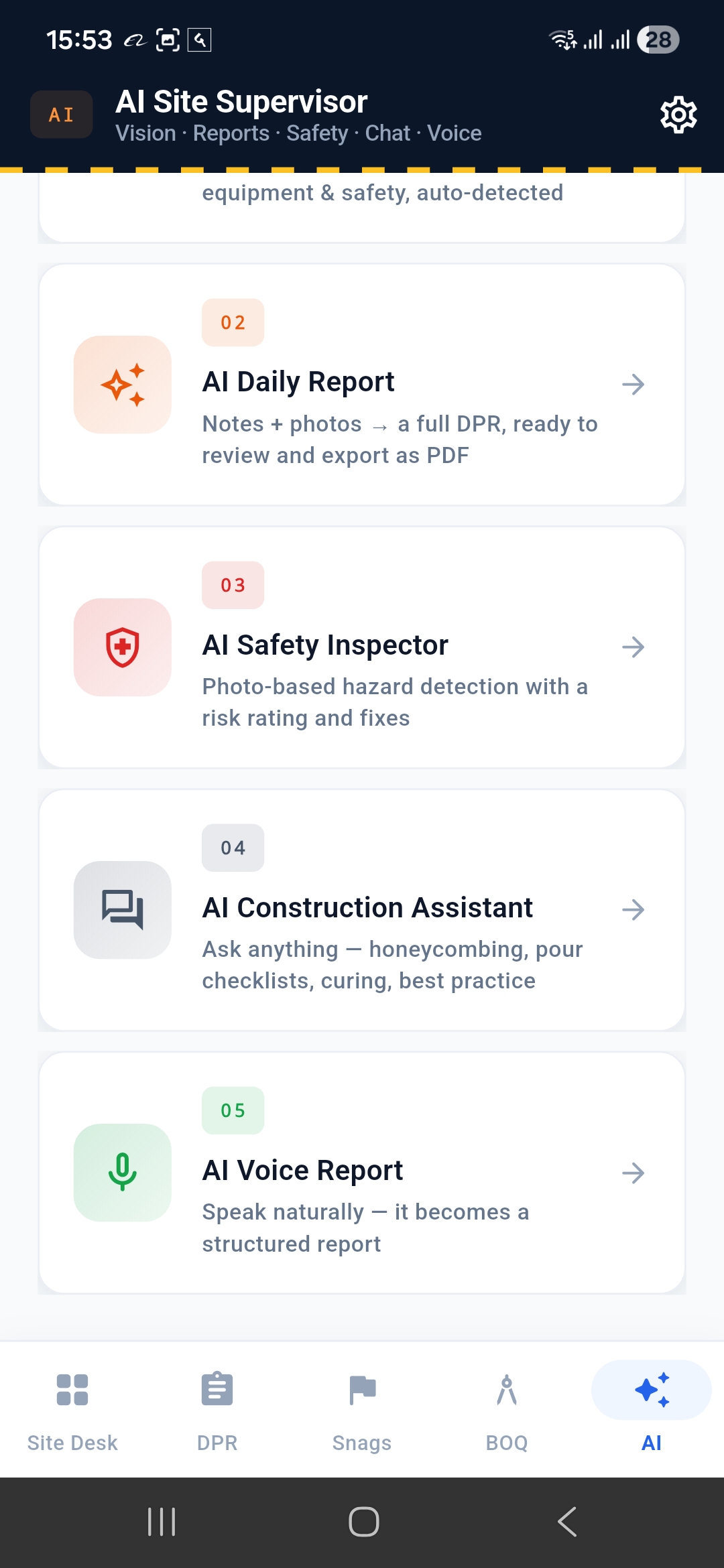
AI Site Supervisor is five features layered onto SiteForge, all backed by the real OpenAI API (gpt-4o):
- AI Site Analysis — photograph a work area, get activities completed/in-progress, materials, equipment, quality issues, and a progress estimate.
- AI Daily Report — typed or spoken notes plus site photos become a full structured DPR (executive summary, work completed, materials with quantities, labour counts, safety notes, risks, delays, next-day plan) — editable before saving, exportable as PDF.
- AI Safety Inspector — photograph a work area, get a risk rating and specific hazards, each raisable directly as a real NCR/snag. Runs two independently-framed vision passes plus a third reconciliation pass that re-examines the photo directly, rather than trusting one AI opinion.
- AI Construction Assistant — ask a practical question ("checklist before concrete pouring," "curing time for M25") and get a direct, IS-code-aware answer in the register of an experienced engineer.
- AI Voice Report — speak an update naturally; it's transcribed on-device and structured through the same pipeline as Daily Report.
A deliberate design choice: Site Analysis never makes a safety judgment. Only Safety Inspector does, because we found out during testing that a general-purpose scan and a dedicated hazard-focused scan can disagree — and only one of them should ever be trusted for that call.
How we built it
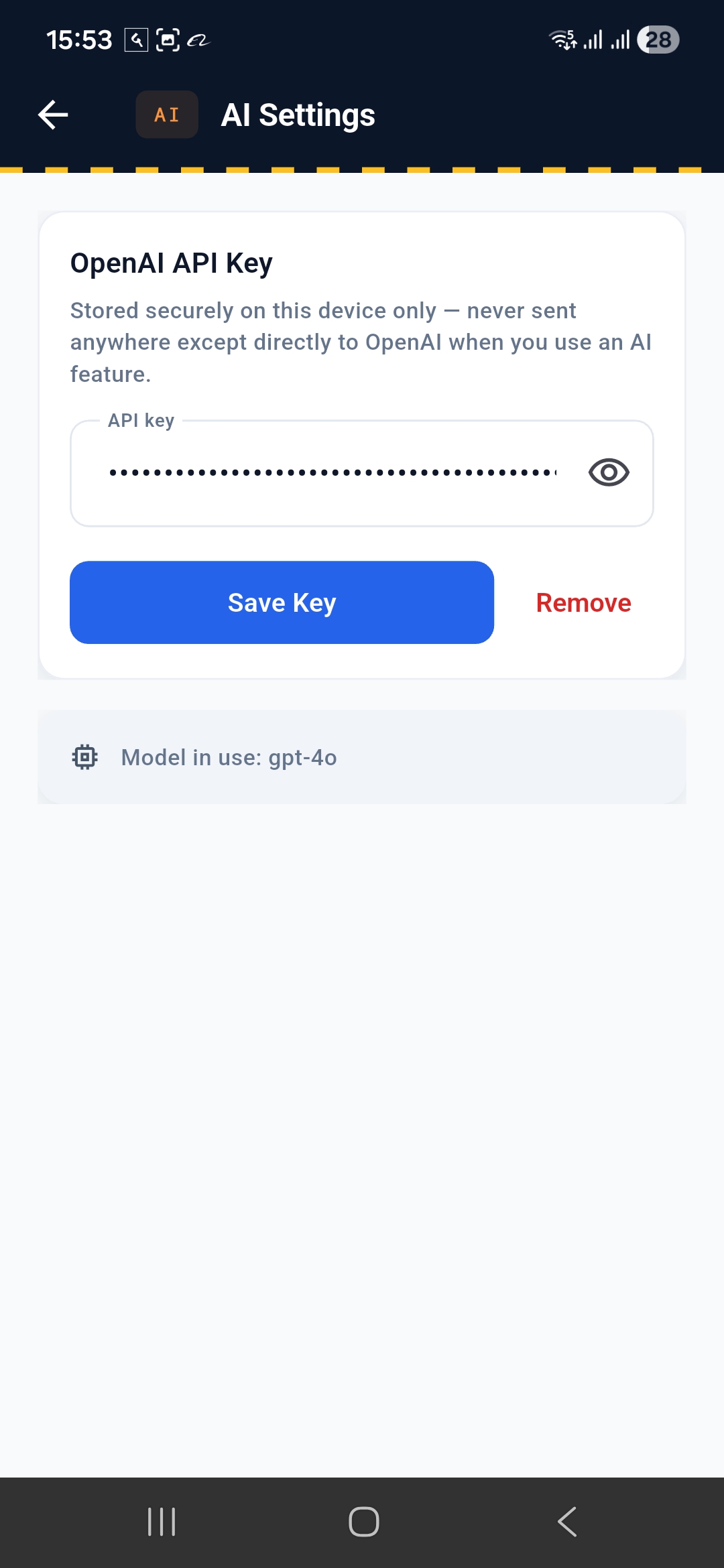
Flutter, Provider for state management, on top of SiteForge's existing offline-first architecture (Hive local storage). The AI layer is a thin OpenAI HTTP client plus per-feature services, each with a carefully engineered system prompt and structured JSON output. The app's pre-existing on-device "AI" (a rule-based Home insight card, ML Kit photo labeling and OCR) now upgrades to real OpenAI reasoning when a key is configured, and falls back to the original on-device logic when it isn't — so an offline user without a key loses nothing.
Challenges we ran into
We tested every feature against real photos and real questions, not synthetic data, and that's where the actual engineering happened:
- Site Analysis's first real test came back shallow — "1 found" in every category on a busy multi-worker site photo. Traced to the vision API defaulting to a lower internal image-detail setting; fixed by explicitly requesting high-detail analysis and rewriting the prompt to forbid capping categories at one item.
- Safety Inspector's first version gave a dangerously wrong answer. We tested it against a well-known NIOSH training photo of ironworkers on an open steel beam with no fall protection — and the general Site Analysis screen's safety field said "wearing safety harnesses, no missing PPE." Instead of patching the prompt, we removed safety judgments from Site Analysis entirely and rebuilt Safety Inspector around two independently-framed vision passes plus a reconciliation pass that re-examines the photo itself. Re-tested against the same photo — correctly caught as a fall hazard.
- Construction Assistant's first answers read like a wiki article — six numbered sections with bold sub-headers, indistinguishable from a generic ChatGPT session. Rewrote the prompt to explicitly forbid listicle formatting and push toward a terser, spoken-register answer.
- A dead-end button. Voice Report's "Structure Report" button only activated via the speech-recognition callback — so manually editing the transcript, which the UI itself invites ("edit if needed"), left it permanently disabled. Fixed with a proper reactive state update.
- A race condition in Home's AI insight upgrade — the API key loads from secure storage asynchronously, and the insight fetch could fire before that resolved and then never retry, silently stuck on the rule-based fallback for an entire session.
Accomplishments that we're proud of
Every one of the bugs above was found through real testing and actually fixed, not just noted. The Safety Inspector cross-verification design in particular: we deliberately went looking for a case where a single AI opinion would fail, found one, and built a real verification mechanism around it rather than hoping it wouldn't come up in a demo.
What we learned
A single vision-model pass on a safety-critical judgment is genuinely unreliable — cross-verification isn't a nice-to-have, it's close to a minimum bar for anything an app claims to "detect." LLMs default to generic formatting habits (numbered listicles, capped-at-one-item categories) unless a prompt actively pushes back against them. And a fallback architecture — cloud AI enhances, on-device logic is the floor — is the right shape for a field tool that has to work with or without connectivity or a paid API key.
What's next for SiteForge
Cost/usage guardrails (every feature is billed per call), a backend for real multi-user key management beyond bring-your-own-key, and applying the same cross-verification pattern used in Safety Inspector to Site Analysis's other judgment calls.

Log in or sign up for Devpost to join the conversation.