Inspiration
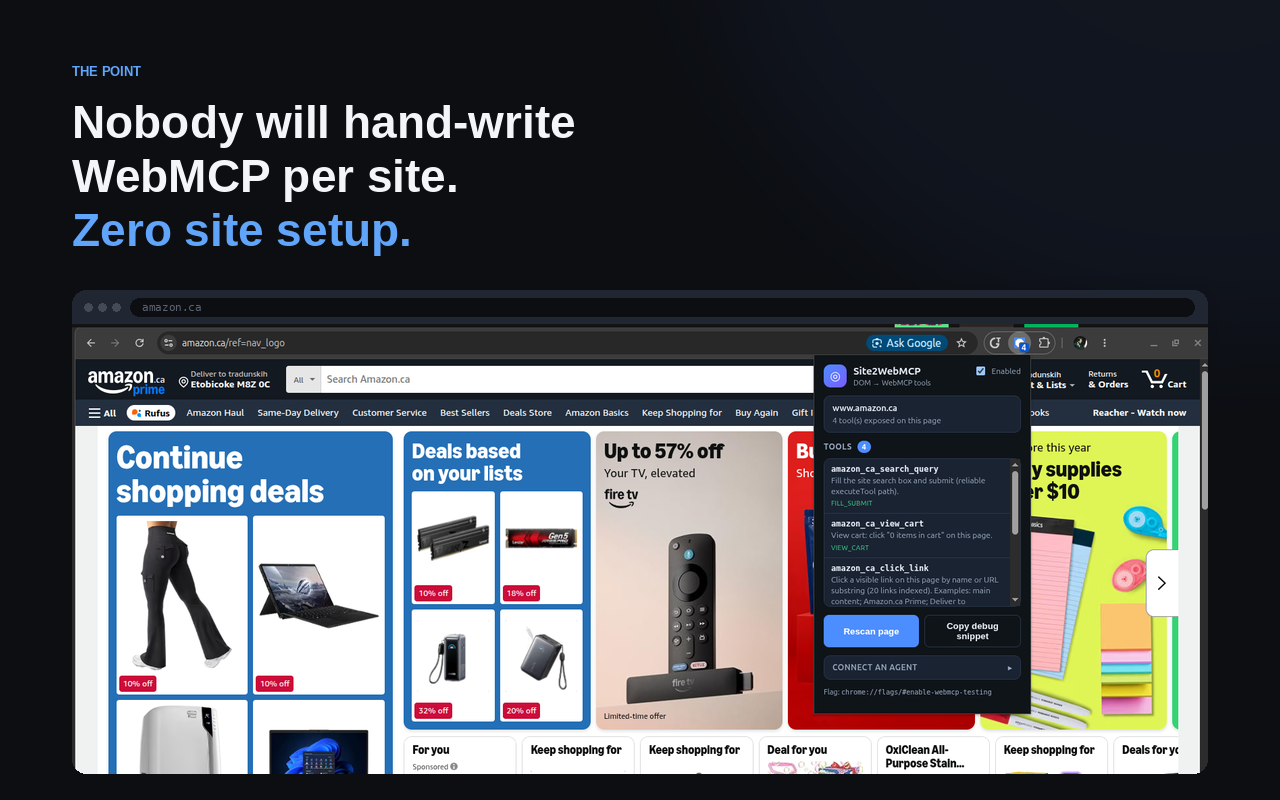
Nobody will hand-write WebMCP for every website. Zero site setup.
WebMCP lets agents use a site as tools instead of clicking through the UI. That only works if someone builds the tools. Every site is different — hand-writing and maintaining that for the whole web is the real bottleneck. We flipped it: the person who needs agent tools shouldn’t wait on every company to ship WebMCP.
What it does
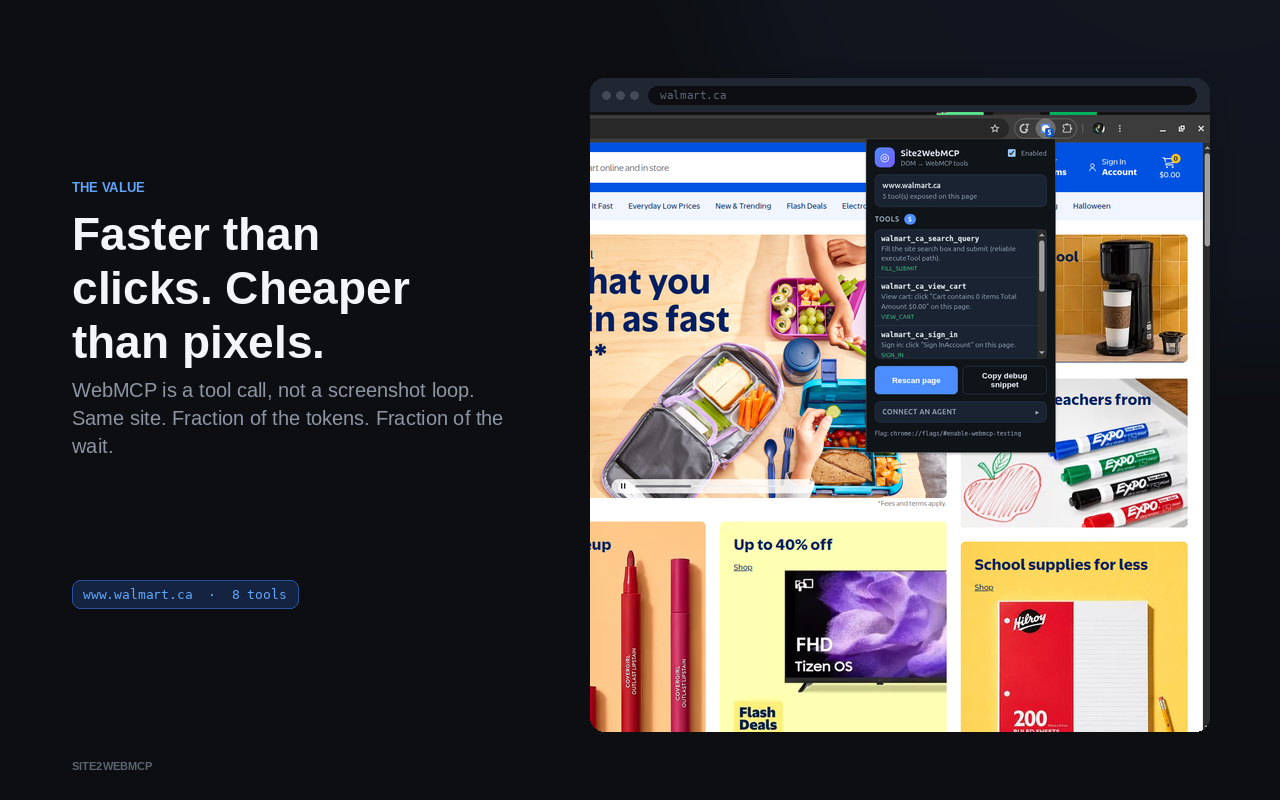
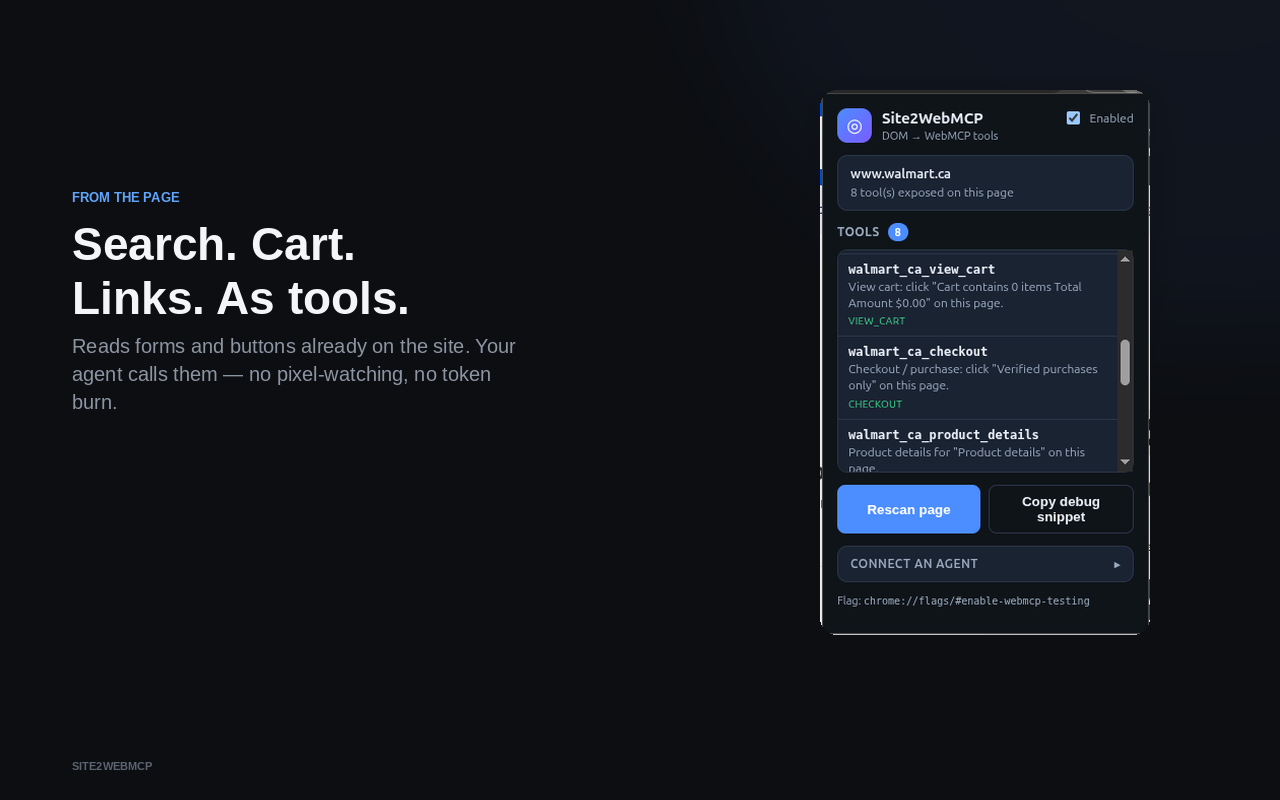
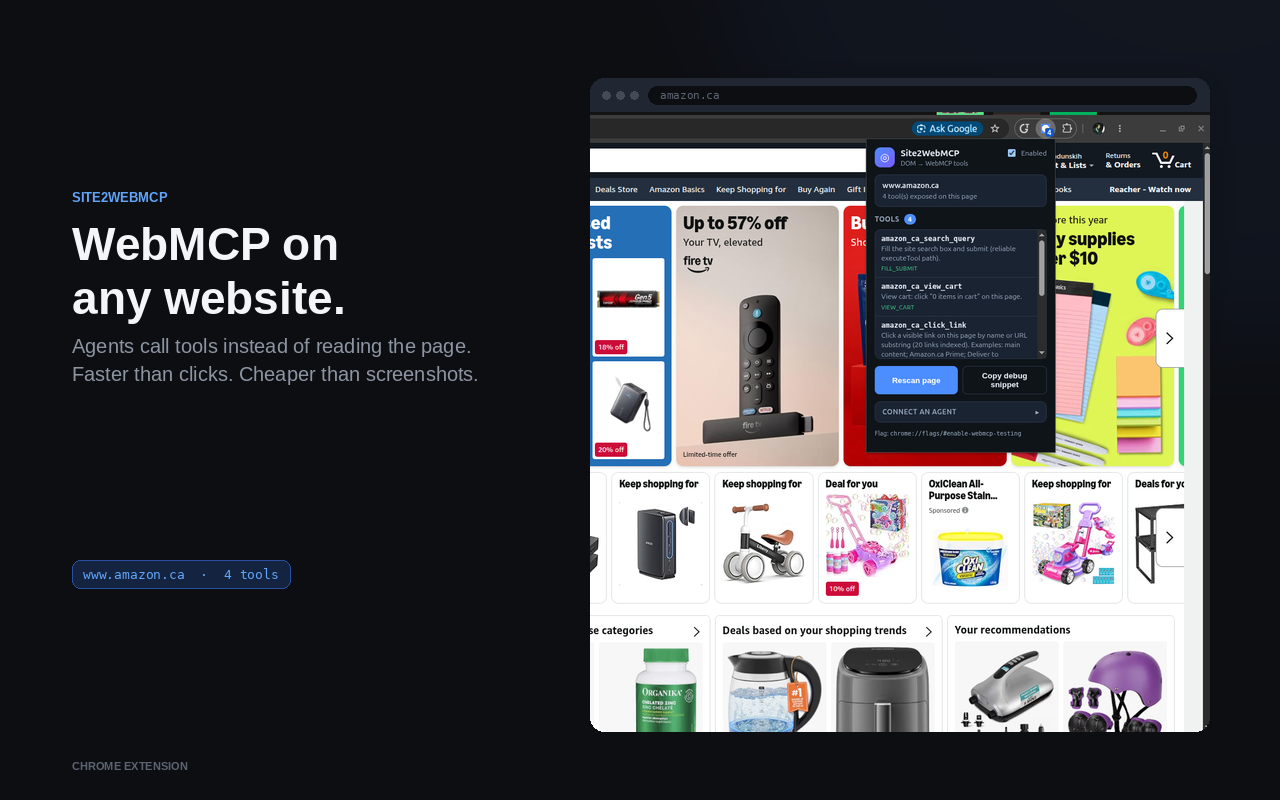
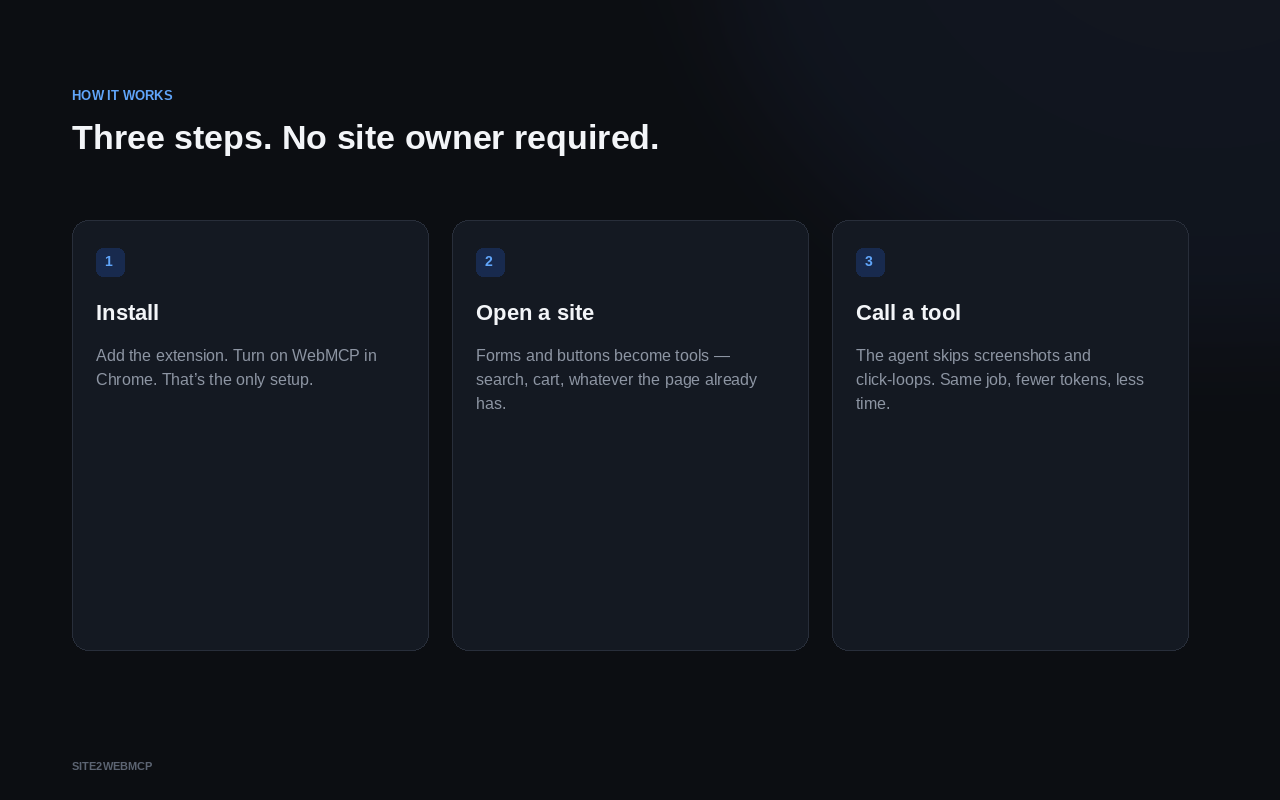
Site2WebMCP is a Chrome extension (also available as an agent skill) that reads the forms and buttons already on a live page and exposes them as WebMCP tools. An agent can then run real workflows — search, add to cart, checkout, and so on — without browser control and without the site owner implementing anything.
How we built it
- A simple webpage with two demo modes and WebMCP for auto-setup of demo 1 — a playground only. The product generates WebMCP for any external site.
- Chrome MV3 extension: discover forms and primary actions from the live DOM, plus
registerToolwhere needed. - An agent skill that does the same job as the extension — inject into the page, discover DOM actions, register them as WebMCP.
Challenges
Getting from “tools appear” to “an agent actually completes a workflow” was the hard part — especially validating the agent-side path, not just the discovery UI. The runtime still leans on e-commerce-shaped heuristics; proving this beyond that shape is the next fight. Hand-written WebMCP will always be sharper for a given site — this is WebMCP for sites that never shipped it, replaceable when they do.
ChatGPT Desktop’s built-in browser is read-only: no extensions, no injected scripts. That blocks dynamically generated WebMCP there.
Chrome Web Store review is slow, so the extension isn’t installable from the store yet.
What’s next
- Use site JavaScript to find server requests and expose them as tools, with descriptions of what those functions do.
- Crawl support centres and docs for how to use the site, then turn that into tools and skills.
- Use
llms.txtto extract tools or workflows (chains of tool calls). - Use an external or browser-built-in LLM to identify workflows on a site and turn them into tools and skills.
- Measuring the speed and tokens savings compared to a vanila browser use that does clicks.
Built With
- chrome
- grok-bot
- javascript


Log in or sign up for Devpost to join the conversation.