-
-
Sintax
-
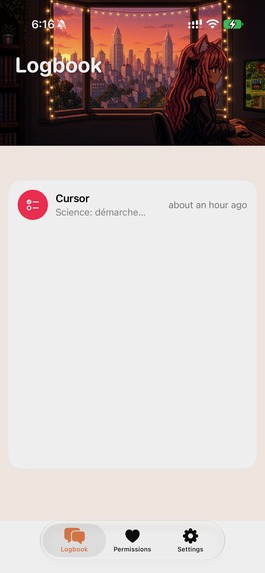
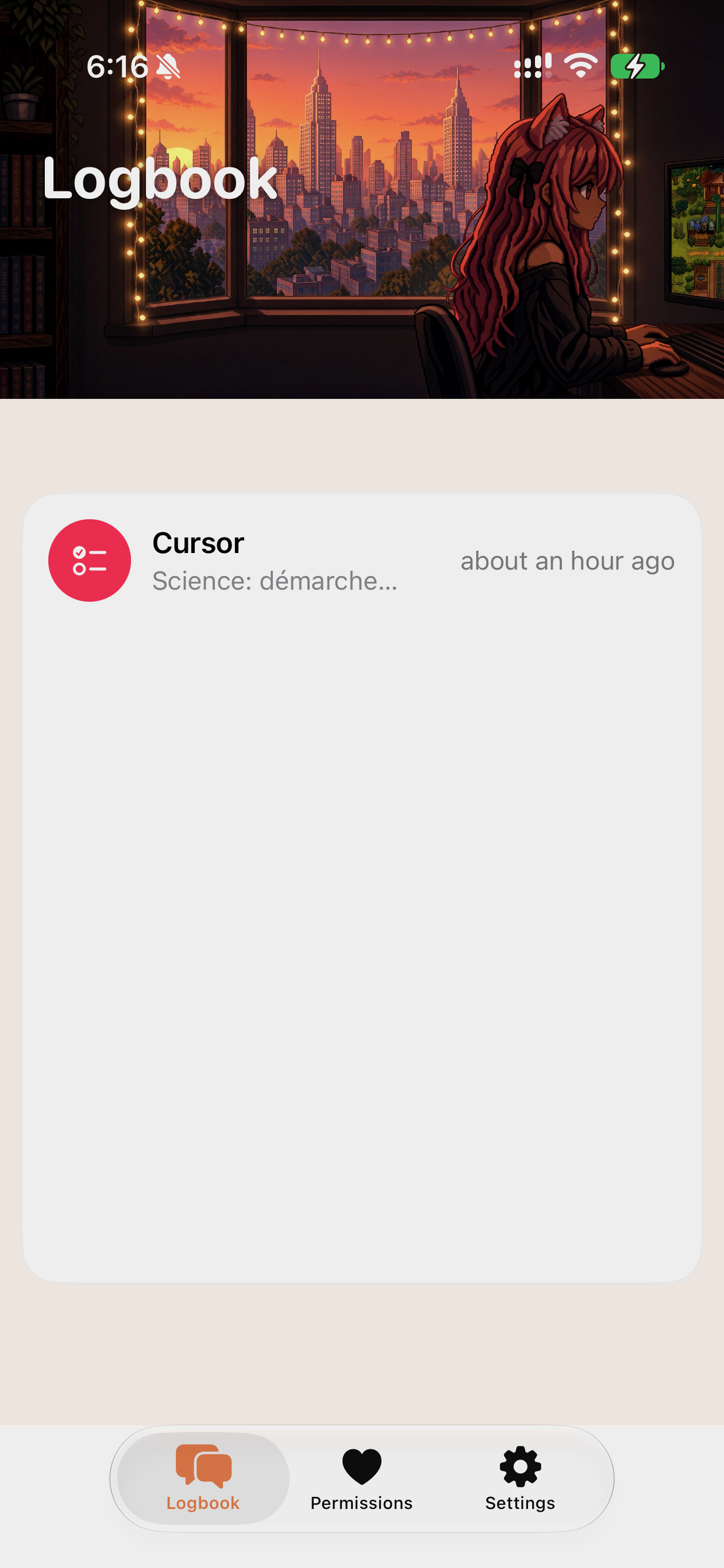
Logbook — what your assistant did on this iPhone
-
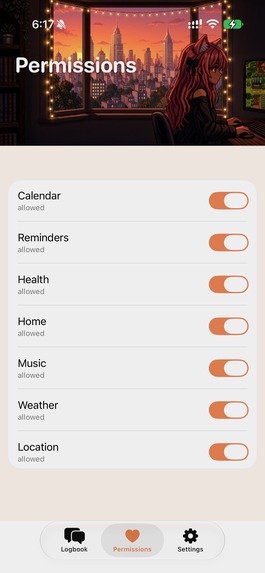
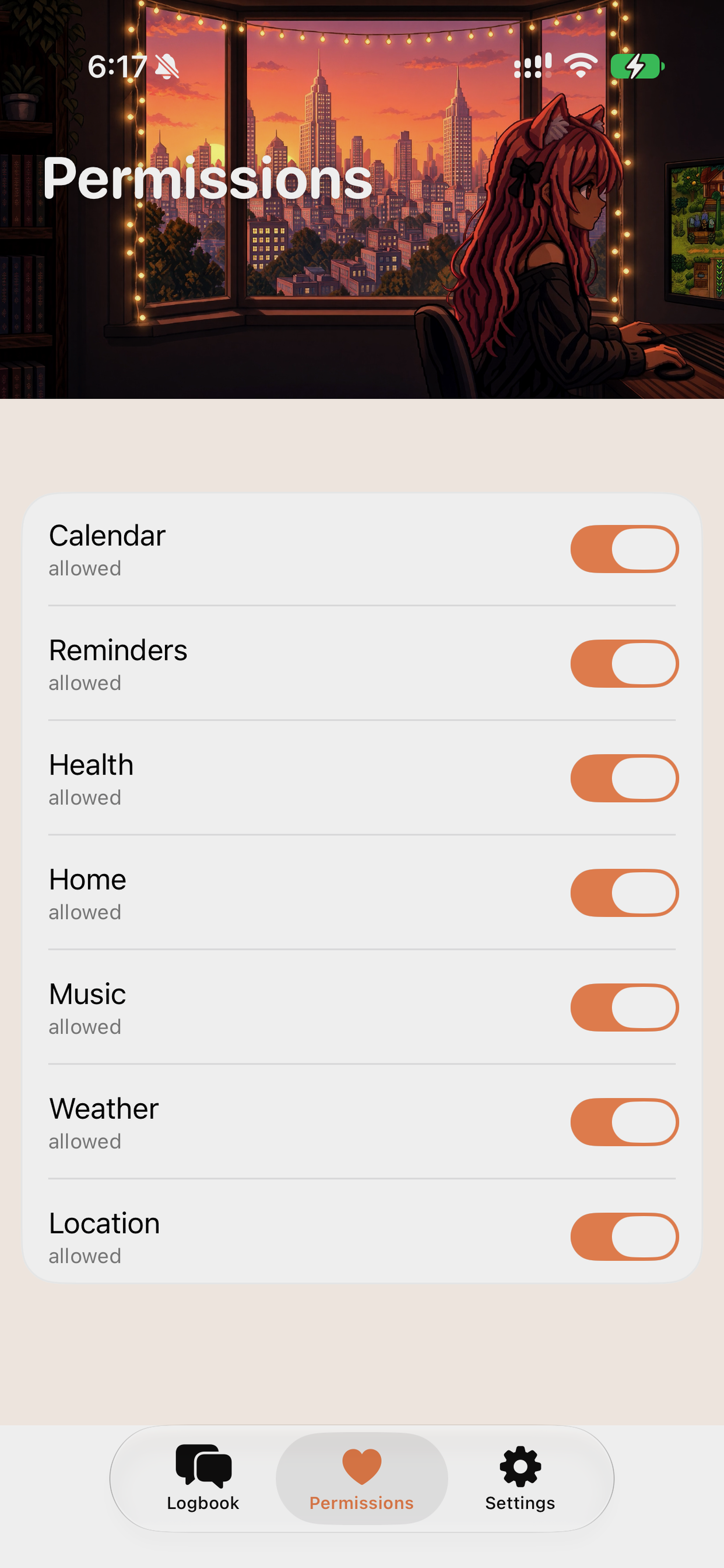
Permissions — you choose what the assistant can use
-
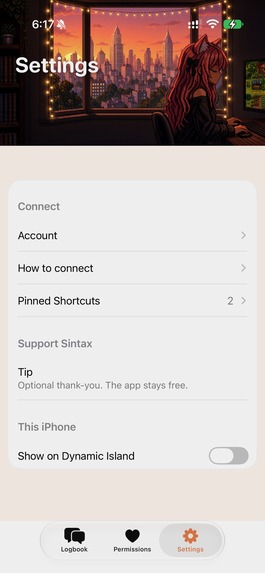
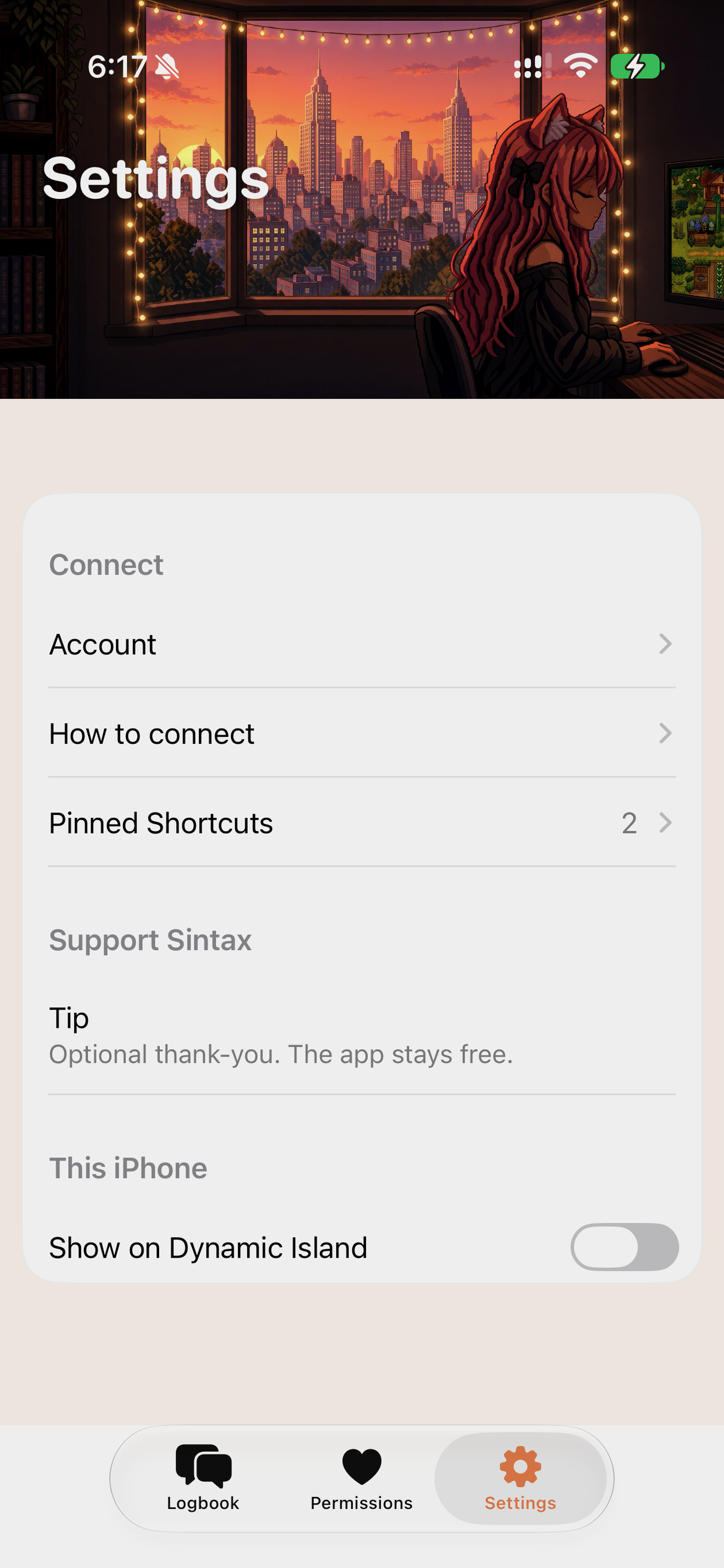
Settings — connect your assistant, pin Shortcuts, optional tip
What it is
Sintax is a companion app for the assistant you already use.
You talk to Grok, ChatGPT, Claude, Gemini, or another assistant — same as always. Sintax lets that assistant manage this iPhone when you ask.
Put dinner on the calendar. Make a grocery list. Check the weather. Set an alarm. Play music. Run a Shortcut. Dim the lights. Open Maps. Check your steps.
You choose what the assistant is allowed to do. The Logbook shows what happened.
https://apps.apple.com/app/id6806887759
Inspiration
Assistants are great at conversation and stuck outside the iPhone. I wanted to keep talking to the assistant I already like, and have the iPhone actually do the work.
What you can ask your assistant
- Plan dinners and put each night on the calendar
- Make a Groceries list
- Check today’s weather and the week ahead
- Set or cancel an alarm
- Play music, skip a track, change the volume
- Run a Shortcut you already have
- Turn on a Home scene
- Open a store or address in Maps
- Check steps, workouts, or battery
- Save a photo or send text to Notes
Same app. You turn each group on or off.
How you connect
Open Sintax. Go to Settings → How to connect. Copy. Paste that into your assistant. Keep talking to the assistant. Open the Logbook if you want to see what the iPhone did.
Challenges
Making the Logbook easy to follow, like a message thread. Making sure the iPhone can still help when Sintax is in the background. Making Shortcuts simple. Making Permissions obvious, so nothing happens unless you allowed it.
Built for Shipaton
The app is free. There is an optional tip. Set it up once. Talk to your assistant. The iPhone keeps up.

Log in or sign up for Devpost to join the conversation.