-
-

App Icon
-
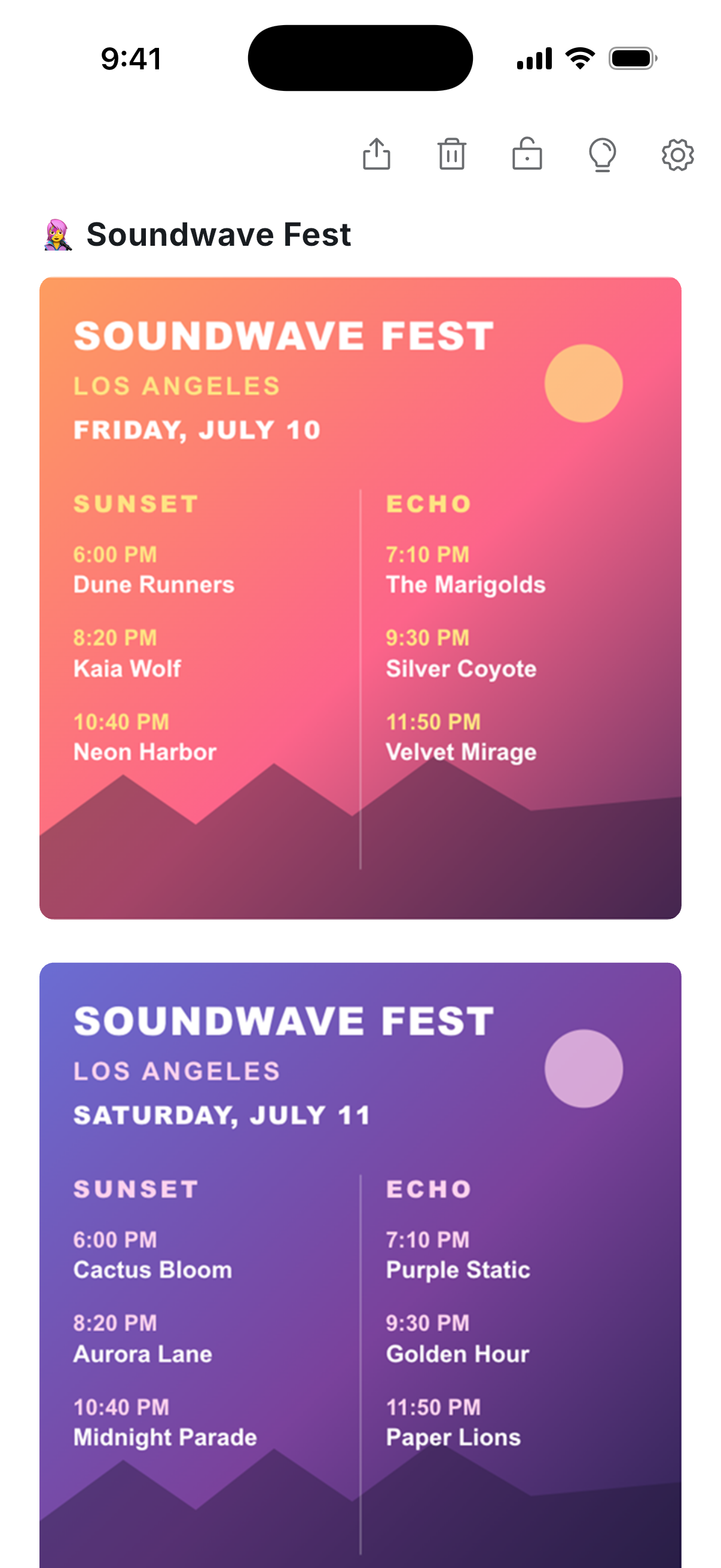
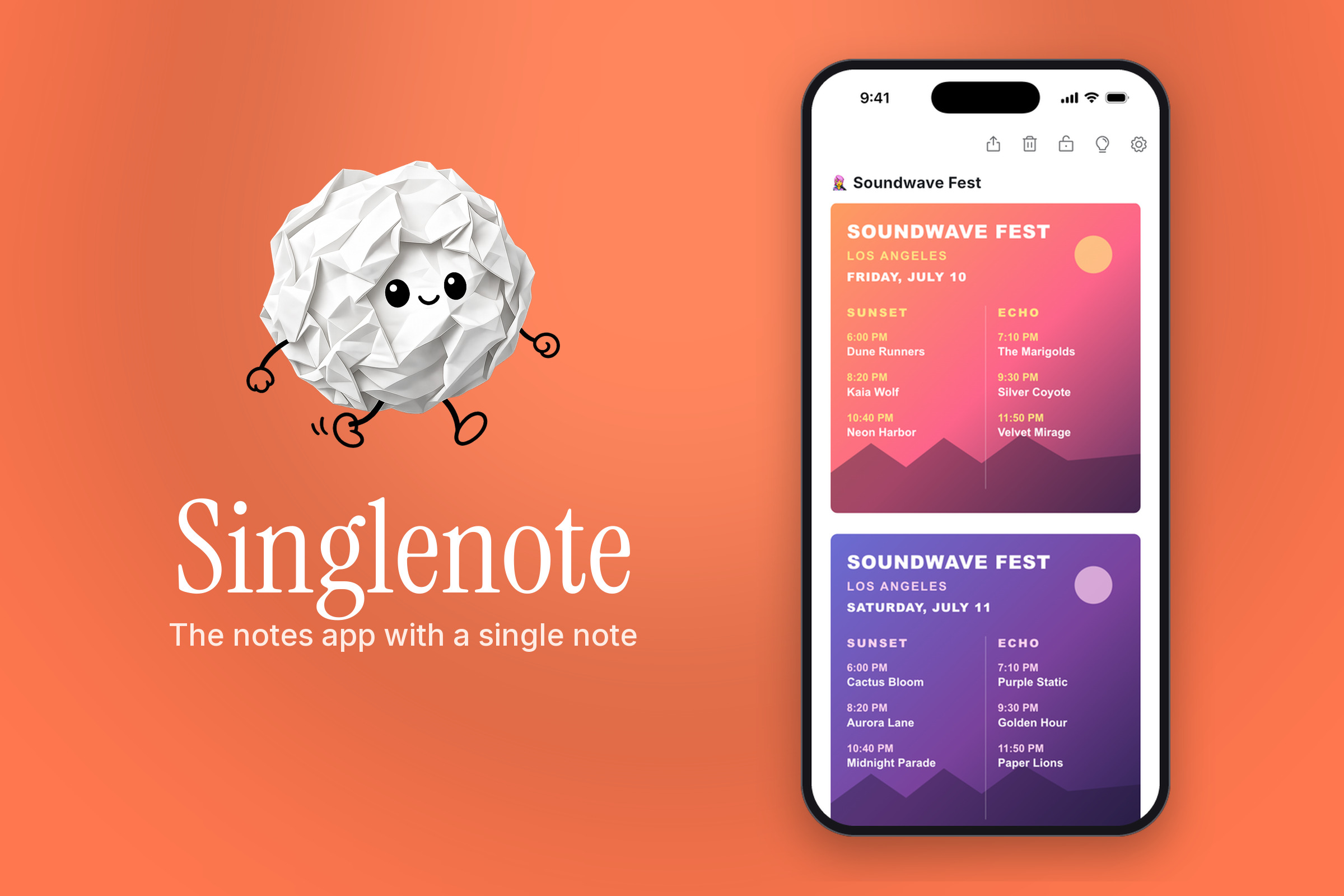
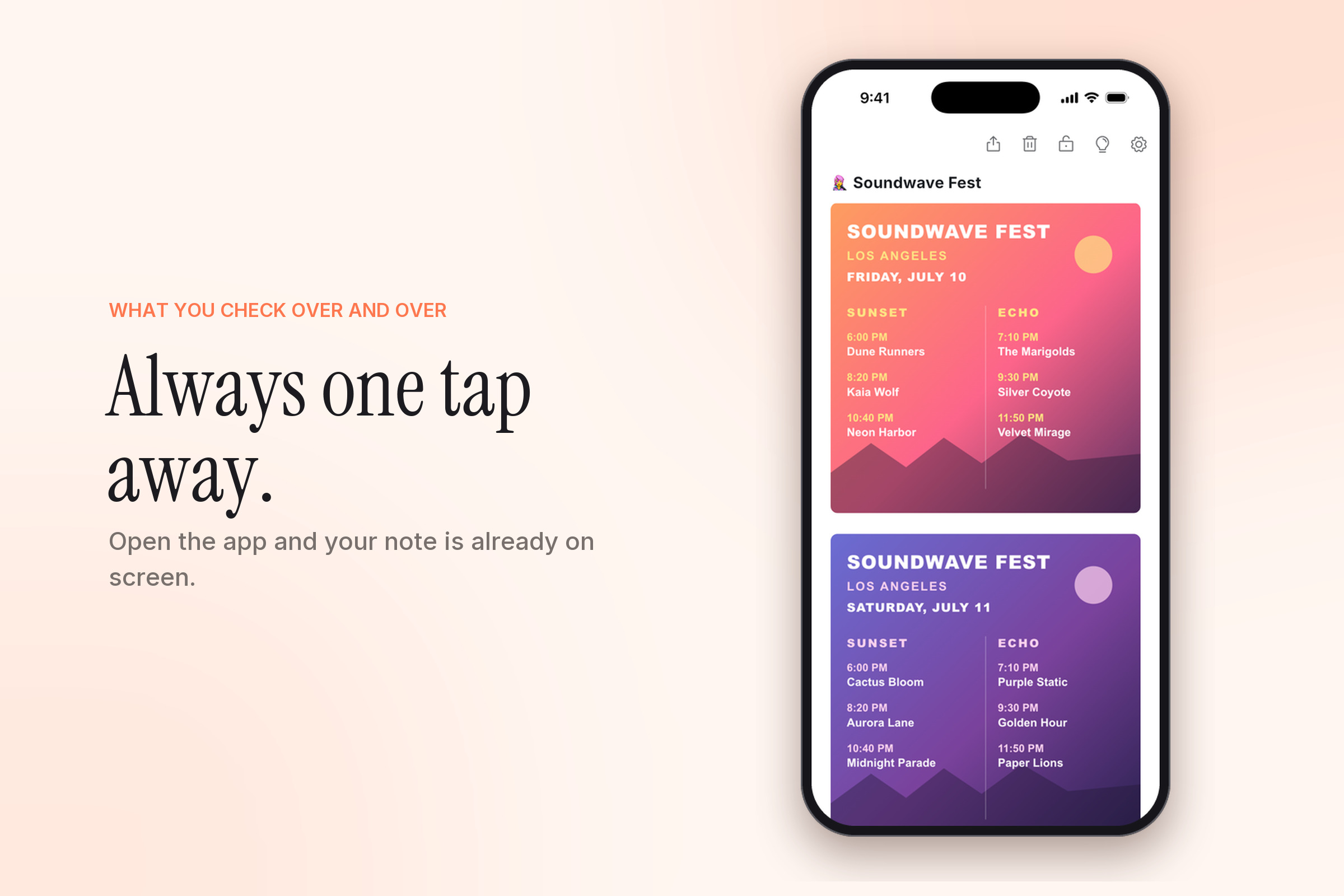
App screenshot
-
-
-
-
-
-
-
-
-
-
-
-

Inspiration
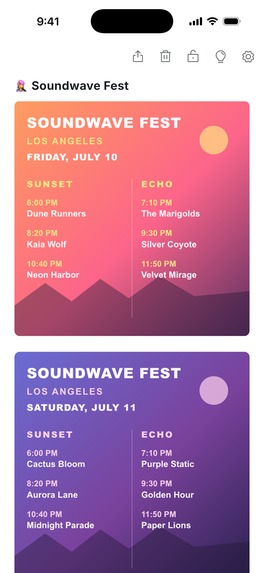
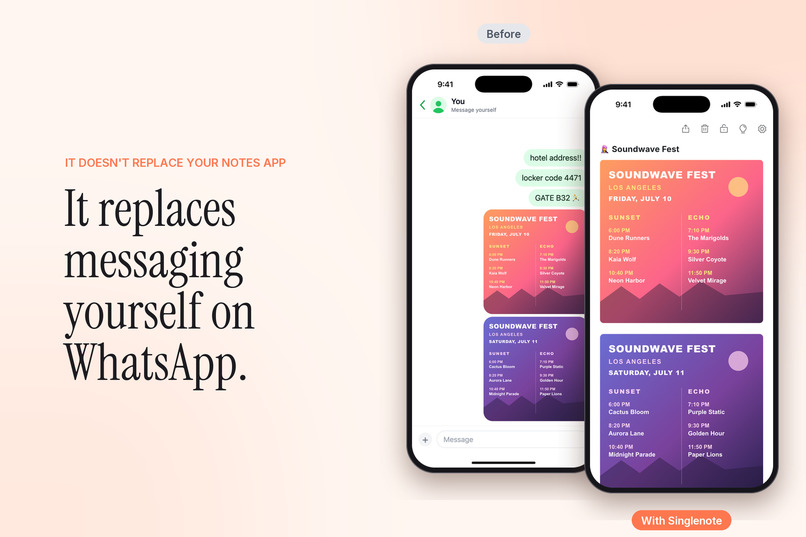
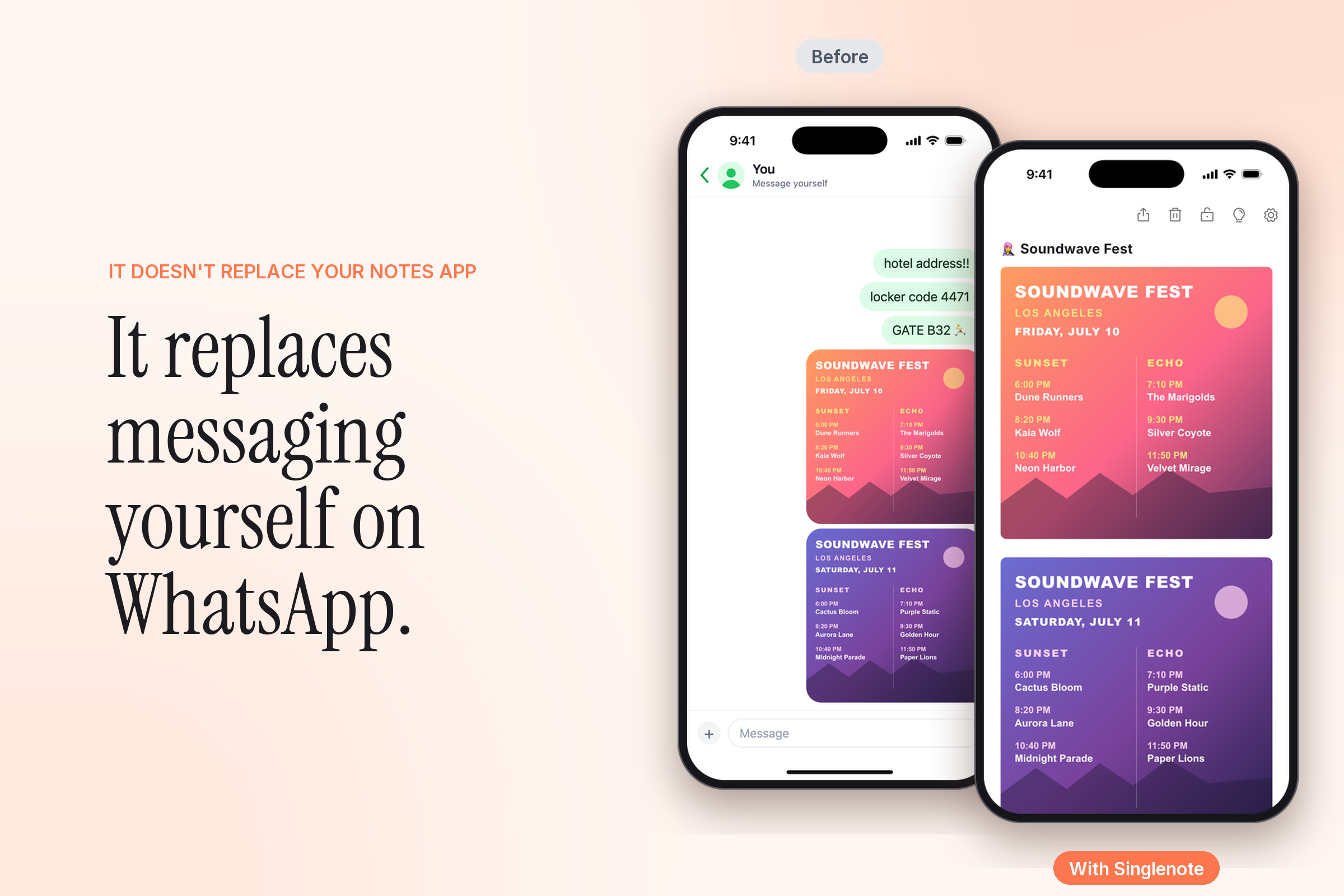
Singlenote started at a music festival. Every time a band finished, I took out my phone and went looking for the image with the stage times: unlock, open Photos, scroll past everything I'd shot that day, zoom in. I did it a dozen times a day. What I wanted was to see that image in one tap.
That's when I noticed I'd been doing a clumsy version of this for years: sending things to myself on WhatsApp or Telegram so I could find them quickly later. Door codes, the Wi-Fi password, a booking reference, my work shifts. My notes app wasn't the answer either. It's built for many notes, and finding the right one takes folders, search and a few taps too many.
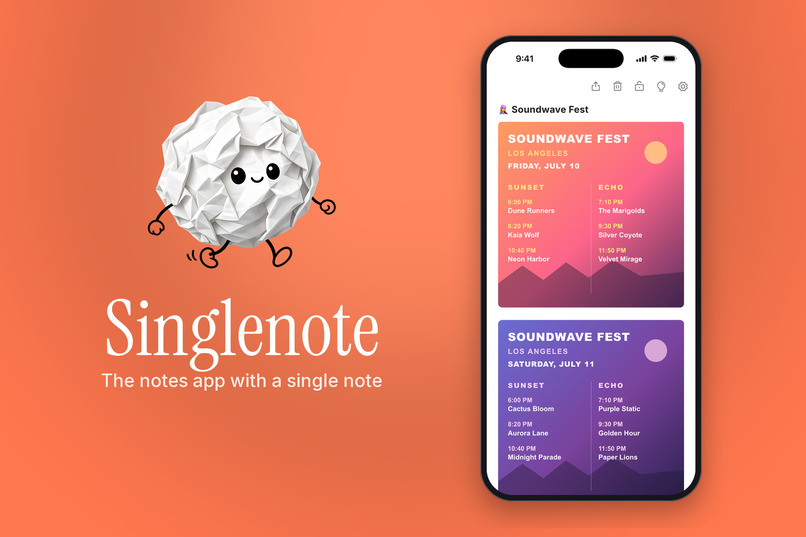
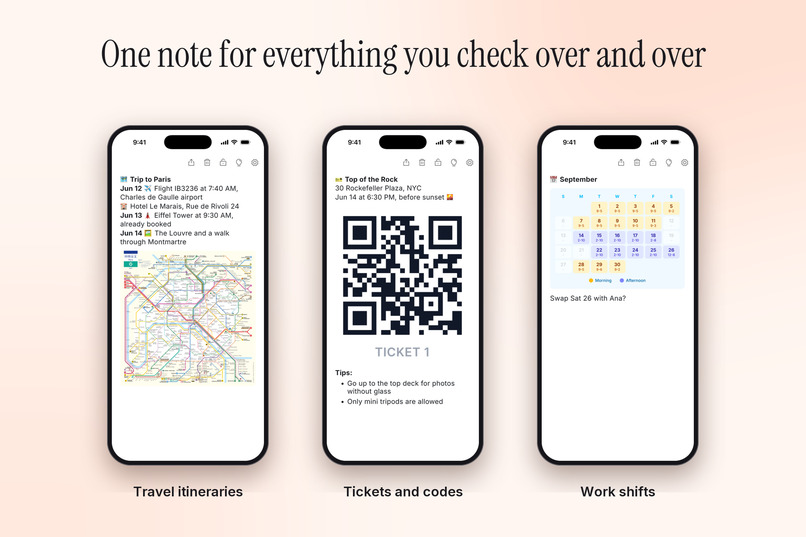
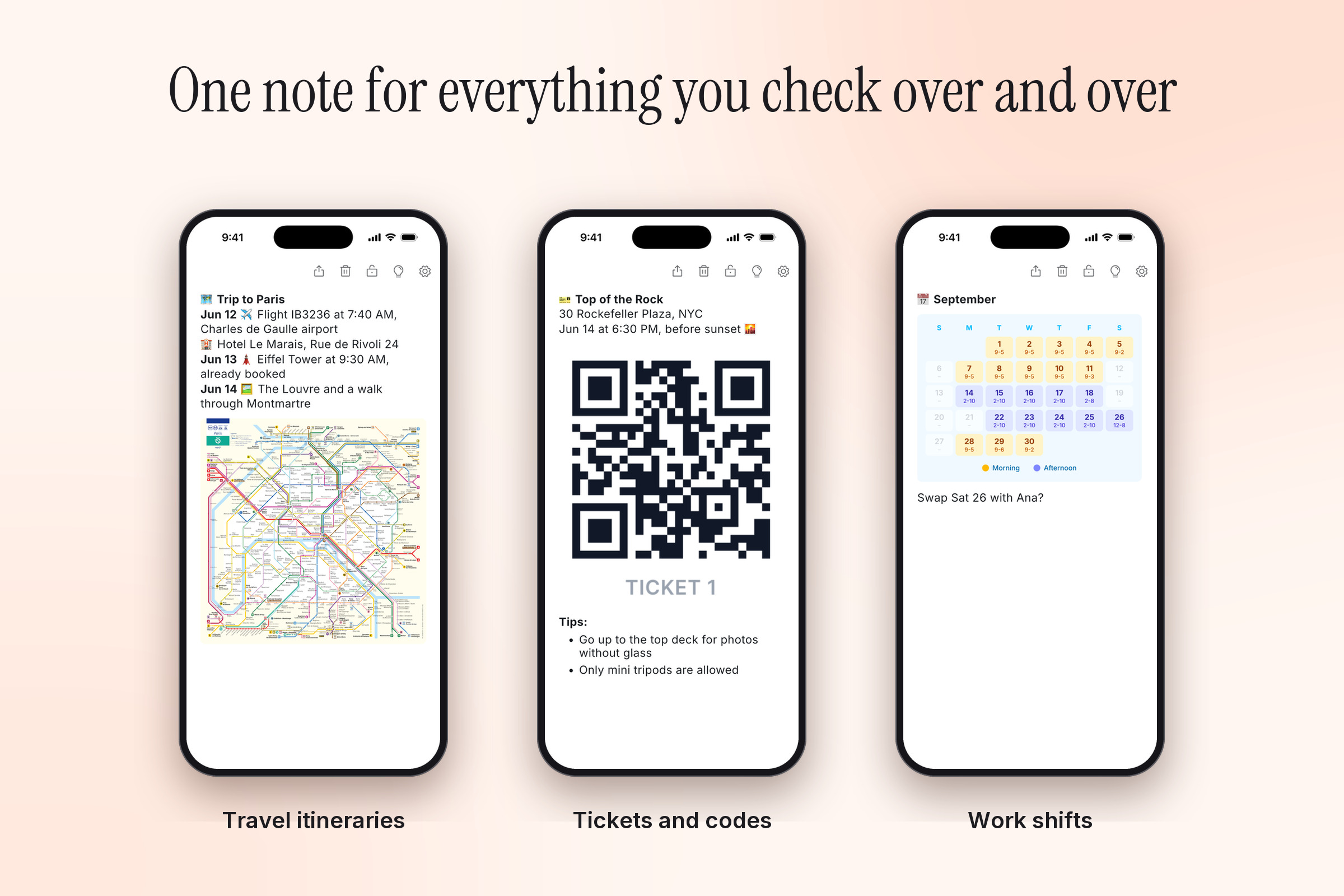
So Singlenote is a notes app with a single note. It doesn't replace the notes app you already use. It's for the information you check over and over:
- 🗺️ Travel itineraries
- 🎫 Tickets and codes
- 📅 Work shifts
- 🪪 Personal info
- 🕒 Event agendas
- ⚡️ And quick notes
What it does
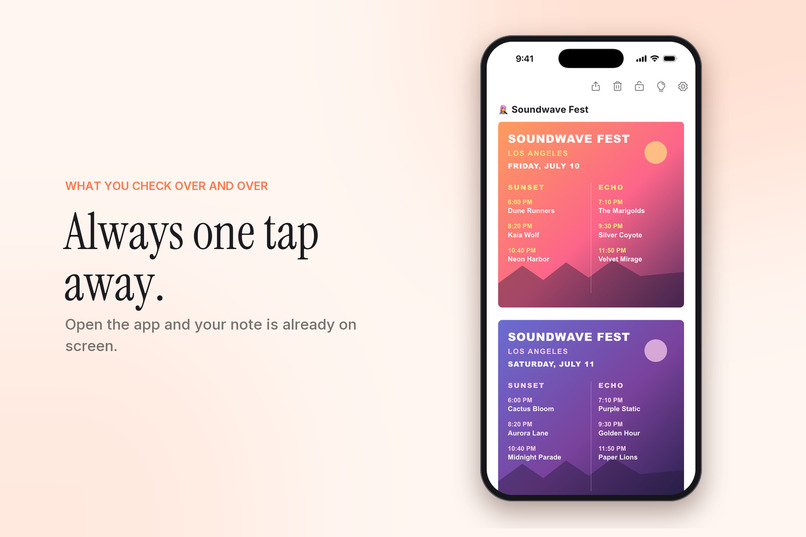
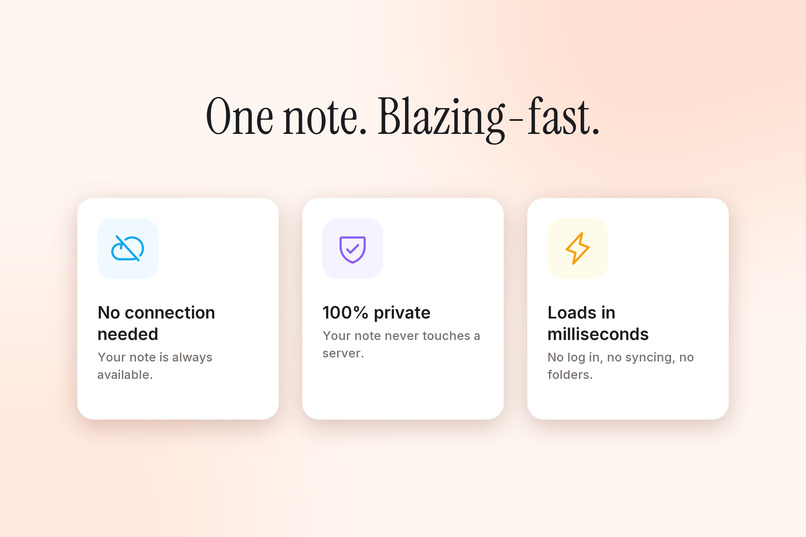
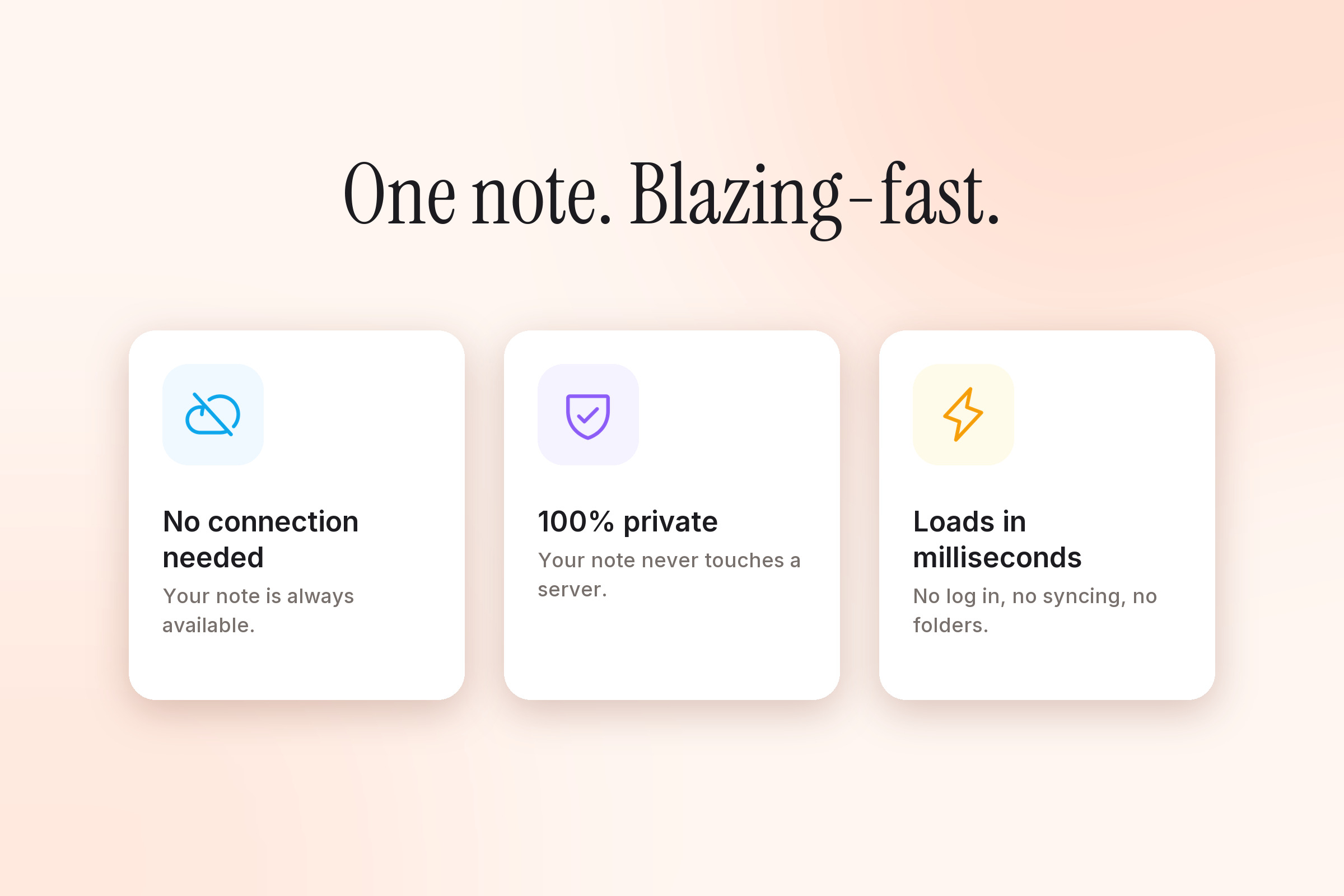
You open the app and the note is already open, ready to read or edit. There are no folders, no accounts and no sync. The note never leaves your device, which has two clear advantages: it works without a connection, even in airplane mode, and it's completely private, because there's no server to upload it to.
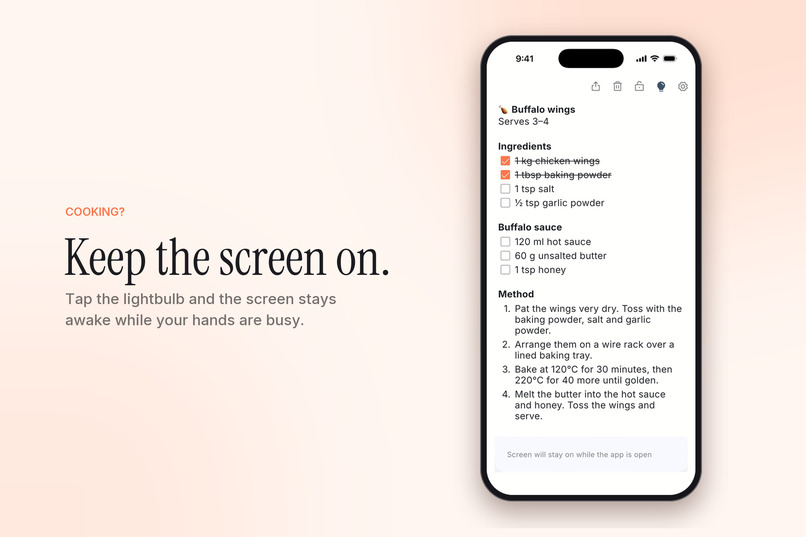
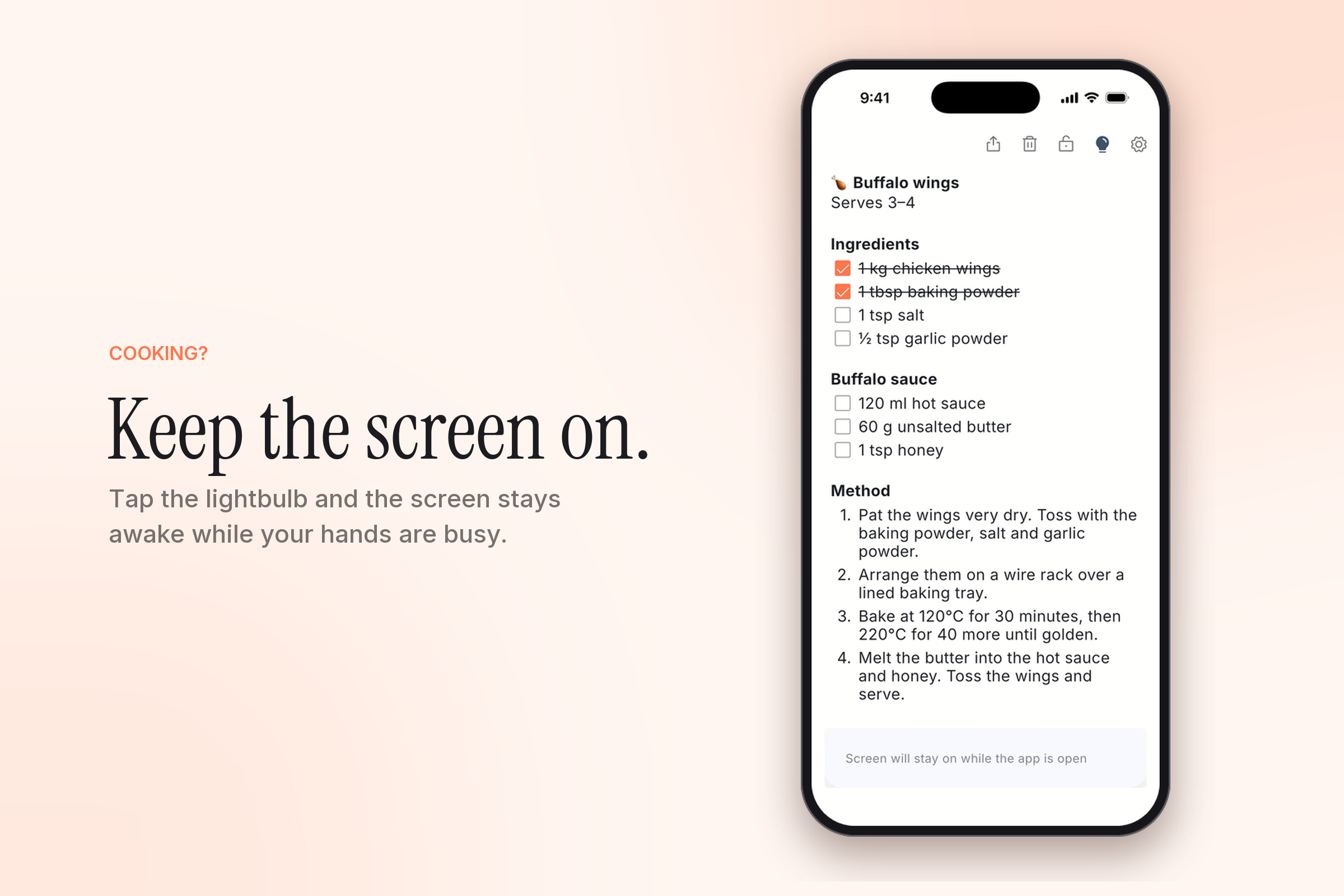
While we were building it, my partner Guido said he was tired of his phone locking while he followed a recipe. So we added a lightbulb button: tap it and the screen stays on while the app is open. It turned out to be just as useful for assembly instructions.
Getting things into the note is easy. You can type, add photos, or share text and images into Singlenote from any other app.
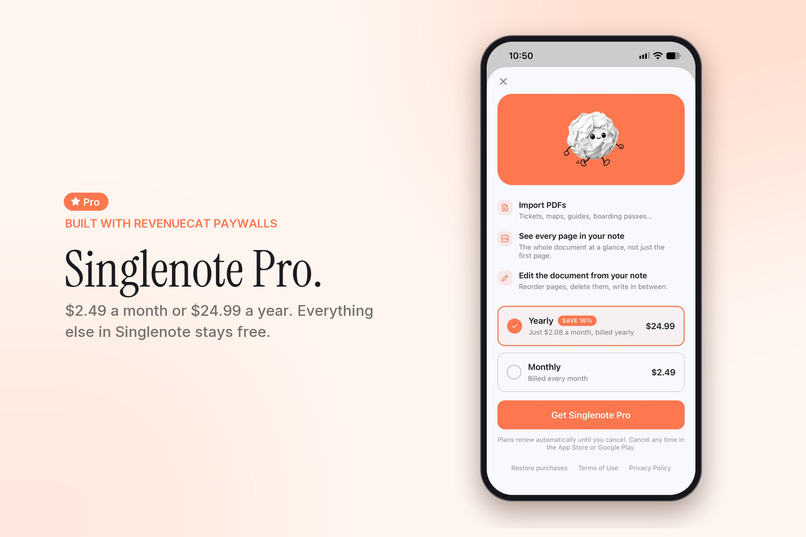
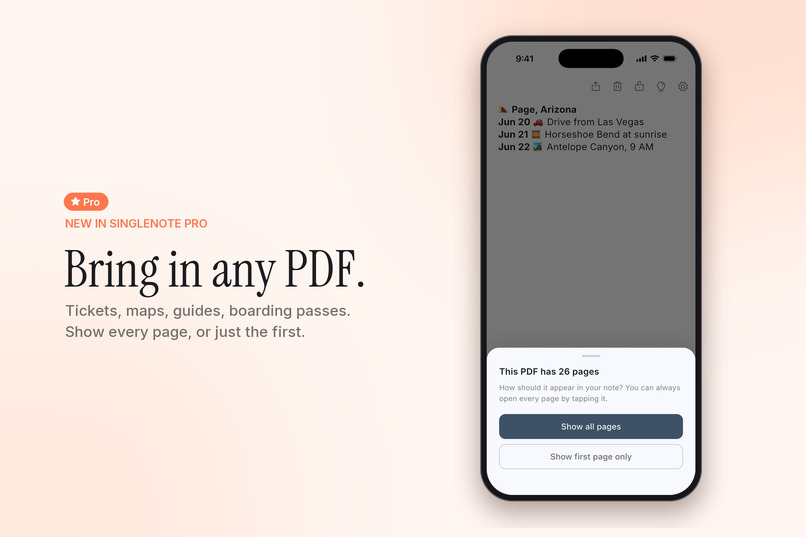
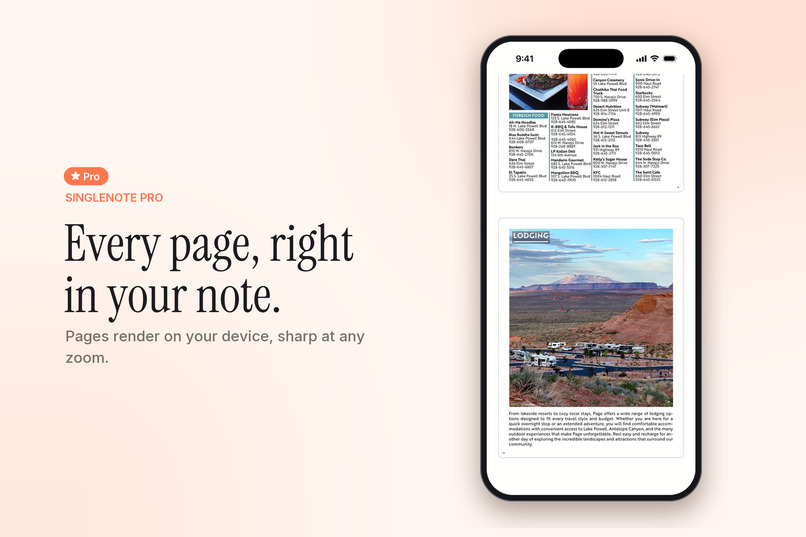
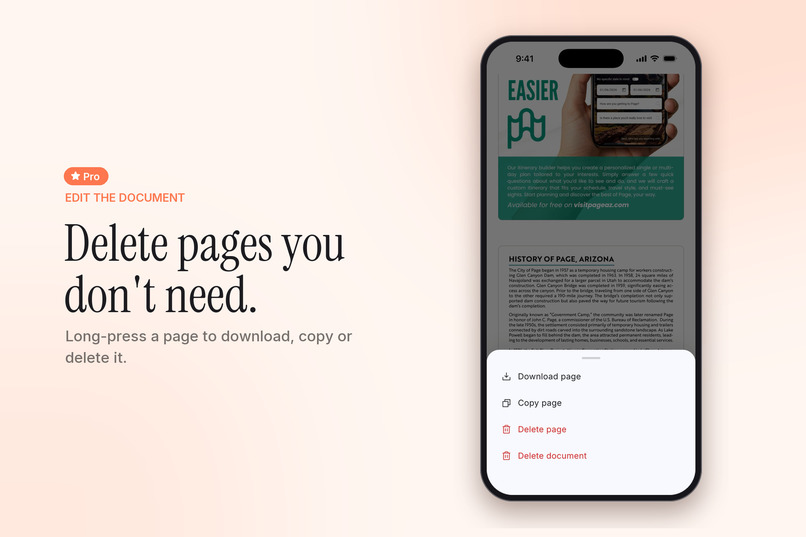
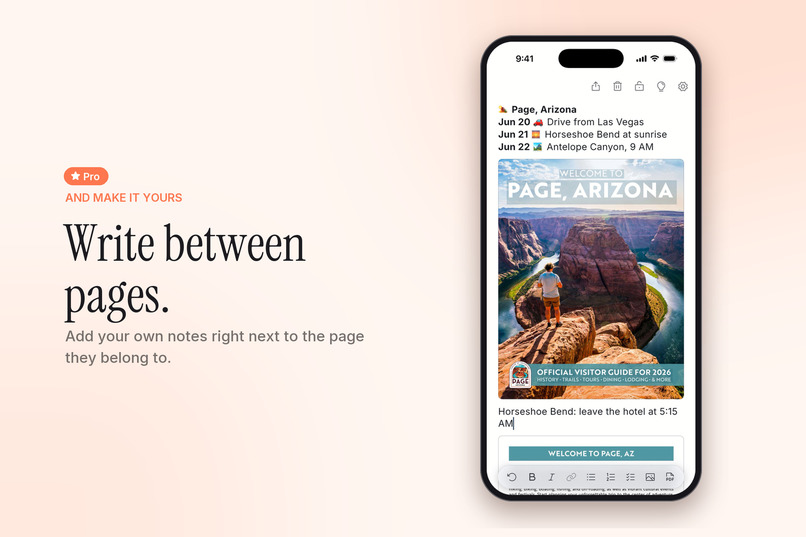
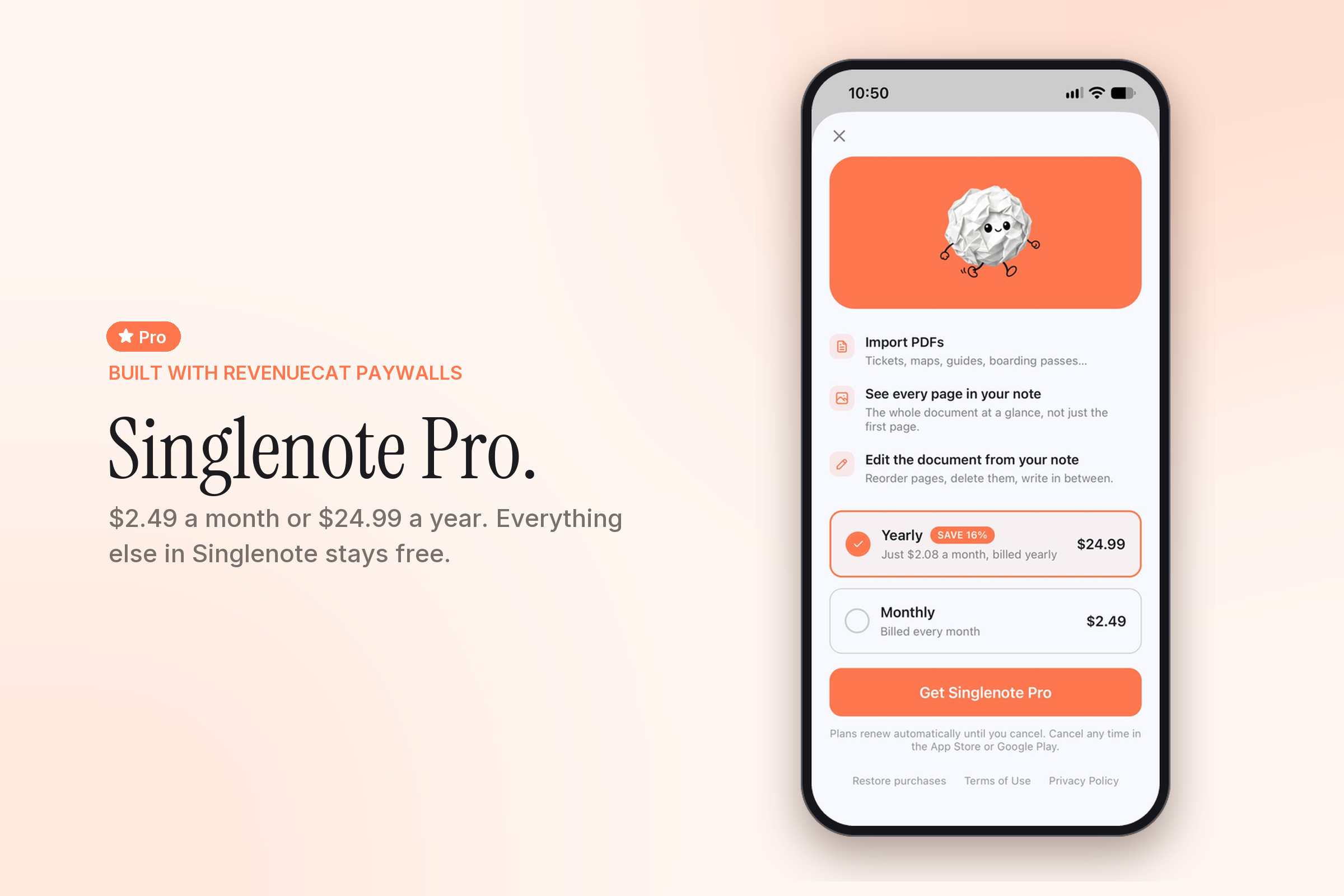
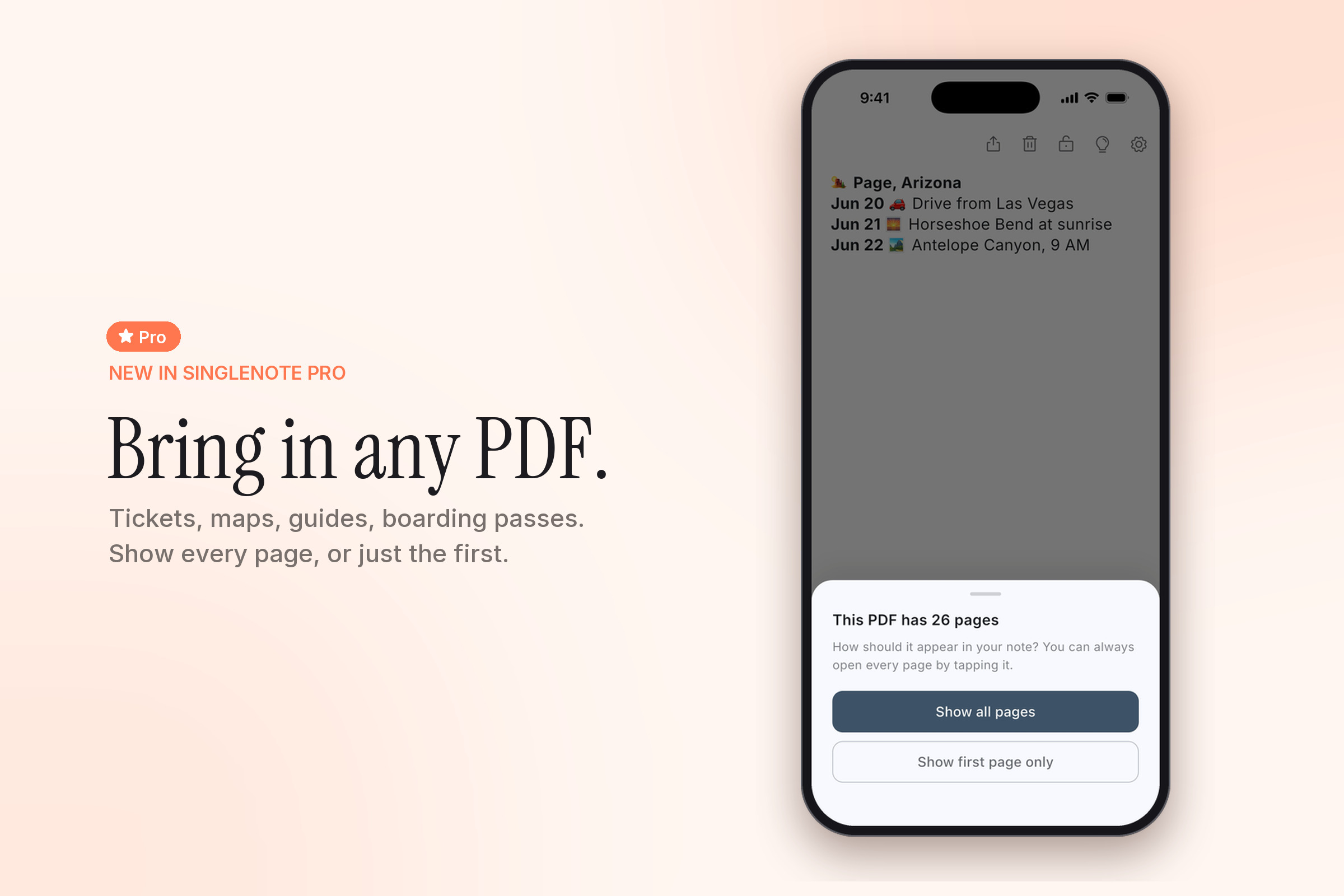
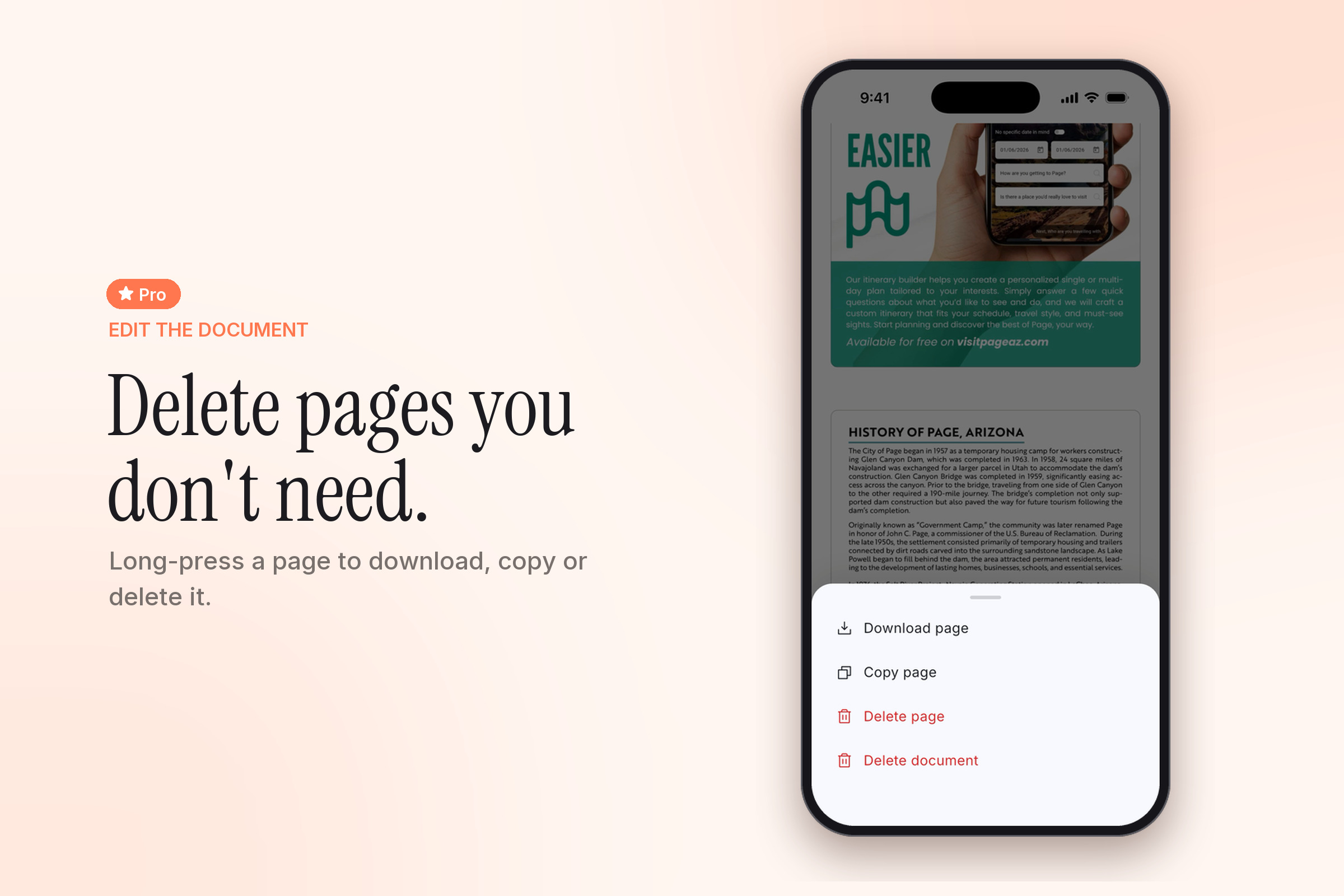
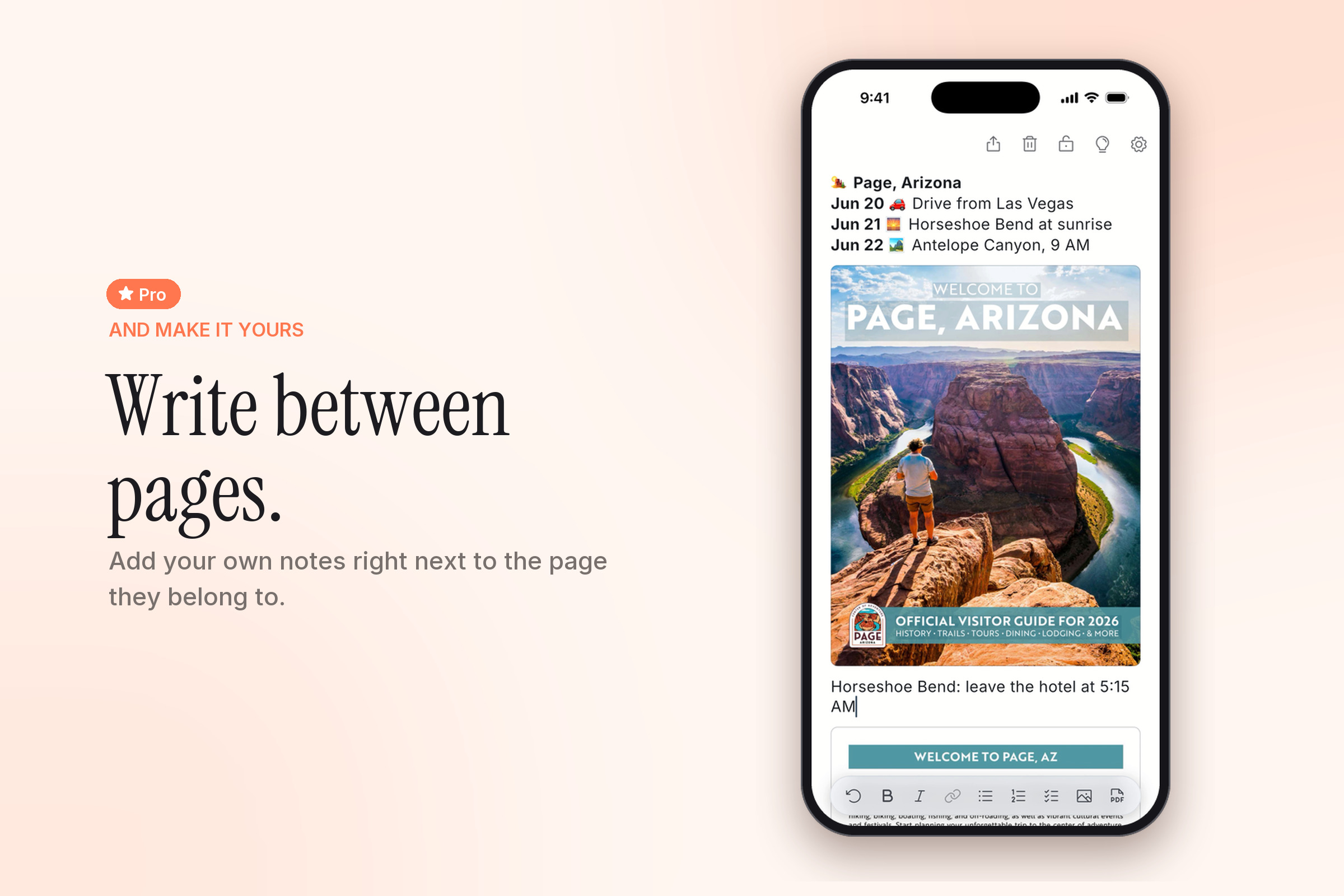
For Shipaton we added Singlenote Pro, a subscription ($2.49 a month or $24.99 a year) that brings PDFs into the note: boarding passes, tickets, maps, guides. You can show every page or just the first one, reorder pages, delete them, and write between them.
How we built it
Singlenote is a Flutter app with a rich text editor built on flutter_quill.
- Native share sheets. On iOS the share sheet is a Share Extension written in Swift and SwiftUI, with no Flutter engine inside. On Android it's a native activity. Both write straight into the note file the app reads (through an App Group on iOS), with the same rules for adding to the note or replacing it.
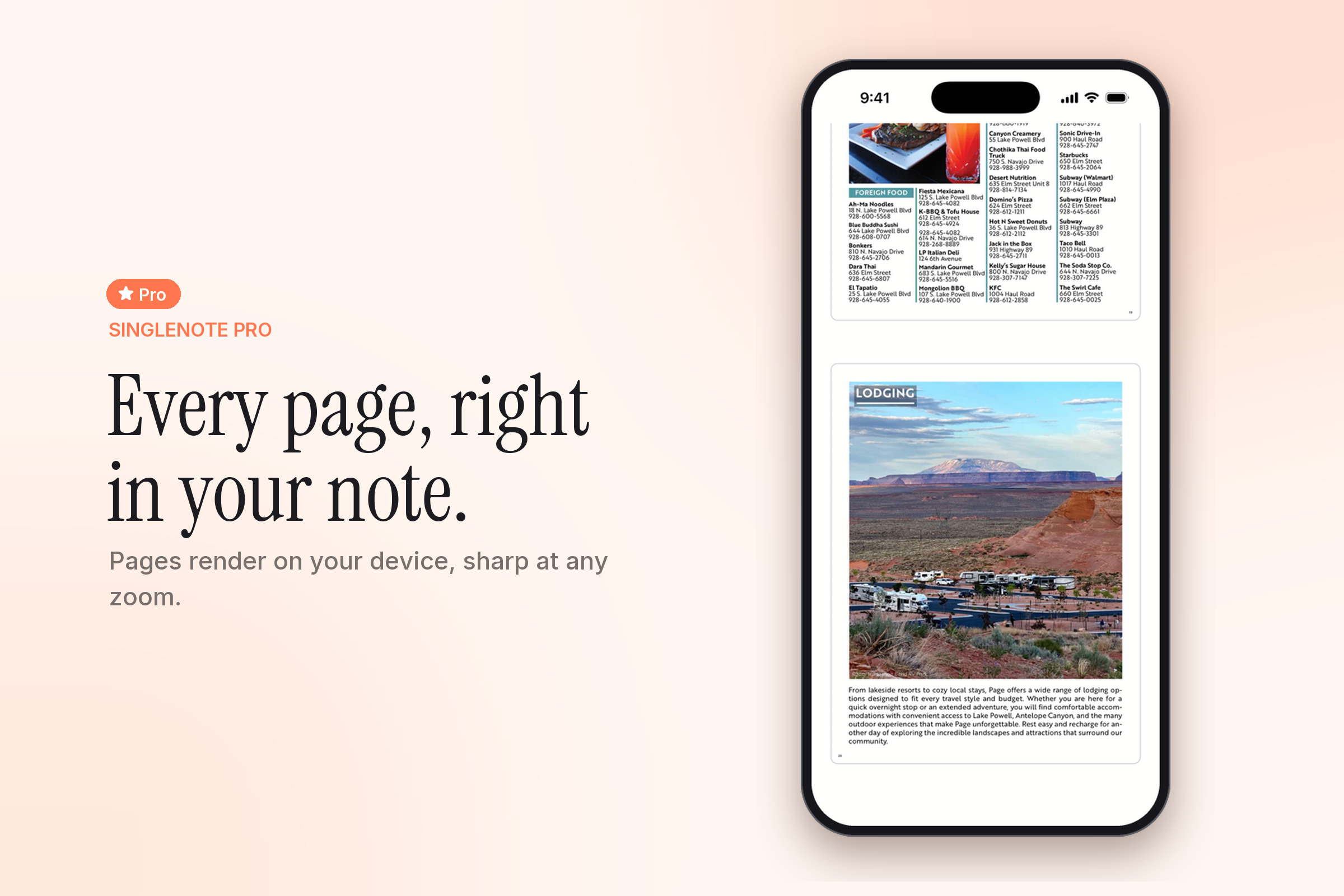
- PDFs as pages, not a new format. Each page is rendered by the platform's own PDF support (PdfRenderer on Android, CoreGraphics on iOS) into an ordinary image in the note, with the original file kept untouched beside it. The note is the source of truth: delete a page and it's gone from the document too. Zooming re-renders the visible area at screen resolution instead of stretching pixels.
- RevenueCat for purchases. One entitlement,
singlenote_pro. The paywall is a RevenueCat Paywall designed in the dashboard, so copy and prices can change without a release, and it follows the app's own language setting in six languages. Subscribers manage their plan in RevenueCat's Customer Center. The app caches the last known Pro status, so a paying user never sees a paywall flash at launch or offline. - A small download. We subset the fonts and ship only the icon glyphs we use, about 3.4 MB less.
Challenges we ran into
The hardest problem was also the most important one: the note is the user's only copy. It's local by design and deliberately excluded from OS backups, so a bug that loses it loses it for good. We found and fixed some scary ones:
- Autosave and the app going to the background could fire two saves at once. They shared one temp file, so a longer write overlapping a shorter one corrupted the note. Saves are now queued and written in order.
- Sharing into the app while it wasn't running left a flag behind that silently blocked every later save. Everything looked fine until the next launch reloaded the old note. It showed up as "a deleted photo keeps coming back".
- The share sheets now refuse to write when they can't read the existing note, instead of treating it as empty and overwriting it.
Other challenges:
- Monetizing a local-first app without holding data hostage. With a subscription, lapsing is the normal case, so we decided early that losing Pro never locks anything. PDFs already in the note stay viewable, downloadable and deletable. Only adding new ones needs Pro.
- Drag to reorder images took several attempts, because three separate bugs were stacked on top of each other, each one hiding the next.
- A full toolbar. It fits exactly nine buttons on a 390 pt screen, so the PDF button took underline's place. Underlined text still works, it just lost its button.
Accomplishments that we're proud of
- An app that opens straight into your content. No sign-up, no folders, no sync between you and the note.
- PDF support with no PDF engine. Leaning on the platform's own rendering saved about 5 MB, and every image feature, from drag-to-reorder to sharing, worked on PDF pages from day one.
- A safety net built from real notes. Every release keeps a fixture: a note written by that release's own code. Every new build has to open all of them unchanged, survive going to the background, and relaunch intact.
- A paywall that respects the user. Subscriptions unlock new PDFs, and nothing already in the note is ever locked behind them.
- A share extension with no Flutter inside. Sharing into Singlenote is instant because it's plain Swift and SwiftUI, writing straight into the note.
What we learned
- A tiny scope is a feature. Every time we were tempted to add folders or sync, the answer was no, and the app is better for it.
- Local-first raises the bar on data safety. Without a copy on a server, "it works on my phone" isn't enough. You need tests built from real notes written by real releases.
- Leaning on the platform pays off. Native PDF rendering and native share sheets kept the app small and fast.
- RevenueCat gave us a paywall we can change remotely and full subscription management without building either ourselves, and it keeps pricing out of our release cycle.
What's next for Singlenote
- Singlenote Pro on Android. The Android app and its PDF support are built. Next is launching on Google Play with the same subscription.
- More Pro features. PDFs are the first. Among the ideas on our list are a home screen widget and search.
- Keeping it one note. Whatever we add has to pass the same test as everything else: does it make the one note faster to reach?
Built With
- android
- app-groups
- cocoapods
- coregraphics
- dart
- fastlane
- flutter
- flutter-quill
- ios
- kotlin
- next.js
- pdfrenderer
- postgresql
- react
- revenuecat
- revenuecat-paywalls
- share-extension
- storekit
- supabase
- swift
- swiftui
- typescript
- xcode

Log in or sign up for Devpost to join the conversation.