-
-
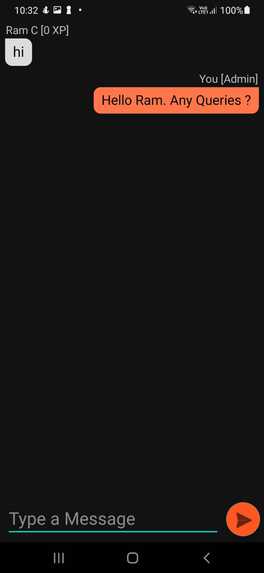
Oompa loompa Forum
-

Splash screen
-
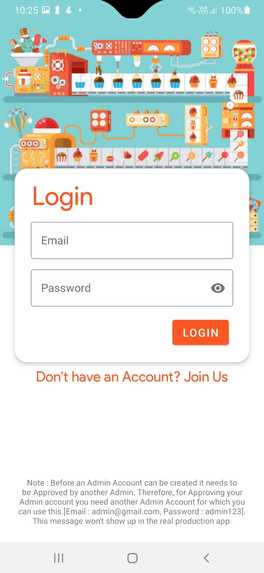
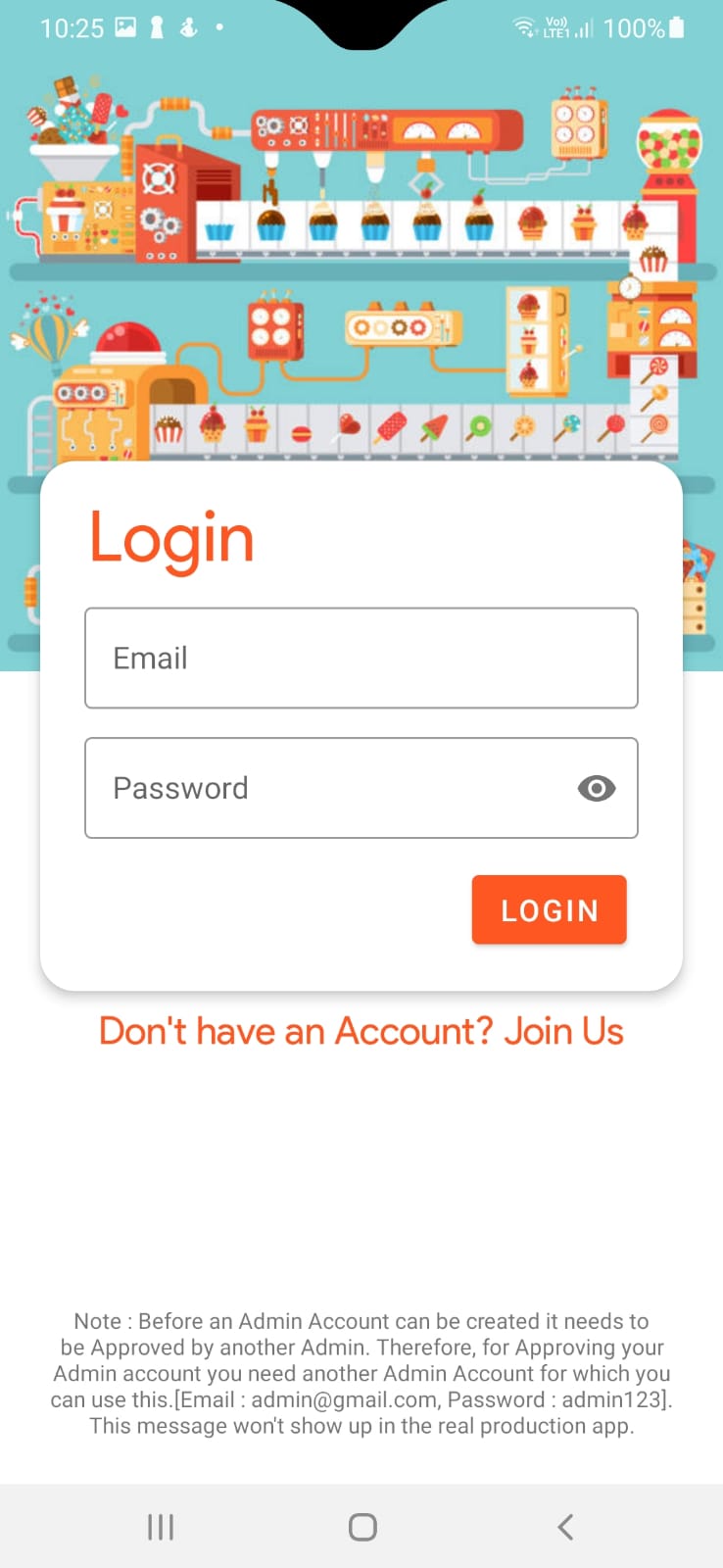
Log in Screen
-
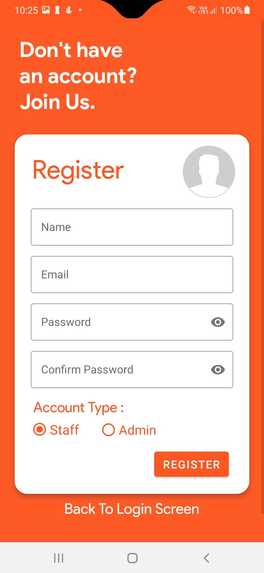
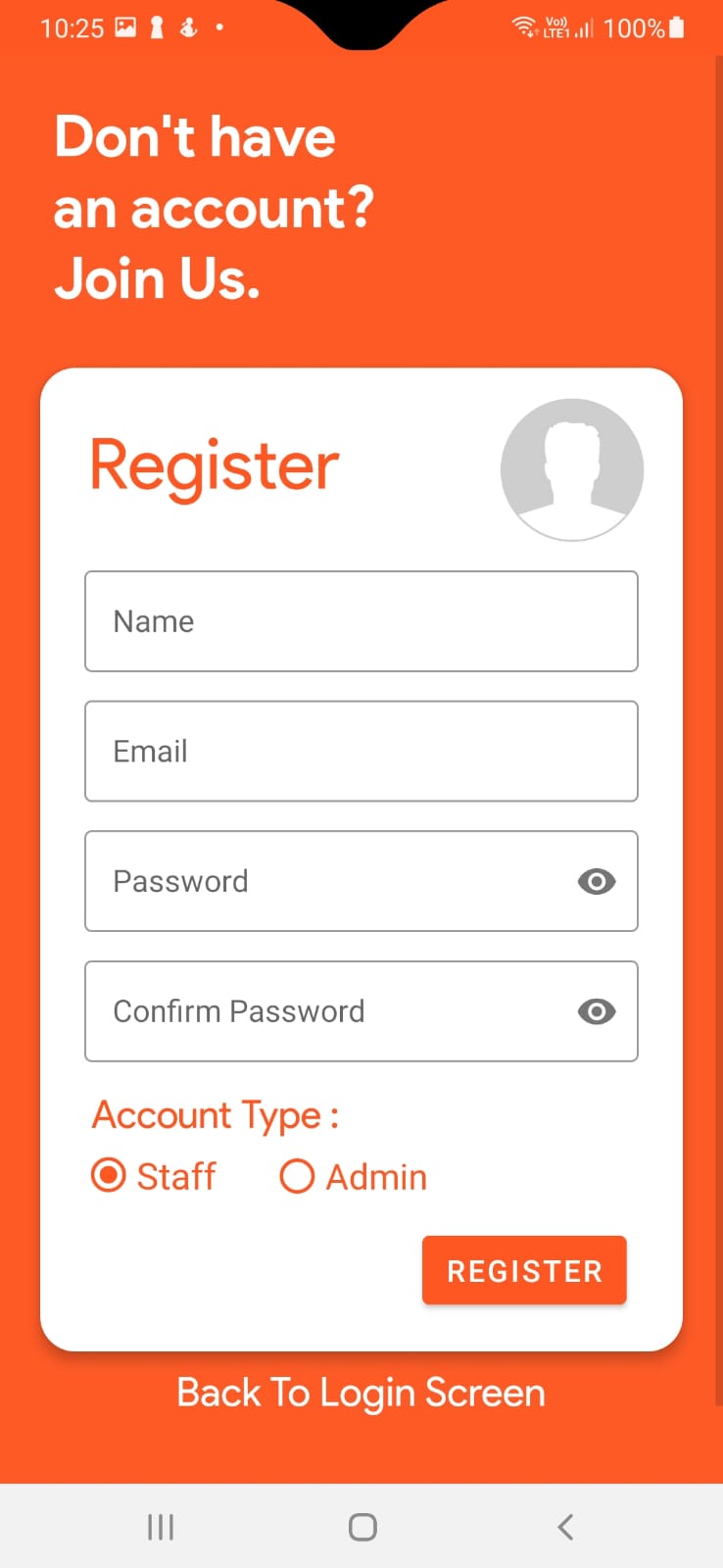
Registration screen for admin and staff
-
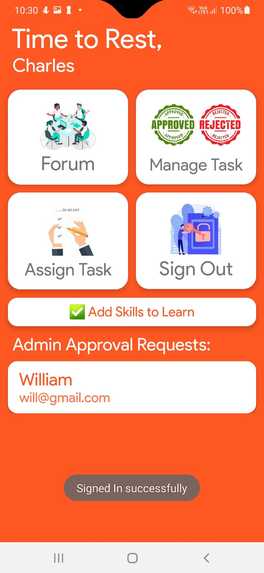
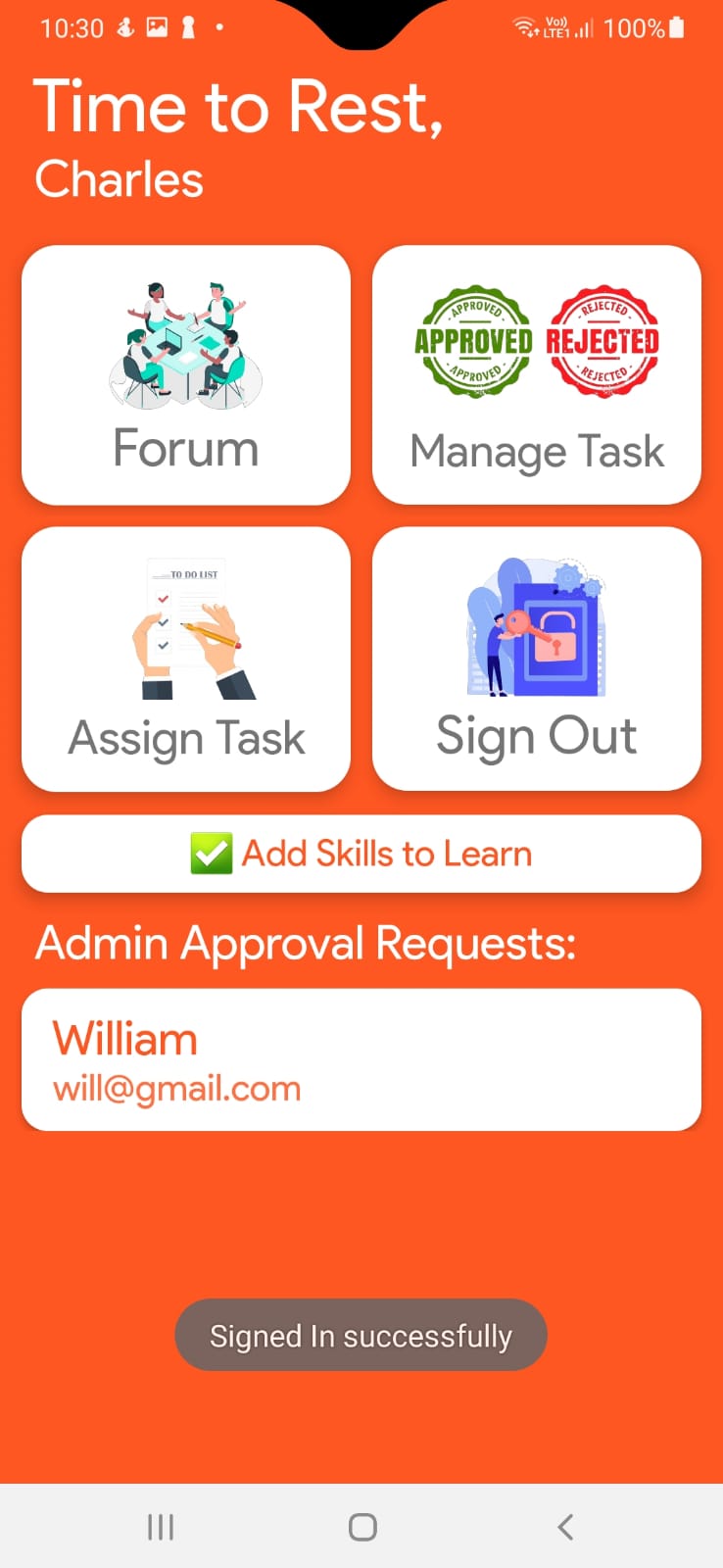
Admin Dashboard
-
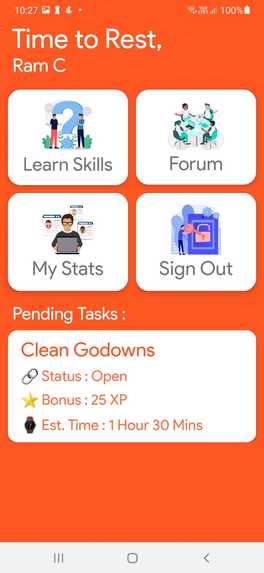
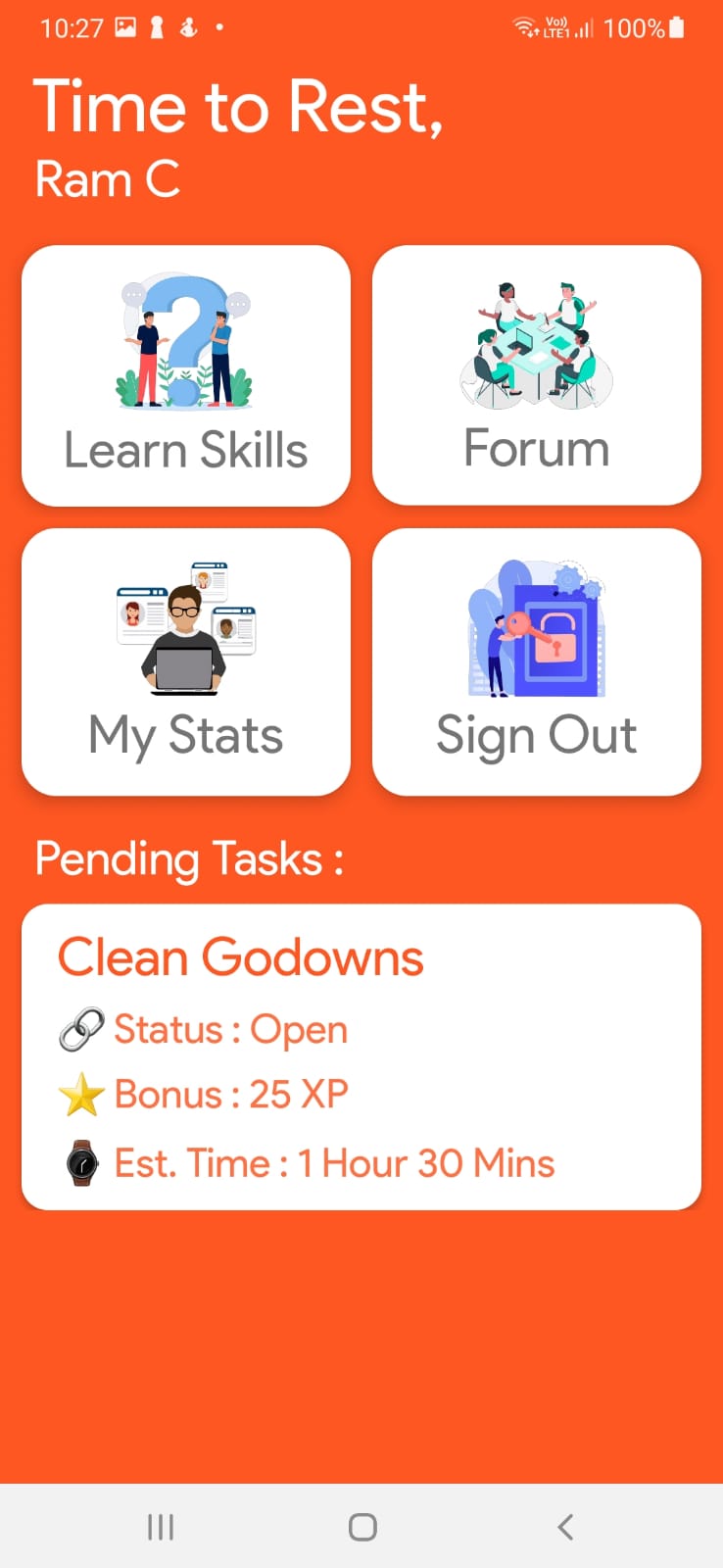
Staff Dashboard Screen
-
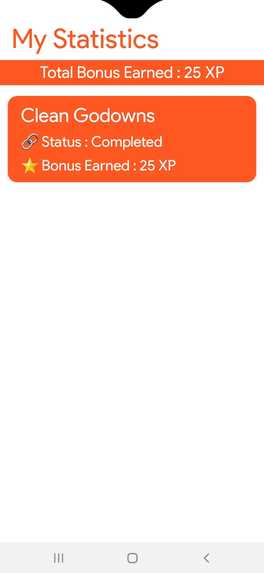
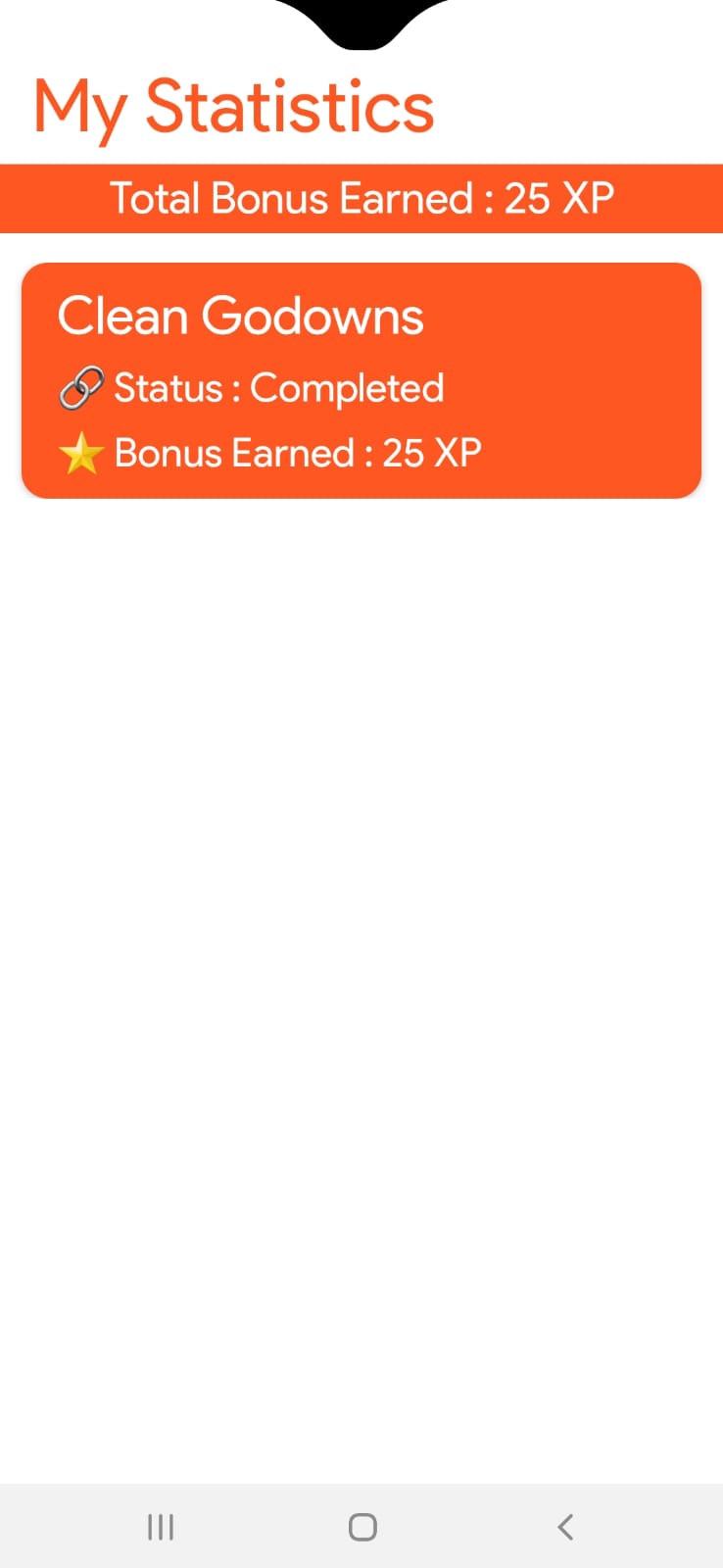
Staff My Stats Screen
-
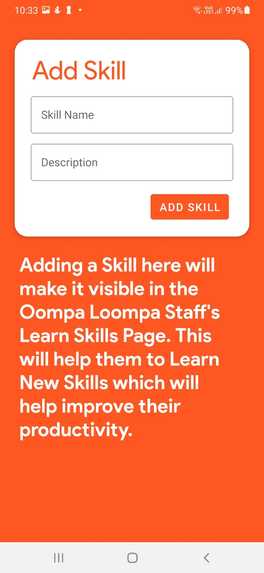
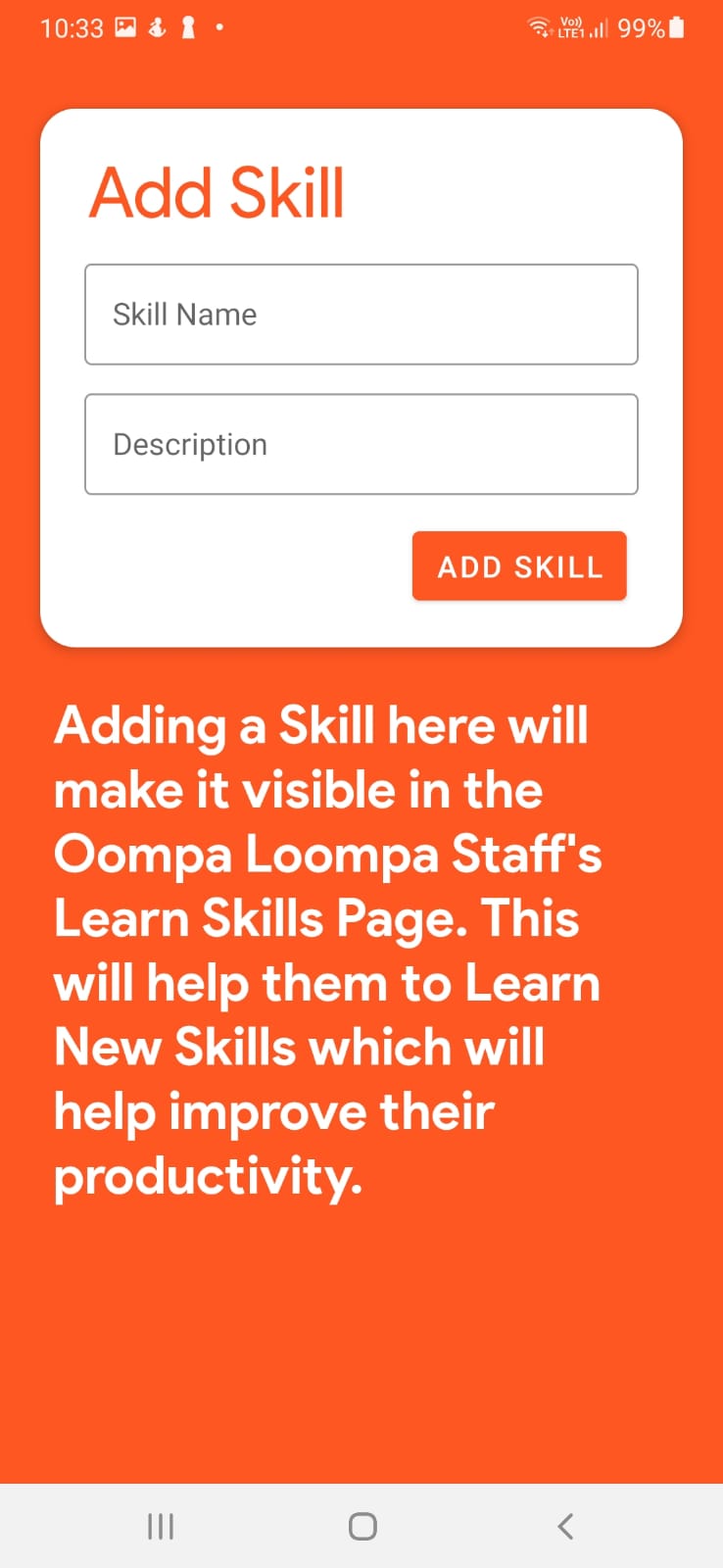
Admin Add Skill Screen
-
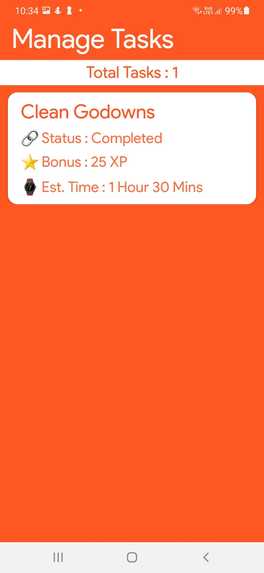
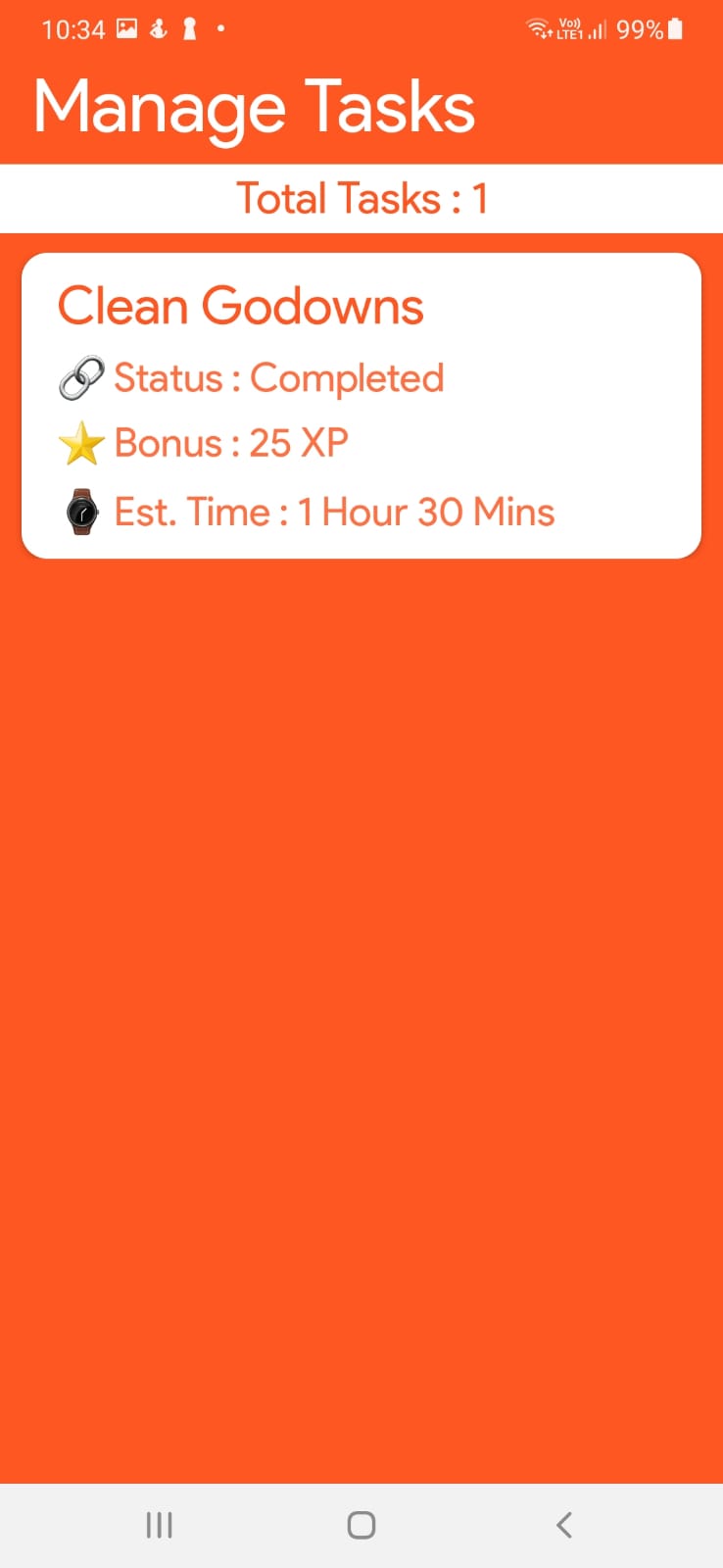
Admin Manage Task Screen
-
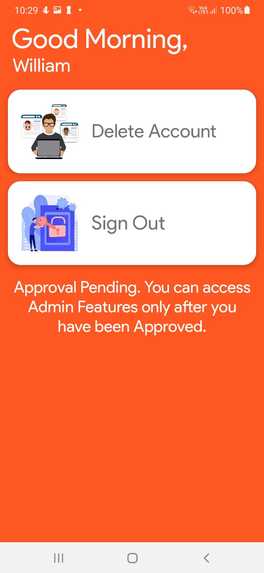
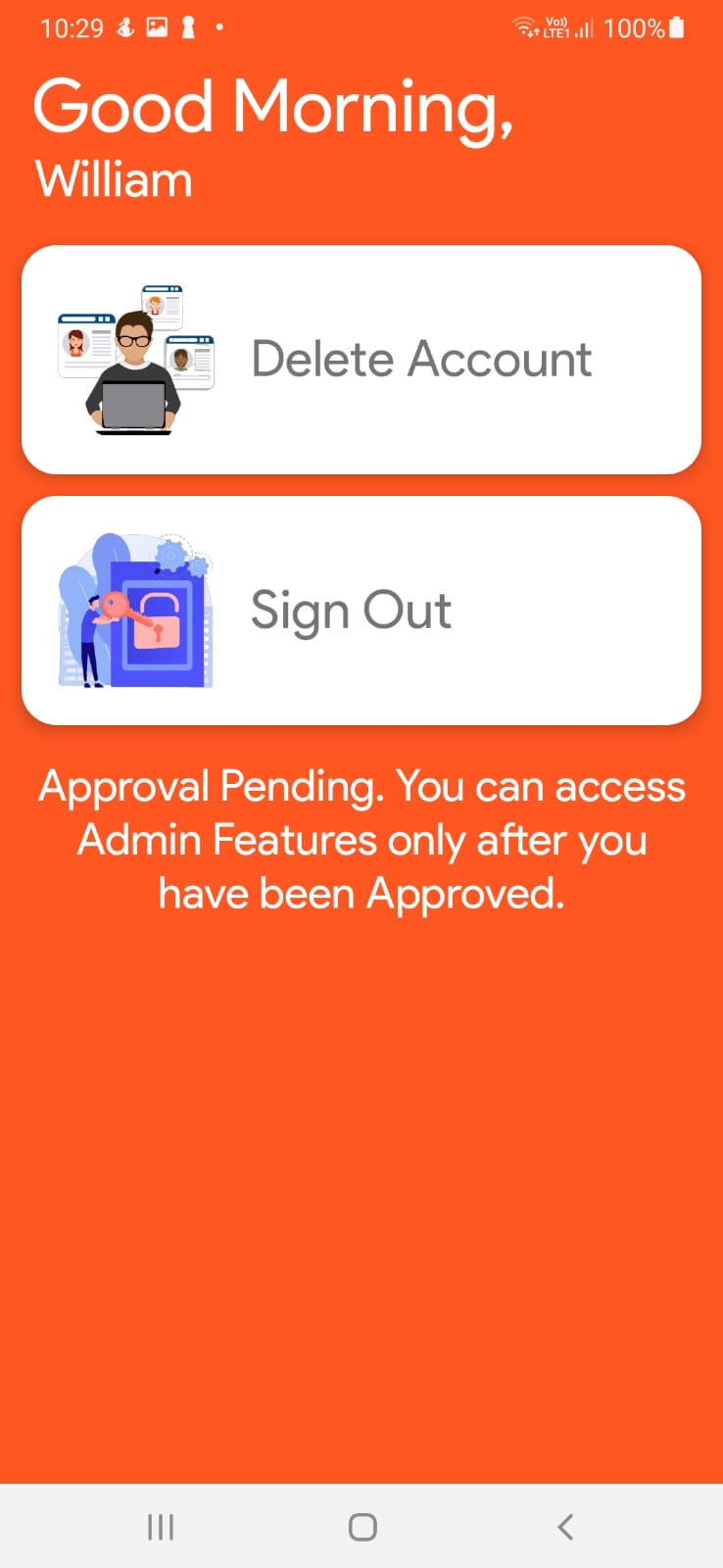
Admin Approval verification Pending Screen
-
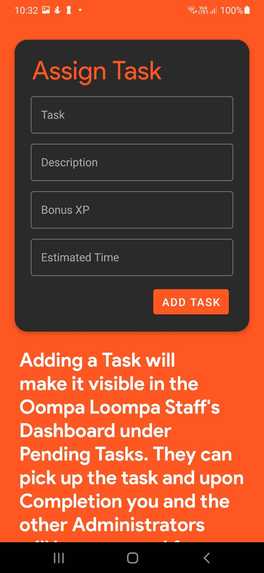
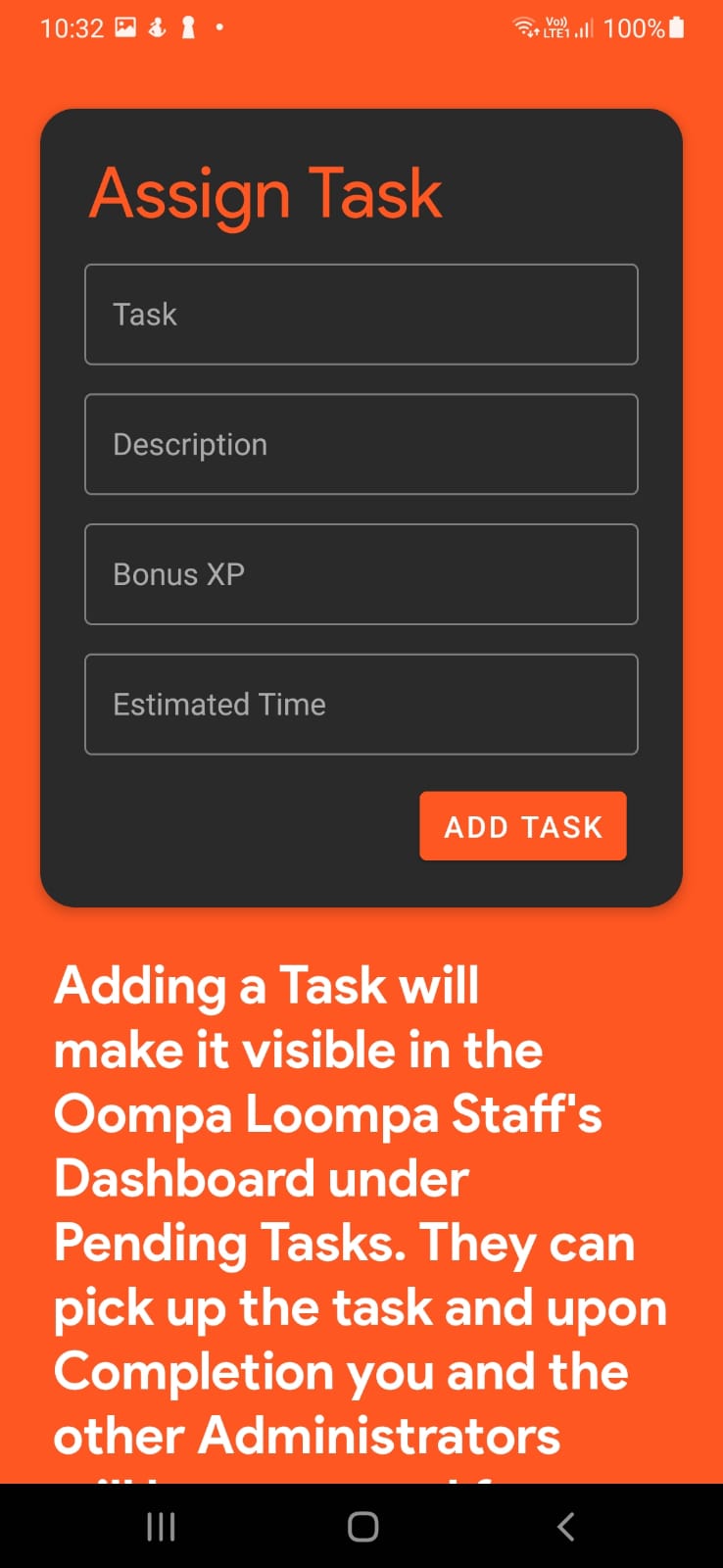
Admin Assign Task Screen
-
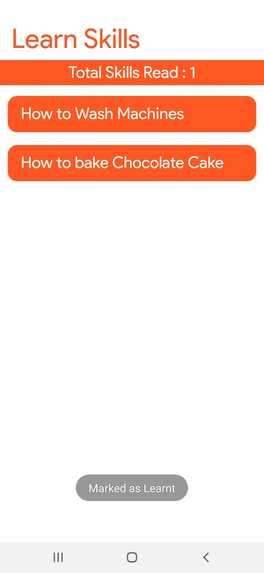
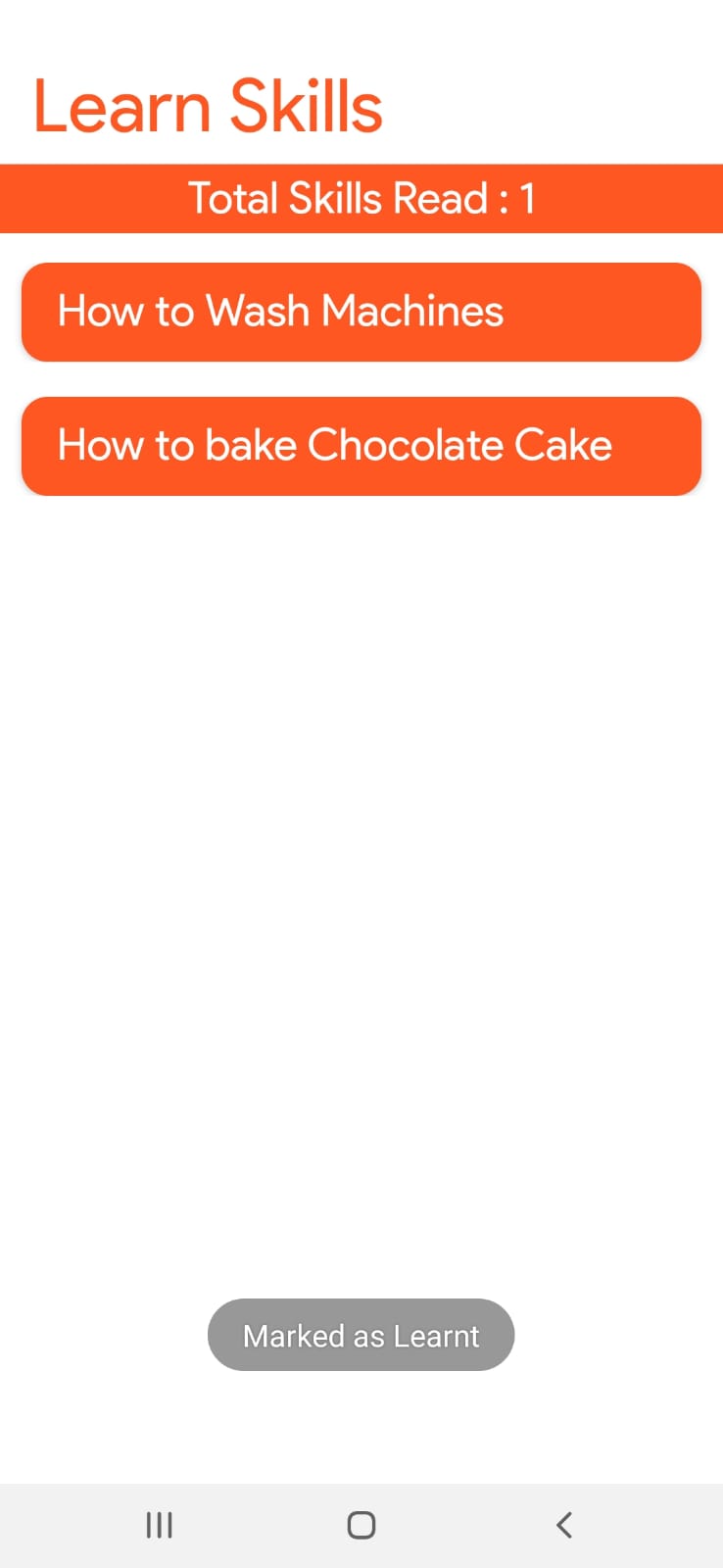
Staff Learn Skills Screen
-
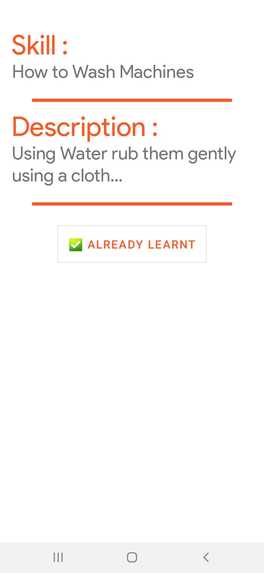
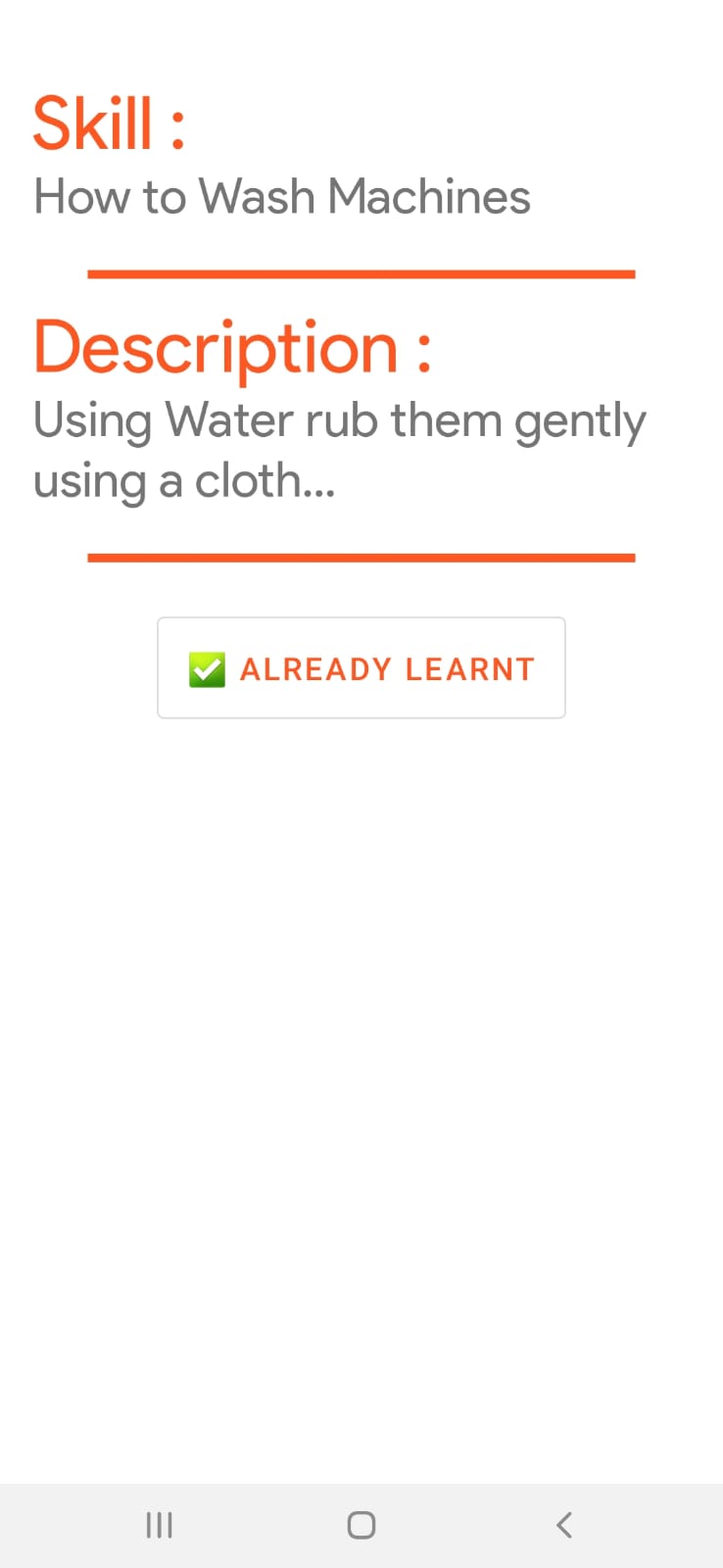
Staff-Skill-Details-Screen
-
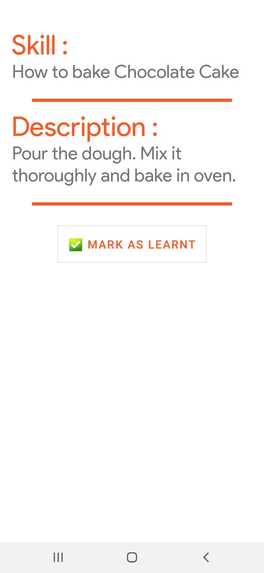
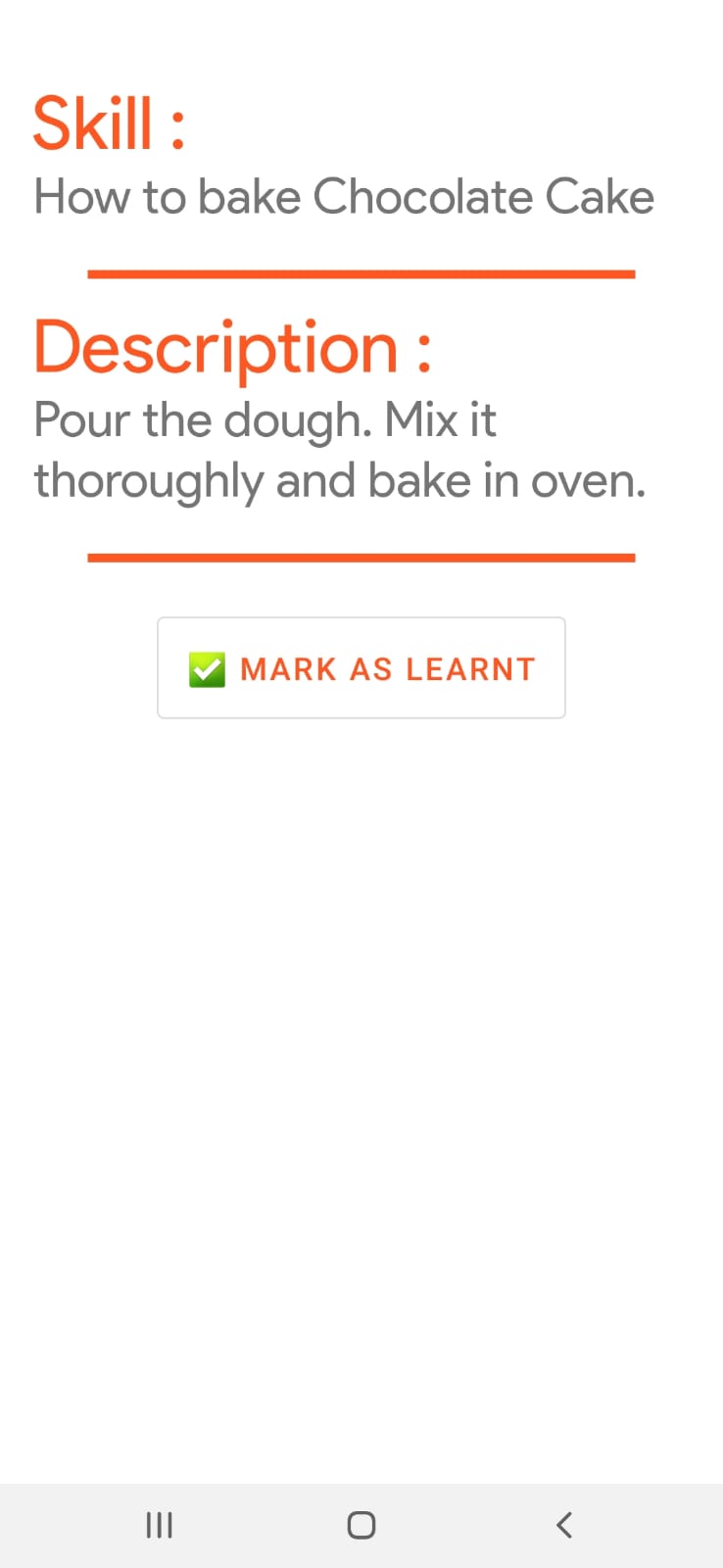
Staff-Skill-Details-Yet-to-be-learnt-Screen

Inspiration
I am inspired by technologies being used by business management B2B applications, CRM applications, that are essential for lead conversion and also the forum technologies like slack which links all the employees together.
What it does
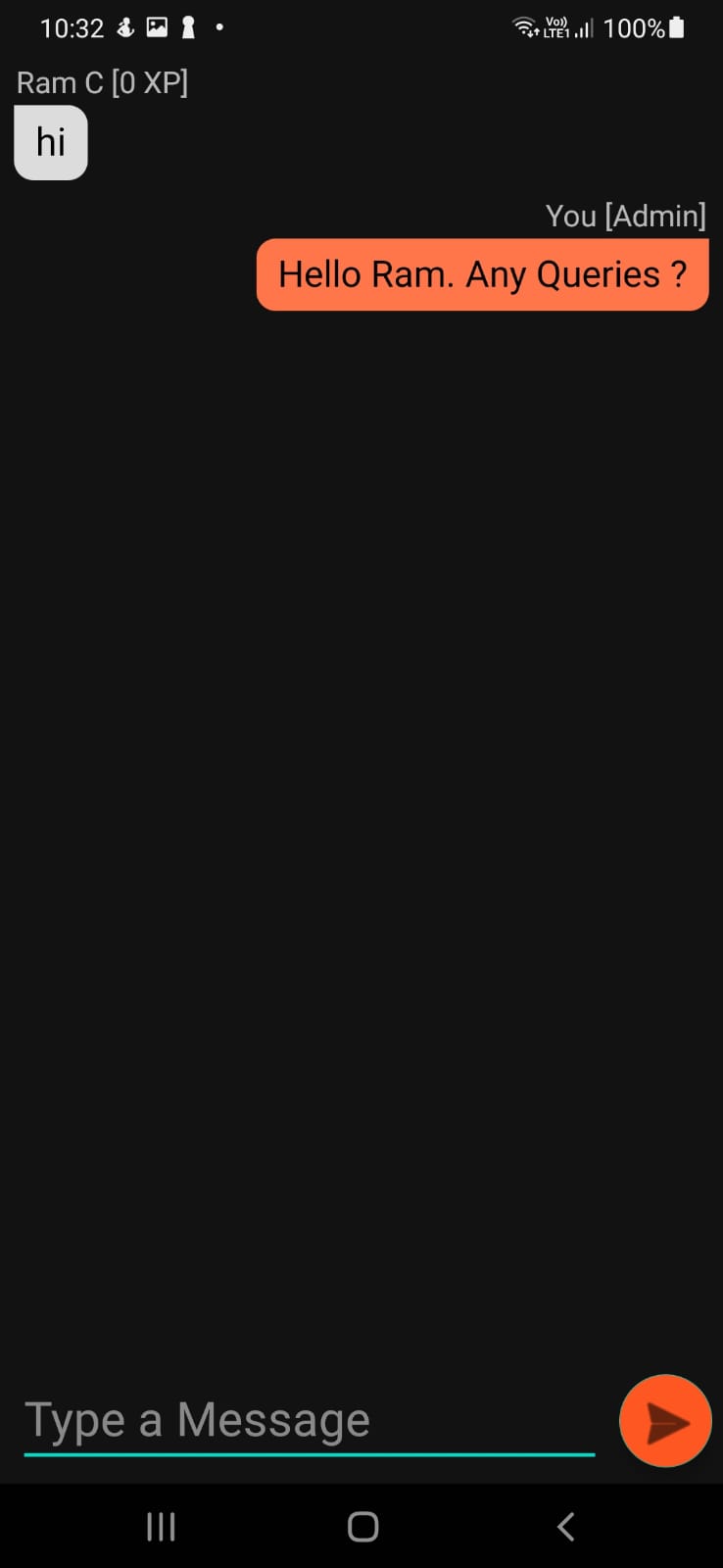
Simplyfi is a B2B application that simplifies the work of the people in factories and thereby improves productivity significantly. The idea is to have a one or more Admins registered with their respective administrator accounts and add/assign tasks for its staffs/workers and manage work, expenses, etc. The app also comes with Learn Skills feature which the Oompa Loompas can use to Learn New Skills which are certainly required in the gigantic Chocolate Factory and it also supports Oompa Loompa Bonuses, Q/A Forums, Accepting and Submitting Tasks, Task Status, and many more. This is just a small introduction. Even though the new owner - Pushpaganda is not caring enough for her new factory, it will still be perfectly managed in the hands of 'Simplyfi'.
How we built it
The plan was to develop an Android Application for increasing Productivity in the Chocolate Factory. So, I'm going to be developing a dynamic interface depending upon the logged in user (Administrator/Staff). The Admin will have priveleges for assigning work, answering queries in the common forum, approving completed tasks, etc. The Staff (Oompa Loompas) Interface will have options to complete assigned tasks, Learn New Skills, Use the common forum to Ask/Answer Queries and so on. Therefore, I shall use the below technology stack for the implementing the app:
*Framework used *: Android Studio (Chose this as it is currently the only way to develop Native Android Applications)
Programming Language : Chose Kotlin as the programming language as it is much faster and efficient as compared to Java and it is also preferred by many experts and is also supported by Google. Moreover, Java is seriously old and is much more of a low-level language as compared to Kotlin.
Authentication, Database and Storage API : I'm using Firebase for my application's Email Authentication and also for the Database and Storage as the basic plan is free and fast enough. I've secured the app with SHA-1 and SHA-256 Fingerprints with Firebase so it cannot be easily infiltrated.
Libraries Used : Using Material Design Library with Material UI elements as it enhances the UI and enriches it significantly. Apart from a few Third Party Libraries like the Tapadoo Alerter for alerts in the UI, CircularImageViews for the Profile Photo, and Picasso for Image caching are used. Most of the Libraries are taken from MavenCentral's, and Google's Repositories. I'm not using JCenter as it may shut down any time soon.
With all of these put together I am pretty confident that the app will be stable and run without any issues.
Challenges we ran into
Delivering the simplify app on time, Identifying the workflow of the application in a short time against the requirement given for the simplify app, Securing the app to database witth the help of SHA1 fingler print, JSON file modification
Accomplishments that we're proud of
Successfully integrated various roles (admin, staff) of the Simplyfi app to the backend and each other. Delivering app on time by meeting the acceptance criteria given as part of the Simplyfi app
What we learned
Gained more experience for developing app with real world business requirement standards
What's next for Simplyfi
Enhancing the Simplyfi app with much more features – CRUD operation on task and skills, setting deadline for tasks and skills, Expense management features, more visibility for the admin to view ongoing and pending tasks. Enhancing Forum experience by adding more features to it
Built With
- android
- android-studio
- firebase
- firebase-db
- group-adapter
- kotlin
- picasso-image-caching-library
- tapadoo-alerter
