-
-
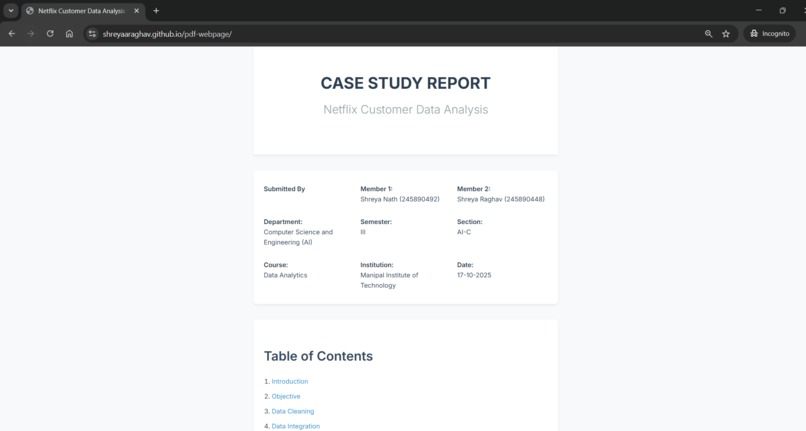
Website made(i)
-
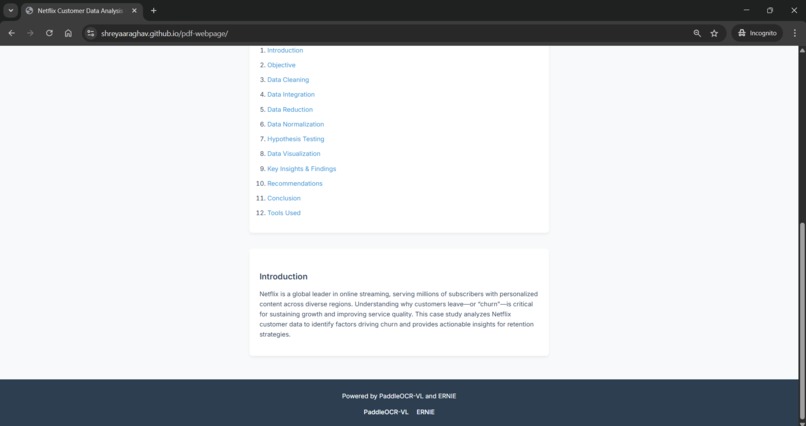
website made(ii)
Where The Idea Came From
Many people do not have access to their own reading skills and rely on someone to help them read. This is true for people living in rural communities, the elderly, or people working jobs where they are only partly literate. The common thread is that they are all excluded from reading because of complicated text. I wanted to create a tool that would eliminate that barrier in an easy, reliable way.
How I Created This Tool
The process of creating Simplify Me required putting together several layers of AI:
1. Document Upload
Any type of document can be uploaded, including:
- PDFs
- Photos of handwritten text
- Screenshots
- Completed applications
2. Optical Character Recognition (OCR)
To extract the text from PDFs or images, I used Tesseract and Google Vision API.
3. Text Cleaning and Pre-Processing
After extracting the original text, the next step was to clean it up:
- Remove noise
- Reformat paragraphs
- Organize data in tables when possible
- Correct OCR errors
4. AI Simplification Model
The AI model used to simplify text is a fine-tuned transformer-based model (e.g., T5, BART, GPT) that rewrites documents as follows:
[ \text{Simplified Version} = \text{AI}(\text{Original Text}, \text{Target Reading Level}) ]
The target reading level is 2nd–4th grade, ensuring clarity for the intended audience.
5. Format
The final output is displayed in a neat and organized way, with optional features like:
- Text-to-Speech
- Translation into Other Languages
- Visual Explanations for Specialized Vocabulary
What I Learned
- How to integrate Optical Character Recognition (OCR) with Natural Language Processing (NLP) pipelines.
- How to use prompt engineering to control the reading level of NLP outputs.
- How to work with noisy real-world data, such as handwritten documents, incomplete applications, and low-quality images.

Log in or sign up for Devpost to join the conversation.