-
-
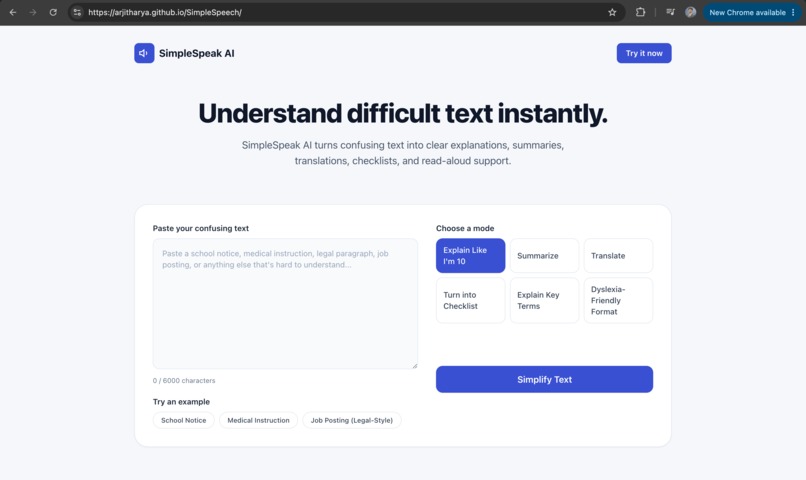
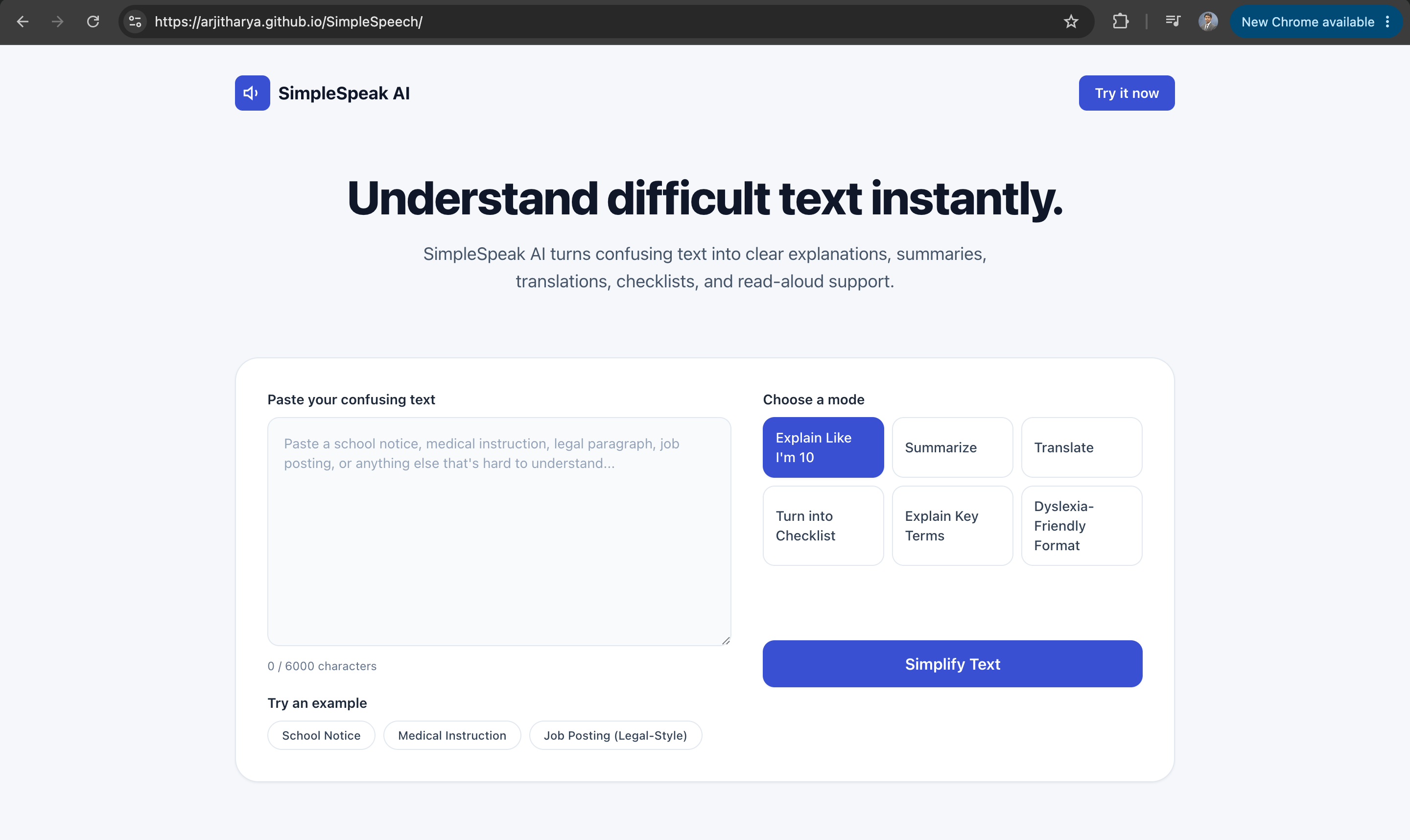
UI Laptop View
-
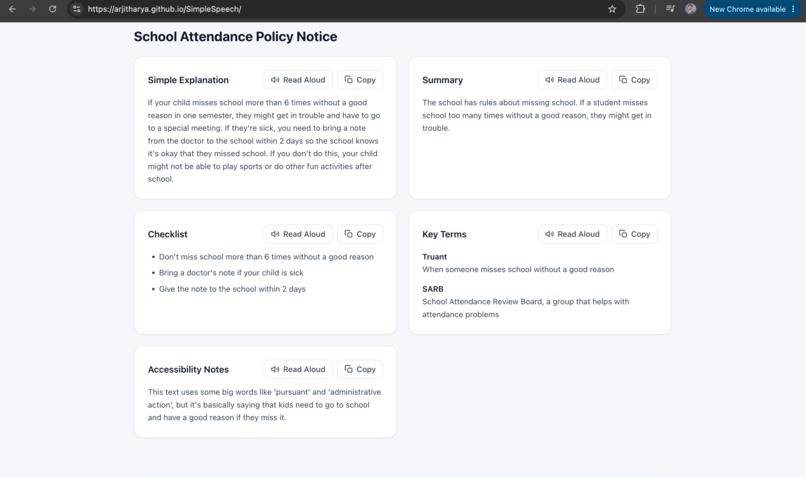
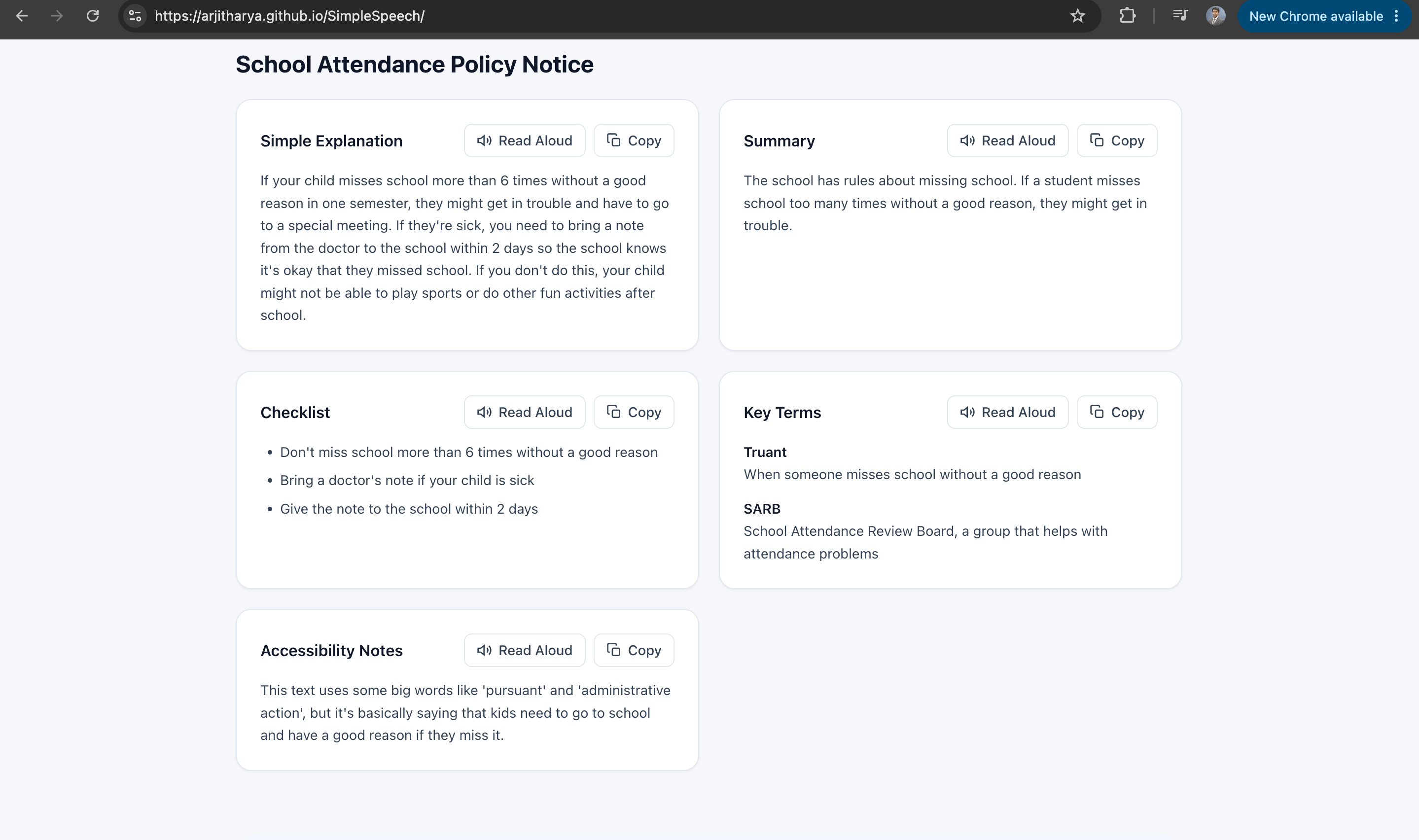
Result of SimpleSpeak (Easy to understand breakdown)
-
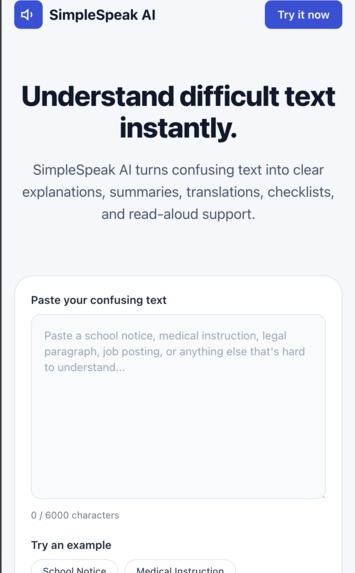
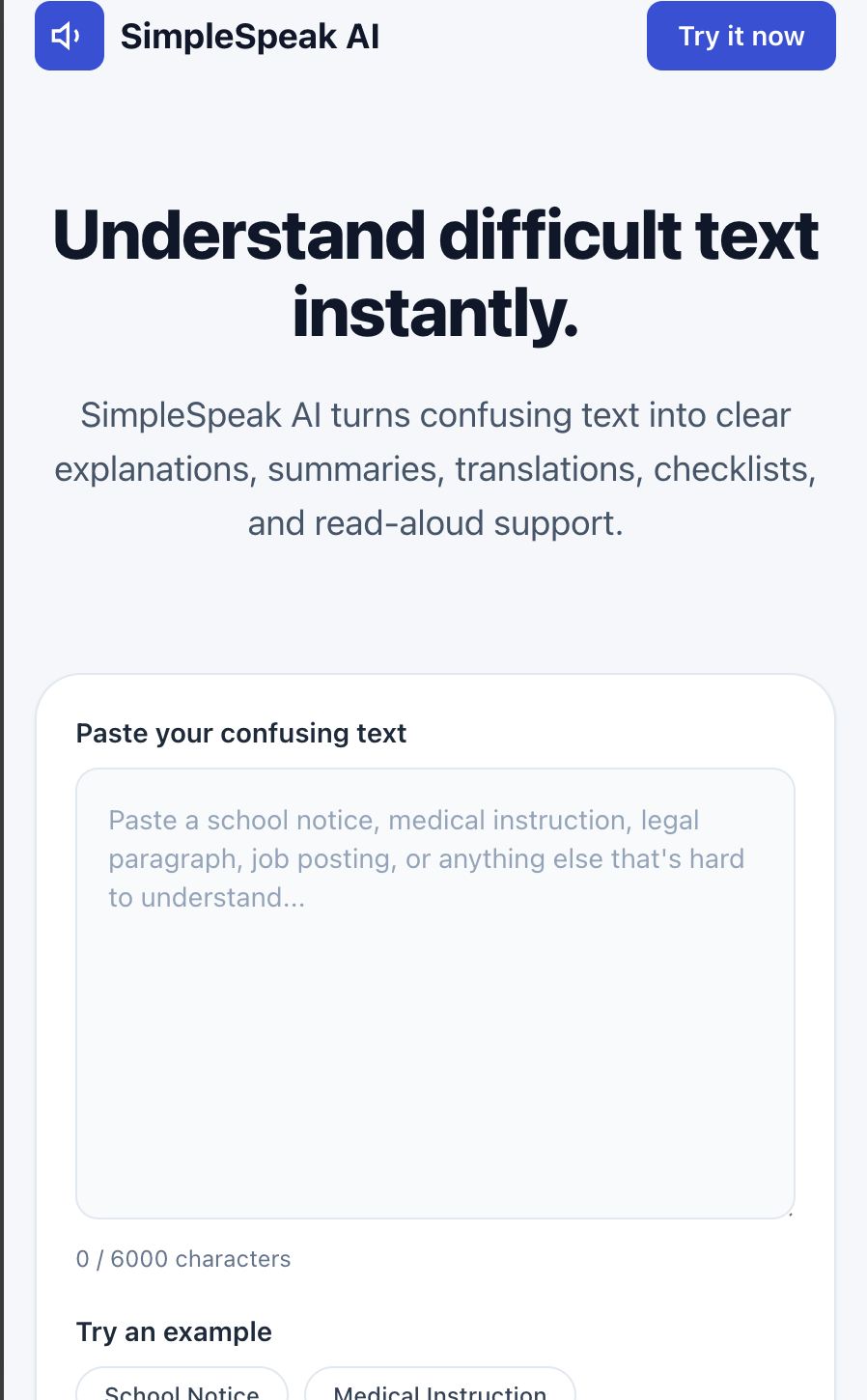
UI Iphone View
-
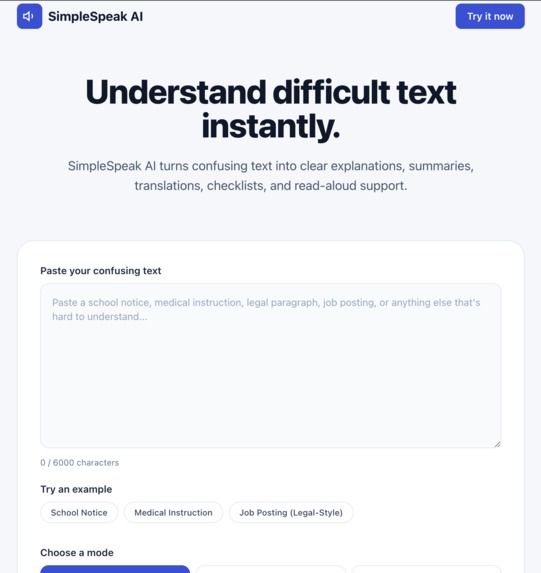
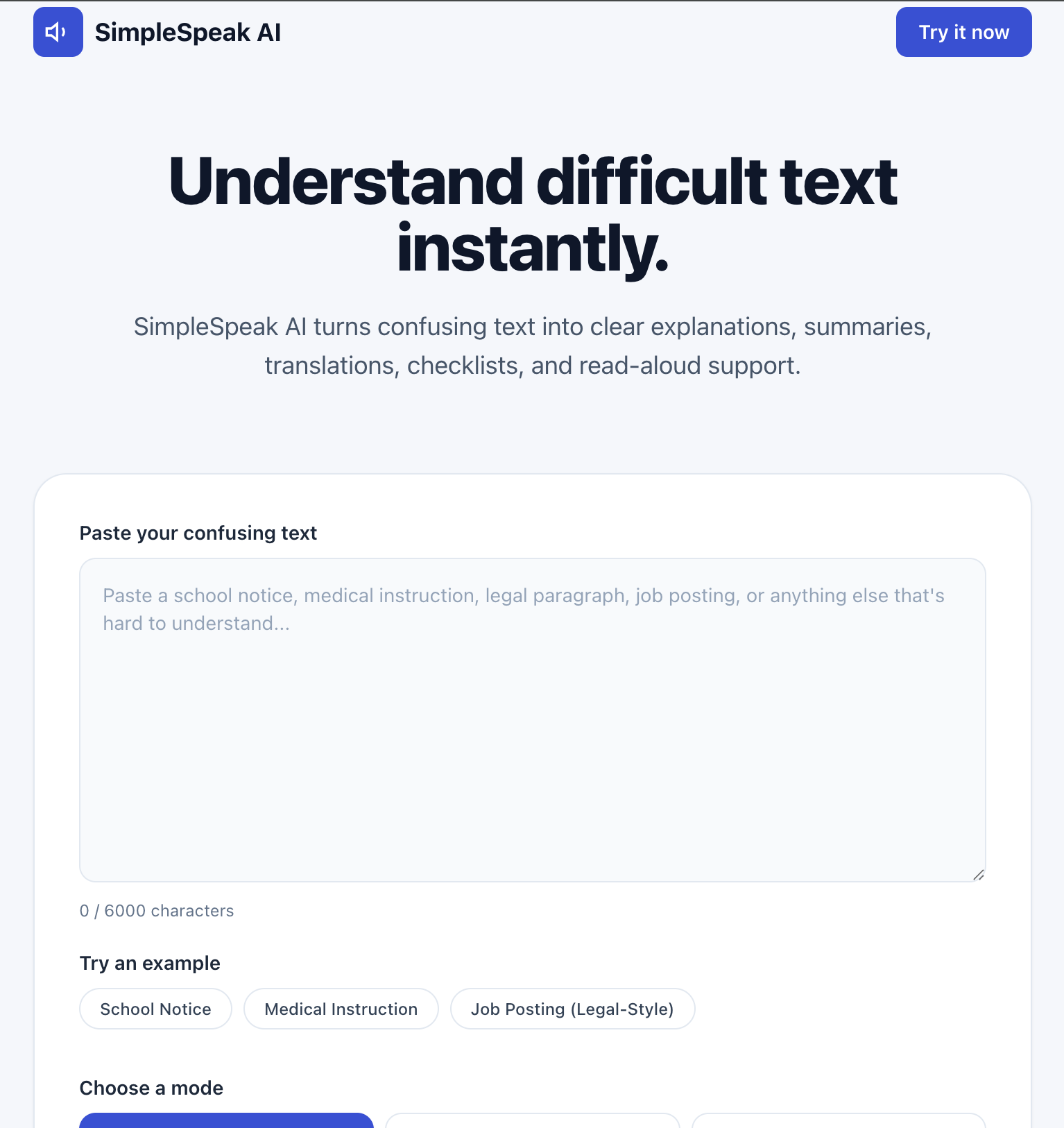
UI Tablet View
Inspiration
Everyday documents — school notices, medical instructions, lease agreements, job postings, government forms — are often written in dense, jargon-heavy language that excludes the people who need to understand them most: non-native speakers, people with dyslexia or cognitive disabilities, kids, and anyone without a legal or medical background. For the CTRL-V Hackathon, we wanted to build something that directly attacks that access gap — not another productivity tool, but something that makes existing information usable by more people.
What it does
SimpleSpeak AI takes any confusing block of text and rewrites it into an accessible format the reader actually chooses:
- Explain Like I'm 10 — plain-language rewrite with jargon stripped out
- Summarize — key points and deadlines only
- Translate — into Spanish, Japanese, French, Korean, or Chinese, with a plain-language explanation in that language too
- Turn into Checklist — converts instructions into ordered, actionable steps
- Explain Key Terms — flags and defines the specific words that would trip someone up
- Dyslexia-Friendly Format — short lines, short sentences, spaced-out sections
Every result can be read aloud (browser SpeechSynthesis API) or copied with one click, and built-in example texts (school notice, medical instruction, job posting) let anyone try it instantly with no setup.
How we built it
The frontend is Next.js (App Router) + TypeScript + Tailwind, shipped as a fully static export. On submit, the app sends the source text and selected mode to an LLM with a strict system prompt (lib/prompts.ts) that forces a structured JSON response (title, explanation, summary, checklist, key terms, translation, accessibility notes) so the UI can render consistent result cards regardless of mode. We use Groq's free, OpenAI-compatible endpoint running Llama 3.3 70B for inference, and deploy automatically to GitHub Pages via a GitHub Actions workflow.
Challenges we ran into
The biggest challenge was getting this actually live on GitHub Pages, which only serves static files — no server. Our first build used a Next.js API route (app/api/simplify/route.ts) that called OpenAI server-side, which is the "correct" way to keep an API key secret, but GitHub Pages can't run that route at all. We had to rip it out, set output: "export" in next.config.mjs, and move the LLM call directly into client code (lib/groq.ts). That also meant switching providers — OpenAI's SDK assumes a server context, so we moved to Groq's free OpenAI-compatible endpoint, which is fast enough to call straight from the browser.
Accomplishments that we're proud of
- Shipped a genuinely useful accessibility tool, not just a wrapper around a chatbot — the six modes map to real situations people struggle with
- Fully static, zero-cost deployment (GitHub Pages + free-tier Groq) with no backend to maintain
- One consistent JSON schema drives six very different transformation modes with a single API call path
- Built-in read-aloud and one-click copy make the output usable, not just readable
What I learned
Building for accessibility surfaced constraints most projects don't hit until production: hallucination isn't just a quality issue, it's a safety issue when the input is a medical or legal document. We also learned firsthand how deployment target shapes architecture — the decision to go static-only for a free, instant-deploy hackathon demo forced a real security tradeoff (client-exposed API key) that we had to reason through and document honestly rather than paper over.
What's next for SimpleSpeech
- Support file/image input (PDFs, photos of paper notices) via OCR
- Let users save/export simplified results, or share a link to a processed document
- Expand language support and add text-to-speech voice options beyond the browser default
Built With
- next.js
- tailwind
- typescript
- vibecoding


Log in or sign up for Devpost to join the conversation.