-
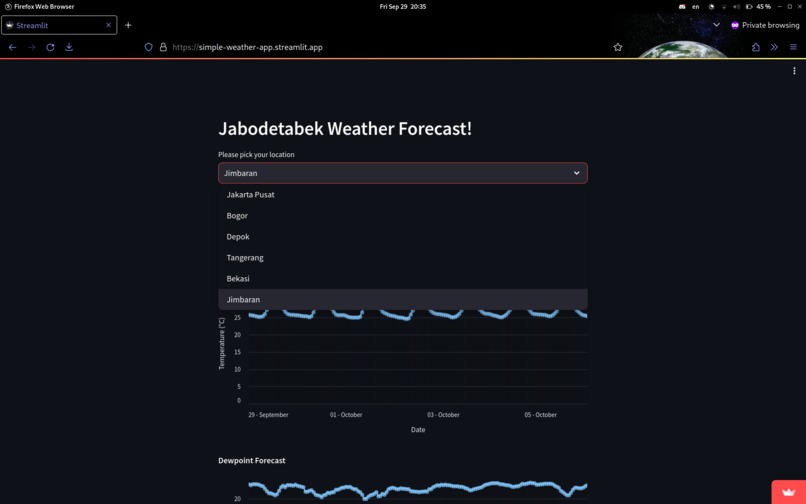
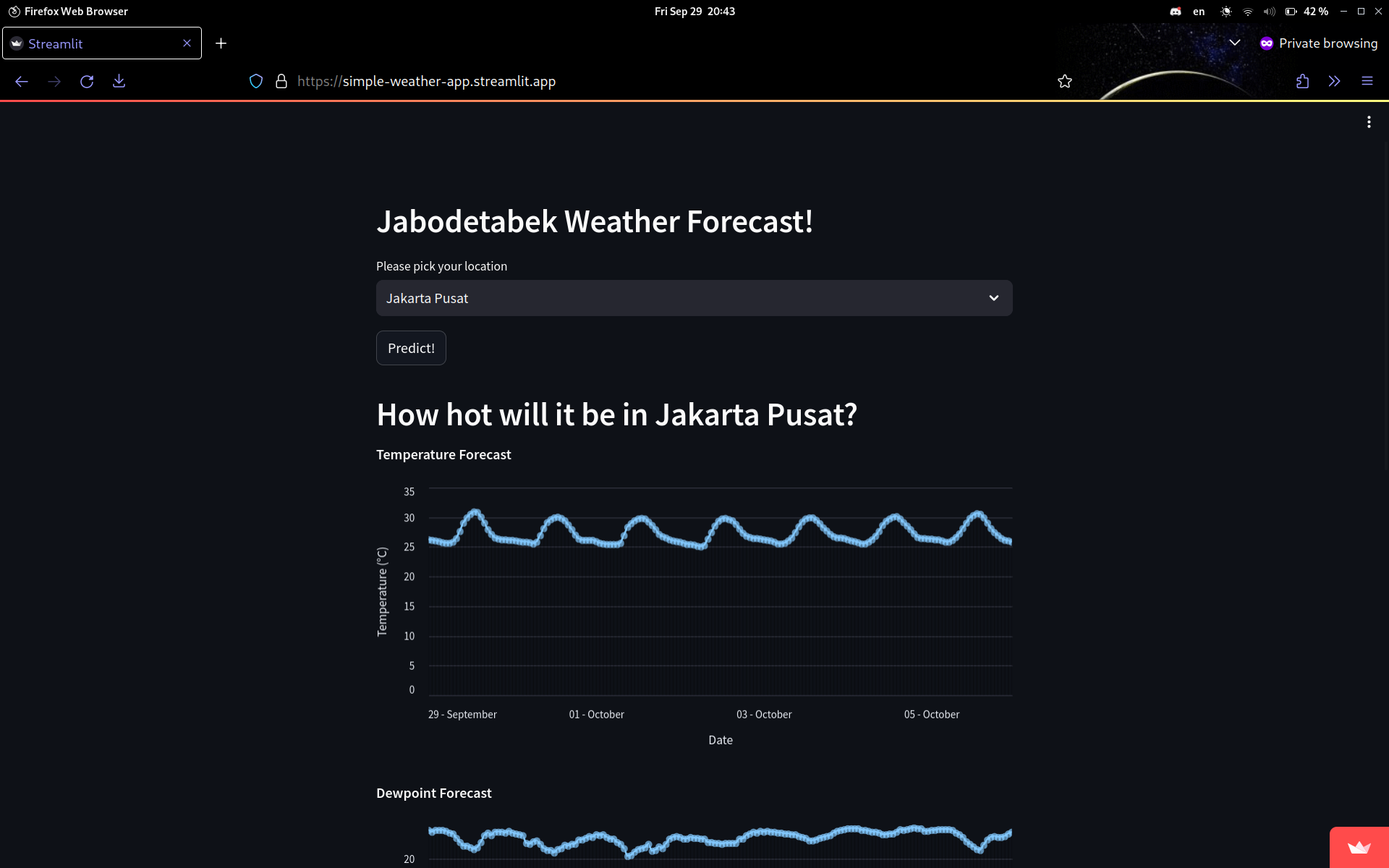
City selections
-
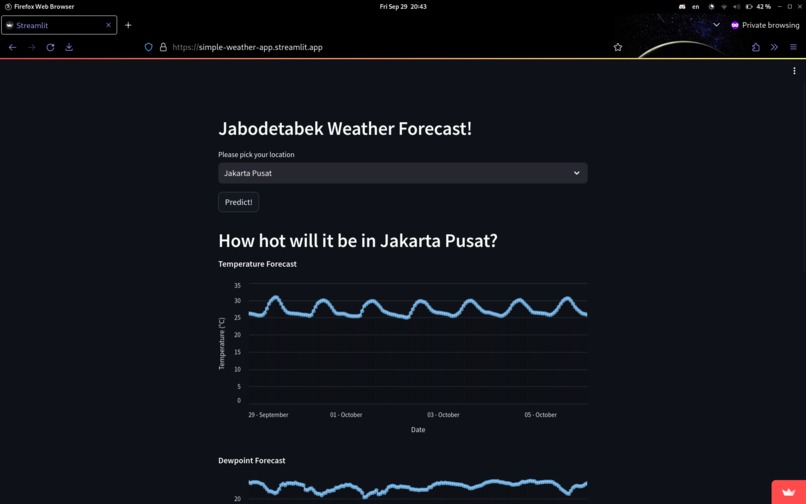
Temperature line chart
-
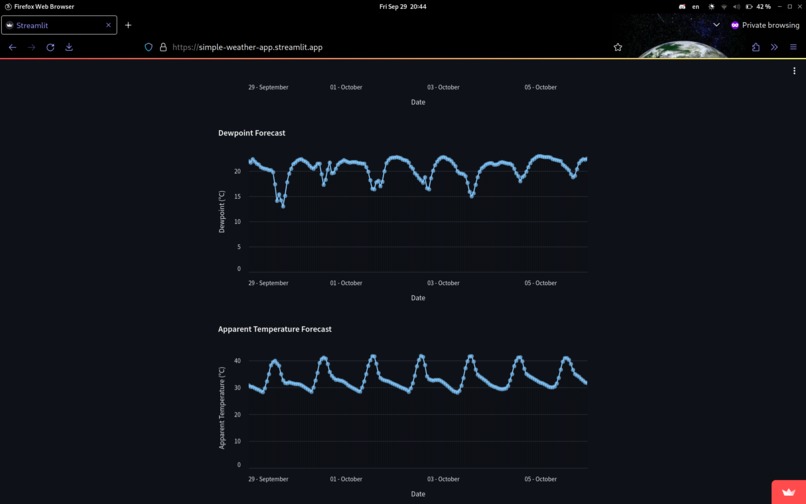
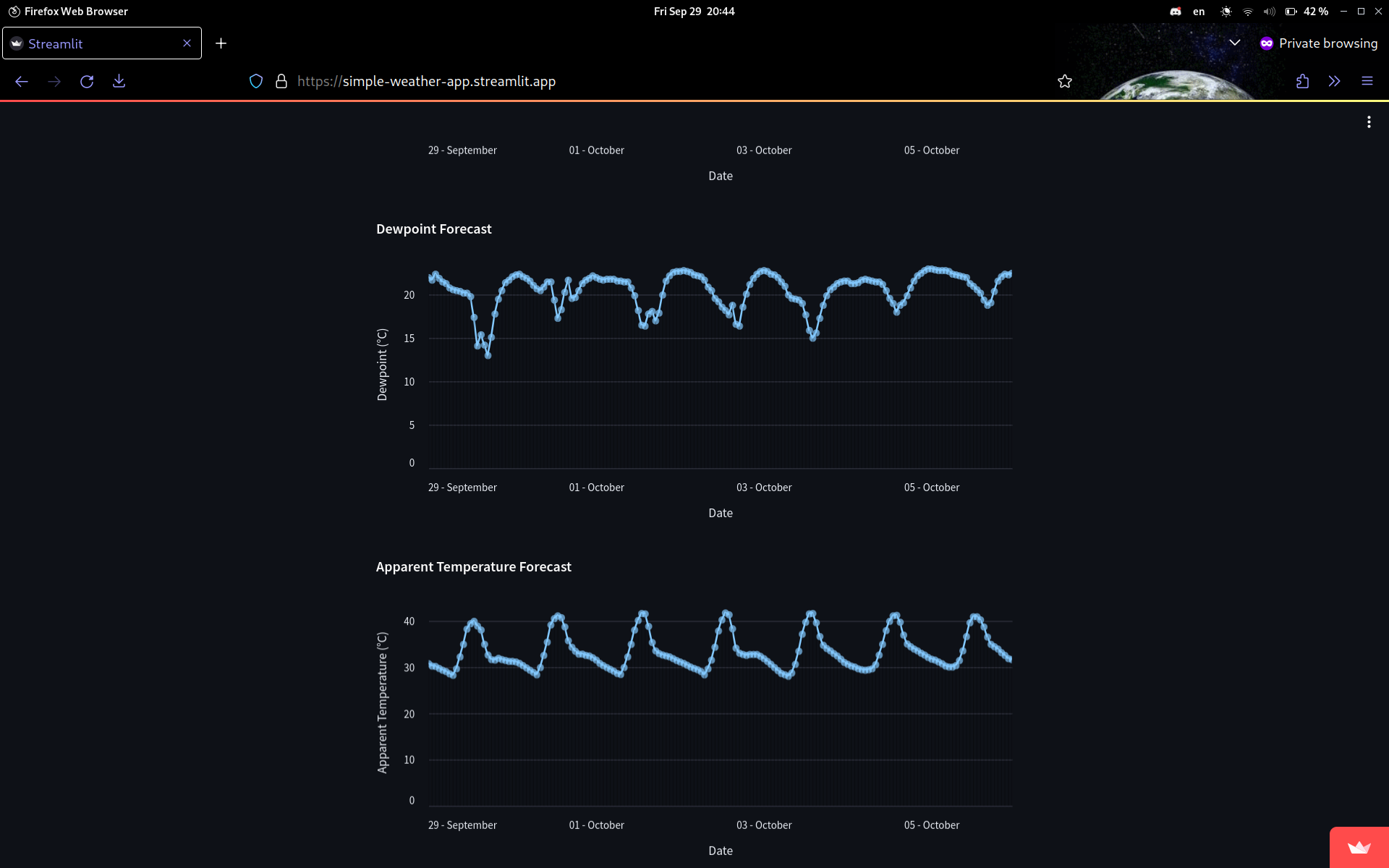
Dewpoint line chart and apparent temperature line chart
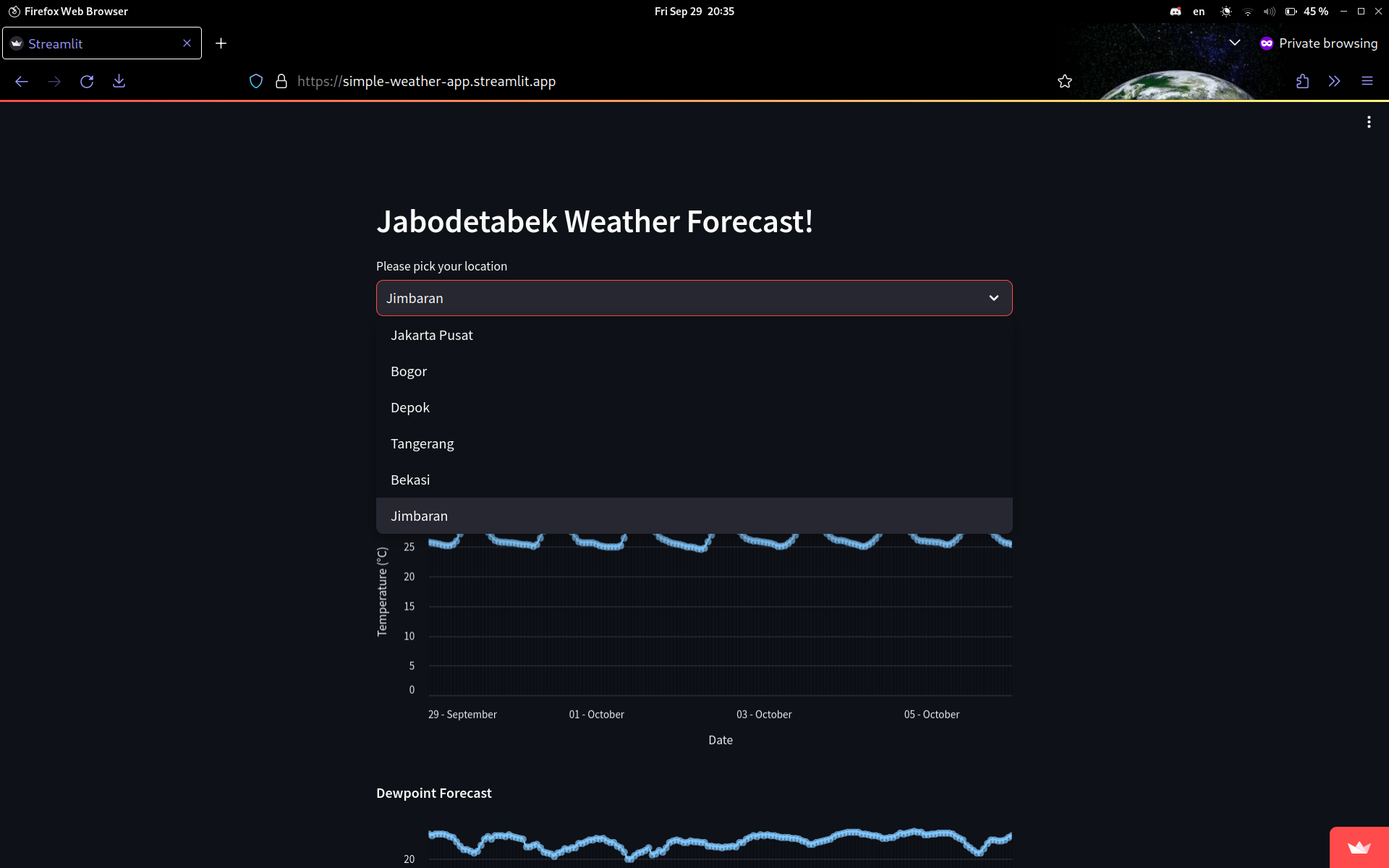
Inspiration
Nami from One Piece can forecast weather, so we tried to make an app that can do the same.
What it does
Currently our app can display weather forecast (temperature, dewpoint, and apparent temperature) in 5 cities in Indonesia (Jabodetabek) and temporarily save them in google sheets.
How we built it
First, we search for an API that can be used for forecasting weather, and we found the Weather Forecast API from Open Meteo. Second, we tried to change the API response from JSON format to XLSX and store it in Google Sheets. By that, we don't need to use any SQL database system. After that, we use st.experimental_connection("gsheets", type=GSheetsConnection) to connect our application to Google Sheets. We also use altair for data visualization.
Challenges we ran into
Using altair, hardware problems (slows down development) python indentations, pip packages dependency conflict, and minimal understanding of data science ecosystem in python.
Accomplishments that we're proud of
We were able to learn so much. From learning pandas, pip, retrieving data from API, making data frames, and how data is displayed programmatically. All that, in such little time (in our perspective).
What we learned
Streamlit's made it so much easier to connect to a particular database and even make changes to it. Python has a library for pretty much anything you need in data science.
What's next for Nami Weather
Let users pick more locations and display more weather variables elegantly. Make a page about how some of these weather variables are useful for the general audience
Built With
- altair
- python
- sheets
- streamlit

Log in or sign up for Devpost to join the conversation.