ArXiv Animator — by Simple Story
Inspiration
Academic research moves fast — but reading papers doesn't. The average arXiv paper takes 30–60 minutes to properly read, and for researchers outside a specific subfield, dense math and jargon make comprehension even harder. We asked ourselves: what if you could see a paper in under a minute?
We were inspired by 3Blue1Brown's https://www.3blue1brown.com/ work — the idea that motion and visual metaphor can communicate complex ideas more intuitively than prose. We wanted to automate that: take any arXiv link and turn it into a visual story, instantly.
What it does
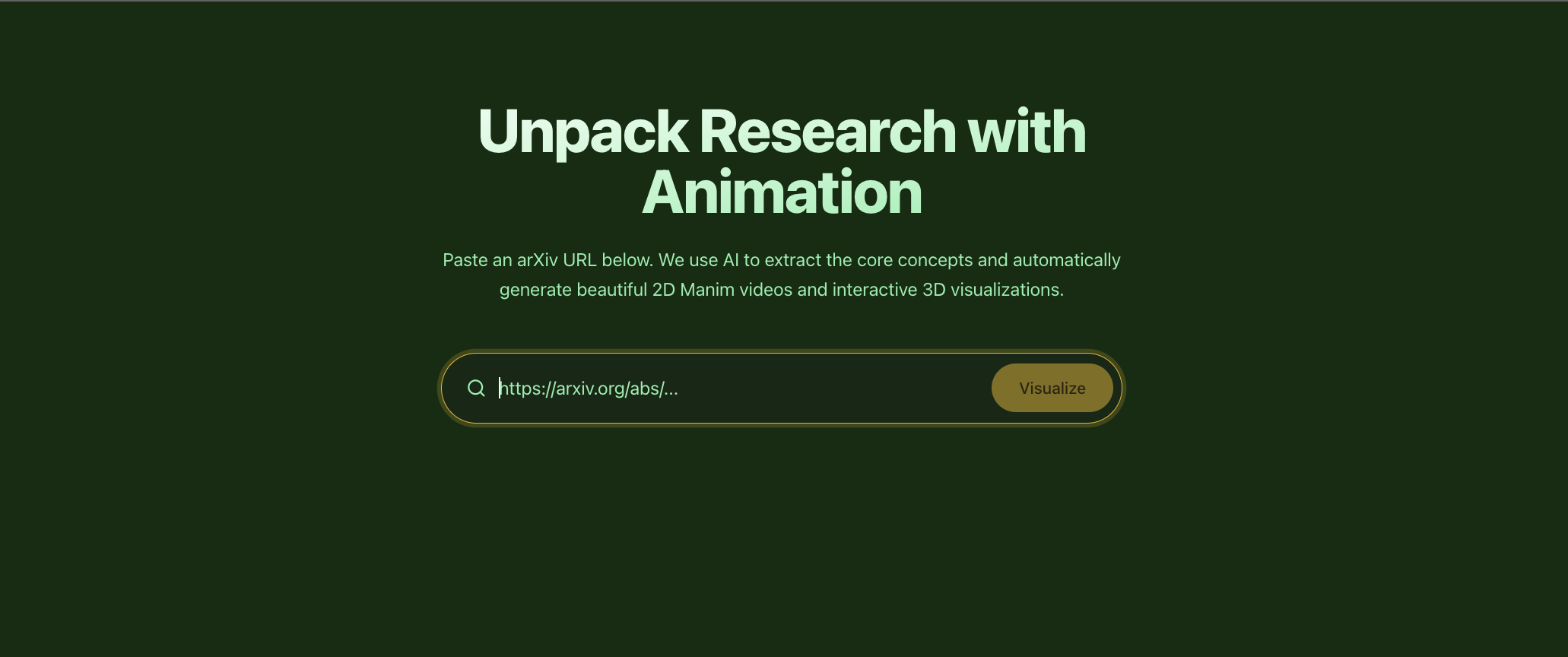
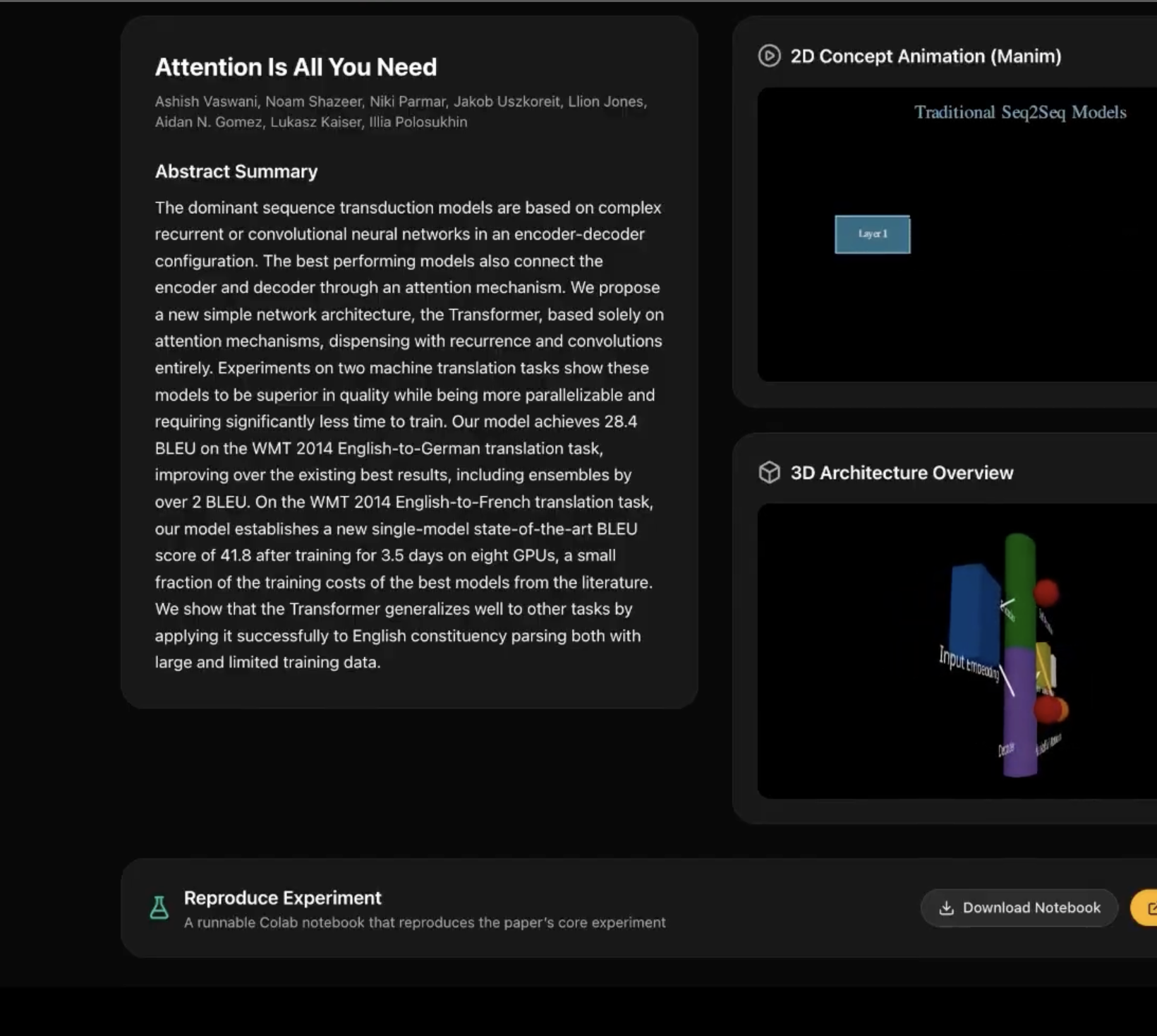
Simple Story takes an arXiv paper URL and automatically generates two visual outputs:
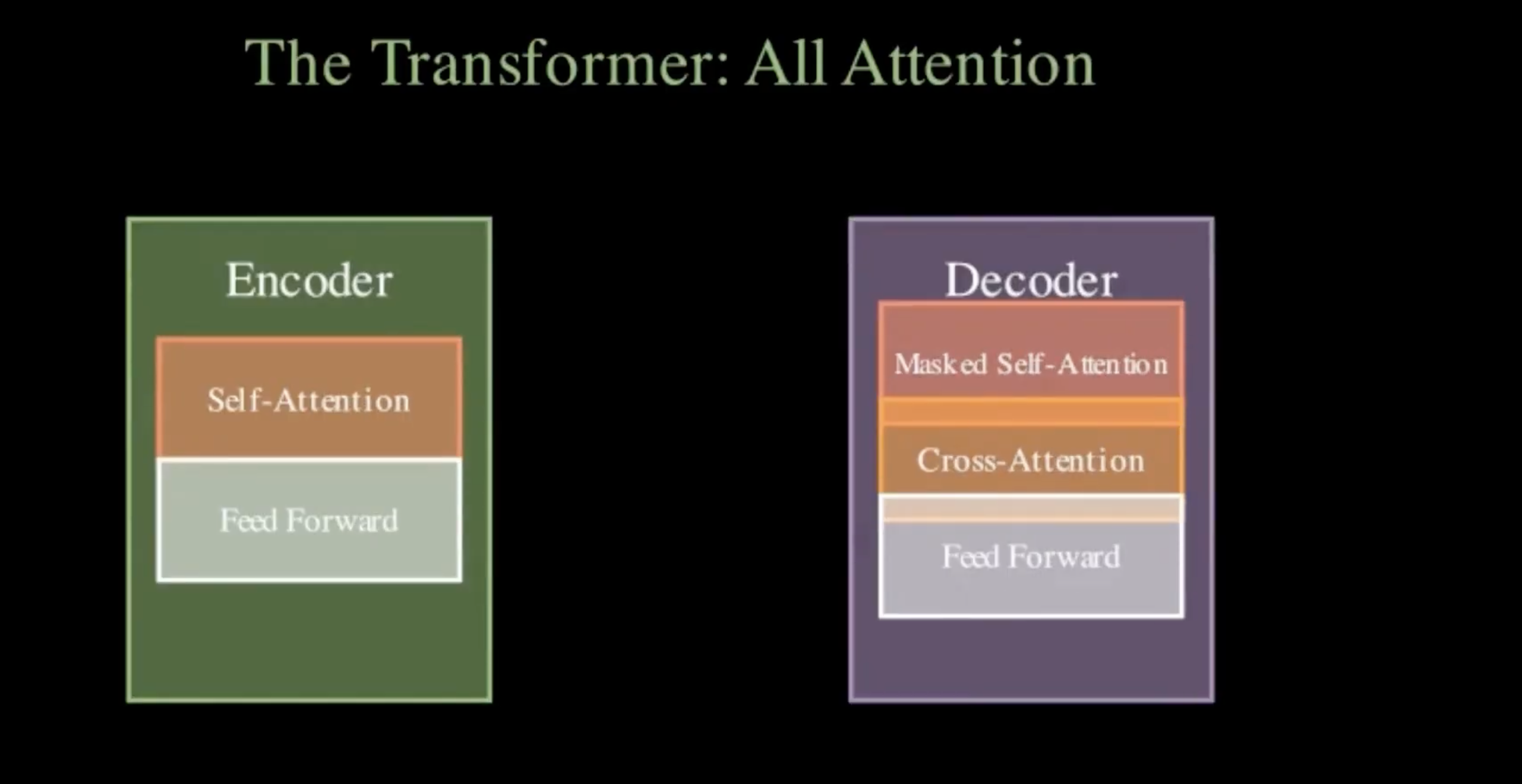
- An animated video — a Manim-rendered animation that visualizes the paper's core concept (architecture diagrams, data flows, mathematical relationships) as a short explainer clip.
- An interactive 3D scene — a Three.js visualization of the same concept as an explorable node-graph, rendered directly in the browser.
On top of that, there's a comic strip generator that turns a paper's key ideas into illustrated panels with AI-generated art — a format that makes research feel approachable and shareable.
The whole pipeline is driven by a single input: paste an arXiv link, hit enter, and watch.
How we built it
Backend (FastAPI + Python)
- Fetches paper metadata and abstract from the arXiv API
- Sends the title and abstract to an LLM (Amazon Nova 2 via OpenRouter) with a structured prompt
- The LLM returns a Manim Python script and a Three.js JSON scene config in one shot
- The Manim script is executed in a subprocess (
python -m manim) inside a Docker container based onmanimcommunity/manim:stable, which bundles all required system dependencies (cairo, pango, ffmpeg) - If the render fails, the error logs are fed back to the LLM for review and revision — up to 3 automated fix cycles
- Results are streamed back to the frontend via SSE so users see live progress
Frontend (Next.js + Three.js)
- Input form with animated loading states (Framer Motion)
- Renders the MP4 video served from the backend's static directory
- Renders the Three.js scene config as an interactive 3D graph in the browser
- Comic generation view with panel-by-panel display
Infrastructure
- Dockerized backend using
manimcommunity/manim:stableas the base image — avoids any local system dependency setup - Environment-driven config for model selection, timeout, and review cycle count
Challenges we ran into
LLM-generated code quality — The model frequently produced Manim scripts with subtle bugs: deprecated API calls (
ShowCreationinstead ofCreate), misusedVGroupwith non-VMobjects, MathTex calls that fail without LaTeX, and off-screen elements. We solved this with a detailed system prompt with explicit rules, and an automated review-and-revise loop where the LLM diagnoses its own execution errors.Structured output reliability — Getting the LLM to return a valid JSON blob containing both a runnable Python script and a Three.js config (with escaped newlines, no comments) required careful prompt engineering and a fallback parser.
Streaming progress to the frontend — Manim renders can take 30–60 seconds. We implemented SSE streaming so users see live step updates instead of staring at a blank screen.
Accomplishments that we're proud of
- End-to-end automation — paste one URL, get a rendered animation. No manual steps, no configuration per paper.
- Self-healing code generation — the LLM review loop means the system often recovers from its own mistakes without any human intervention.
- Dual output formats — the same LLM call produces both a 2D animation script and a 3D scene config, giving two complementary views of the same concept.
- Reproducible Docker setup — anyone can clone the repo and run
docker compose up --buildwith no system dependency hunting.
What we learned
- Prompt engineering for code generation is as much about constraints as it is about instructions — the most impactful prompt improvements were adding
CRITICAL: NEVER use Xrules based on observed failure modes. - LLMs are surprisingly good at debugging their own code when given the full stderr output — the review loop meaningfully improves success rates.
- System dependency management is the hidden hard part of shipping ML-adjacent tools. Docker isn't just convenient here — it's necessary for reliability.
- Streaming responses changes the perceived UX dramatically. A 45-second wait with live status updates feels much shorter than a 45-second spinner.
What's next for ArXiv Animator
- Better visual quality — fine-tune the Manim prompt for richer, more paper-specific animations (e.g. actual attention heatmaps for transformer papers, loss curve plots for training papers)
- Multi-section support — currently the animation covers the abstract only; next step is chunking the full paper body and generating multi-scene animations
- Shareable links — host generated videos with permanent URLs so researchers can share visual summaries on social media or in slide decks
- Model selection — let users choose between fast/cheap models for a quick sketch vs. slower/smarter models for higher-quality output
- Browser extension — add a "Visualize" button directly on arxiv.org paper pages

Log in or sign up for Devpost to join the conversation.