-
-
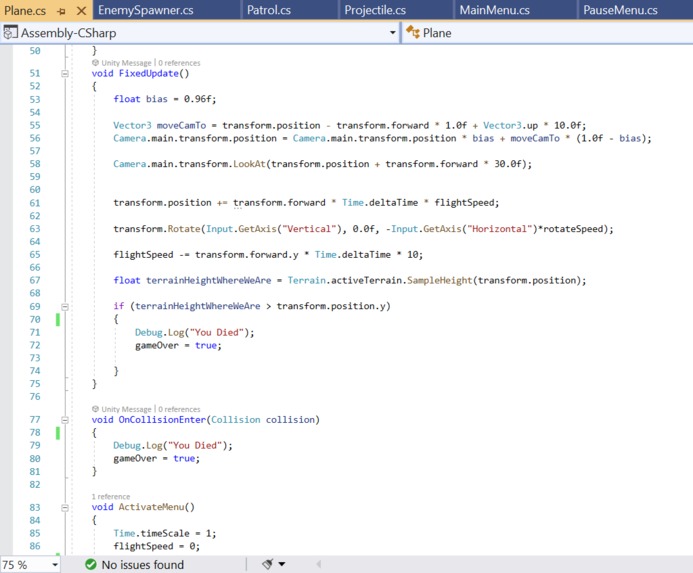
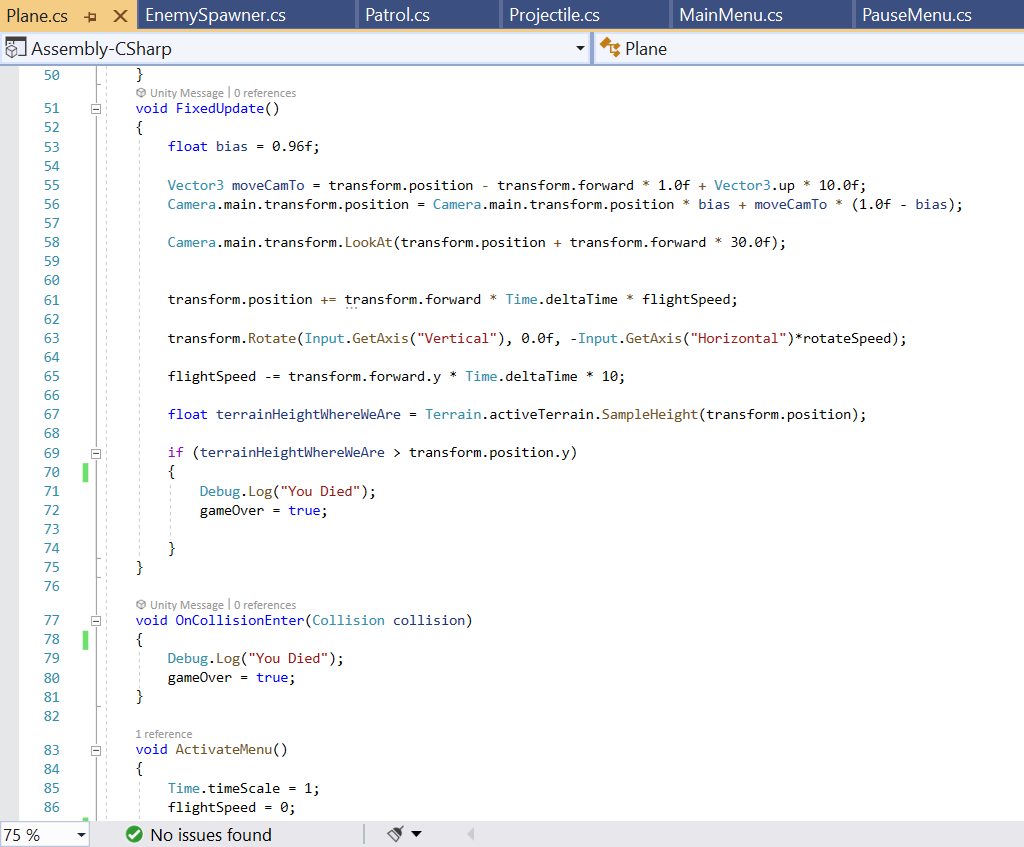
FixedUpdate function managing my plane movement
-
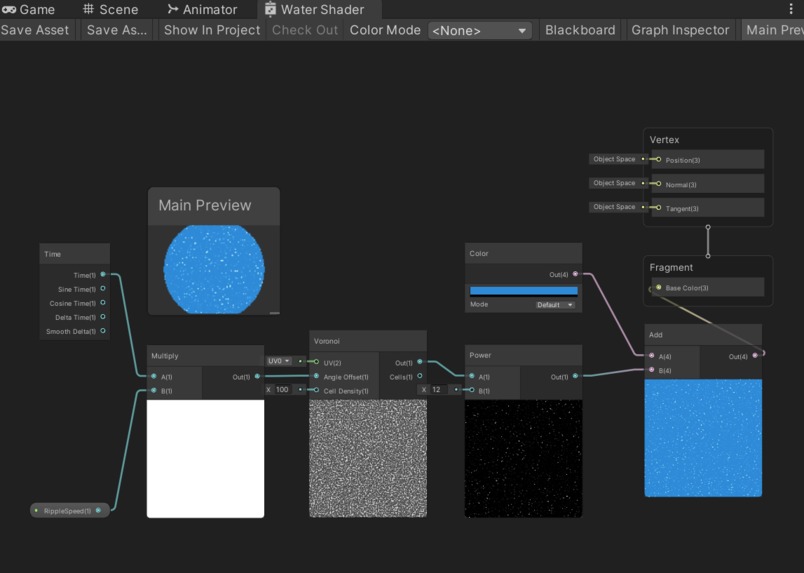
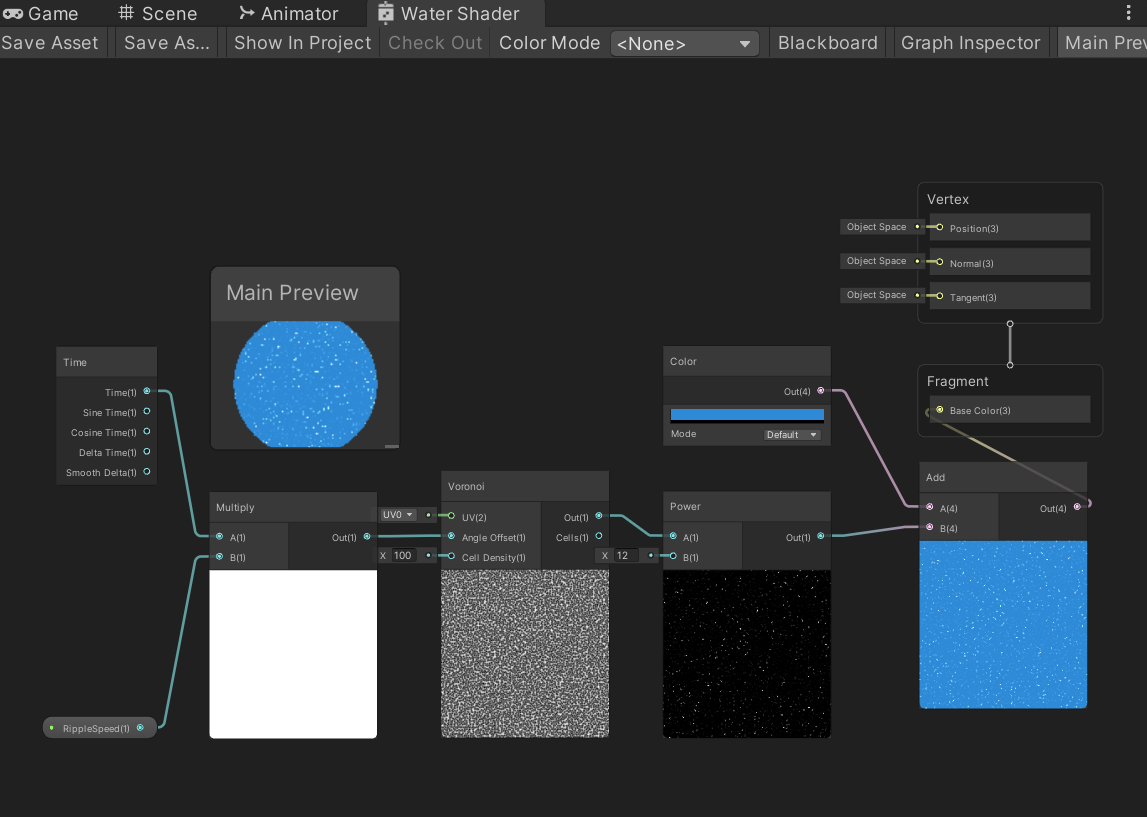
Water shader graph
-
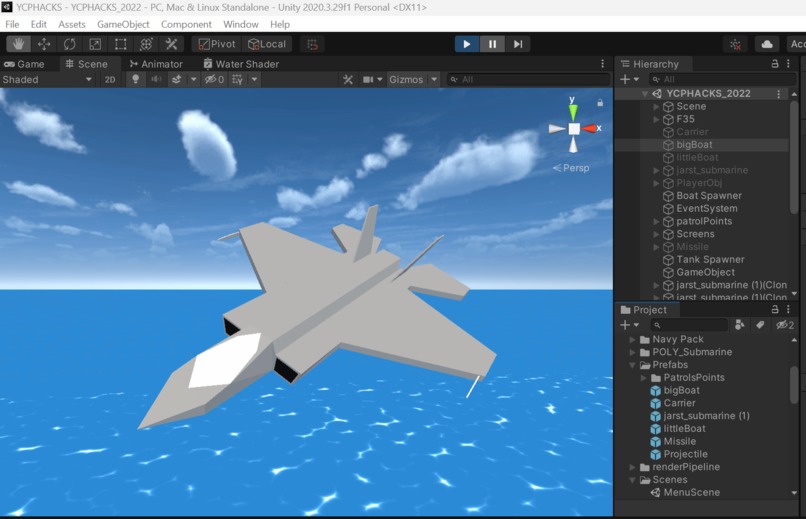
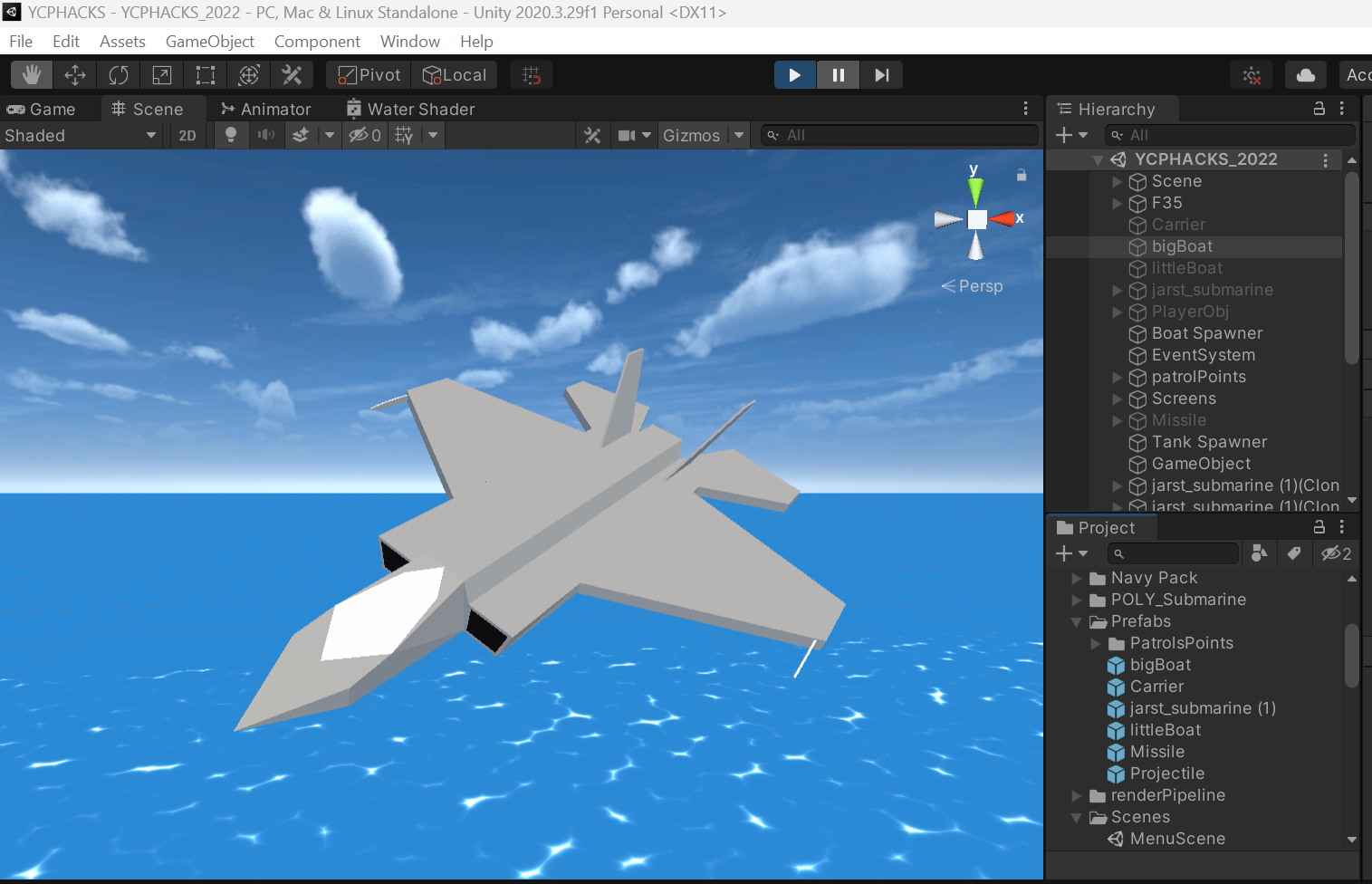
My plane
-
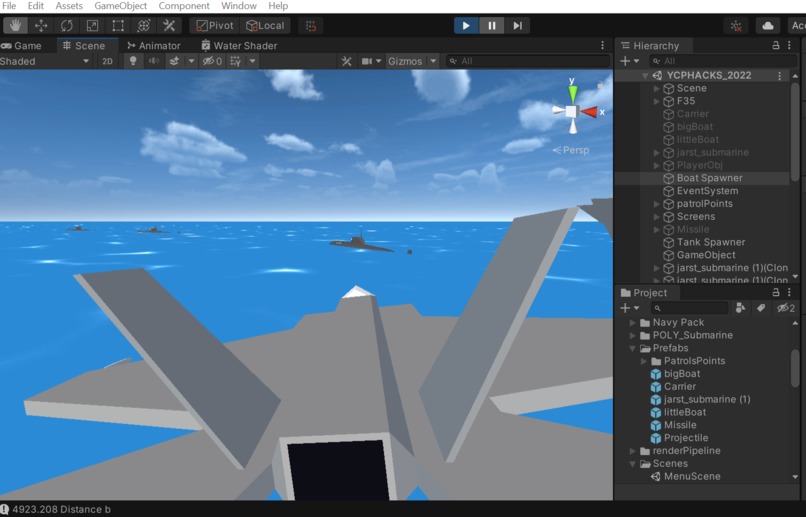
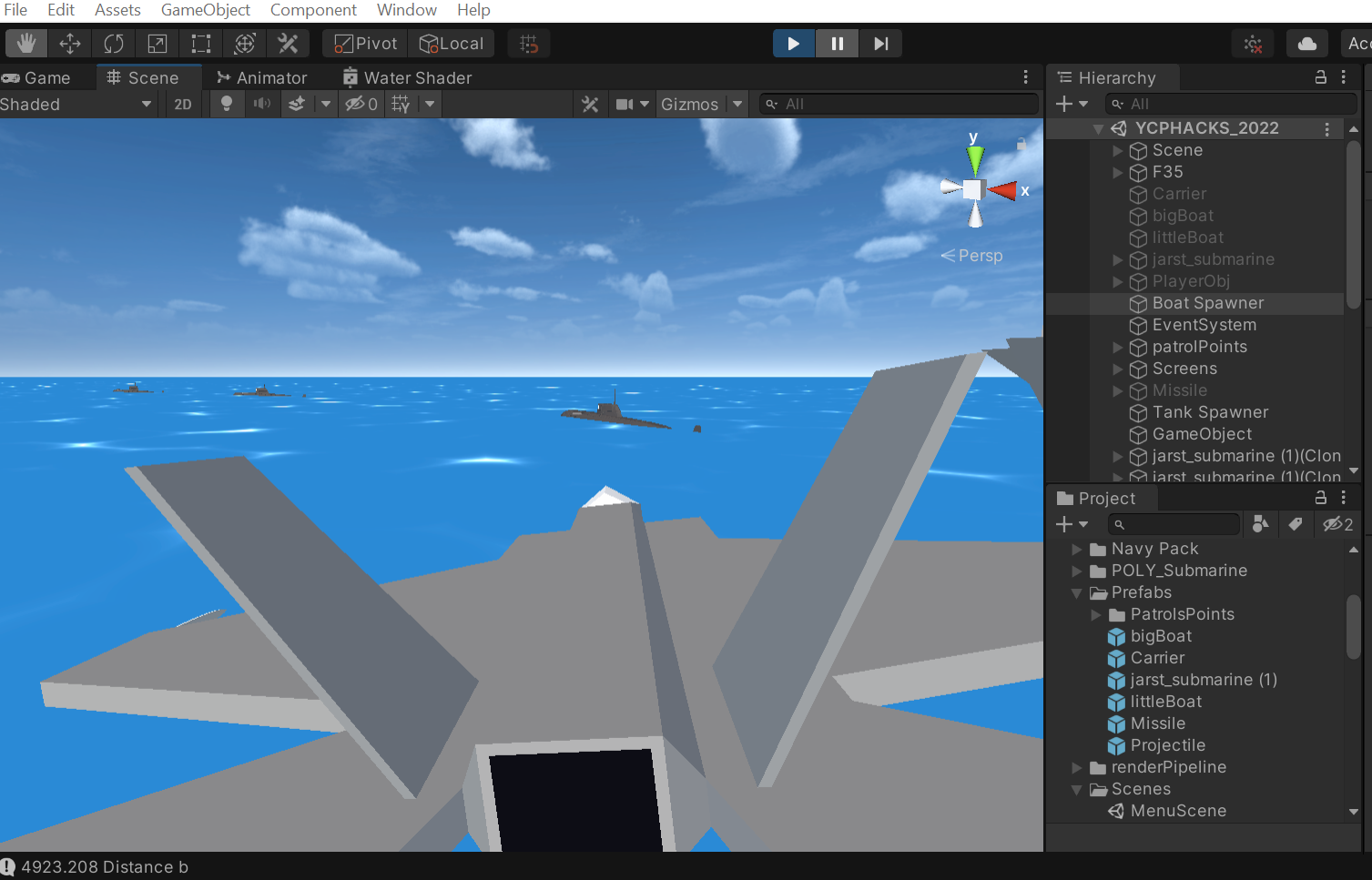
Another plane image
Inspiration
Last semester I made a simply first-person shooter and ever since then I've wanted to make an application with vehicles.
What it does
Fly a plane around and shoot boats
How we built it
Unity Game Engine and C# scripts.
Challenges I ran into
My update framerate was slightly off, and it resulted in my models jittering. So, I had to figure out how to create my own fixed Update function to ensure that the model was updated prior to the frame being displayed.
Since I used the Unity Universal Render Pipeline to manage my materials, textures, and shaders I ran into a unique problem where it permanently disabled my basic UI. I spent hours trying to fix it and, in the end, I ran out of time.
When I initially added my enemy objects to the scene, I wanted them to have more natural AI movement. But after spending a few hours I was unable to get it functioning.
Some of my textures load/render while running my game in the unity editor but they disappear when I build and execute my final project.
Accomplishments that we're proud of
The smooth movement of my models and efficient hitboxes/collision detection.
What we learned
- How to use shader graphs in unity to create customized/animated Shaders, textures, and materials.
- How to achieve smooth player/model movement in Unity.
- How to create basic AI and set them to patrol certain areas.
What's next for Simple Flight Simulator
- fix the UI, implement more menu/HUD options (Crosshair/reticle, ammo count, current weapon).
- Add more weapons to the player's model.
- Add more AI, stationary boats, an island with tanks/trucks, enemy planes.
- Give the player health and allow enemies to shoot back.
- Add more sounds and visual effects, implement destroyed versions of AI or destruction animations.


Log in or sign up for Devpost to join the conversation.