-
-
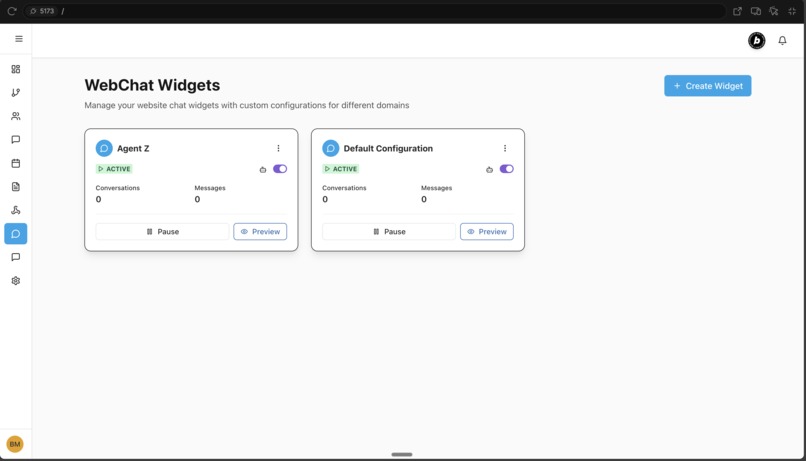
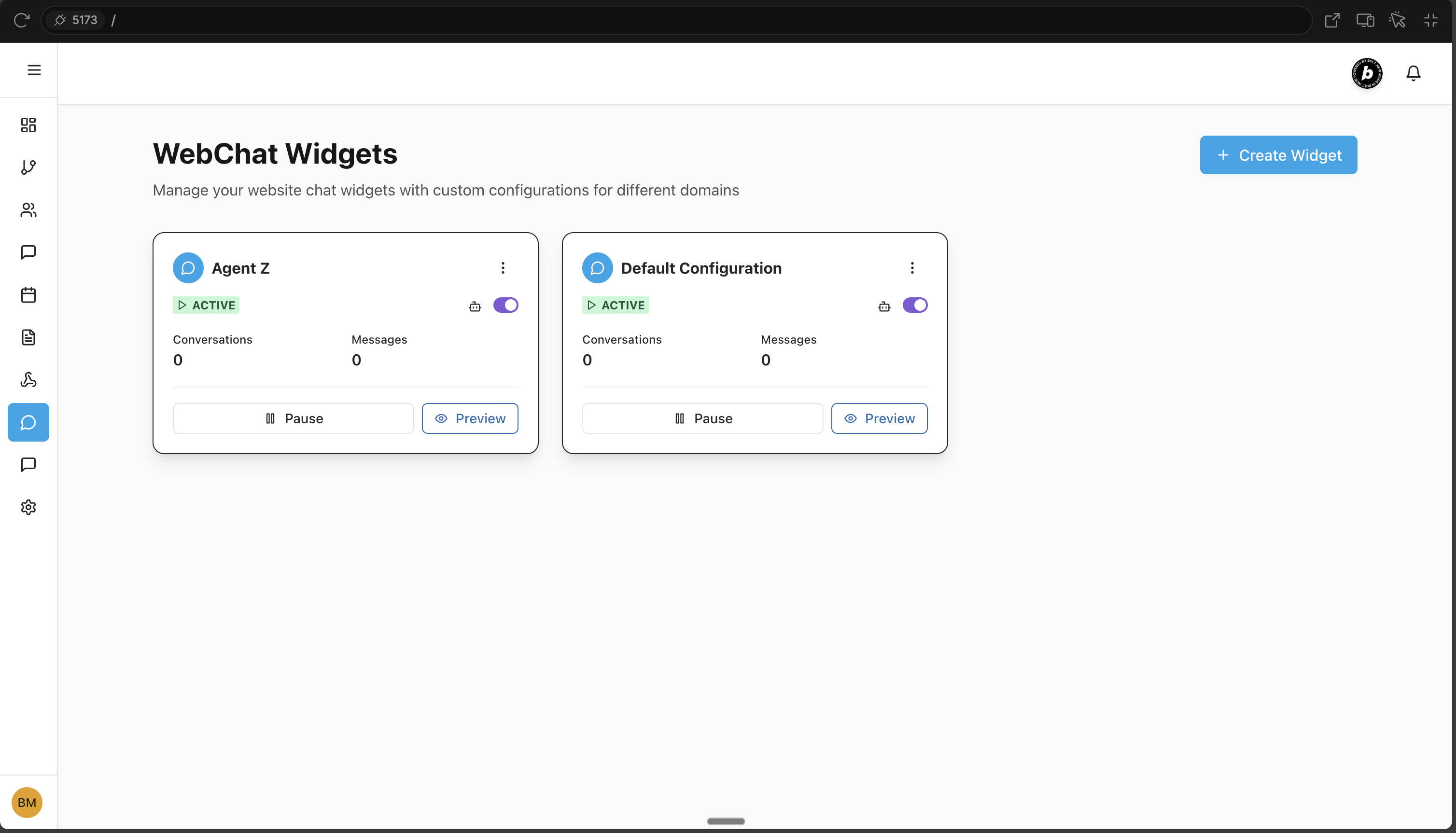
WebChat Widge UI
-
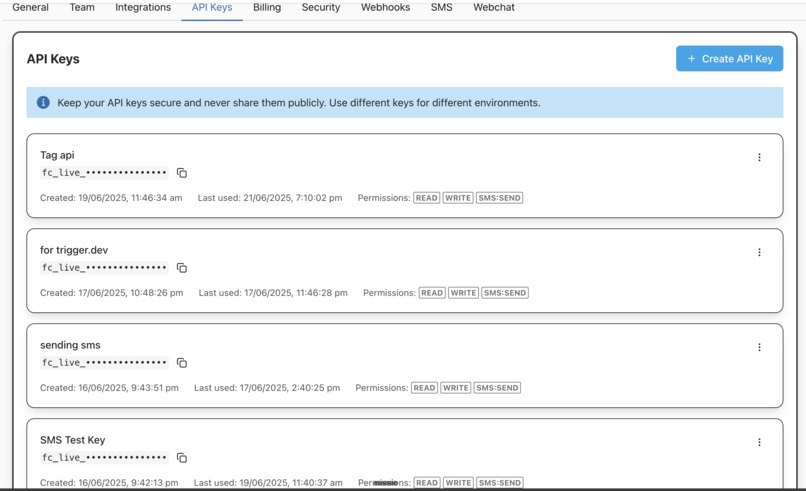
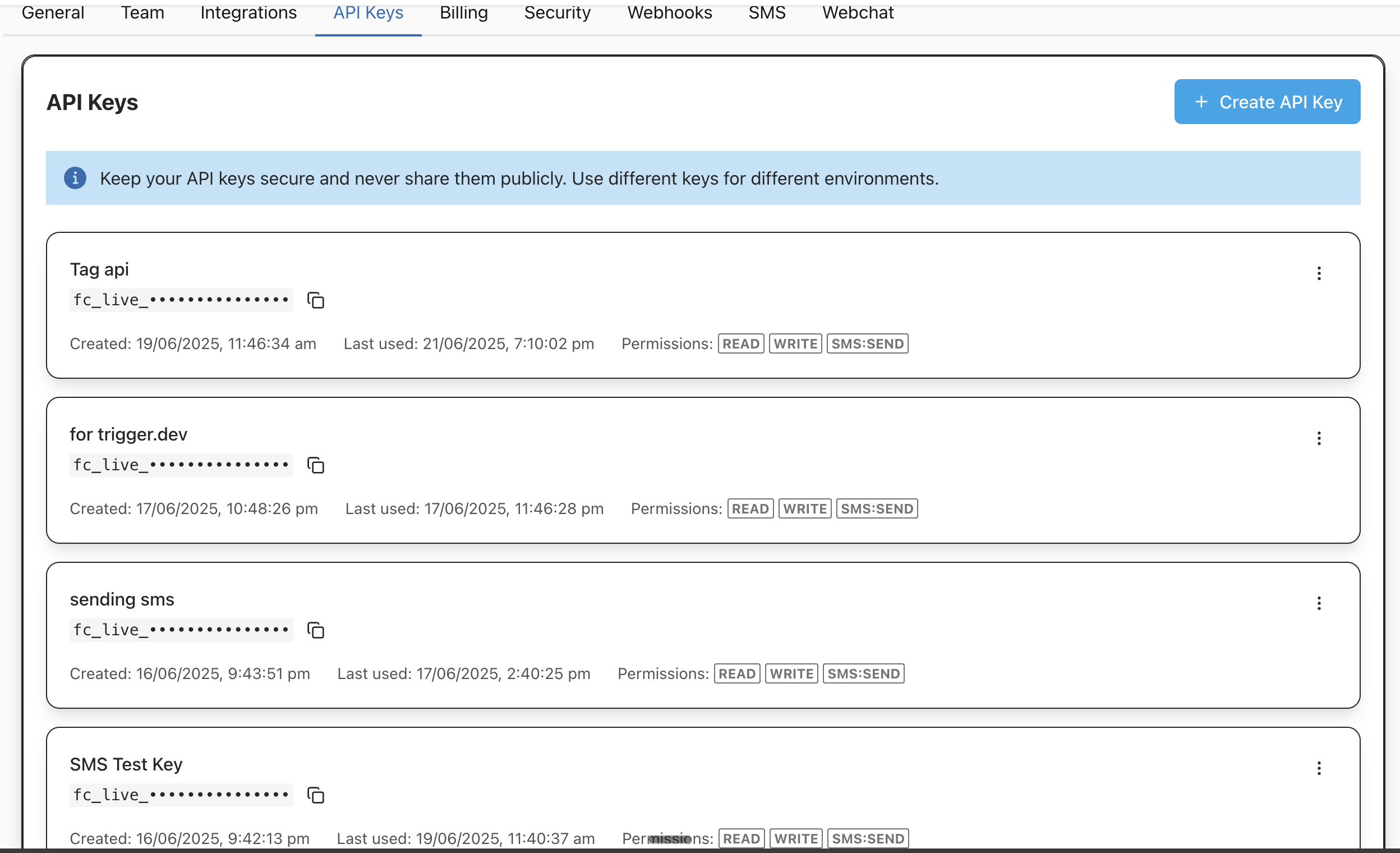
API Keys
-
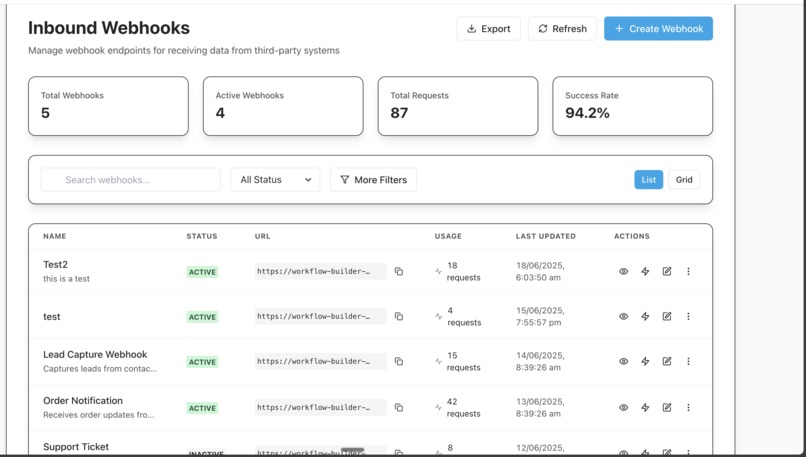
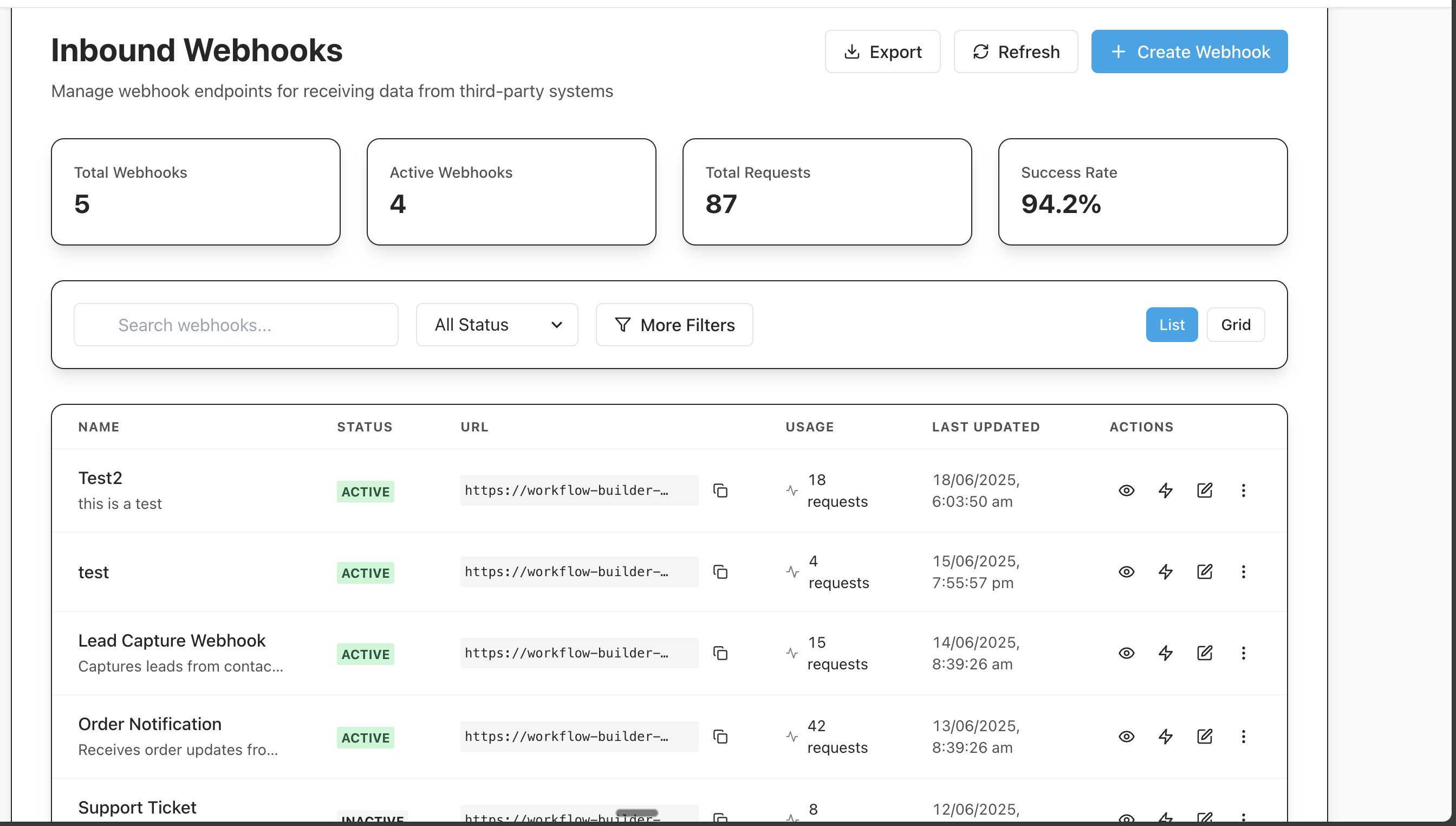
Inbound Webhook UI
-
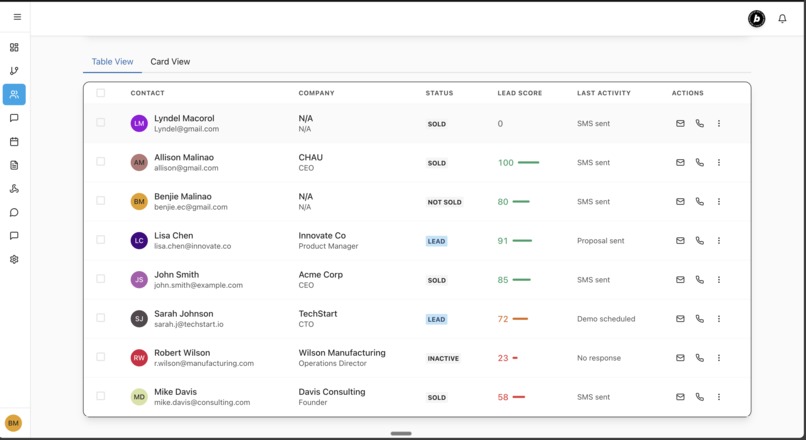
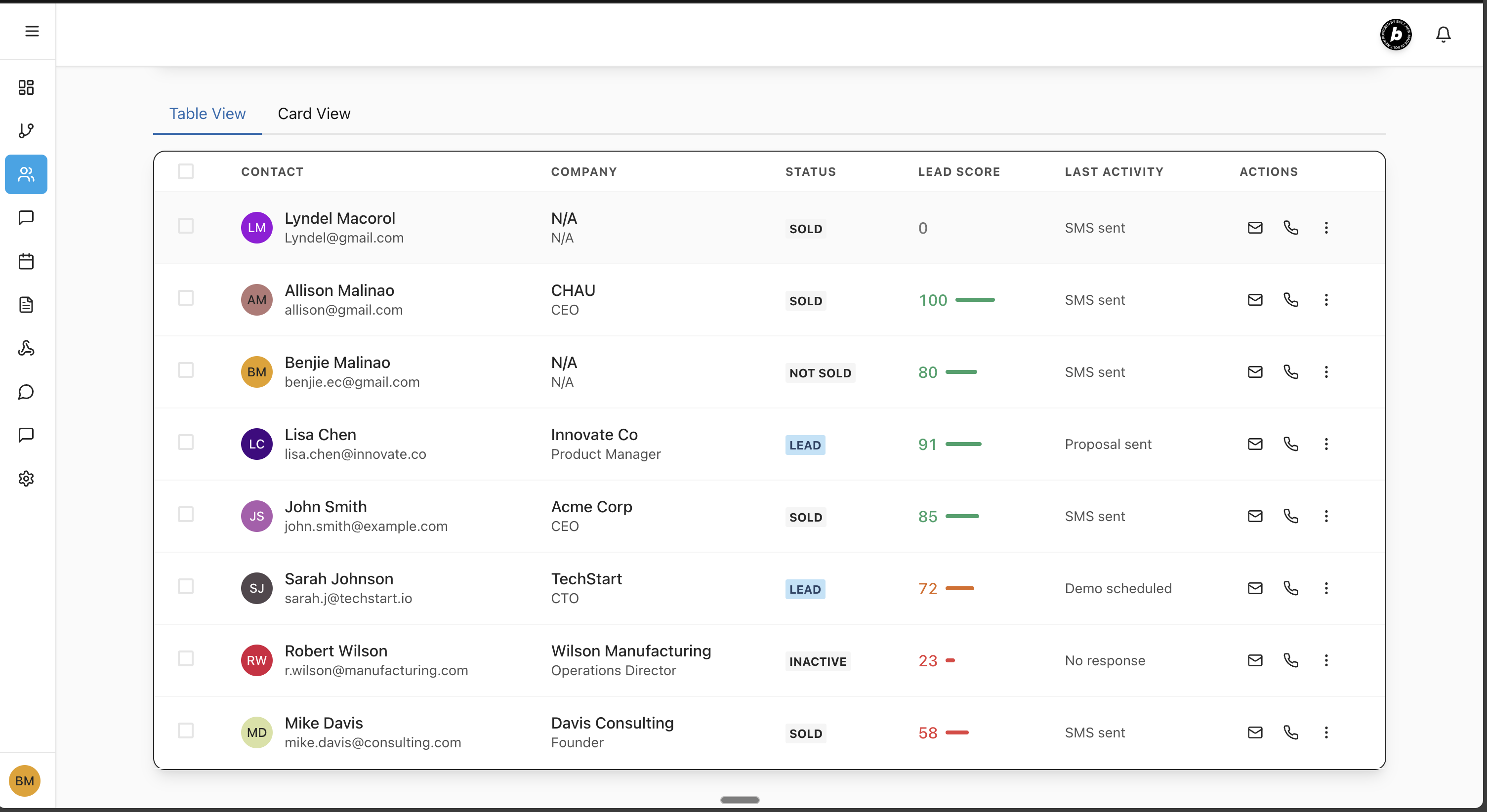
Contacts UI
-
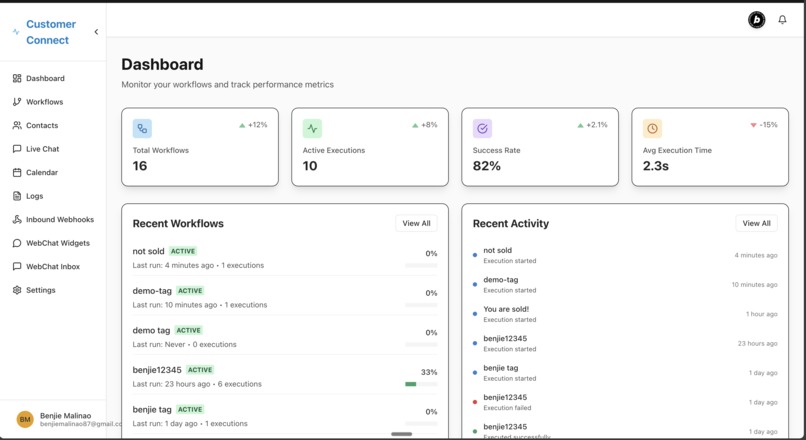
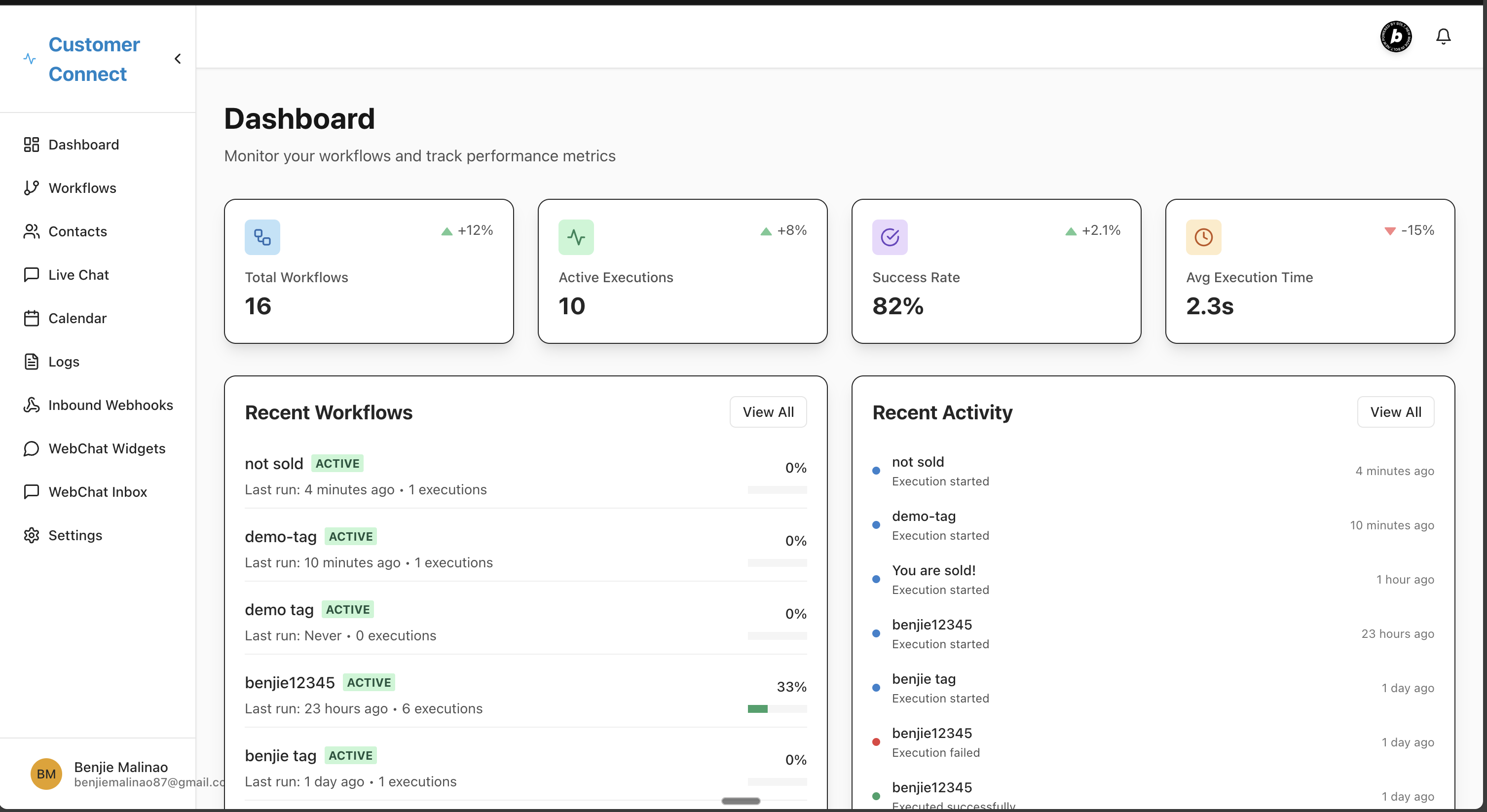
Dashboard
-
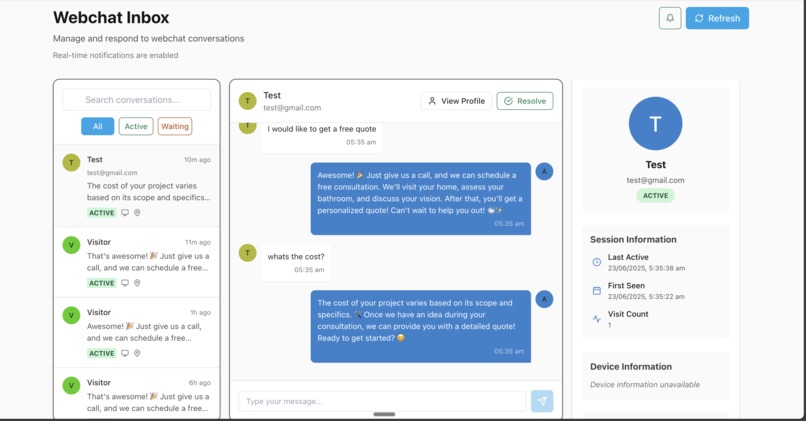
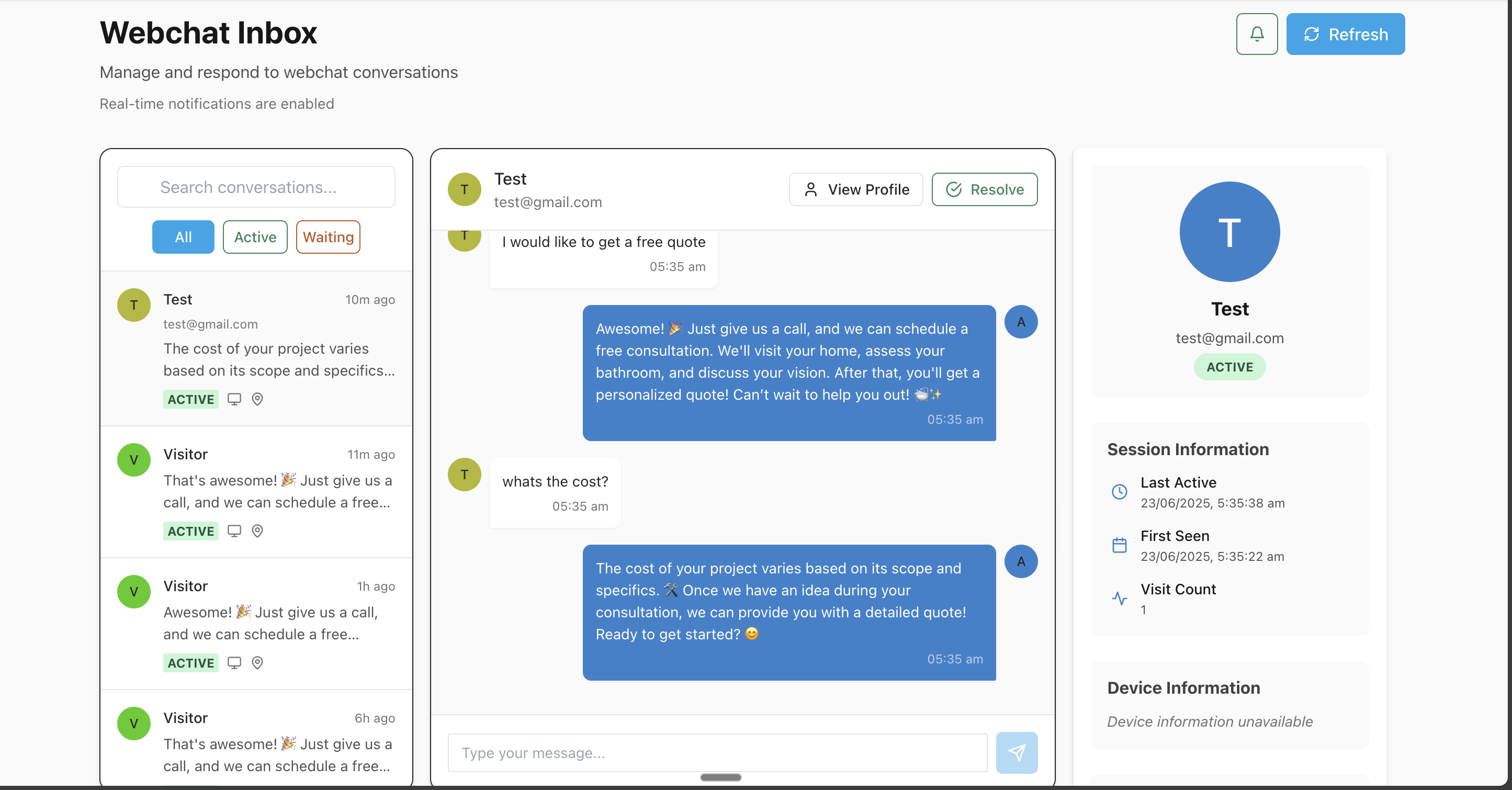
WebChat Inbox UI
-
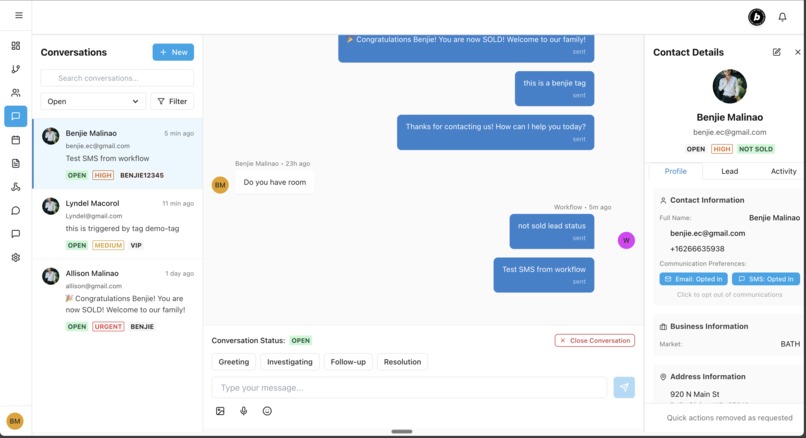
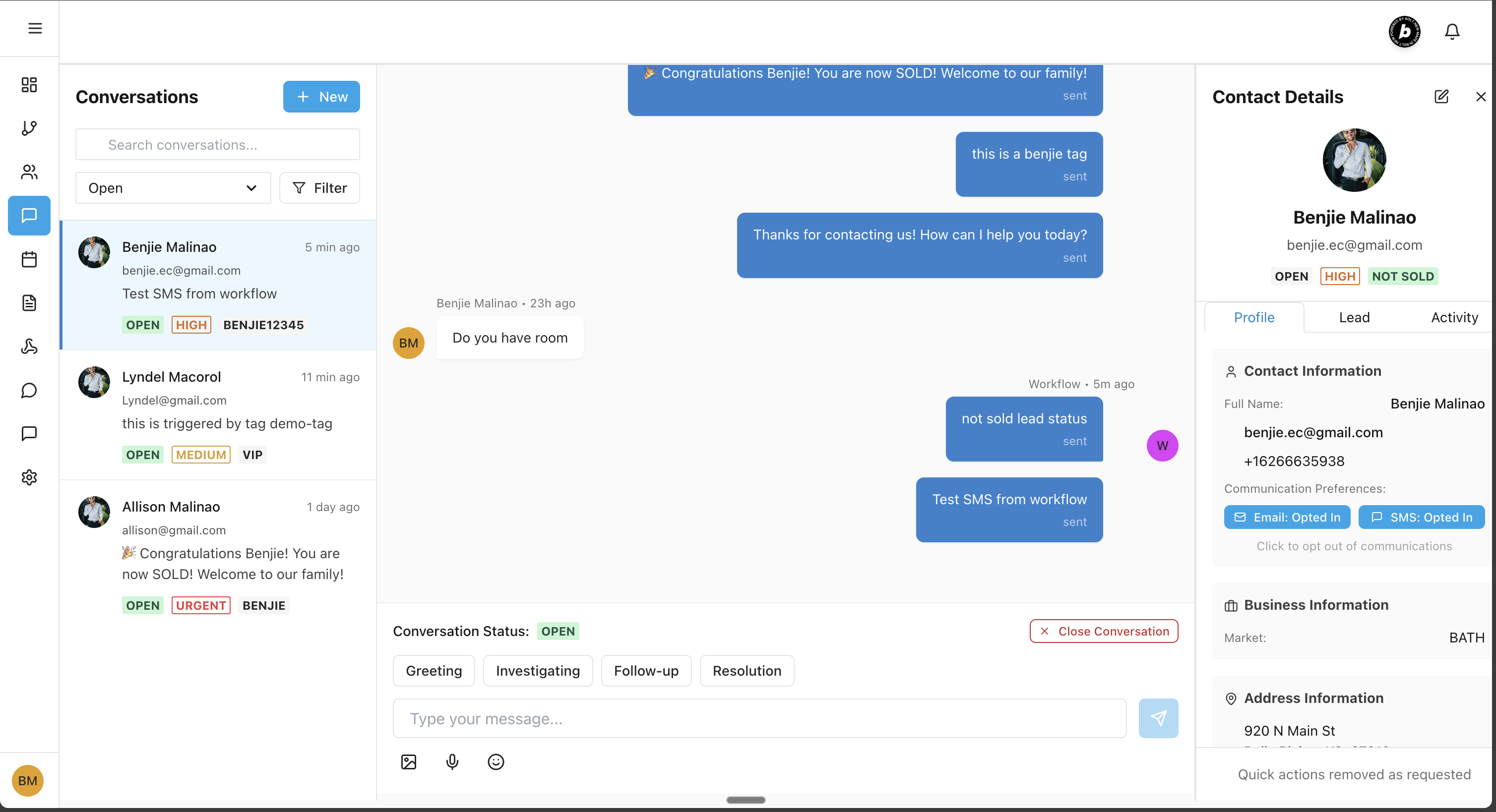
LiveChat UI
Inspiration
After running my agent white-label business using someone else's platform, I got tired of: Outdated UI
High costs Paying for 15+ add-ons Extra fees for every custom request
Clients kept asking,.. "Why does this cost so much?" — and I couldn’t give a real answer, because it wasn’t even my software. I was renting.
So I built my own.
Because I believe my clients deserve better — Introducing Customer Connect, a CRM & texting platform built for simplicity, transparency, and control.
What I Learned
- Modular design: Breaking the app into clear layers (API, services, UI) made development and testing much smoother.
- Workflow engines: Building a simple triggers, actions, and conditions taught me how to balance flexibility with usability.
- Asynchronous processing: Integrating a job queue helped me handle long-running tasks without blocking the user experience.
How I Built It
- Planning & Prototyping:
- Mapped out user stories and sketched key screens in Exadraw.
- Defined a JSON-based workflow schema for “When this happens → do that.”
- Mapped out user stories and sketched key screens in Exadraw.
- Backend:
- Chose Node.js/Express for a quick REST API.
- Modeled Customers, Deals, and WorkflowRules; stored definitions in PostgreSQL.
- Chose Node.js/Express for a quick REST API.
- Frontend:
- Built with React and a component library for rapid UI development.
- Implemented a drag-and-drop workflow builder and real-time notifications via WebSocket.
- Built with React and a component library for rapid UI development.
- Integrations:
- Connected to Resend for emails and Twilio for SMS.
- Added OAuth login (Google, GitHub) so teams can sign up in seconds.
- OpenAI
- Elevenlabs
- Connected to Resend for emails and Twilio for SMS.
Challenges & Solutions
- Dynamic workflow validation: Ensuring that user-created rules didn’t conflict or loop indefinitely.
Solution: I wrote a recursive validator and provided inline error messages in the editor. - Scalability: Handling hundreds of concurrent jobs when workflows fire.
Solution: Optimized background workers, batched database updates, and added horizontal scaling hints in the docs. - User onboarding: Making configuration approachable for non-technical users.
Solution: Added guided tours, example templates, and contextual help pop-overs.
I’m proud of how this project came together. It taught me not just new technologies, but the importance of balancing power and simplicity—so even non-tech teams can automate their day-to-day with confidence.

Log in or sign up for Devpost to join the conversation.