-
-
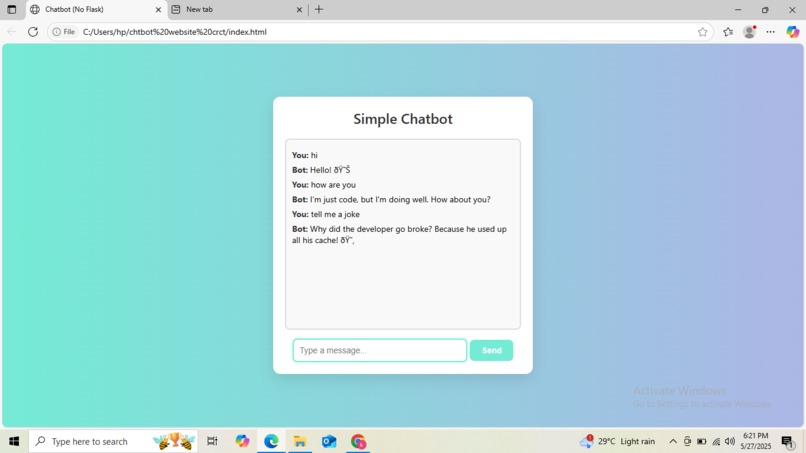
output
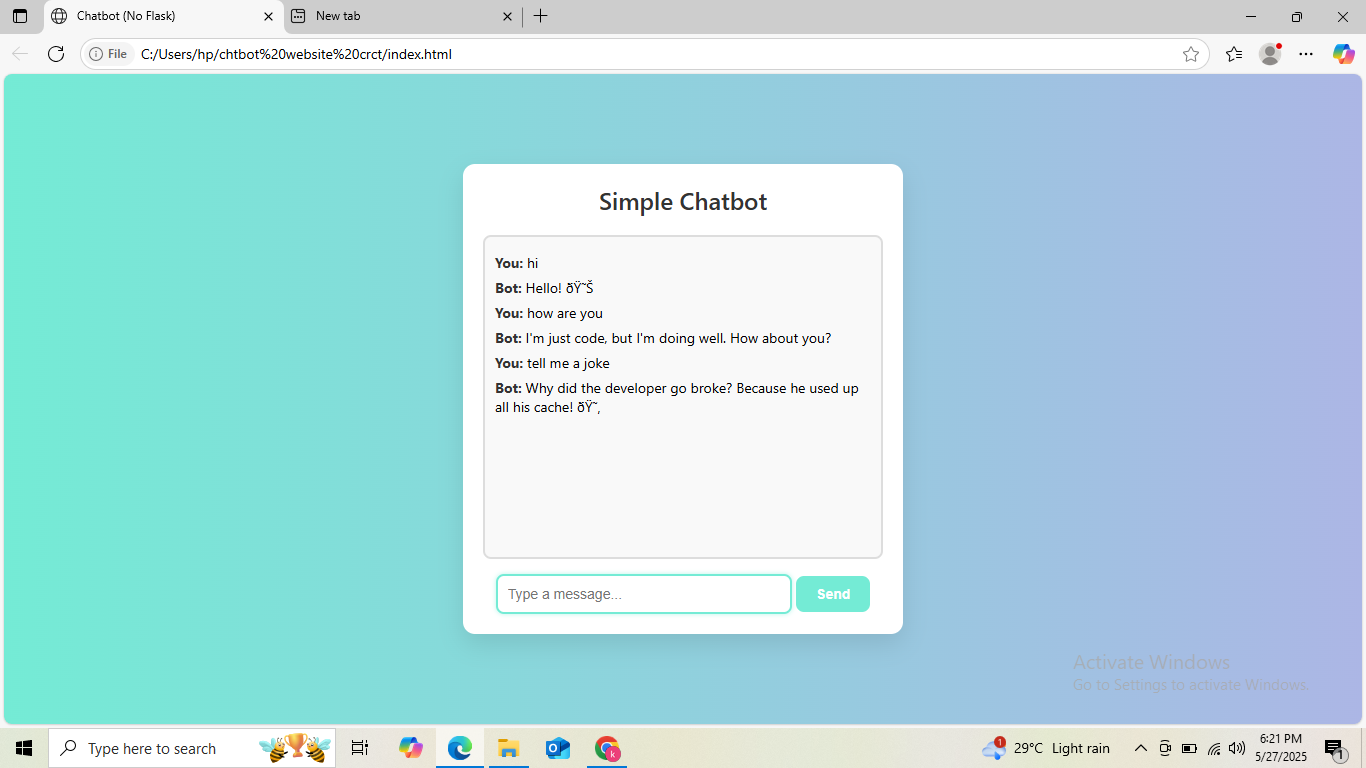
Inspiration
We were inspired by the growing need for quick and accessible communication tools. Chatbots are becoming essential across websites, apps, and services, and we wanted to explore how even a simple chatbot could create a helpful and interactive experience. The idea was to build a minimal chatbot that’s lightweight, easy to use, and can be extended in the future.
What it does
The Simple Chatbot interacts with users through a conversational interface. It responds to basic questions or inputs, making communication seamless. Depending on how it's set up, it can also simulate intelligent behavior using predefined logic or connect to AI APIs for smarter responses.
How we built it
We used:
- HTML/CSS for the user interface
- JavaScript for interaction handling and message logic
- Optionally, we integrated a backend API (like OpenAI GPT) for more dynamic and intelligent replies
The chatbot runs in a browser and doesn’t require installation or heavy dependencies, making it fast and accessible.
Challenges we ran into
- Handling a wide variety of user inputs without breaking the conversation flow
- Designing meaningful fallback responses
- Ensuring the chatbot was responsive and looked clean on all screen sizes
- Balancing simplicity with useful functionality
Accomplishments that we're proud of
- Creating a working chatbot from scratch
- Designing a clean, intuitive UI
- Making the chatbot extensible so it can evolve into something more powerful later
- Learning how conversational interfaces can be implemented with minimal tools
What we learned
- Basics of chatbot architecture and conversational design
- JavaScript event handling and DOM manipulation
- How to manage user input and real-time updates in the UI
- (Optional) How to connect frontend apps to AI-powered APIs like OpenAI
What's next for Simple Chatbot
- Adding more intelligent responses using AI/NLP
- Enabling memory or context tracking across a session
- Improving the UI/UX for better engagement
- Deploying it to the web so anyone can try it out
- Potential integration into customer support or FAQ systems
Built With
- css
- html
- javascript
- vscode


Log in or sign up for Devpost to join the conversation.