• Inspiration I wanted to build my very first fun project in frontend development. While searching for beginner-friendly ideas, I came across the classic Simon Says memory game that I had played earlier. It looked simple, but the logic behind it is actually a great way to practice DOM manipulation and JavaScript events. That’s what inspired me to recreate it in my own way.
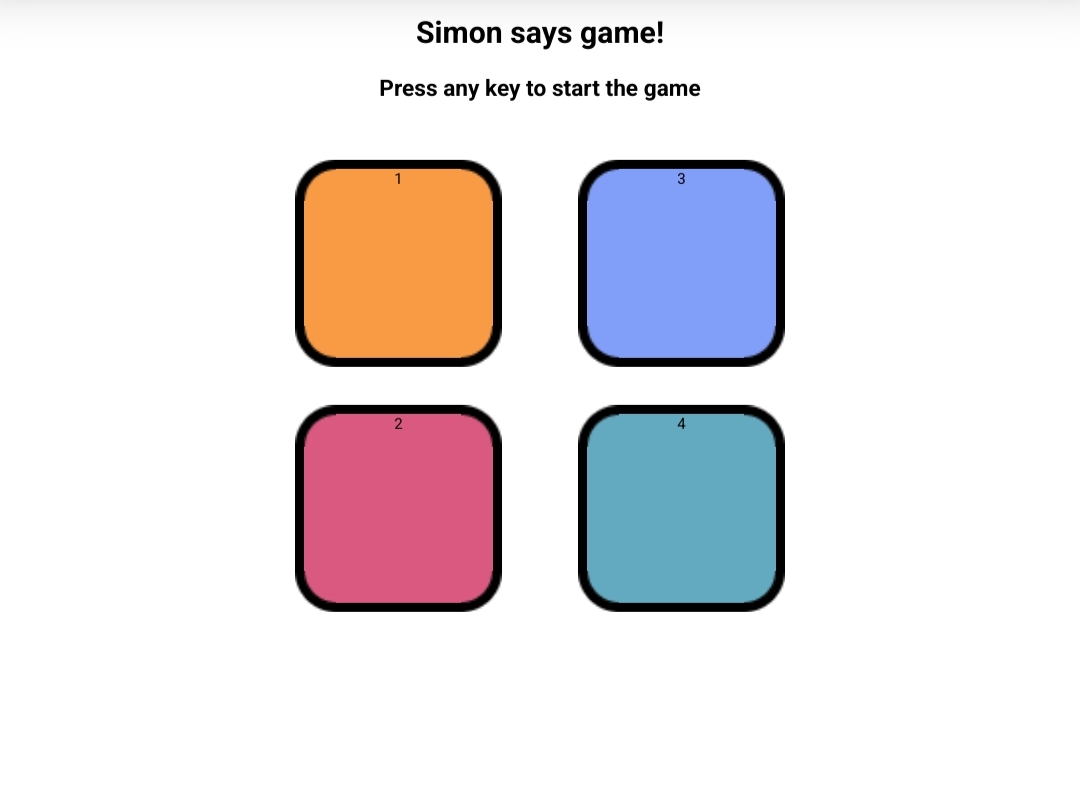
• What it does The Simon Says Challenge Game is a memory-based game that flashes a sequence of colors. The player must repeat the sequence in the correct order. Each round, one more color is added to the sequence. If the player makes a mistake, the game ends. It is simple, interactive, and tests how good your memory is.
• How we built it HTML → to create the basic structure and buttons. CSS → to style the buttons and add animations for flashing effects. JavaScript (DOM) → •Generate random color sequences •Detect user clicks •Compare user input with the correct sequence •Handle game over and restart logic
• Challenges we ran into Writing the logic to check the player’s input against the growing sequence. Making the buttons flash smoothly at the right time. Handling the reset function when the player loses. Since I am still a beginner, it took time to connect the logic properly with DOM elements.
• Accomplishments that we're proud of Successfully completed a working interactive game. Learned to connect logic + UI using JavaScript. Built my first project without copying, by actually understanding the logic.
• What we learned How to use DOM manipulation (add/remove classes, events). How to generate random sequences in JavaScript. The importance of breaking problems into smaller parts while coding. Confidence that I can build projects, even as a beginner.
• What's next for Simon Says Challenge Game Add a scoreboard to show the highest level reached. Add difficulty levels (easy, medium, hard). Add sounds to make it more engaging. Make the UI mobile-friendly and more colorful. Integrate a simple leaderboard API for multiplayer challenges.

