-
-

Welcome to Simmer, your own AI powered kitchen OS
-

Directly share videos to Simmer
-

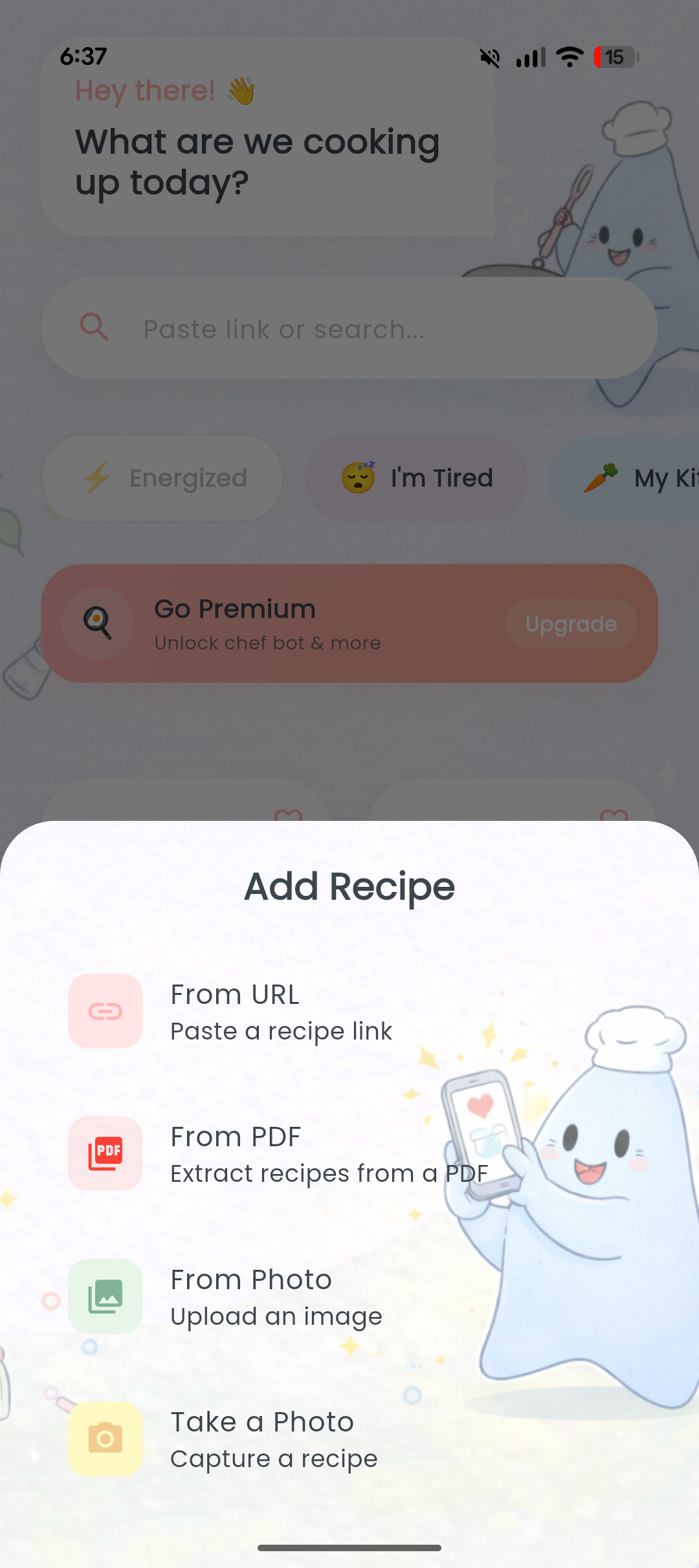
Save a recipe from anywhere, directly to Simmer
-
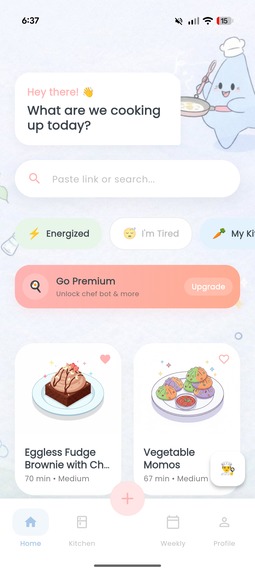
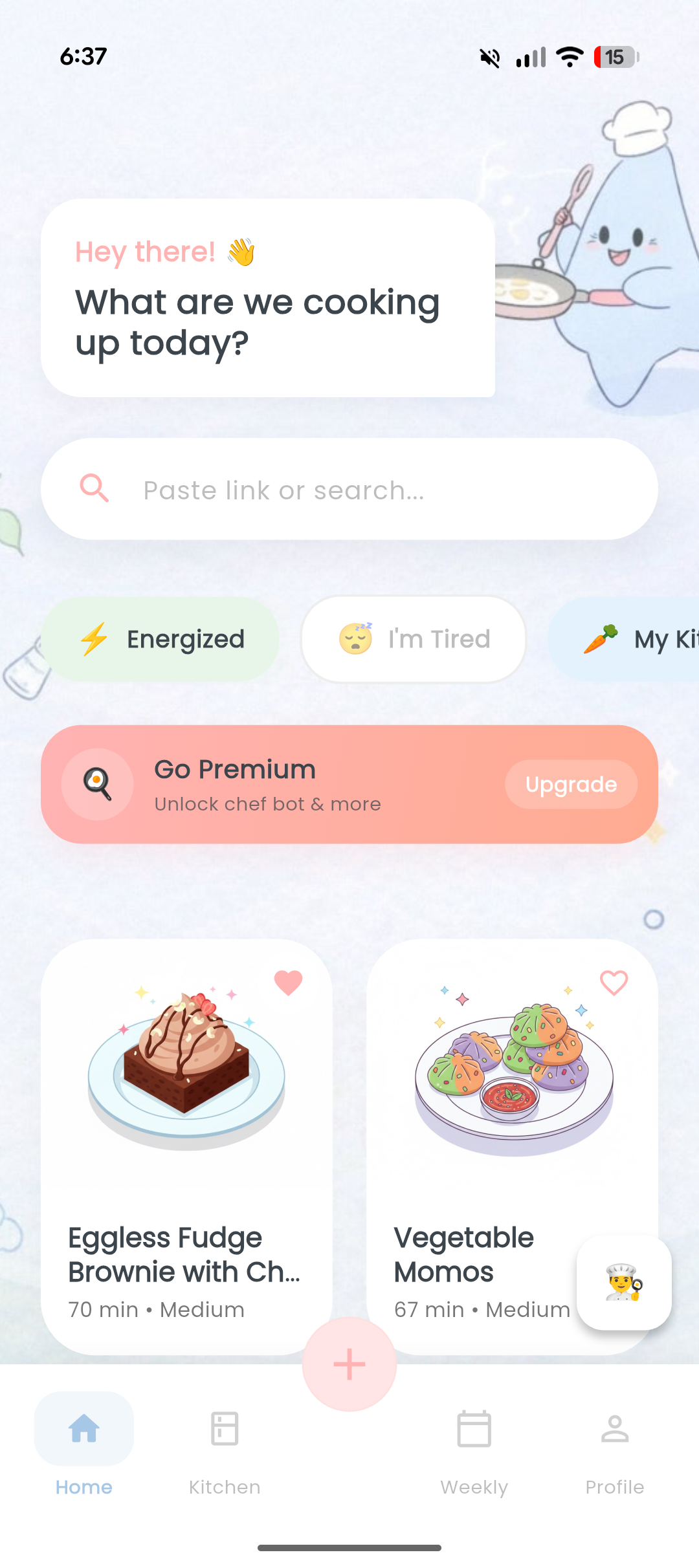
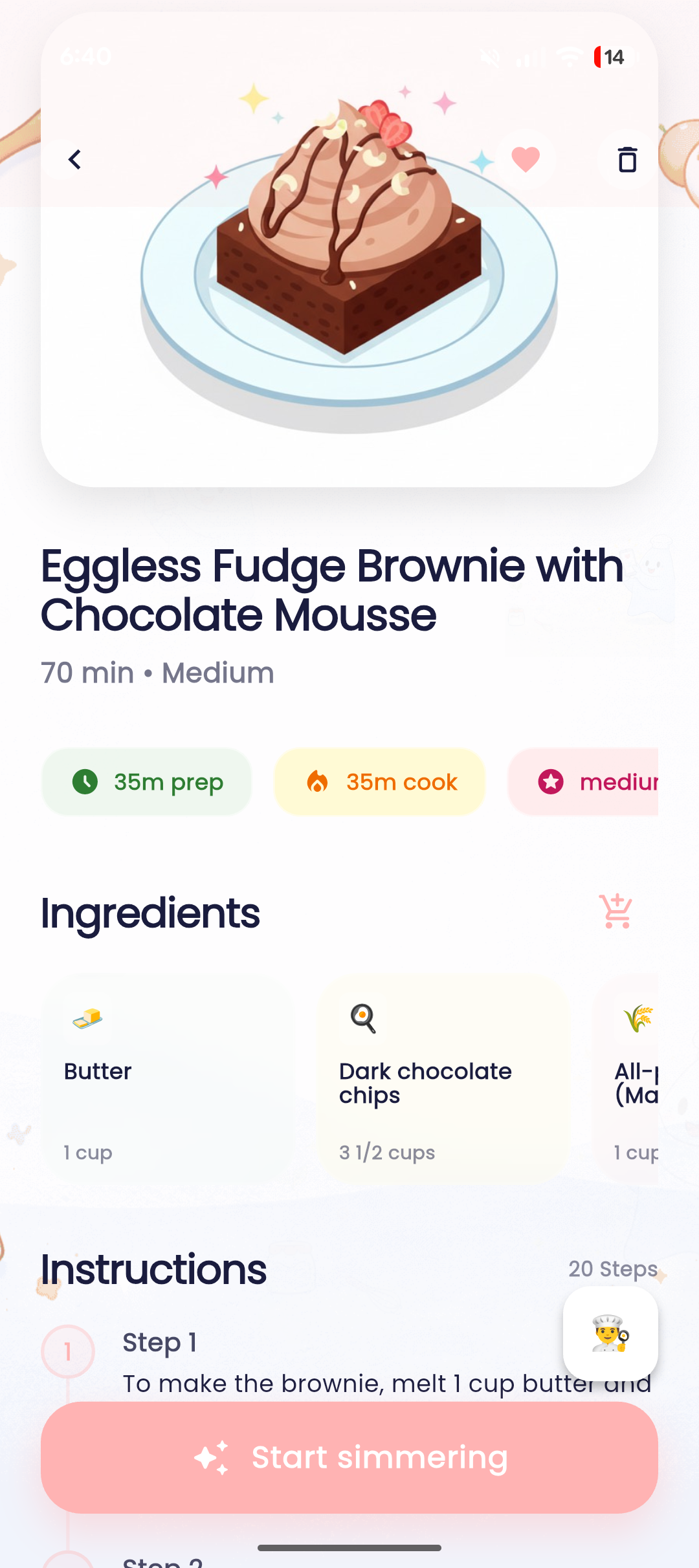
Recipes are saved with cute AI generated illustrations
-
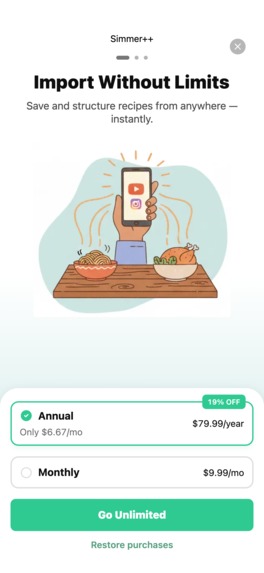
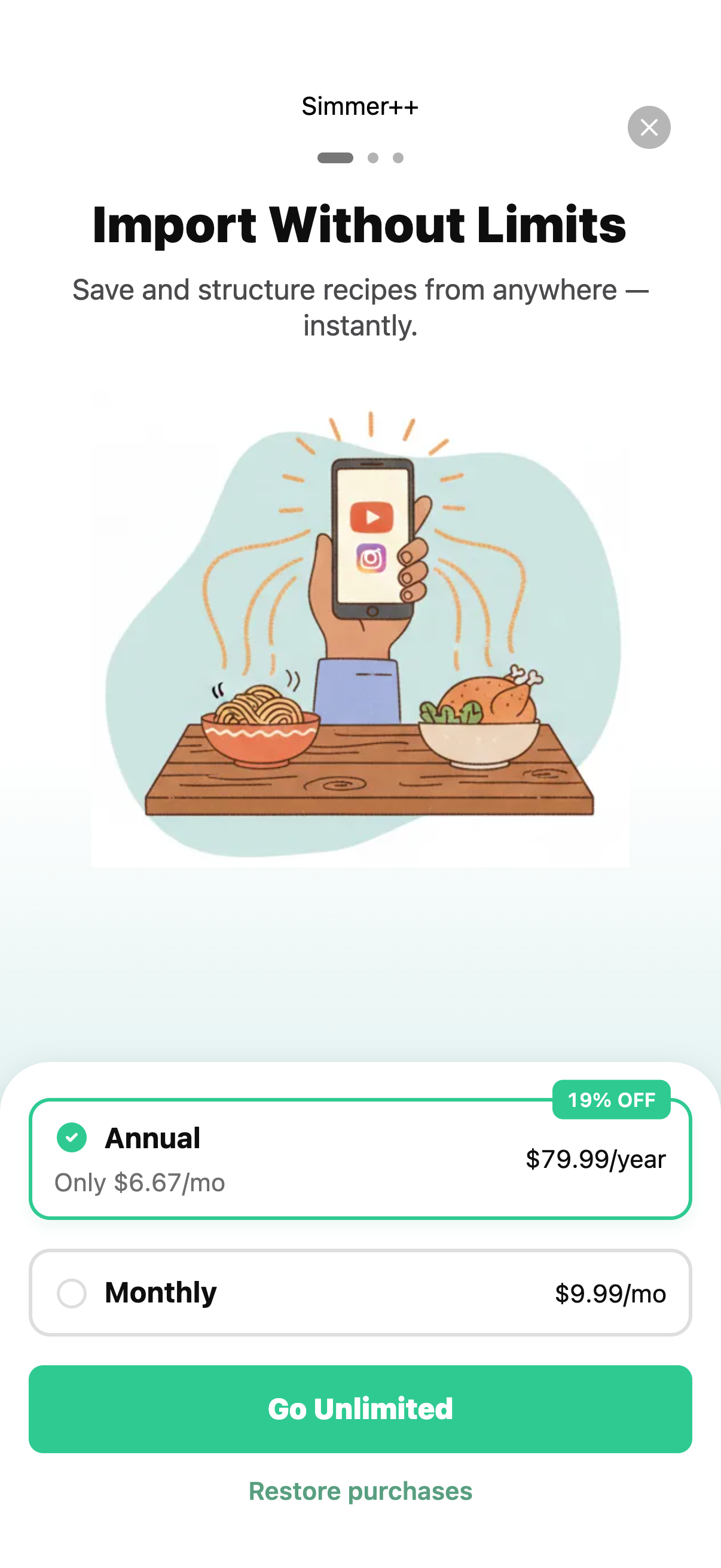
RevenueCat powers the subscription pipeline for Simmer
-
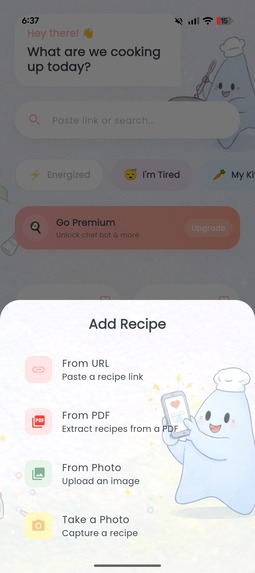
Upload any URL, photo or pdf to save a recipe in Simmer
-

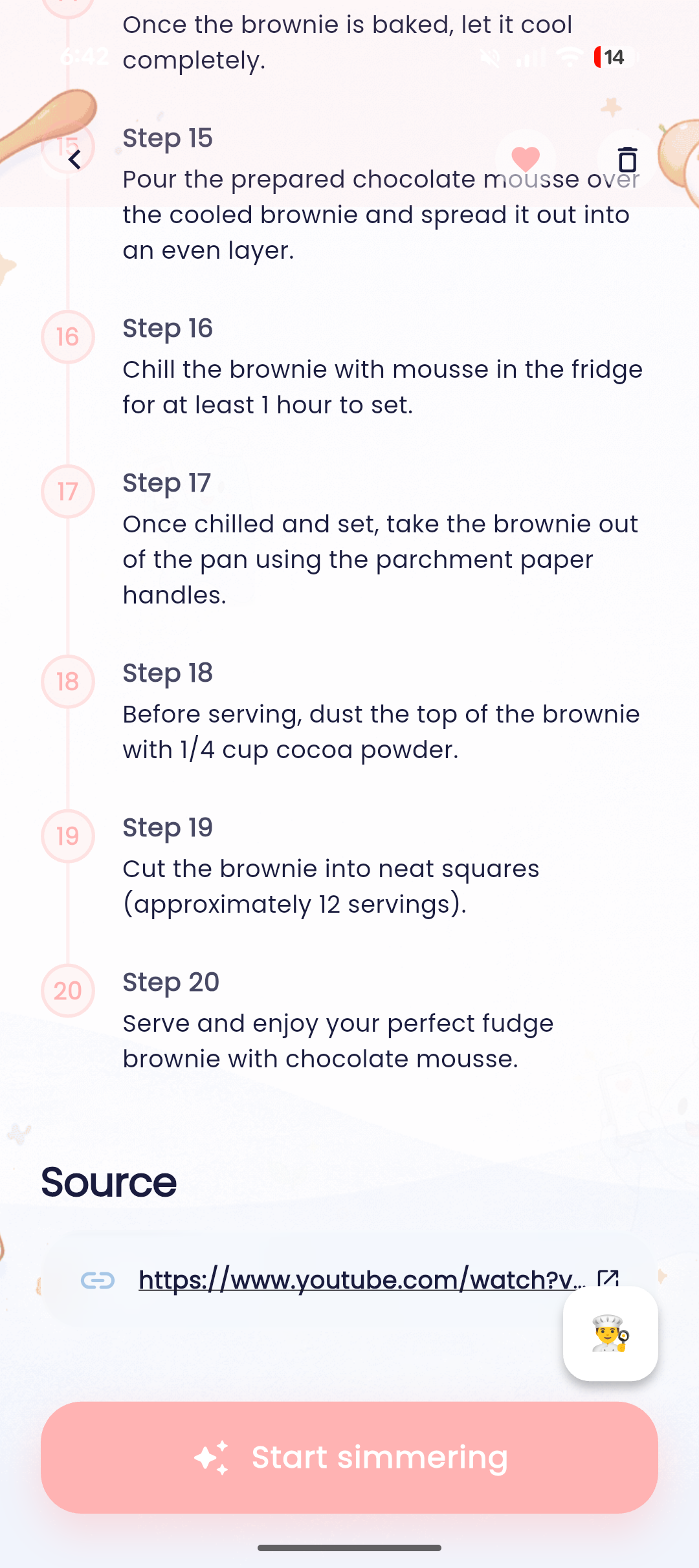
A recipe contains all the required ingredients, time to prepare and steps.
-
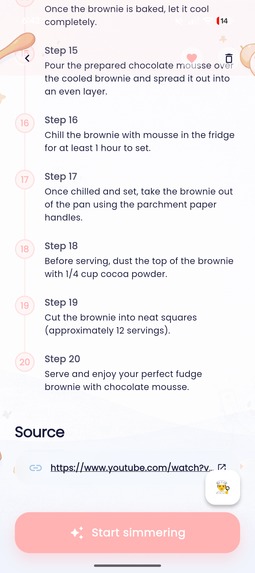
Reference to original link of the recipe
-
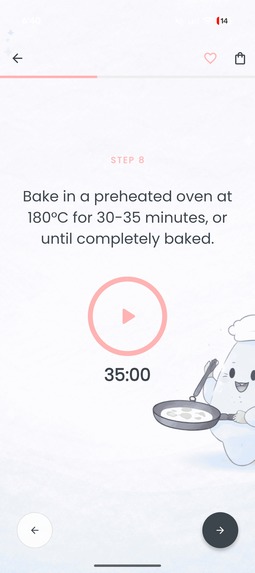
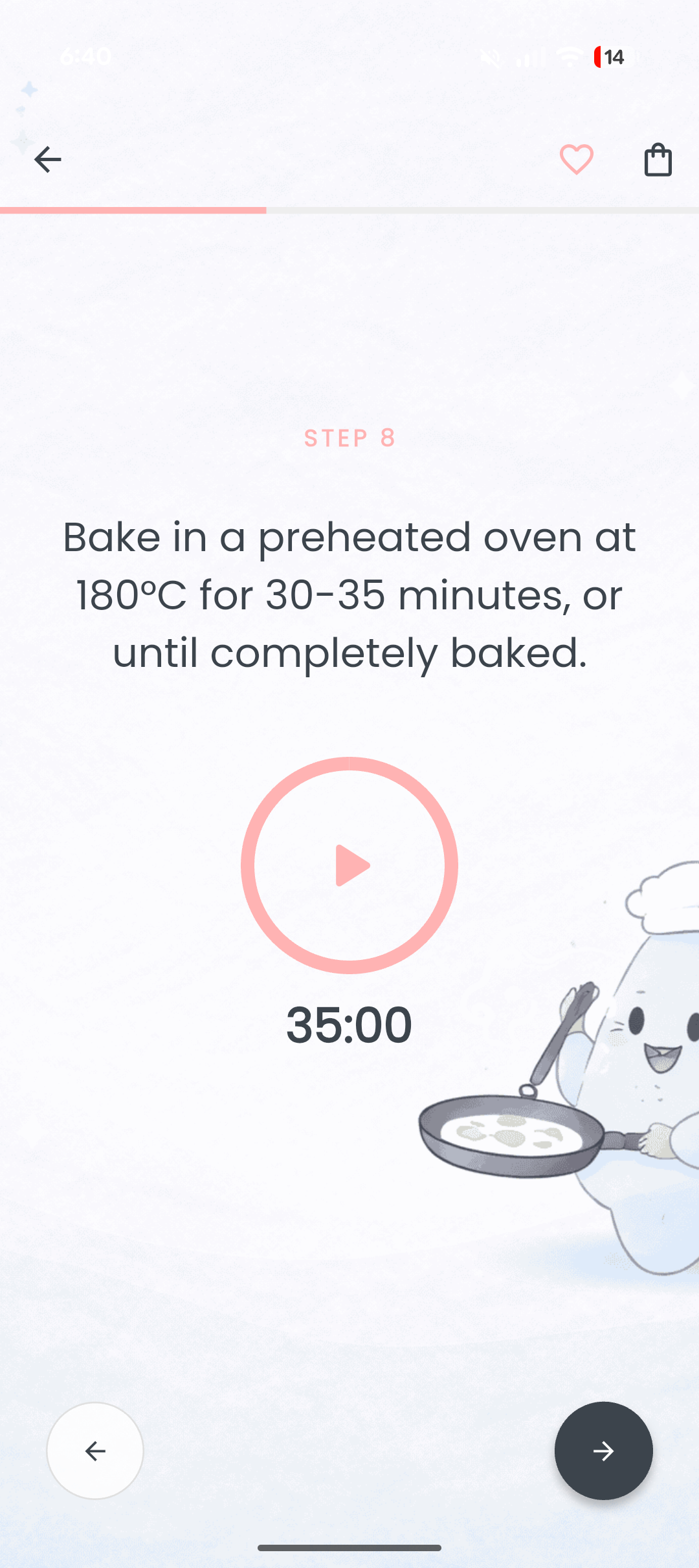
Step by step recipe cards with timers if needed
-
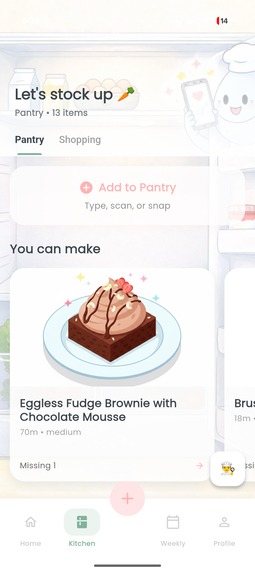
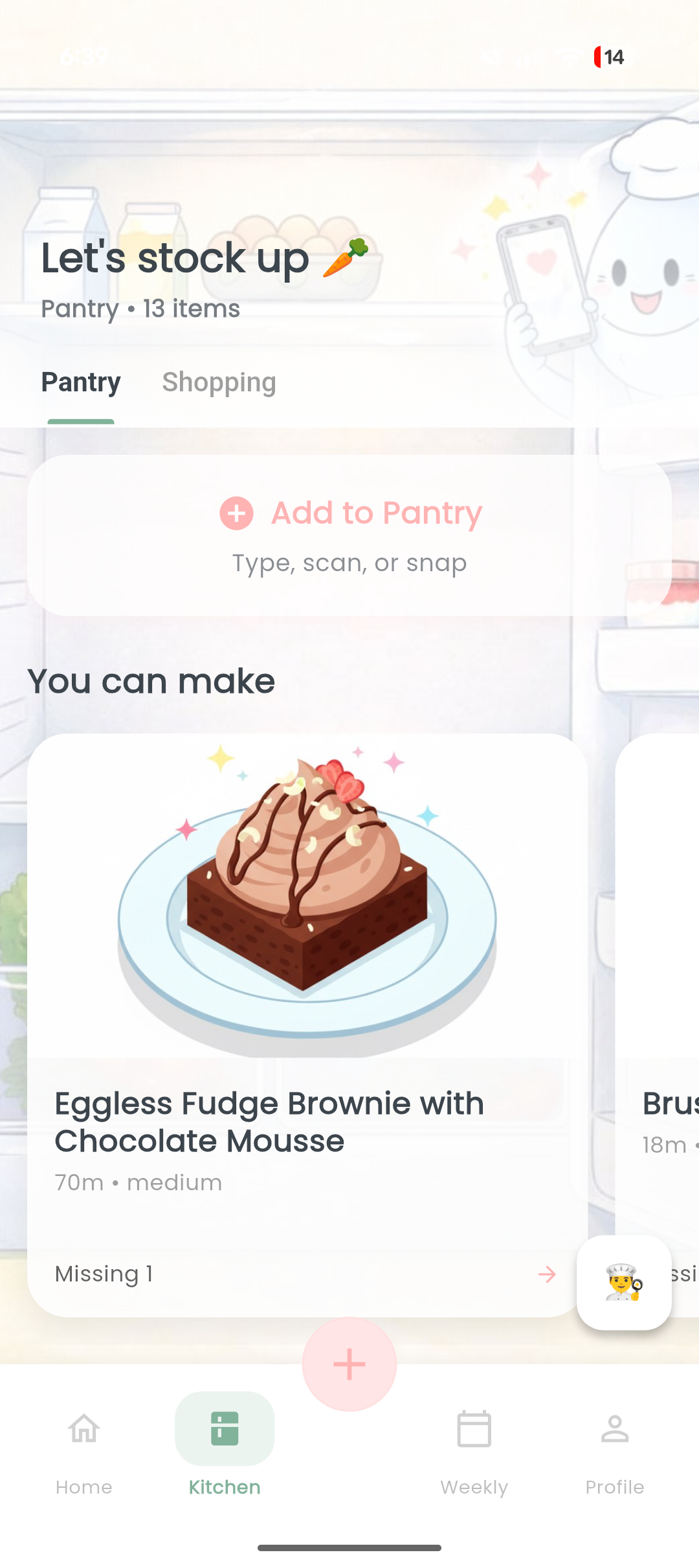
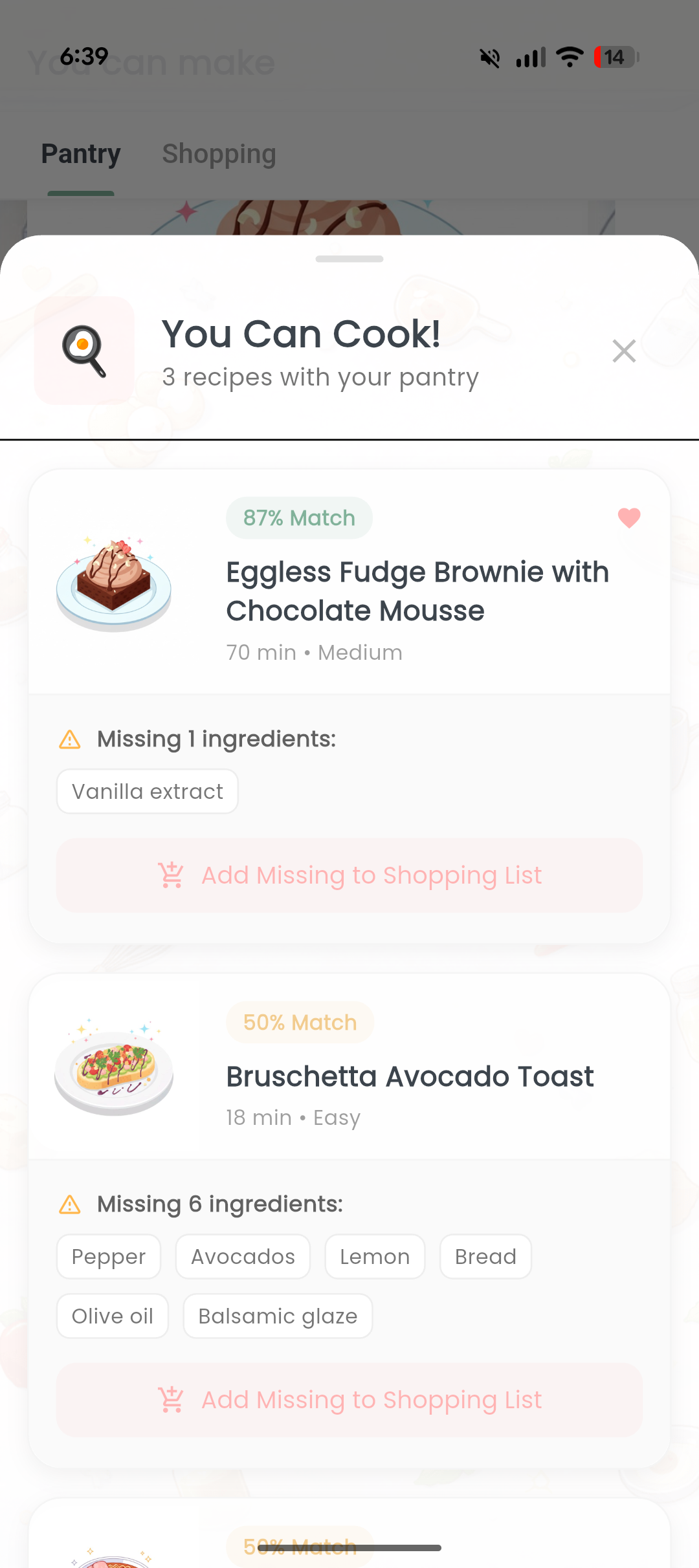
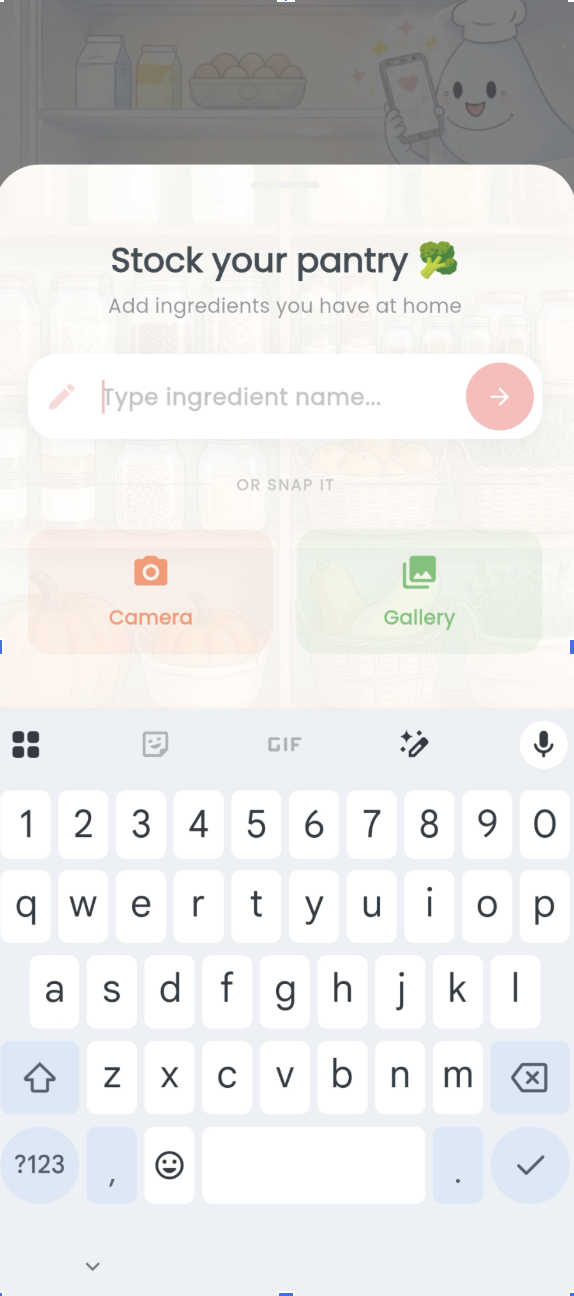
Add items to pantry, by just clicking a picture or manually. Also, see what you can cook with the available ingredients in pantry
-
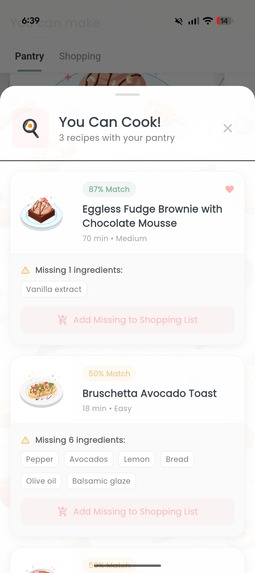
Smart recipe matching
-
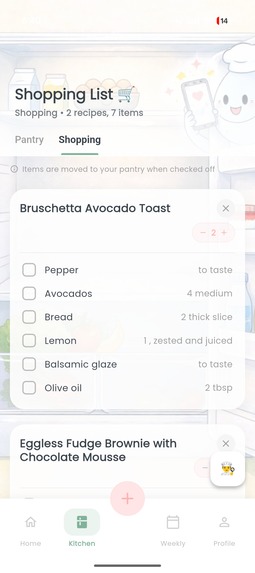
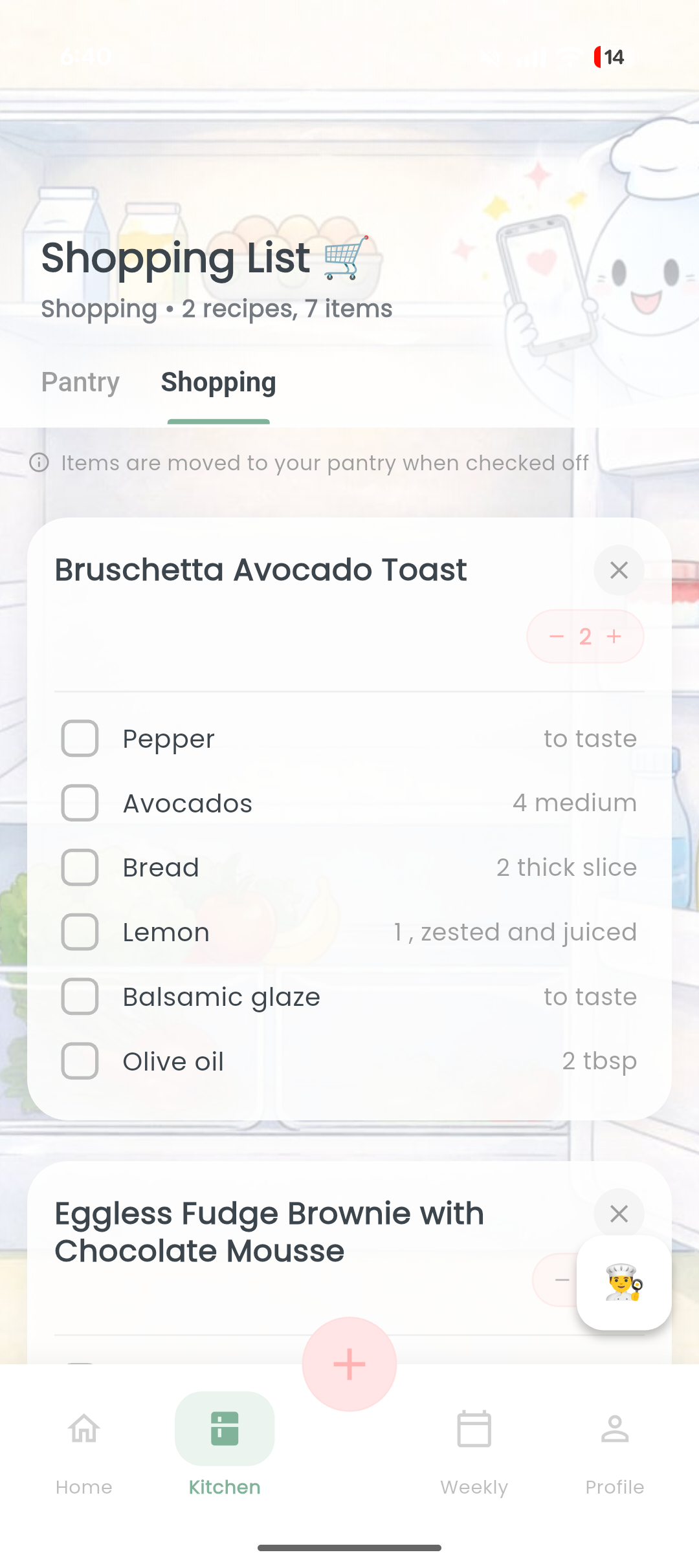
Shopping cart, with features to scale number of serves and remove items already in pantry
-

Add items to pantry, simply by snapping a picture of your fridge :)
-
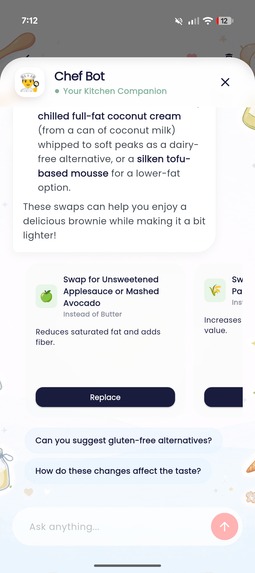
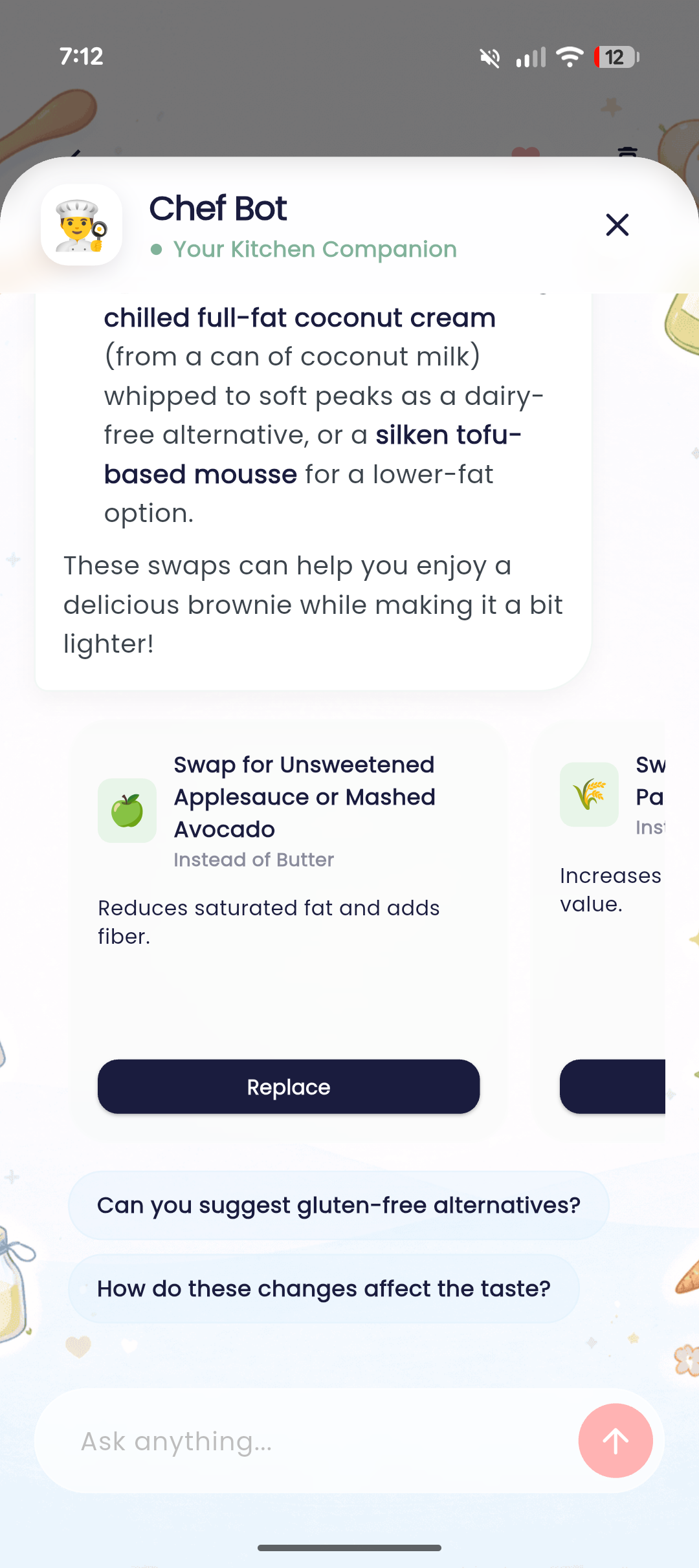
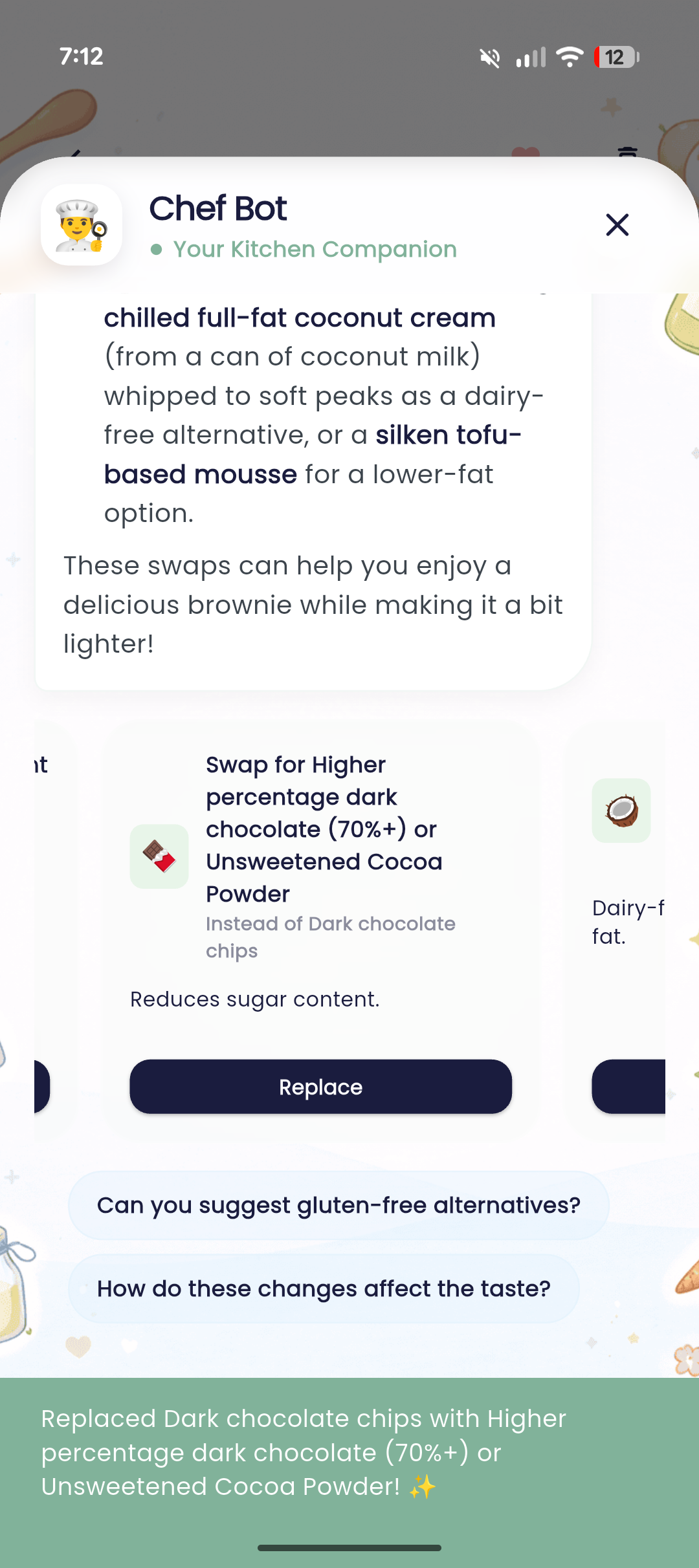
See alternatives (healthy, for allergens, etc)
-
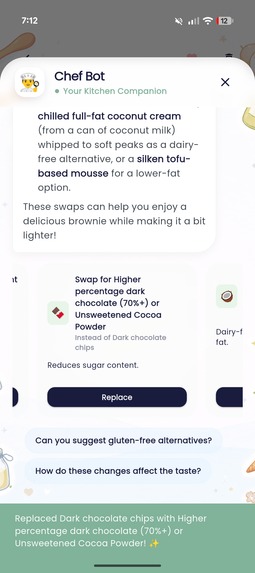
Directly replace substitutions in your recipe
-

All your favorites at one place
-
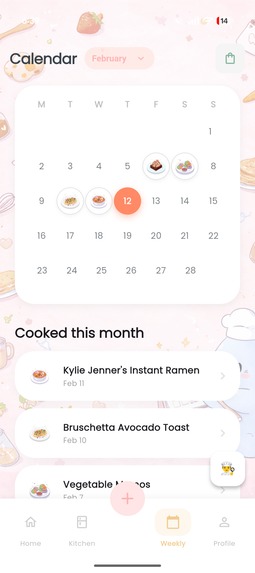
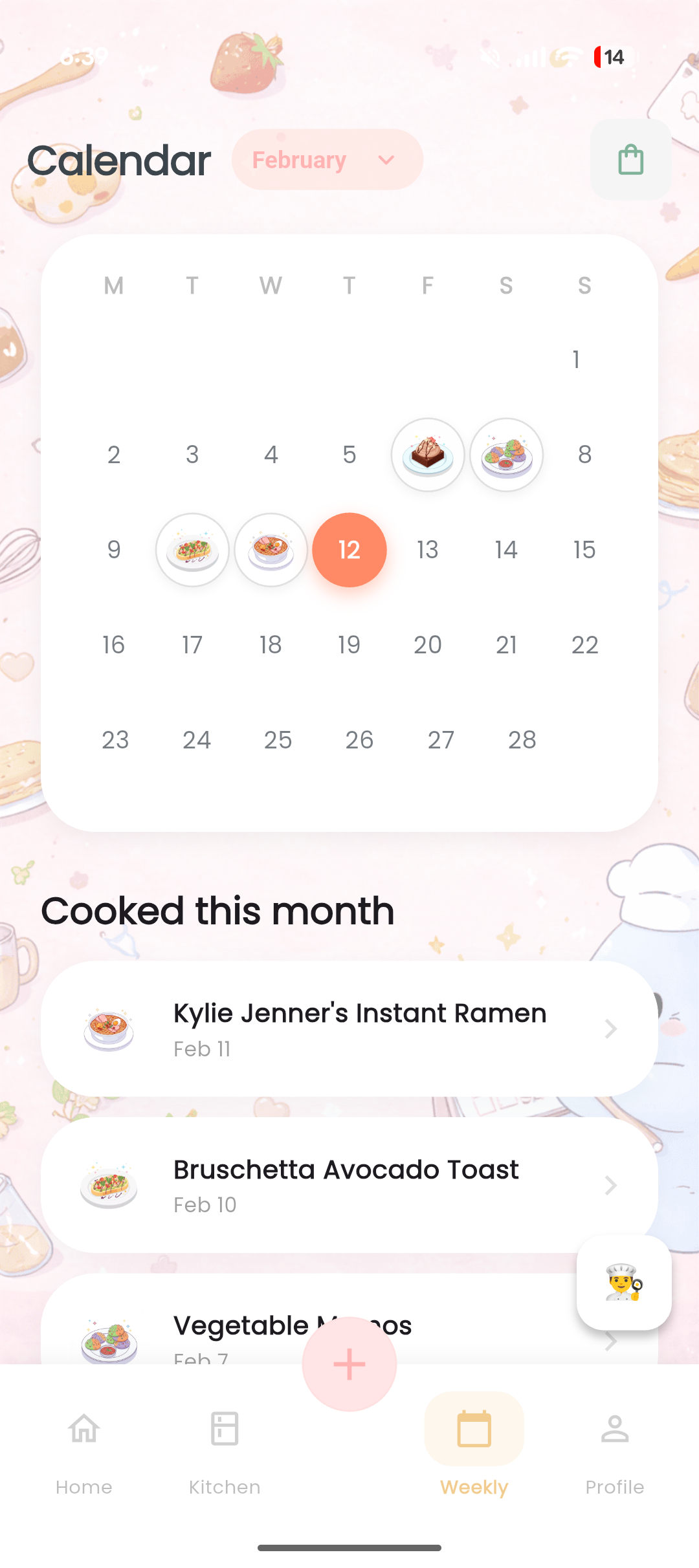
Your weekly cooking calendar
-
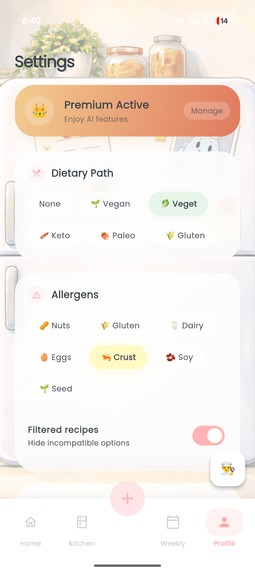
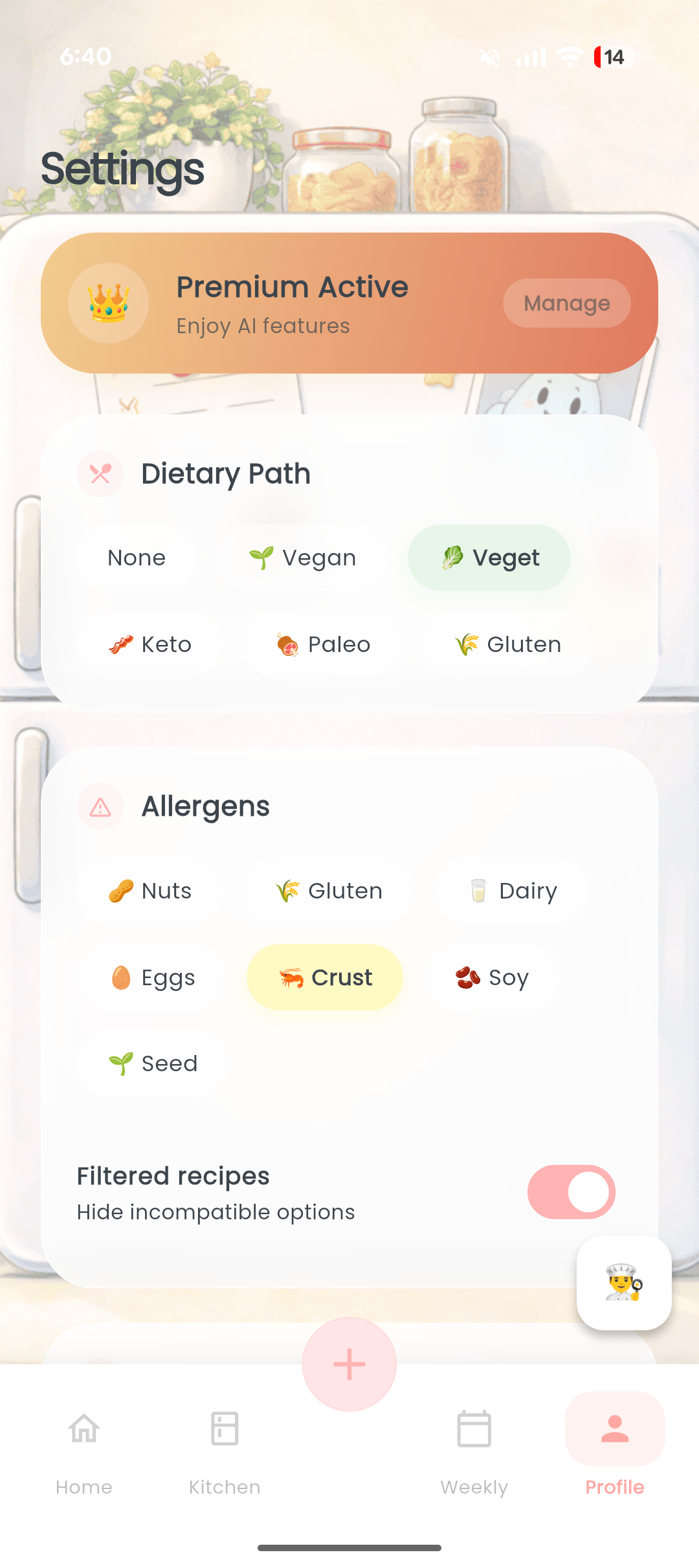
Save allergen information. Optionally, you can also hide the recipes with allergens
-
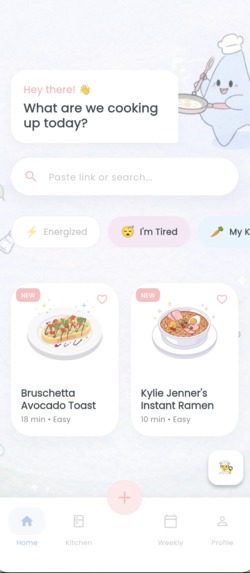
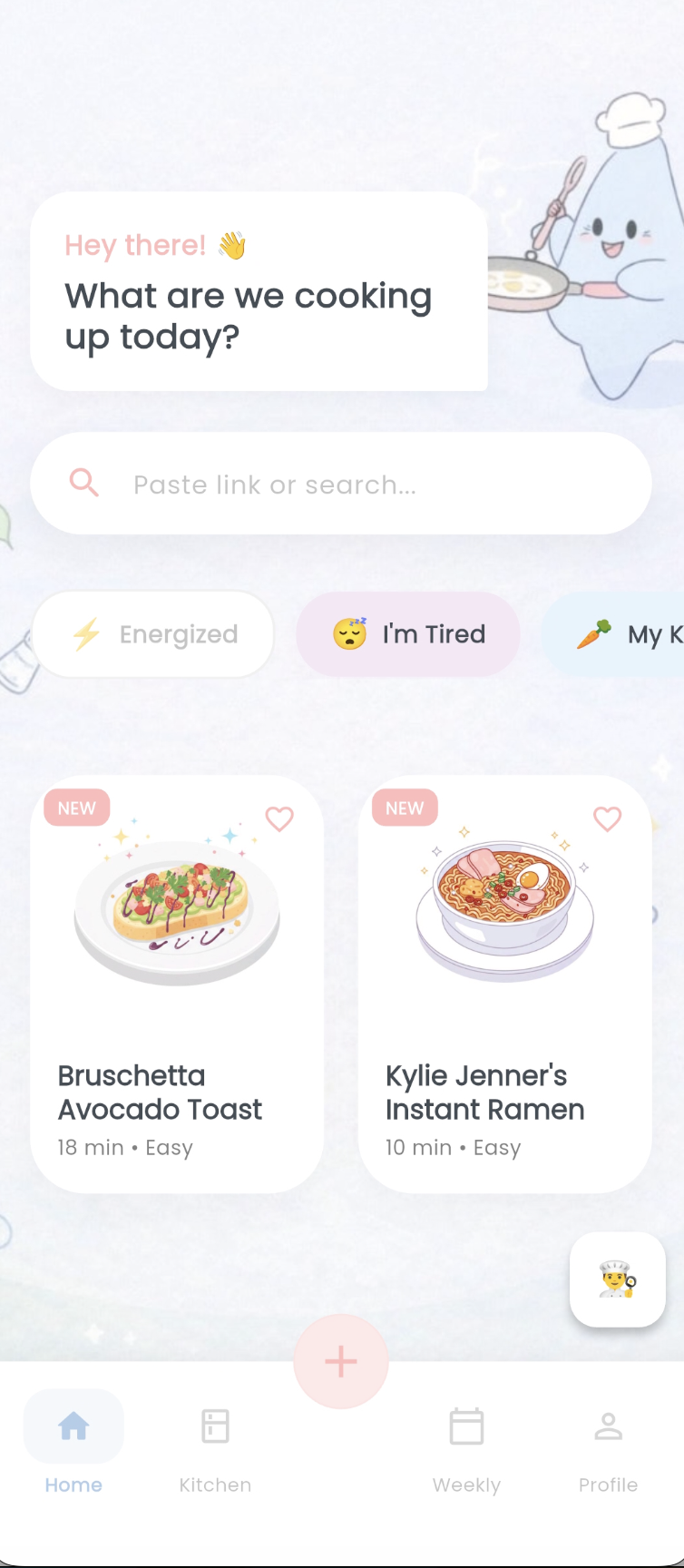
Use the 'I'm tired' mode for easy recipes




🍳 Simmer: From Save to Serve
Inspiration 💡
We don’t have a recipe discovery problem. We have an execution problem.
People save recipes constantly — from YouTube, blogs, TikTok, Instagram, and screenshots — but most of them never get cooked.
The friction isn’t inspiration. It’s the questions that follow:
- Do I already have the ingredients? 🧂
- What do I still need? 🛒
- Is this safe for my dietary restrictions? 🥗
- Can I realistically make this tonight? ⏳
At the moment motivation meets uncertainty, friction wins.
Simmer was built to close that gap — the space between saving a recipe and actually cooking it.
Our goal was simple:
Turn “I should make this” into “Dinner is ready.” 🍽️
What We Built 🚀
Simmer is an AI-powered execution engine for saved recipes.
Instead of building another recipe library, Simmer works with the content users already consume and transforms it into a cook-ready plan in seconds.
The Core Loop 🔄
- Import any recipe
- Share a link directly to the app 📤 and it gets saved
- Paste a YouTube or blog link (TikTok, Instagram are incoming next 😉)
- Upload a screenshot
- Snap a photo of a cookbook 📖
- Upload a PDF
- AI parses it instantly 🤖
- Structured ingredients
- Clear step-by-step instructions
- Prep and cook times
- Pantry-aware intelligence 🧺
- “What can I cook now” status — based on available ingredients
- Smart substitutions — healthy swaps, allergen alternatives, etc.
- Instant grocery list 🛍️
- One-tap add
- Pantry reconciliation
- Focused cooking mode 🔥
- Step-by-step interface
- Smart timers
- Ingredient scaling
In early use, most users imported a recipe and generated a cook-ready grocery list within their first session — directly converting saved inspiration into an actionable meal plan.
Simmer doesn’t optimize for browsing. It optimizes for completion. ✅
The Chef Bot — Context-Aware Execution Assistant 🤖✨
Simmer includes a conversational AI companion that is deeply integrated into the app’s logic.
Unlike generic chatbots, the Chef Bot operates with structured awareness of:
- The user’s pantry inventory 🧂
- Saved recipe collection 📚
- Dietary preferences 🥦
- Allergen restrictions ⚠️
Powered by Gemini, the bot can:
- Navigate users to specific screens based on questions
- Generate new recipes (just name whatever you are craving for and the bot will curate a recipe 😉🌶️)
- Open saved recipes
- Suggest substitutions
This enables queries like:
- “What are some healthy alternatives for the recipe?”
- “What is the nutritional value?”
- “Find a spicy pasta recipe I can cook tonight.”
The Chef Bot doesn’t just reply with text — it performs actions inside the app.
It turns AI from passive assistant into active execution partner.
Technical Architecture 🏗️
Simmer is built as a production-ready, cross-platform application.
Frontend
- Flutter (iOS & Android)
- Riverpod for reactive state management
- Hive for offline-first local storage
- Optimistic UI updates
- Edge-to-edge immersive design
Backend
- Firebase Authentication
- Firestore database
- Node.js
- Async background cloud sync
All core data (recipes, pantry, shopping lists) is stored locally first, then synced asynchronously. Perceived Latency = ~0, even under unstable network conditions.
AI Pipeline 🧠
Simmer leverages Gemini 2.5 Flash for ultra-low latency multimodal reasoning.
Supported Inputs
- URLs (YouTube, Web)
- Screenshots
- Cookbook photos 📷
- PDFs
Monetization Strategy (RevenueCat-Powered) 💰
Simmer uses a freemium subscription model designed for fast activation and sustainable scaling.
Free Tier
- Basic pantry management
- 3 AI imports to start
- Basic shopping list
Simmer Pro (Entitlement: Simmer Pro) 💎
- Unlimited AI imports
- Unlimited Pantry Camera Scans
- Full “What Can I Cook?” engine
Challenges We Faced 🧩
1. Recipe Parsing Variability
Recipes differ wildly in structure. We refined prompts and enforced strict schema validation to normalize outputs.
2. Pantry Matching Complexity
Ingredient naming inconsistencies required fuzzy matching and canonical mapping to avoid false negatives.
3. Balancing Power with Simplicity
Early versions were feature-heavy. We refocused around one hero flow:
Import → Pantry Check → Grocery List → Cook 🍳
Everything else supports that loop.
What We Learned 📚
- AI must feel invisible.
- Monetization should shape architecture early.
- Friction, not inspiration, is the real cooking bottleneck.
- Completion is more valuable than discovery.

Log in or sign up for Devpost to join the conversation.