-
-
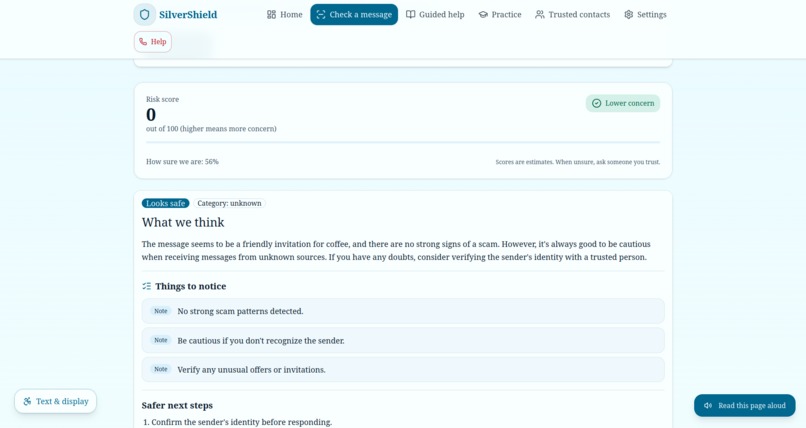
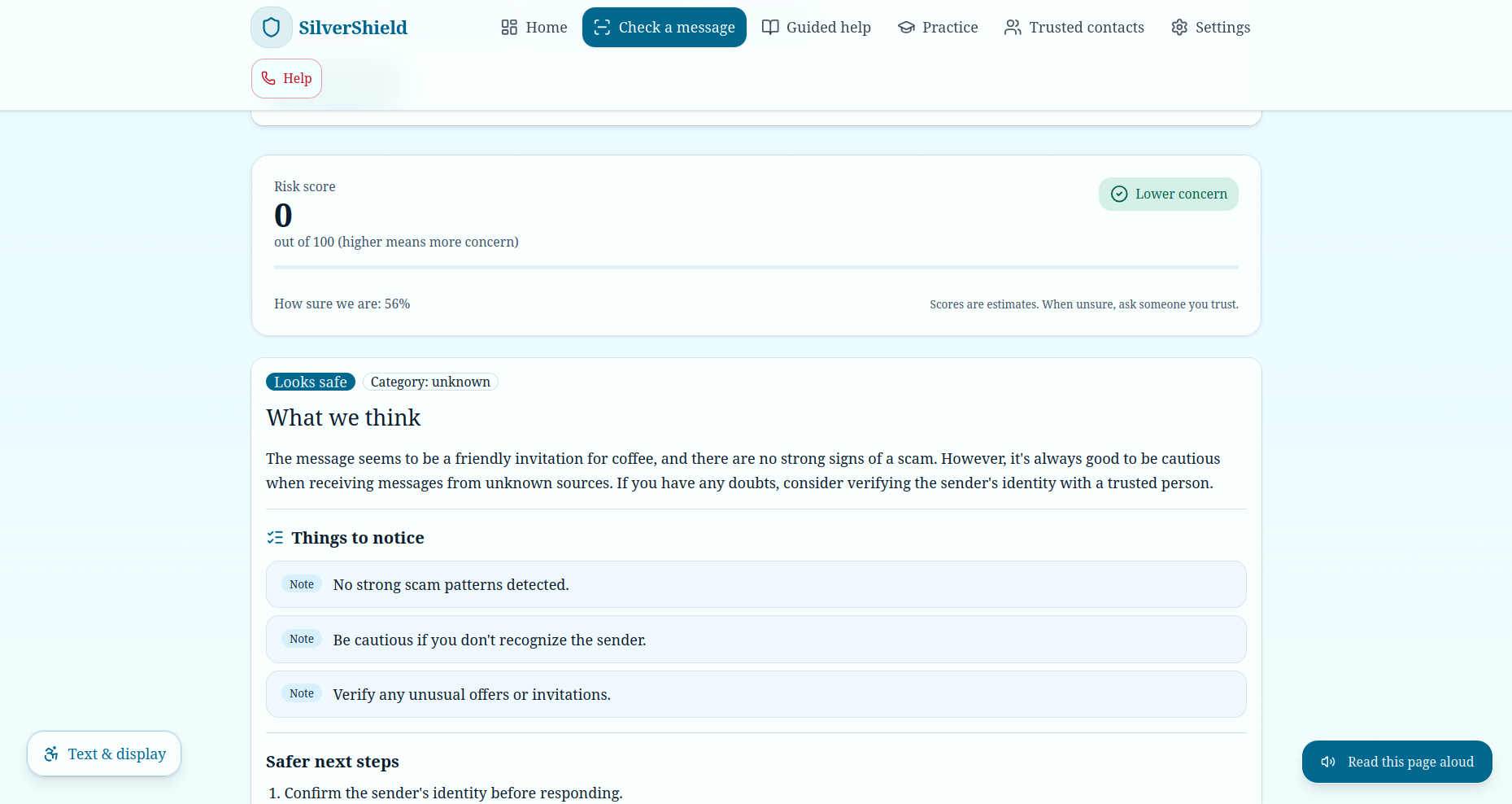
Feature 1: Result
-
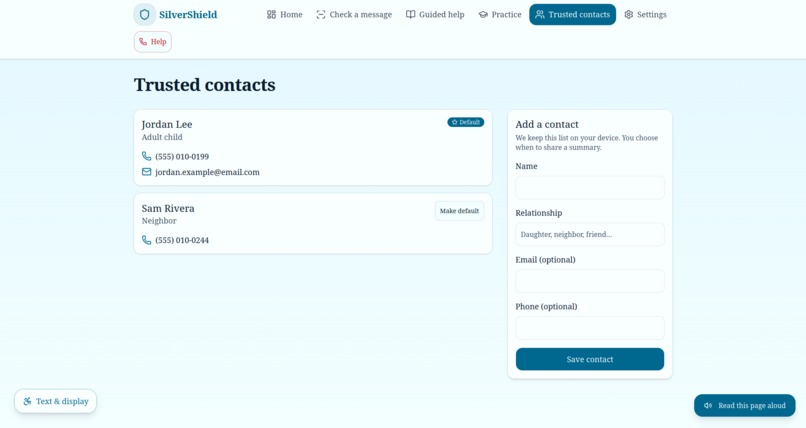
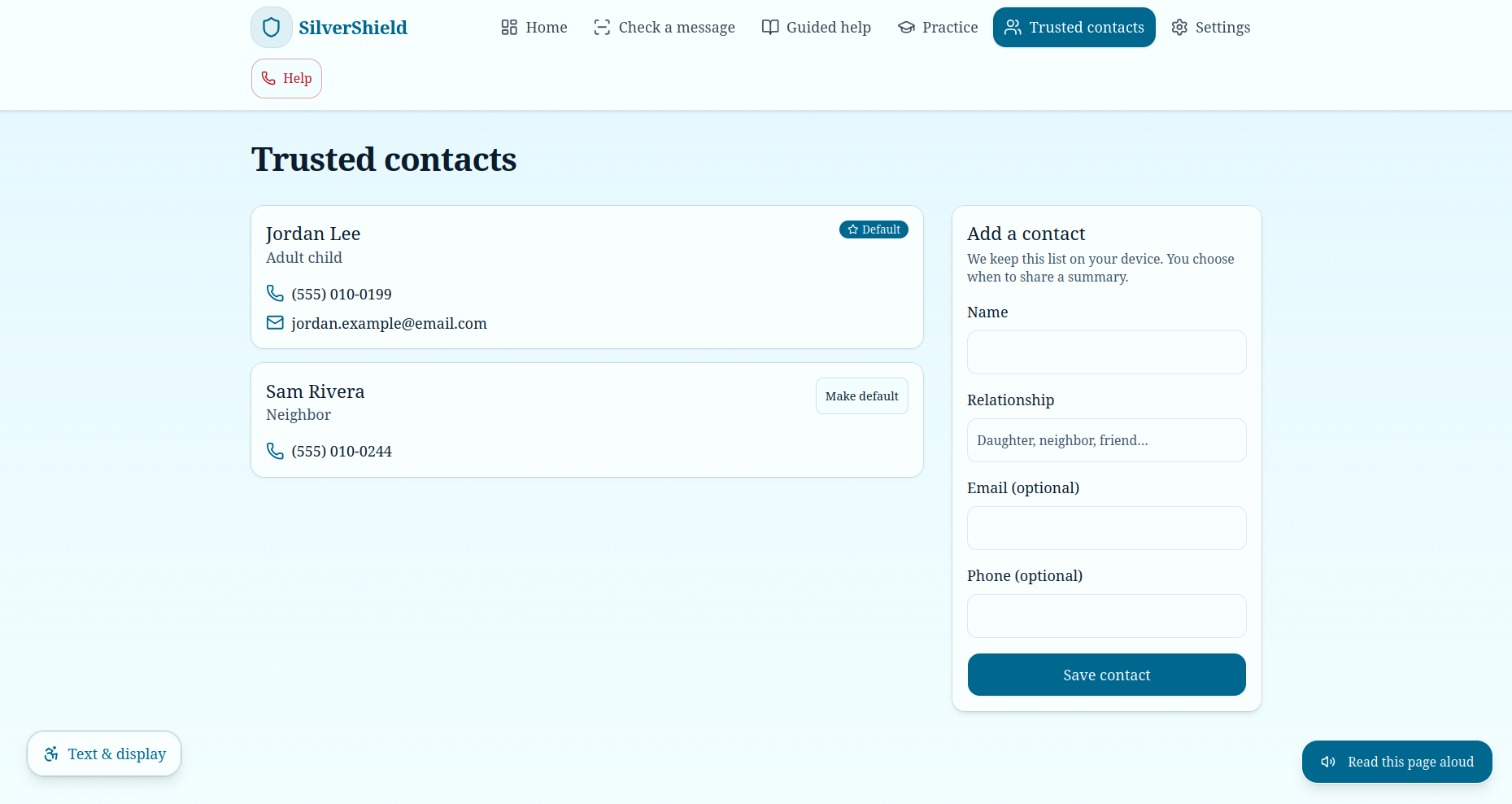
Feature 4: Trusted Contacts
-
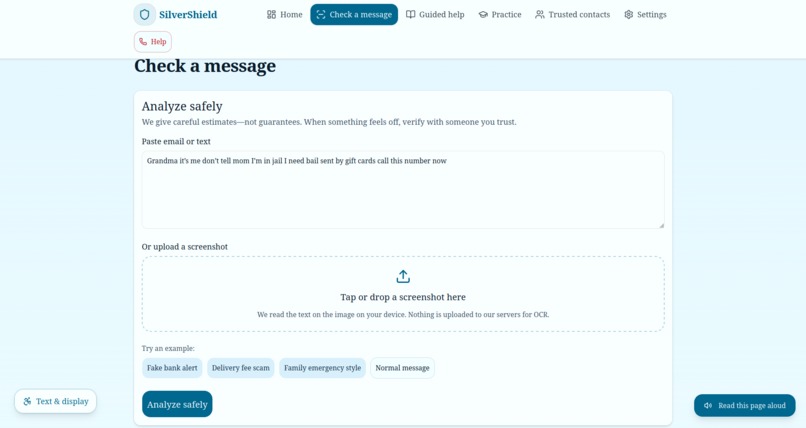
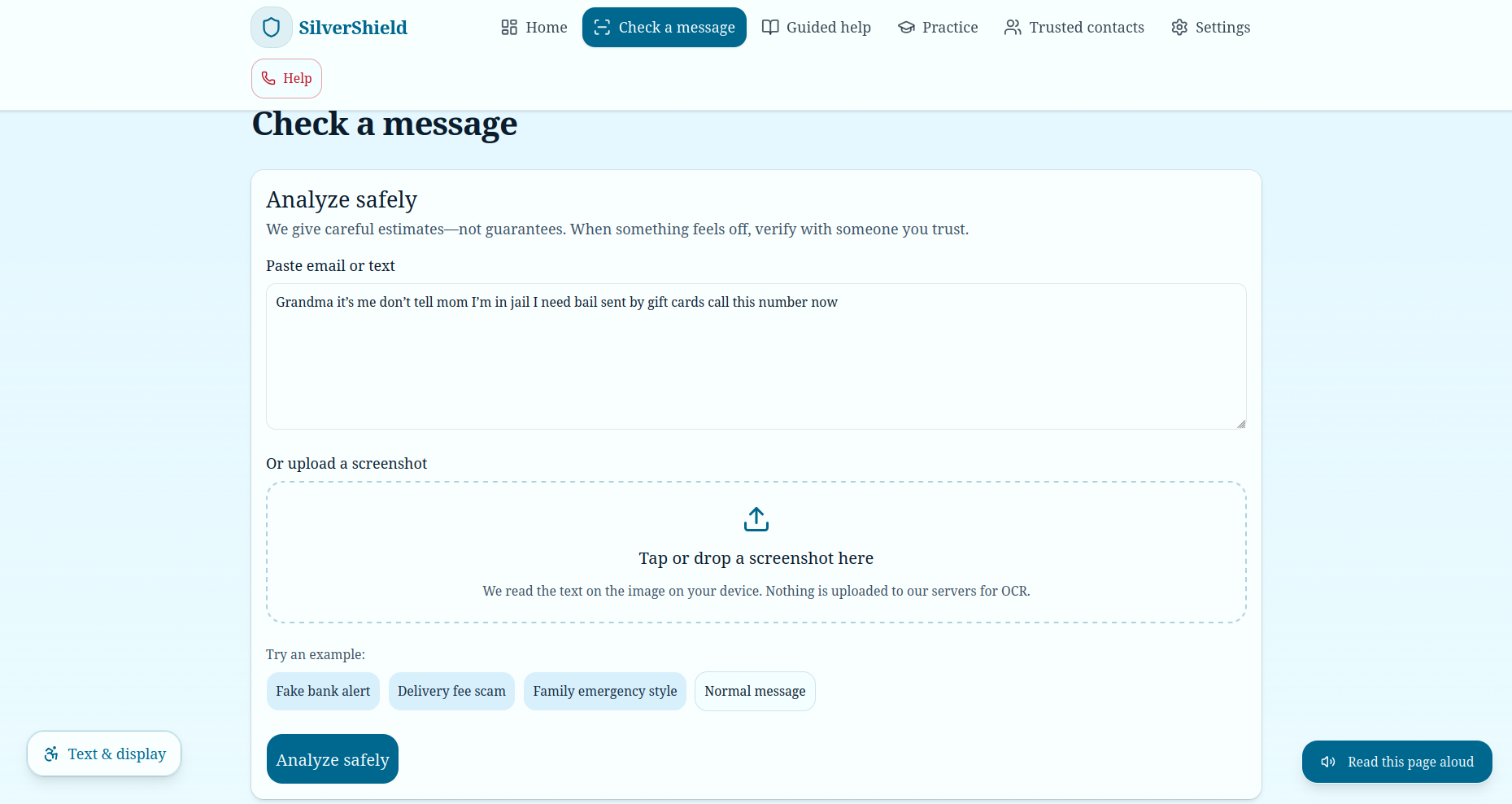
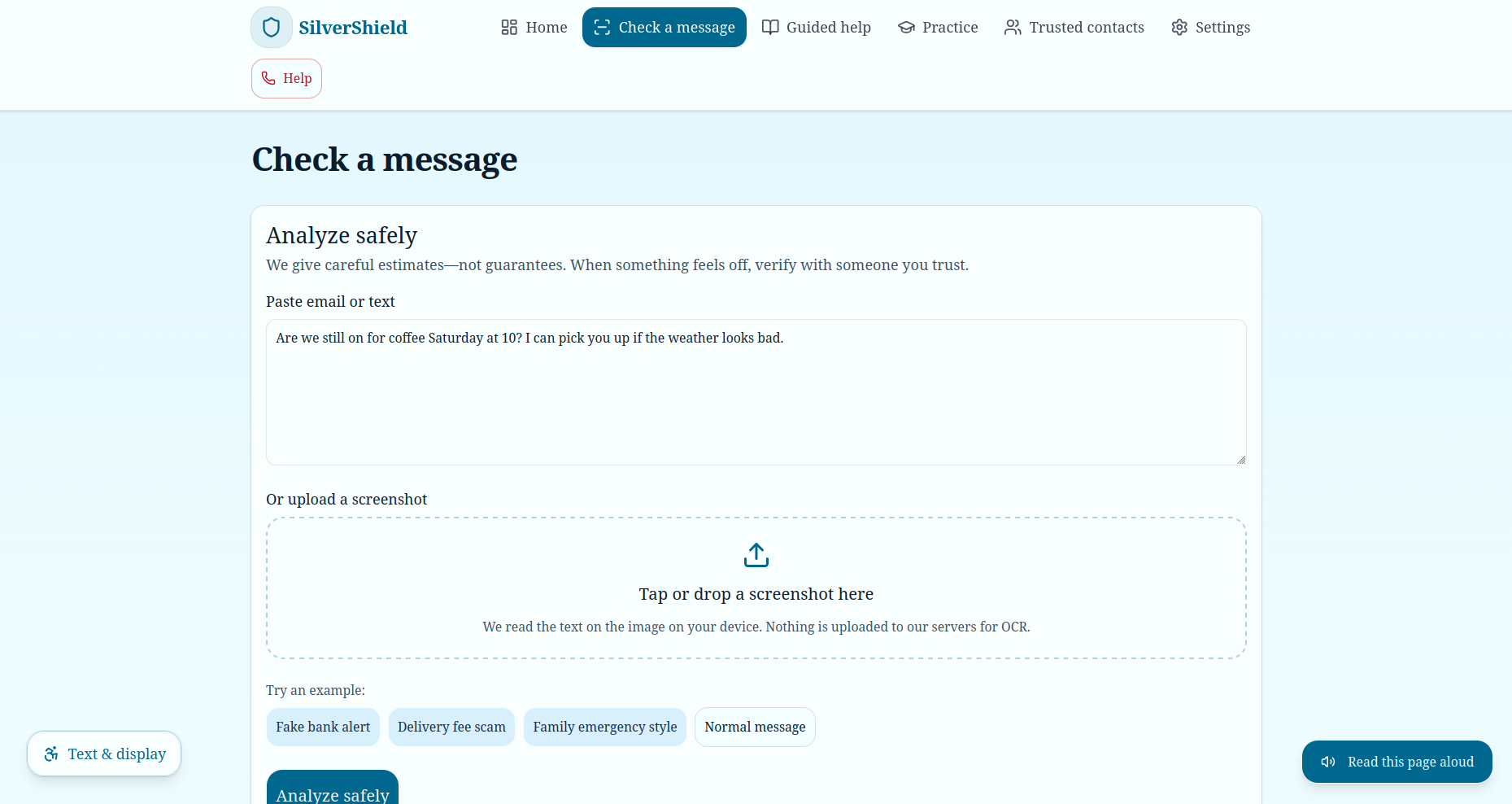
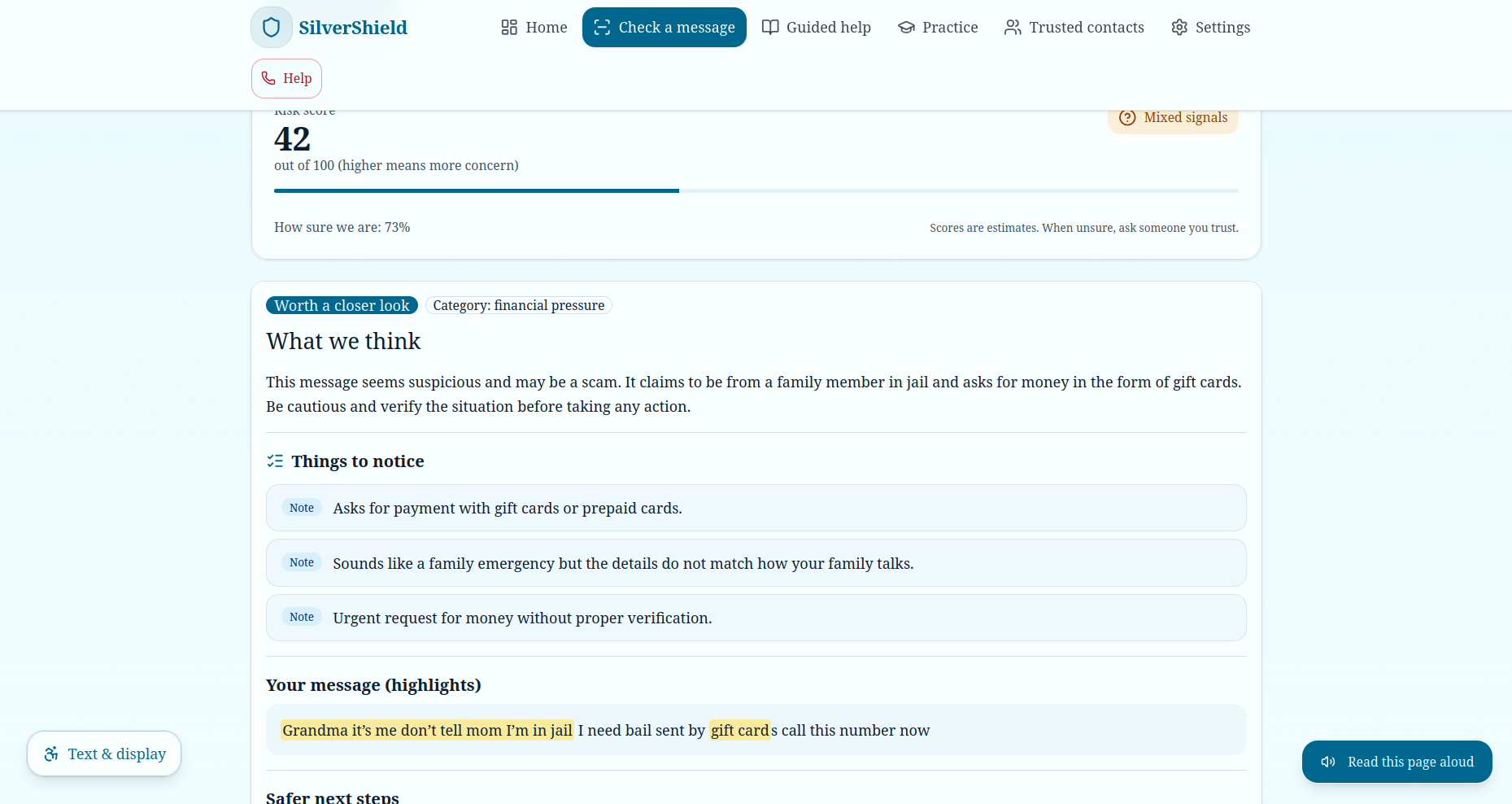
Feature 1: Checking Messages (example 2)
-
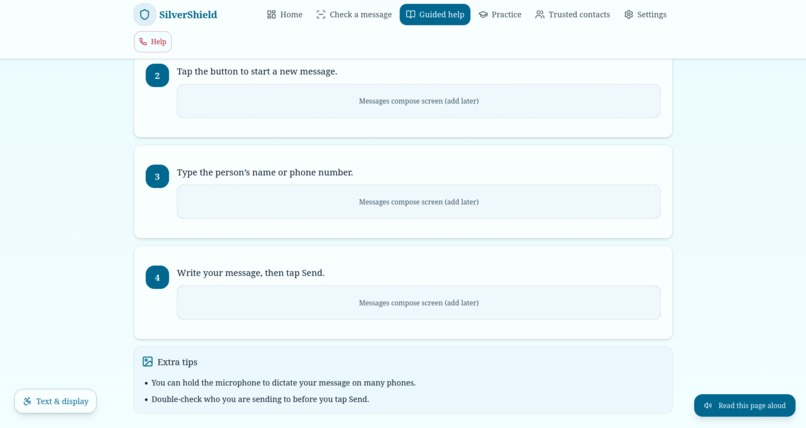
Feature 2: Result Continue
-
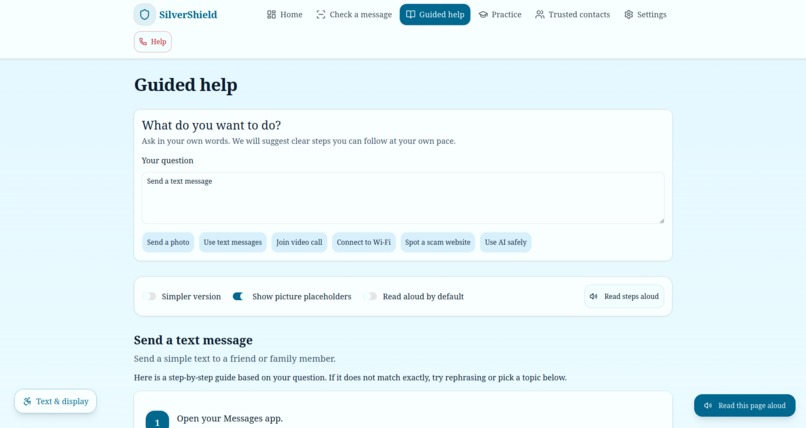
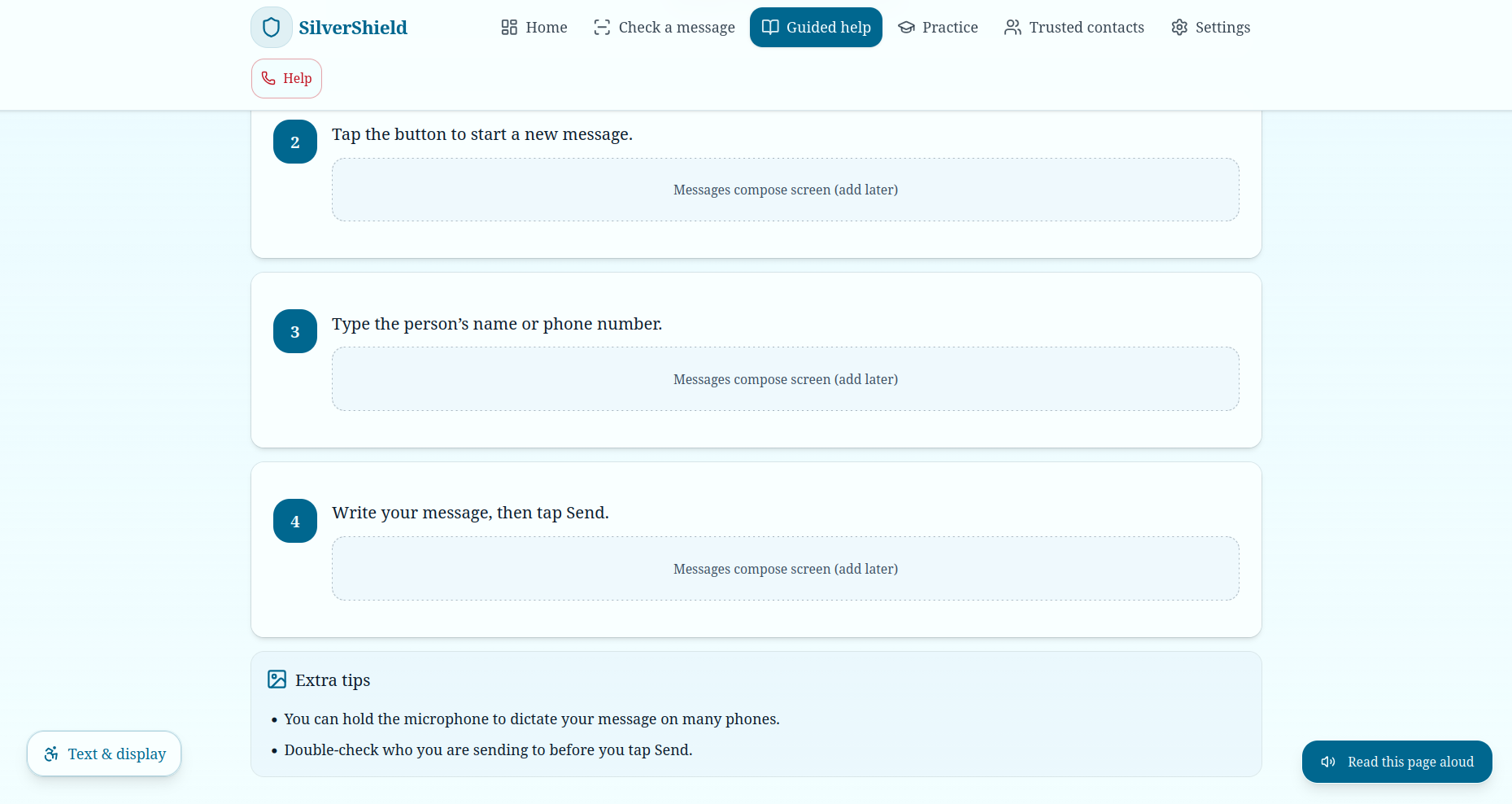
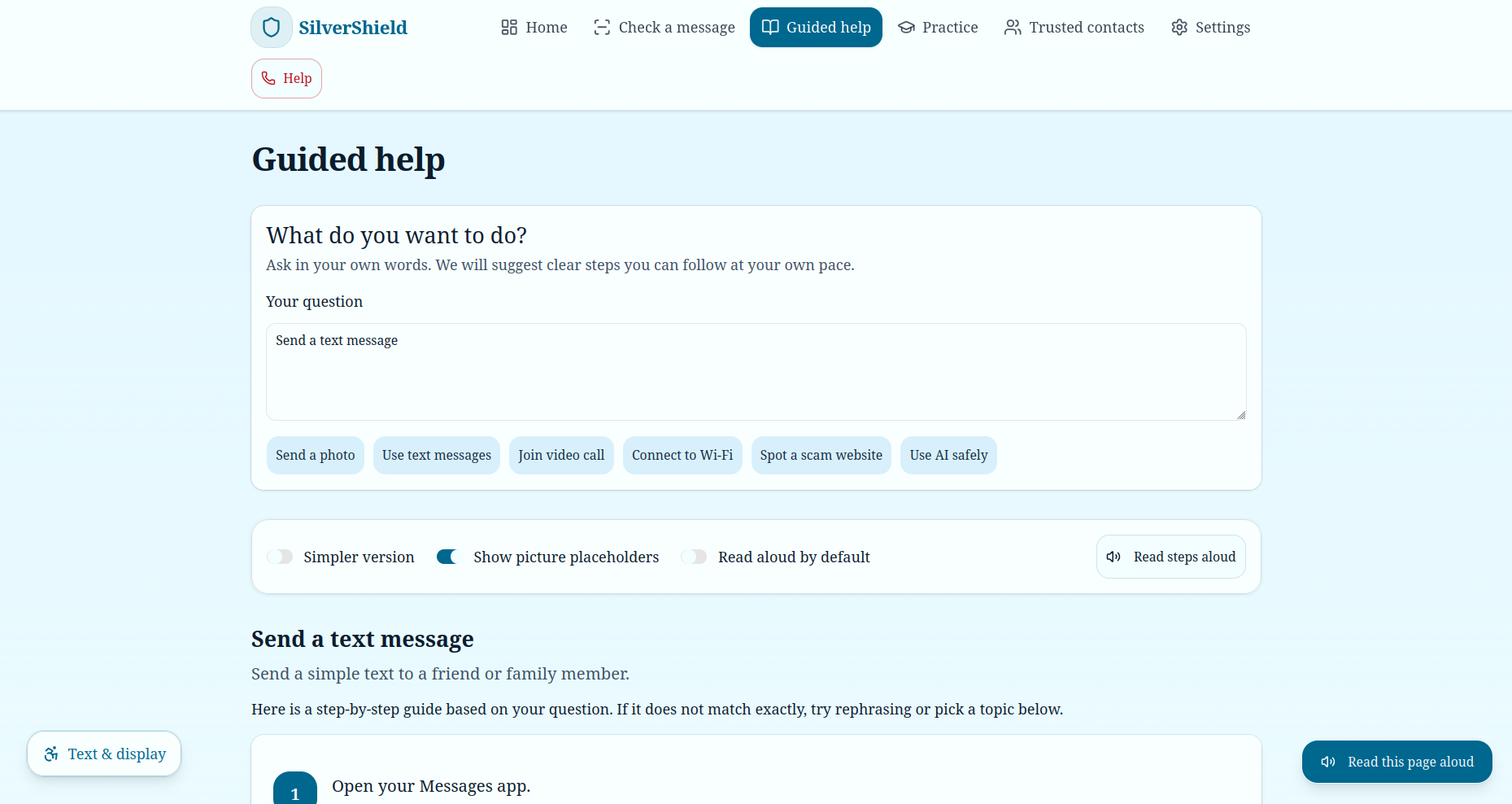
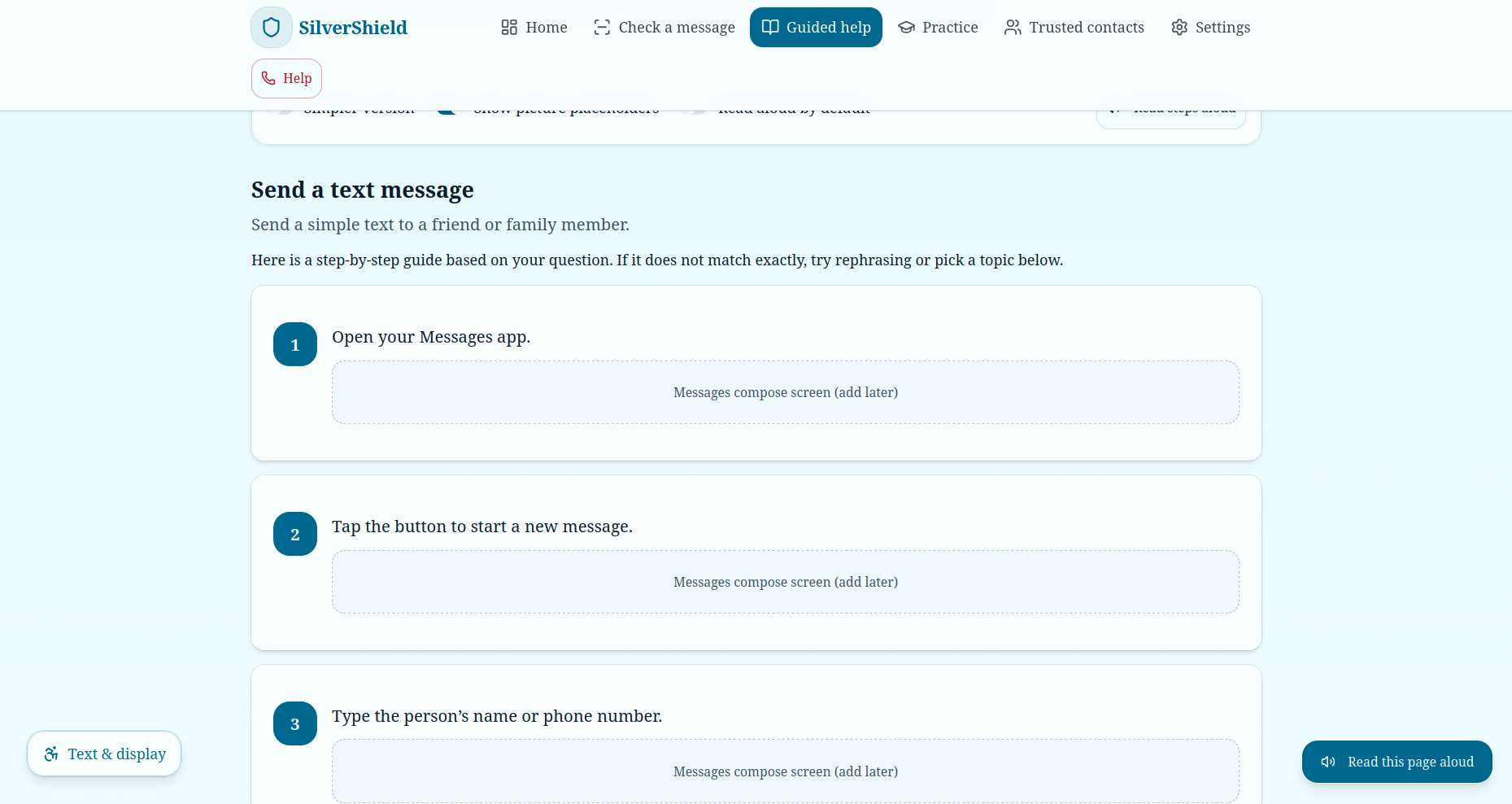
Feature 2: Guided Help
-
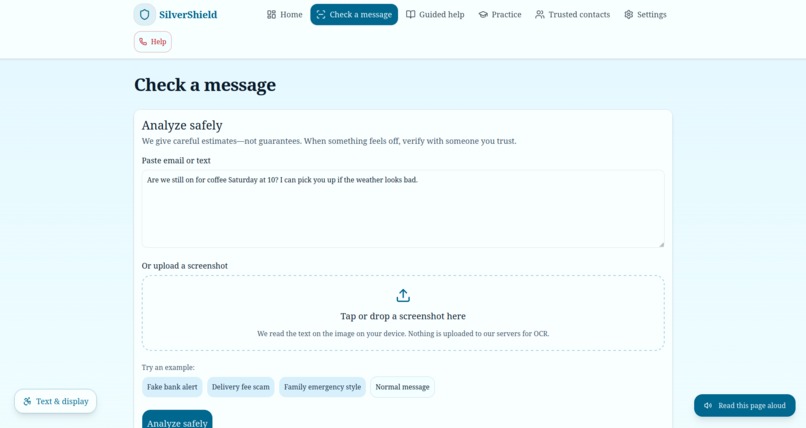
Feature 1: Checking Messages (example 1)
-
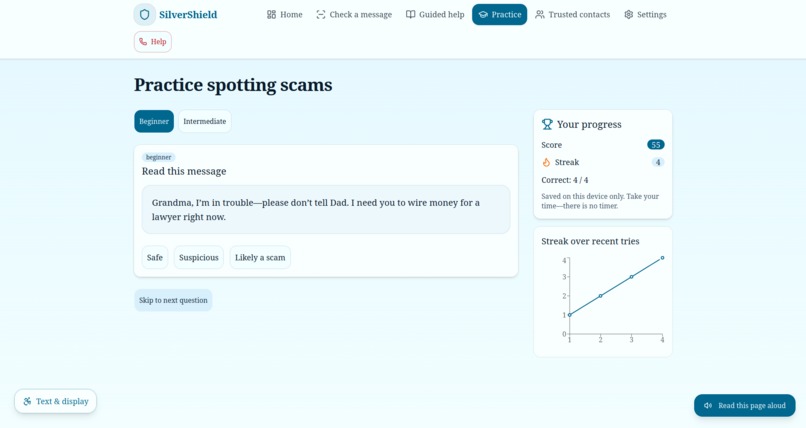
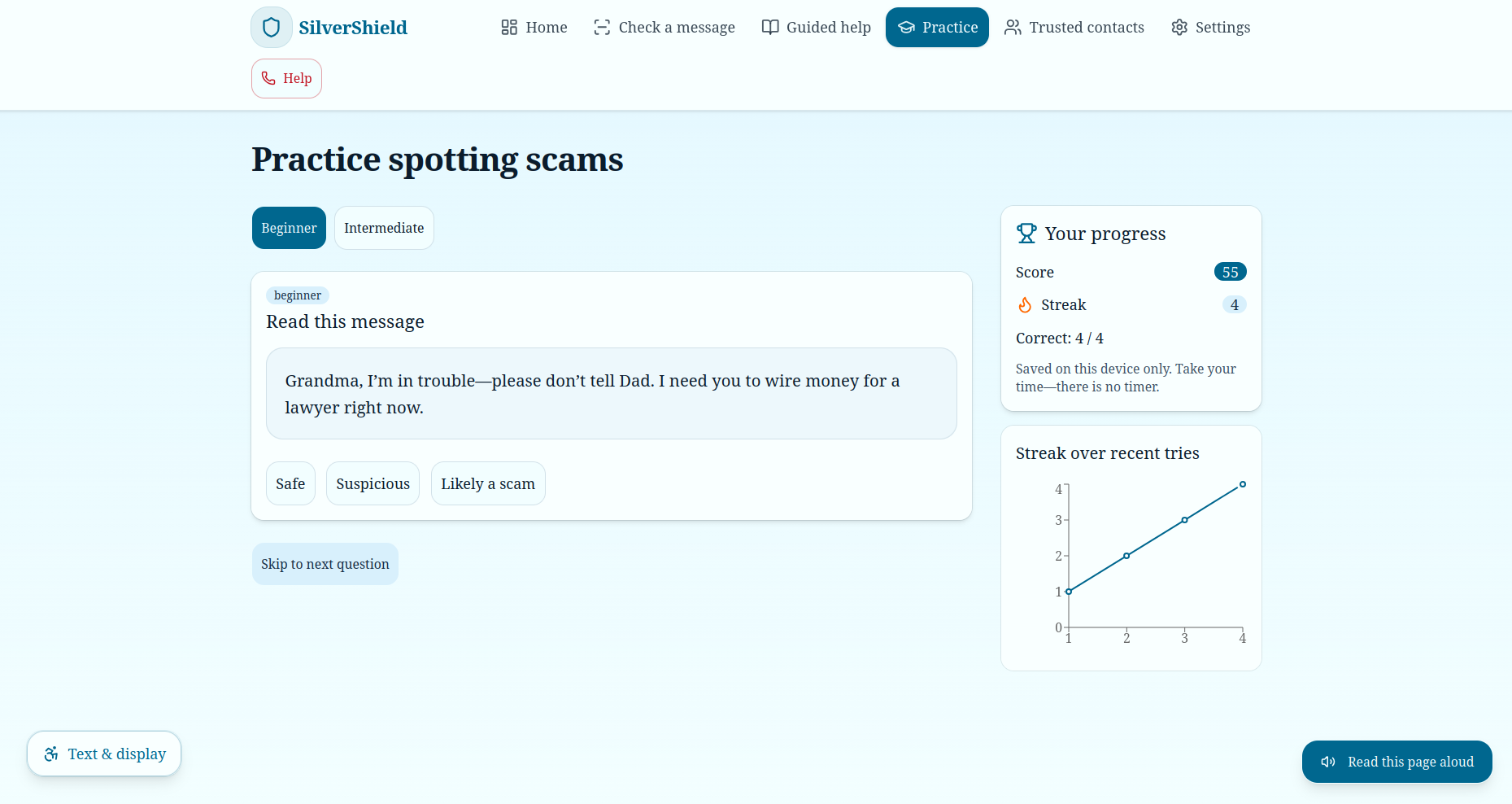
Feature 3: Quiz (Gamified)
-
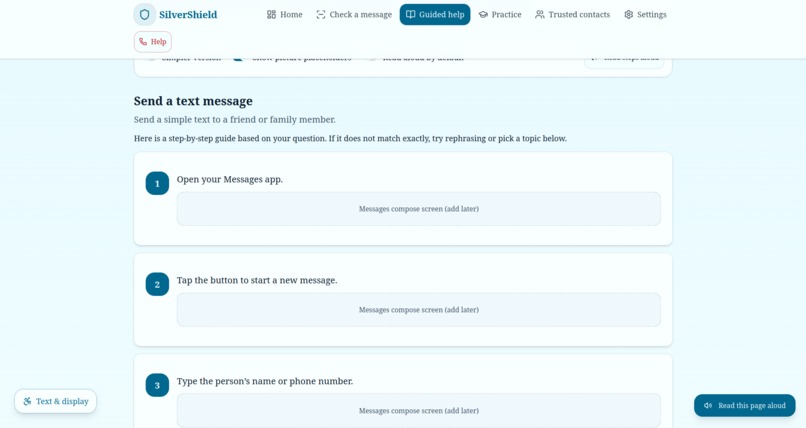
Feature 2: Result
-
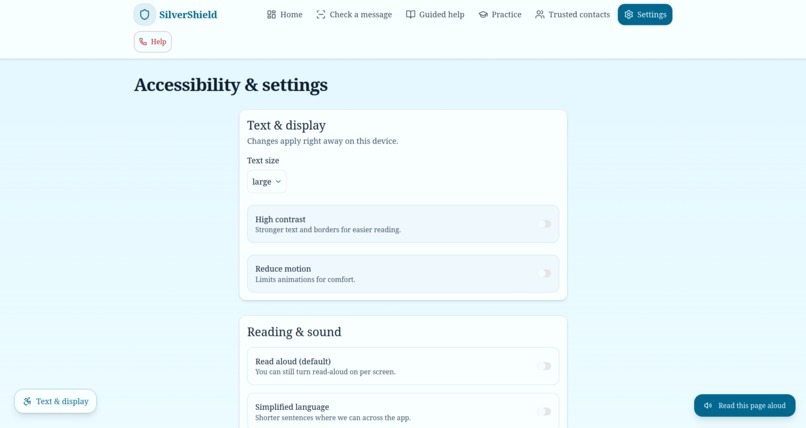
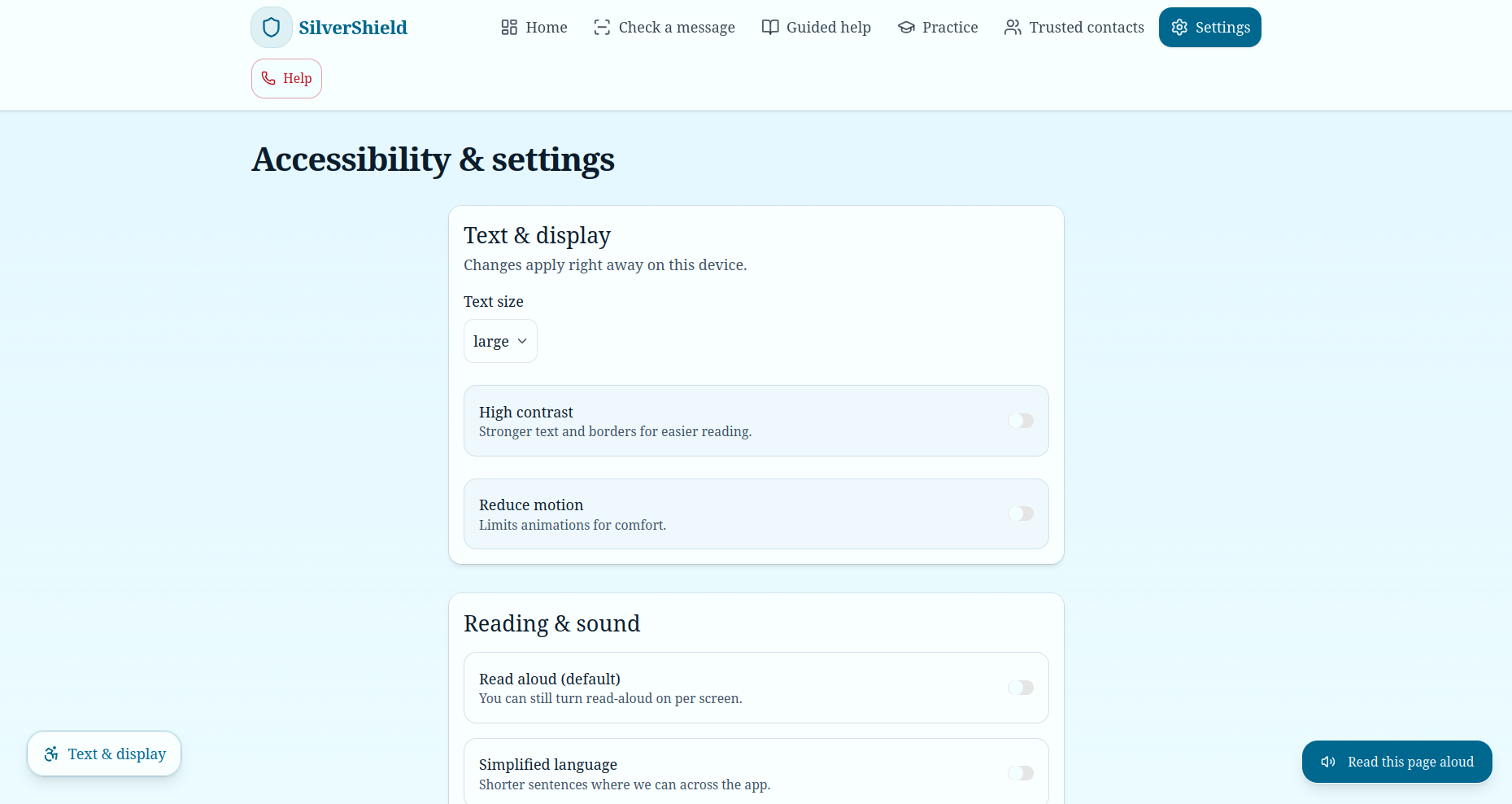
Settings
-
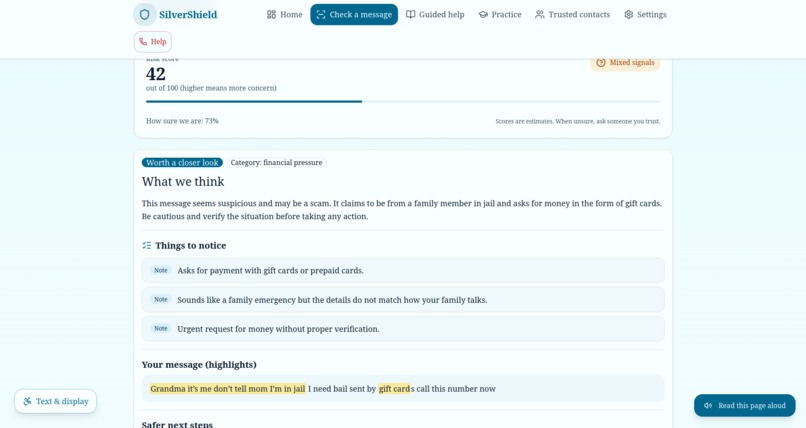
Feature 1: Result (example 2)
-
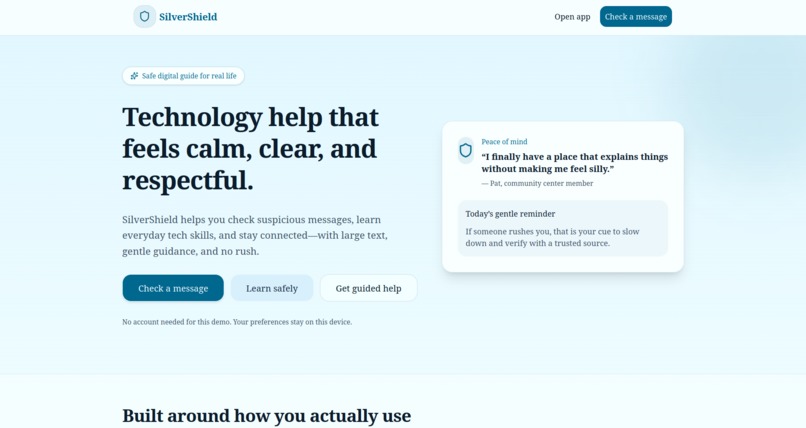
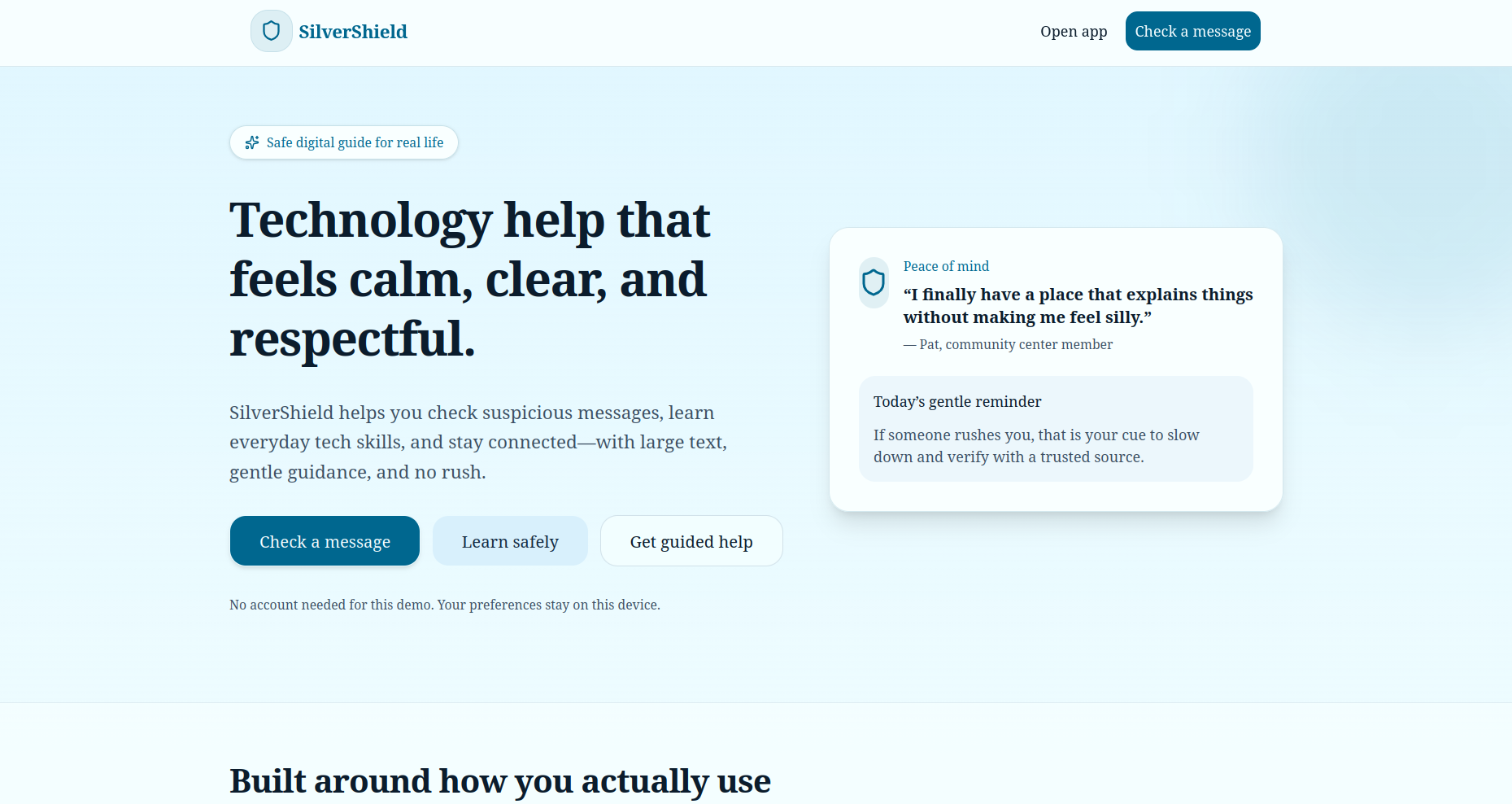
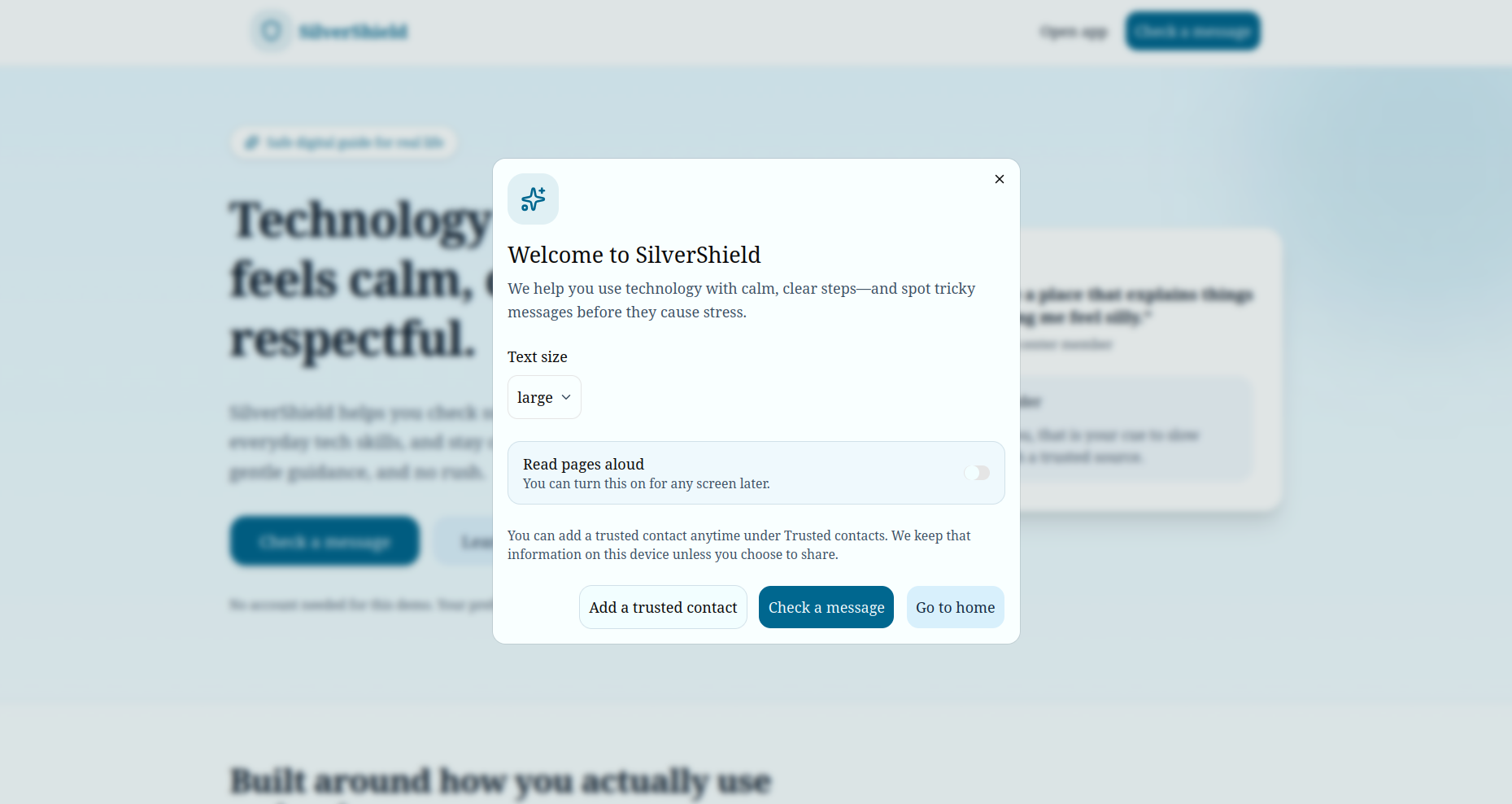
Landing Page
-
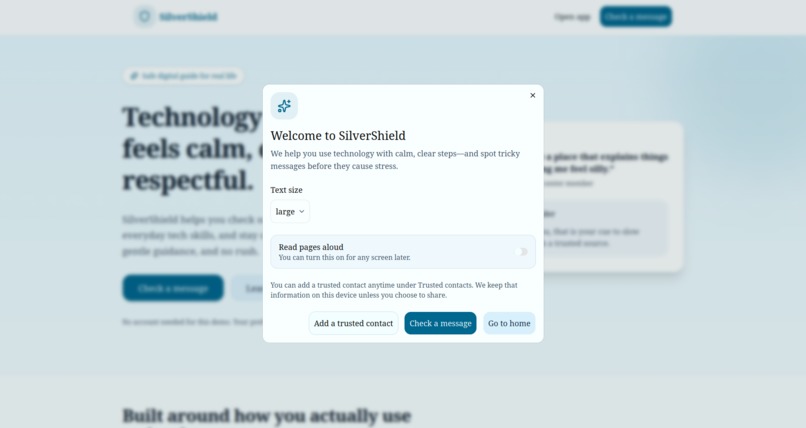
Landing Page
Why we built SilverShield
Older adults are often targeted by urgent, confusing messages—fake banks, delivery fees, “family emergency” texts, and links that look almost real. Many people want clear, respectful help without feeling rushed or talked down to. SilverShield is a calm, accessible web app that acts as a safe digital guide: check messages, learn everyday tech in plain language, practice spotting scams, and share a summary with someone you trust.
What inspired us
We were motivated by community centers and families who say the same things: big text, simple words, no clutter, and the option to pause and ask someone before clicking. The product is designed around that—large typography, strong contrast options, step-by-step guides, and conservative, safety-first wording when something looks risky.
How we built it
We used Next.js (App Router) with TypeScript for a fast, structured UI. Tailwind CSS and shadcn/ui give consistent, keyboard-friendly components. The scam checker combines:
- Rule-based signals (urgency, gift cards, impersonation patterns, odd wording) to produce a risk score on a simple scale—think of it as an estimate on ([0,100]), not a guarantee.
- Optional AI (OpenAI) when an API key is present, to enrich explanations in plain English—otherwise a deterministic fallback keeps the demo fully usable offline.
For screenshots, we run Tesseract.js in the browser so text is extracted locally before analysis. Preferences, contacts, recent checks, and practice stats persist with localStorage. Web Speech API powers read-aloud where the browser supports it.
What we learned
- Accessibility is a product feature, not an afterthought—text size, contrast, and reduced motion changed how we structured every screen.
- Trust and clarity beat “smart” copy; seniors deserve straightforward language and honest uncertainty (“we can’t be 100% sure—verify with someone you trust”).
- Client-side OCR is powerful for privacy, but we had to tune flows for loading time and clear “reading your image…” feedback.
Challenges
- Making one codebase feel polished with and without an AI API key.
- Balancing simple UI with enough depth (practice mode, contacts, settings) without overwhelming the home screen.
- Node / toolchain mismatches in different terminals— we scripted
npmtasks so the right Node version loads reliably when using nvm and.nvmrc.
We’re proud that SilverShield can sit next to a real senior center laptop: friendly, modern, and built to be used—not just demoed.
Built With
- css
- framer
- html
- lucide
- motion
- next.js
- openai
- react
- recharts
- shadcn/ui
- tailwind
- tesseract.js
- typescript

