-
-
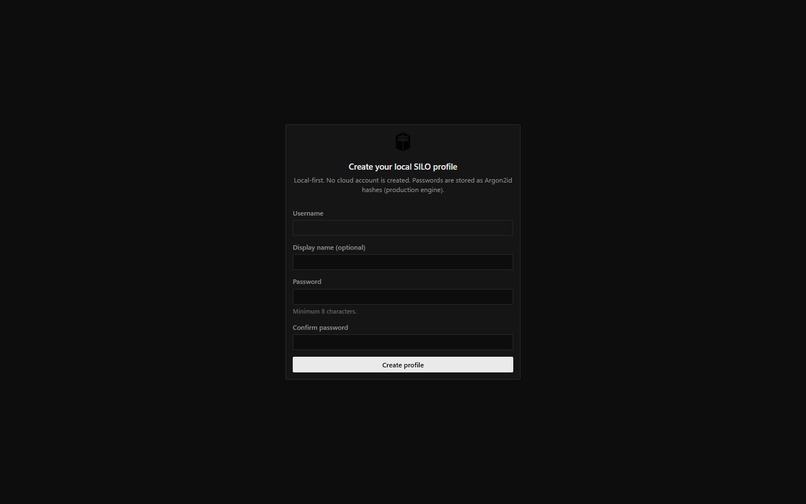
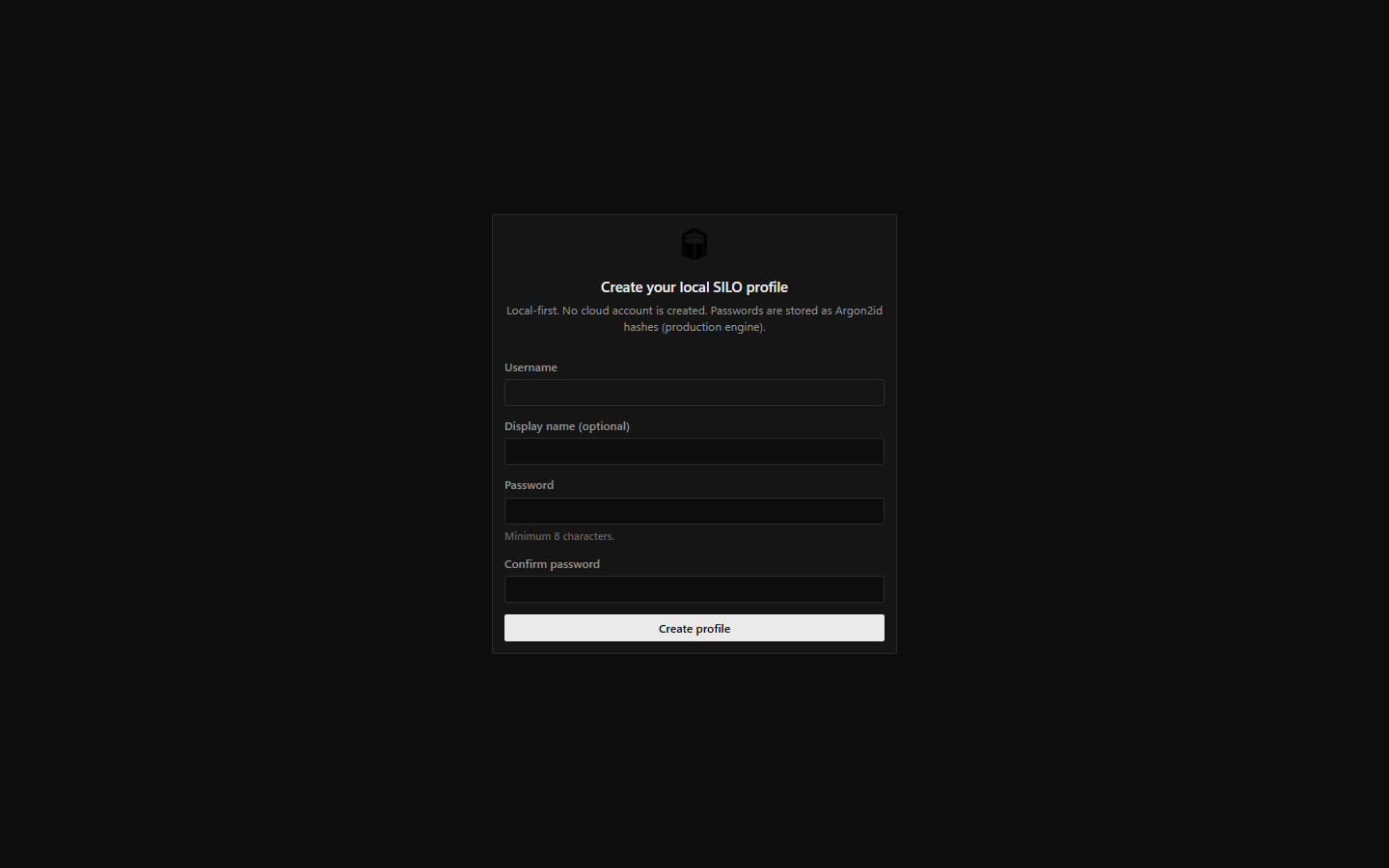
01_Profile_Creation.png: Local profile creation without needing a cloud account.
-
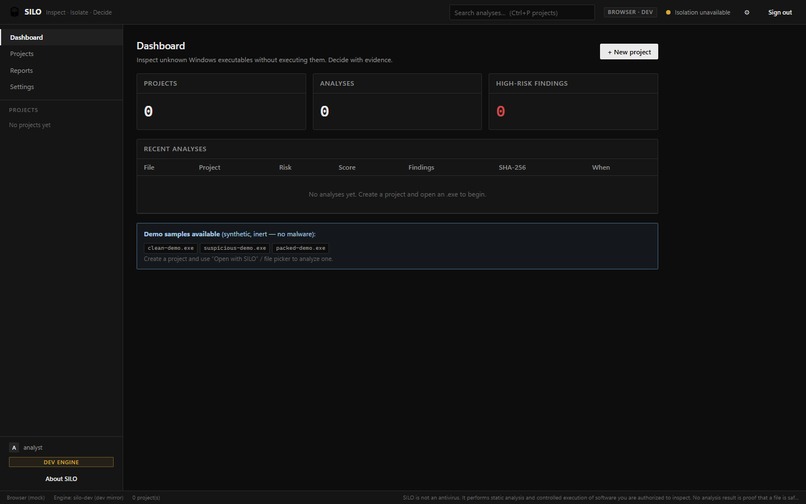
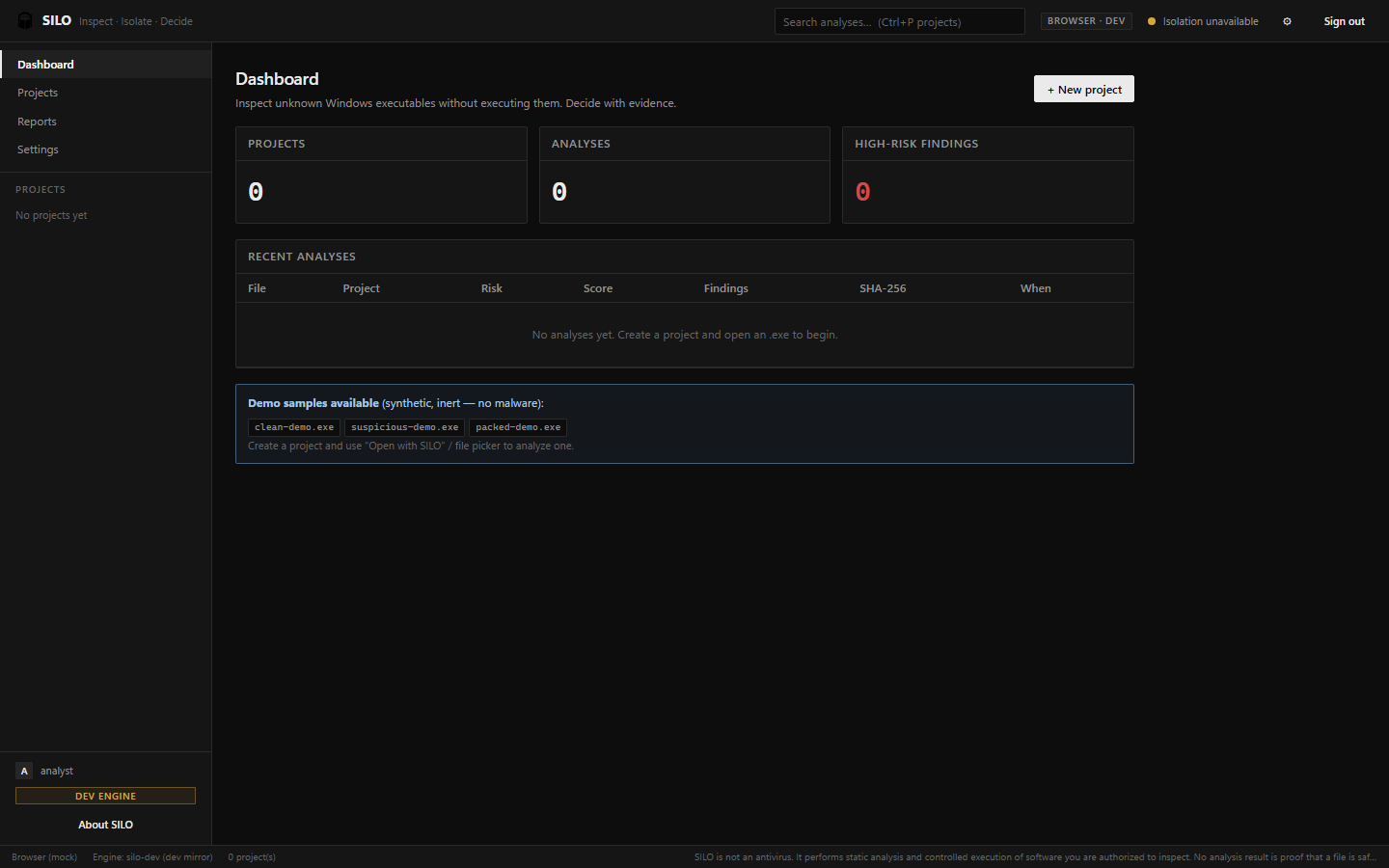
02_Dashboard_Empty.png: The main SILO dashboard offering an overview of all local triage projects.
-
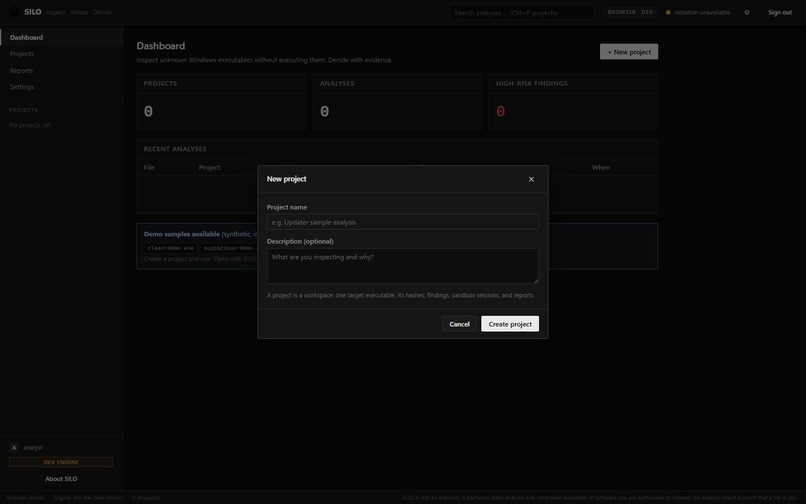
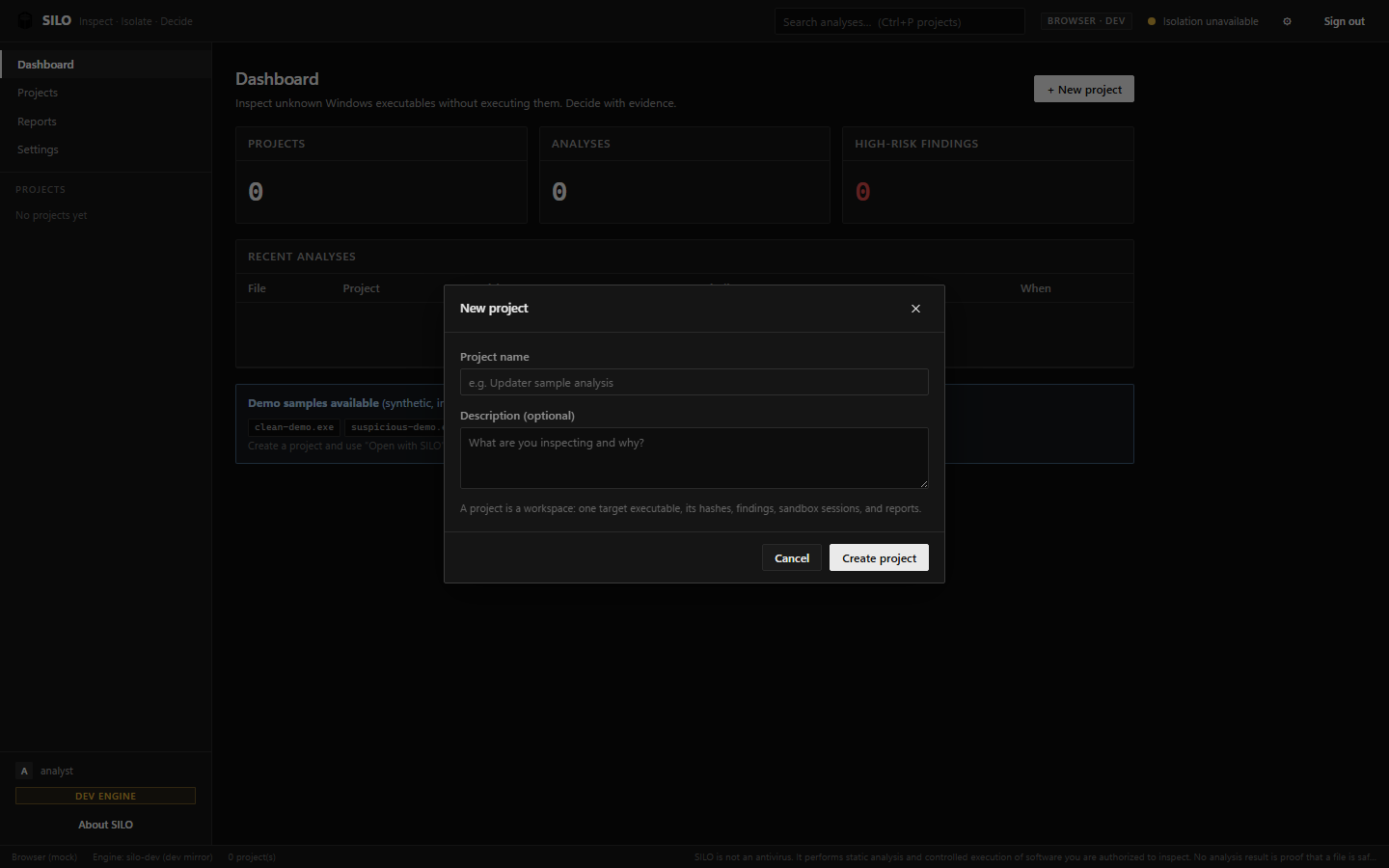
03_New_Project_Modal.png: Creating a new isolated project workspace to inspect a target file.
-
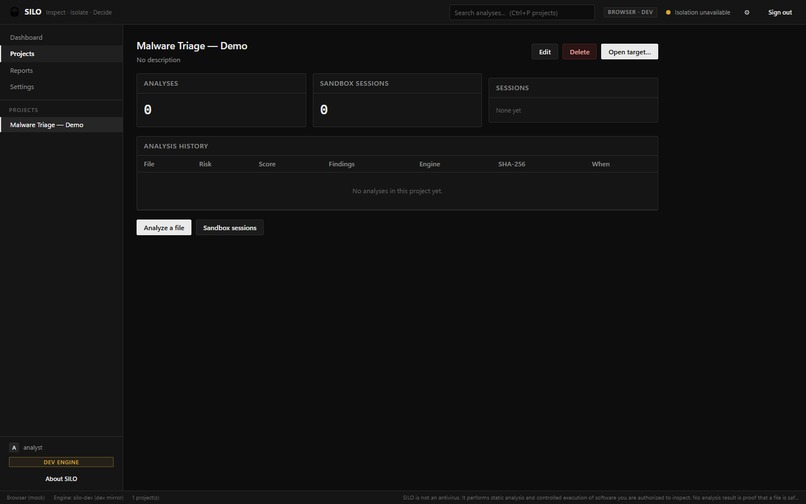
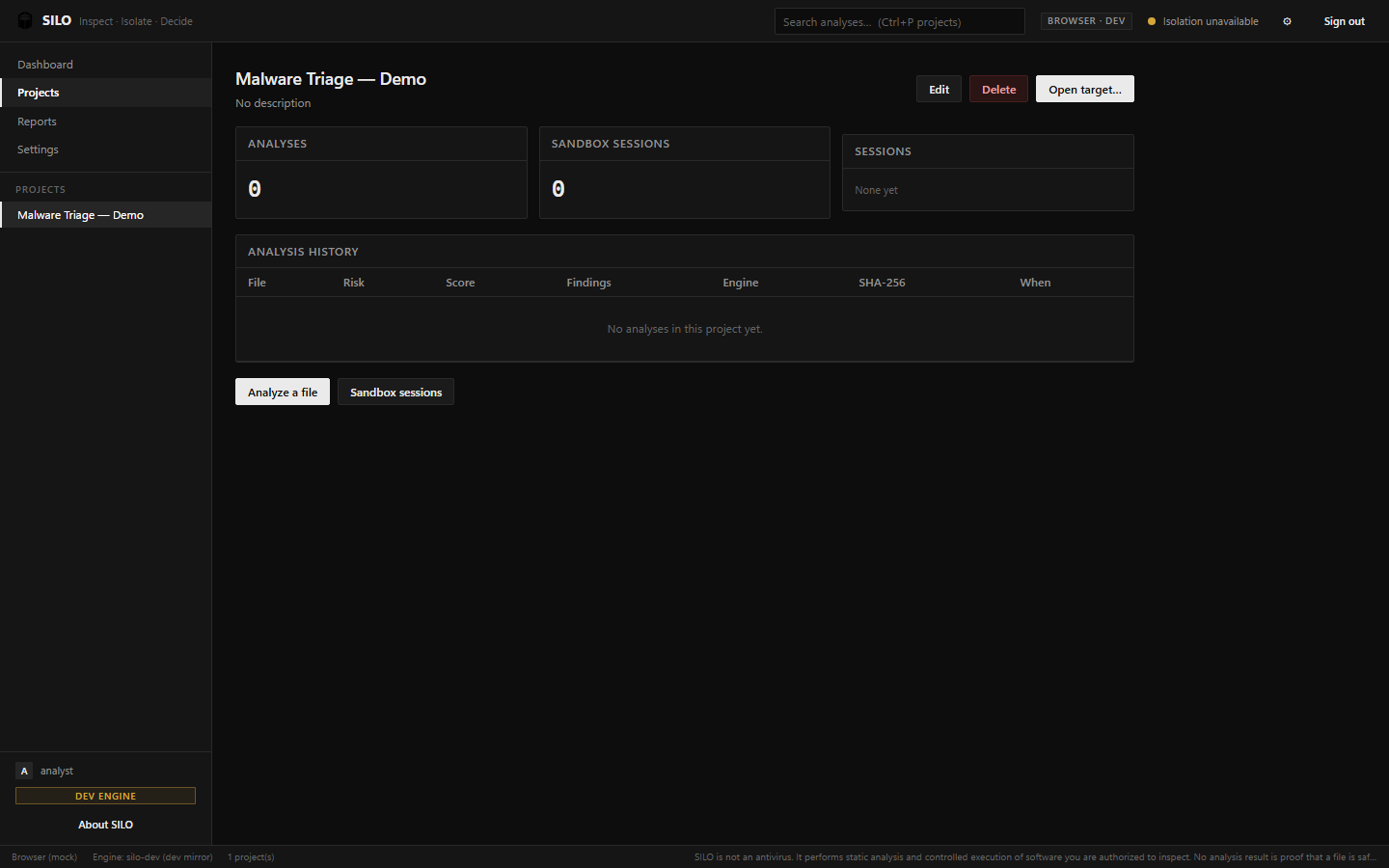
04_Project_Detail_Empty.png: Project workspace view tracking analysis history and sandbox sessions.
-
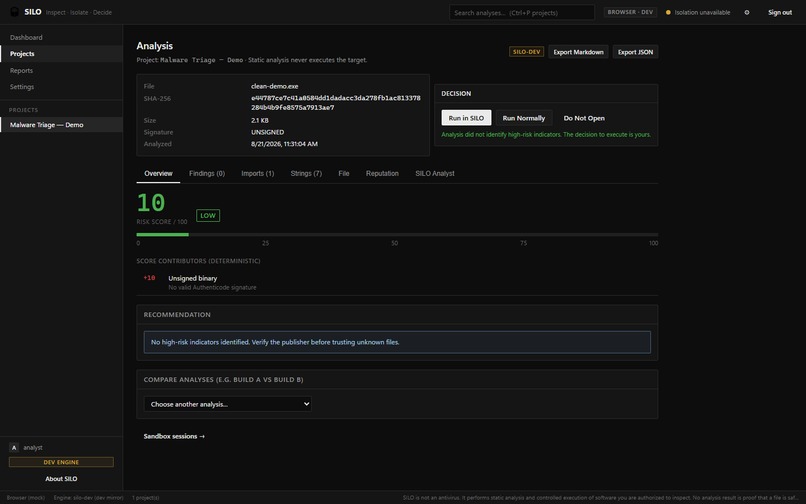
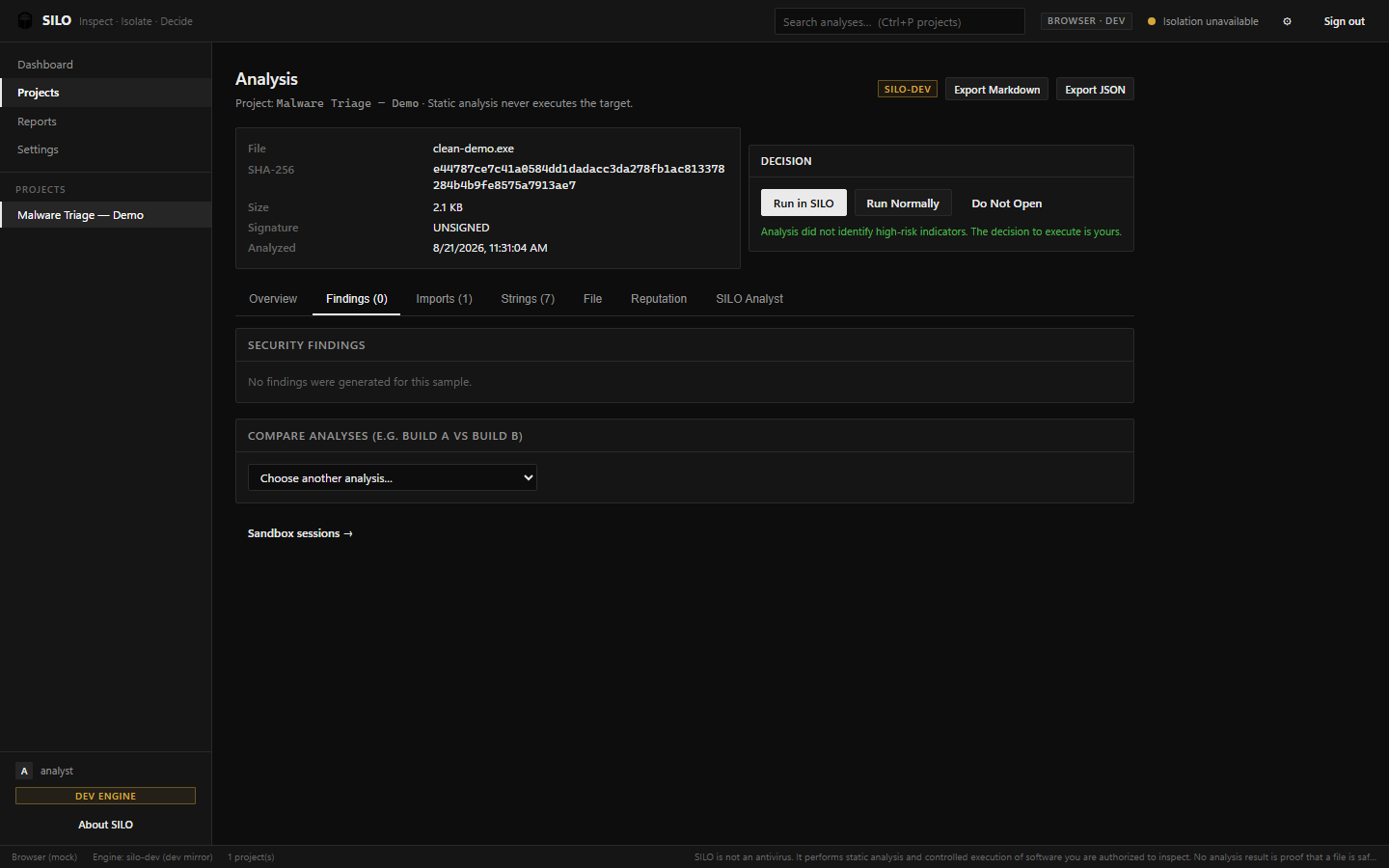
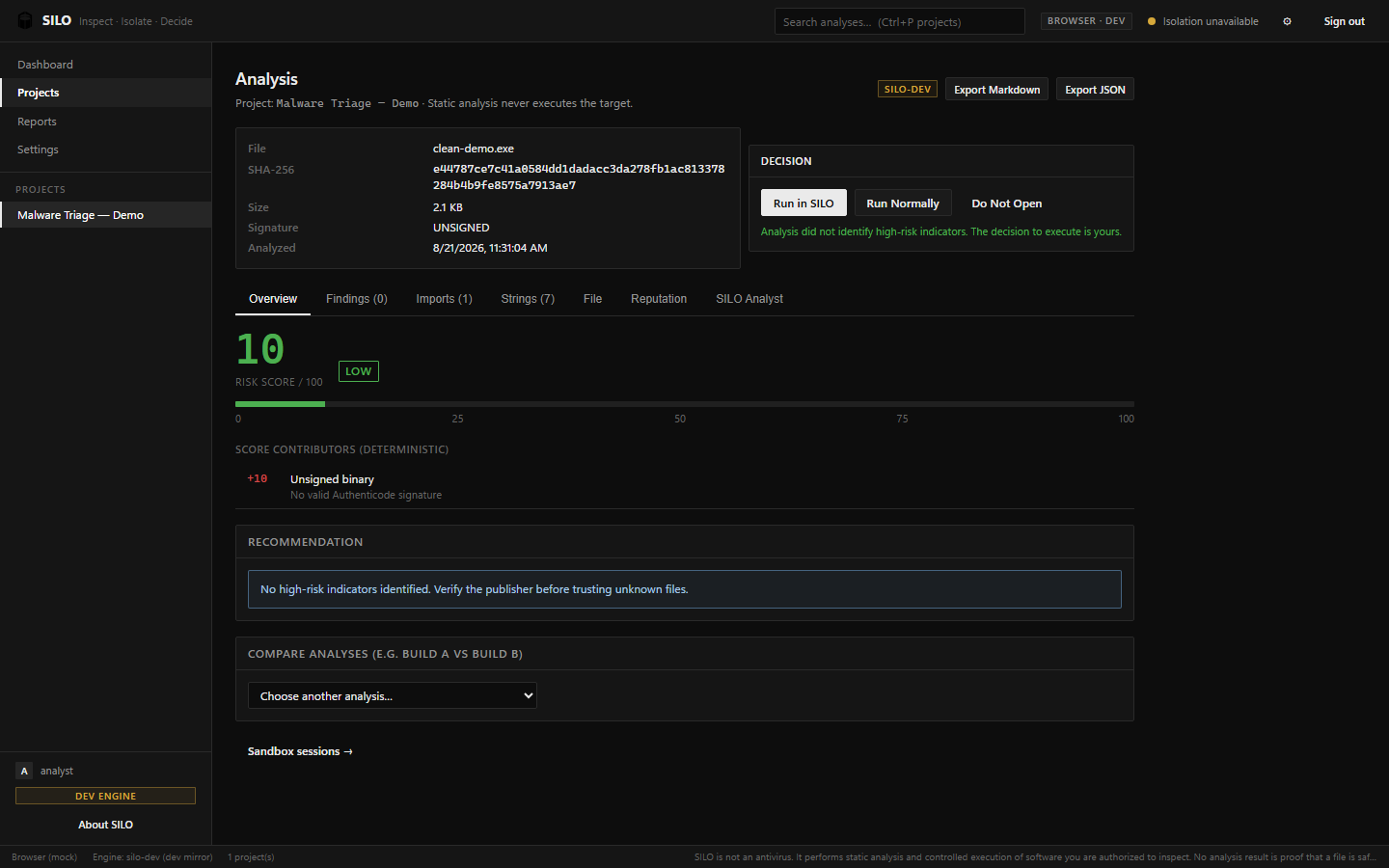
05_Analysis_Clean_Overview.png: Static analysis overview of a clean file with a LOW risk score.
-
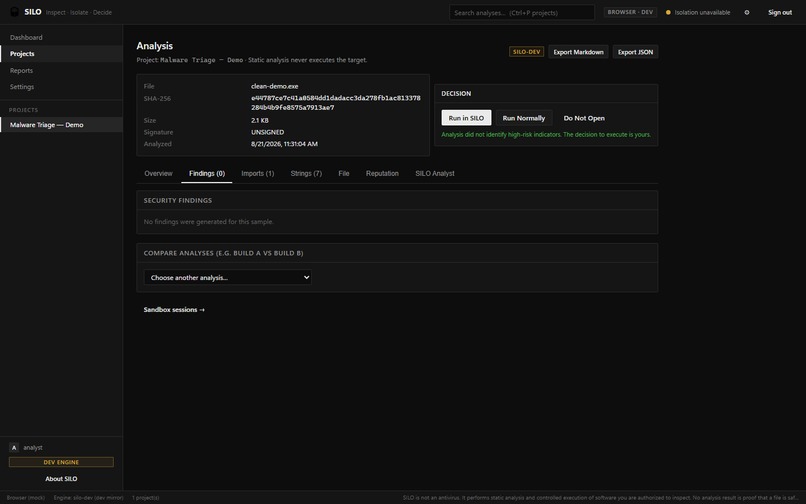
06_Analysis_Clean_Findings.png: Detailed breakdown showing zero high-risk security indicators.
-
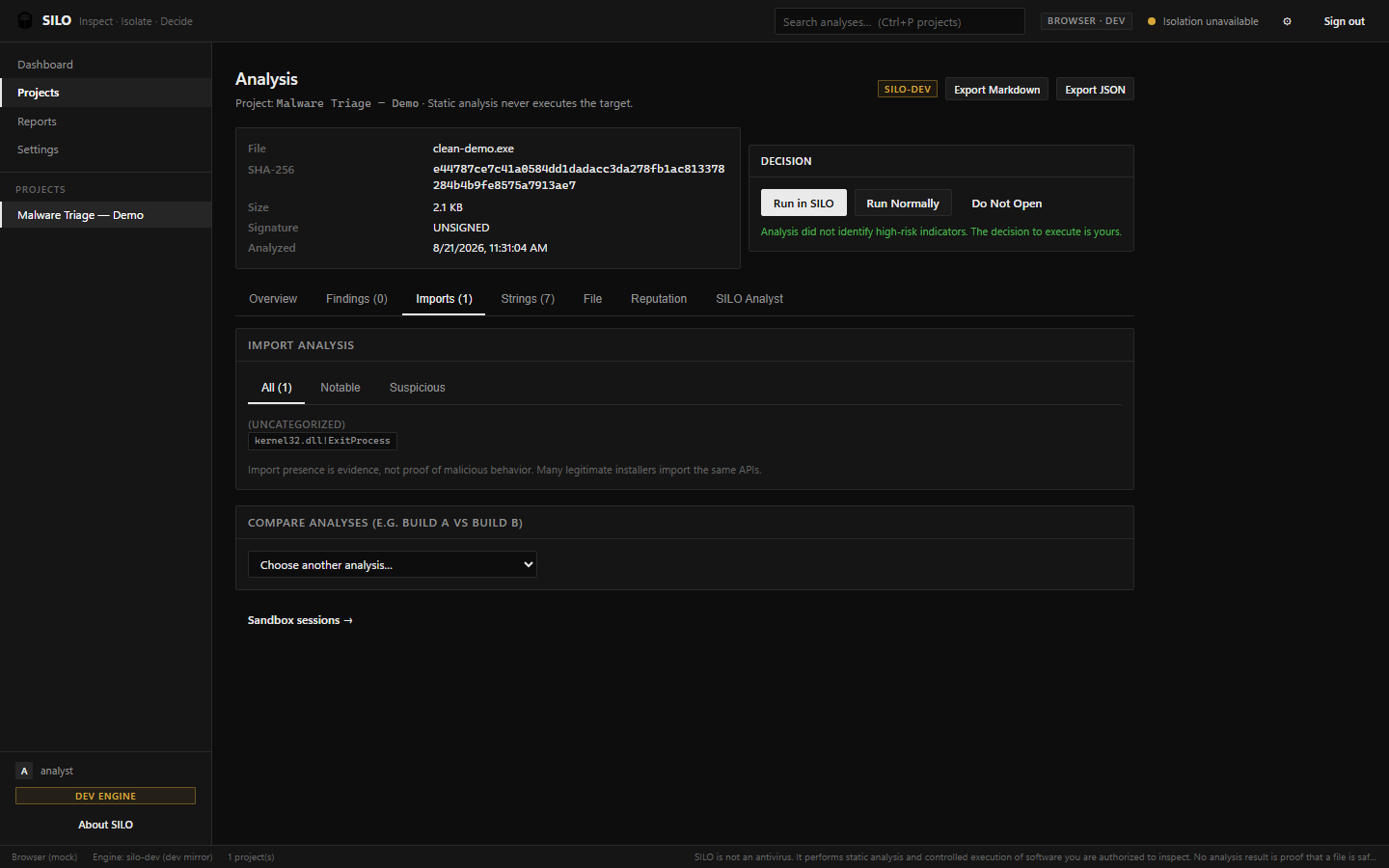
07_Analysis_Clean_Imports.png: Inspection of dynamically loaded DLLs and standard API calls.
-
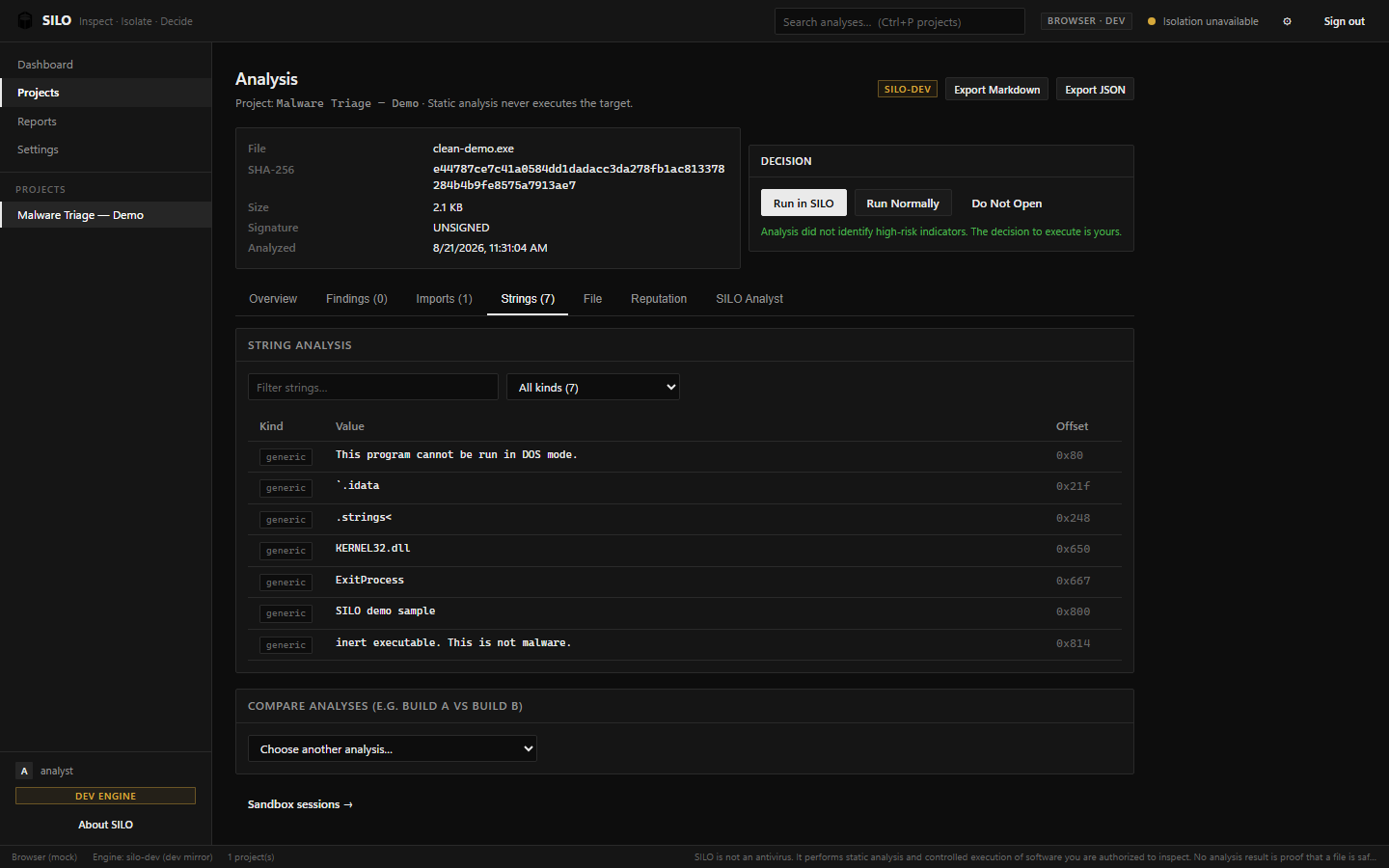
08_Analysis_Clean_Strings.png: Safely extracting strings to find hidden URLs or registry keys.
-
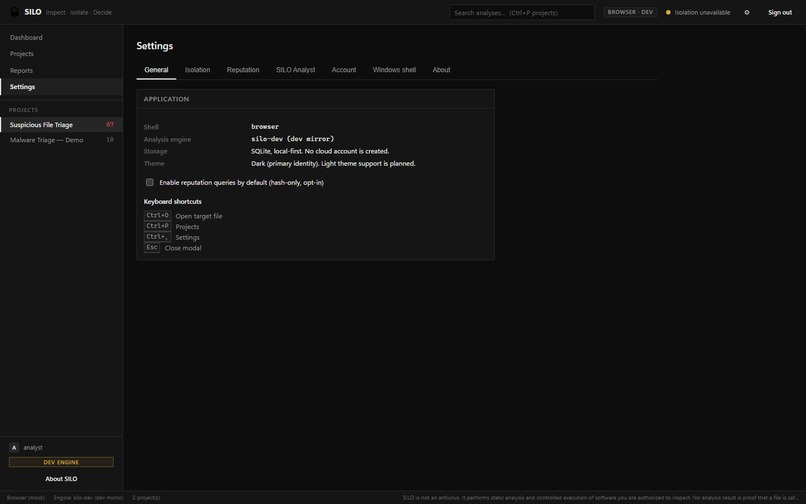
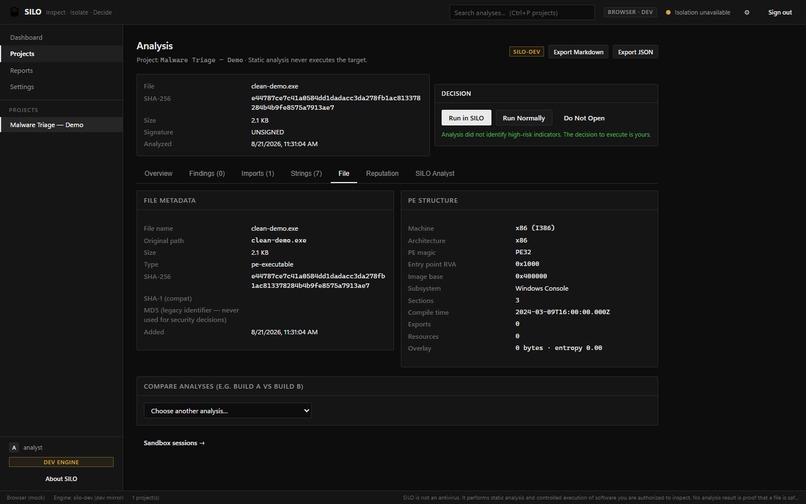
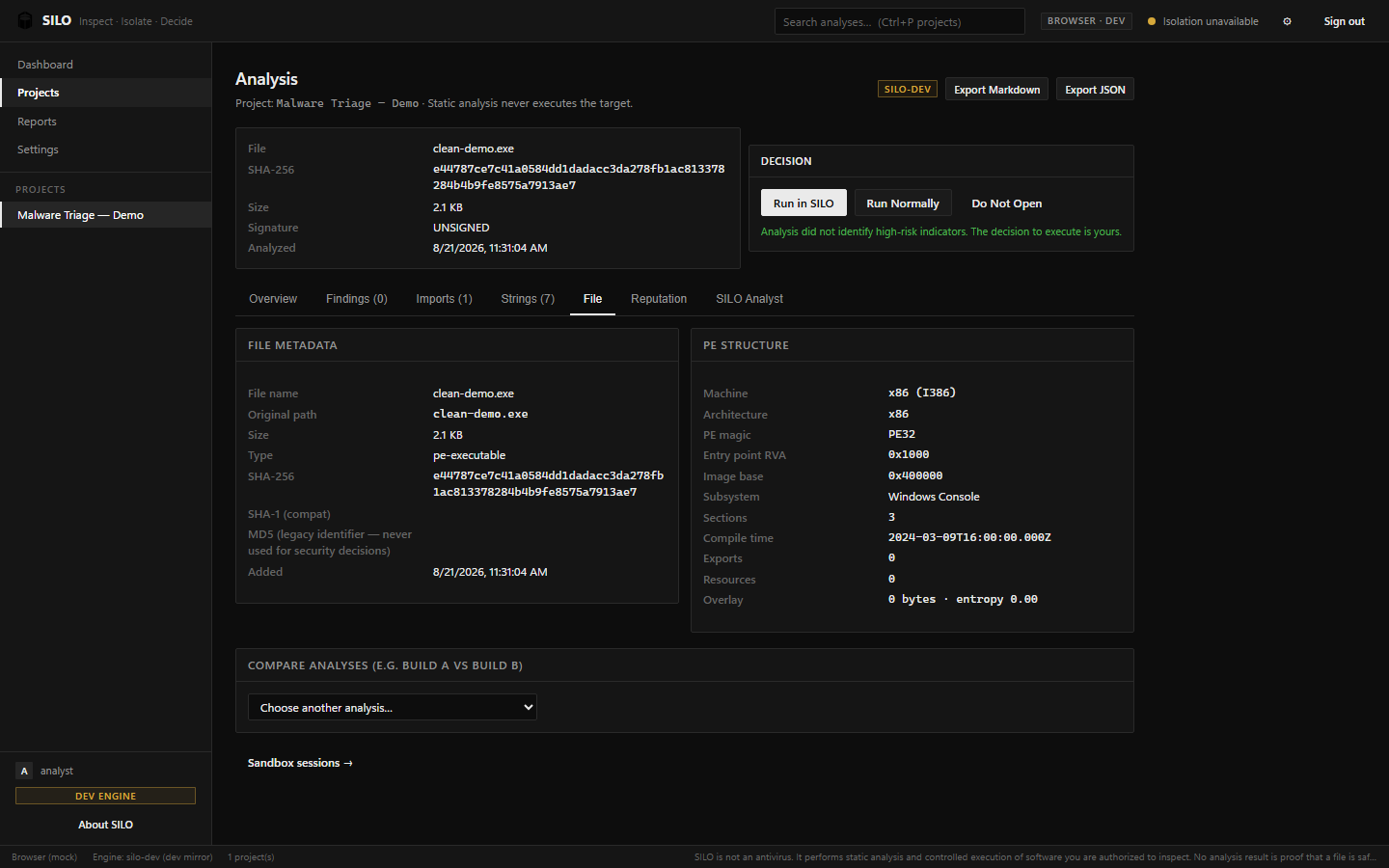
09_Analysis_Clean_File_Details.png: In-depth view of the Portable Executable (PE) headers and entropy.
-
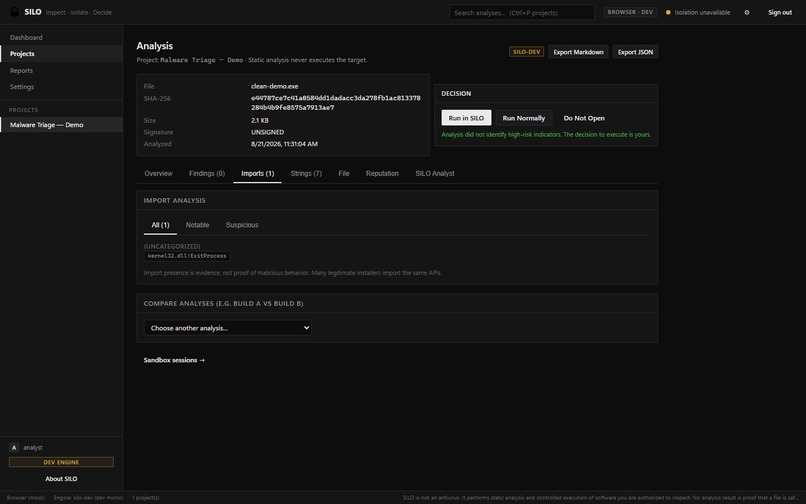
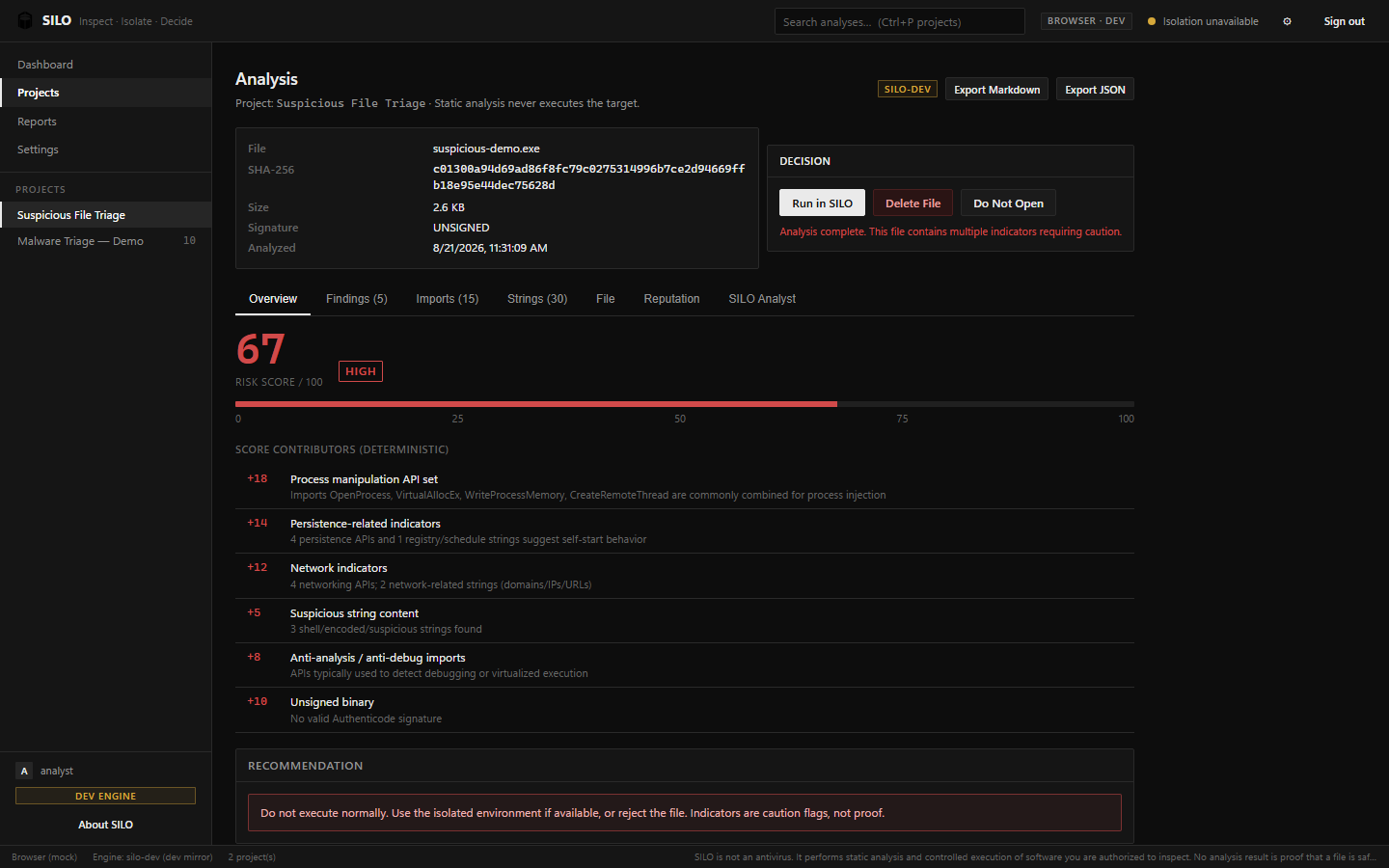
10_Analysis_Suspicious_Overview.png: Static analysis of a suspicious file resulting in a HIGH risk score.
-
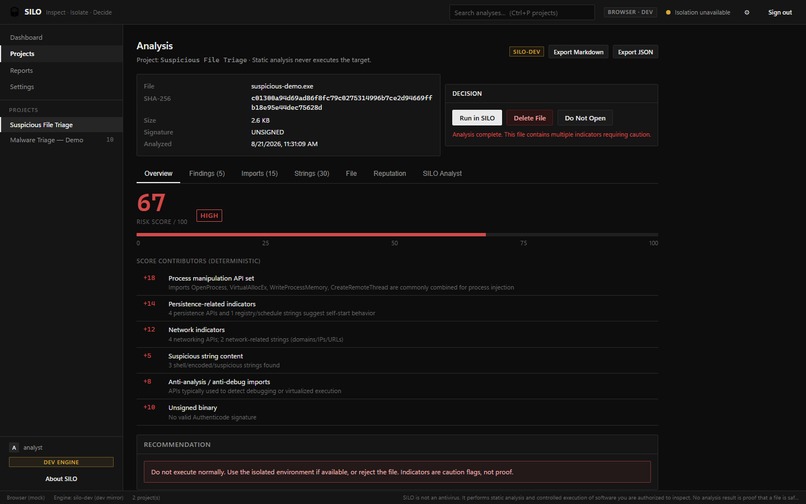
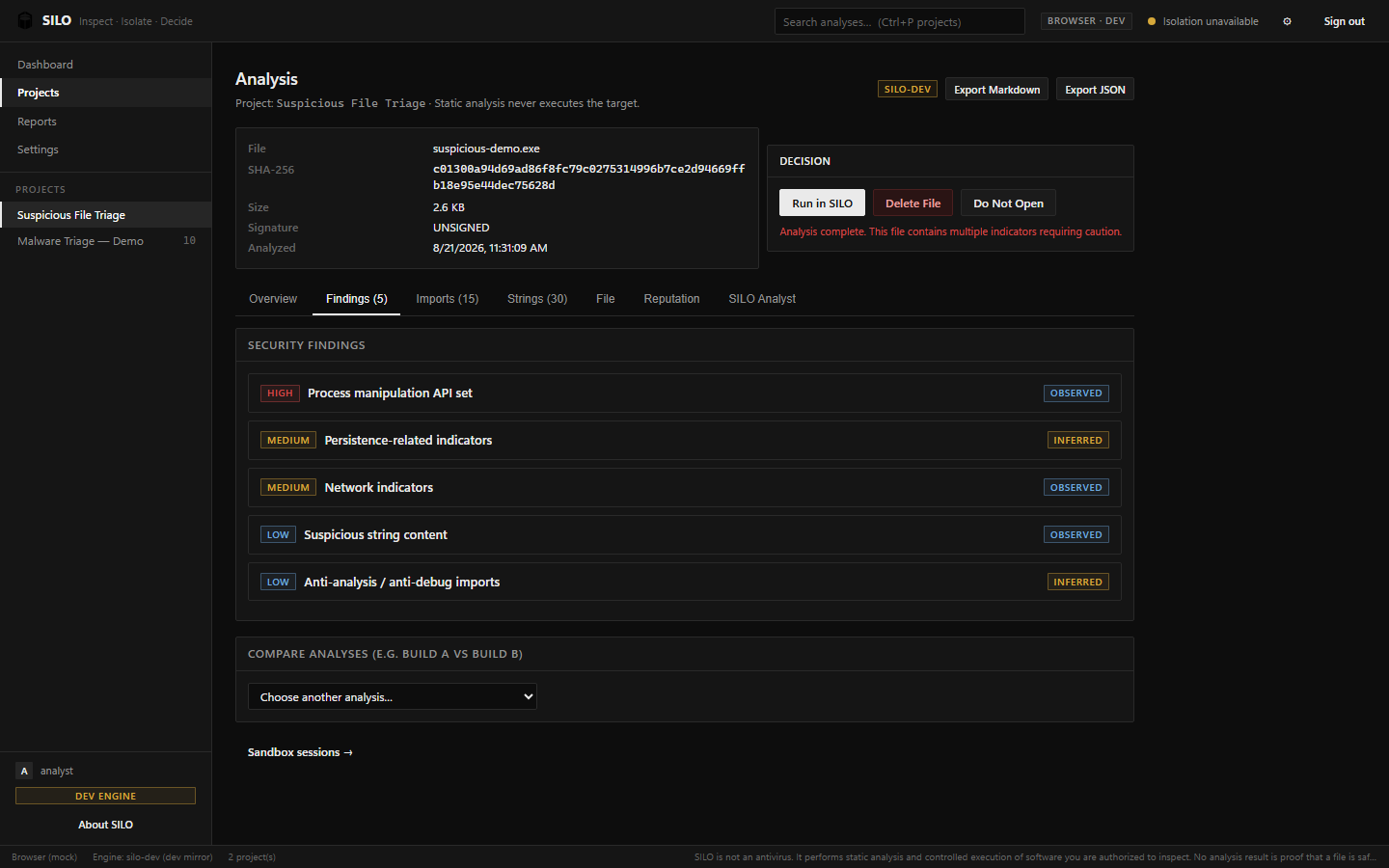
11_Analysis_Suspicious_Findings.png: Clear, plain-language explanations of the detected malicious behaviors.
-
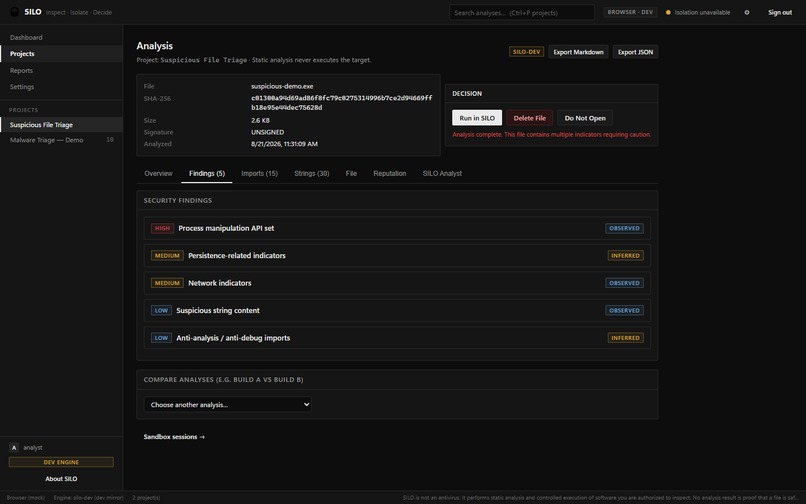
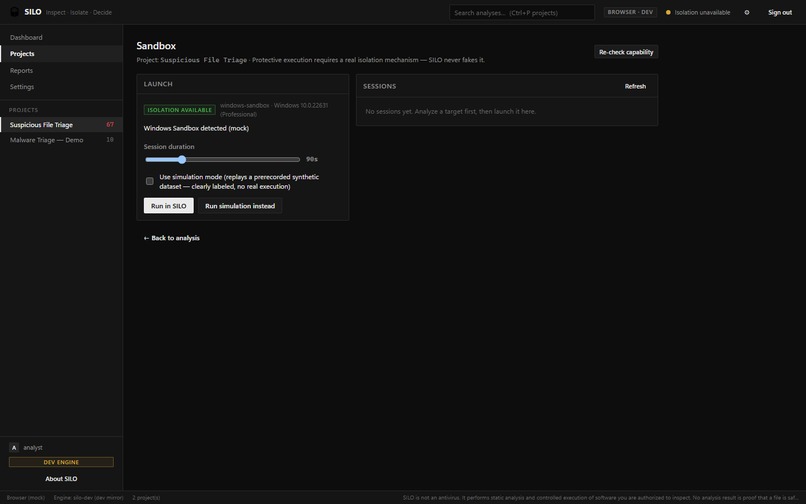
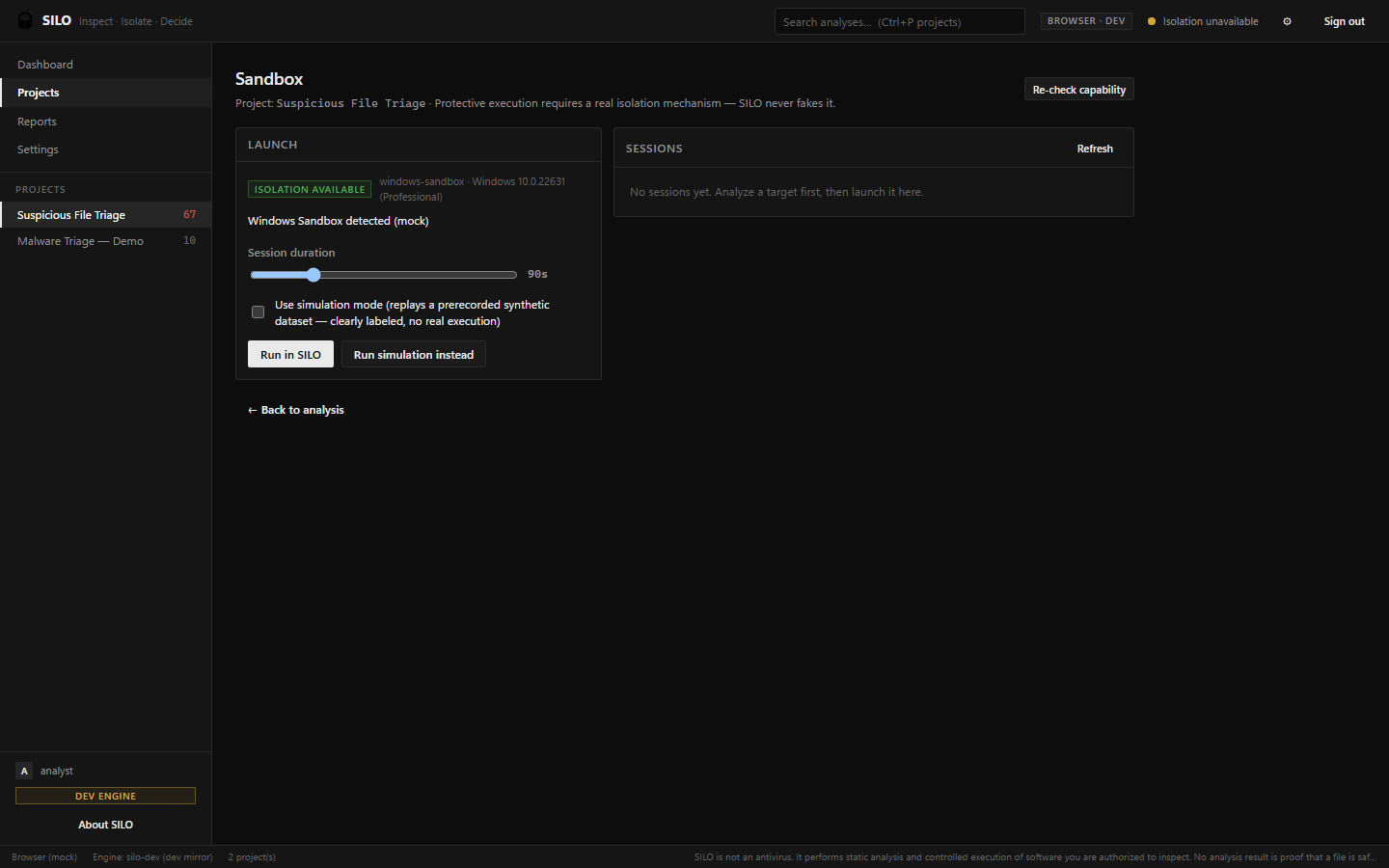
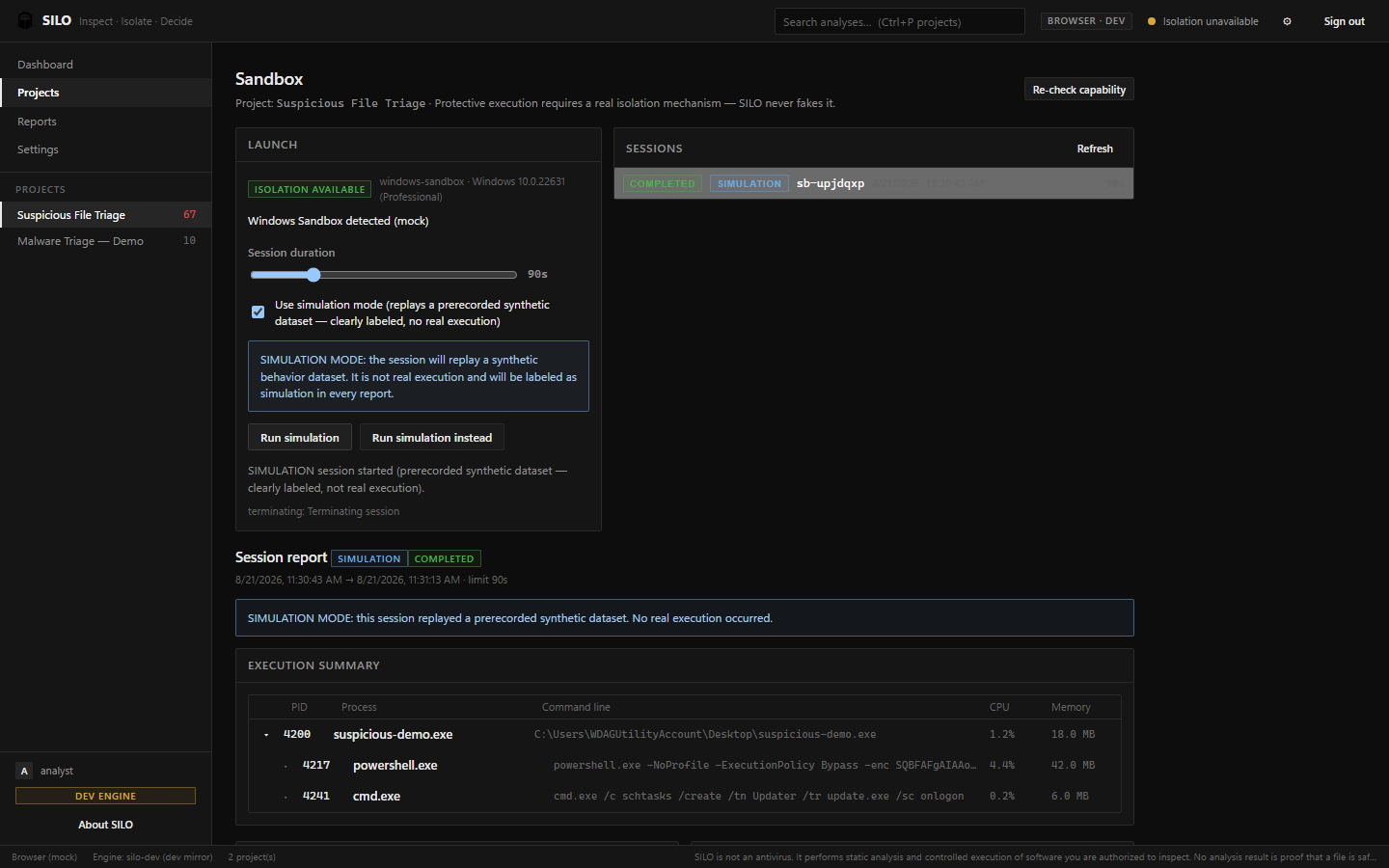
12_Sandbox_Launch_Config.png: The sandbox configuration panel prompting a secure handoff before execution.
-
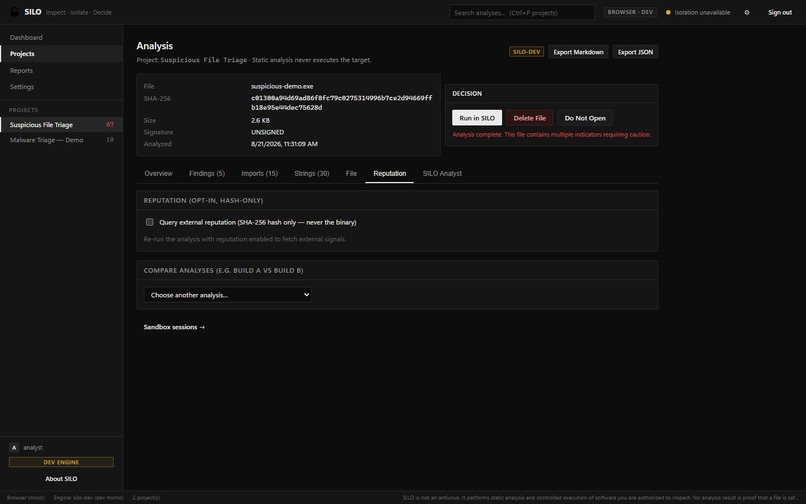
13_Sandbox_Session_Simulation.png: The isolated Windows Sandbox environment (running in synthetic simulation mode).
-
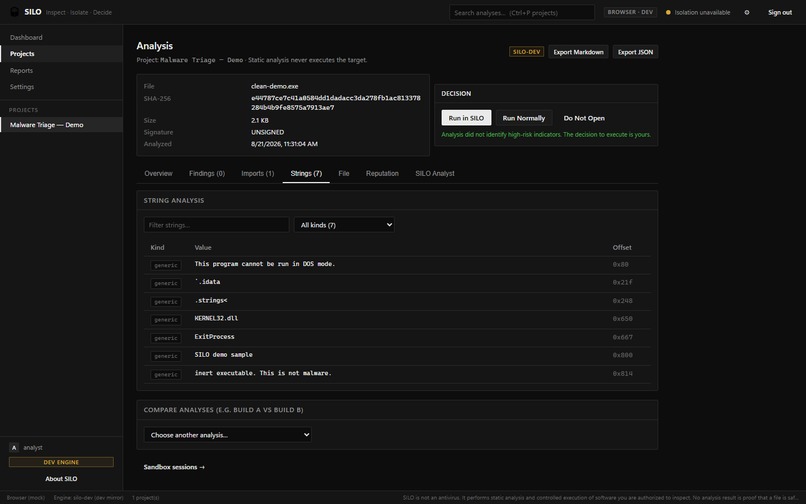
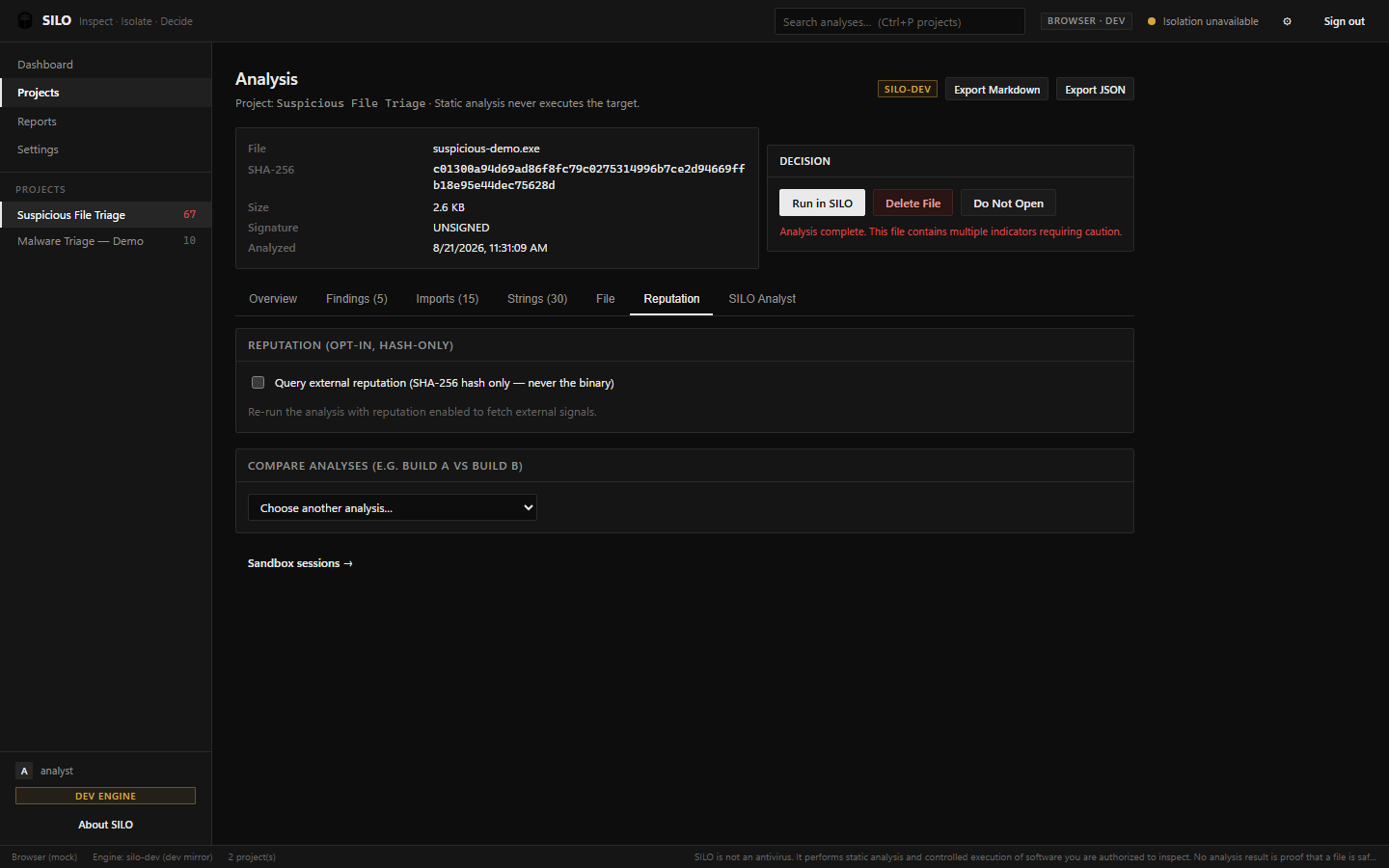
14_Project_History_Reputation.png: Checking a file's VirusTotal reputation using only its SHA-256 hash.
-
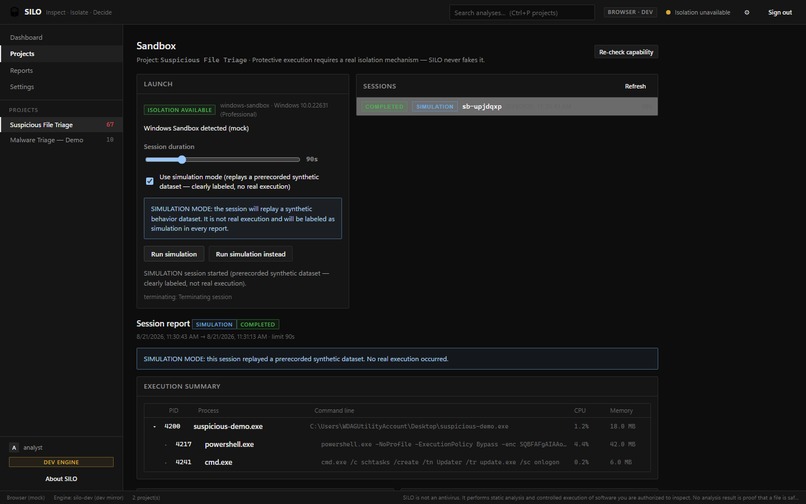
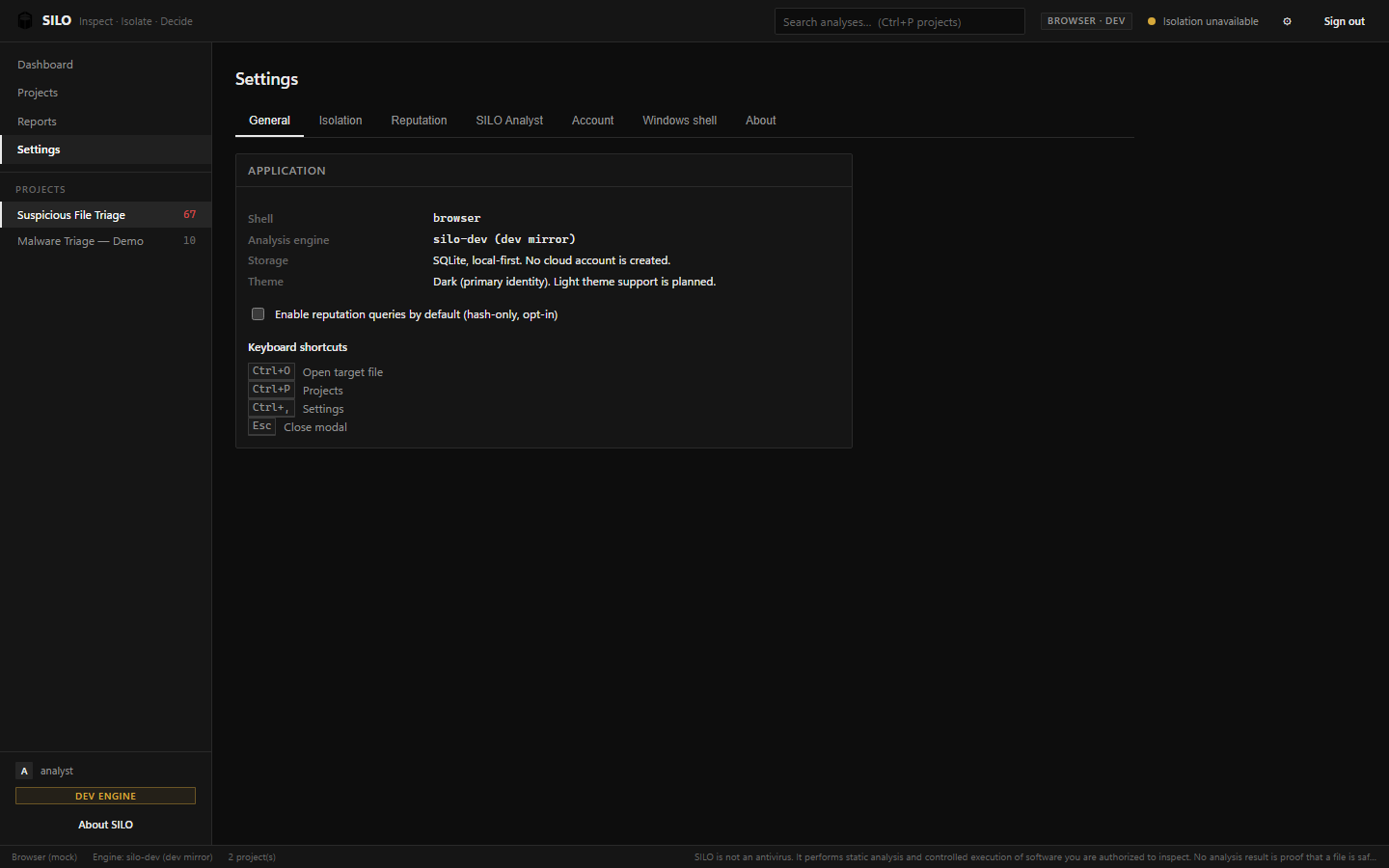
15_Settings_Page.png: Configuration options for shell integration and the local AI analyst.
When you receive an unknown .exe file, you face a dilemma: running it risks infecting your machine, but you need to understand what it does before making a decision. We wanted to build a tool that bridges the gap between complex reverse-engineering suites and simple antivirus scanners, providing a safe, local-first environment for anyone to quickly triage a file.
SILO extracts the Portable Executable (PE) structure of a file without executing it. It parses headers, imports, entropy, and strings to generate a deterministic risk score. If a file looks suspicious, SILO provides a clear, plain-language explanation of the security indicators it found. For high-risk files, it offers a secure handoff to a sandboxed environment (like Windows Sandbox) for controlled observation.
We built SILO as a desktop application using Tauri and Rust for the backend, which gives us native performance and secure access to the Windows filesystem. The frontend is built with React and TypeScript for a smooth, responsive user interface. We wrote custom Rust modules to safely parse PE files and extract static indicators offline.
One of the biggest challenges was ensuring that the tool never accidentally executes the malware during analysis. Parsing PE files in Rust required careful memory management and handling of malformed or intentionally corrupted headers often found in malware. Designing an interface that is accessible to IT professionals while still providing deep technical details was also a significant design challenge.
We learned a lot about the internal structure of Windows executables and how static indicators can be used to accurately predict malicious intent. We also gained valuable experience building secure desktop applications with Tauri and Rust.
Built With
- node.js
- react
- rust
- tauri
- typescript
- vite
- windows

Log in or sign up for Devpost to join the conversation.