-
-

Logo
-
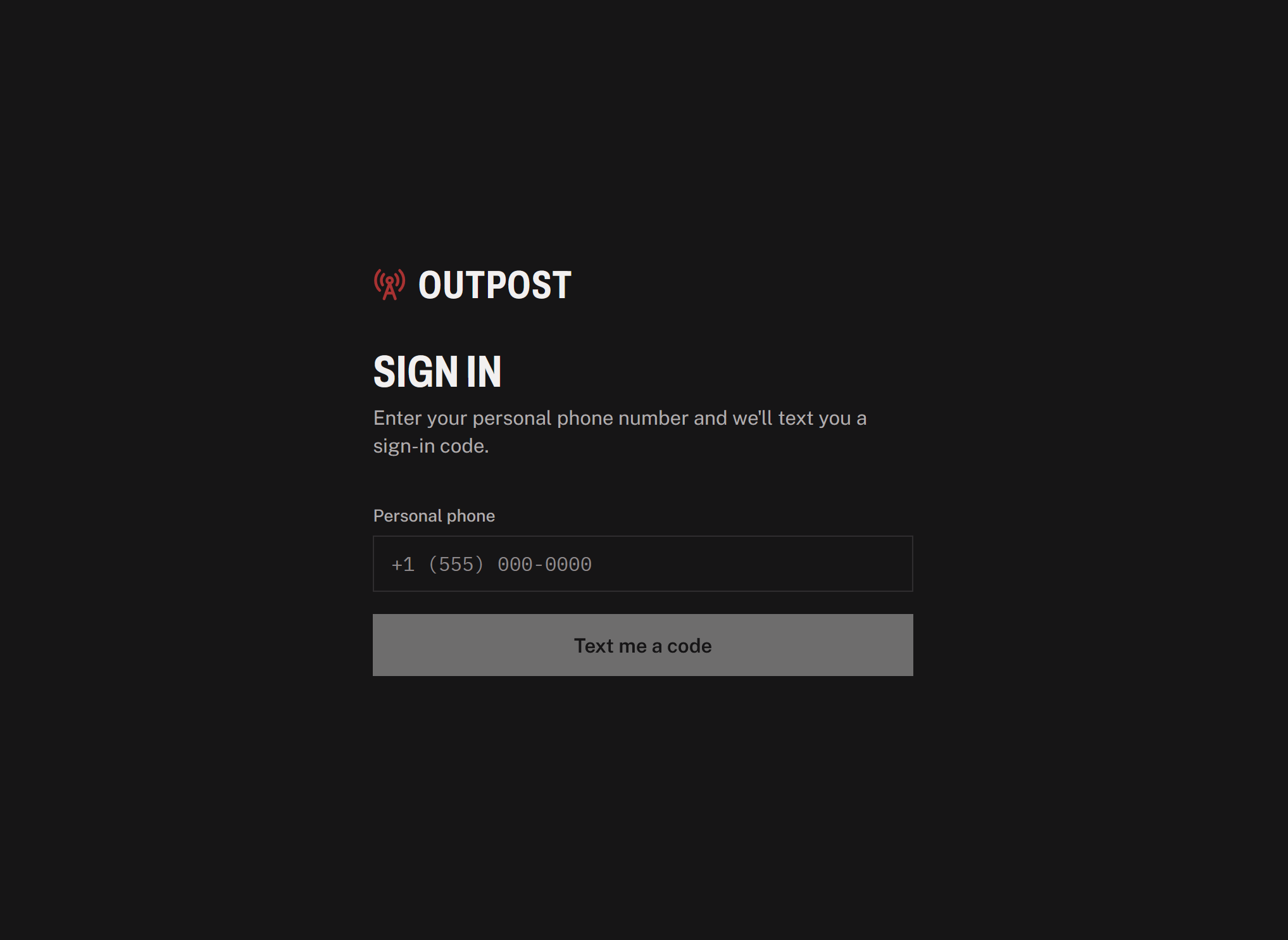
Sign in flow
-
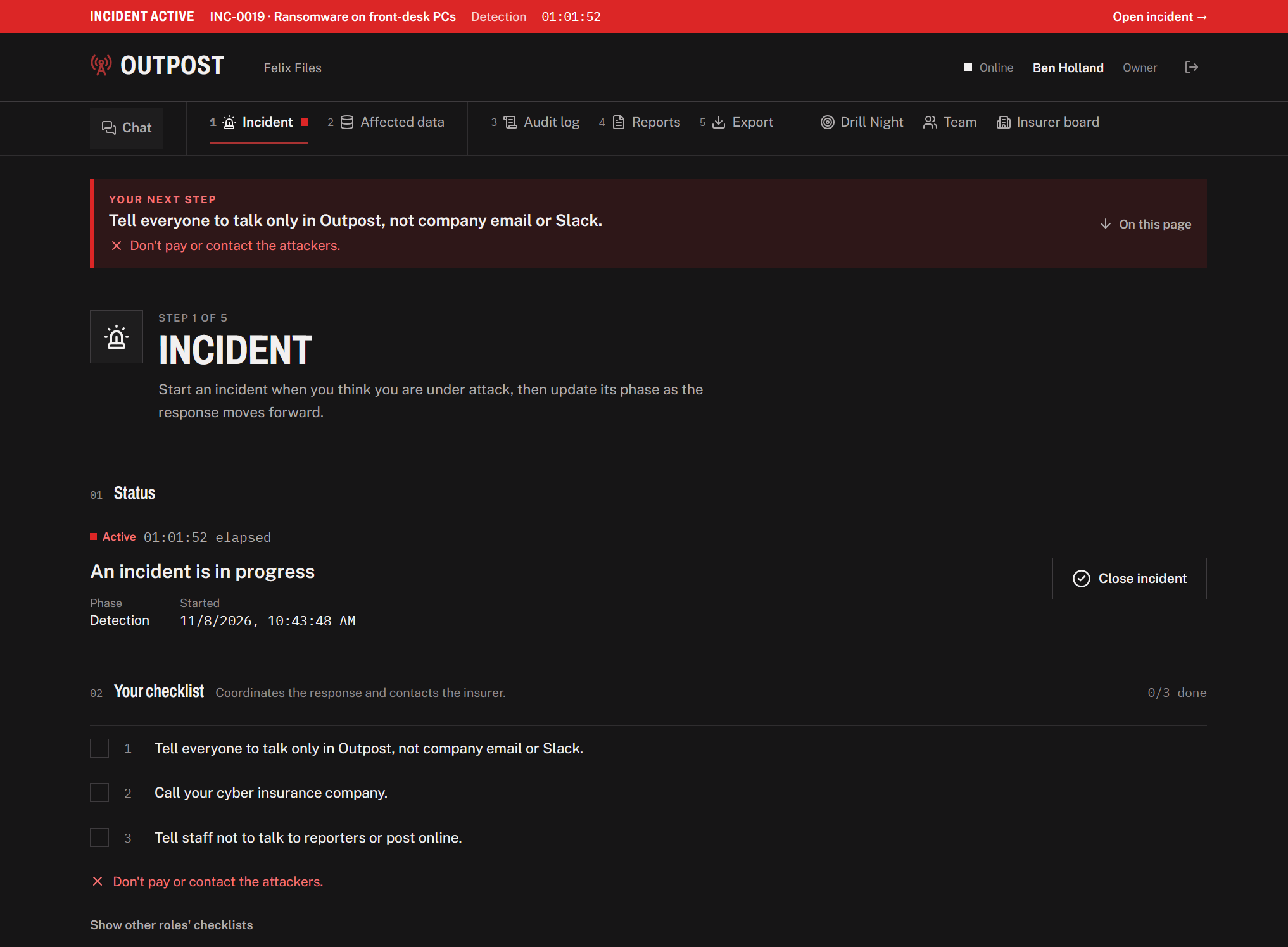
Incident report checklist
-
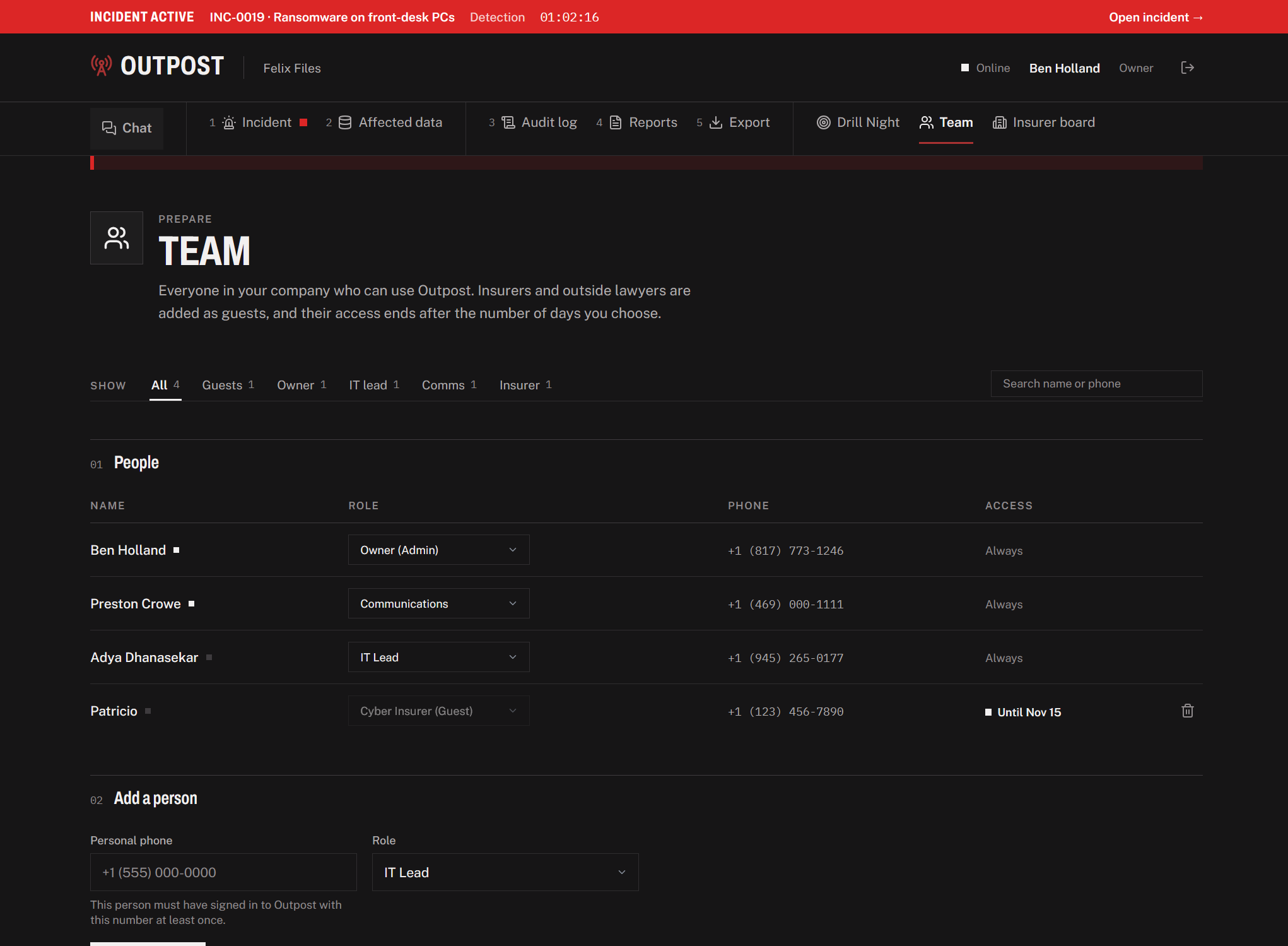
Admin team view
-
Realtime company-wide chat
-
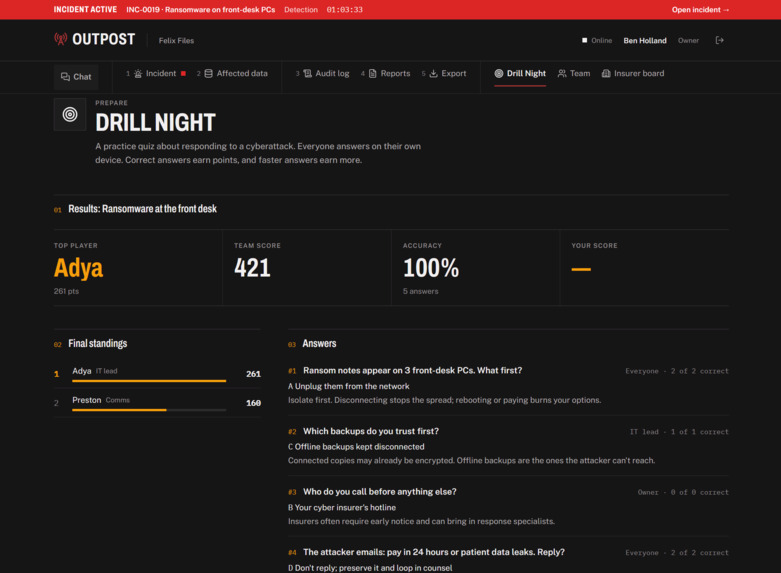
Multiplayer Drill Mode

Inspiration
When a small business gets hit by ransomware, the first things to go are the tools the team would use to respond: company email, Slack, shared drives and single sign-on. Big companies have security teams and rehearsed playbooks. A 20-person logistics company has an owner, one IT person and an outside lawyer, and nobody has ever practiced for this.
We kept asking: "where does the team meet when the meeting room is the crime scene?" That question became Outpost, an out-of-band crisis command center that lives entirely outside the company's own systems, plus a monthly multiplayer drill so the first time isn't the real time.
As we kept working on it, we also started thinking about the insurance side of a breach. When one software vendor gets hit, an insurer can end up with dozens of claims from businesses that have no idea they're dealing with the same problem, and some of those businesses won't call at all until the damage is already done. We wanted Outpost to help insurers catch that early too.
What it does
Outpost gives a small business one place to run the worst day:
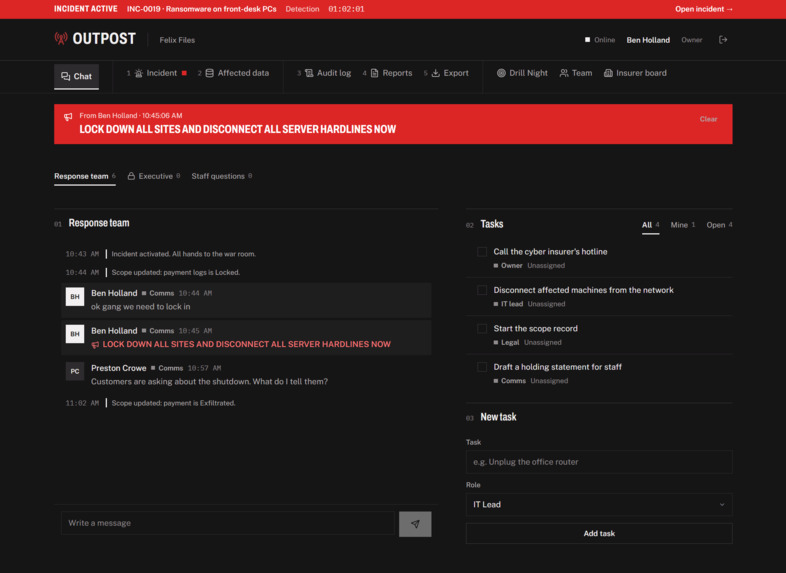
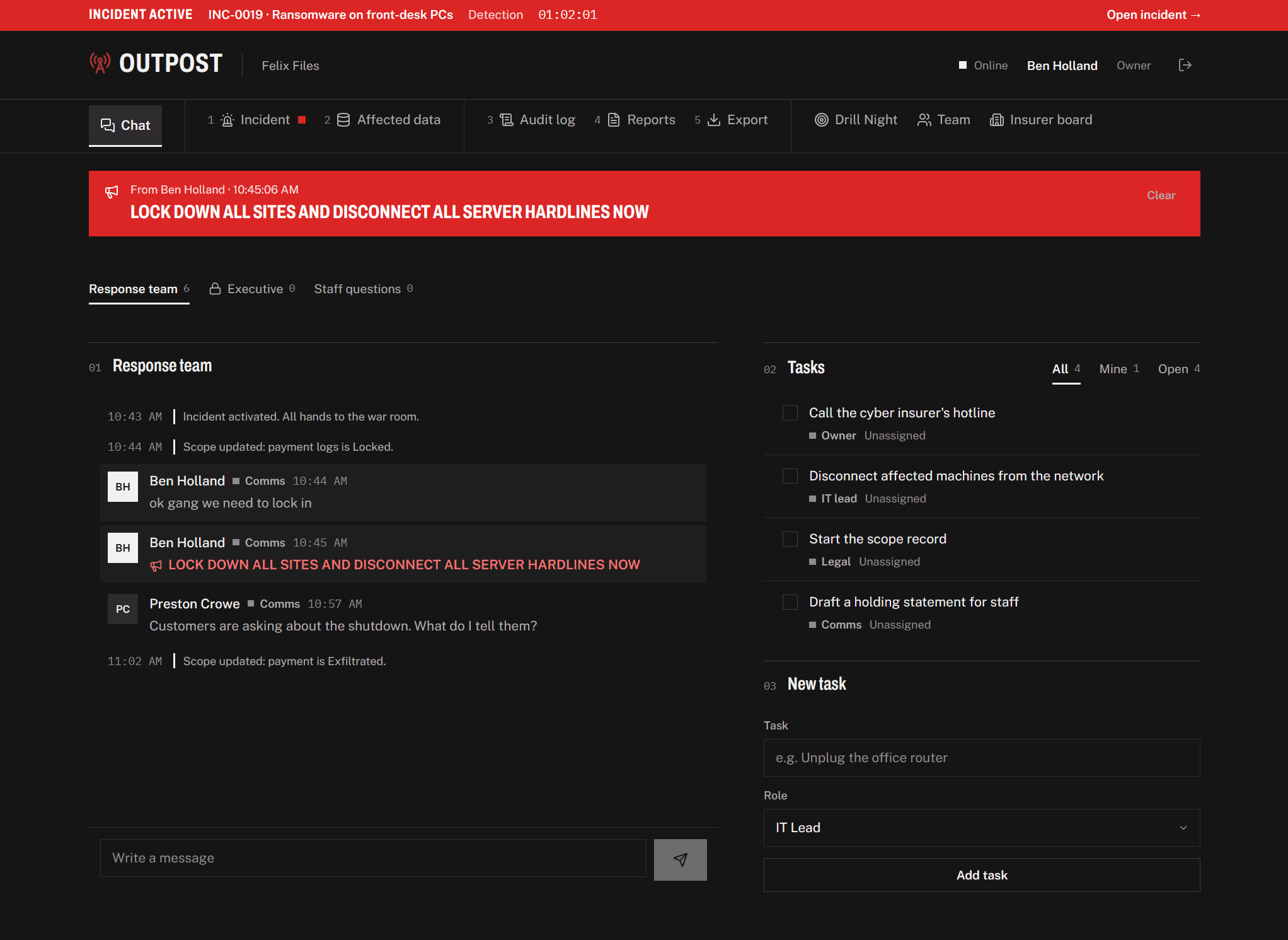
- Out-of-band war room: People sign in with their personal phone numbers, not company accounts. The war room has live chat, a private Executive room for owners, pinned broadcasts and a task list for each role.
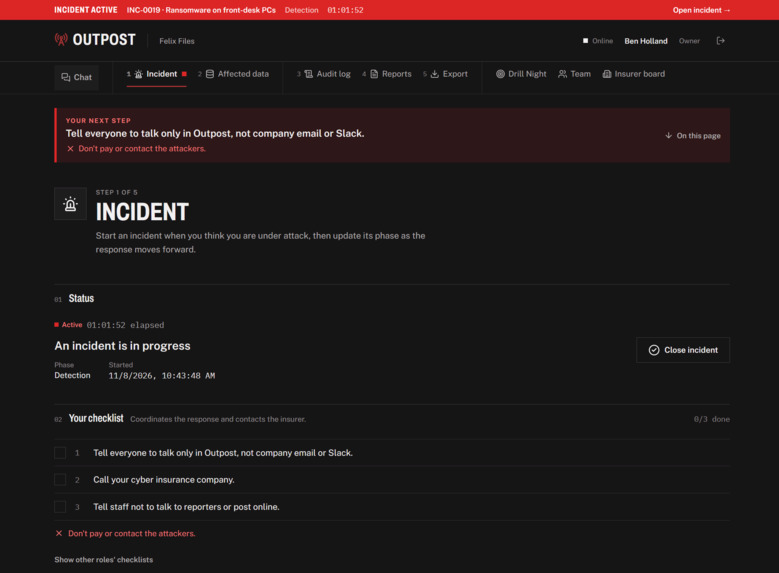
- One-click activation: The owner or IT lead activates an incident. Everyone on the roster gets pulled into the war room, each role gets its starter tasks, and a permanent timeline begins.
- Scope tracking: Legal records what data was affected, how many records, and which states the affected people live in, because that decides who has to be notified. The server flags state notification rules automatically.
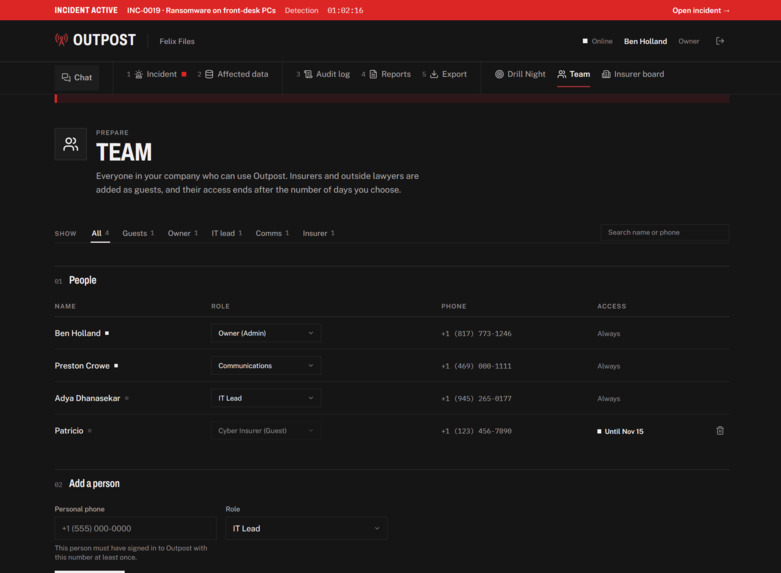
- Guest access: The cyber insurer and outside counsel join as guests for one incident, and their access expires on its own after 1–30 days.
- Documentation that builds itself: Every action lands in an append-only timeline. Insurer, counsel and regulator templates turn it into a first notice of loss, and the whole record exports in one click.
- Document editor: Anyone on the team can open a document and write down what they're seeing while it happens, like notes from a call with the insurer or the steps IT took to pull a machine off the network. Instead of starting from a blank page, they can load one of the built-in templates for the insurer, counsel or regulators and fill it in as they go. It all stays inside Outpost next to the timeline, instead of ending up in a Google Doc on an account the attacker might be reading.
- Insurer board: Businesses can opt in to share their incidents with their insurer. The insurer gets a board of every active incident across its policyholders, and when a shared vendor gets hit, Outpost groups those incidents into one event instead of dozens of separate claims. Each incident gets a triage score, and every point in it comes with a reason you can see.
- AI drafting for insurers: AI writes a short briefing on each event, drafts calm precautionary notes for policyholders who use the same vendor but haven't reported anything yet, and writes the opening narrative of a claim packet built from what the team recorded during the incident. A person reviews and sends everything, and AI never sets a score or a deadline.
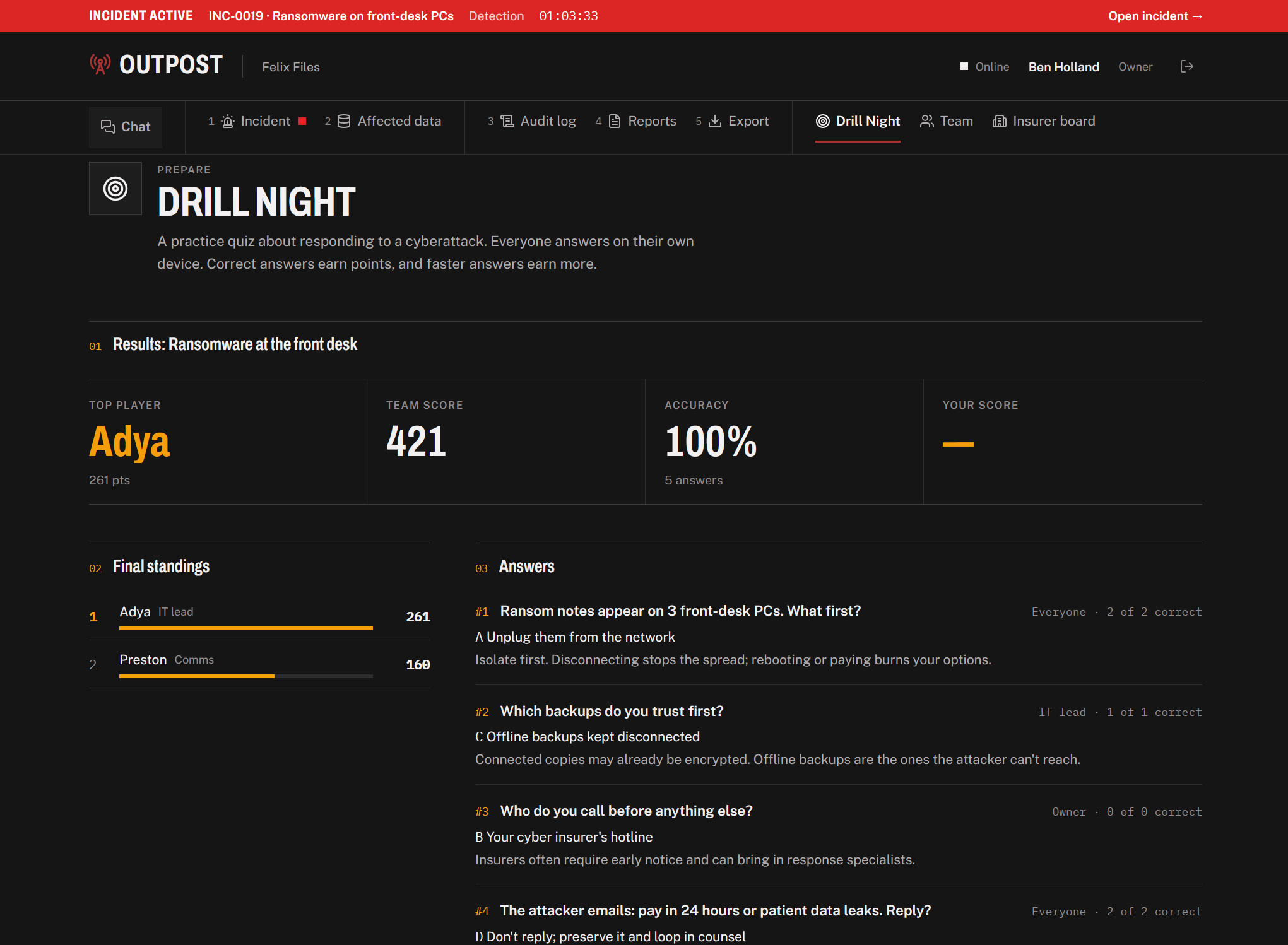
- Drill Night: The owner opens a lobby, the team joins from their phones with a 4-letter code, and questions fire on a timer, some routed to a single role, just like a real incident.
How we built it
- Frontend: Outpost is a React and TypeScript app built with Vite. We kept the layouts big and simple enough to use on a phone, since someone's work laptop might be the thing that got compromised.
- Backend: The entire backend is a SpacetimeDB module written in C# (.NET 8), compiled to WebAssembly and running inside the database itself. We picked SpacetimeDB because it let us keep every piece of Outpost's data and logic on servers that are completely separate from anything a company runs internally, which is what makes the tool out-of-band in the first place. The roster, incidents, messages, broadcasts, tasks, scope, timeline, documents and drill sessions are all tables, and the frontend subscribes to them through generated TypeScript bindings, so a change on one screen shows up on every other screen as it happens.
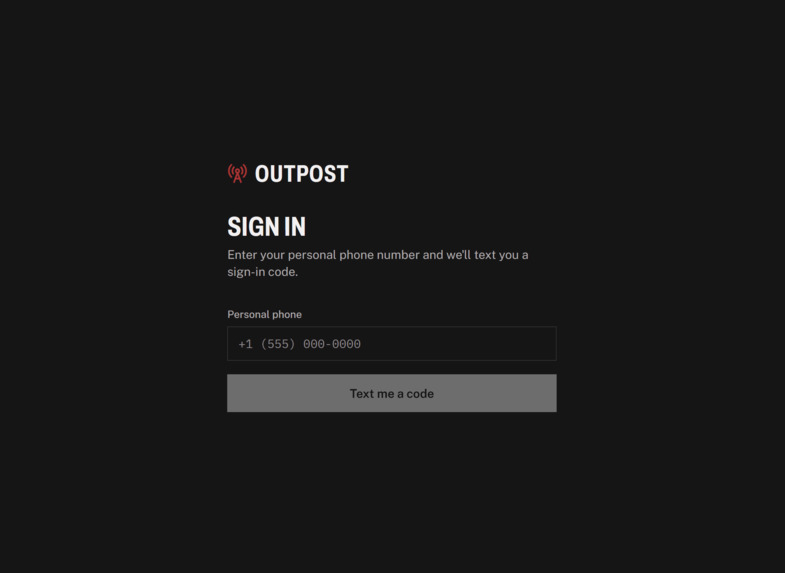
- Login: Everyone signs in with their personal phone number and a one-time code. For the demo the code is simulated, and sending it as a real text message is one of our next steps. We wanted company devices and accounts out of the picture to limit cross contamination, since those are exactly what an attacker controls during a ransomware attack.
- Permissions: Every change goes through a reducer, and each reducer looks up the caller's role on that incident before it does anything. If they aren't allowed, it throws an error and nothing changes, so it doesn't matter what someone does to the frontend. The timeline is append-only because we never wrote a reducer that can edit or delete an entry, and guest grants carry an expiry date that the server checks, so insurers and lawyers lose access without anyone having to remember to remove them.
- Private data: We used SpacetimeDB views to filter chat by role, which is how the Executive room only ever reaches owners. The drill answer key stays on the server until the debrief, so nobody can dig it out of their browser.
- Drill Night: Questions fire from scheduled reducers, so the server controls the timing and every player gets each question at the same moment. Scoring also happens in the reducer, based on whether the answer was right and how quickly it came in, which keeps anyone from padding their score from their own phone.
- Notification rules: When scope changes, the server checks the affected data types and states against state breach-notification rules and flags which ones may apply. The app labels this as guidance for counsel rather than legal advice, and getting the rules reviewed by a lawyer is one of our next steps.
- Documentation: The insurer, counsel and regulator templates pull from the timeline and scope tables, so the first notice of loss is mostly filled in by the time someone needs it, and the full record exports in one click.
- Document editor: Templates and documents both live in SpacetimeDB tables like everything else, so a template loads straight into the editor and nothing ever sits on a company drive. Every save goes through a reducer the same way chat and scope changes do.
- Insurer board and AI: Triage scores are calculated in regular code from the incident data, so every point can be explained and AI never decides who's most urgent. The AI buttons go through a small Node proxy that the frontend sends incident data to and gets text back from: the event briefing, the outreach drafts and the claim narrative. For the demo, we seed a portfolio of policyholders and simulate a breach at a shared billing vendor.
Challenges we ran into
- Our first plan had a separate reports flow, a PDF exporter and a texting service on top of everything else, and we had one night to build it. A lot of the hackathon was spent asking what someone in the middle of a real crisis would actually use, then cutting or merging everything else.
- The frontend and backend were being built at the same time by different people, so for a good part of the night the frontend ran on a local fake data store while the SpacetimeDB module was still being written. Once the backend was ready, moving every page over to live subscriptions meant reworking a lot of screens that had been built around that store.
- SpacetimeDB is built to sync data out to every connected client, which is exactly what we wanted for chat and exactly what we didn't want for the Executive room or the drill answer key. We had to be careful about which tables were public, use views to filter chat by role, and keep the answer key on the server until the debrief.
- Breach-notification law is different in every state, and a wrong deadline in a tool people rely on during an emergency could actually hurt someone. We kept the rules simple, labeled everything as guidance for counsel, and put a lawyer's review at the top of our list for after the hackathon.
- We went back and forth on how much to let AI do on the insurer side. Having it rank incidents would have been easy, but an adjuster needs to be able to explain to a policyholder why someone else got a call first, so we kept the scoring in code and gave AI the writing work instead.
Accomplishments that we're proud of
- One click on one laptop turns every other screen red instantly, with no refresh and no polling.
- Permissions that can't be bypassed from the browser: the reducer checks the caller's role every time.
- An audit trail that can't be edited, because no function exists to edit or delete it.
- A full document editor built into Outpost, with templates that load right in, so the record gets written while things are happening instead of pieced together from memory afterward.
- An insurer board that turns a vendor breach hitting dozens of policyholders into one event, and finds the ones who haven't called yet so nobody gets overlooked.
- A multiplayer drill engine with role-routed questions, speed-based scoring and answers kept sealed on the server.
- A product that fits all three challenges: an insurer board and claim packets for State Farm, the whole backend running in the database for SpacetimeDB, and every required component for Winstead.
What we learned
- Going in, we thought out-of-band mostly meant running on different servers. We figured out pretty quickly that logins matter just as much, because if people sign in with company accounts, an attacker who owns the company network can get into the crisis tool too.
- We learned that permissions really need to live in the database instead of the app. Once every rule was inside a reducer, the frontend never had to be trusted, and things like the append-only timeline came almost for free.
- Scheduled reducers and views were both new to us, and Drill Night is what pushed us to learn them. Getting role-routed questions, timed rounds and sealed answers all working together taught us a lot about how SpacetimeDB handles time and visibility.
- AI turned out to be most useful for writing. Drafting a calm note to forty policyholders takes a person a long time and a model a few seconds, but anything that decides who gets helped first stayed in rules a person can read and check.
- Designing for someone who's panicking changed every screen we built. We kept picturing a clinic owner at 8 AM with a ransom note on the front-desk PC, and that's where the one main button per page, the plain wording and the phone-sized layouts came from.
Built With
- c#
- css
- react
- spacetime
- spacetimedb
- typescript
- vite


