
Inspiration
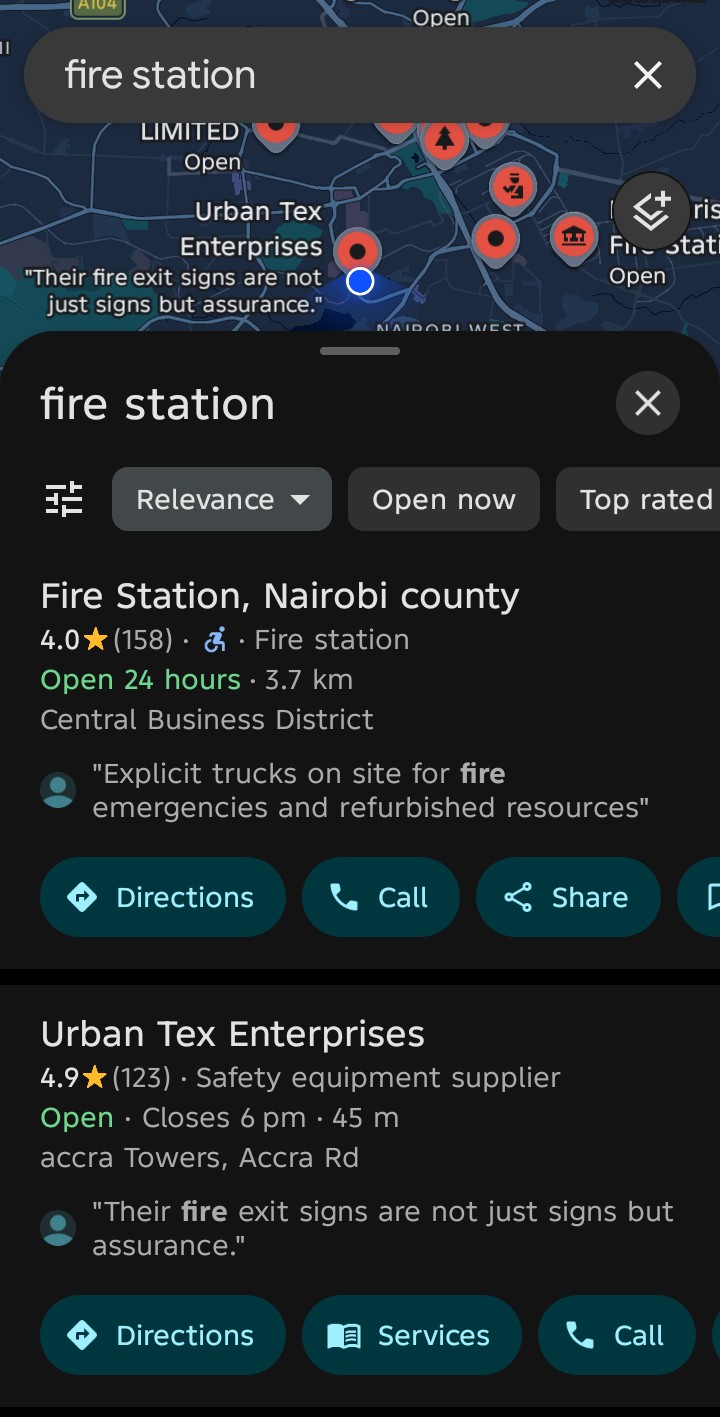
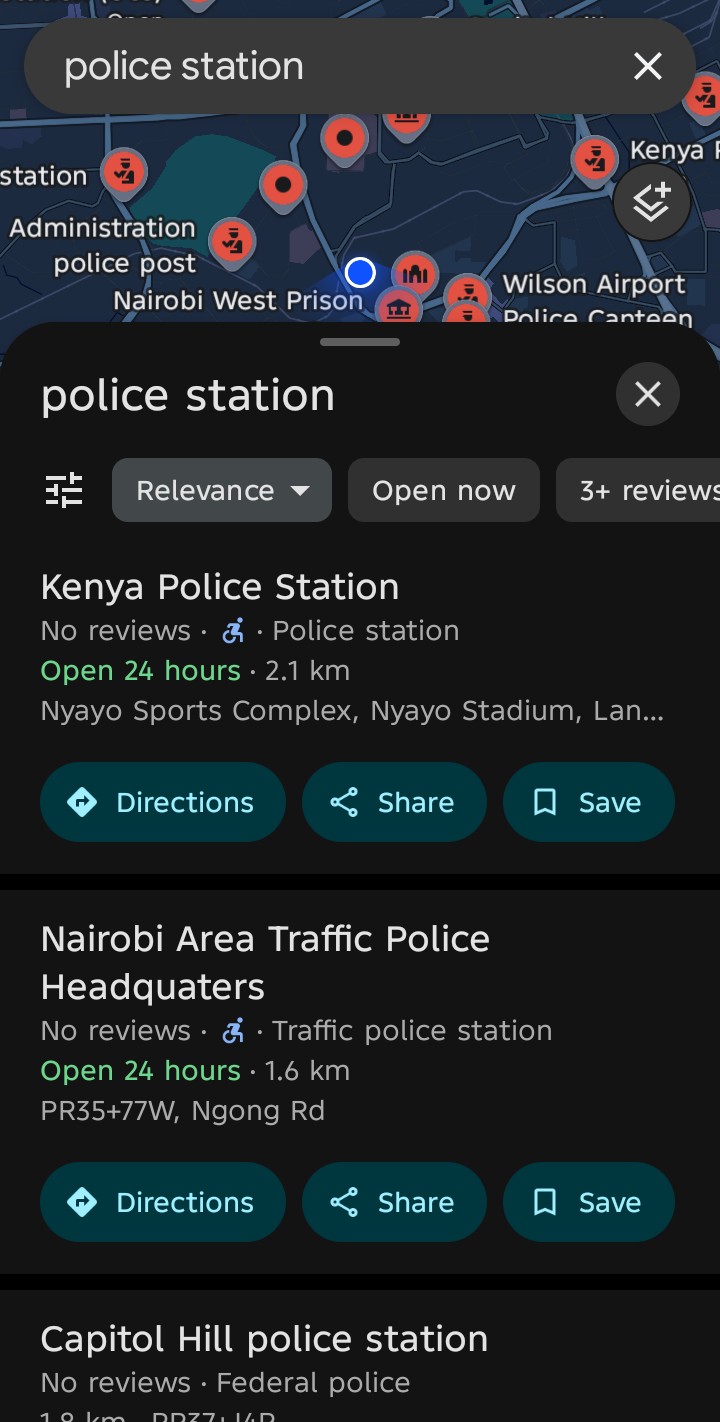
SilentGuard was inspired by real moments where someone may need help quickly but cannot explain what is happening, type a full message, or safely stay on their phone. I wanted to build an emergency safety app that can make it easier to alert trusted people, share location, call for help, and preserve audio evidence during dangerous situations.
The goal is not to claim that an app can guarantee safety. The goal is to give users a faster way to reach their emergency contacts and keep useful evidence when every second matters.
What it does
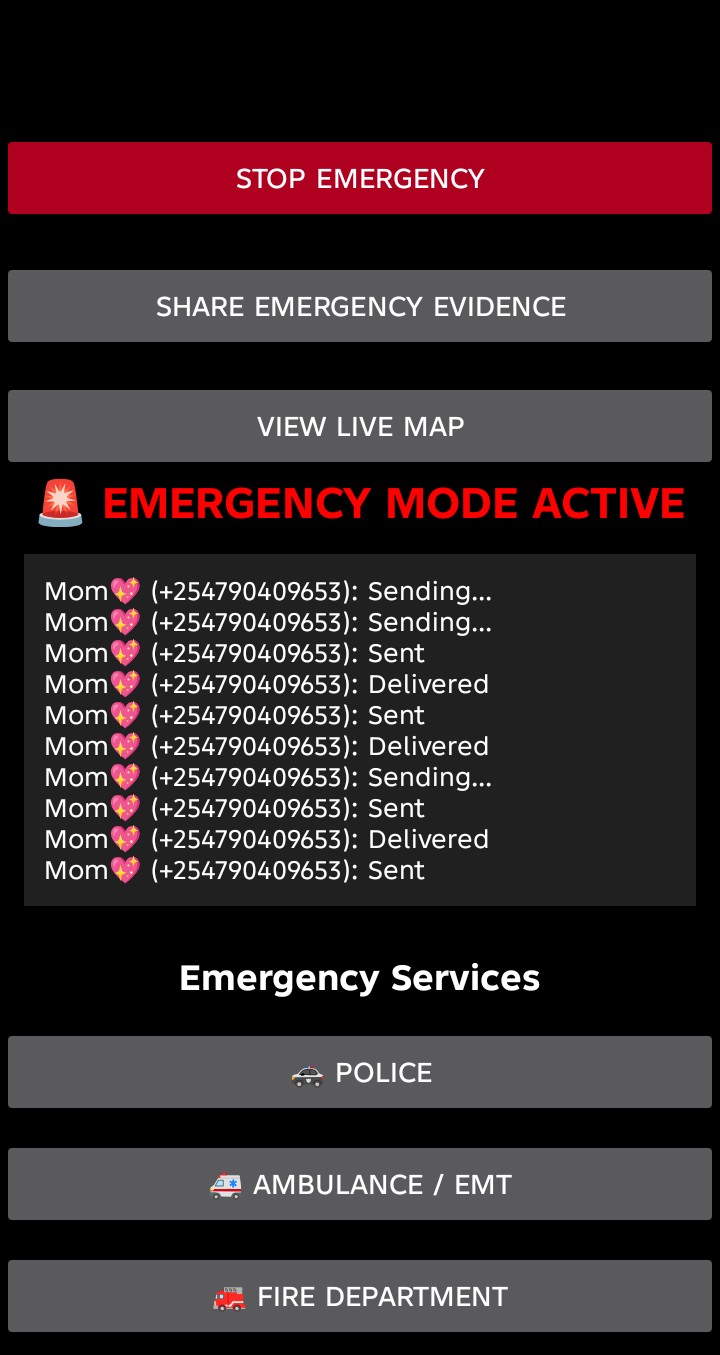
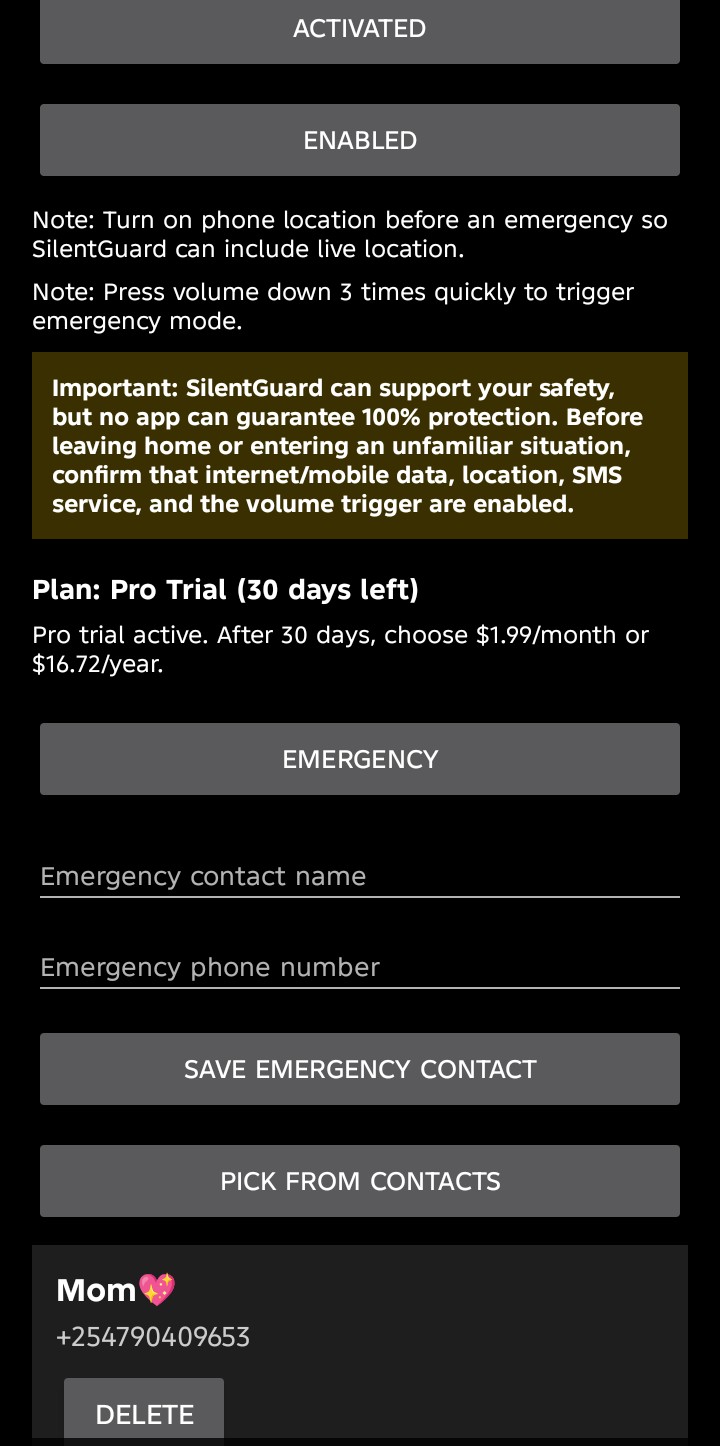
SilentGuard is an Android emergency safety app. A user can save emergency contacts, activate SilentGuard, and trigger Emergency Mode from the app or through the optional volume-button trigger.
When emergency mode starts, SilentGuard can:
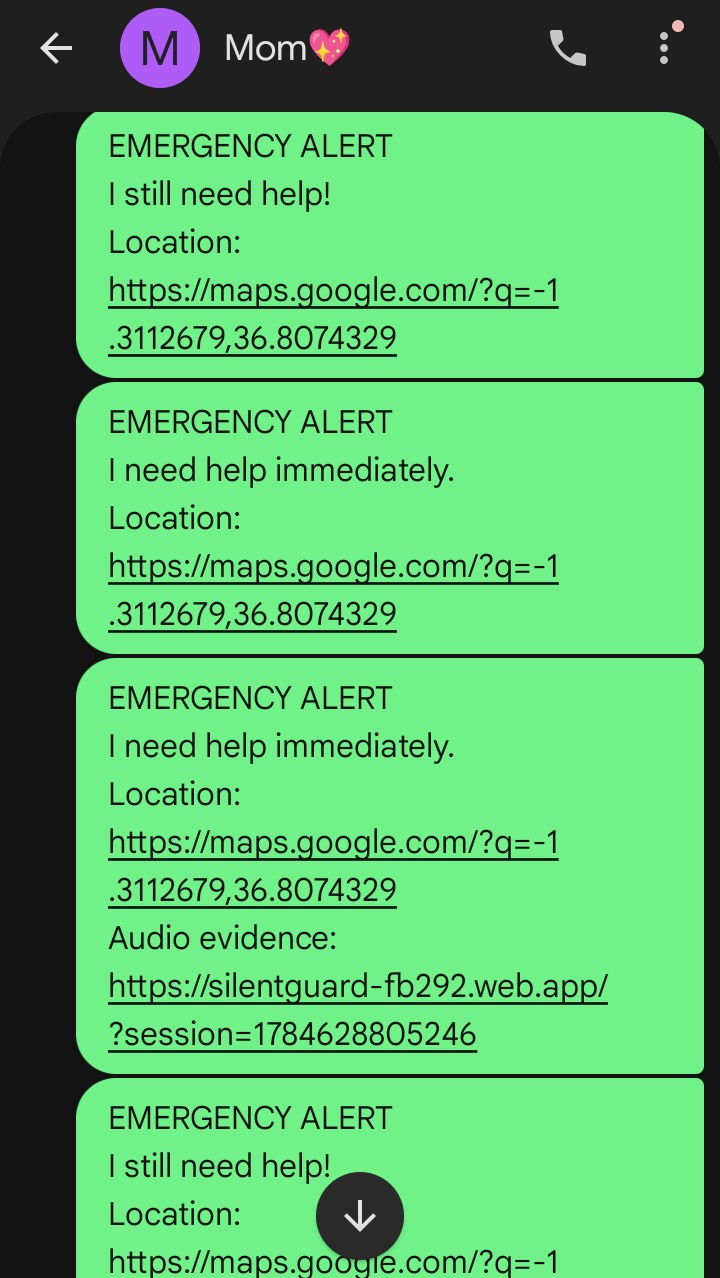
- send SOS messages to saved emergency contacts;
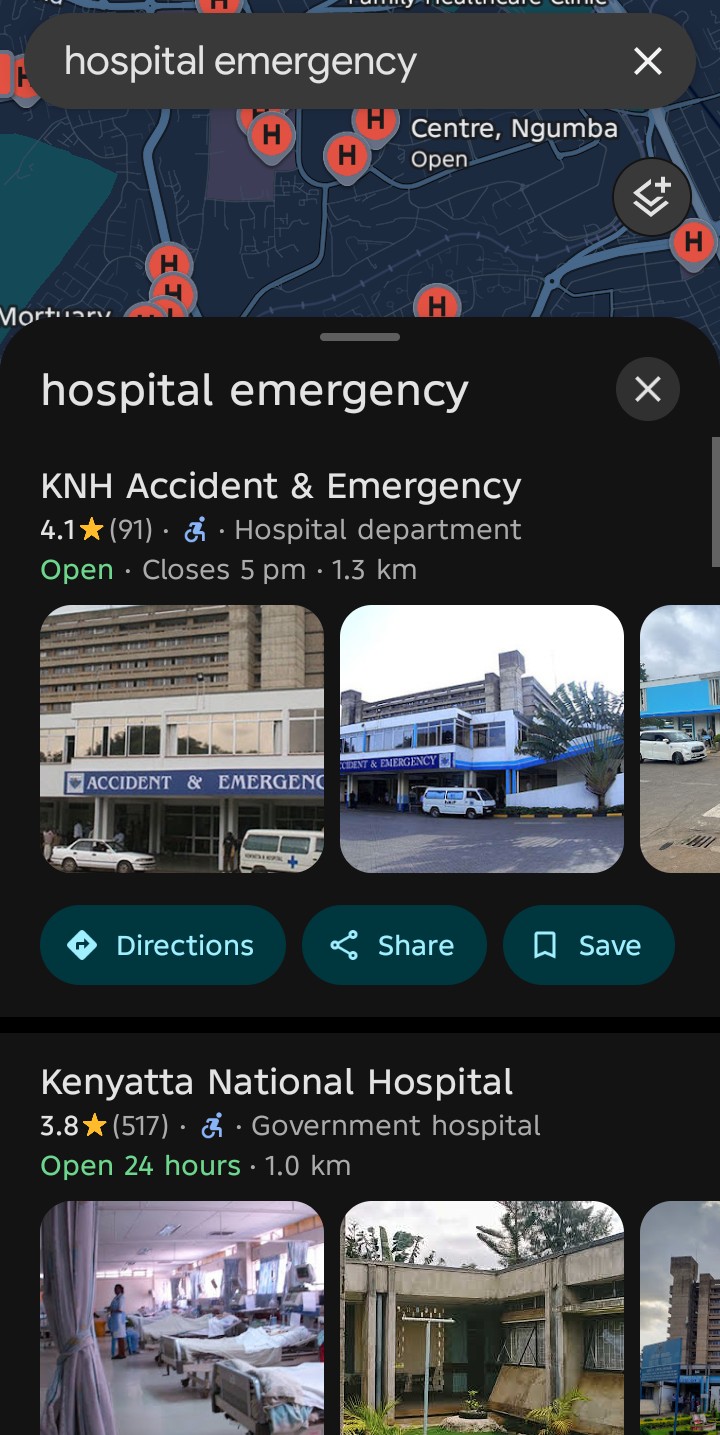
- include the latest available location when location is enabled;
- call the first emergency contact immediately;
- keep repeating emergency alerts until the emergency is stopped;
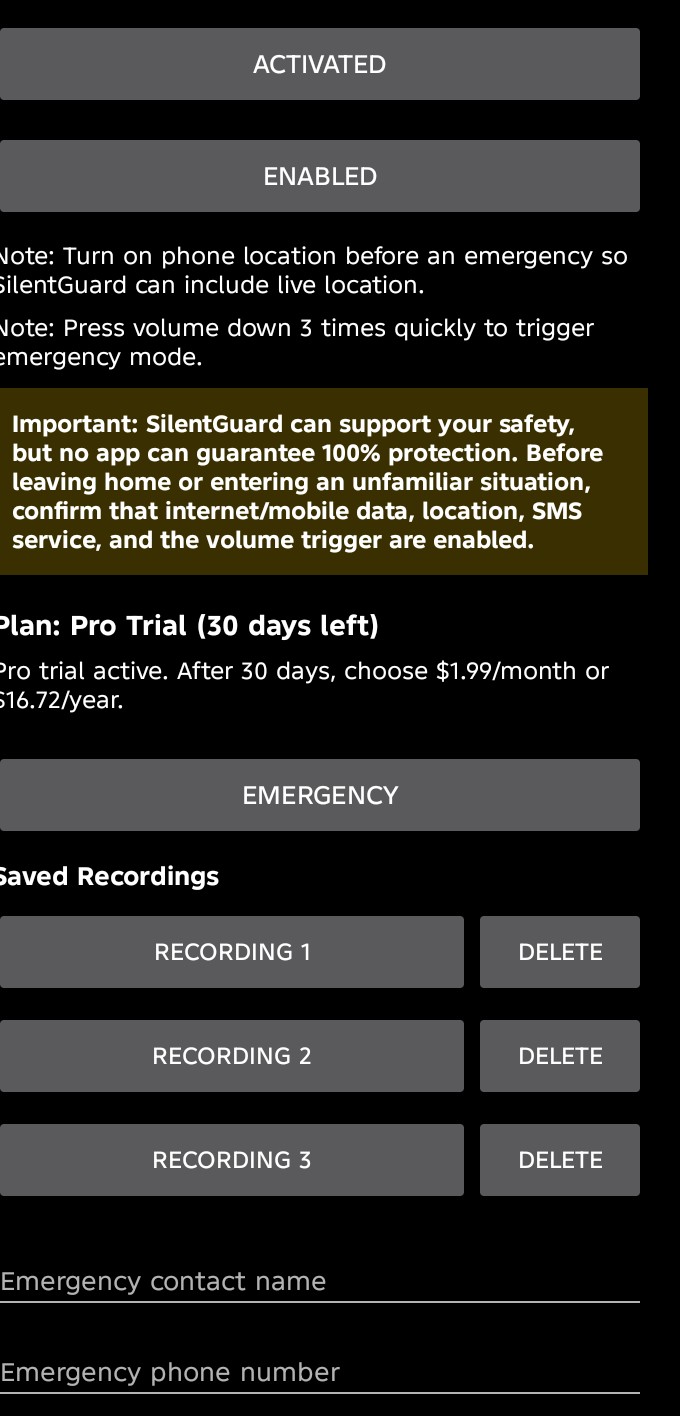
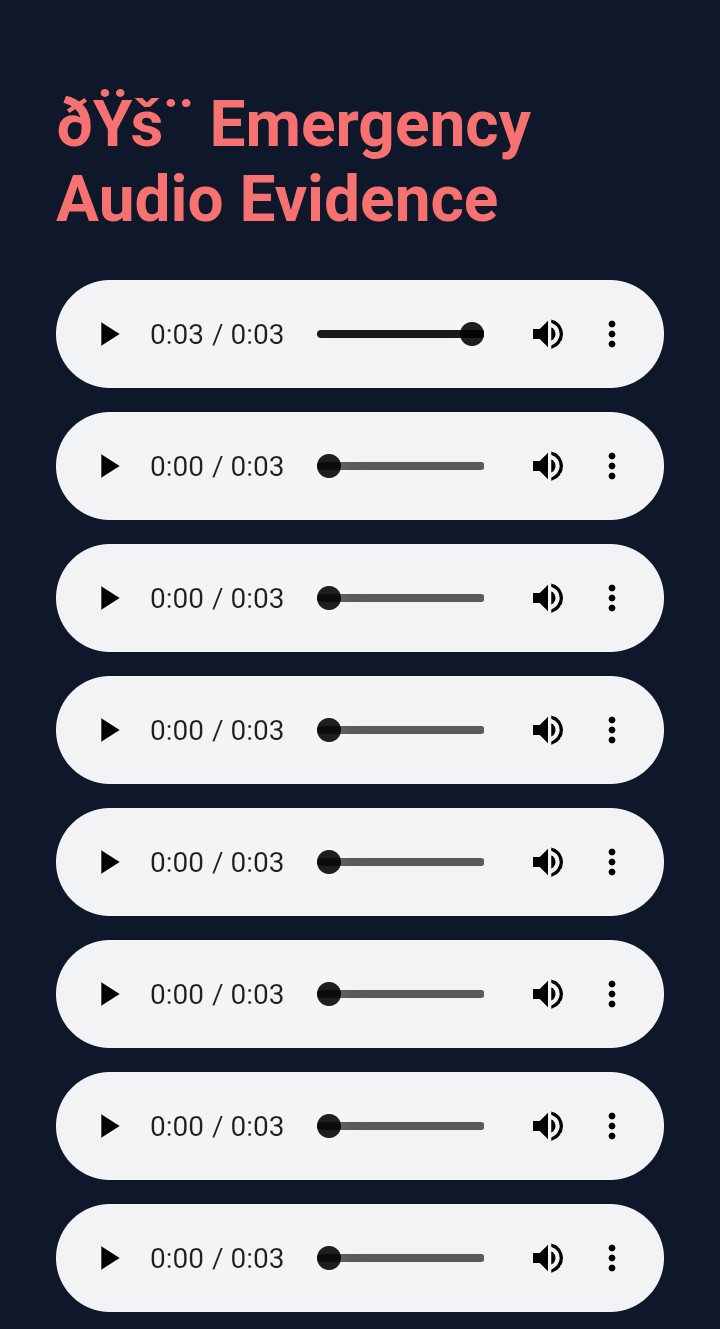
- record emergency audio evidence for Pro users;
- upload audio chunks to Firebase when internet is available;
- save recording links so they can be shared later;
- support offline audio protection by saving pending recordings locally until internet returns.
SilentGuard also has Free and Pro plans. Free users can use basic SOS, location, calling, and contacts without signup. Pro users get a 30-day free trial and access to audio evidence, cloud upload, offline sync, and saved emergency recordings.
How we built it
SilentGuard was built as a native Android app using Kotlin, XML layouts, Android services, Firebase, and Gradle.
The app uses Android permissions for SMS, calls, microphone, location, contacts, notifications, and accessibility. Firebase Authentication, Firestore, Storage, and Hosting support Pro account access, uploaded audio evidence, and the emergency evidence viewer.
Codex powered by GPT-5.6 was used as an engineering partner throughout the project. It helped with understanding and improving the Kotlin code, Android service behavior, Firebase setup, permission flows, emergency messaging, audio upload logic, the Free vs Pro structure, and the Devpost submission material.
Challenges we ran into
The hardest part was making emergency behavior reliable across real Android device conditions. SMS, calls, location, microphone recording, background services, accessibility triggers, and Firebase uploads all depend on Android permissions, phone settings, network availability, carrier behavior, and device manufacturer rules.
Another challenge was separating online and offline behavior clearly. With internet, SilentGuard should upload audio evidence in real time. Without internet, the app should not lose the recording; it should save audio locally and upload it later when internet returns.
We also had to carefully separate the Android app, the Firebase evidence viewer, and the public website so each part has its own role.
Accomplishments that we're proud of
I am proud that SilentGuard combines several emergency actions into one focused flow: SOS messaging, location sharing, emergency calling, volume trigger support, Pro audio evidence, saved recordings, and offline audio protection.
I am also proud of the Free vs Pro design. Basic emergency help stays free and does not require signup, while Pro adds evidence features for users who need stronger protection.
The project also includes a public SilentGuard website for judges and users: https://silentguard-website.aishahamidm.chatgpt.site
What we learned
This project taught me how complex emergency apps are. It is not enough for a button to work on one screen. The app has to handle permissions, background behavior, failed messages, unavailable location, internet loss, audio upload timing, and user confusion during stressful moments.
I also learned more about Firebase, Android foreground services, SMS delivery status, accessibility services, account-based plan access, and how to explain safety features honestly without overpromising.
What's next for SilentGuard
Next, I want to keep improving reliability and testing on more real devices. I also want to strengthen offline audio syncing, improve emergency status feedback, add clearer setup checks before risky situations, and prepare the Pro subscription flow for production release.
SilentGuard will continue to focus on one simple mission: helping users alert trusted people faster and preserve important emergency evidence when they need it most.
Built With
- android
- android-studio
- codex
- firebase
- firebasehosting
- firebasestorage
- firestore
- gpt-5.6
- gradle
- kotlin
- openai
- sms
- xml

Log in or sign up for Devpost to join the conversation.