-
Project
-
Project Header
-
Transcript
-

Controls
-

Footer


Inspiration
I was inspired by the realization that traditional speech-to-text tools only capture what is said, but not how it’s said. For people who are hard of hearing, or for anyone reading a transcript later, tone can completely change meaning. I wanted to build something that bridges that gap by combining transcription with emotion detection.
What it does
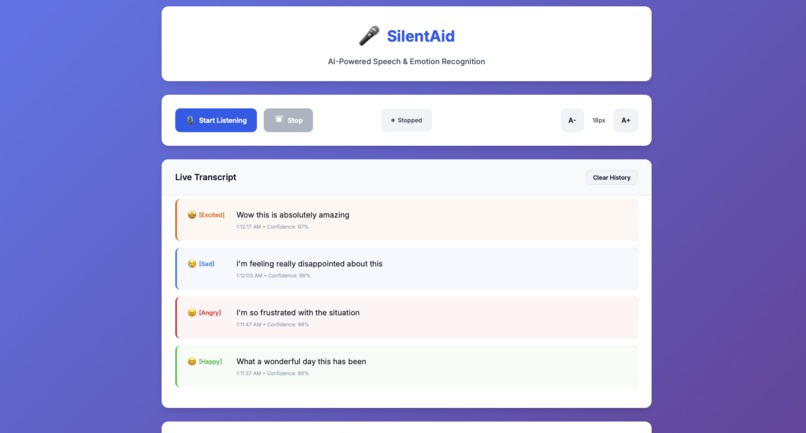
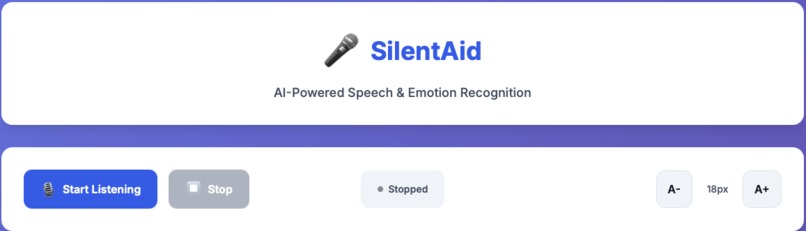
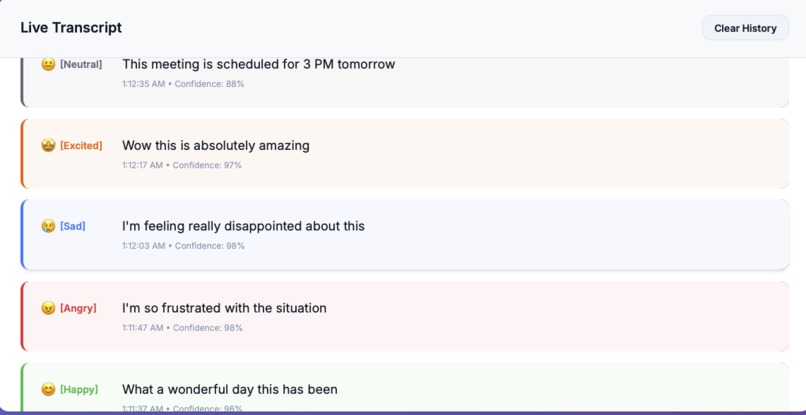
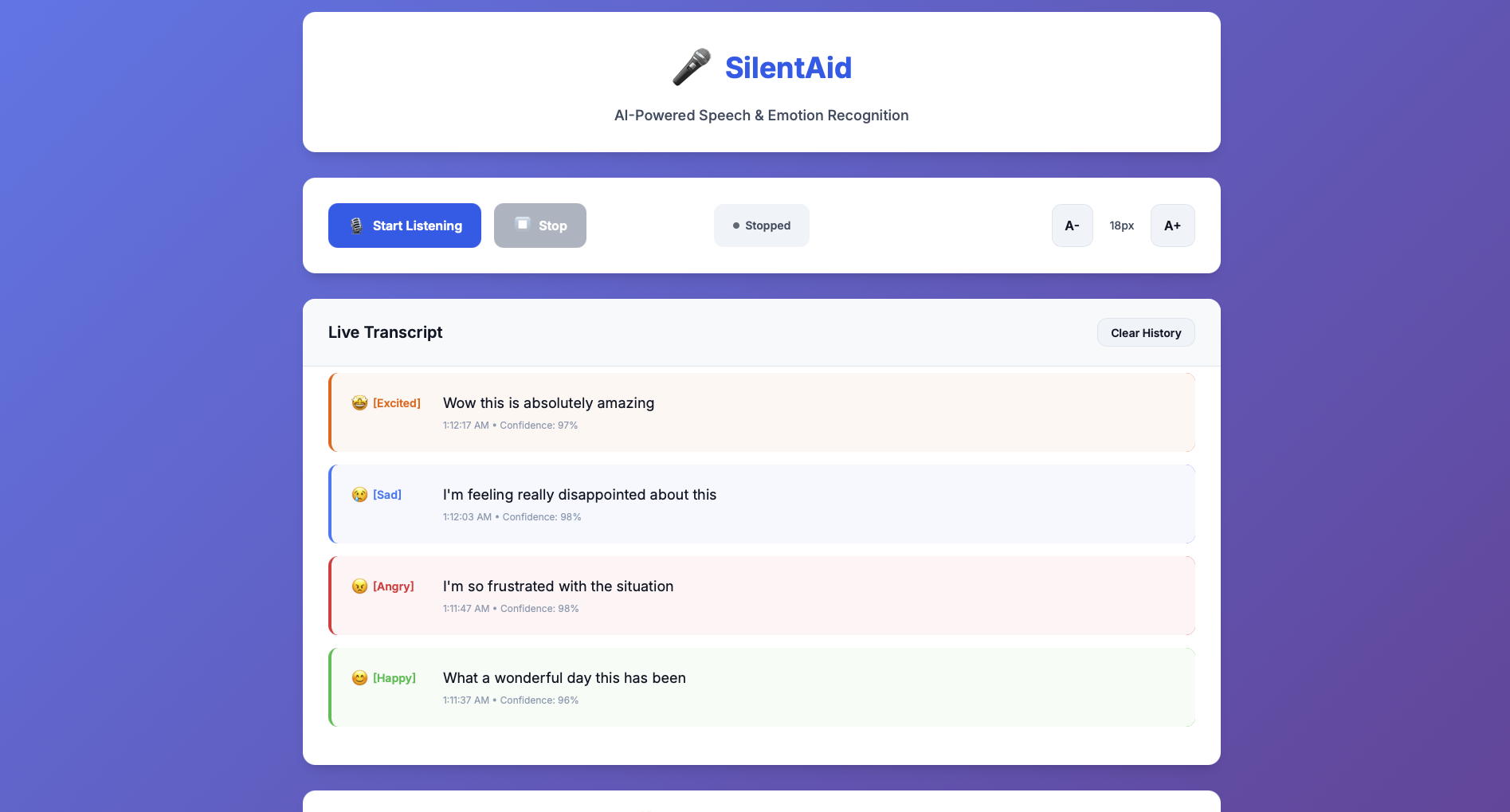
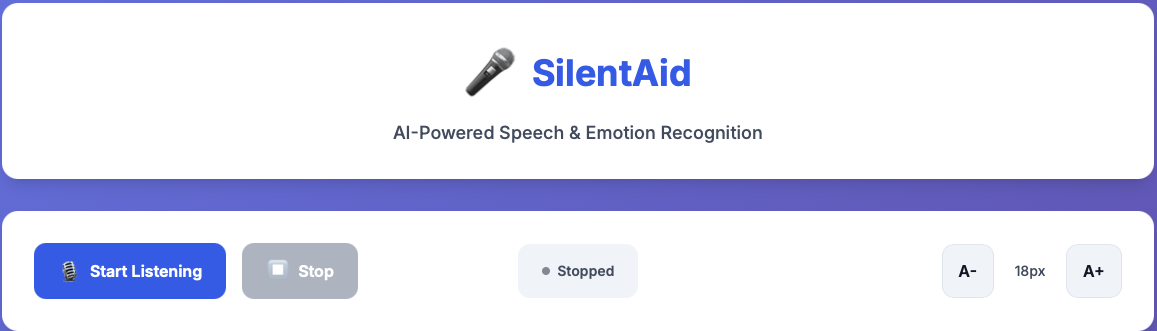
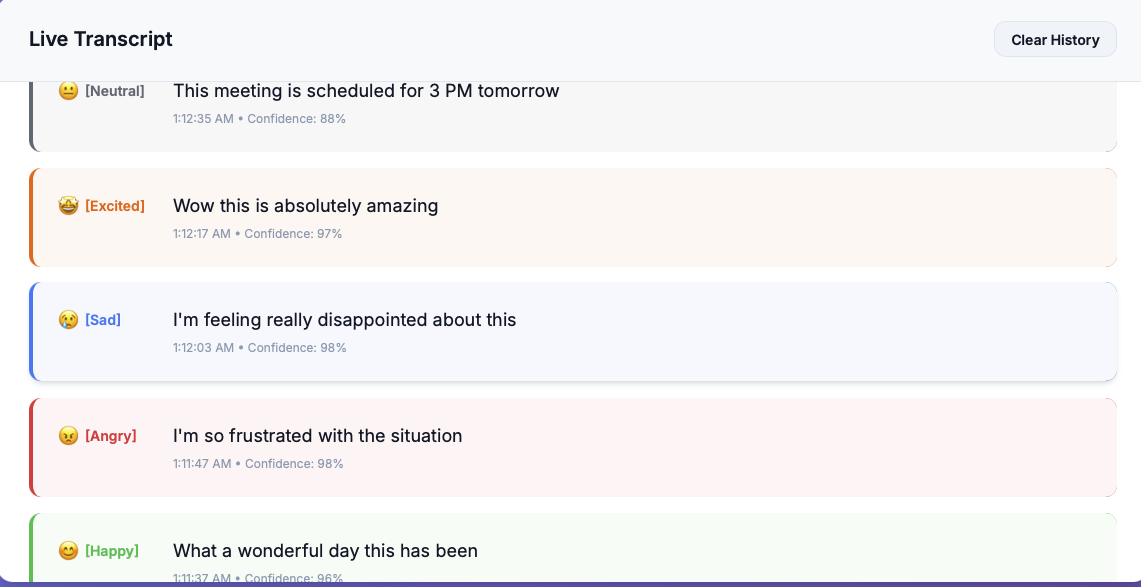
SilentAid is a browser-based AI tool that: Transcribes speech into text using the Web Speech API. Sends each finalized line to a Flask backend for analysis. Detects the underlying emotion (Happy, Sad, Angry, Excited, or Neutral). Renders the transcript line with an emoji + color-coded tag for quick readability. Provides accessibility features such as font size controls, status indicators, and transcript history. Users don’t just get words on a screen—they see how they were said.
How we built it
Frontend (HTML, CSS, JavaScript): Captures microphone input, displays live transcription, and integrates emojis/color tags with adjustable font size. Backend (Python, Flask, HuggingFace Transformers): Runs a DistilRoBERTa emotion classification model and serves results via REST API endpoints. Integration: The browser sends text to /api/emotion, and the backend returns {text, emotion, emoji, confidence}. The frontend renders it in real time and stores transcript history in localStorage.
Challenges we ran into
Emotion classification: Distinguishing similar emotions like “Excited” vs “Happy” required heuristic fine-tuning. Real-time performance: Ensuring low latency while using a relatively large NLP model. Accessibility design: Creating a minimal yet expressive UI that works for different users. Version control: Managing Git conflicts while iterating between backend and frontend.
Accomplishments that we're proud of
Delivering a fully working prototype that combines live transcription with emotion analysis. Building an accessible, user-friendly interface that feels polished even in hackathon conditions. Successfully deploying HuggingFace’s DistilRoBERTa into a lightweight Flask service. Designing clear visual cues (emoji + color + tags) that make transcripts instantly understandable.
What we learned
How to use the Web Speech API effectively for real-time speech capture. How to integrate HuggingFace Transformers into a Flask backend. How much UI/UX matters in accessibility projects—good design is just as important as AI accuracy. How to handle Git workflows, debugging, and integrating multiple moving parts on my own.
What's next for SilentAid
Multilingual support for both transcription and emotion recognition. Audio-based emotion detection (analyzing vocal tone as well as text). Export and sharing options for transcripts. Packaging SilentAid as a Chrome extension or mobile app so it can be used in everyday conversations and meetings.


Log in or sign up for Devpost to join the conversation.