-
-
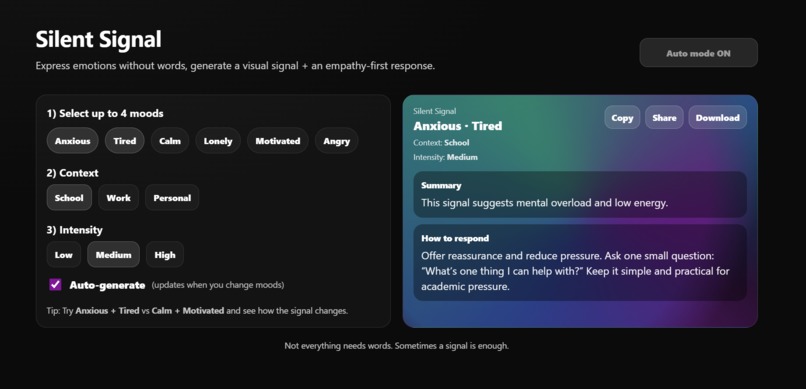
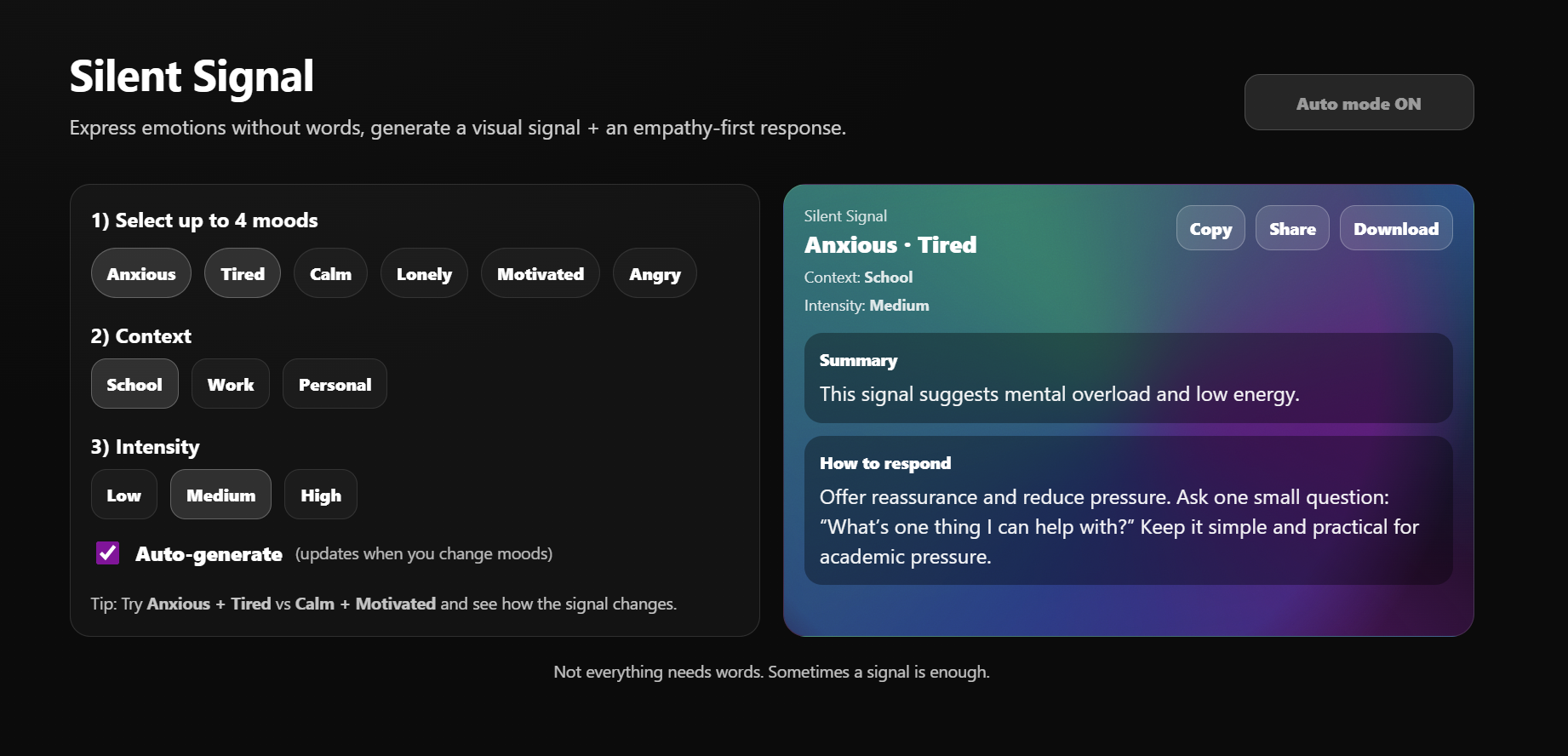
The main interface of Silent Signal, where moods, context, and intensity come together to form a visual emotional signal.
-
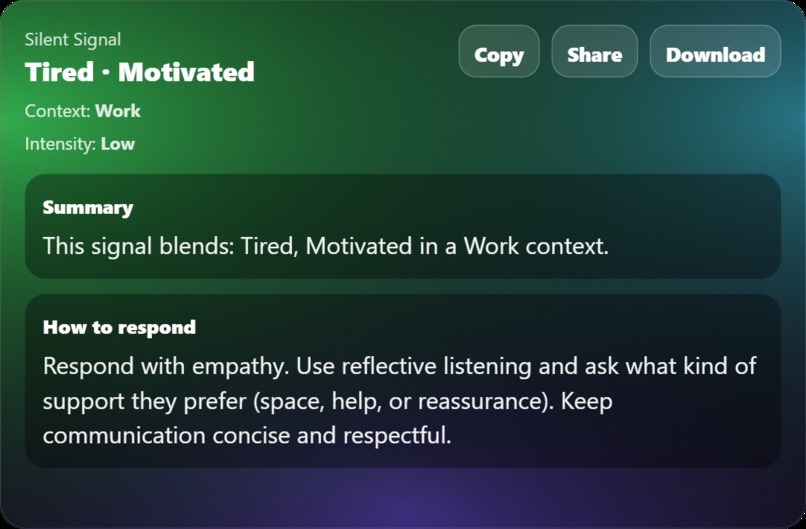
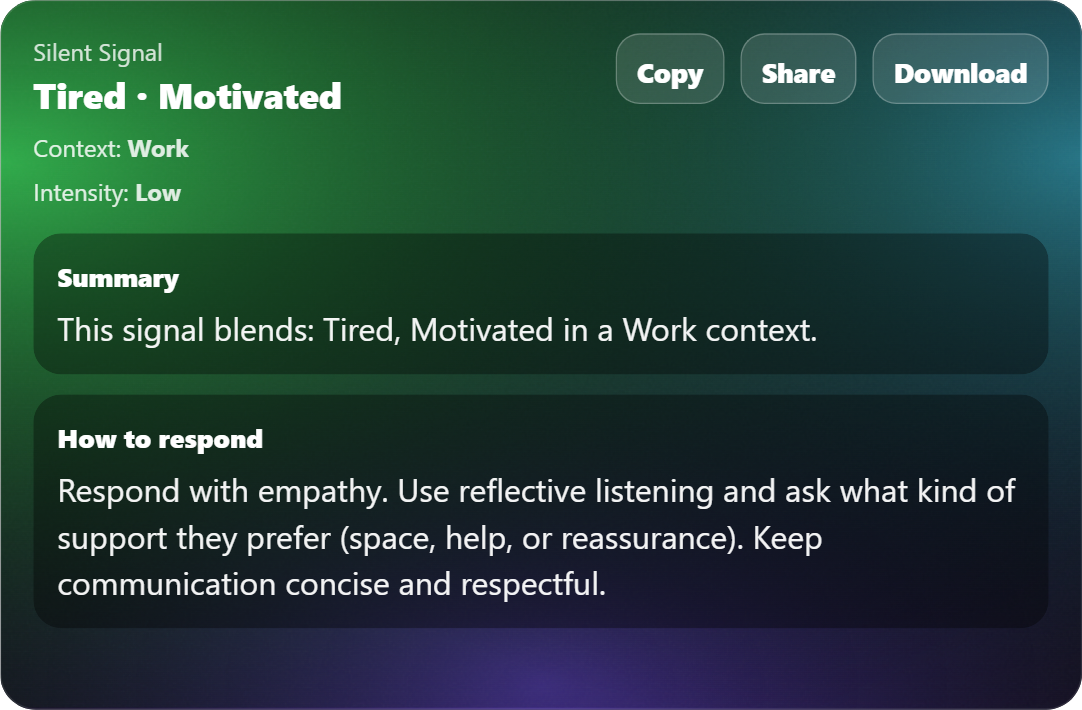
A downloadable visual signal created by Silent Signal.
About the Project
Inspiration
Sometimes it’s really hard to explain how you feel — especially in places like school or work. You might feel overwhelmed, tired, or emotionally drained, but putting that into words can feel like extra effort. Silent Signal came from the idea that people don’t always want to explain everything. Sometimes they just want to be understood.
What it does
Silent Signal lets users pick a few moods, choose a context (School, Work, or Personal), and set how intense those feelings are. From that, the app creates: A visual signal that represents the emotional state A short, gentle suggestion on how someone else might respond The signal can be shared with a link or downloaded as an image, making it easy to communicate without having a long conversation.
How I built it
I built Silent Signal as a front-end web app using React and Vite. Each mood affects the colors, blur, and overall feel of the visual. As the user changes their selections, the signal updates in real time. The app also saves the selected moods in the URL so the same signal can be shared with others. I used html2canvas to allow users to download the visual as an image.
Challenges
One of the hardest parts was turning emotions into visuals that actually feel meaningful instead of random. Another challenge was writing response suggestions that sound supportive and human, not robotic or generic. Making the layout work well on both desktop and mobile was also something I had to carefully adjust.
What I learned
This project taught me how much impact a small, simple idea can have. I learned that good design is not just about how something looks, but how it makes people feel. Most importantly, I learned that empathy can be built into technology in quiet but powerful ways.
Built With
- JavaScript
- React
- Vite
- HTML
- CSS
- html2canvas
- Client-side URL sharing
- Vercel
Built With
- css
- html
- html2canvas
- javascript
- react
- vercel
- vite


Log in or sign up for Devpost to join the conversation.