-
-

Our App Icon Design
-
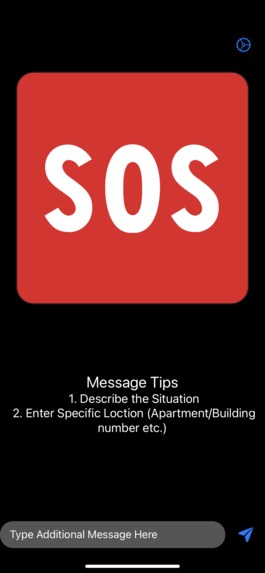
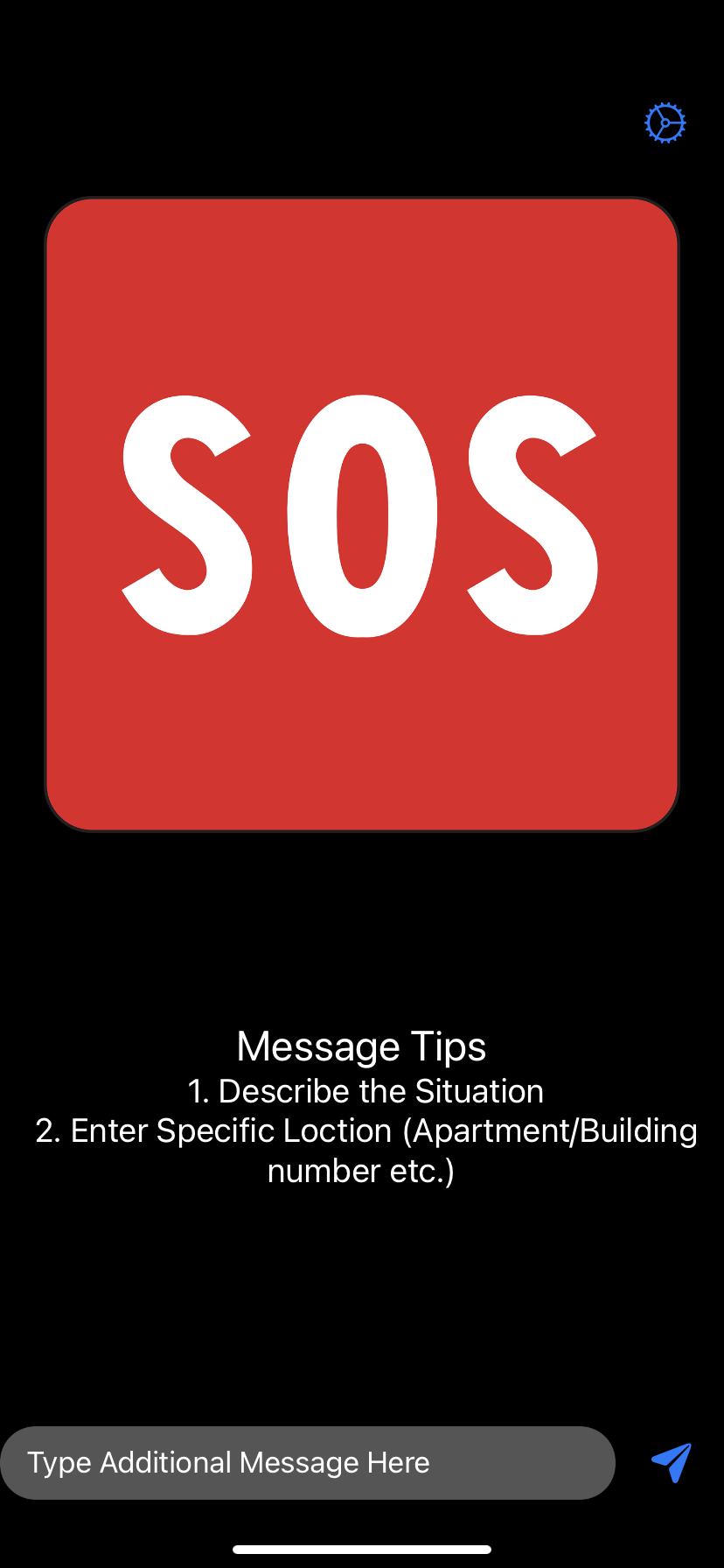
Main Home Page
-
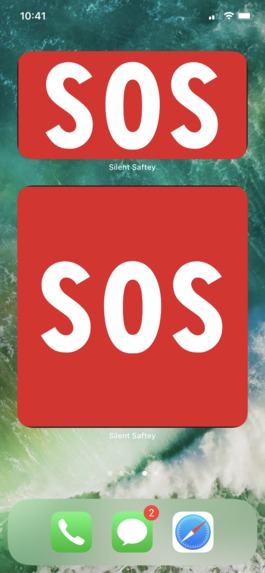
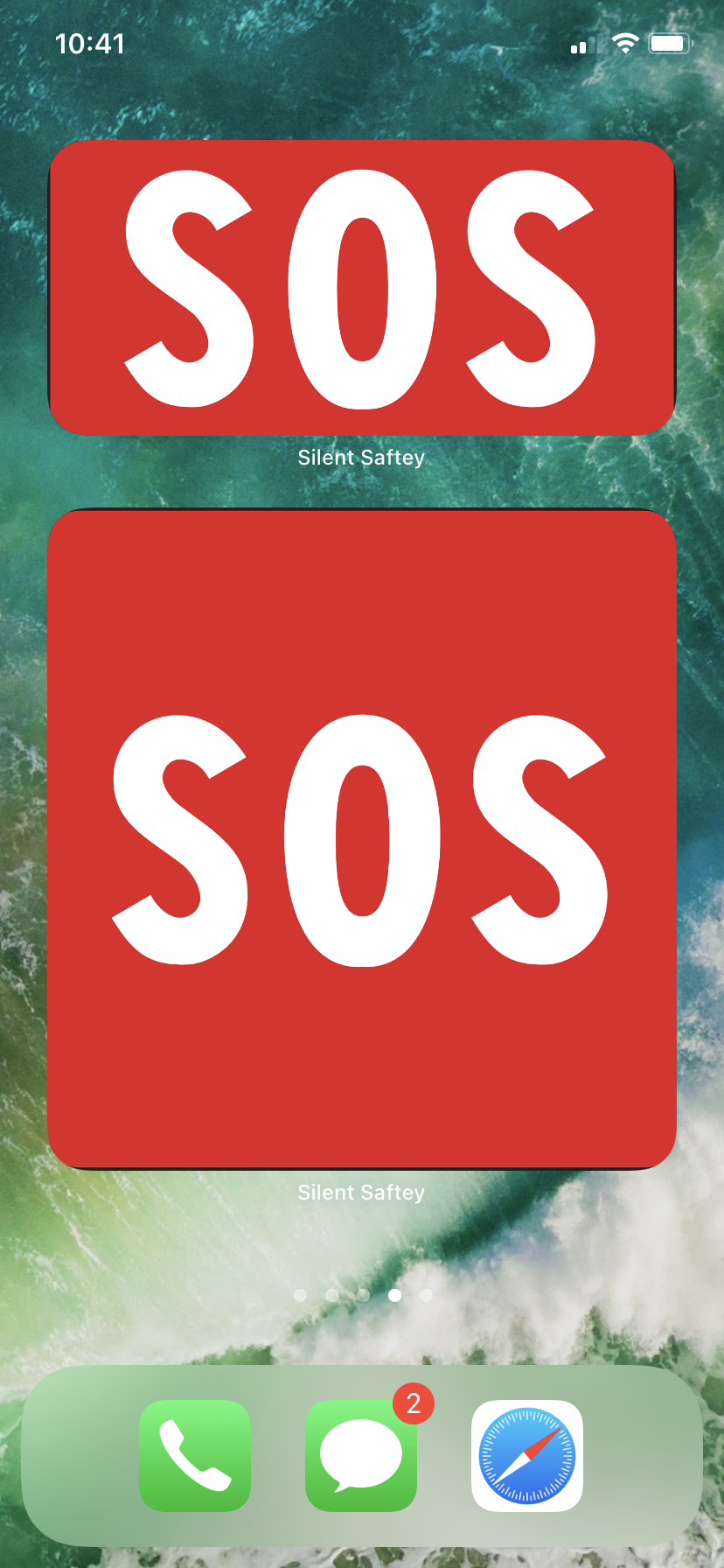
Easily Initiate an SOS Call with the Home-Screen Widgets

Inspiration
The inspiration for Silent Safety came from a desire to save lives. After some research, I discovered that domestic abuse cases within the United States were increasing, without a steady solution in sight. Victims often wouldn't be able to call 911, as they were under the watchful eye of their partner. This sparked the idea to create a Silent SOS that would enable victims to communicate with 911, in the event where they couldn't talk. I further realized that this app could be used for people experiencing medical problems such as shortness or breath, and individuals who are deaf, mute, or have speech disabilities. Finally, the inspiration for the live-translation feature of additional messages came from grandma, who is currently living with us in the United States, but can't speak english.
What it does
Silent Safety makes it easy for individuals to communicate with 911 when they can't speak on the phone. These situations include a domestic abuse situation in which the victim cannot make any noise as they are under the duress of their partner, a situation in which an individual is hiding from an intruder and cannot make any noise, deaf and mute individuals who can't directly communicate with 911, and individuals experiencing medical emergencies such as shortness of breath, which make it difficult for them to speak. When the user taps the SOS button and confirms the call, Silent Safety initiates an SOS 911 call. Once the call connects, the app's call-bot speaks to the 911 dispatcher and provides them with three pieces of information. First is a user's profile which compromises of basic information about themselves, such as their age, race, gender, height, weight, and age (The user enters this information when setting up the app). Second is a user's live location, which is tracked whenever the user initiates a call. Finally, if the user chooses, they can navigate back to the app and type any additional messages within the text box, for example an additional message to describe their situation, and our call-bot will speak that message to the 911 dispatcher. Additionally, if the user does not speak english they can type messages in different languages, and our app will translate it to english and speak it to the 911 dispatcher. Finally, the user can also type basic emojis within the text-box (such as a police car, ambulance, and firetruck) to represent wether they need police, medical, or firefighters.
How I built it
I built the app using native swift libraries, such as the AVFAudio library and core-location. I also used the google-translation API.
Challenges I ran into
The main challenge I faced was configuring the call bot. Apple's documentation on the property I was using was very minimal, and because it wasn't widely used, there was nearly no information online. In order to solve this issue, I forced myself to take a deep dive into Apple's documentation and understand how to fundamentally use Apple's audio libraries. After gaining a deeper understanding and trying out different combinations, I were eventually able to figure it out.
Accomplishments that I'm proud of
Some of the accomplishments I were proud of was being able to successfully configure the call bot, make it very easy for users to initiate an SOS call, and finally getting the hang off using Google Translate's API.
What I learned
Throughout the course of this project, I learned how to use Apple's audio libraries, the Core-Location framework, Google-translate API, and how to create UI Elements programmatically.
What's next for Silent Safety
Our goal is too modify our app and eventually release it to the app store.
This Hackathon
For this hackathon we decided to break the barrier of language. After analyzing some of my problems, I immediately thought to my grandmother, who was living in the United States with us but unable to speak english. What if she needed to call 911? And this is a pending question for the 67 million people within the U.S who speak a foreign language at home.
To solve this we added two features during this hackathon.
First we implemented a live translation feature, which enables the user to type additional messages in any language. When the user types an additional message, our app identifies the language of the text and translates the text to english and speaks it through the call bot.
Second, we enabled support for emojis. If the user types in a police car, ambulance, or firetruck emoji the call-bot will state “I need police, firefighters, or ambulance”
Built With
- google-translate-api
- swift


Log in or sign up for Devpost to join the conversation.