Inspiration
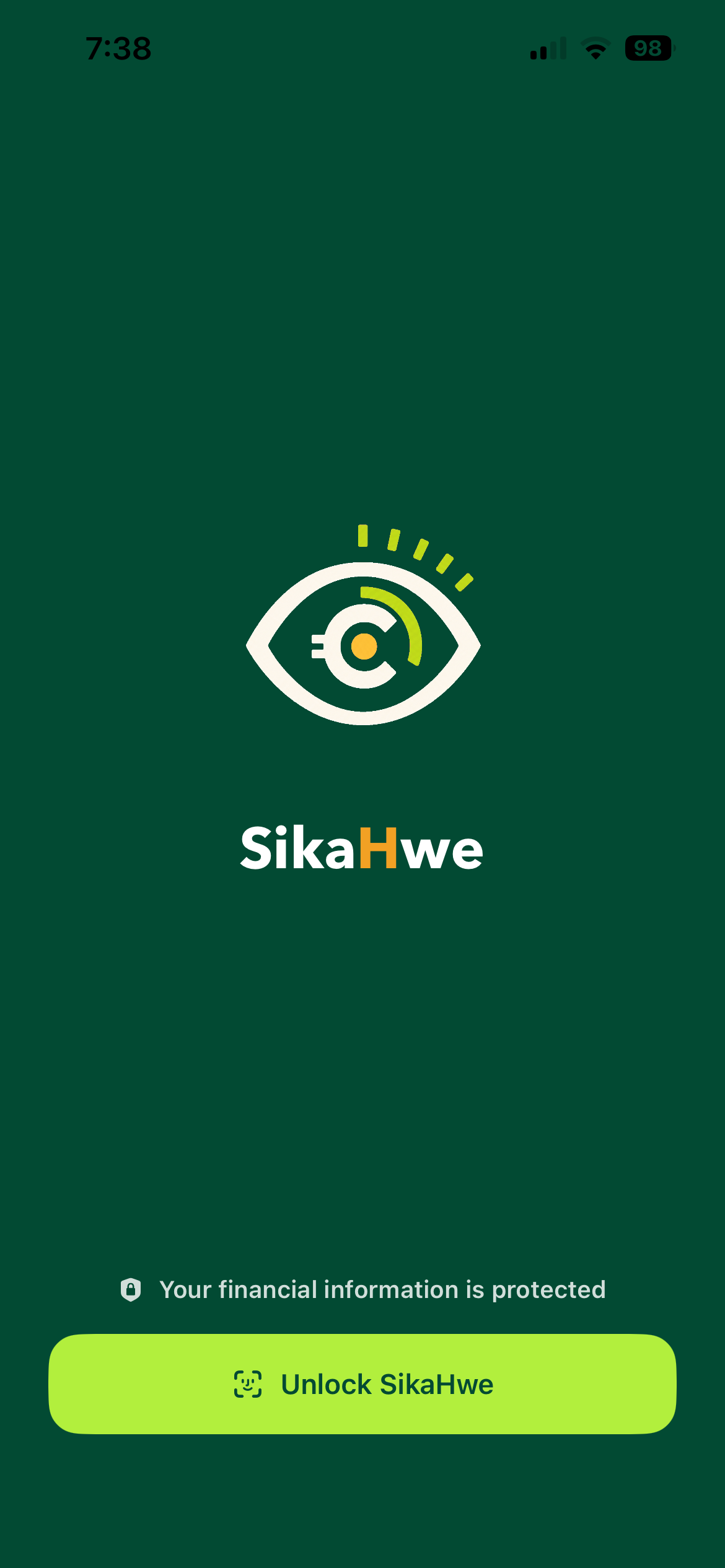
SikaHwe is a name coined from the Ghanaian language(Twi/Akan) which means "Watch your money" or "Keep an eye on your money". This app was inspired by the need for a simple, private budgeting tool that reflects how people plan money, not only monthly, but also annually and for their big projects such as major events or major purchases. There was a need to find an app that could do all this and I decided to come up with SikaHwe.
What it does
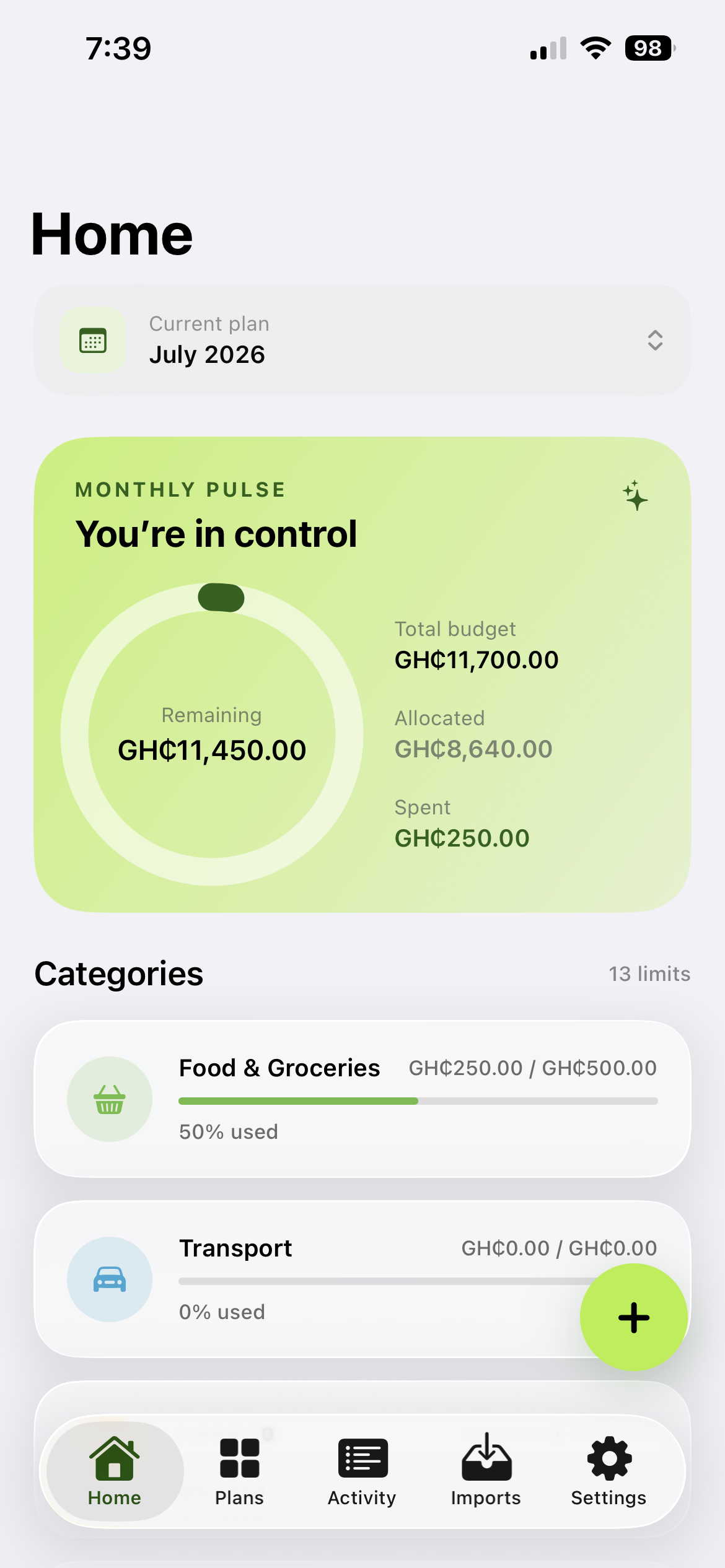
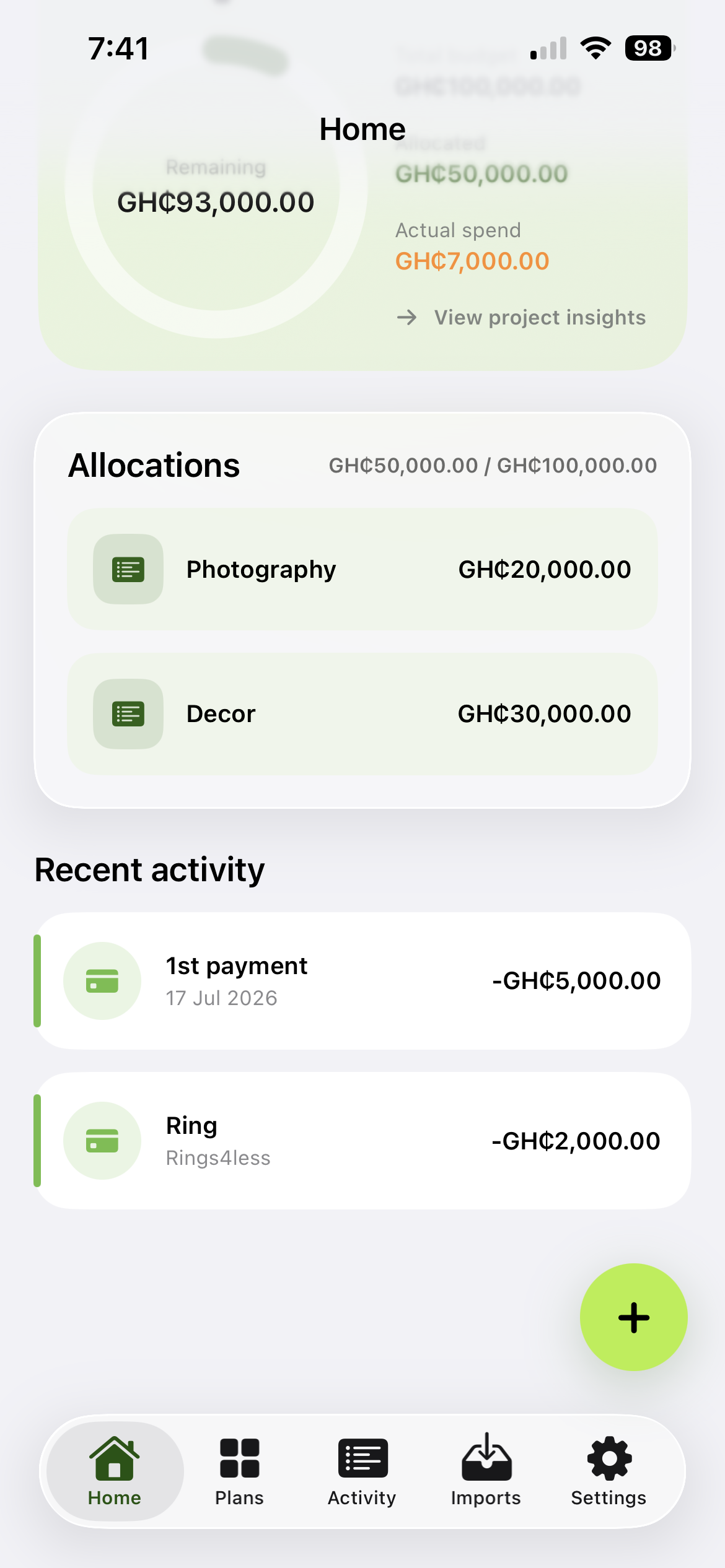
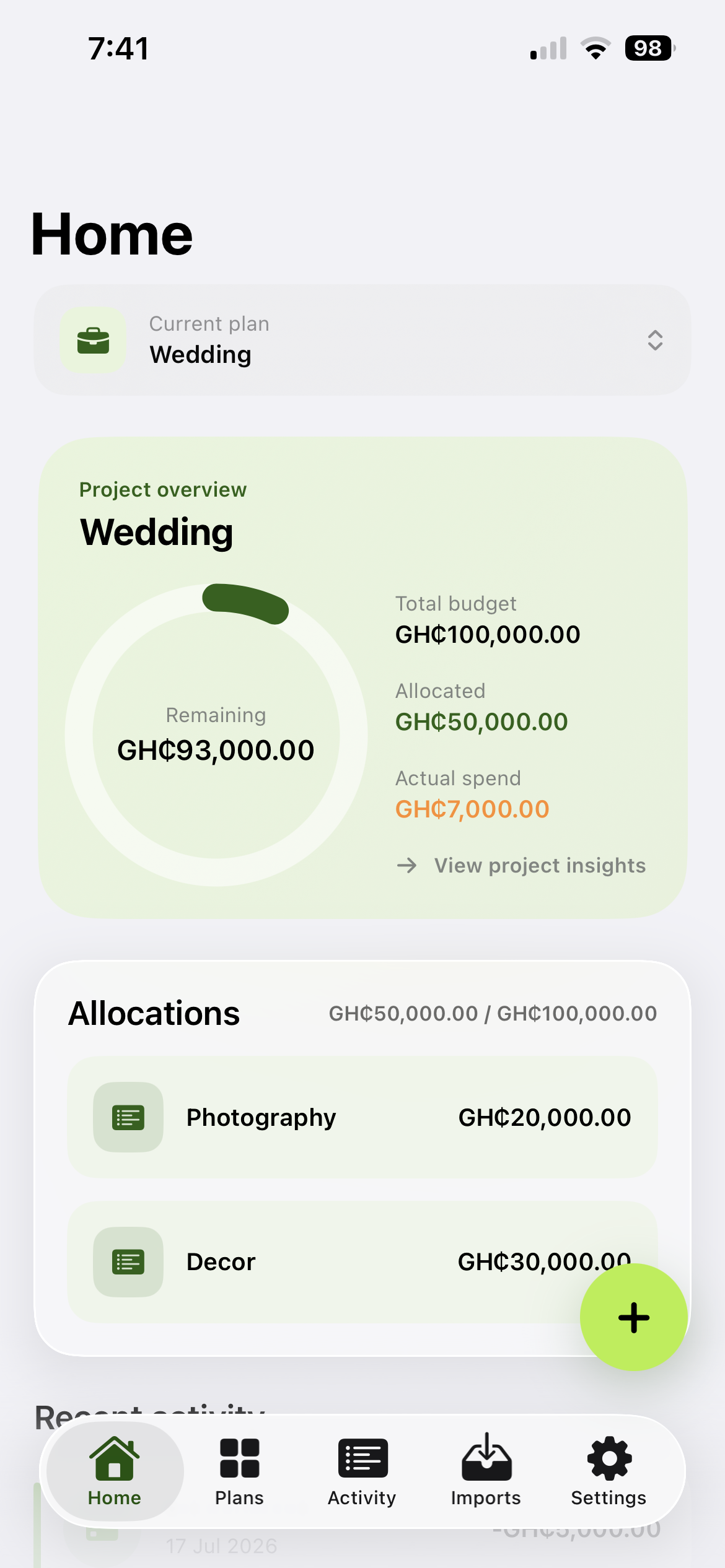
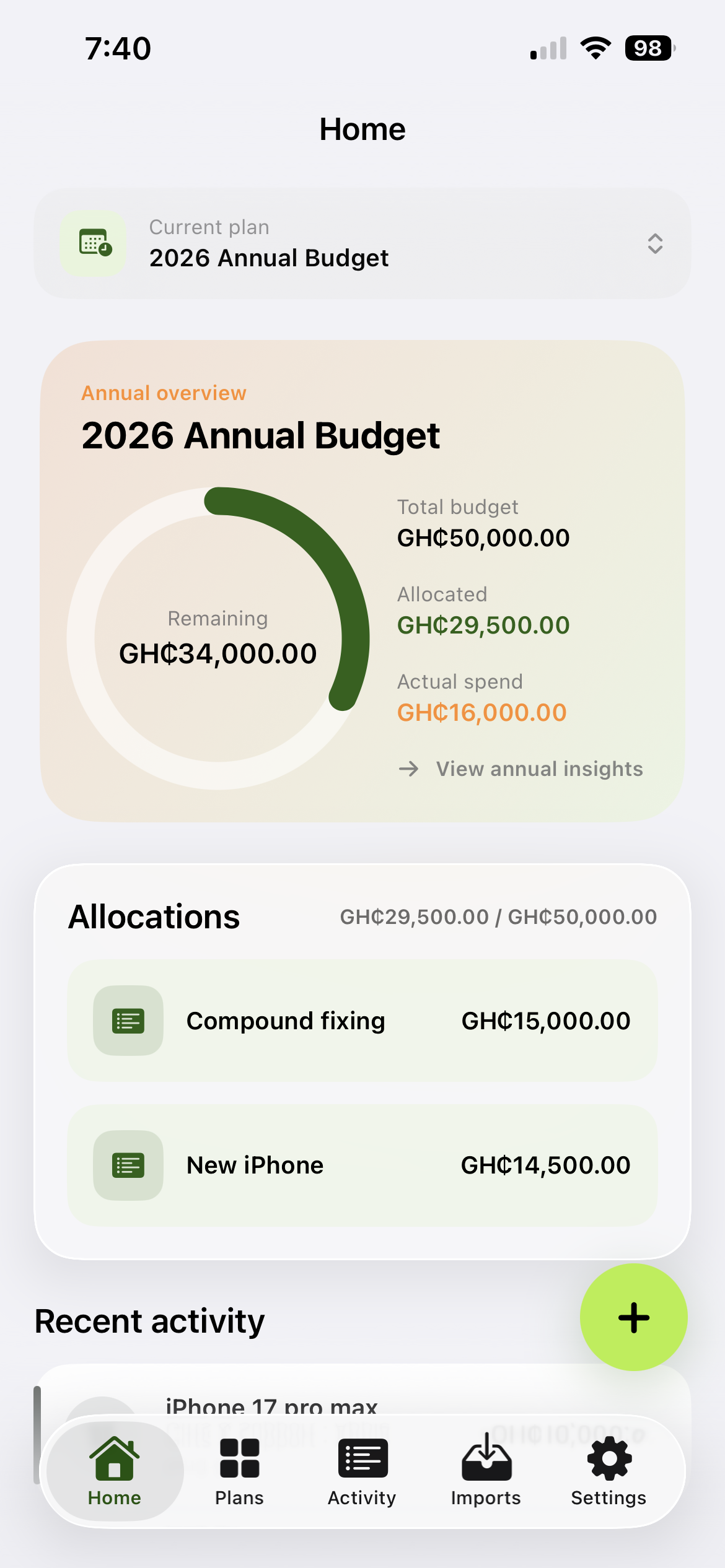
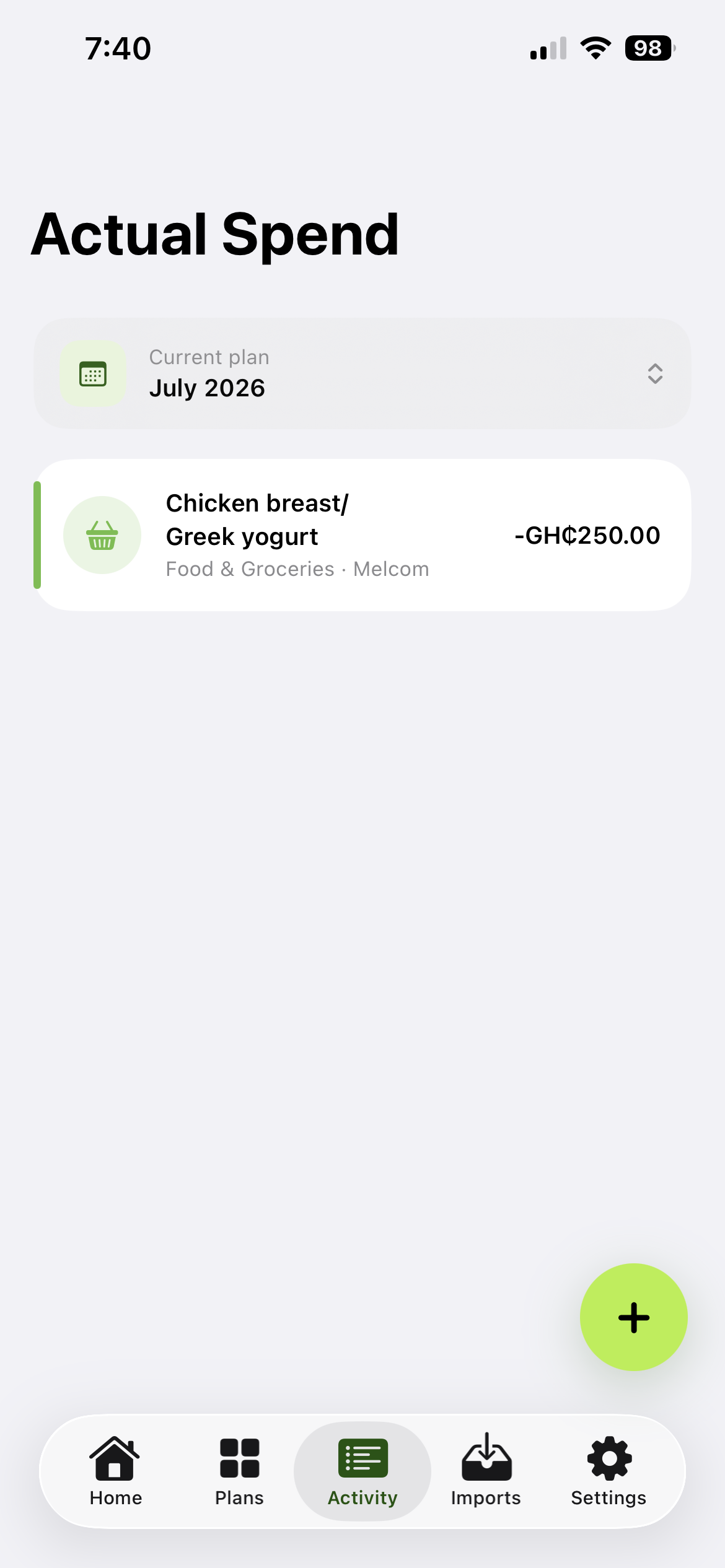
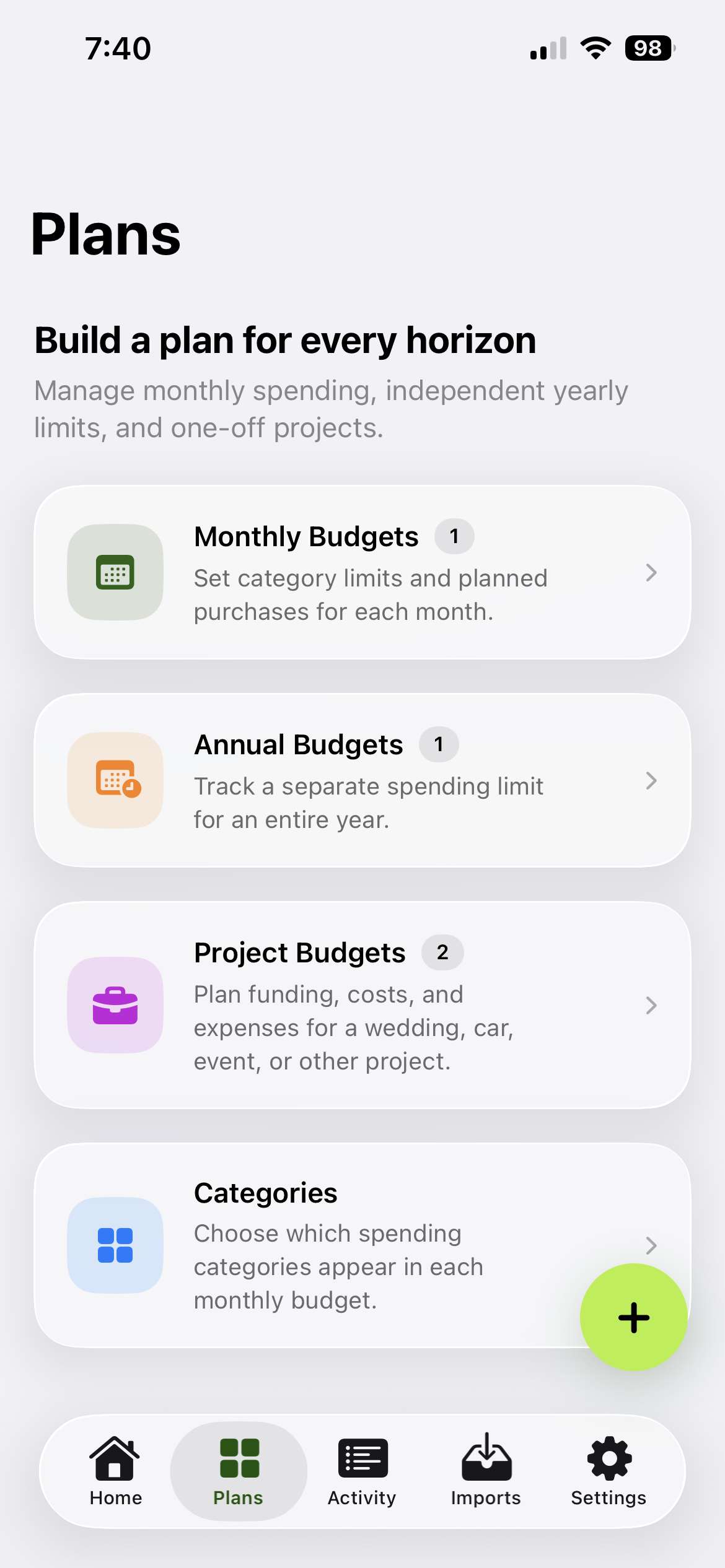
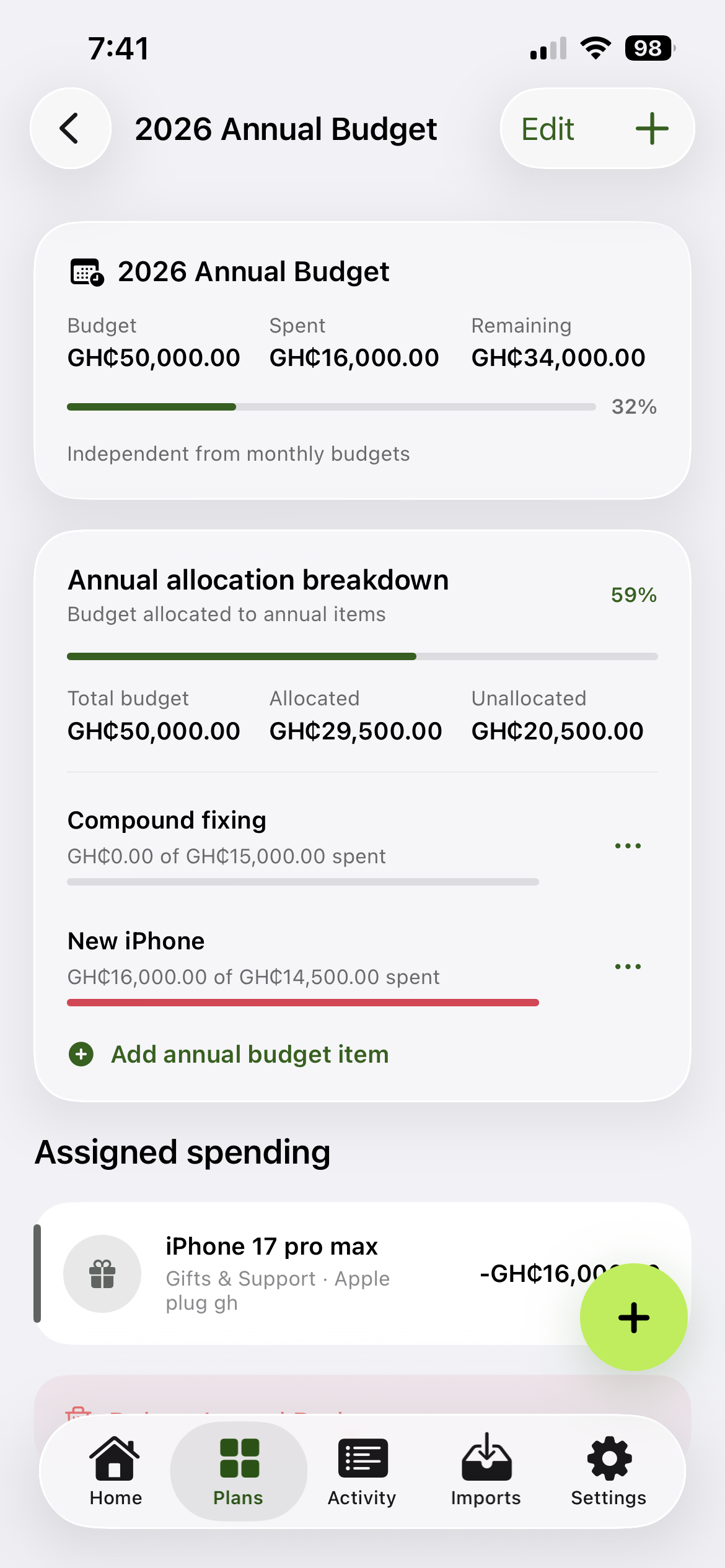
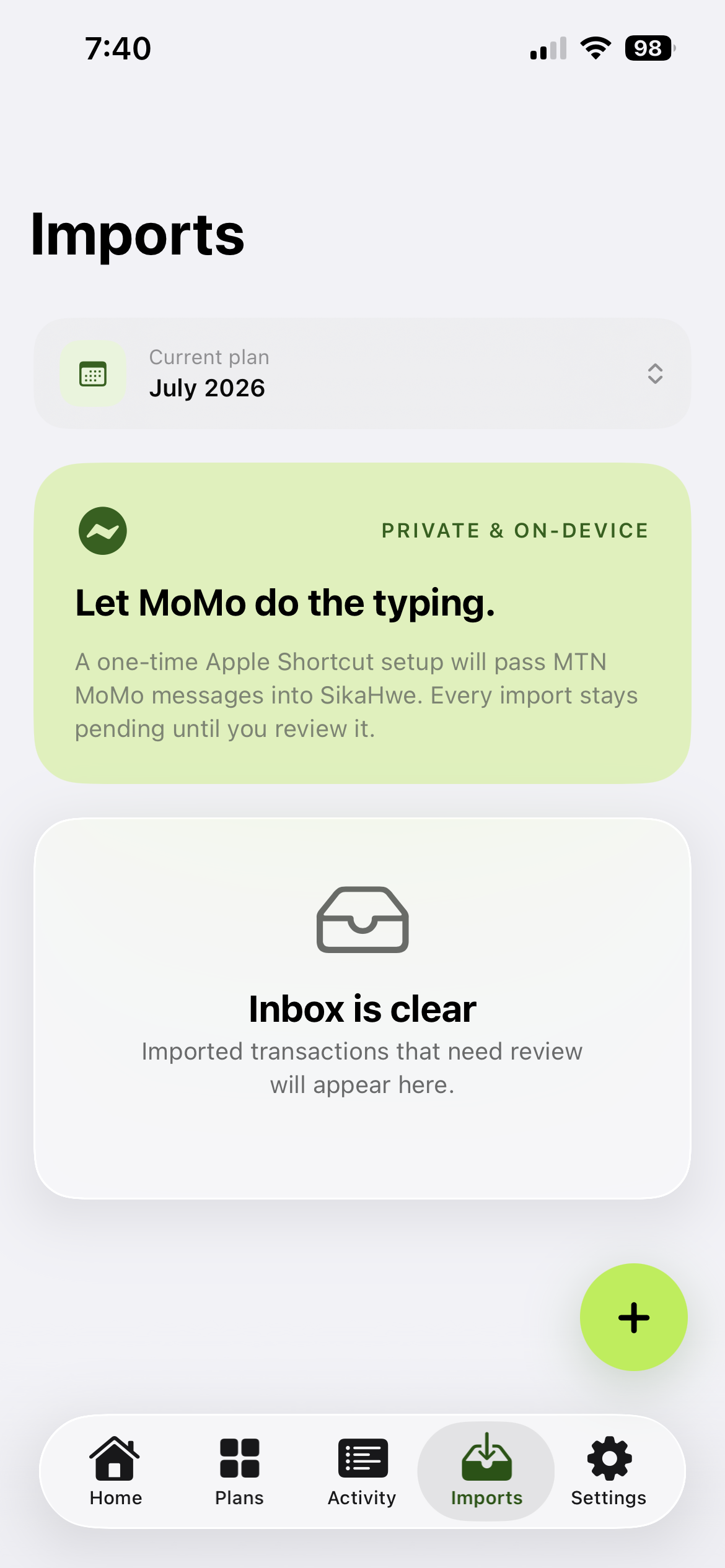
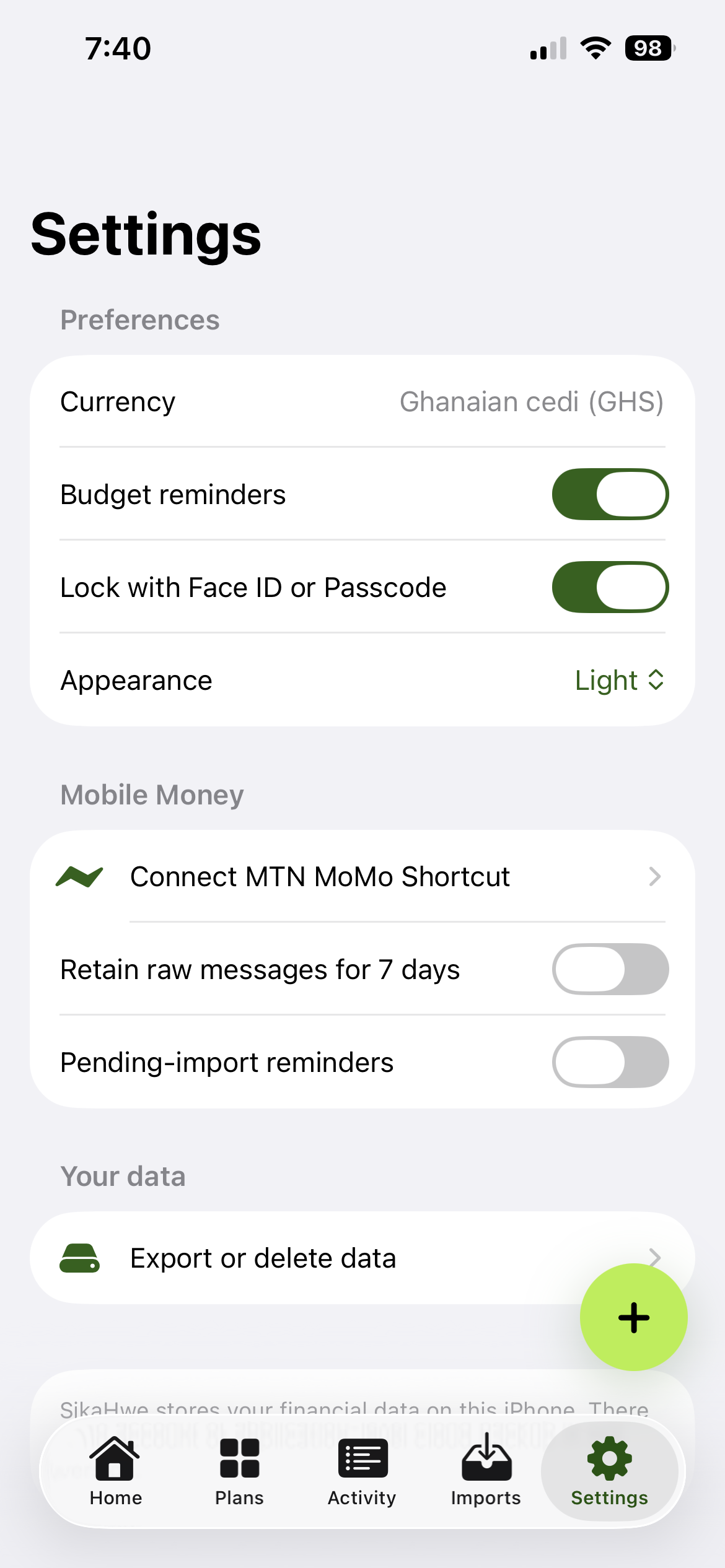
SikaHwe lets users create monthly, annual, and project budgets, define allocations, record actual spending, import supported Mobile Money transactions, and view clear financial breakdowns. Data stays on the device and can be protected with Face ID or a passcode.
How I built it
I built SikaHwe natively with SwiftUI and SwiftData. It uses repositories and view models for data management, App Intents and Shortcuts for Mobile Money imports, and LocalAuthentication for security.
Challenges I ran into
My main challenges were presenting different budget types clearly, managing SwiftData relationships safely, parsing varied Mobile Money messages, preventing duplicate imports, and maintaining a responsive, accessible interface.
Accomplishments that I'm proud of
I created a flexible, local-first budgeting app with independent plans, customizable categories, visual insights, secure access, transaction imports, and light and dark modes.
What I learned
I learned that clear terminology and low-friction interactions are essential in financial apps. I also gained valuable experience with SwiftUI state management, SwiftData, App Intents, authentication, and performance optimization.
What's next for SikaHwe
Next, I plan to expand transaction recognition across more mobile money providers and Ghanaian banks, support the import of mobile money and bank statements, and use AI to improve automated categorization and provide deeper financial insights. I also plan to introduce recurring items, explore privacy-conscious email imports, and continue refining the app’s accessibility and usability.
Built With
- swiftui

Log in or sign up for Devpost to join the conversation.