Inspiration
One of our team members is taking ASL101 this quarter and says that he really enjoys the class. His only gripe is that he still can't quite read wordspelling quite as fast as he would like and that there really isn't an app to test him. He hasn't seen an app that puts the camera on YOU and live translates your word spelling. Thats how we started SignYap.
What it does
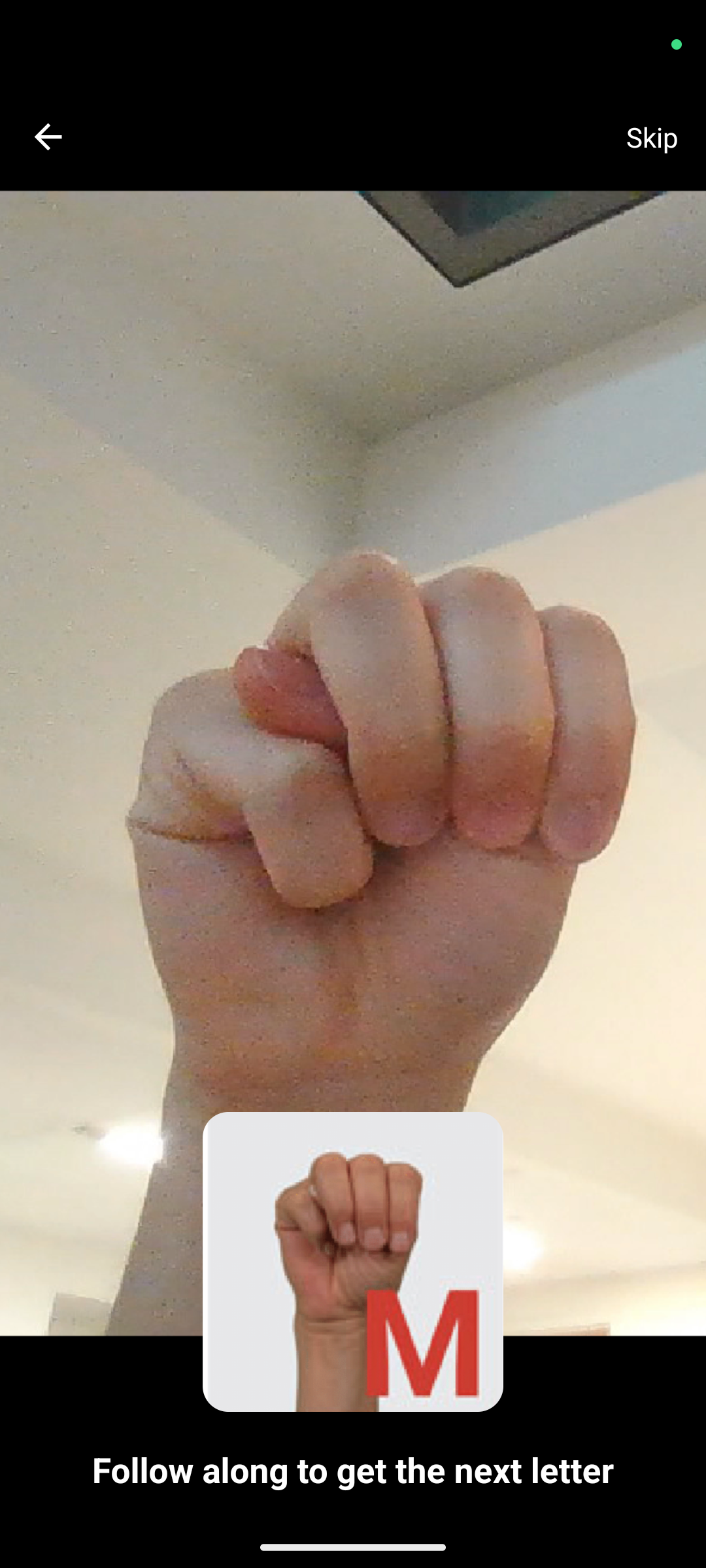
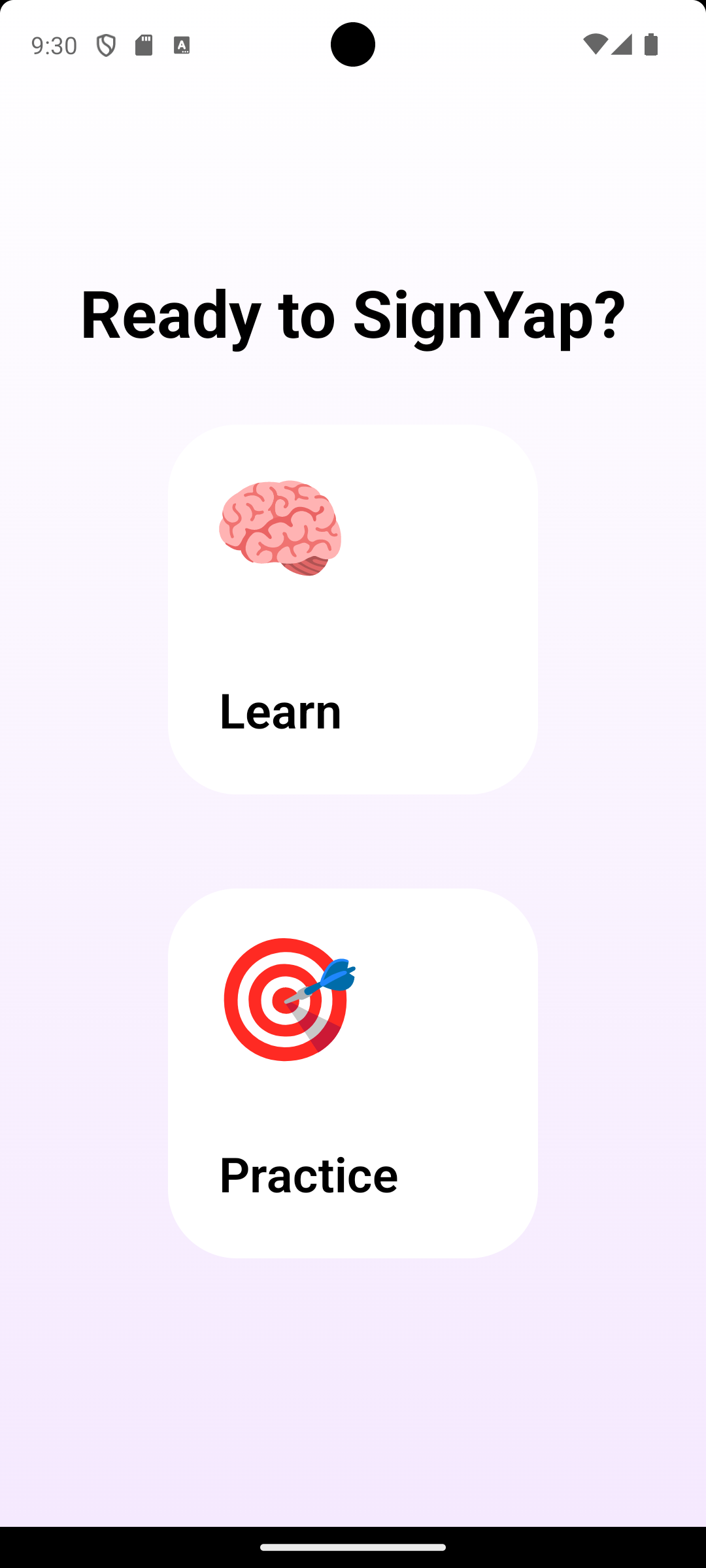
SignYap is a mobile app that is primarily focused on teaching the ASL alphabet. Users will be able to learn and practice wordspelling and gain increase proficiency with our various custom made levels. Sign names of different objects to get faster at wordspelling!
How we built it
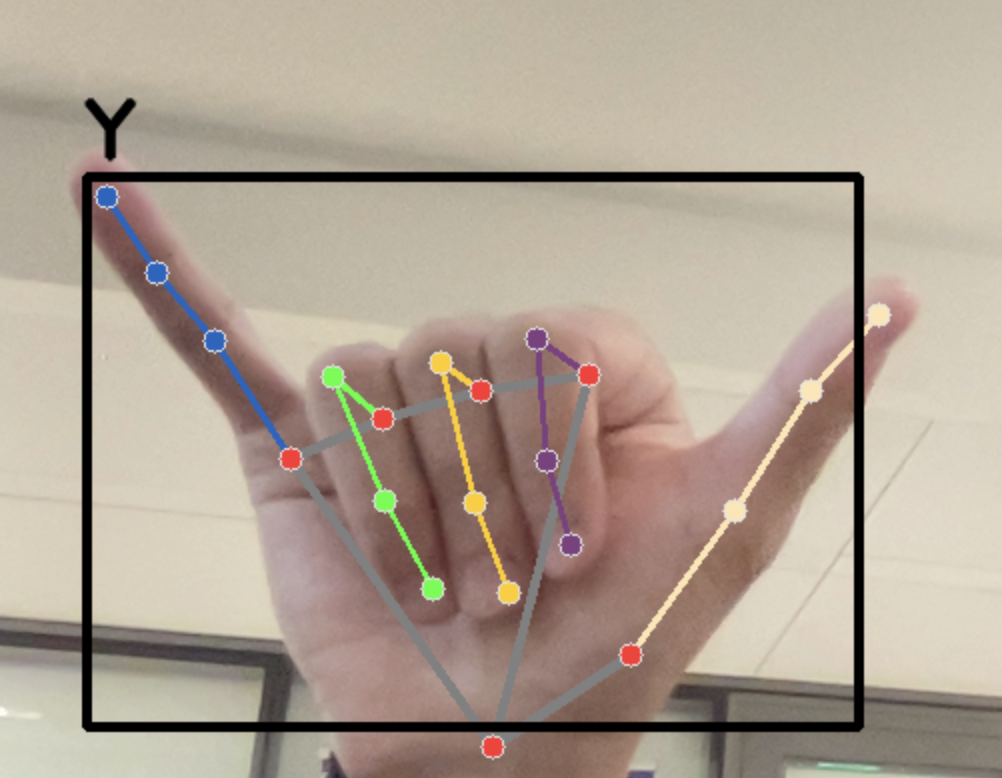
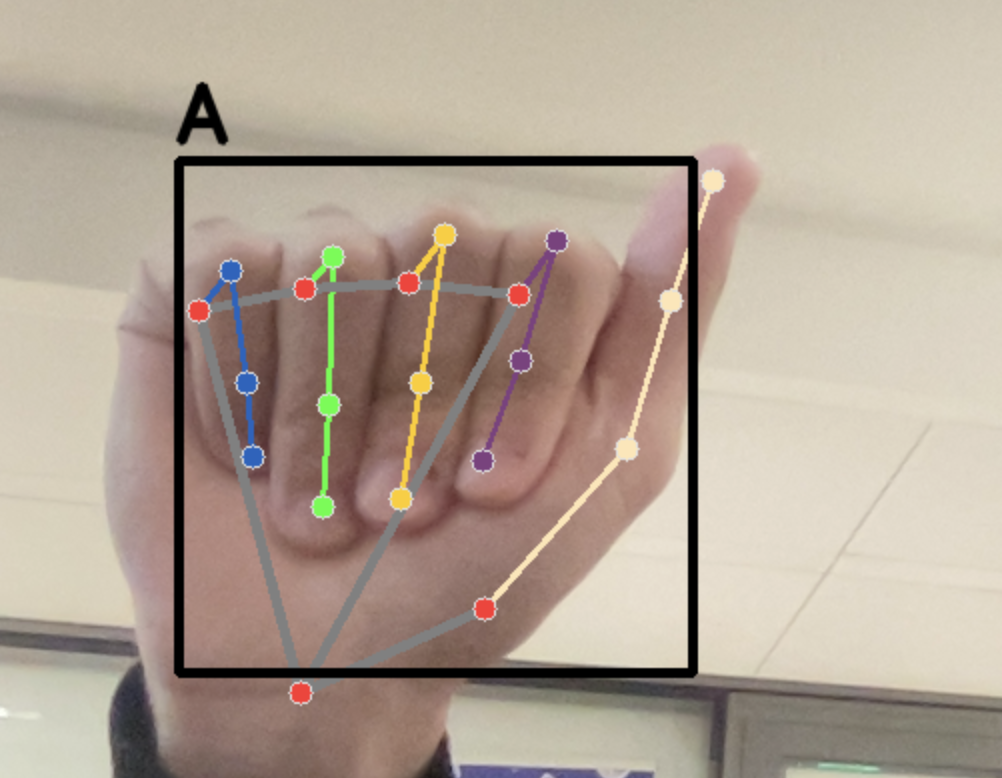
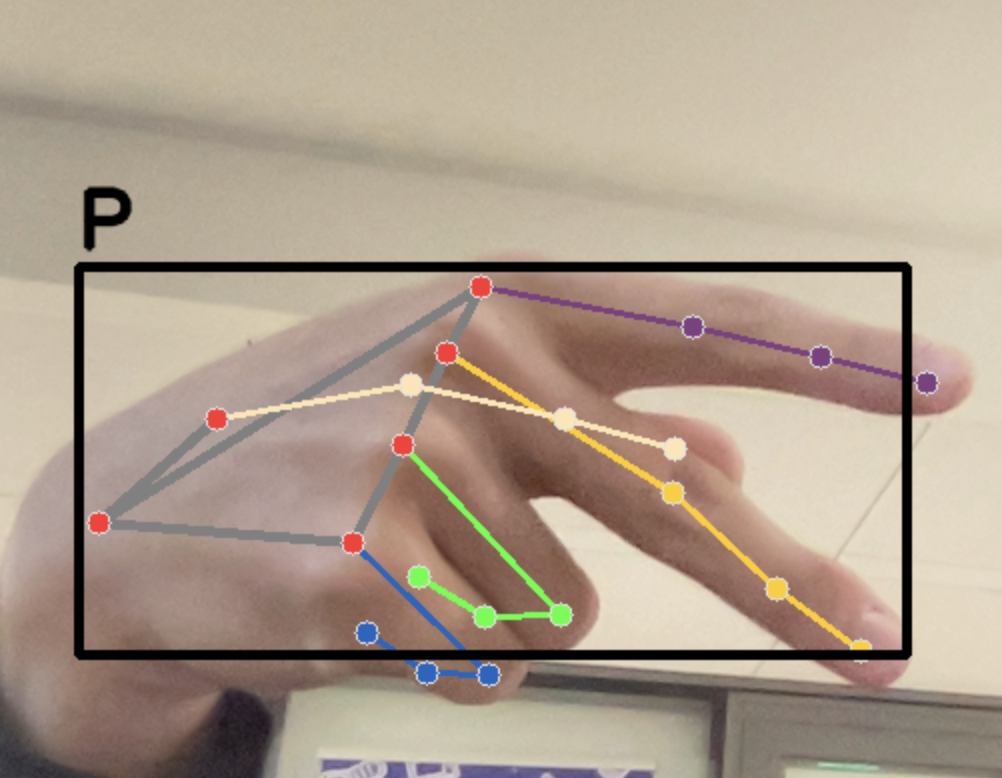
For our frontend we utilized React Native, Expo, and Typescript to craft our mobile app UI. Our backend consists of using Python, OpenCV, and Scikit-learn to track hands as well as train our classifier model on a Kaggle dataset of 200,000 images of the ASL alphabet. This allows us to live translate our wordspelling in real time.
Challenges we ran into
When we were trying to test our model on 5000 images of testing data, we found that there was still some difficulties with accurately translating certain letters. So we just threw more data at it and prayed that it got better. The program also crashes when there is more than a single hand in frame so there are still more challenges to overcome.
Implementing a live video feed in React Native posed unique challenges. We utilized react-native-vision-camera to access the camera and capture frame data, but encountered difficulties integrating it with OpenCV. This was due to the lack of infrastructure linking React Native mobile apps with real-time detection using OpenCV.
Accomplishments that we're proud of
We learned how to collect (as well as import) data for our datasets and train classifier models from those datasets. We haven't done anything with computer vision and model training before so trying implementing something we just learned in the past 24 hours and getting something that didn't immediately crash upon running is a big win for us. Additionally, for some of our team, this was our first experience working on frontend development!
What we learned
Our team learned how to implement frontend for mobile apps and how to implement classifier models and use it for computer vision,
What's next for SignYap
- Implement the API layer connecting to the frontend to the backend allowing real-time translation
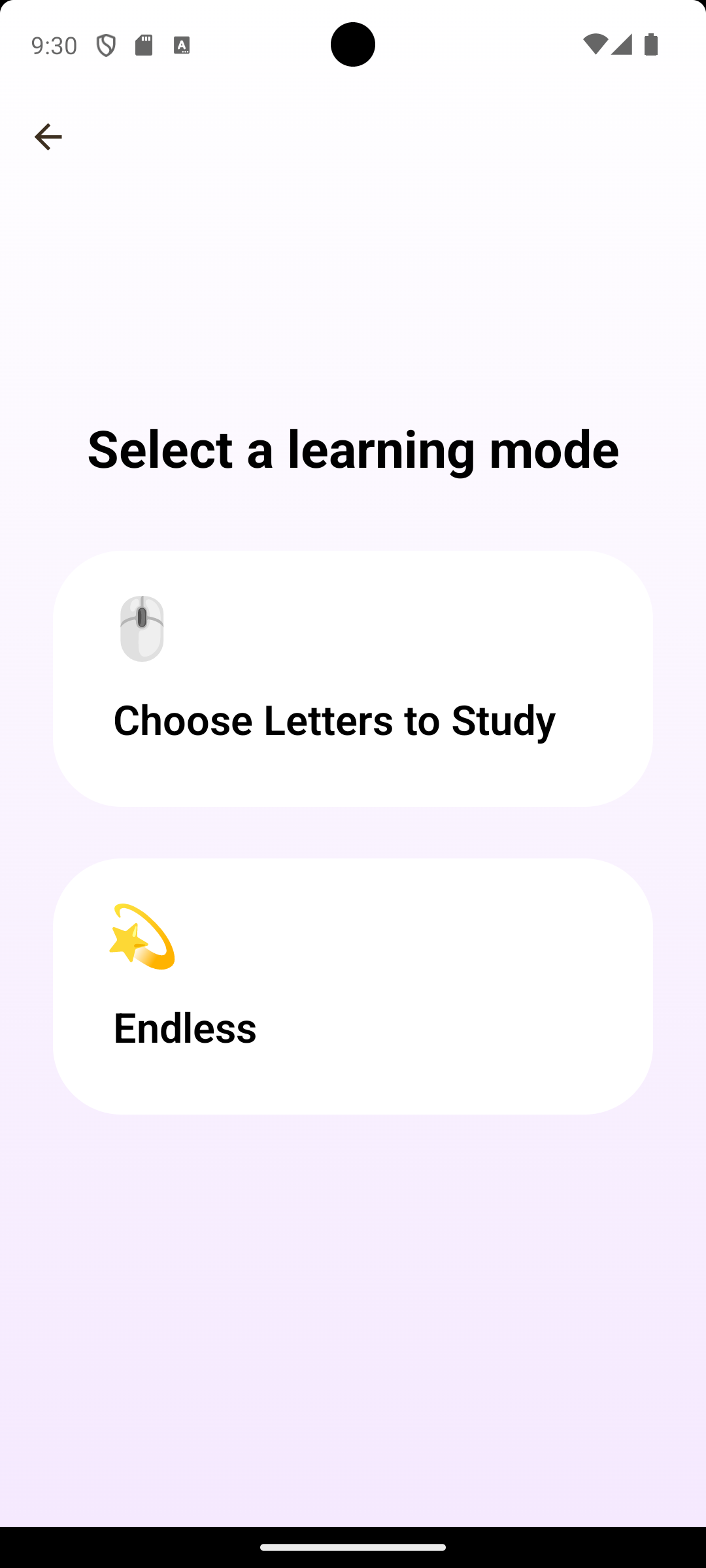
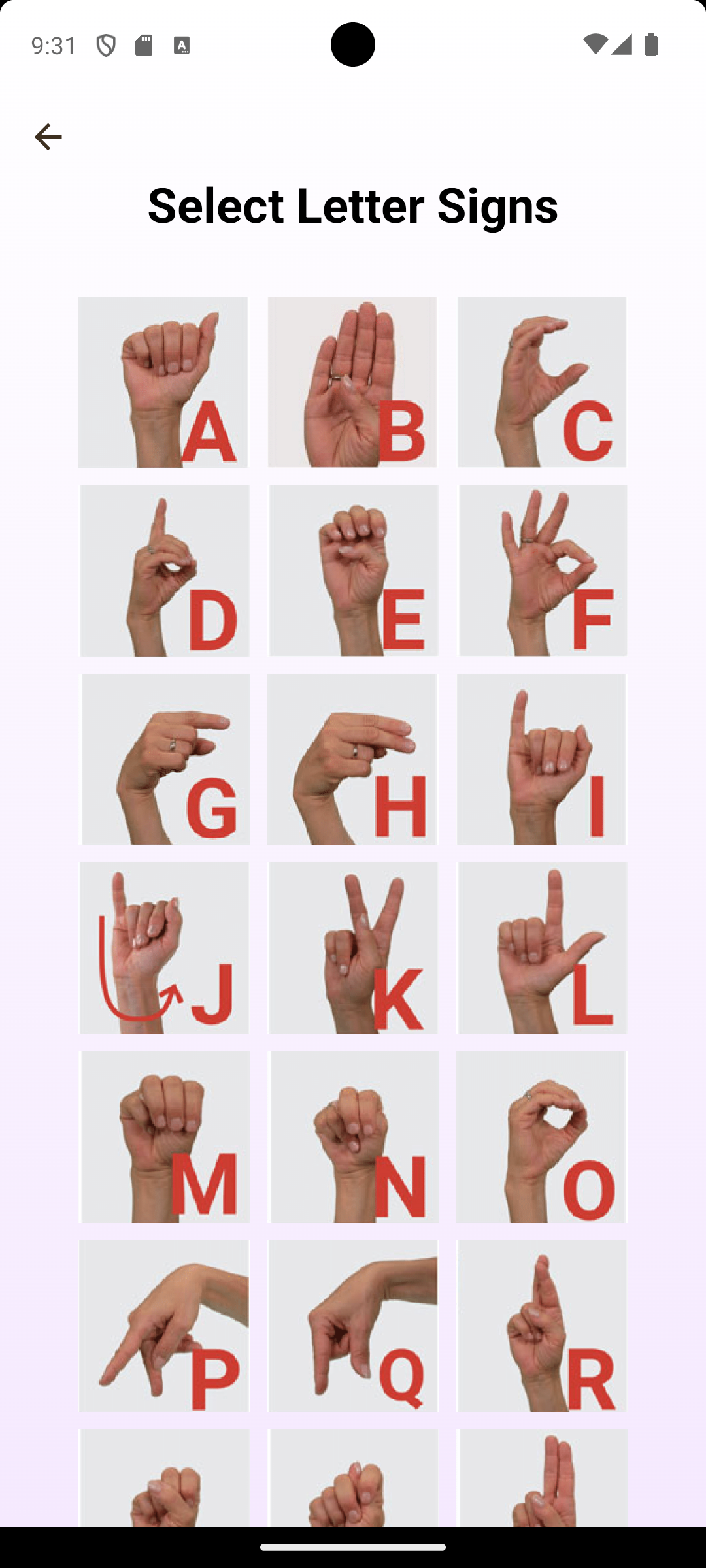
- Implement a "Choose Letters to Study" learning mode
- Users can select specific letters they want to learn
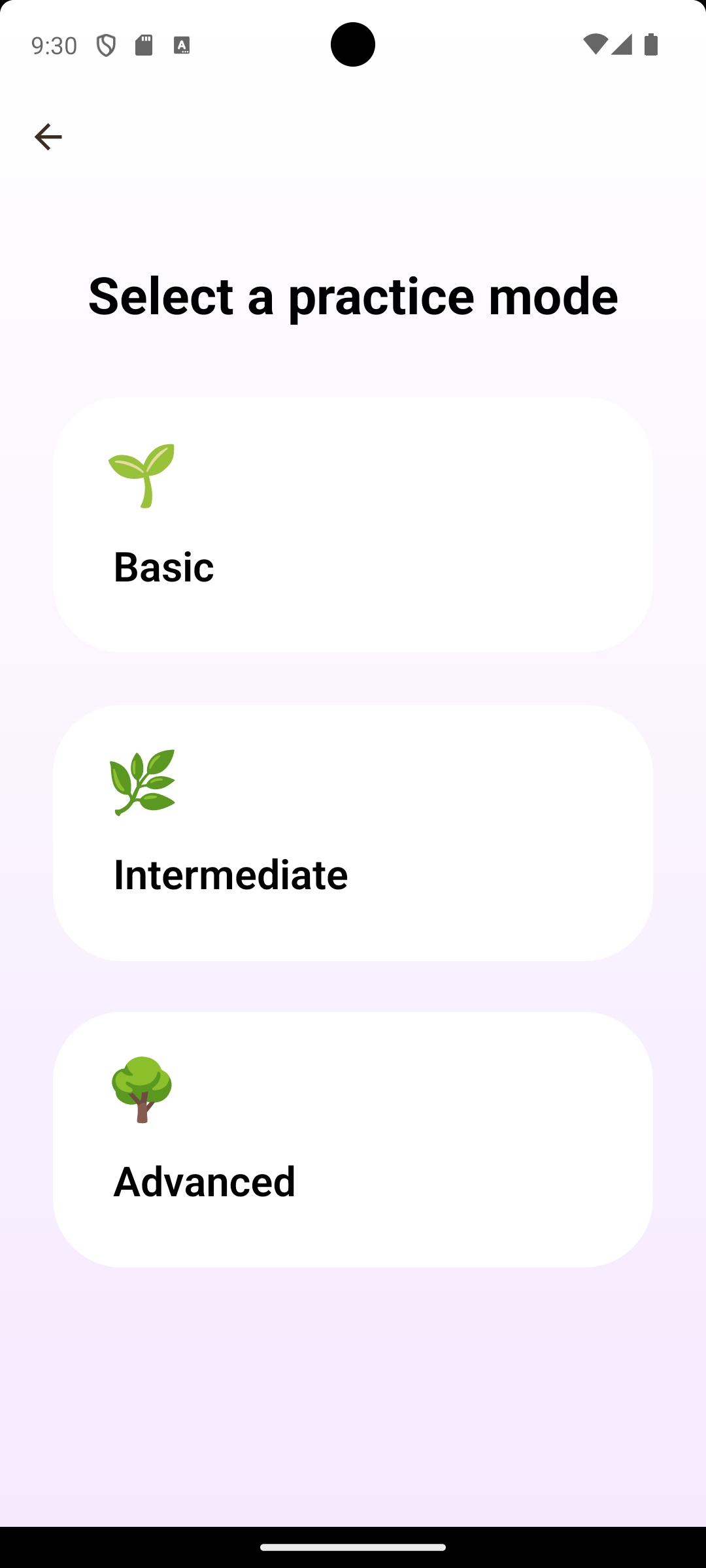
- Implement the various practice modes
- Level 1 --> Common letters (E, T, A, O, I, N, S, R, H, L, U)
- Level 2 --> Uncommon letters (B, C, D, F, G, J, K, M, P, Q, V, W, X, Y, Z)
- Level 3 --> Spelling out short words (2-4 letter words that are often used)
- Level 4 --> ASL of the actual words
- Add user accounts to track progress


Log in or sign up for Devpost to join the conversation.