-
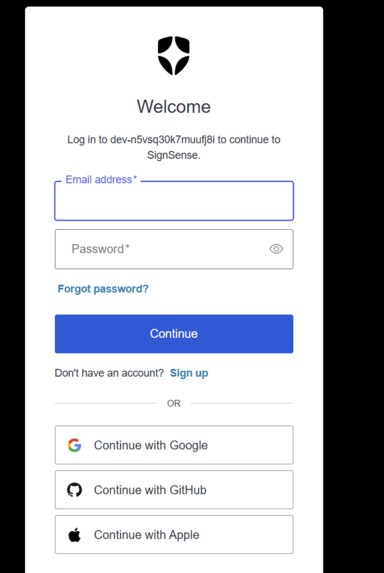
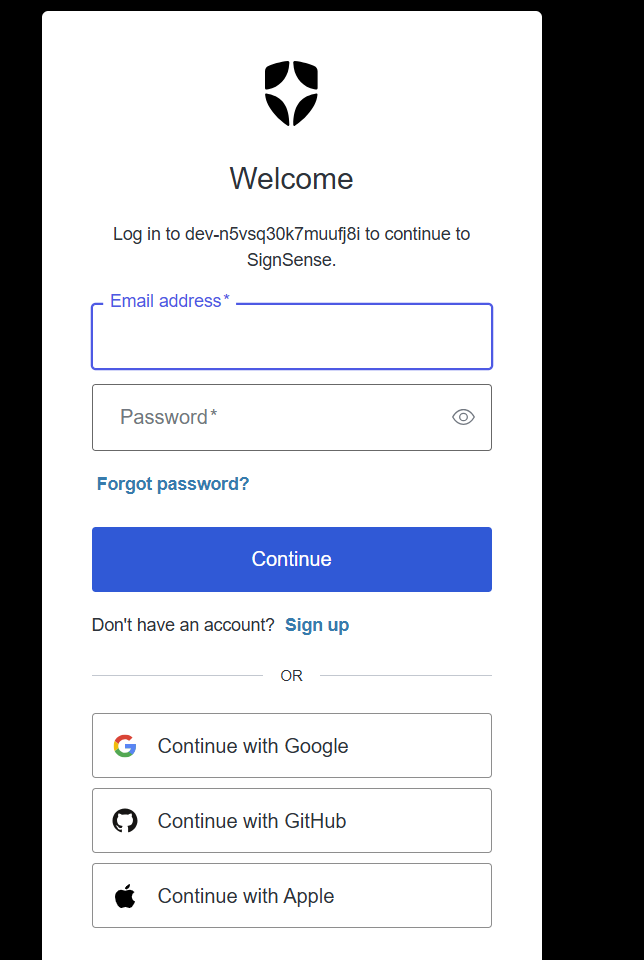
this is the auth0
-
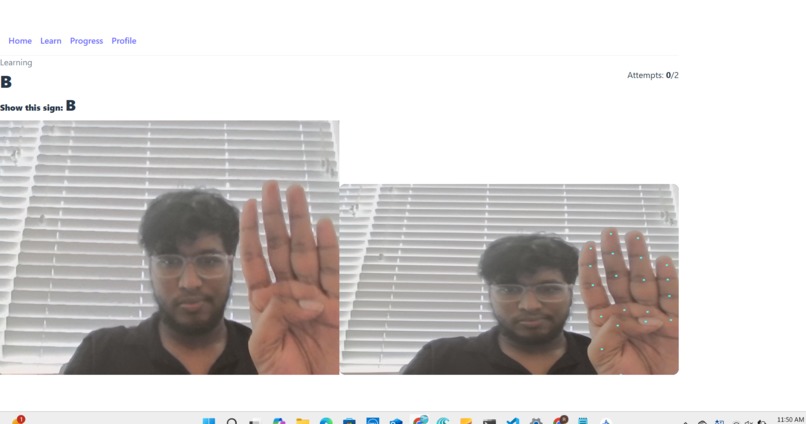
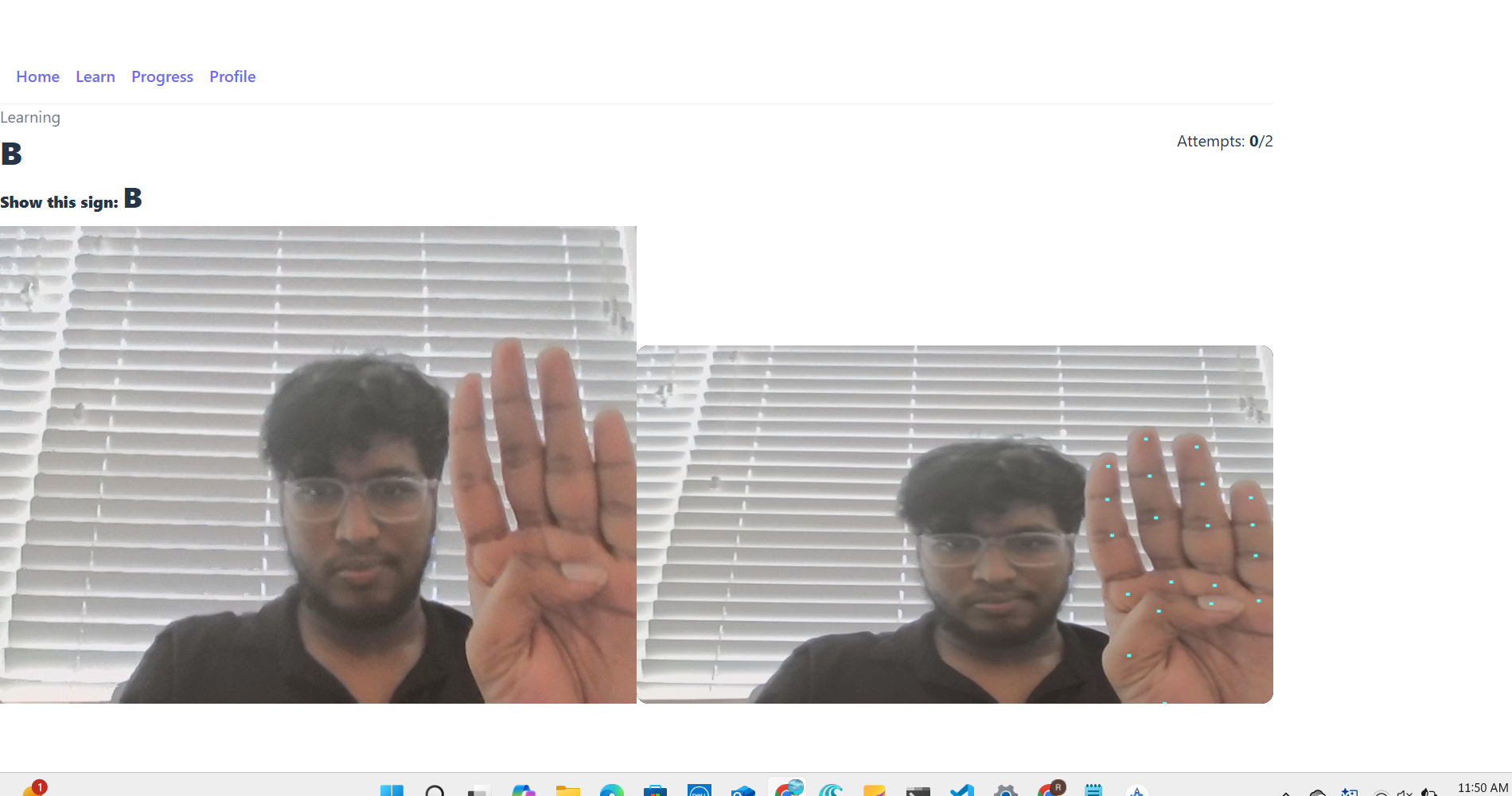
showing sign language , so if say right, it shows right
Inspiration
We wanted to build a sign language interpreter that’s reliable, not just accurate. Most ASL recognition systems tend to guess even when they’re unsure — leading to false or misleading results. Our goal was to create an AI that knows when it doesn’t know. By combining deep learning with confidence thresholds, cosine similarity checks, and temporal smoothing, we designed a system that rejects uncertain predictions gracefully, ensuring trust and safety in real-time ASL interpretation.
What it does
SignSense recognizes American Sign Language (ASL) A–Z and 0–9 in real time using a standard webcam (PWA) or phone camera (Android). It captures hand landmarks with MediaPipe, compares them against class prototypes trained offline, and applies multi-stage verification:
Confidence threshold (Softmax ≥ 0.65)
Top-1 minus Top-2 margin ≥ 0.15
Prototype cosine similarity ≥ 0.80
Temporal majority vote smoothing (e.g., 9 frames)
If any condition fails, it shows “Unknown” instead of guessing — giving a stable, safe, and accurate experience. The app includes a Duolingo-style flow where learners attempt a target letter; after 2 wrong tries it reveals the answer and advances.
How we built it
MediaPipe Hand Landmarker extracts 21×3 hand landmarks.
TensorFlow/Keras trains on normalized landmark vectors (63-D).
Data augmentation (rotation/jitter) improves robustness.
Prototype averaging: we store mean embeddings per class to use cosine checks on-device (fast!).
Threshold gating + temporal voting reduce false positives and flicker.
React + Vite (PWA) with Auth0 for secure login, stored progress, and Capacitor for Android packaging.
Training (train_images.py) outputs:
asl_landmarks_model.h5
labels.json
prototypes.npz → exported to web as public/prototypes.json
thresholds.json (class/overall thresholds)
Runtime (web/Android) loads:
labels.json, prototypes.json, thresholds.json
Uses MediaPipe in the browser (WASM) for landmarks and our gating logic for decisions.
Challenges we ran into
Stabilizing predictions across frames (solved with majority vote).
Avoiding misclassifications in bad lighting or partial hands (solved with multi-threshold gating + “Unknown”).
Making camera and Auth0 work consistently across PWA and Android deep-links.
Packaging the web app into a native APK with Capacitor.
Accomplishments we’re proud of
Real-time (~30 FPS) ASL letter/digit recognition using only landmarks.
A “safe to refuse” AI that rejects low-confidence cases instead of guessing.
A modular pipeline (train → export prototypes → run in web) that’s easy to reproduce.
A friendly, mobile-first learning flow with progress tracking.
What we learned
Layering rule-based safety on top of ML greatly improves user trust.
MediaPipe’s landmark quality is good enough to replace heavy image models for this task.
Cross-platform auth (Auth0 + Capacitor) requires careful redirect management.
PWAs are powerful — same code runs on desktop/mobile via HTTPS.
What’s next for SignSense
Dynamic gestures (short sequences) with temporal models (GRU/1D-Conv).
Speech output (text-to-speech) for accessibility.
More languages/datasets, user-generated practice loops.
On-device quantization for low-end phones.
Tech Stack
Frontend: React + Vite + PWA, Tailwind (optional), Capacitor (Android)
ML: TensorFlow/Keras (training), MediaPipe (inference landmarks)
Auth: Auth0 (email + Google/GitHub/Apple)
Hosting: Vercel (PWA), Android Studio (APK)
Try it locally git clone https://github.com/yourname/signsense cd signsense npm i cp .env.example .env # put your Auth0 values:
VITE_AUTH0_DOMAIN=YOUR_TENANT.us.auth0.com
VITE_AUTH0_CLIENT_ID=YOUR_CLIENT_ID
npm run dev
open http://localhost:5173
Deploy
Web: Vercel auto-deploy from main (build: vite build, output: dist)
Android: npm run build && npx cap sync android && npx cap open android → Build APK
Repo structure /public labels.json prototypes.json thresholds.json /src /auth (Auth0 wrapper + callback listener) /components/CameraLesson.jsx /lib/asl.js /pages/Home.jsx /Learn.jsx /Progress.jsx /Profile.jsx /store/Progress.js App.jsx main.jsx train_images.py app.py (training & desktop demo, optional)
License
MIT
E) Quick deployment checklists
Web (PWA)
✅ npm run build → /dist exists
✅ Vercel env vars set (VITE_*)
✅ Auth0 Allowed URLs include your Vercel domain
✅ Camera works (site is HTTPS)
Android
✅ npm run build then npx cap sync android
✅ Deep-link intent in AndroidManifest.xml matches Auth0 URL
✅ Auth0 Allowed Origins includes capacitor://localhost
✅ Build APK in Android Studio → install on device → login works
Troubleshooting
Blank screen? Unregister SW: DevTools → Application → Service Workers → Unregister → hard reload (Ctrl+Shift+R).
invalid redirect_uri? Add your production URL to Callback/Logout/Web Origins/CORS.
Camera blocked? Use HTTPS (PWA) or Android APK.
Import errors? Check exact path & case; restart dev server.
Built With
- auth0
- frontend
- javascript
- python
- react
- typescript


Log in or sign up for Devpost to join the conversation.