-
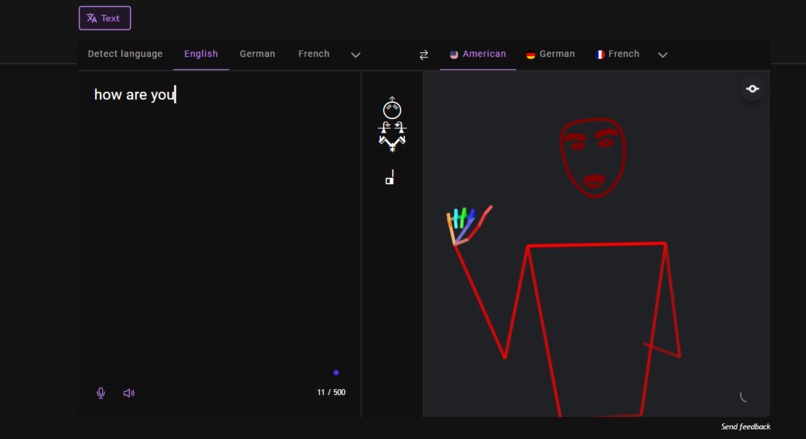
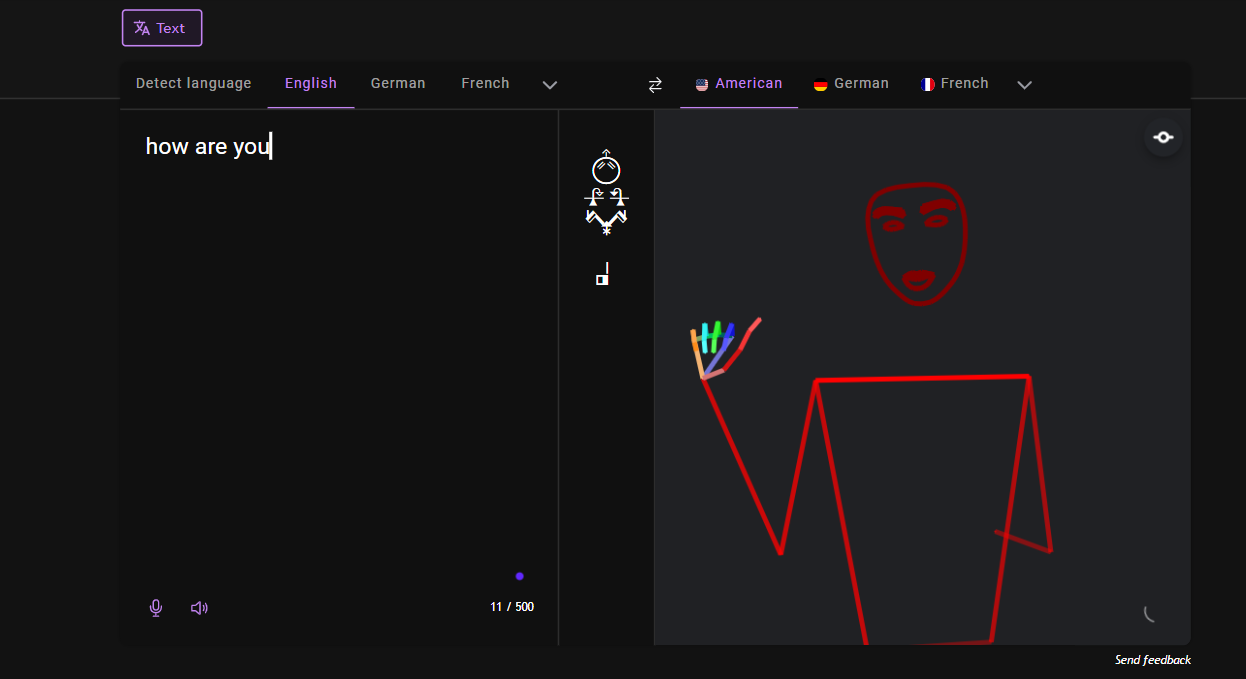
text to sign
-
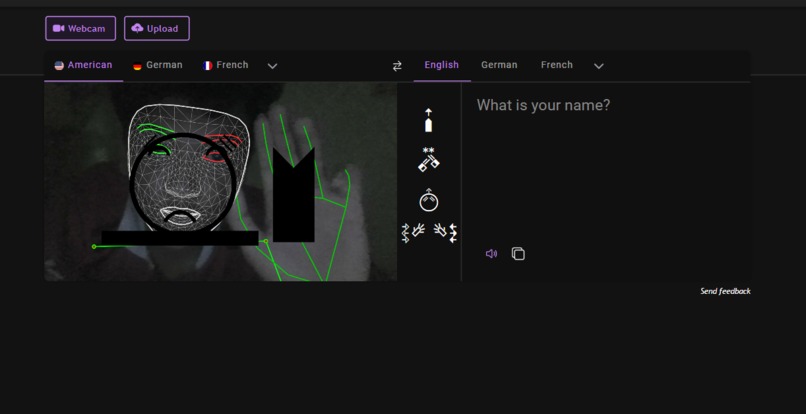
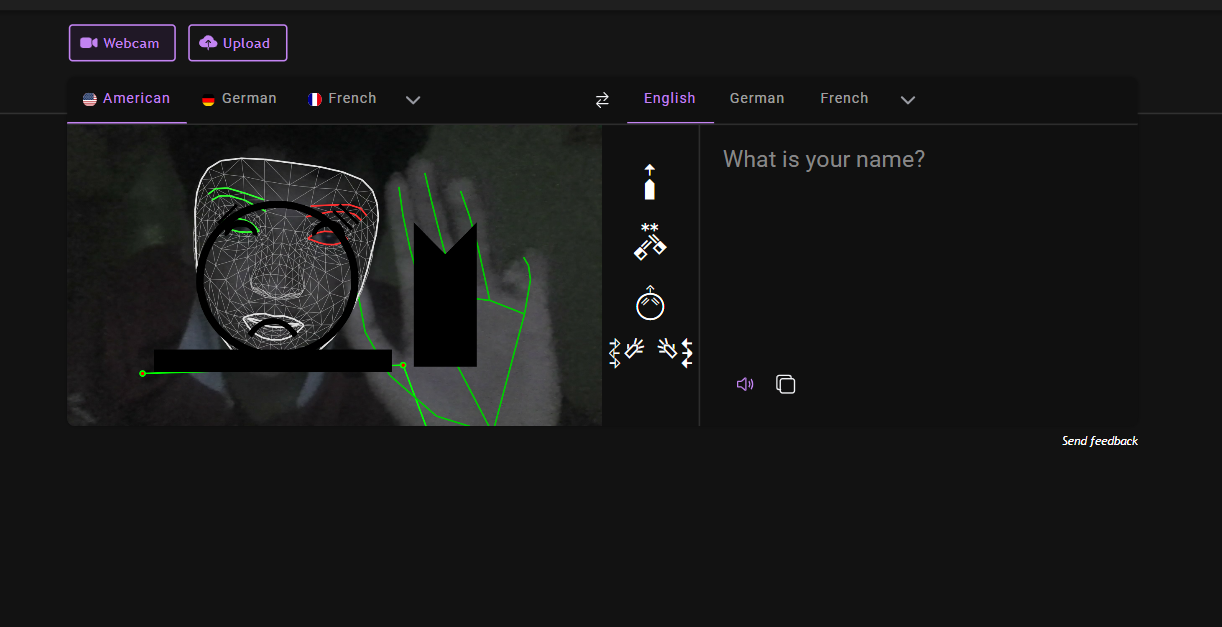
sign to text
-
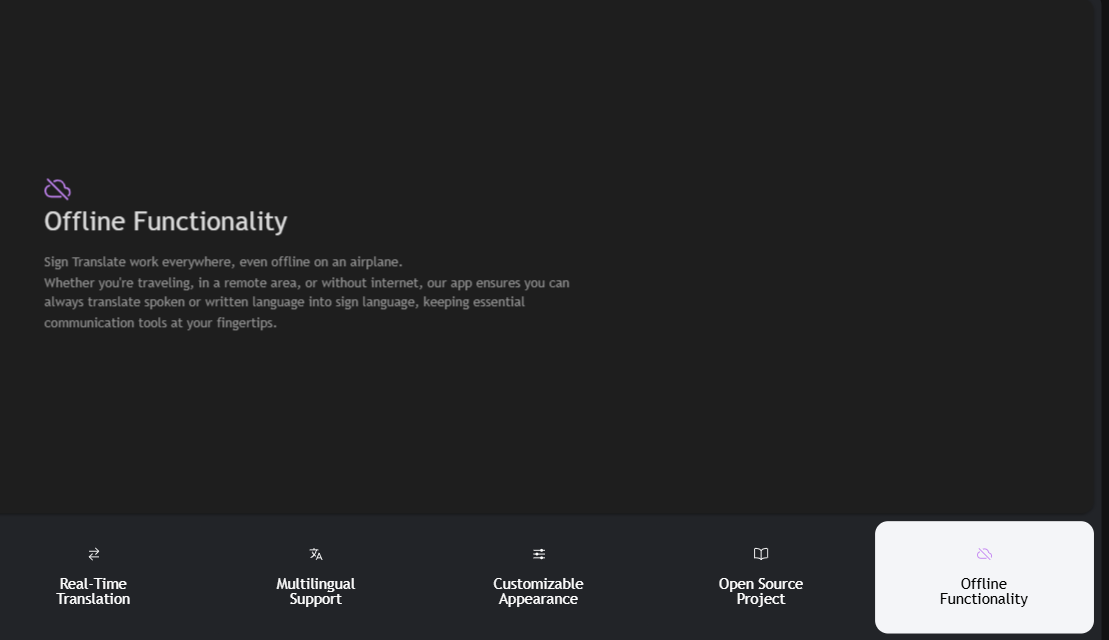
Works anywhere, even without internet — stay connected on the go.
-
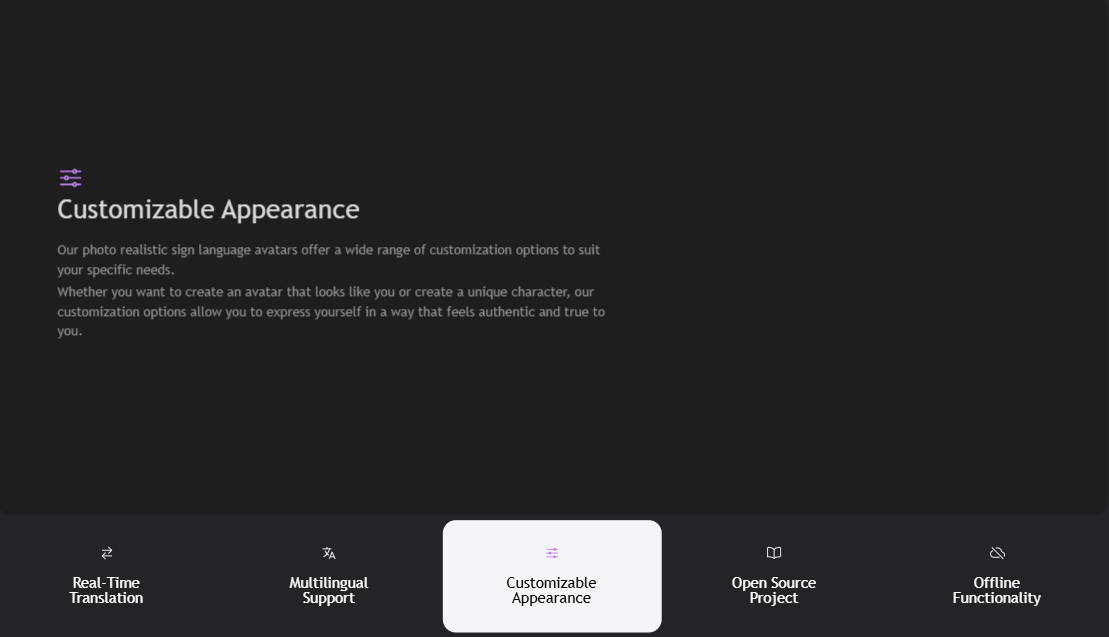
Create realistic avatars with customizable options for personalized expression.
-
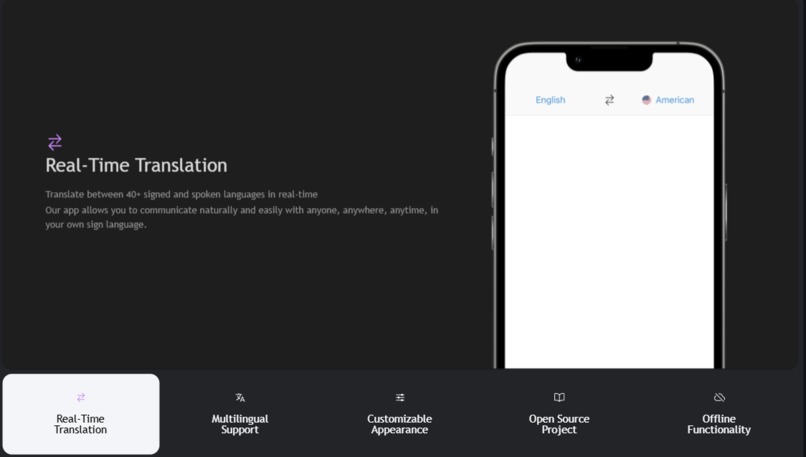
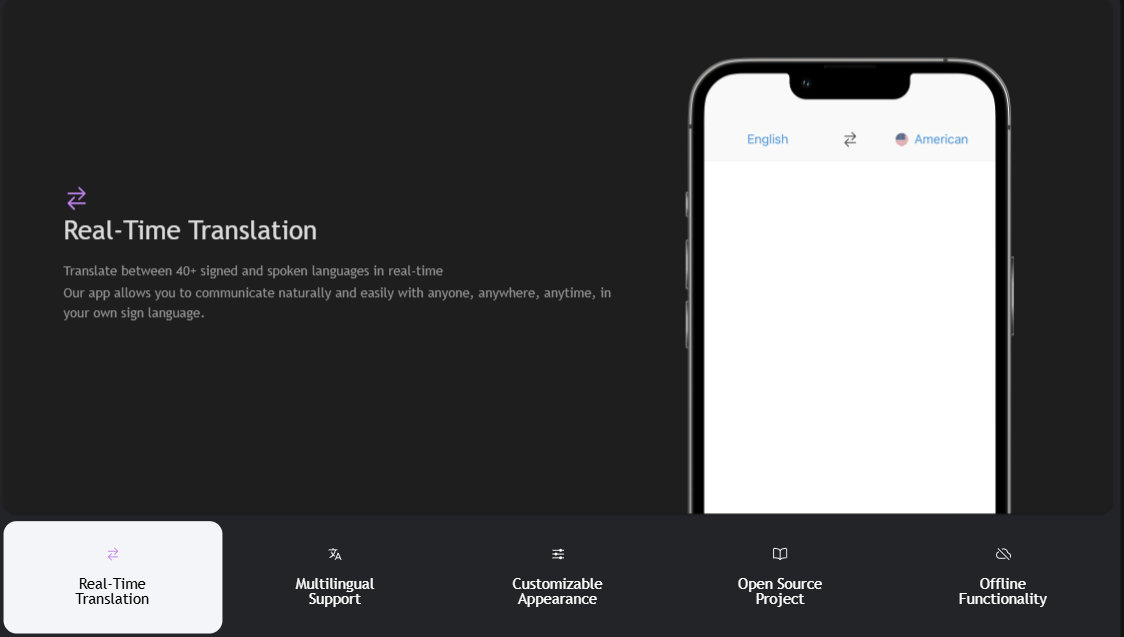
Translate between 40+ signed and spoken languages in real-time.
-
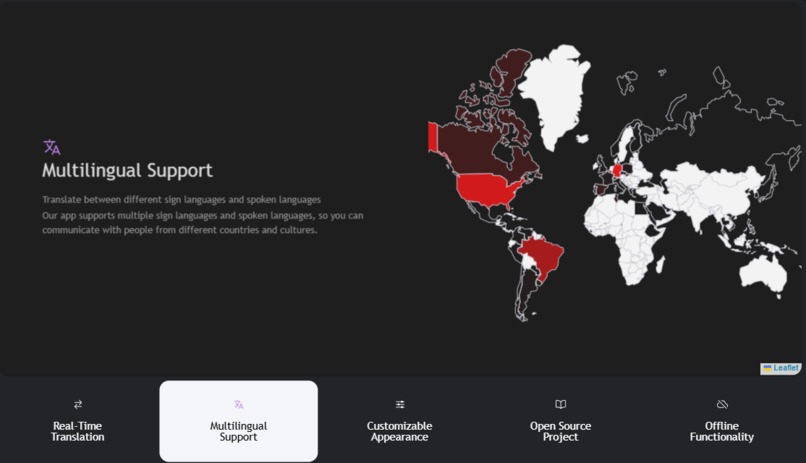
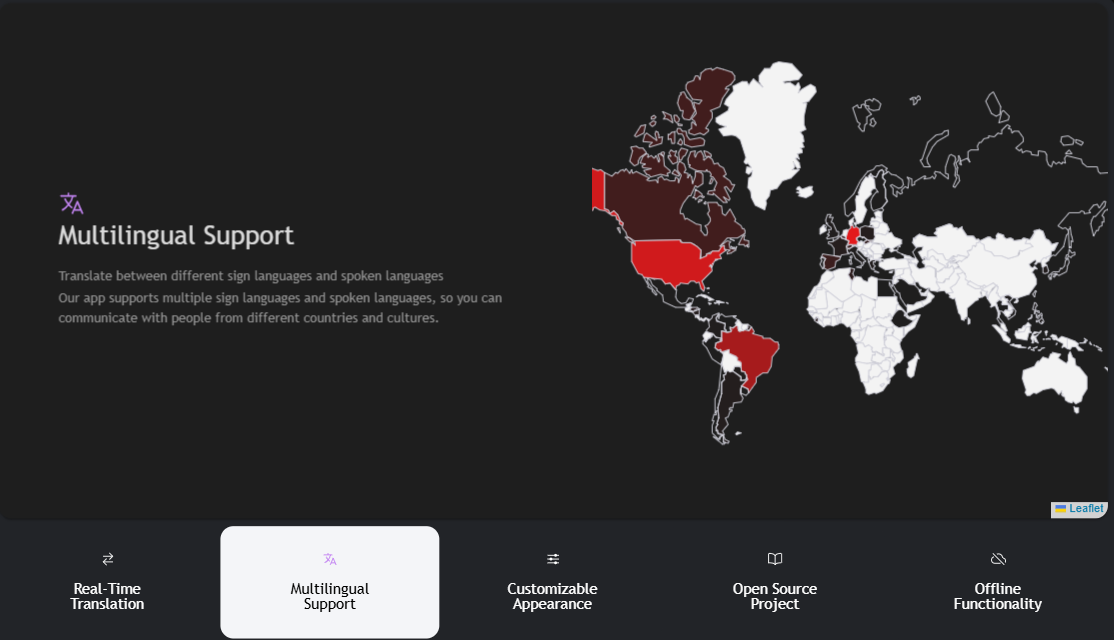
Translate between different sign languages and spoken languages.
My Project: SIGN.MT
What Inspired Me The idea for SIGN.MT was born from the realization that communication barriers still exist between the deaf/mute community and the rest of the world. I came across a video where a student had difficulty expressing themselves in class due to the lack of a sign language interpreter. That moment stayed with me. It made me want to create something that could help make communication smoother, faster, and more inclusive using technology. SIGN.MT is my attempt to use AI to support accessibility and bring people closer together.
What I Learned Working on SIGN.MT taught me a lot, not just technically but also emotionally:
I learned how computer vision and machine learning can be used to recognize hand gestures and convert them to text or speech.
I explored image preprocessing, CNNs (Convolutional Neural Networks), and gesture datasets for sign language.
I got better at handling real-time video input and optimizing models for performance.
I also learned about the importance of inclusive design—it's not just about building something that works, but something that everyone can use comfortably.
- How I Built It Here’s how I developed SIGN.MT step-by-step:
I started with research: understanding sign language structures, commonly used signs, and existing datasets.
I used Python, TensorFlow, and OpenCV to build the sign recognition system.
I trained a CNN on a dataset of alphabetic hand gestures (A-Z) using TensorFlow/Keras.
The model was then integrated into a real-time webcam interface that detects hand signs and converts them into on-screen text.
I built a simple, clean UI using Tkinter (or optionally a web-based version using Streamlit or React for later deployment).
I also added a text-to-speech module so the recognized text can be spoken out loud, allowing two-way communication.
- Challenges I Faced Every good project has its struggles, and SIGN.MT was no exception:
Data quality: Some of the public sign language datasets had inconsistent lighting, angles, and image quality. I had to clean and normalize the data before training.
Real-time accuracy: Detecting gestures in real time with high accuracy and low latency was challenging. I had to tweak the model and reduce its size without losing too much performance.
Environmental interference: Background noise (visually), different hand sizes, skin tones, and lighting affected recognition, which I addressed with preprocessing techniques and background filtering.
User feedback: When testing, I realized that gestures had to be held steadily for recognition, which frustrated users. So, I added a small buffer and smooth prediction mechanism.
Conclusion SIGN.MT is not just a project—it's a step toward inclusivity. I built it because I believe everyone deserves to be heard, no matter their mode of communication. There's still room to grow (adding support for full sentences, Indian Sign Language, and offline usage), but this is my proud beginning.
How we built it
Challenges we ran into
Accomplishments that we're proud of
What we learned
What's next for Untitled
Built With
- advanced
- apis
- detection)
- face
- firebase-databases:-firestore
- flask
- for
- github
- hand/keypoint
- hugging
- integration
- javascript-frameworks:-tensorflow
- mediapipe
- natural-language-processing
- nlp)
- openai
- optional
- postgresql
- programming-languages:-python
- pytorch
- react-native-cloud-services:-google-cloud-platform-(gcp)
- real-time
- sdk
- signall
- signing)
- speech-to-text)
- streaming)
- tools:
- transformers
- video
- webrtc
- whisper


Log in or sign up for Devpost to join the conversation.