-
-
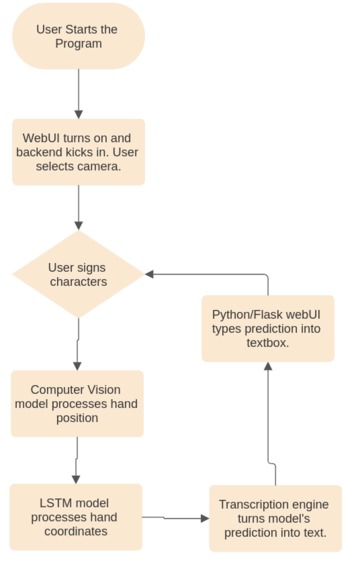
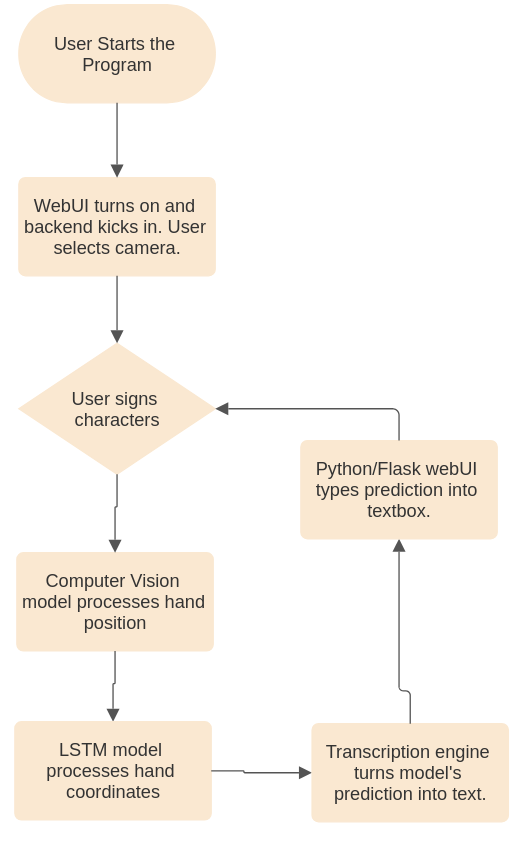
Flowchart of our project
-
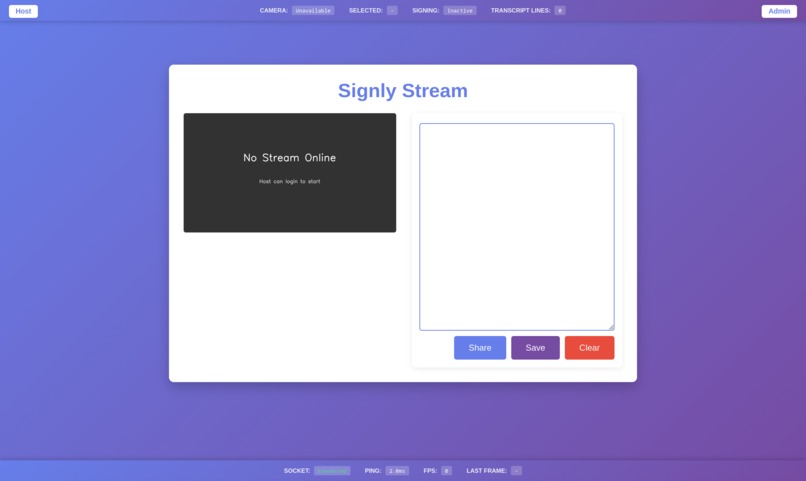
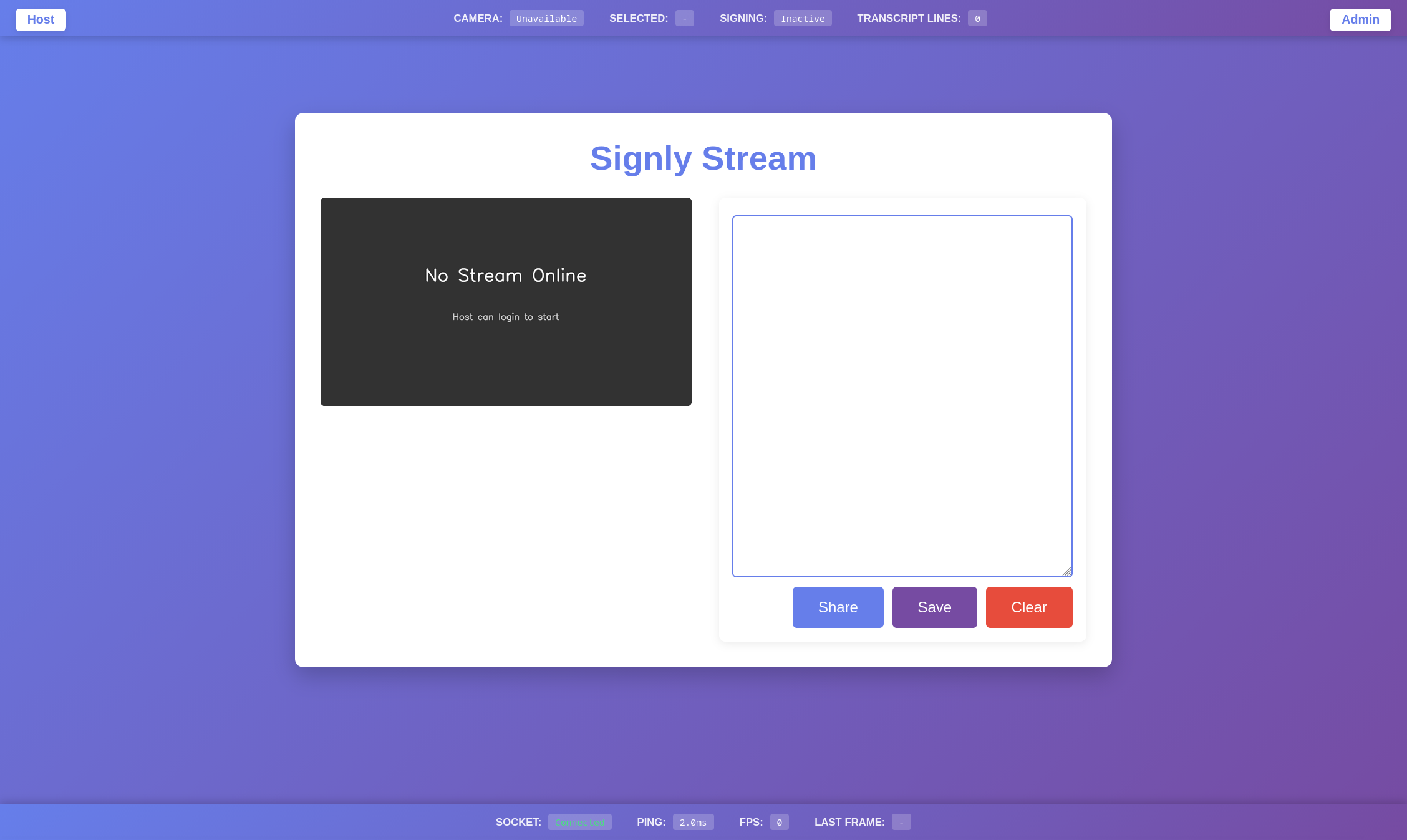
Main menu page on a computer without server connection
-
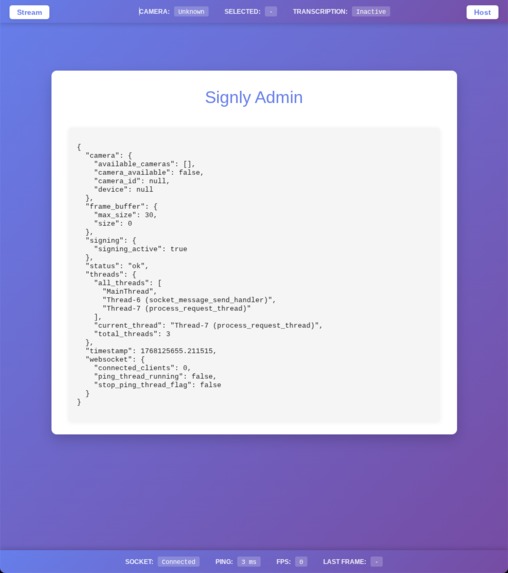
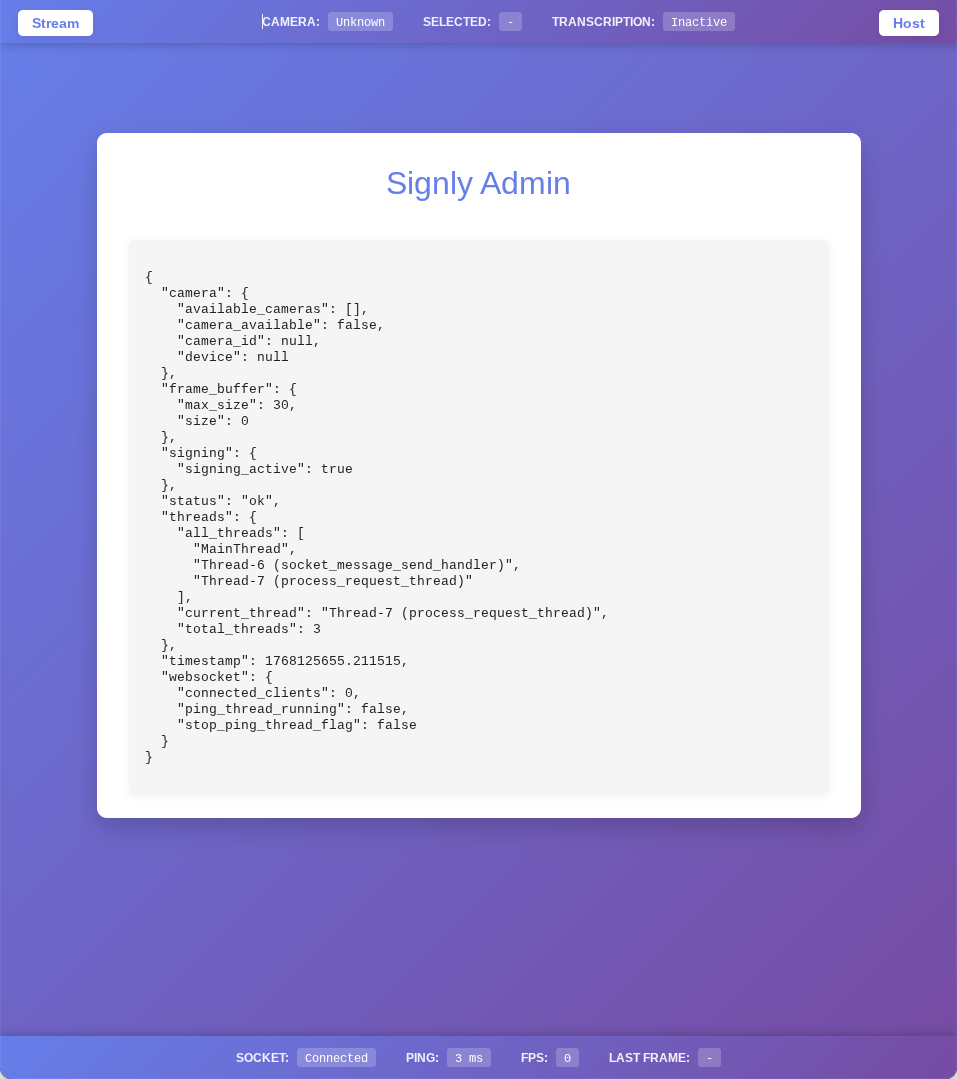
Admin page
-
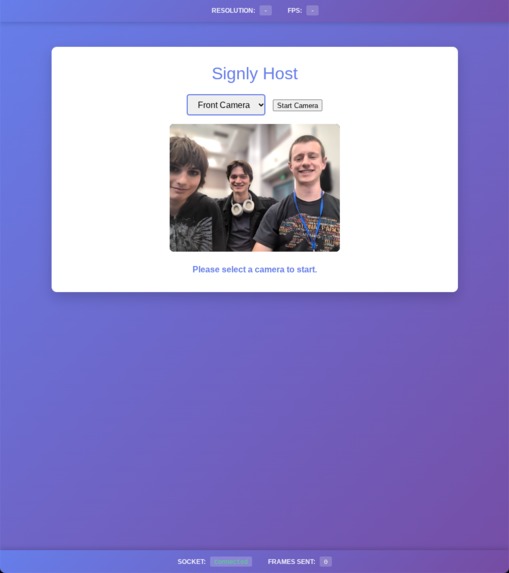
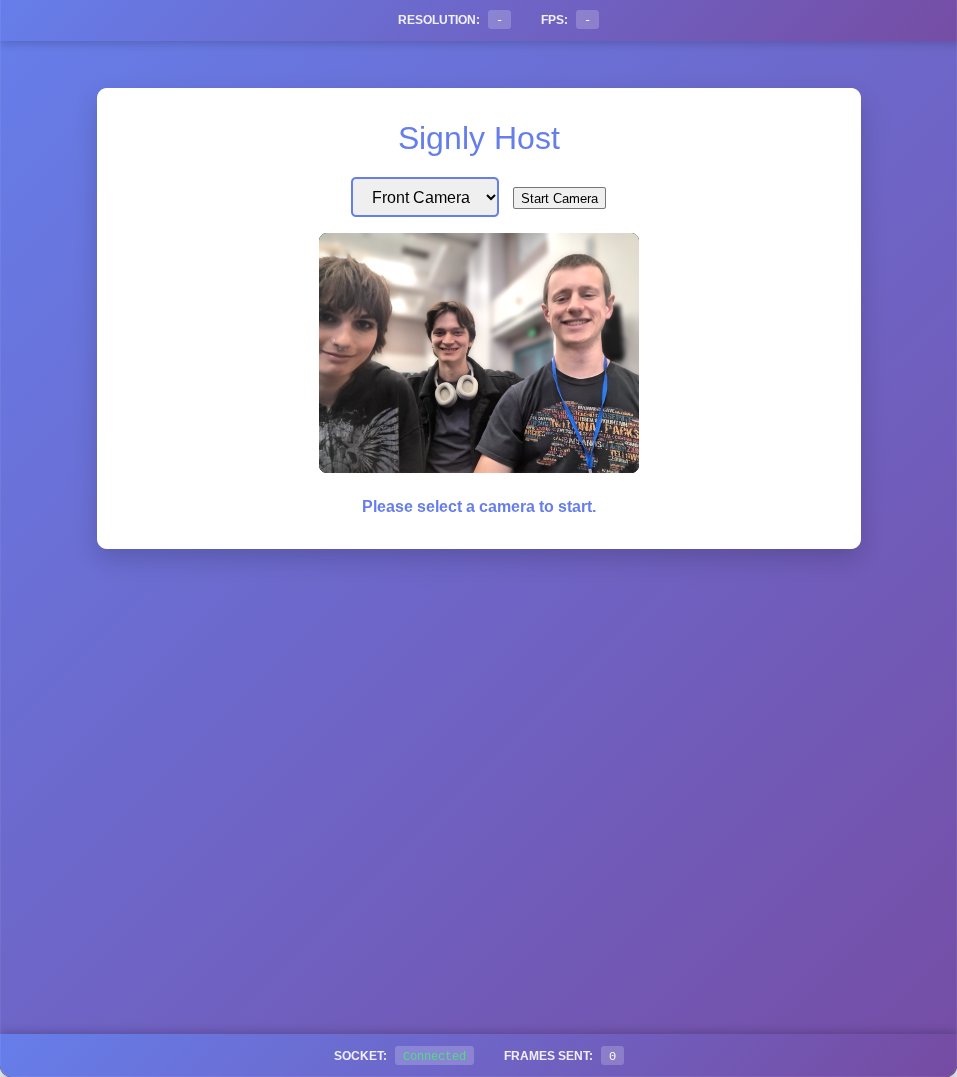
Team photo!!
Inspiration
- Very few people outside the deaf & hard of hearing community know sign language, creating a major, largely unaddressed gap in communications.
- Datasets for learning sign language are often broken, like the MS-ASL set, which is full of link rot, reducing the likelihood of new tools being created.
- We wanted to create something that could run on a low power computer, similar to google translate's conversation feature, so that it could be kept local and function even without cloud access.
What it does
- AI-based computer vision analysis of sign language.
- Computer vision tracks hand movements, and based on training data, converts them to characters displayed on screen.
- This text is placed alongside the camera view, allowing users to converse with those who don't know sign language.
- Landmark-based hand recognition
- Using the camera to track only specific "landmarks" on the users' hands, preserving computational power and giving users privacy and peace of mind.
- For technical users, we included a debug page
- This debug page includes helpful logging information that can get to the root of any issue the site faces.
How we built it
- Data Curation
- Used Kaggle ASL Alphabet, allowing users to spell out words in ASL, letting them type without touching the keyboard.
- Modified WLSAL dataset, cutting it down for the sake of training speed.
- MediaPipe integrated
- Used Google's MediaPipe to transform complex sign language video files into simpler coordinates of key hand handmarks.
- Sequential Modeling
- Built a Triple-Layer LSTM (Long Short-Term Memory) neural network in TensorFlow to process the time-series data of gestures for alphabetical characters.
Challenges we ran into
- Thread issues
- We encountered a host of issues relating to parallel computing, from the model running in the wrong thread to race conditions.
- Performance bottlenecks
- TensorFlow and other ML frameworks are optimized for dedicated NVIDIA GPUs, and we ran this on laptops running AMD hardware at best, and a raspberry pi at worst.
- Global Interperter Lock (Python)
- Web sockets and threads did not share across global variables as we expected
- Tensor processing had to be localized on a process basis for maximum efficiency
- Client-server connections silently disappeared on the process boundary
- All problems resolved using concurrent queues shared across process and thread boundaries
Accomplishments that we're proud of
- 99% character accuracy.
- Despite limited data sources, we accomplished almost perfect accuracy in our model's predictions of sign language letters.
- Hardware Efficiency.
- We successfully ran & trained our LSTM models at 15 FPS without the need for a dedicated GPU.
- Word recognition.
- We trained two models from scratch, going through the end to end machine learning process in which we gathered data, processed it, trained models on it, and deployed those models onto our website.
- Managing our many threads running in parallel
- We ran a multithreaded program for the sake of website performance and a seamless UX, forcing us to study our code and work on a low level compared to usual python/ML programming.
What we learned
- Tensorflow
- Hands-on experience training Neural Networks, and we learned a lot about the importance of quality data.
- Neural Network Data Selection
- We learned more about the challenges of finding data that reflects possible scenarios, and the amounts of data necessary to effectively train a model such as ours.
- Parallel computing
- We learned parallel computing from scratch, allowing us to leverage more resources that our hardware afforded us and push the envelope for performance.
What's next for Signly
- Implement word to text prediction
- Translate from word-based ASL into text, allowing truly flawless communication in sign language between those who know sign language and those who don't.
- Integrations
- One major use case of our program is in zoom meetings and online calls, where we can integrate and improve accessibility for users.
- Implement text to voice
- We want to make things as seamless as possible, and so the easiest approach is to meet people where they are, and turn the app into a live translator rather than transcriber.


Log in or sign up for Devpost to join the conversation.